Most "best AI agent platform" lists compare things that are not the same product. A framework you install with pip, a drag-and-drop canvas, a CRM add-on, and a platform that actually runs work for you end up side by side in the same ranking, scored on the same criteria, as if picking between them were a matter of taste.
It is not. It is a question of who does the operating.
The pressure to pick is real. In Microsoft's 2025 Work Trend Index, 81% of leaders said they expect agents to be moderately or extensively integrated into their company's AI strategy within the next 12 to 18 months. Meanwhile Gartner predicts in its June 2025 press release on agentic AI that more than 40% of agentic AI projects will be canceled before the end of 2027, mostly on cost, unclear value, and inadequate risk controls. Everyone is buying. Most of them will unbuy.
This guide is built to keep you out of that 40%. In September 2026 we went through all ten platforms on their current product pages, pricing pages and documentation, captured the live pricing and product screens you will see below, and used each one hands-on where a self-serve tier made that possible. We scored them on one question: can it safely run real work after the demo is over? Not can it produce an impressive chat reply, but can it run on Tuesday morning at 7am with nobody watching, ask permission before it does something expensive, and leave a trail you can read afterwards.
In a hurry?
The best AI agent platforms at a glance
| Platform | Best for | Type | Starting price | Runs the work for you |
|---|---|---|---|---|
| Rerun | Deploying agents that do the work and stay watchable | Managed agent platform | $24/mo | Yes |
| Microsoft Copilot Studio | Microsoft 365 shops | Ecosystem agent builder | $200/mo per credit pack | Partial |
| Salesforce Agentforce | Salesforce-centric service teams | CRM-native agents | $500 per 100k Flex Credits | Partial |
| Google Vertex AI Agent Builder | Teams already on Google Cloud | Cloud agent service | Consumption | Partial |
| n8n | Technical teams who want the canvas and the code | Workflow automation | Free self-hosted | No |
| Lindy | Individuals who want a Slack-native assistant | Assistant platform | $29.99/user/mo | Partial |
| Gumloop | Visual agent building across a whole org | Visual agent platform | $37/mo + 8% fee | Partial |
| StackAI | Regulated enterprises needing VPC or on-prem | Enterprise no-code builder | Free tier, Enterprise custom | Partial |
| LangGraph | Engineers building custom orchestration | Open-source framework | Free | No |
| CrewAI | Engineers prototyping role-based crews | Open-source framework | Free | No |
The last column is the one that decides your year. Two of these are open-source libraries you host, monitor, and operate yourself. Six are strong builders or ecosystem products that hand you back something you then have to run. Two give you an agent on managed infrastructure, and only Rerun puts your agents on their own always-on machine by default, at a flat price.
How we evaluated: the production readiness scorecard
Feature checklists rarely separate these products, because on a slide every vendor has every feature. Here is what we actually scored, and why each one is a place where agent projects die.
1. Time to first completed job. Not time to first chat reply. How long from signup until something real is finished without you in the loop. Anything over a week means the tool needs a project, not a subscription.
2. Who runs it. Does the agent live on infrastructure the vendor operates, or do you get a container and a prayer? This single line separates platforms from frameworks more cleanly than any feature.
3. Live visibility. When an agent is mid-task, can a non-engineer open a screen and see what it is doing right now? Post-hoc logs are forensics. A live view is management. Our deep dive on AI agent observability covers what to insist on.
4. Approvals and escalation. Before anything irreversible, does the agent stop and ask, and does it resume exactly where it paused once you answer? A platform that only offers "review the output afterwards" is asking you to be the safety net.
5. Connectors and protocol support. Does it reach your real stack out of the box, and does it speak Model Context Protocol so you are not stuck waiting on a roadmap?
6. Isolation and data boundary. Shared multi-tenant runtime, dedicated instance, VPC, or fully self-hosted. This is the first question your security reviewer asks and the last one most vendors answer clearly.
7. Cost you can predict. Per seat, per credit, per action, per conversation, or per token. Credit models look cheap at signup and get interesting at scale. We broke down the arithmetic in our guide to AI agent cost.
The blunt version of the scorecard: if the platform cannot start work without you, stop work to ask you, and show you what it did, it is a builder, not a workforce.

The 10 best AI agent platforms in 2026
1. Rerun: best overall for teams who want the work done, not the tooling
Rerun is the platform where you describe a job in plain words, connect your tools, and then watch an agent do it on a dashboard anyone on your team can read. Your agents get an always-on machine of their own, a dedicated private cloud instance that belongs only to your workspace. There is no canvas to wire, no VPS to rent, no flowchart to maintain when the process changes.
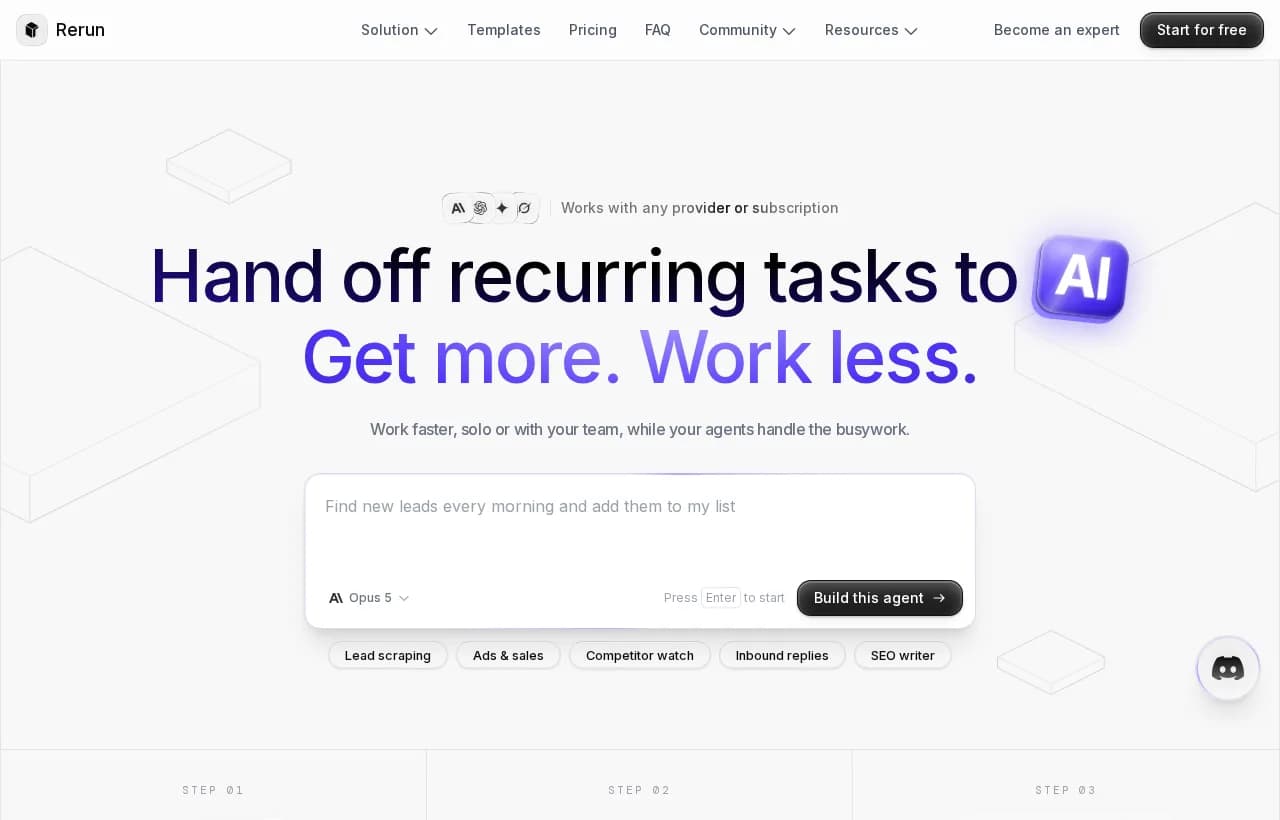
What it does well. Agents run on a schedule or on a trigger, so the work happens before you open your laptop. When something risky comes up, paying an invoice, emailing a client, the agent stops and asks, and you approve from the app or from Slack, and it picks up exactly where it paused. Every action, token, and tool call shows up in the logs. Skills are reusable and the agent writes new ones as it learns your exceptions, which is why the second month costs less effort than the first. It connects to Gmail, Slack, Notion, Stripe, HubSpot, Linear and 200+ apps with one click each, plus any MCP server or API, and it runs on Claude, ChatGPT, Gemini, your own subscription, or a local model.
Where it fits. Operations, finance, sales ops, marketing, and support teams who have recurring work and no appetite for maintaining a pipeline. The 60+ ready-made templates mean the first agent is usually running the same afternoon.
Limitations. The entry plan covers 3 agents, 1 seat and one machine, so a large rollout means adding capacity. Self-hosting the engine is available, but it sits on higher plans rather than being the default, which our guide to self-hosted AI agents walks through.
Pricing. One self-serve plan from $24/mo with unlimited executions and no run quotas, plus a custom Enterprise tier with SSO, SLA, dedicated infrastructure, and more seats and agents. Free 7-day trial, cancel anytime.
Verdict. The strongest fit in this comparison for teams who want a managed runtime instead of another agent-building environment. If the sentence you keep repeating is "the work is not getting done," start here.
2. Microsoft Copilot Studio: best if your company already runs on Microsoft 365
Copilot Studio is Microsoft's agent factory, and its advantage is gravity. Agents ground on Work IQ, publish straight into Teams, SharePoint, and Microsoft 365 Copilot, and reach more than 1,400 external connectors. Microsoft says 90% of the Fortune 500 use it, and the new Agent 365 control plane extends existing identity, security, and compliance tooling to agents.
Where it fits. Enterprises with an existing Power Platform practice, an admin center they already trust, and a mandate to keep everything inside the tenant.
Limitations. The capability is real but the operating model is enterprise IT: environments, admin centers, licensing, and a governance process before anything ships. Autonomous agents need an Azure subscription attached. If your team is five people, this is the wrong shape of tool.
Pricing. Microsoft 365 Copilot is $30 per user per month billed yearly. Copilot Studio itself sells as tenant-wide credit packs of 25,000 Copilot Credits at $200 per pack per month, or as a pay-as-you-go Azure meter with no upfront commitment.
3. Salesforce Agentforce: best for service teams whose world is the CRM
Agentforce puts agents where your customer data already lives. If a case, an opportunity, and a knowledge article are all Salesforce objects, an agent that acts on them without an integration layer is genuinely faster to value. Voice agents, employee agents, and customer-facing agents all sit on the same platform, with Digital Wallet giving near real-time visibility into consumption.
Where it fits. Large service organizations that have already standardized on Salesforce and want deflection and case handling at volume.
Limitations. Everything is priced by consumption, and the unit is the action. Agentforce actions cost 20 Flex Credits each, which works out to roughly $0.10 per action, and a mid-sized case management rollout in Salesforce's own published example lands at $1,800 per month. Unused Flex Credits do not roll over. Outside the Salesforce data model, its reach falls off quickly.
Pricing. $500 per 100,000 Flex Credits, or $2 per conversation, or per-user licensing from $5/user/month with credits required, up to $125/user/month add-ons and Agentforce 1 Editions from $550/user/month. A free Salesforce Foundations tier exists for testing.
4. Google Vertex AI Agent Builder: best for teams building on Google Cloud
Vertex AI Agent Builder gives you Gemini models, grounding on your own data, an agent development kit, and an agent engine to deploy onto, all inside a cloud account your infrastructure team already governs. It is the most "platform engineering" option of the managed set: powerful, composable, and expecting you to bring architecture.
Where it fits. Companies with a GCP footprint and engineers who want managed infrastructure without giving up control of the design.
Limitations. Consumption billing across several services makes forecasting a spreadsheet exercise. Business users cannot self-serve here, which means the bottleneck stays on the engineering backlog.
Pricing. Pay-as-you-go across Vertex AI services, with costs driven by model tokens, grounding, and deployment.
5. n8n: best for technical teams who want the canvas and the code
n8n is the strongest workflow automation tool in this comparison, and it has moved aggressively toward agents. Over 205,000 GitHub stars, 500+ integrations, MCP support, human-in-the-loop approval nodes, and a self-host option that can run air-gapped.
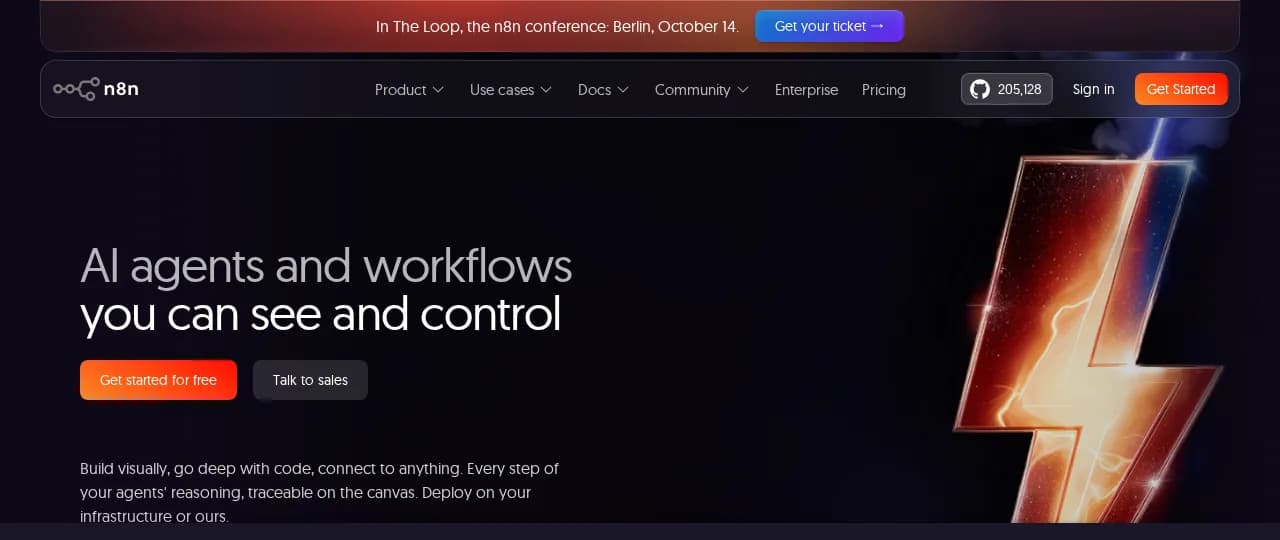
Where it fits. Engineering-adjacent teams who want to write JavaScript or Python inside a visual builder, keep data on their own infrastructure, and own every step.
Limitations. You are still building and maintaining a graph. When a vendor changes an API or a step starts failing at 3am, that is your pager. The canvas is the product, which means the canvas is also the work, and we compared the trade-off in n8n vs Zapier and in our roundup of the best n8n alternatives.
Pricing. Free and open source for self-hosting, paid cloud plans, enterprise tier with SSO, RBAC, log streaming, and git-based environments.
The Best n8n Alternatives in 2026 (Tested & Compared by Use Case)
The best n8n alternatives in 2026, sorted by the switch you are actually making: open-source, cheaper, more AI-native, or governed AI agents. Honest picks, compared.
6. Lindy: best lightweight assistant for individuals and small teams
Lindy positions itself as an AI teammate that lives in Slack, iMessage, and Gmail. It ships with 40+ skills, thousands of integrations, MCP support, meeting recording, and a memory folder you can open and edit like a document, which is a genuinely good idea most vendors have not copied.
Where it fits. Founders, chiefs of staff, and small teams whose bottleneck is inbox, calendar, meetings, and catch-up.
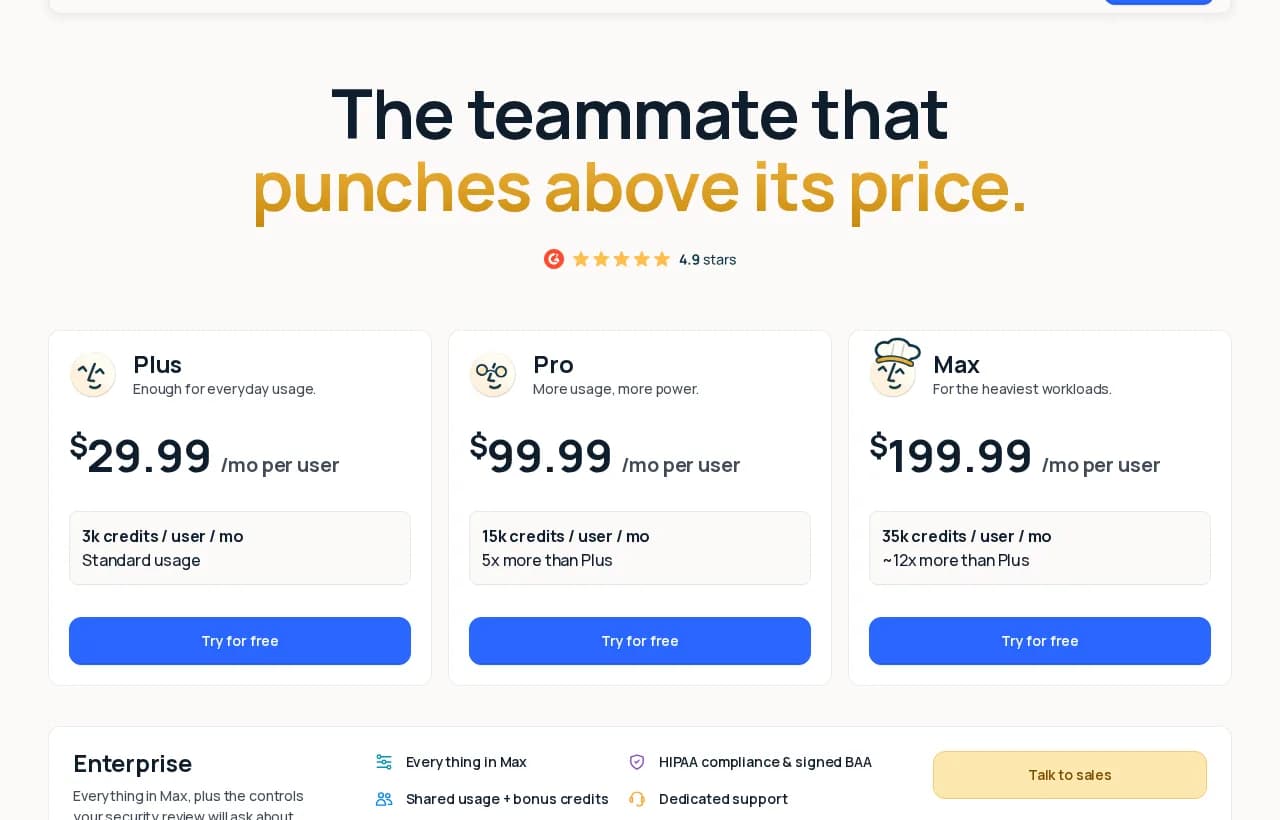
Limitations. Pricing is per user and per credit, and the credit bands are honest about how fast real work burns them: deep work is 250 to 1,000 credits and a big build is up to 2,500. On the $29.99 Plus tier's 3,000 monthly credits, that is a handful of serious tasks. It is an assistant that responds to you more than a workforce that runs without you.
Pricing. $29.99/user/mo (3k credits), $99.99 (15k), $199.99 (35k), Enterprise with HIPAA and audit logs. 7-day free trial.
7. Gumloop: best visual platform for org-wide agent building
Gumloop raised a $50M Series B led by Benchmark and has built the most complete visual agent platform in the category: 300+ connectors, company knowledge indexing, self-improving agents with built-in evals, spend caps with approvals, audit logging, SAML SSO, model restrictions, and VPC deployment into your own AWS, Azure, or GCP.
Where it fits. Mid-market and enterprise teams who want non-engineers building agents while IT keeps guardrails, budgets, and audit trails.
Limitations. It is a builder before it is a runtime, so the quality of your agents tracks the quality of whoever assembled them. Credit-based consumption plus an 8% orchestration fee on model usage means cost modeling takes real work, and Enterprise pricing is quote-only.
Pricing. Pro starts at $37/month with 20,000 credits, unlimited seats and unlimited agents, plus an 8% orchestration fee on top of model usage. Enterprise is custom, and Virtual Private Cloud deployment is an Enterprise option. 14-day free trial.
8. StackAI: best for regulated enterprises that need VPC or on-prem
StackAI is a no-code builder aimed squarely at finance, healthcare, and industrials. The differentiator is deployment: on-prem, VPC, SSO, access control, SOC 2, HIPAA, and GDPR, with a signed BAA available.
Where it fits. Organizations where the security review is the real gate and the workload is document-heavy: contract analysis, claims, underwriting, compliance evidence.
Limitations. The free tier is a sandbox at 500 runs per month, 2 projects, and 1 seat, and everything beyond it is a custom quote, so there is no self-serve path from pilot to production. Expect a sales cycle.
Pricing. Free tier, then Enterprise custom.
9. LangGraph: best orchestration framework for engineers
LangGraph is a library for building stateful, controllable agent graphs, with persistence, checkpointing, streaming, and human-in-the-loop interrupts as first-class primitives. If you need to define exactly how control flows between steps, nothing on this list gives you more precision.
Where it fits. Product engineering teams shipping agentic features inside their own application, where the agent is part of the product.
Limitations. It is a library, not a platform. Hosting, scheduling, secrets, retries, dashboards, and access control are yours to build, and that is a team, not a weekend. We compared the options in LangGraph vs CrewAI and in the wider survey of AI agent frameworks.
Pricing. Open source and free. The hosted platform and tracing tooling are paid.
10. CrewAI: best for role-based multi-agent prototypes
CrewAI models agents as a crew: a researcher, a writer, a reviewer, each with a role, a goal, and tools, collaborating on a task. It is the fastest way to feel what multi-agent systems can do, and the concepts map cleanly onto how people describe teams.
Where it fits. Engineers exploring multi-agent designs, research workflows, and content pipelines.
Limitations. Same as LangGraph, with an extra caveat: role-based crews are easy to start and hard to make reliable, because the failure modes are conversational rather than structural. Everything about running it in production is on you.
Pricing. Open source, with a paid enterprise offering.
Four different products are hiding in one search result
This is the distinction that most roundups skip, and it is the one that saves you a quarter.
| Category | What you get | What you still have to do | Examples |
|---|---|---|---|
| Managed agent platform | An agent already running on its own machine | Describe the job, approve the risky steps | Rerun |
| Visual agent builder | A canvas and connectors | Build it, maintain it, watch it | Gumloop, StackAI, n8n |
| Ecosystem agent product | Agents inside a suite you already buy | Govern it, license it, stay inside the suite | Copilot Studio, Agentforce, Vertex AI |
| Agent framework | Code primitives | Host, schedule, secure, monitor, and operate everything | LangGraph, CrewAI |
A framework is not a worse platform. It is a different purchase. Buying LangGraph when you needed a runtime is how a two-week automation becomes a six-month infrastructure project, which is exactly the "escalating costs, unclear business value" pattern Gartner points at.
If you are specifically shopping for a drag-and-drop canvas rather than a runtime, our guide to the best no-code AI agent builder compares that category on its own terms.
Full comparison: the production readiness scorecard
| Capability | Rerun | Copilot Studio | Agentforce | n8n | Lindy | Gumloop | StackAI | LangGraph | CrewAI |
|---|---|---|---|---|---|---|---|---|---|
| Runs on its own machine, managed for you | Yes | Partial | Yes | No | Yes | Yes | Yes | No | No |
| Live dashboard a non-engineer can read | Yes | Partial | Partial | Partial | No | Yes | Partial | No | No |
| Starts work on a schedule or trigger | Yes | Yes | Yes | Yes | Yes | Yes | Yes | No | No |
| Stops and asks before risky actions | Yes | Partial | Partial | Yes | Yes | Yes | Partial | Yes | No |
| Dedicated private instance | Yes | No | No | Yes | No | Partial | Yes | Yes | Yes |
| No flowchart to build or maintain | Yes | No | Partial | No | Yes | No | No | No | No |
| MCP support | Yes | Yes | Partial | Yes | Yes | Yes | Partial | Yes | Yes |
| Bring your own model or subscription | Yes | Partial | No | Yes | Yes | Yes | Yes | Yes | Yes |
| Predictable flat price | Yes | No | No | Yes | Partial | No | No | Yes | Yes |
| Non-technical user can ship an agent | Yes | Partial | Partial | No | Yes | Yes | Yes | No | No |
⚠️ means partial: the capability exists but is gated behind a tier, an add-on, an engineering effort, or a specific ecosystem.

How to choose, in the order the decisions actually matter
Work down this list. The first hard constraint you hit eliminates most of the field, which is faster than scoring everything on everything.
A practical shortcut: run the same job on your two finalists during their trials. Our guides to how to deploy AI agents and AI agent testing cover what to measure while you do.
What breaks after the demo
Every platform demos well. The projects that fail do so in four predictable places, and you can check for all of them before you sign.
Permission sprawl. Agents inherit whatever access you hand them, and the fastest path to a working demo is a token with too much scope. The OWASP GenAI Security Project documents agentic-specific risks worth reading before your first production connector, and our own guide to AI agent security turns them into a checklist.
No escalation path. An agent that cannot ask a question will guess. Guessing is fine for a summary and catastrophic for a refund. Insist on human-in-the-loop as a native capability, not a webhook you wire yourself.
Silent drift. The agent keeps running while quietly doing the wrong thing because a form changed, a field moved, or a prompt now means something slightly different. Live visibility catches this in a day. Monthly reporting catches it in a quarter.
No accountable owner. Governance frameworks exist for exactly this. The NIST AI Risk Management Framework gives you the Govern, Map, Measure, Manage structure to hang responsibilities on, and our guide to AI agent governance maps it to agent work specifically.
2025: The year the Frontier Firm is bornWhy Rerun ranks first for operational teams
Rerun is not the most configurable platform in this list, and that is the point. It is the one that assumes the goal is finished work rather than a well-designed pipeline.
You describe the job, it sets itself up. No canvas, no node graph, no branch to draw for every edge case you have not thought of yet. If the process changes, you tell the agent, the same way you would tell a colleague.
It runs on its own machine. Every workspace gets its own machine, a dedicated private cloud instance. Your agents live inside it, your data stays inside it, and there is no shared runtime to reason about.
It stops before it does anything you would regret. Approvals are native. The agent surfaces the decision with options, you answer in the app or in Slack, and it continues from the exact step where it paused.
You can watch it. A live dashboard shows agent status, actions, logs, token usage, and pending questions. Anyone on the team can read it, which means agent oversight is not a developer-only privilege.
It gets sharper. Skills, memory with decay, and account context mean the agent remembers that this client always pays late and that you never email before 9am. You explain an exception once.
The price does not move. One plan from $24/mo, unlimited executions, no run quotas, and the option to bring your own model subscription. Compare that to $0.10 per action or 2,500 credits per deliverable and the forecasting problem disappears.
Nothing here makes Rerun the right answer for a research crew of specialized agents inside your own product. Use LangGraph for that. But if the sentence you keep saying is "we know what needs doing, we just never get to it," this is the shape of tool that fixes it.
Start from the job, not the platform
The shortest route to a decision is not another comparison table, it is one job running in production. Pick the task that annoys you most every week, the one with a clear trigger and a clear finish, and hand it over.
Five minutes of setup, and the briefing arrives whether or not anyone remembered to build it.
Productivity templates you can run today
Each of these is a working agent, already wired to the tools it needs, so you can see what a finished job looks like before you design anything.
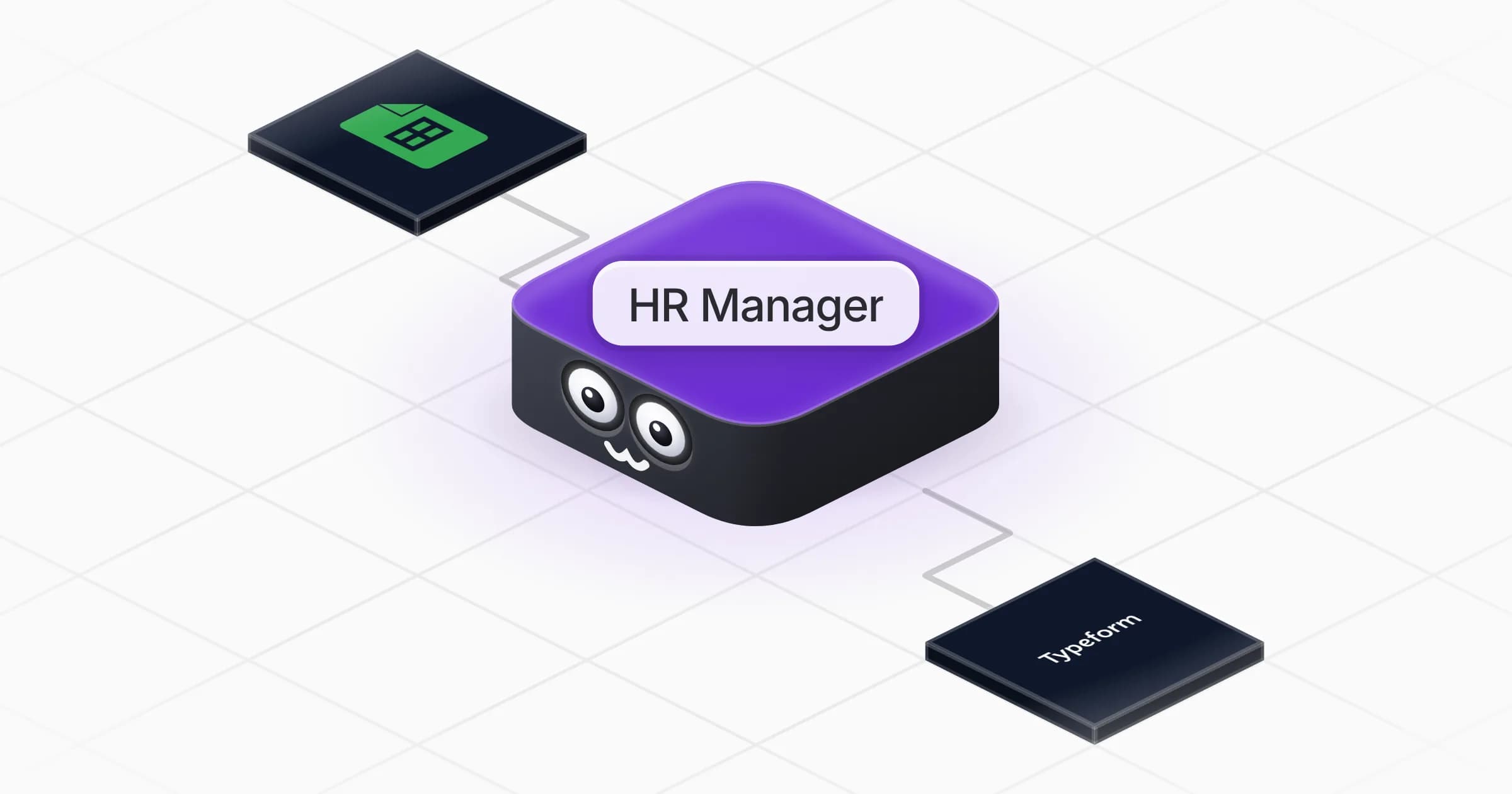
HR Manager
Track Headcount, Attrition and Engagement


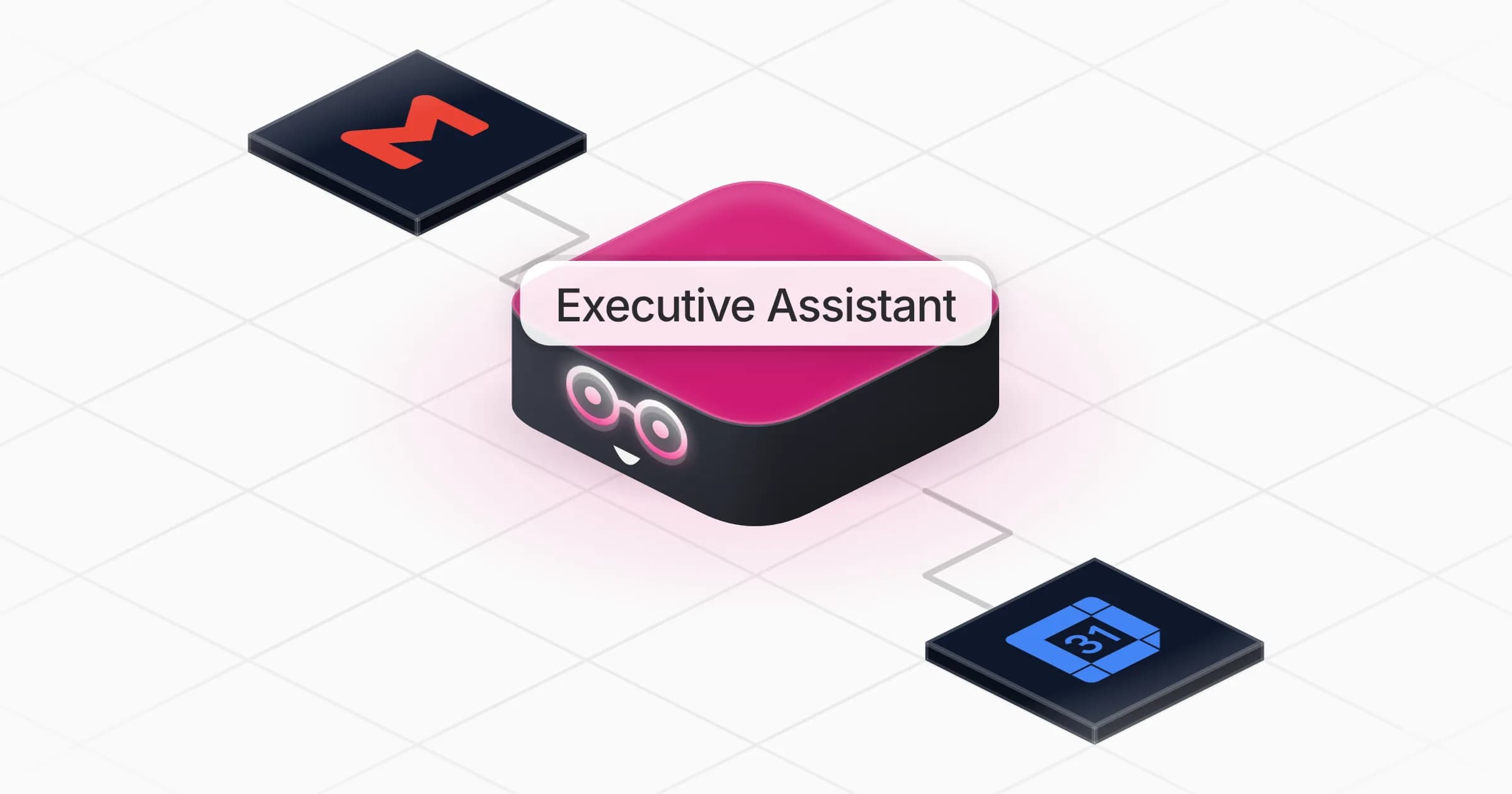
Executive Assistant
AI Executive Assistant: Your Morning Briefing


Data Analyst
Turn Your Data Into Charts and Reports


Automation Developer
Build and Maintain Your Automations


Data Steward
Audit Data Quality and Remove Duplicates
Data Engineer
Convert and Map Data Between Apps
The best AI agent platform is the one where, a month from now, work is getting done that nobody on your team had to do. Everything else is tooling.
Frequently asked questions
What is the best AI agent platform in 2026?
For teams who want work actually completed rather than a workflow to maintain, Rerun ranks first: agents run on their own dedicated machine, start on a schedule or a trigger, pause for approval before risky actions, and stay visible on a live dashboard, from $24/mo. Microsoft Copilot Studio is the better fit if your company runs on Microsoft 365, Salesforce Agentforce if your world is the CRM, and LangGraph if you are embedding agents inside your own product.
What is the difference between an AI agent platform and an AI agent framework?
A platform runs the agent for you: hosting, scheduling, secrets, retries, logging, and access control are the vendor's problem. A framework such as LangGraph or CrewAI gives you code primitives and leaves all of that to your team. Frameworks are not worse, they are a different purchase. Buying a framework when you needed a runtime is how a two-week automation becomes a six-month infrastructure project.
How much does an AI agent platform cost?
Pricing falls into three shapes. Flat subscription, like Rerun at $24/mo with unlimited executions. Per seat, like Lindy from $29.99/user/mo or Microsoft 365 Copilot at $30/user/month. And consumption, like Salesforce Agentforce at $500 per 100,000 Flex Credits, roughly $0.10 per action, or Copilot Studio at $200 per 25,000-credit pack. Always model consumption pricing at ten times your pilot volume before signing.
What is the best AI agent platform for enterprises?
It depends on the constraint. Microsoft Copilot Studio wins when governance must live in an existing Microsoft tenant, Salesforce Agentforce when the data is already in the CRM, and StackAI when the security review requires VPC or on-prem deployment with SOC 2, HIPAA and a signed BAA. Rerun's Enterprise tier covers SSO, SLA and dedicated infrastructure for teams who want a managed runtime rather than a build project.
Which AI agent platform works without coding?
Rerun, Lindy, Gumloop, StackAI and Copilot Studio can all be used by non-engineers, but they differ in what they ask of you. Gumloop and StackAI expect you to assemble the agent on a canvas, Copilot Studio expects an admin process, and Rerun and Lindy let you describe the job in plain words. If you specifically want a drag-and-drop canvas, our guide to the best no-code AI agent builder compares that category on its own terms.
Can AI agents run without human supervision?
They can run without you watching, but they should never run without an escalation path. The pattern that works in production is autonomous execution with a hard stop before anything irreversible: the agent surfaces the decision, you approve it in the app or in Slack, and it resumes at the exact step where it paused. A platform that only offers post-hoc review is asking you to be the safety net.
Why do so many agentic AI projects fail?
Gartner predicts more than 40% of agentic AI projects will be canceled by the end of 2027, citing escalating costs, unclear business value and inadequate risk controls. In practice the failures cluster in four places: over-scoped permissions, no escalation path so the agent guesses, silent drift when an upstream system changes, and no accountable owner. All four are checkable before you sign a contract.
Does the platform need to support MCP?
If you expect to connect tools that are not on the vendor's connector list, yes. Model Context Protocol lets an agent talk to any MCP server without waiting for a native integration, which is the difference between a roadmap ticket and an afternoon. Rerun, n8n, Lindy, Gumloop, Copilot Studio, LangGraph and CrewAI all support it to varying degrees.

Clément Janssens