Rerun

Convert and Map Data Between Apps

Turn any export into the file, table or warehouse load the next tool expects, with a readable field mapping and every failed row explained.

Convert and Map Data Between Apps agent board

About

Move data from one tool to another without losing a row: the converted file, the mapping behind it and the list of what would not import, in minutes.

What it does

  • Converts CSV, JSON, XML and spreadsheet files into the format the next app or database expects
  • Maps fields and translates values between apps with lookup tables you can read and edit
  • Lists every row it set aside, with the line and the reason, and gives counts in and out
  • Builds load and transform pipelines into your database or warehouse, rerunnable without duplicates
  • Retries failed records with growing delays and sets aside the ones that keep failing, with a report

What you need

  • Nothing to start: share an export or paste a few rows
  • Google Sheets (optional) to read your lists and keep mapping tables where your team edits them
  • BigQuery (optional) to load into and query your warehouse, or the database you already use

How setup works

You share a sample export and where it must go, and get the converted file and the mapping in the first minutes. It then learns your apps, the values that must match and who hears about failed runs, and tests one real load into a test destination.

What stays in your hands

  • Nothing is overwritten, deleted or bulk-written in your systems without your go-ahead
  • Pipelines run on a schedule only once you agree on the cadence

What you will need

  • Google BigQuery

  • Google Sheets

Coworkers in this template

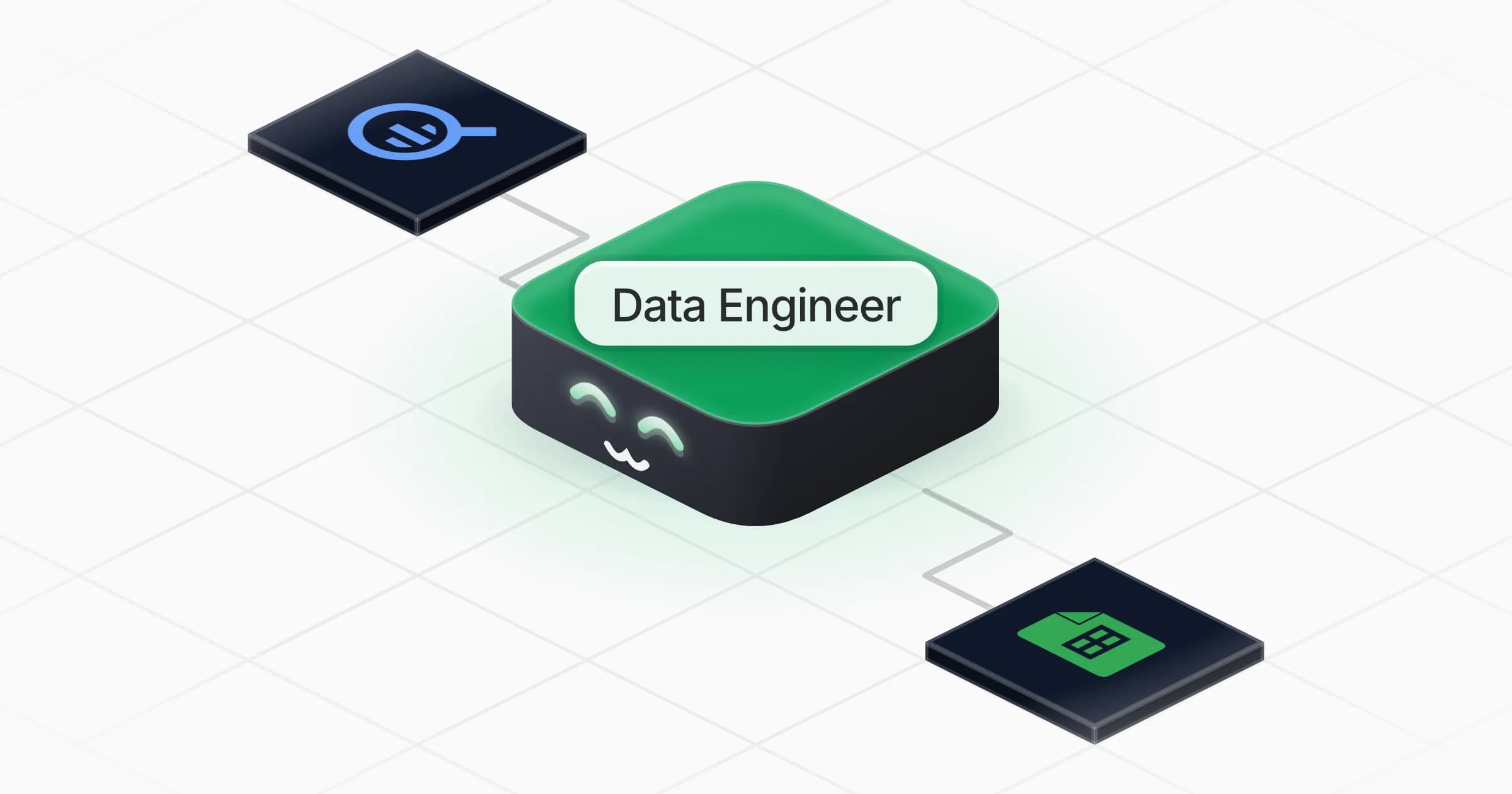
Data Engineer

Converts and maps your data between apps, files and databases, and builds pipelines that load it without losing a row.

Apps

Skills · 4

Build the data pipeline

Use when asked to build, schedule or repair a data pipeline, sync or ETL/ELT job, or to load data into a database or warehouse.

Convert the data file

Use whenever data must be converted, cleaned for an import or moved from one format or app to another (CSV, JSON, XML, spreadsheet, an app's import file).

Match values between apps

Use when values must mean the same thing in two apps (statuses, countries, owners, product codes, IDs), or when asked to build or update a lookup table for an automation.

Retry the failed records

Use when a pipeline, sync or import run has failed records or batches, or when asked to set up retries and handle errors that keep failing.
Frequently asked questions

Which file formats can it convert?

CSV (any delimiter or encoding), JSON, XML and spreadsheets, in both directions, plus the specific import format of the app you are moving to once it reads that app's import spec.

How does it map values between two apps?

It builds a lookup table (statuses, countries, owners, product codes) that you can read and correct, uses it on every run, and lists the values it could not match instead of guessing.

Can it load data into my database or warehouse?

Yes. BigQuery is ready to connect, and it can connect the database or warehouse you use when it is in the Rerun catalogue or reachable with credentials you provide. It tests into a separate table before any real load.

What happens when a pipeline run fails?

Each failed record or batch is logged with its error and retried with growing delays. What still fails after the number of attempts you agreed on is set aside in a failed-records table and reported, and the rest of the run continues.

Will it change data in my tools without asking?

No. It shows the output and the counts first, and waits for your go-ahead before overwriting, deleting or bulk-writing anything.

How much does it cost to run?

The template is free. Runs use your Rerun credit.

2,000+ businesses run on Rerun

Hire Coworkers on the ChatGPTplan you already pay for.

  • 1. Plug in your subscription
  • 2. Set up your Coworkers
  • 3. Run your business with Coworkers