Gartner predicts that by 2028, 33% of enterprise software applications will include agentic AI capabilities. The right no-code AI agent builder makes that shift accessible to any team, no developer required. Teams that can run autonomous agents in production, without depending on engineering for every fix and deployment, will hold a significant operational advantage.
The problem: most tools calling themselves "no-code AI agent builders" are not what they claim. Some are flowchart automation tools with an AI text-generation step added. Some are chatbot builders with an "agent" badge on the marketing page. Some require a terminal and npm commands to actually run.
This guide covers the platforms that genuinely deliver. We evaluated each one on the question that matters for real business use: can a non-technical operator build, deploy, and monitor an autonomous agent in production, without writing a single line of code?
The answer narrows the field considerably.
What Is a No-Code AI Agent Builder (And What It Is Not)
The term "AI agent builder" is now attached to three very different categories of products. Understanding the difference saves you from picking the wrong tool.
AI Agents vs. Workflow Automation
Workflow automation tools like Zapier and Make work by executing sequences you define in advance. You connect triggers to actions, map decision branches, and test against known inputs. When reality deviates from the flowchart you built, the automation stops or takes a wrong branch.
An AI agent works differently. You give it a goal. It figures out how to reach that goal by choosing tools, reasoning about intermediate results, and adapting when something unexpected happens.
A workflow tool is a recipe. An AI agent is a chef who can improvise when you are out of eggs.
That distinction has real consequences at scale. Business tasks involve messy data: CRM records with missing fields, emails that don't match your expected format, websites that changed their layout last week. Automation breaks on all of these. Agents adapt.
AI Agents vs. Chatbots
Chatbot builders, including Voiceflow, Botpress, and even ChatGPT Custom GPTs, create conversational interfaces. The bot waits for a user to send a message, then responds. The word "agentic" in chatbot marketing usually means the responses are generated by an LLM. It does not mean the bot takes autonomous action.
An AI agent does not wait. It pursues a goal independently, uses tools to act in the world, and reports back when it finishes or needs a human decision. A chatbot tells you a meeting needs to be rescheduled. An agent reschedules it.
What "No-Code" Actually Means
This category has a credibility problem. Several widely-cited platforms that call themselves "no-code" require a terminal, npm commands, or developer-level knowledge to operate in production.
For this comparison, "no-code" means: a non-technical operator can build, deploy, and maintain a production agent without opening a terminal or writing code at any stage.
What to Look For in a No-Code AI Agent Builder
Five criteria determine whether a platform is actually useful in production, not just in a demo.
True autonomous behavior. Can the agent decide how to complete a task, not just when to run? Real autonomy includes dynamic tool selection, multi-step reasoning, and the ability to handle unexpected inputs without failing silently.
Multi-agent orchestration. Can multiple agents work together, passing context and operating in parallel? Single-agent tools hit a practical ceiling quickly on real business workflows.
Built-in observability. This is the most overlooked criterion and the most important for production use. Can you see what your agent did, step by step? Replay a failed run? Get notified when something breaks? Most platforms offer none of this.
True no-code deployment. The full path from prototype to live production should require zero code. No server configuration, no infrastructure decisions, no environment variables to manage manually.
Integration depth. 8,000 app logos are less impressive when most connections are read-only. What matters is whether the agent can take action on integrations, not just pull data from them.
The Top No-Code AI Agent Builders: Quick Comparison
| Platform | True Autonomy | Multi-Agent | Native Monitoring | Truly No-Code | Starting Price |
|---|---|---|---|---|---|
| Rerun | Yes | Yes | Yes | Yes | $49/mo |
| Lindy | Partial | Limited | No | Yes | $49.99/mo |
| Relevance AI | Yes | Yes | Partial | Moderate | $29/mo |
| MindStudio | Partial | No | No | Yes | Free tier |
| n8n | Yes | Yes | Partial | No | Free/self-hosted |
| Zapier | No | No | No | Yes | $29.99/mo |
How We Tested
We spent three weeks building and running the same three agent tasks on each platform: (1) a lead research and outreach workflow, (2) a content monitoring and summarization agent, and (3) a ticket triage and routing automation. We evaluated each platform across the five criteria in the table above, with zero developer assistance at any stage. All accounts were on paid tiers equivalent to a small-team deployment. Pricing was verified directly on each platform's pricing page in July 2026.
Switching from Relay.app? Relay.app shut down in 2025, leaving thousands of teams looking for a replacement that goes beyond basic automation. Rerun is the direct migration path: your automations become autonomous agents with native run monitoring, deployable in an afternoon. Start your free migration →

#1 Rerun: The Only No-Code Builder Where You Watch the Work Happen
Rerun is purpose-built for agent orchestration. It was not adapted from workflow automation or chatbot infrastructure. Build, deploy, and monitor are a single integrated product rather than three separate problems stitched together.
The core differentiator no other tool in this list replicates: a live dashboard where you watch your agents work in real time. Every action, tool call, and decision is visible as it happens. When something goes wrong, you replay the run, identify exactly where the agent went off track, and adjust its instructions. No log-diving, no developer required.
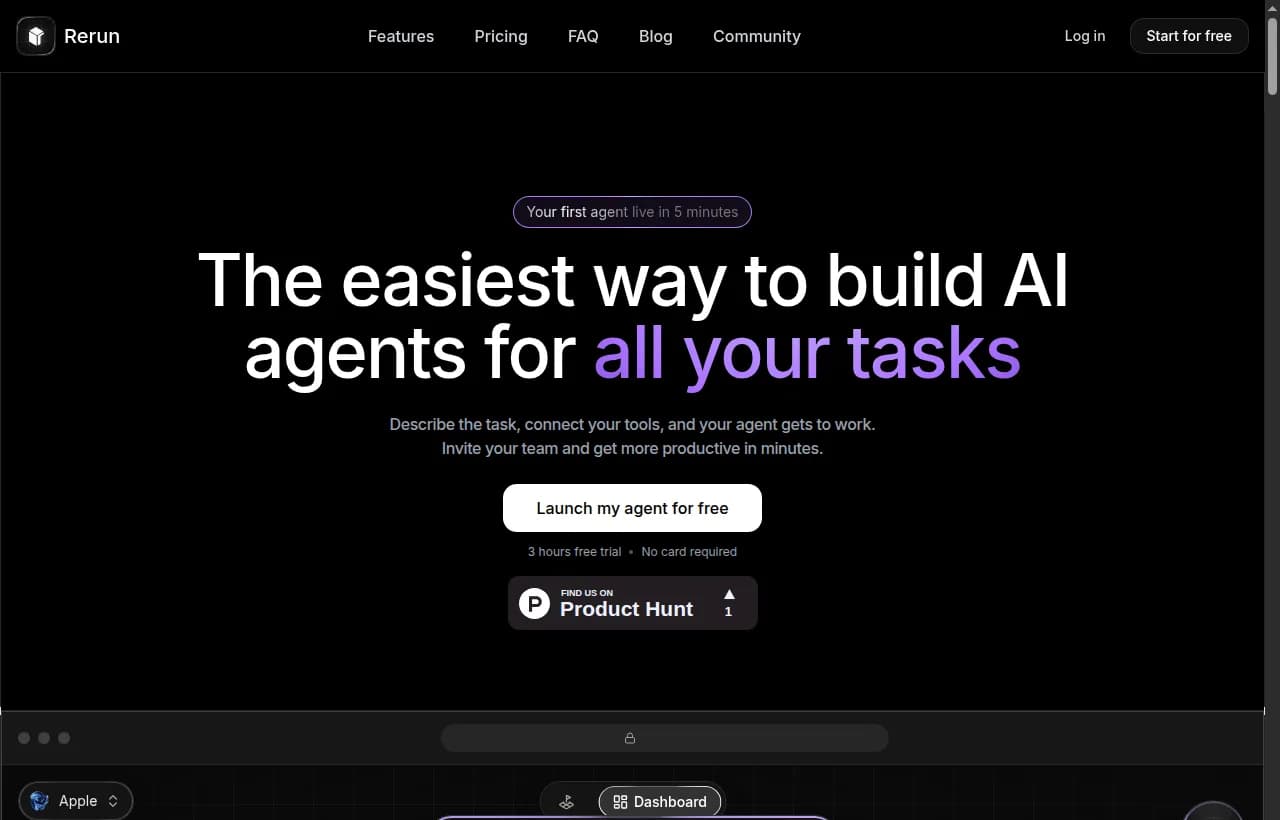
Build: Agents are created by name and template. Templates determine which tools the agent can access, from Gmail and Slack to HubSpot, Notion, and 110+ native connectors. You describe the agent's role and goal in plain English. No flowcharts to wire, no decision trees to map. A non-technical user can configure a working agent in under 30 minutes.
Deploy: One click. Each agent runs on its own always-on private machine inside a dedicated workspace. No server configuration, no infrastructure decisions. Production and test environments are separate, so experiments never accidentally touch live data.
Monitor: The dashboard shows every agent's real-time status: idle, working, error, or waiting for a human decision. Full action logs, token usage, and run counts are visible at a glance. You can pause, inspect, and resume any run mid-execution. For teams, multiplayer cursors let multiple people manage agents in real time from the same view.
Multi-agent: Agents in the same workspace share context and can hand off tasks to each other. One agent researches, another drafts, a third reviews and sends. Orchestration is configured in plain language, not in YAML or JSON schemas.
Human-in-the-loop: Any agent can pause and ask for a human decision at any point in its run. Approve or reject from the app or directly from Slack, and the agent resumes exactly where it paused.
Pricing: One self-serve plan at $49/mo (5 agents, a private machine, included model usage, 24/7 runs, no quotas). Free 3-day trial, no credit card required. Enterprise tier available for custom infra, more seats and agents, SSO, and SLA.
Verdict: Best for teams that need autonomous agents running in production and need visibility into what those agents are actually doing. The only platform on this list with purpose-built, native observability.
#2 Lindy: Best for Sales and Support Teams Getting Started
Lindy is one of the most accessible entry points for non-technical users. Setup is fast, templates are plentiful, and 4,000+ integrations cover most common business tools without friction. The company reports more than 400,000 professionals on the platform.
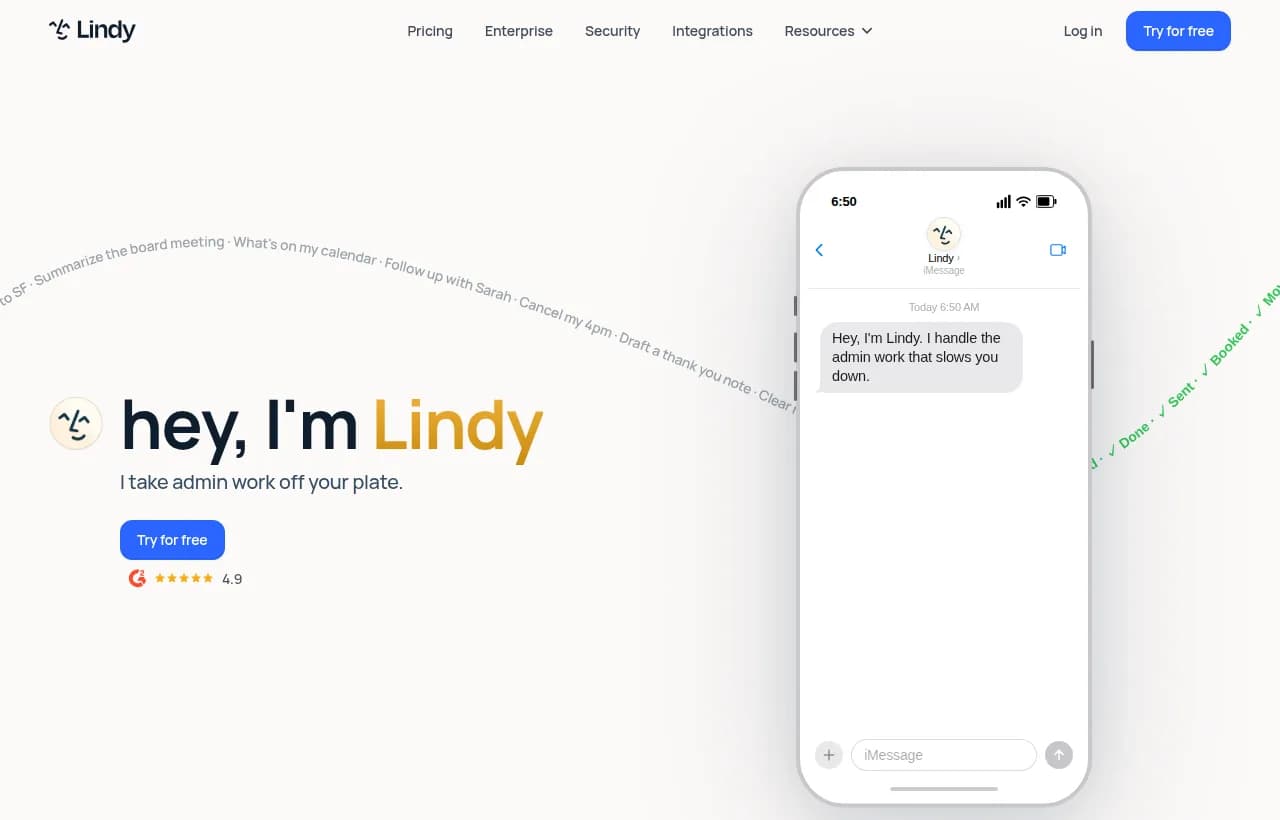
Where Lindy wins: Templates for outreach, scheduling, and support triage work out of the box. SOC 2 and HIPAA compliance make it viable for regulated industries. A free tier with meaningful task credits gives real room to evaluate before committing.
Where it falls short: Lindy's multi-agent feature passes tasks between agents sequentially. This is simpler than true parallel orchestration. More critically, there is no native run monitoring or decision trace. You cannot watch an agent work in real time, and when a run fails, the diagnostic information is limited to what the platform chooses to surface.
Worth noting: Lindy's own published guide to "best no-code AI agent builders" ranks Lindy first. That conflict of interest is worth naming when you evaluate their positioning.
Verdict: Strong for solo operators and small sales or support teams running single-agent automations. Not suited for complex, multi-department deployments where visibility and orchestration depth matter.
#3 Relevance AI: Best for Teams Comfortable With Agent Architecture
Relevance AI has genuine multi-agent capability. Agents share a vector database for company knowledge, and a visualization layer shows which agents are coordinating and when. This is a step up in power from Lindy or MindStudio for teams that need it.
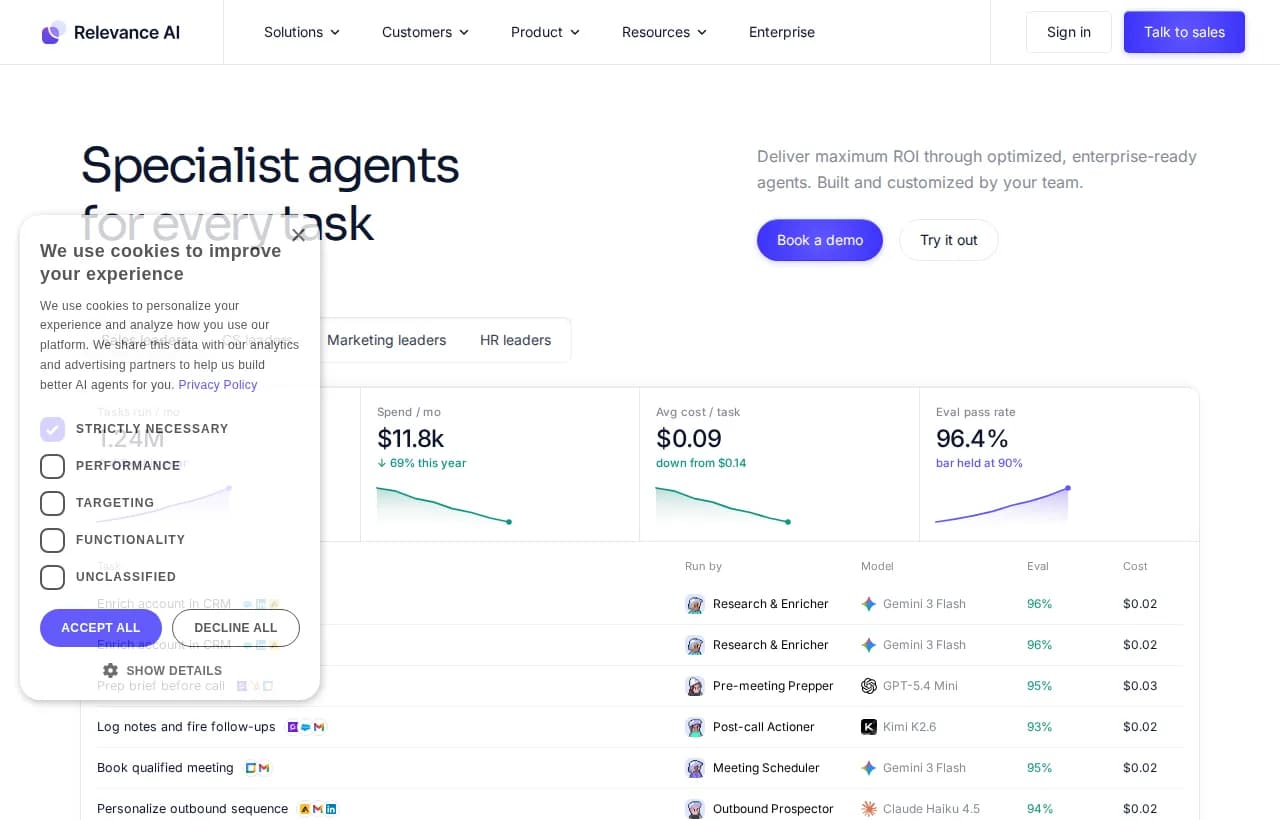
Where Relevance AI wins: Vector memory gives agents access to company-specific knowledge, which makes domain-specific tasks significantly more effective. Good for research, content, and outbound teams building multi-agent workflows with shared context.
Where it falls short: The platform describes itself as no-code, but the learning curve is real for teams without any technical background. The free tier is capped at 200 actions per month, which is not enough to test meaningfully. Monitoring is aggregate: you see dashboard-level stats, not per-run decision traces.
Verdict: A solid choice for technically comfortable operators who want genuine multi-agent capability. Steeper onboarding than advertised for non-technical teams.
#4 MindStudio: Best for AI-Powered Internal Tools
MindStudio has a genuinely visual, genuinely no-code builder. With 100+ templates and a clean interface, it is one of the fastest platforms to get something running. Its strong organic search ranking reflects real user satisfaction in its category.
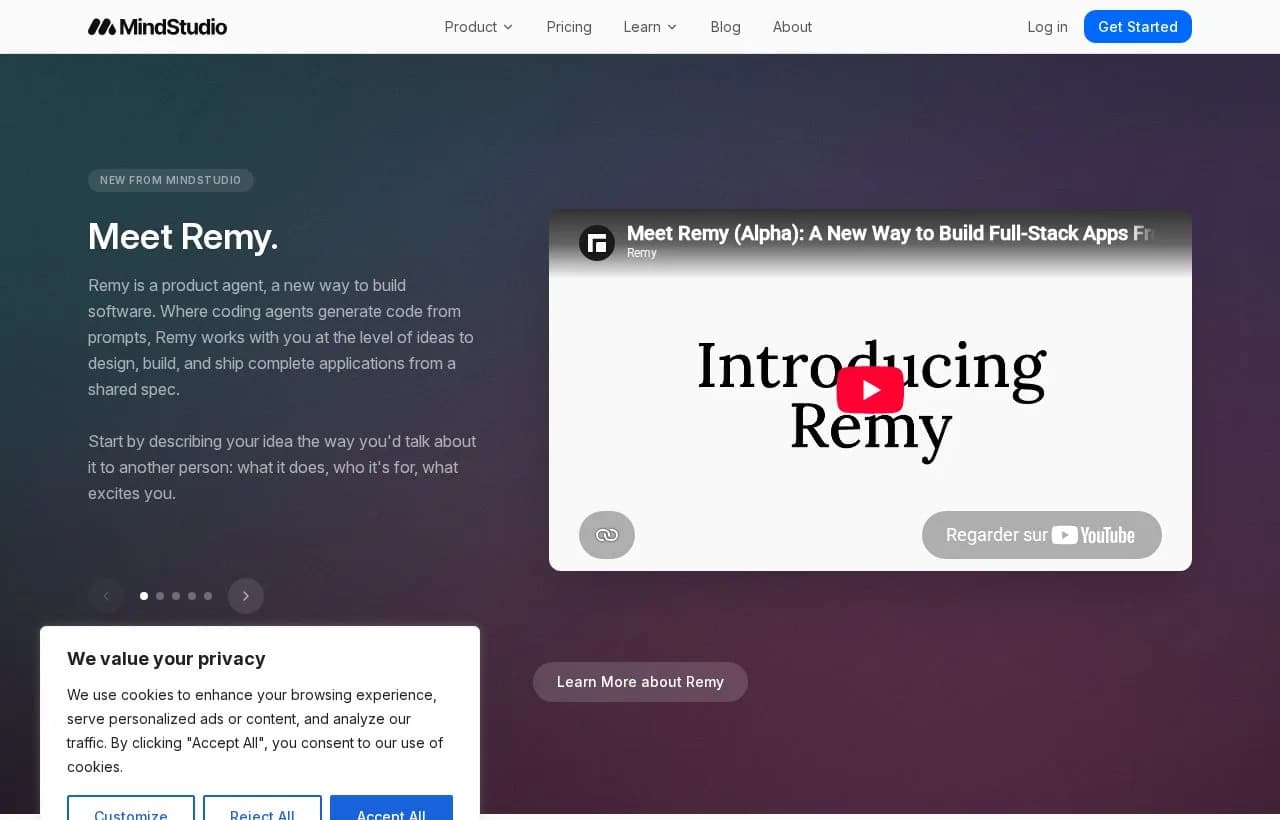
Where MindStudio wins: Fast initial setup, polished UX, and a template library that covers practical internal use cases. For AI tools that respond to inputs (document classifiers, form assistants, content summarizers), MindStudio delivers quickly and cleanly.
The agent gap: MindStudio builds AI-powered apps that respond to inputs. It does not build autonomous agents that pursue goals. There is no multi-agent support, no production monitoring, and no framework for agents that act without being prompted first.
Verdict: Strong for internal AI tools and single-step automations triggered by user input. Not the right choice for autonomous, goal-directed workflows that run without human prompting.
#5 n8n: Powerful, But Not Actually No-Code
n8n earns a place in this comparison because it frequently comes up in searches for no-code AI agent builders and many teams evaluate it. The label, however, is inaccurate.
The self-hosted version requires running npm install n8n -g in a terminal. That is not no-code by any reasonable definition. The cloud version removes that barrier, but configuring AI agent nodes still requires understanding of LLM APIs, memory management, and tool-calling patterns.
n8n is an excellent low-code platform for teams with a developer on staff. It is not a no-code AI agent builder.
Verdict: Best for technical teams that want flexibility, open-source access, and a self-hosting path. If "no-code" is a genuine constraint, look elsewhere.

Why Zapier and Chatbot Builders Are Not AI Agent Builders
The most important thing to understand before choosing a platform is that two large, well-funded categories of tools are claiming to be something they are not.
The Flowchart Problem
Zapier and Make execute sequences you define before the workflow runs. Every path through the automation is pre-determined. When you encounter an input you did not anticipate, the workflow stops or follows the wrong branch.
Adding an LLM call inside a Zapier workflow does not make it an agent. It adds a text generation step inside a fixed sequence. The LLM generates output according to a prompt you wrote and a format you defined. It does not reason about the task, adapt to unexpected conditions, or decide how to proceed.
At scale, this model has a concrete cost. When a Zapier automation breaks, you receive an error notification that says "Step 3 failed." No context, no decision trace, no way to understand what the tool was trying to do or why it failed. With dozens of workflows running per day, silent failures become a real operational problem.
The Chatbot Confusion
Platforms like Voiceflow, Botpress, and Tidio build conversation flows. A chatbot waits for a user to send a message, then responds according to a script or LLM call. "Agentic" in chatbot marketing typically refers to a persona or conversational style, not autonomous task execution.
ChatGPT Custom GPTs are closer to agents in their reasoning capability, but they lack the deployment infrastructure, run monitoring, and multi-agent orchestration needed for production business use cases.
The distinction between a chatbot and an agent is operational, not cosmetic. A chatbot tells you what to do. An agent does it.
How to Build Your First No-Code AI Agent: 7 Steps
This process applies across the genuinely no-code platforms reviewed above.
Step 1: Define One Specific, Bounded Task
Start narrow. "Automate my sales process" is too broad to build and test. "Research each new inbound lead from LinkedIn and draft a 3-sentence personalized intro in Gmail" has clear inputs, a clear output, and testable success criteria.
Good agent tasks have: one goal, defined input sources, a defined output format, and a way to verify whether the result was correct.
Step 2: Choose Your Platform
Use the comparison table above. Key questions to guide your choice:
- Do you need multiple agents coordinating on a shared task? (Rerun or Relevance AI)
- Do you need to watch what your agents are doing in production? (Rerun)
- Is the fastest possible initial setup the priority? (Lindy or MindStudio)
- Is your team technical and is self-hosting a requirement? (n8n)
Step 3: Write Your Agent's Instructions
Describe the outcome, not the steps. "Research the lead and write a personalized email based on their recent company news" produces better results than "First go to LinkedIn, then search their name, then..." A strong starting structure:
{
  "role": "Senior Sales Development Representative",
  "goal": "Research inbound leads and draft personalized outreach emails",
  "inputs": ["Lead name", "Lead company", "Lead LinkedIn URL"],
  "output": "A 3-sentence email referencing one specific recent development at the lead's company",
  "constraints": [
    "Only use information you can verify — never invent details",
    "Reference something specific to this lead's company, not a generic opener",
    "Tone: direct and warm, no buzzwords or filler phrases"
  ]
}Step 4: Connect Your Tools
Authentication uses native connectors via OAuth or API key. Connect the tools your agent needs: a CRM for input data, a browser for research, and an email client for output. Test each connection with a sample record before running the agent on live data.
Step 5: Test With Safe Data
Before going live, run at least 10 test cases across a range of inputs, including edge cases.
Step 6: Deploy to Production
In Rerun, one click moves the agent from a test workspace to a dedicated always-on machine. Set your trigger: a schedule, a webhook from your CRM, or an event from another tool. The agent starts running automatically when triggered.
Step 7: Monitor, Iterate, and Scale
Check your run history every day for the first week. Look for quality issues, not just technical failures. Adjust agent instructions based on real outputs, not just test cases. Once the agent is stable, add connected agents to handle adjacent tasks, or extend access to more teammates.
The agent you deploy on day one is not the one you run in month three. Iteration is part of the process, and observability is what makes iteration possible without a developer in the loop.
No-Code AI Agent Use Cases for Business Teams in 2026
Sales teams: Lead research and personalized outreach in under 2 minutes per lead, compared to 15-20 minutes manually. Inbound lead scoring against qualification criteria. Pre-call research briefs generated automatically before each scheduled call.
Customer support: Ticket triage by intent and urgency, without manual reading and routing. First-response drafts for tier-1 issues that support staff can review and send. Escalation routing based on full conversation context, not just keywords.
Marketing operations: Weekly competitor monitoring delivered as a structured summary. SEO content brief generation from keyword data and competitor analysis. Social listening summaries fed directly into the content calendar.
HR and recruiting: Candidate screening against defined role criteria before a human reviews. Interview question sets generated and tailored to each candidate's specific background. Scheduling and confirmation handling across multiple calendars.
Finance and operations: Weekly financial summaries pulled directly from accounting software. Expense anomaly detection before month-end close. Vendor comparison briefs for recurring procurement decisions.
In every case, the value compounds over time. An agent that handles 50 lead research tasks per day frees up significant hours every week. An agent that catches expense anomalies before close avoids real financial risk. Observability is what makes this sustainable at scale: you need to know the agent is working as intended, not just assume it is running.

How to Build an AI Sales Agent Without Code (That Actually Closes Leads)
Build an AI sales agent that qualifies inbound leads, writes personalized replies, and books discovery calls. Step-by-step guide using Rerun. No code required.
The Real Question: What Happens After You Deploy?
Building an AI agent is no longer the hard part. There are tutorials with millions of views showing how to build one in 25 minutes. The bottleneck in 2026 is not building an agent. It is running one reliably, knowing when it breaks, and improving it without filing a developer ticket every time something behaves unexpectedly.
Most no-code platforms solve the build problem. Fewer solve the deploy problem. Almost none solve the monitoring problem.
The teams that get the most value from AI agents in 2026 are not the ones that built the most sophisticated prompts. They are the ones that can see what their agents are doing, catch problems early, and iterate continuously. Visibility is the real operational advantage.
A no-code AI agent builder with built-in observability is not just a simpler way to build agents. It is the difference between deploying an agent and actually running one.
Frequently asked questions
What is the best free no-code AI agent builder?
Rerun offers a free 3-day trial with no credit card required, giving you enough time to build and test a real agent. Lindy has a free tier with meaningful task credits for simple automations. Relevance AI's free tier is capped at 200 actions per month, which is tight for meaningful evaluation. For teams that want genuine no-code production capability, Rerun's trial is the most complete free starting point.
How is a no-code AI agent builder different from Zapier?
Zapier executes pre-defined sequences you build in advance. When an unexpected input arrives, the workflow stops. A no-code AI agent builder lets you define a goal — the agent figures out how to achieve it, adapts when conditions change, and keeps going. The difference matters on real business tasks where data is messy and conditions don't always match your flowchart.
What is multi-agent orchestration?
Multi-agent orchestration means multiple AI agents working together on a task: one researches, another drafts, a third reviews. They coordinate automatically, pass context between each other, and can operate in parallel. Rerun and Relevance AI both support multi-agent orchestration. Single-agent tools like MindStudio and most chatbot builders do not.
How do I monitor AI agents in production?
Look for platforms with built-in run history, step-by-step decision traces, and real-time error notifications. Rerun provides a live dashboard where you watch agents work as it happens and can replay any past run to diagnose issues. Most other platforms in this category offer only high-level error notifications with limited diagnostic detail.
Can I build an AI agent without any coding?
Yes, with the right platform. Rerun, Lindy, and MindStudio are genuinely no-code: a non-technical operator can build, deploy, and maintain a production agent without writing any code. n8n and Make require developer knowledge to configure properly, despite marketing claims to the contrary.
Is n8n a no-code AI agent builder?
n8n is better described as a low-code platform. Self-hosting requires running npm commands in a terminal. Even on the cloud version, configuring AI agent nodes requires understanding of LLM APIs, memory management, and tool-calling patterns. It is a powerful tool for technical teams, but not appropriate when no-code is a genuine requirement.
What is the difference between an AI agent and a chatbot?
A chatbot waits for a user to send a message, then responds. An AI agent pursues a goal autonomously, using tools to act in the world without waiting for input. A chatbot tells you a meeting needs to be rescheduled. An AI agent actually reschedules it.
What is the best no-code AI agent builder for small businesses?
Rerun is the best option for small businesses that need production-grade agents with full visibility into what those agents are doing. Lindy is a strong alternative for teams focused on sales and support who want faster initial setup. For simple single-step AI automations, MindStudio offers a free tier with no technical barrier to entry.
Is there a free no-code AI agent builder with no credit card required?
Yes. Rerun offers a free 3-day trial with no credit card required — long enough to build, test, and run a real production agent from scratch. Lindy also has a free tier that includes a meaningful number of task credits per month. Both let you connect integrations and run agents without entering payment information upfront.
Is there an open-source no-code AI agent builder?
n8n is the closest option: it is open-source and self-hostable, with AI agent nodes for connecting LLMs to tools. However, n8n is better categorized as a low-code platform — self-hosting requires terminal access, and configuring agent nodes requires technical knowledge. For teams that need a genuinely no-code experience, Rerun's cloud platform is the better fit. For teams with a developer on staff who want full control and open-source flexibility, n8n is worth evaluating.

Clément Janssens