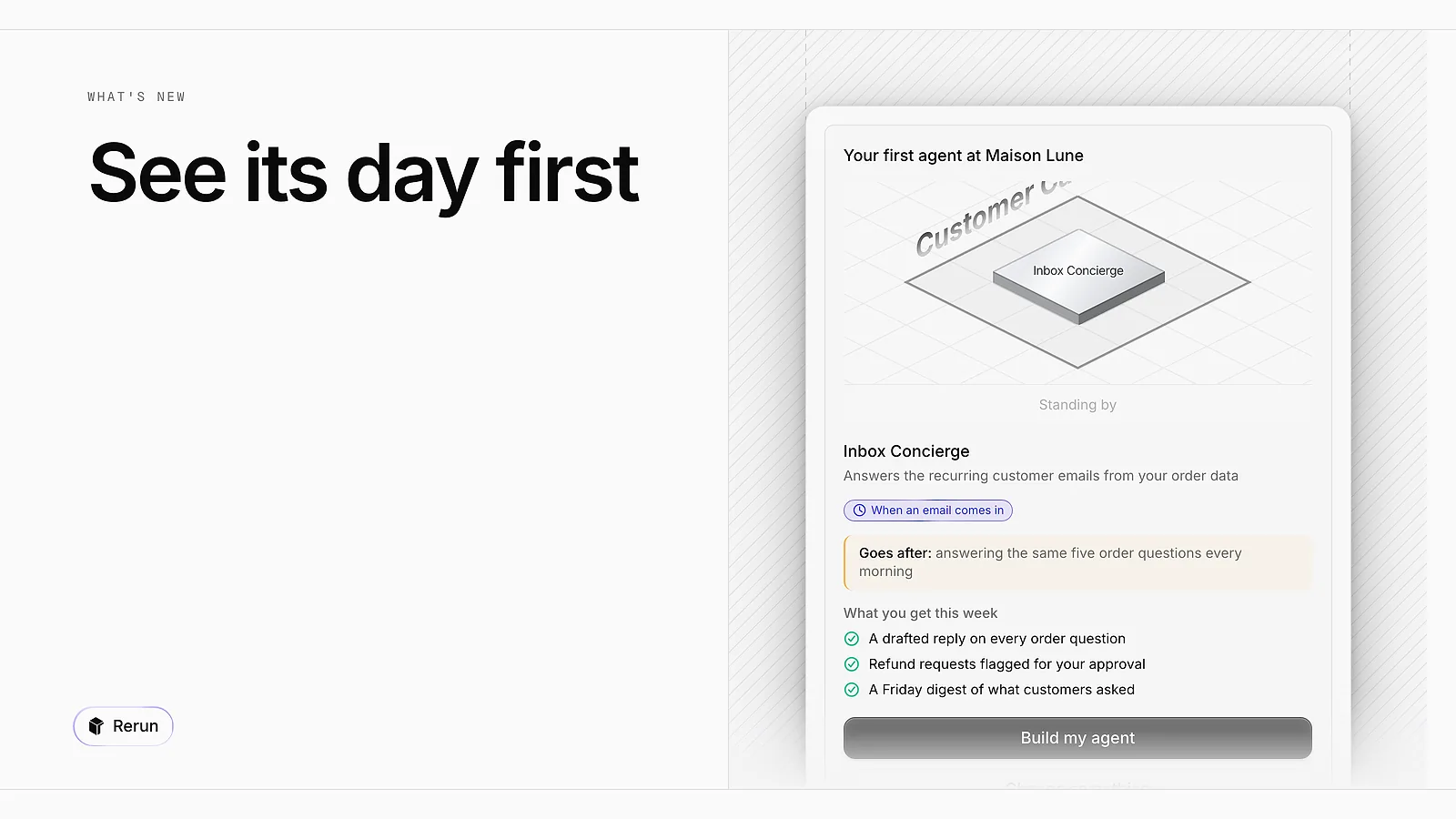
See your first agent's day before you build it
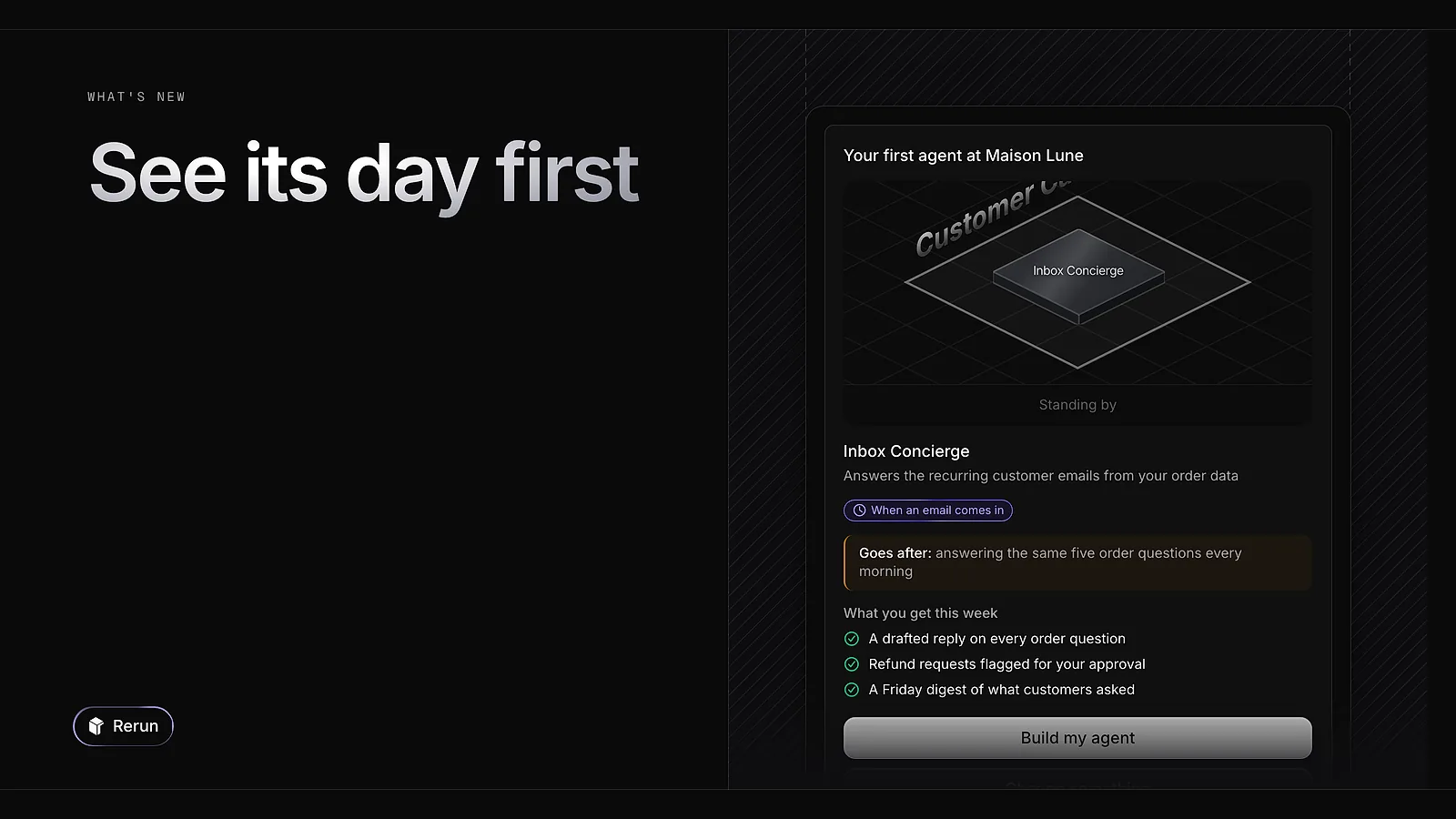
During onboarding, the plan card now plays your agent's day on the board and lists what it hands over in the first week. You see what you get before you click Build my agent.
Every change we ship to Rerun, newest first: new connectors, new models, and the small things that make running agents easier.
During onboarding, the plan card now plays your agent's day on the board and lists what it hands over in the first week. You see what you get before you click Build my agent.
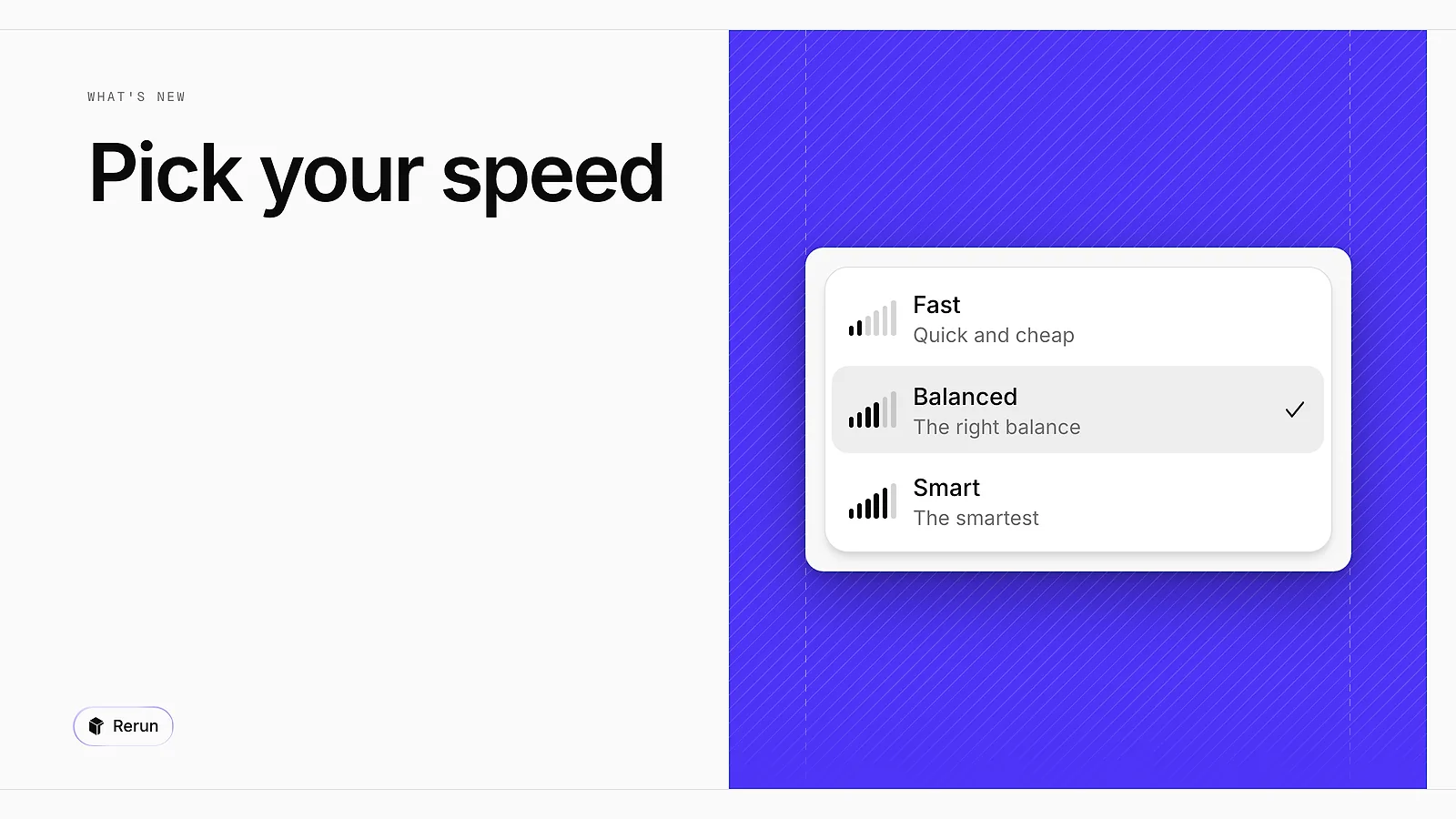
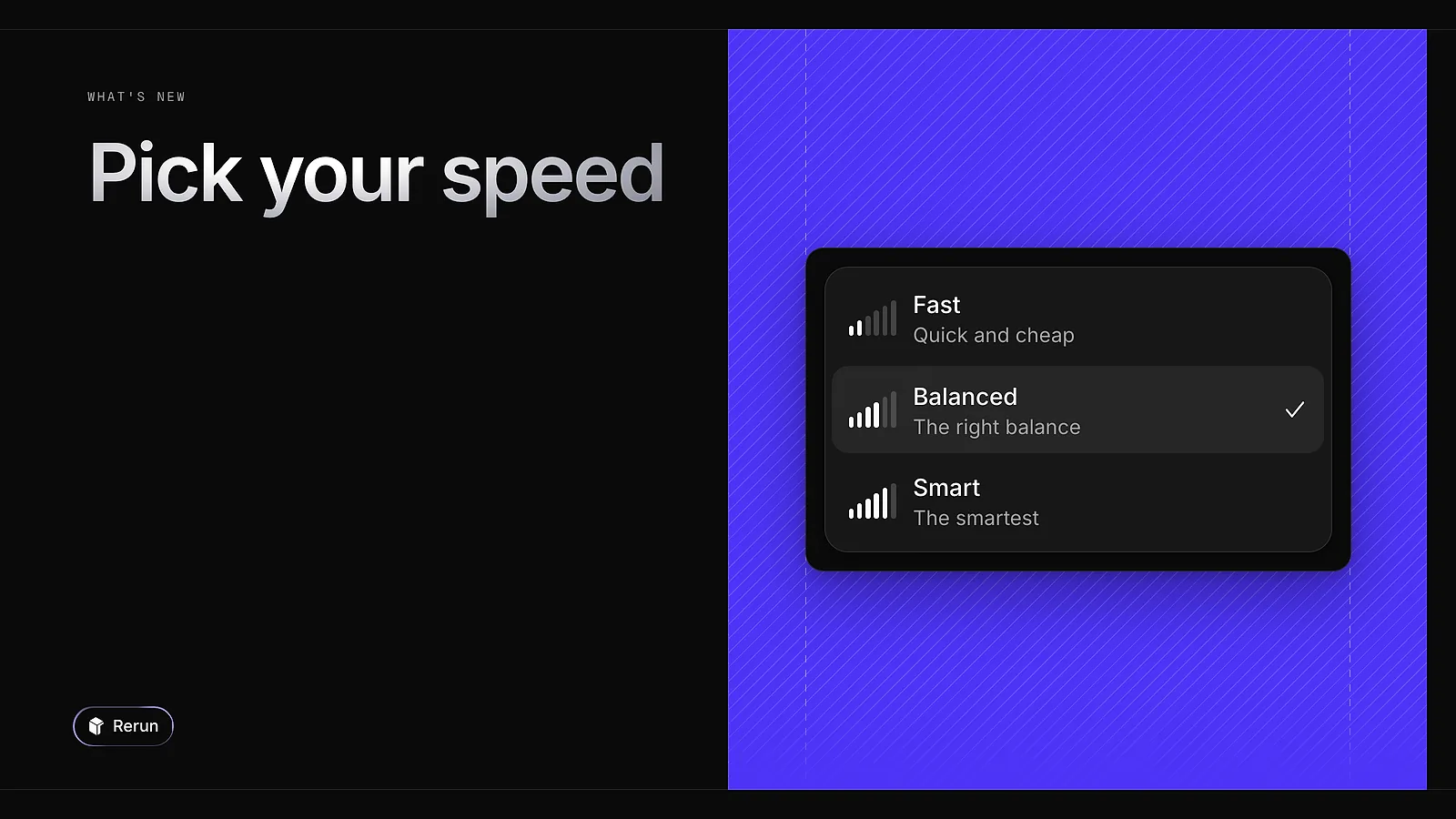
Rerun Max is now Balanced, and two tiers join it in the model picker: Fast, quick and cheap for simple jobs, and Smart, the most capable one. Smart is included in paid plans.
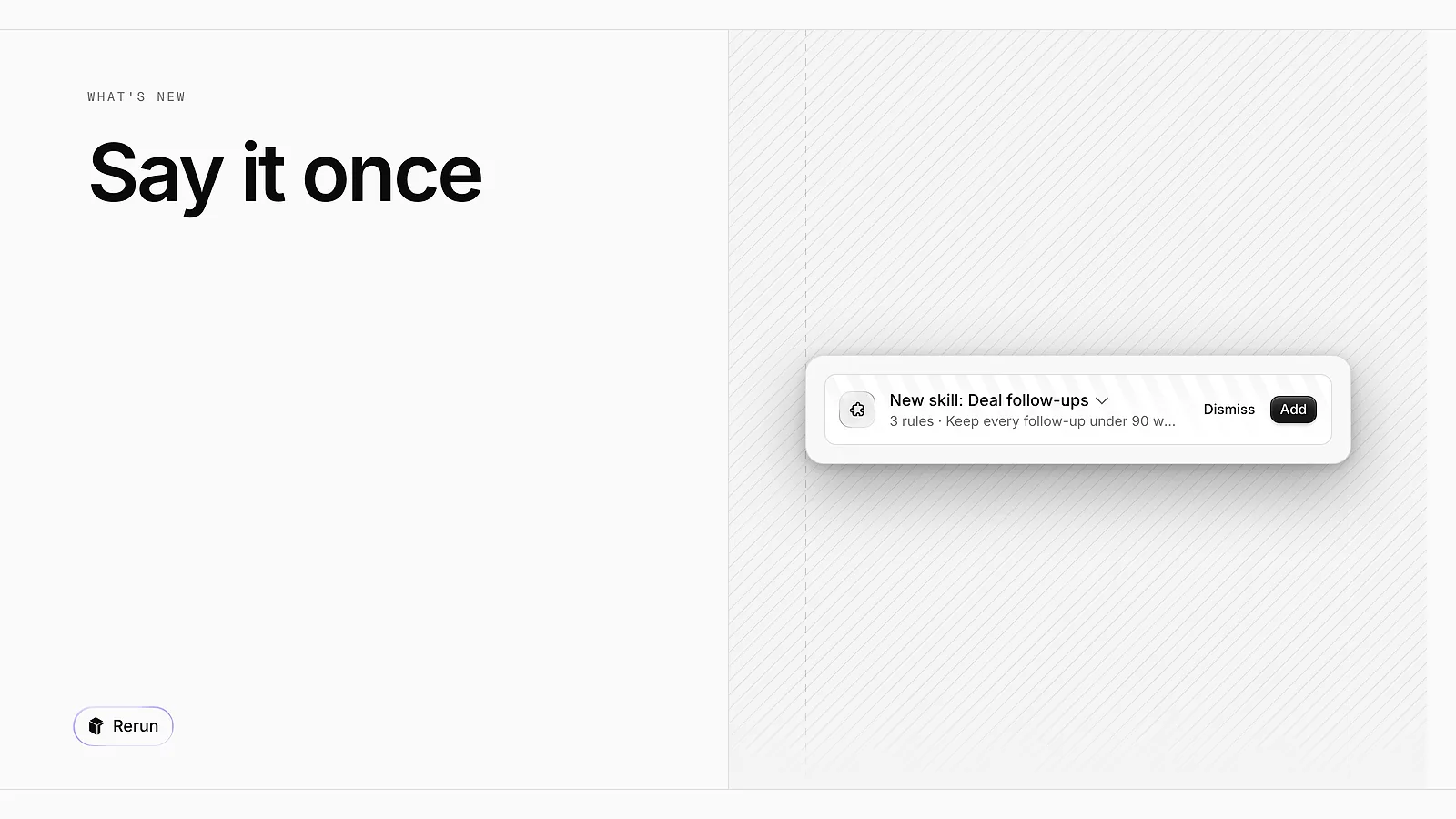
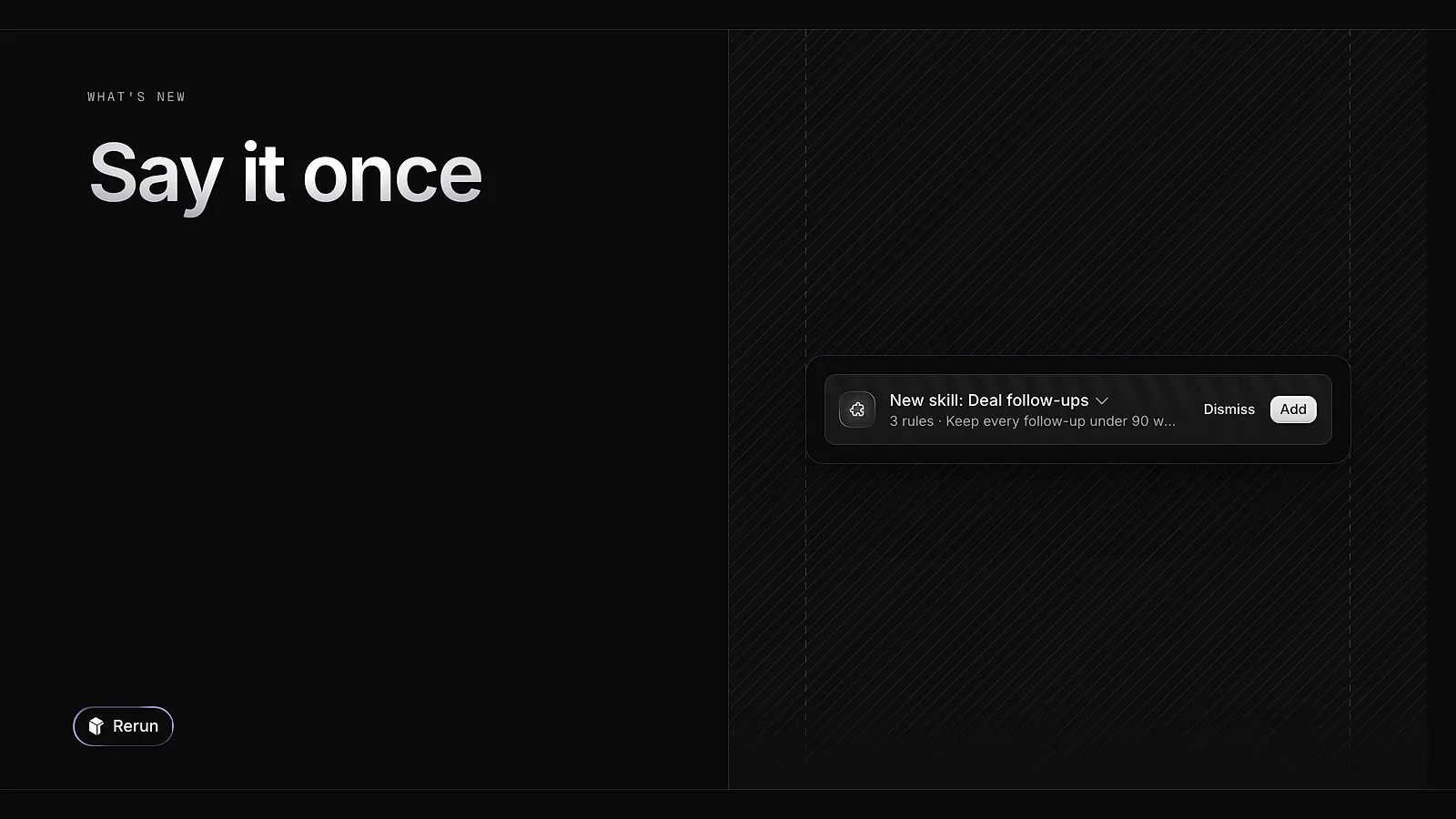
When an agent proposes a skill, the card pinned above the composer now unfolds. You read the rules exactly as the agent worded them before accepting, so you know what gets written into the skill.
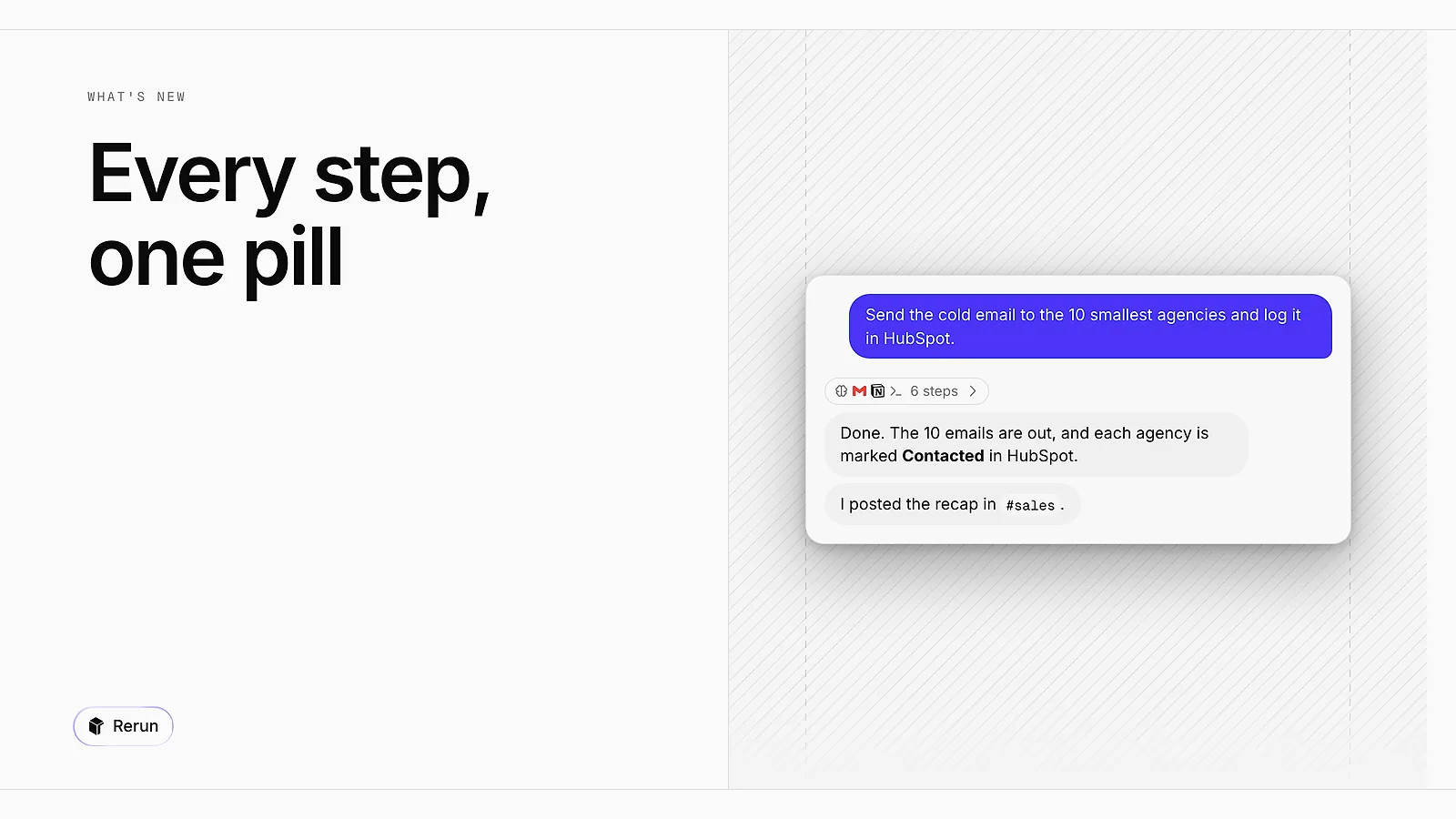
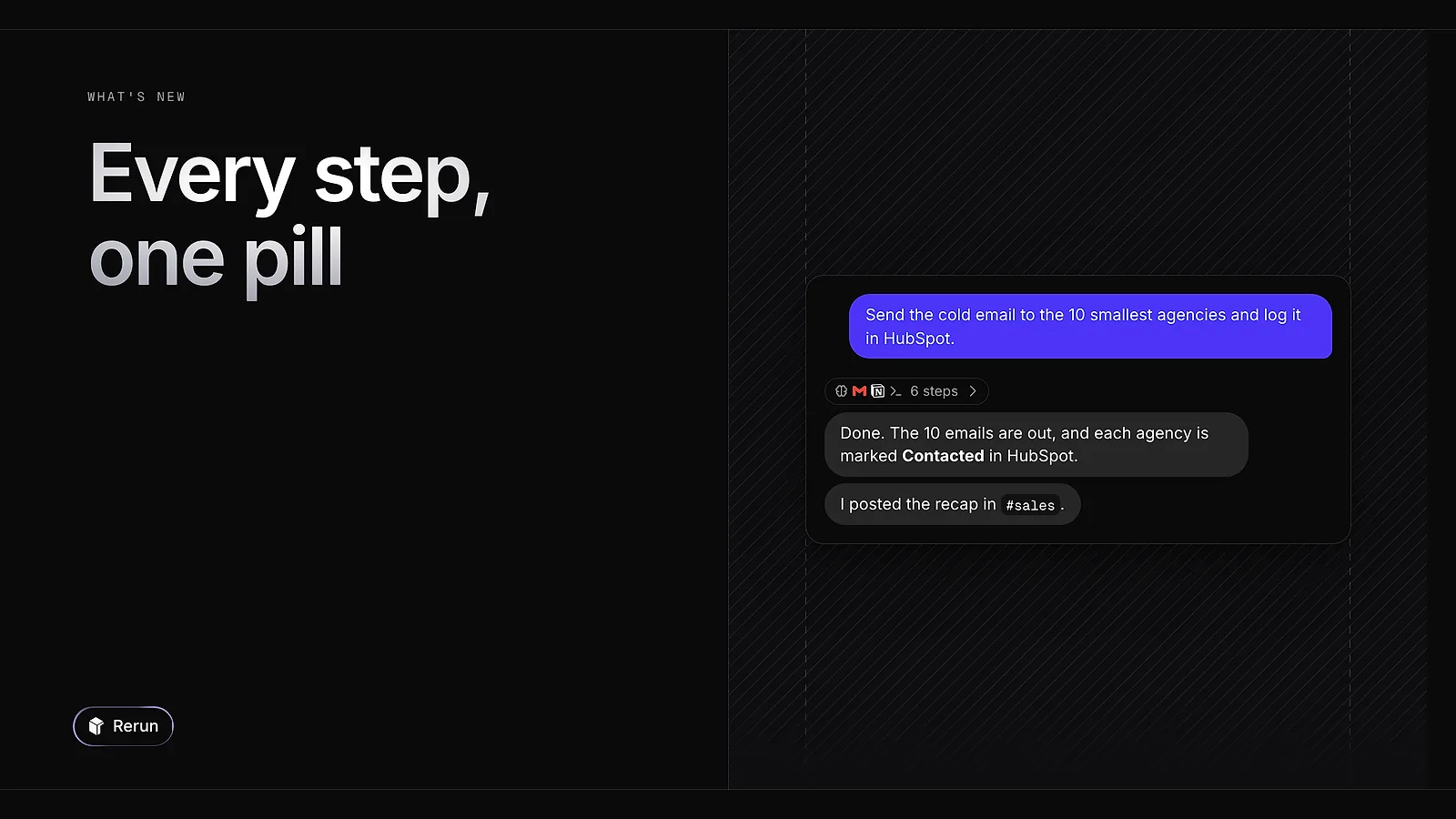
A run used to stack one line per tool call. Every step now folds into a single pill above the answer. Open it to read each step on its own line.
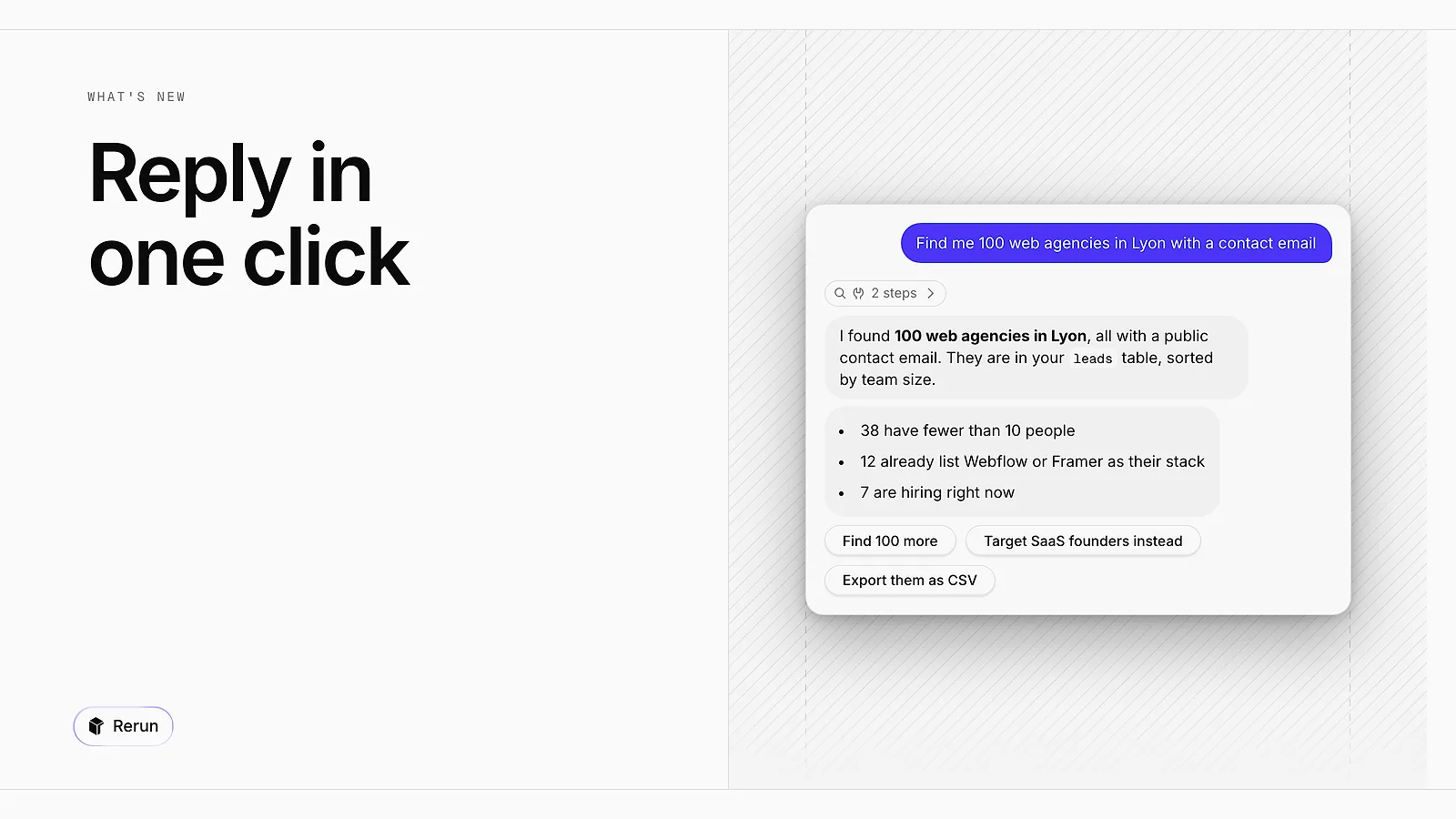
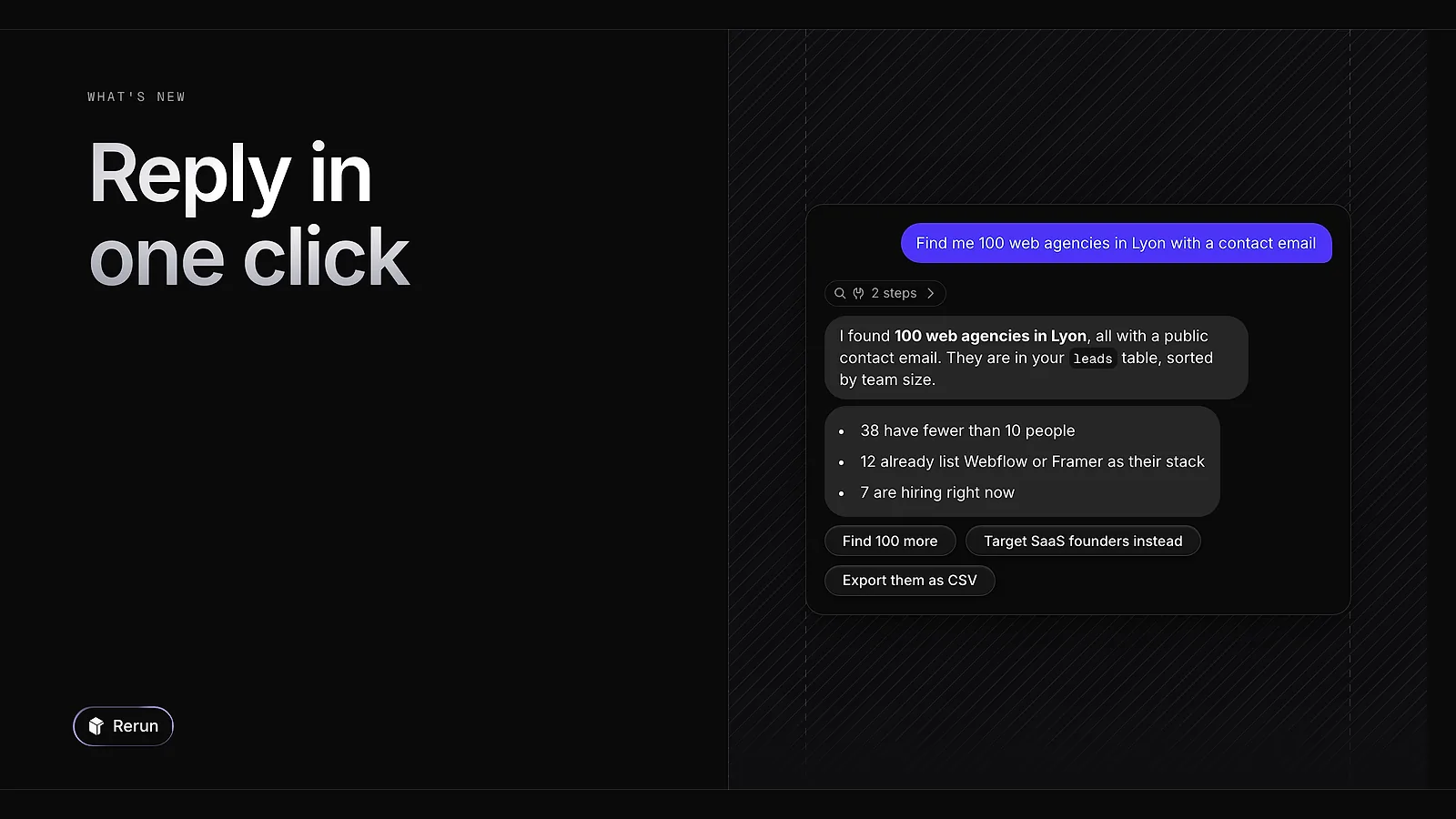
Agents now suggest up to three replies under their last message. Click one and it is sent as your next message, no typing needed.
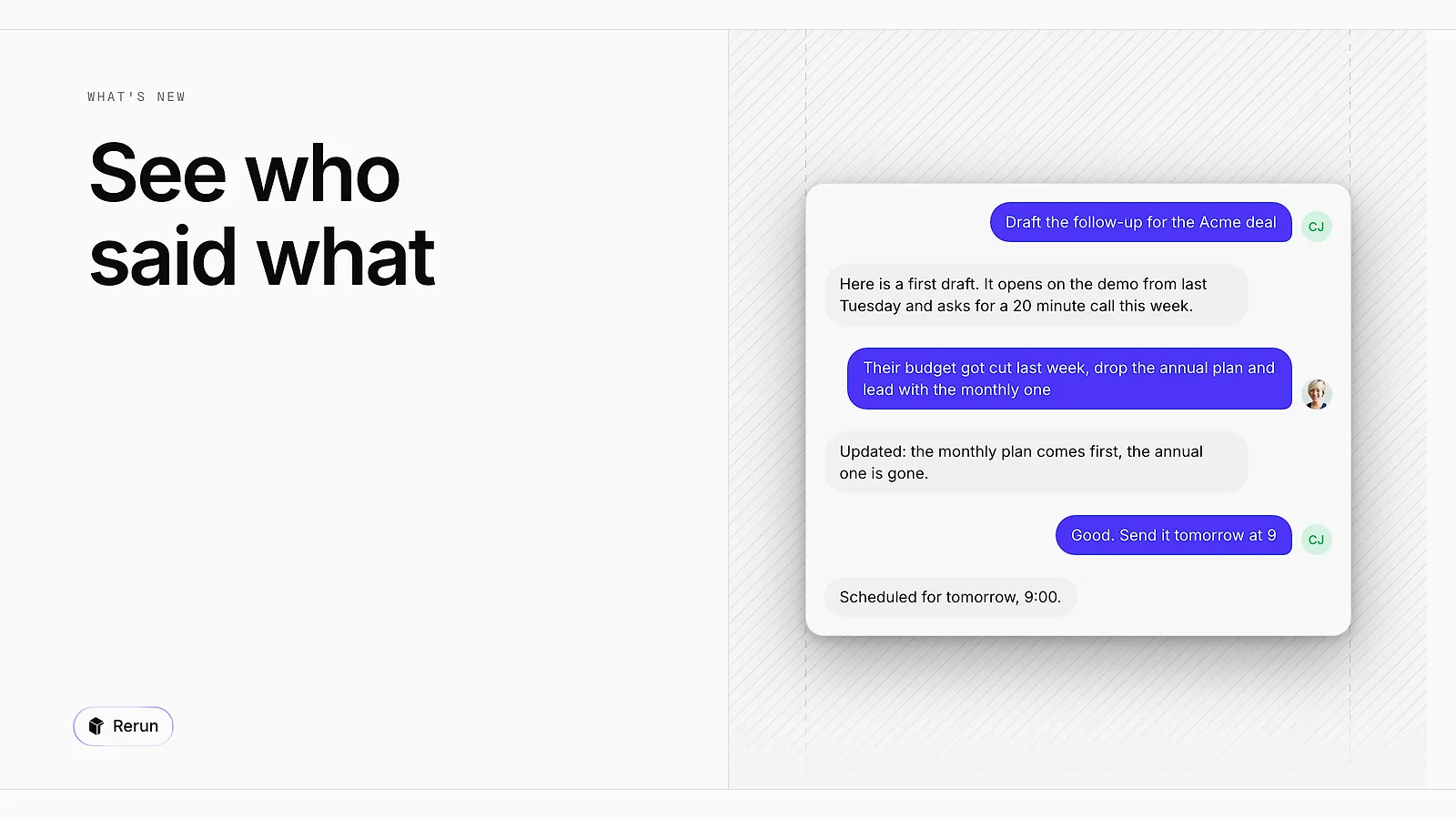
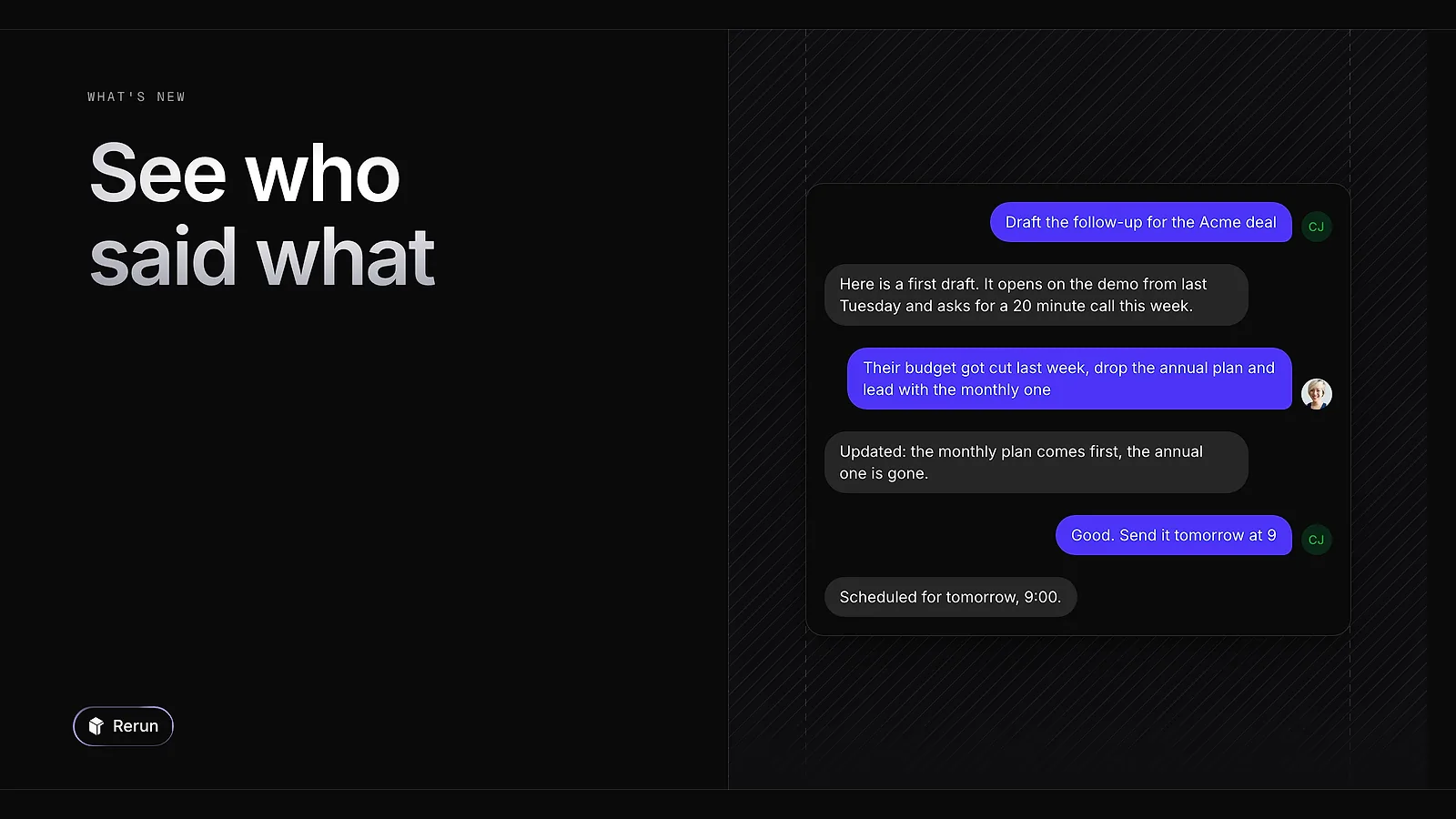
Each message a person sends to an agent now carries their avatar at the foot of the message. Hover it to see the name. Handy when several of you talk to the same agent.
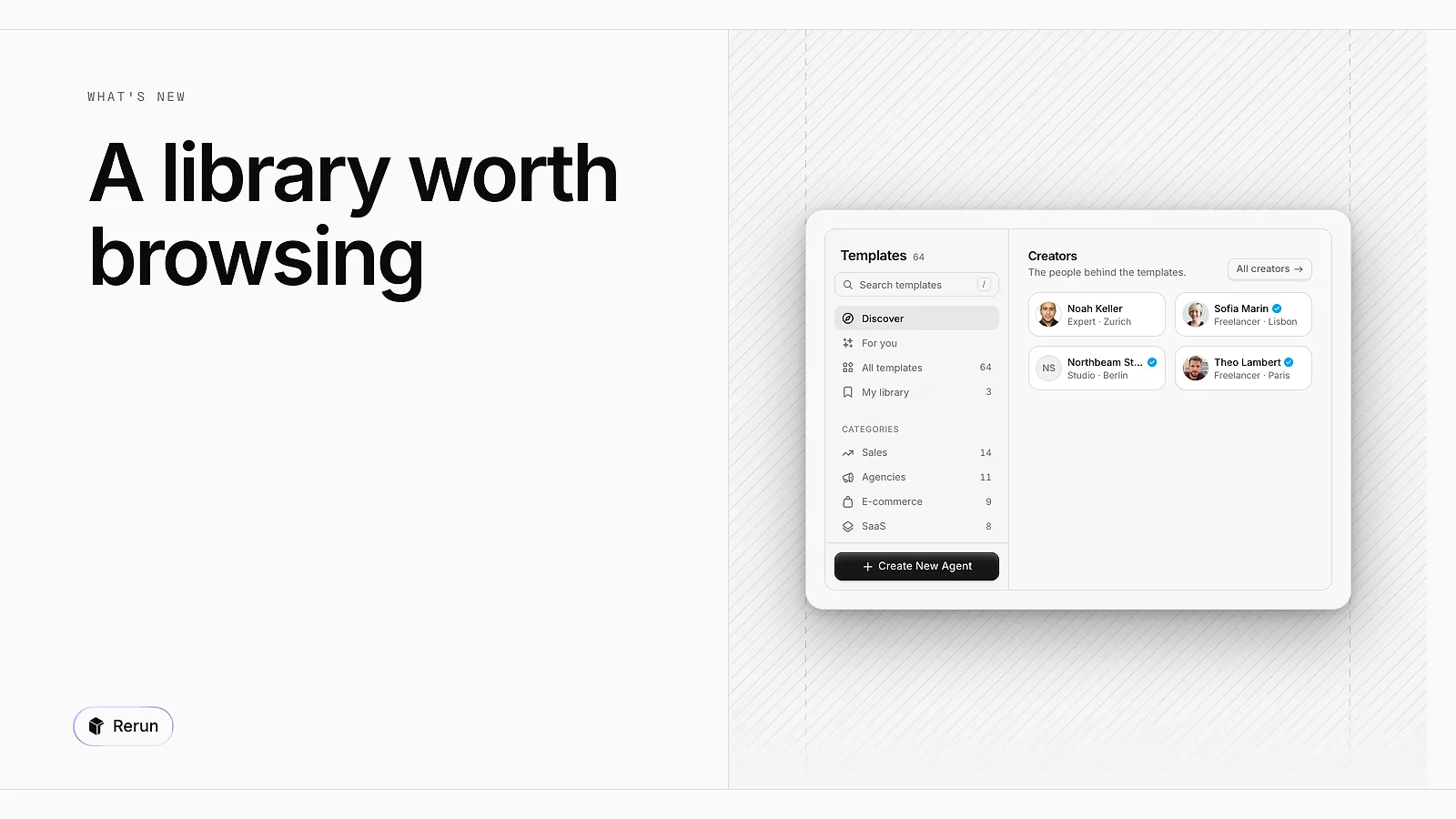
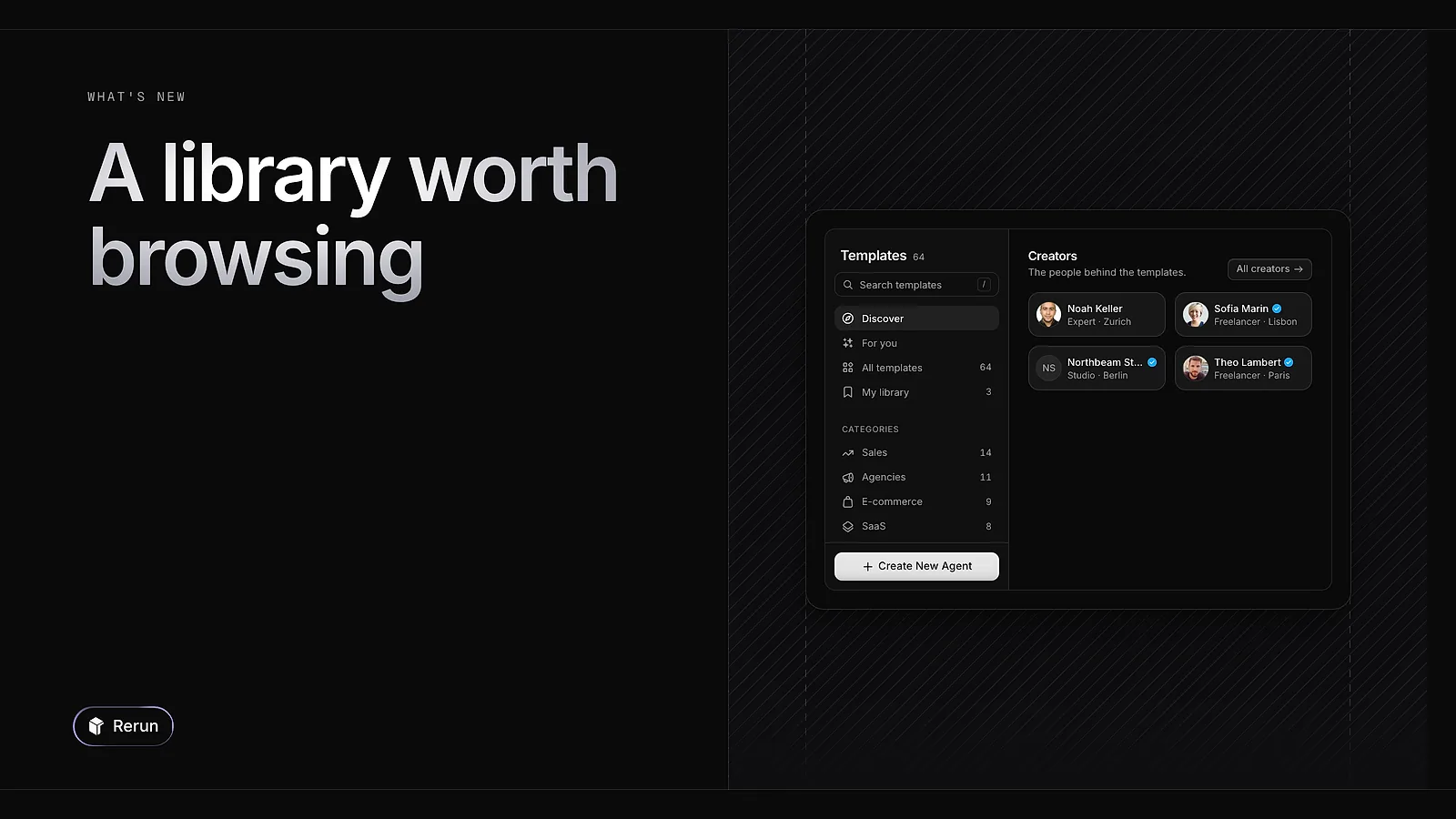
The template library has a new layout. A rail on the left takes you to Discover, your own picks, categories and search. Discover puts creators, featured templates and the latest additions up front.
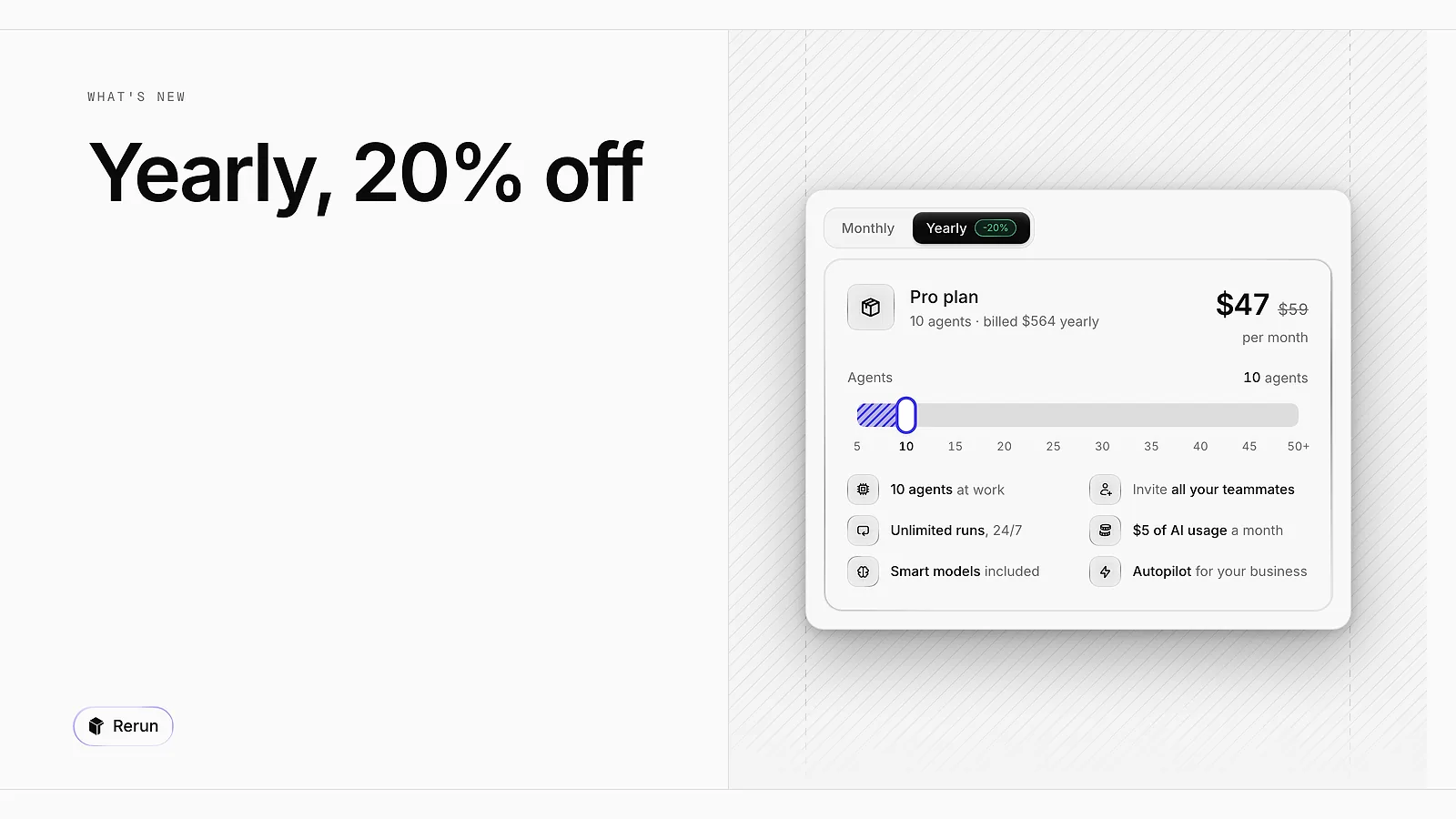
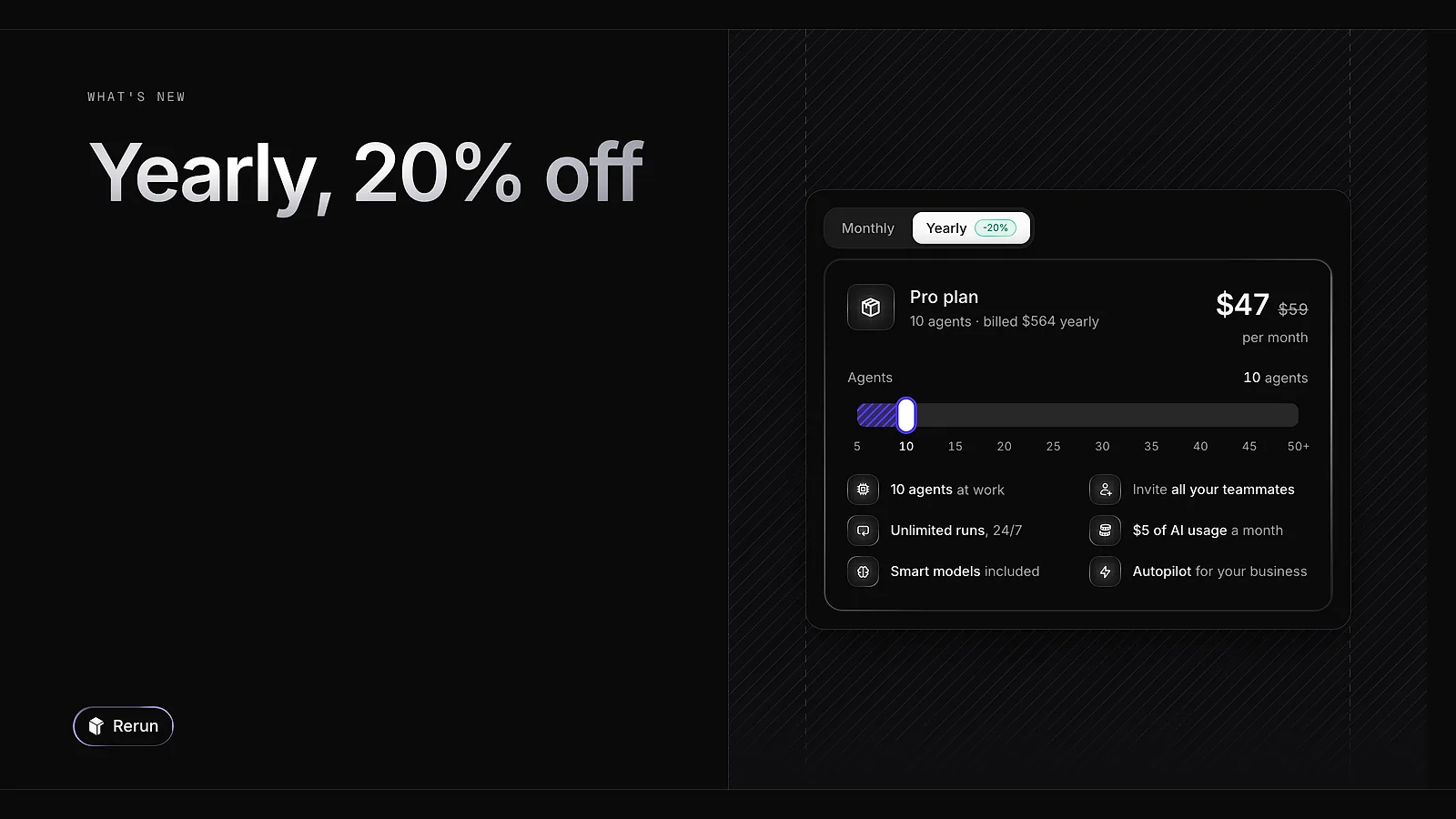
You can now pay for your plan yearly and save 20%. Paid plans also drop the seat limit: invite all your teammates.
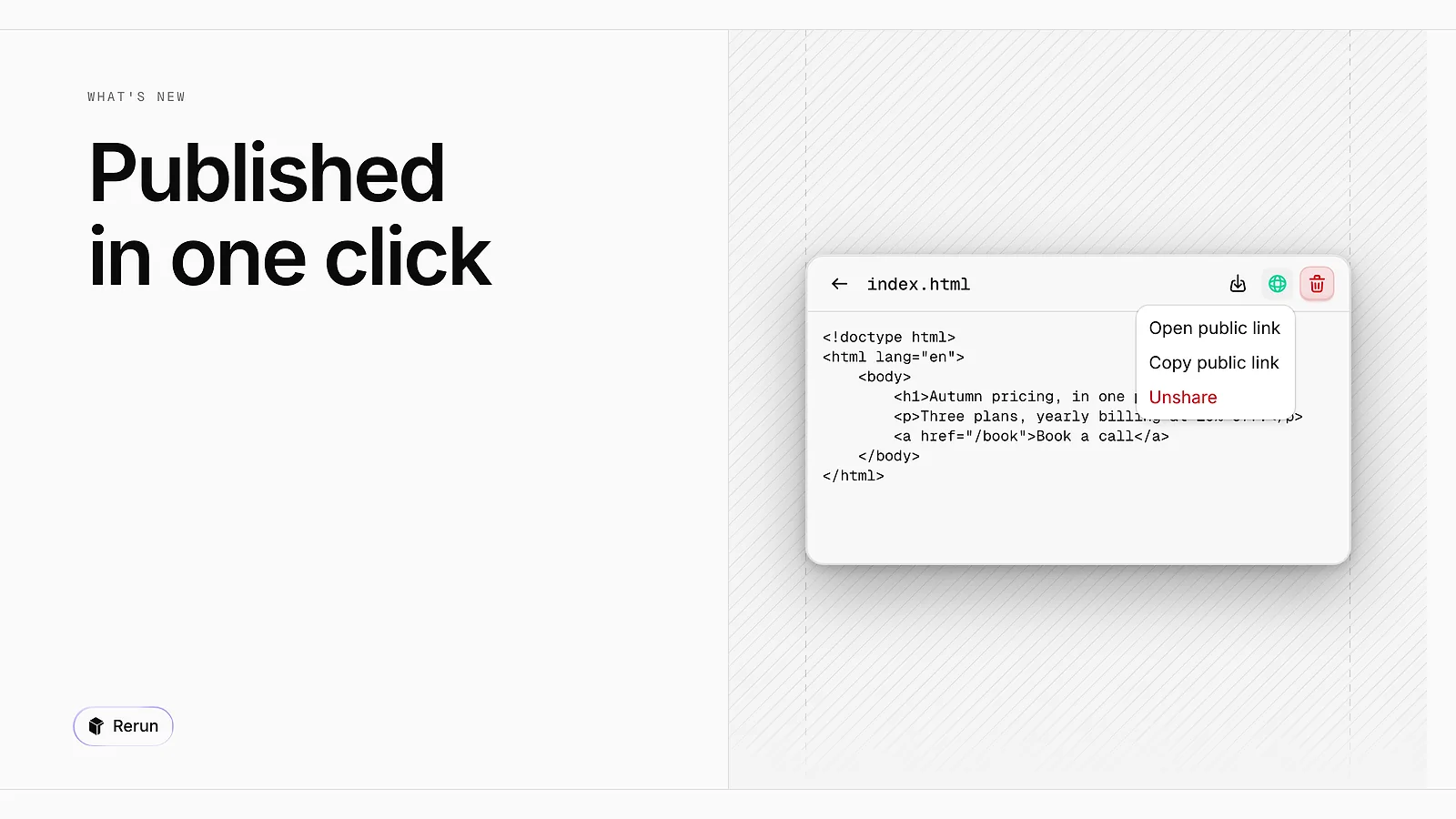
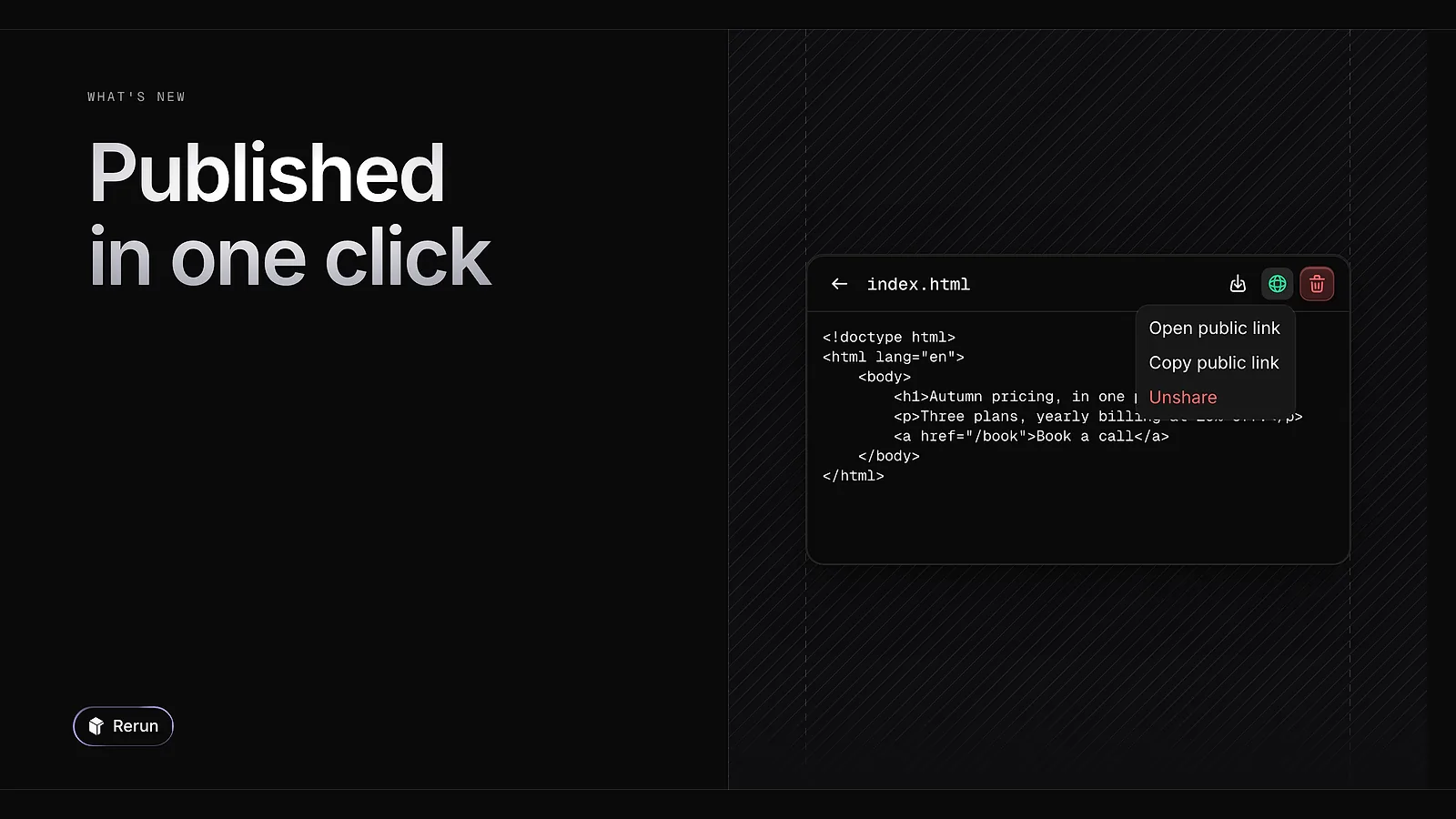
An HTML page published by an agent, or by you from Files, is now served as a real site on its own rerun.site address. Scripts and assets work, and a folder with an index page becomes a small site.
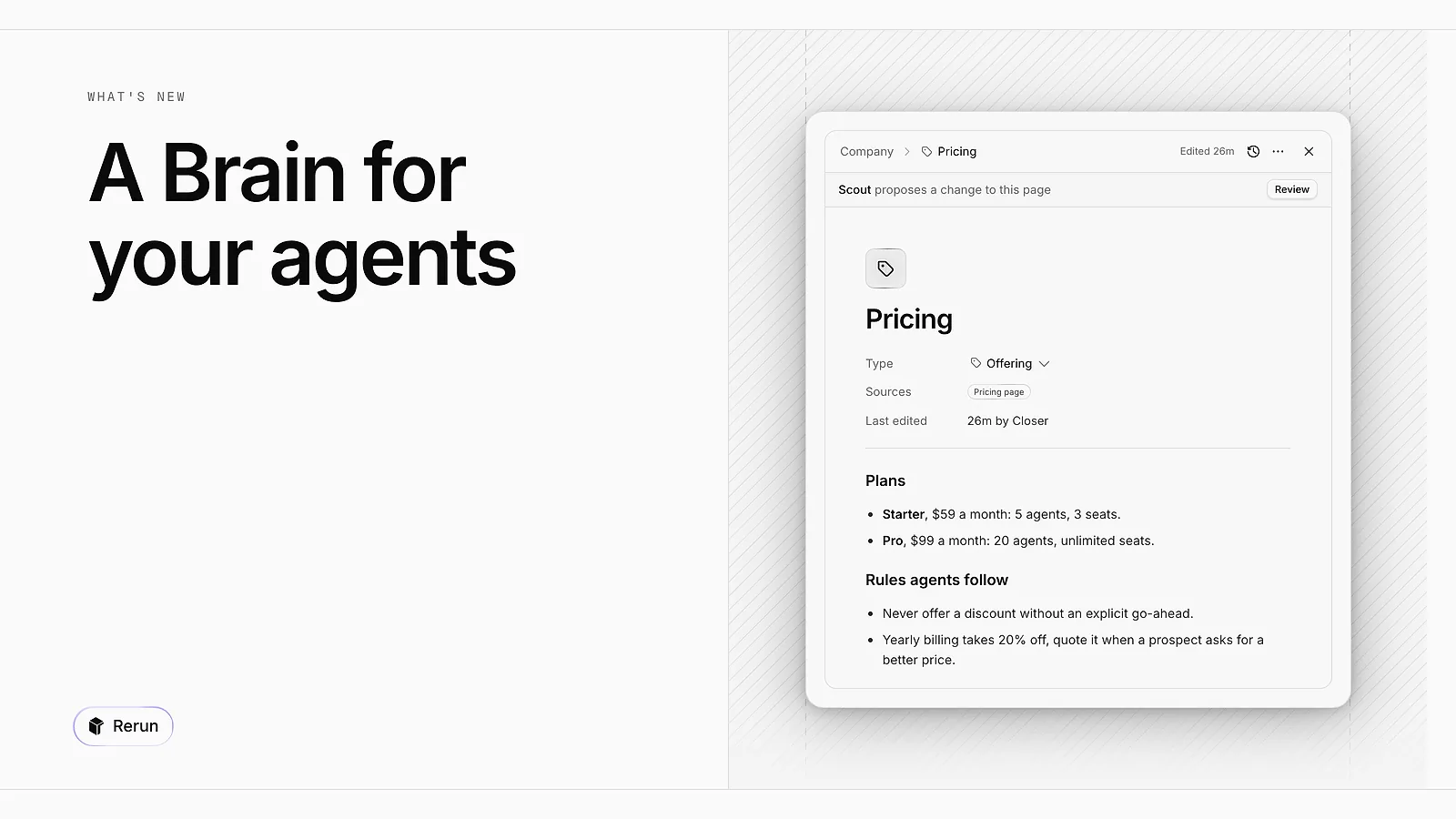
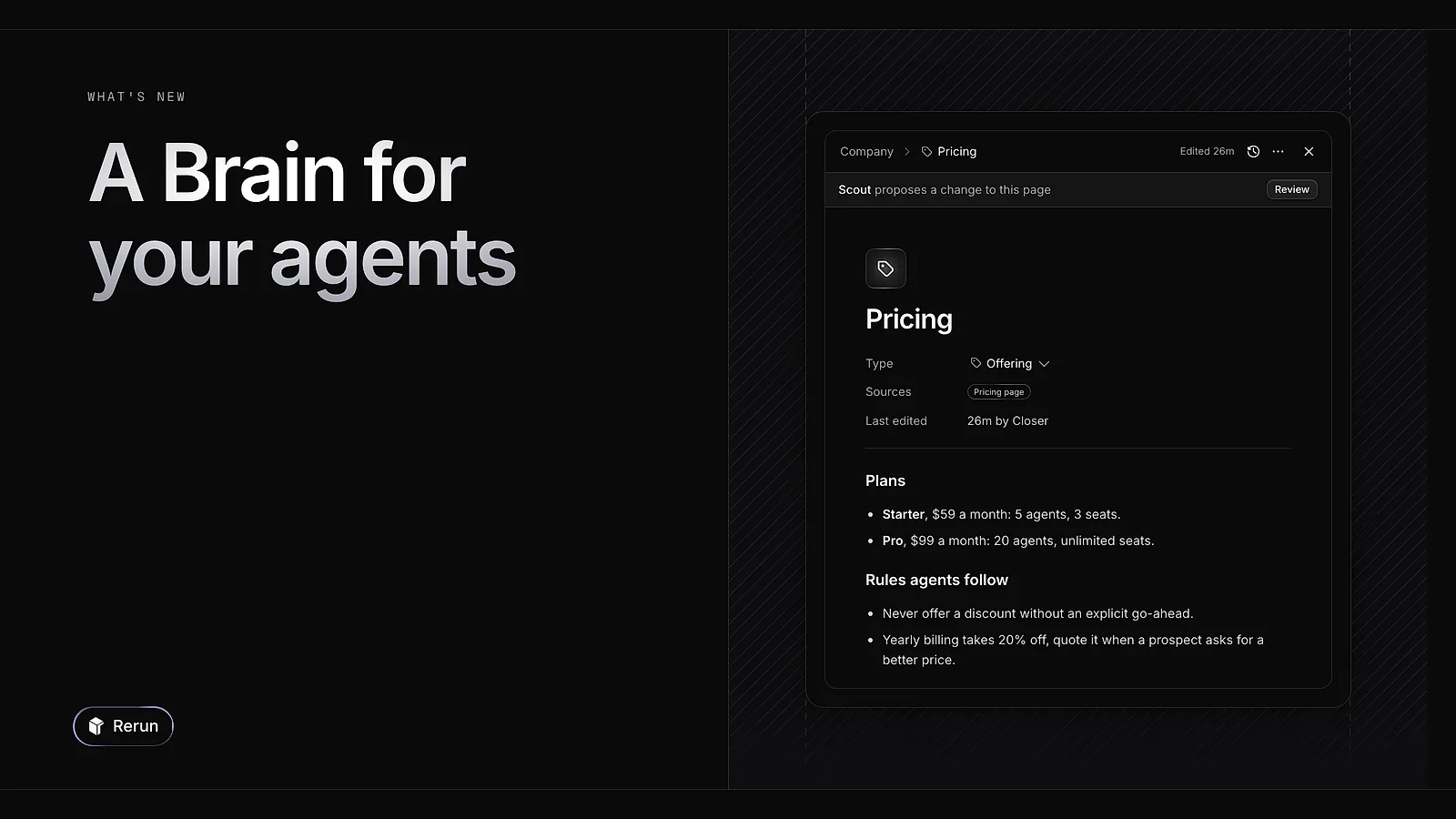
The Brain is where your company lives in Rerun: pages about what you do, plus shared files and a database. Every agent reads it. When an agent learns something worth keeping it sends a proposal, and nothing changes until you accept it.
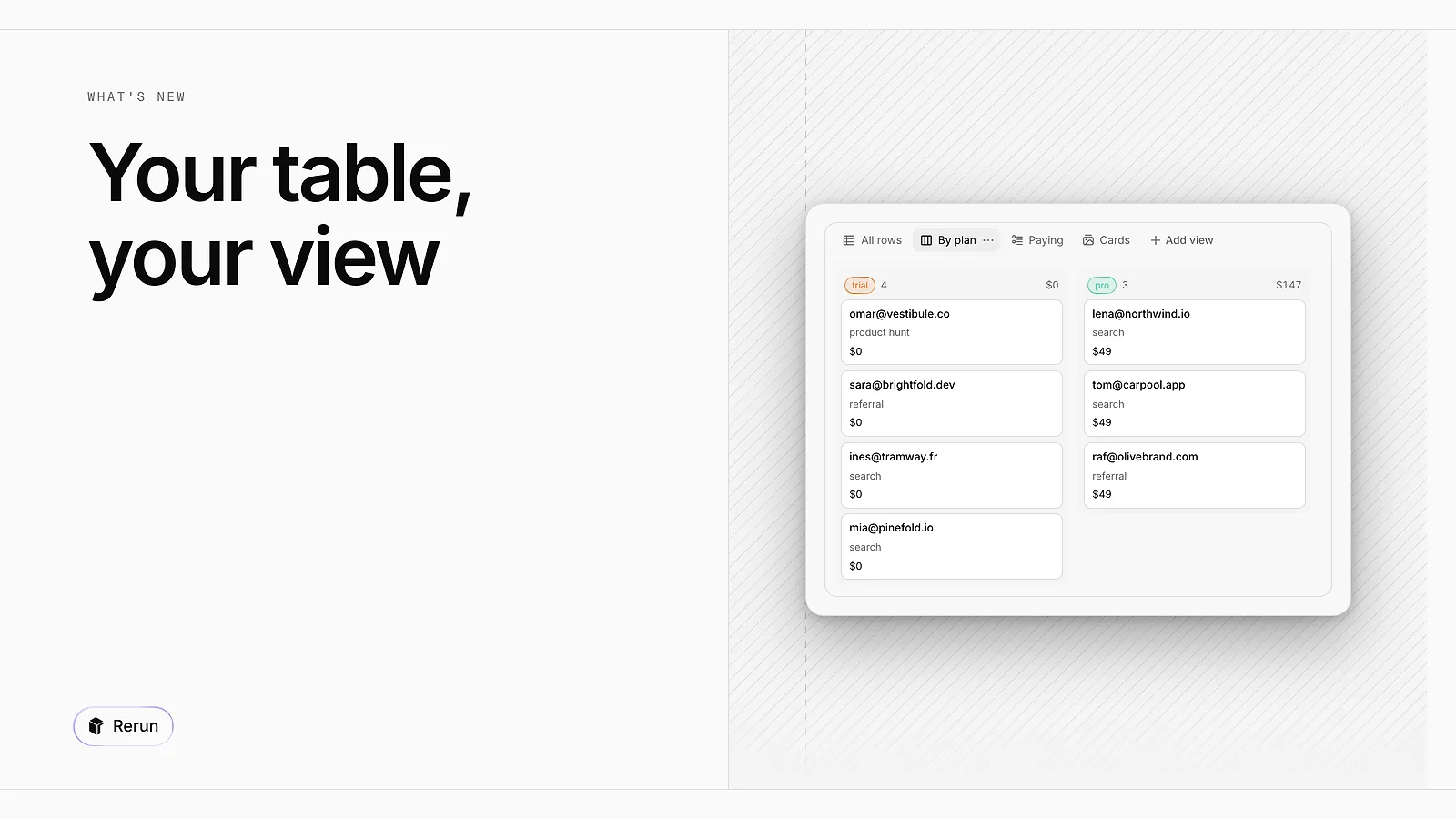
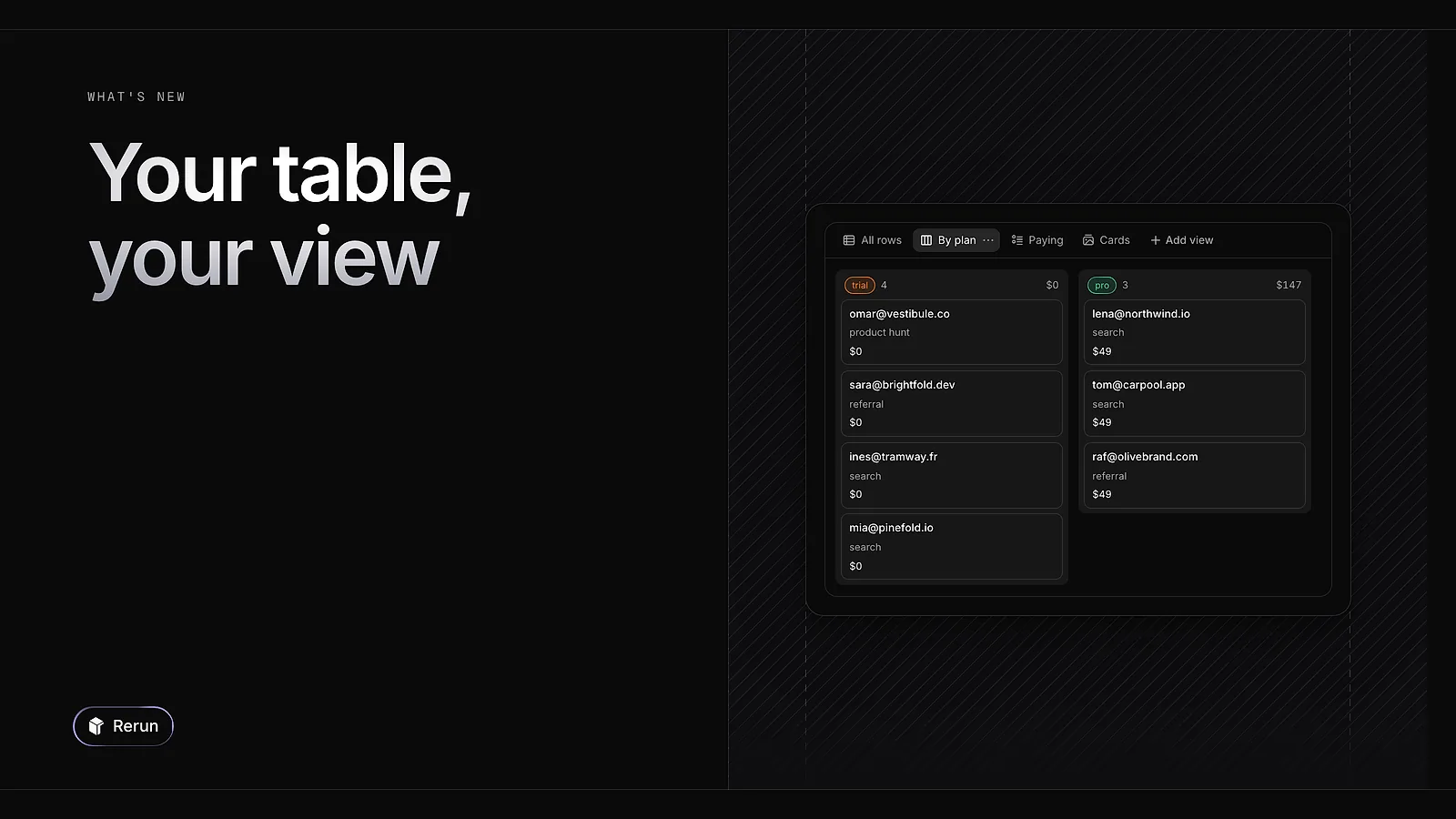
A table can now carry saved views, as tabs next to All rows. Add a view as a table, a list, a gallery or a board, choose its columns, grouping and sorting. Cells are editable in place, and a row opens in a side sheet.
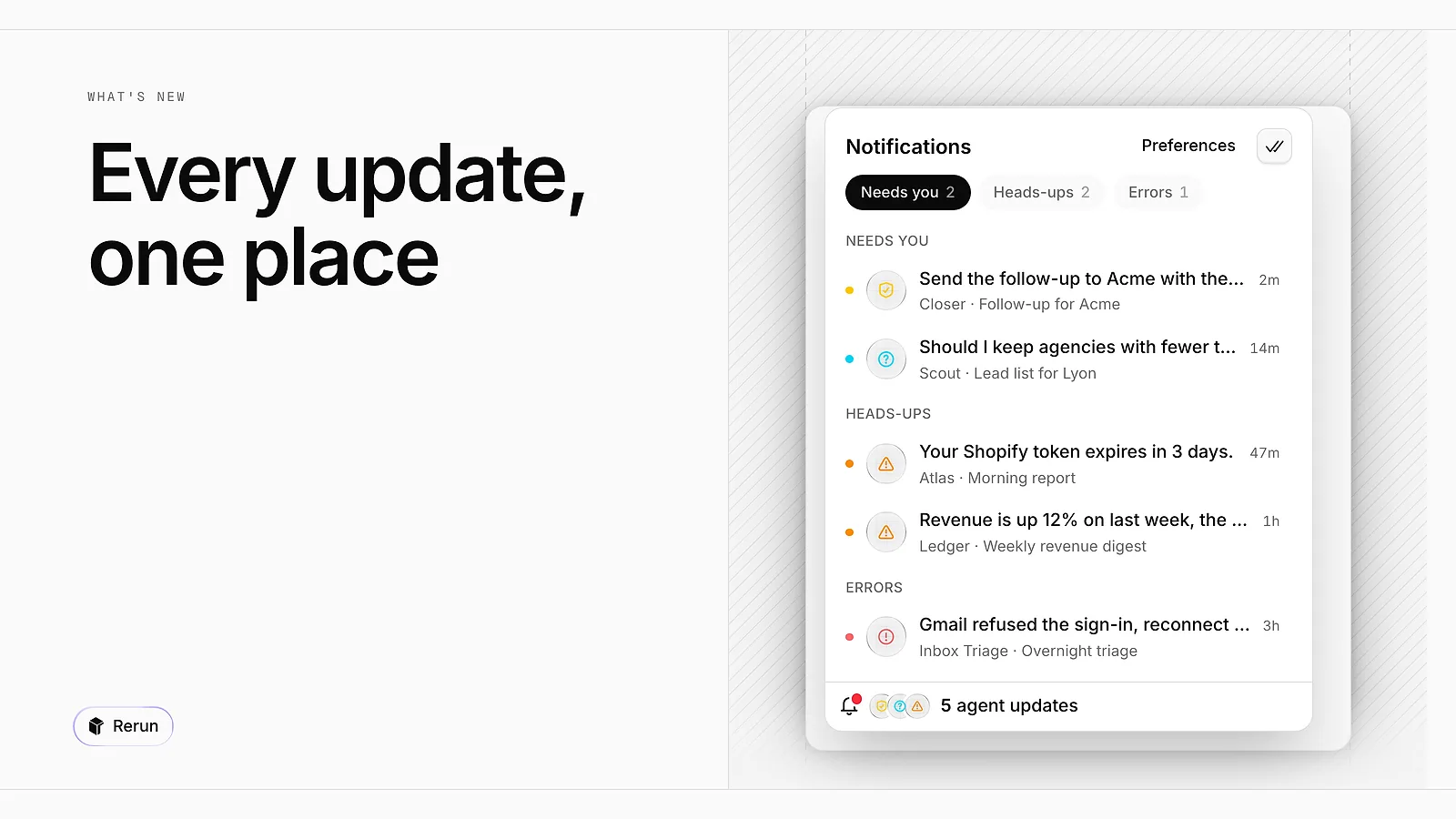
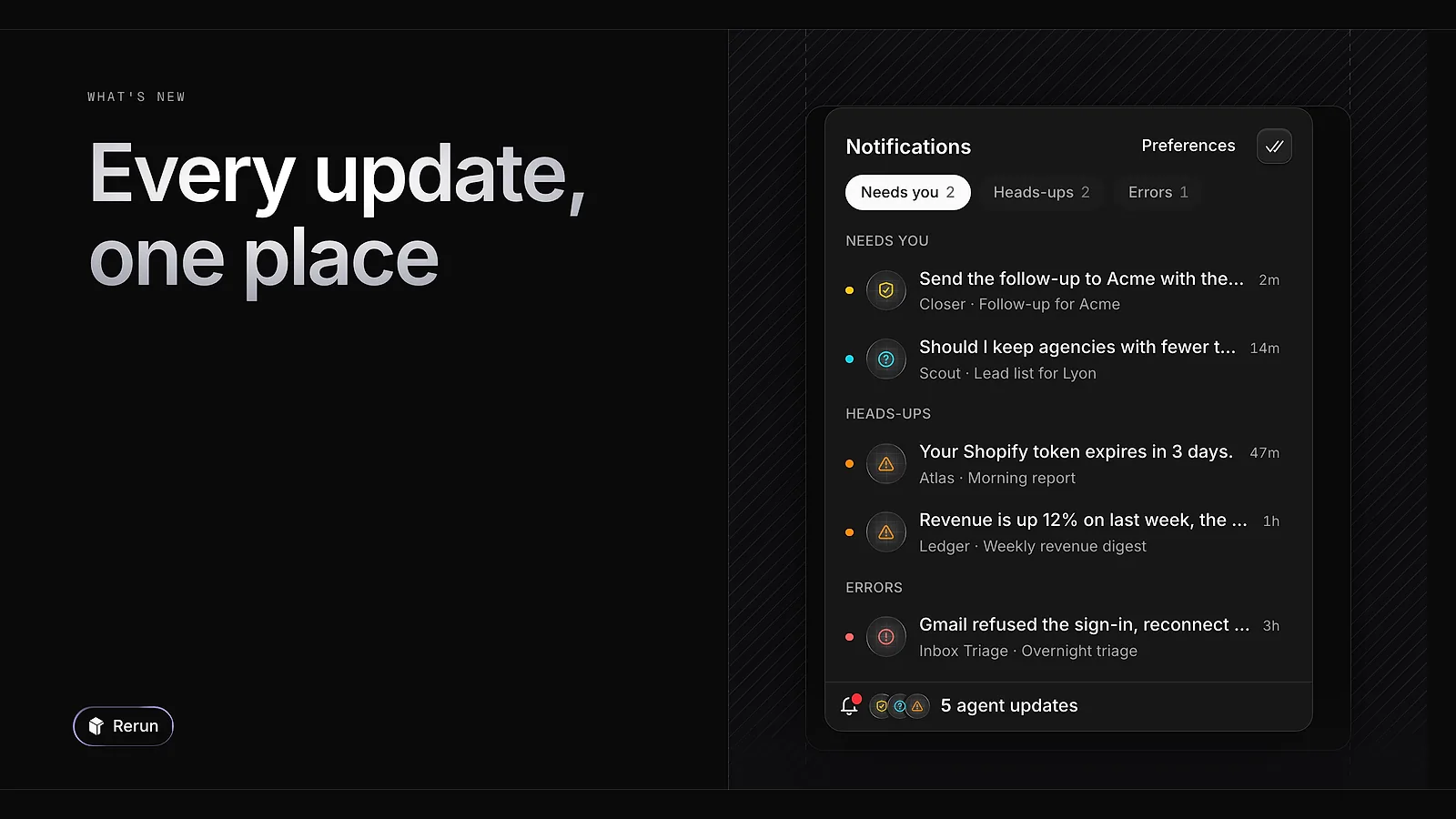
A pill at the bottom left of the board counts what your agents are waiting to tell you. Open it to see everything sorted into Needs you, Heads-ups and Errors, and mark it all as read in one click.
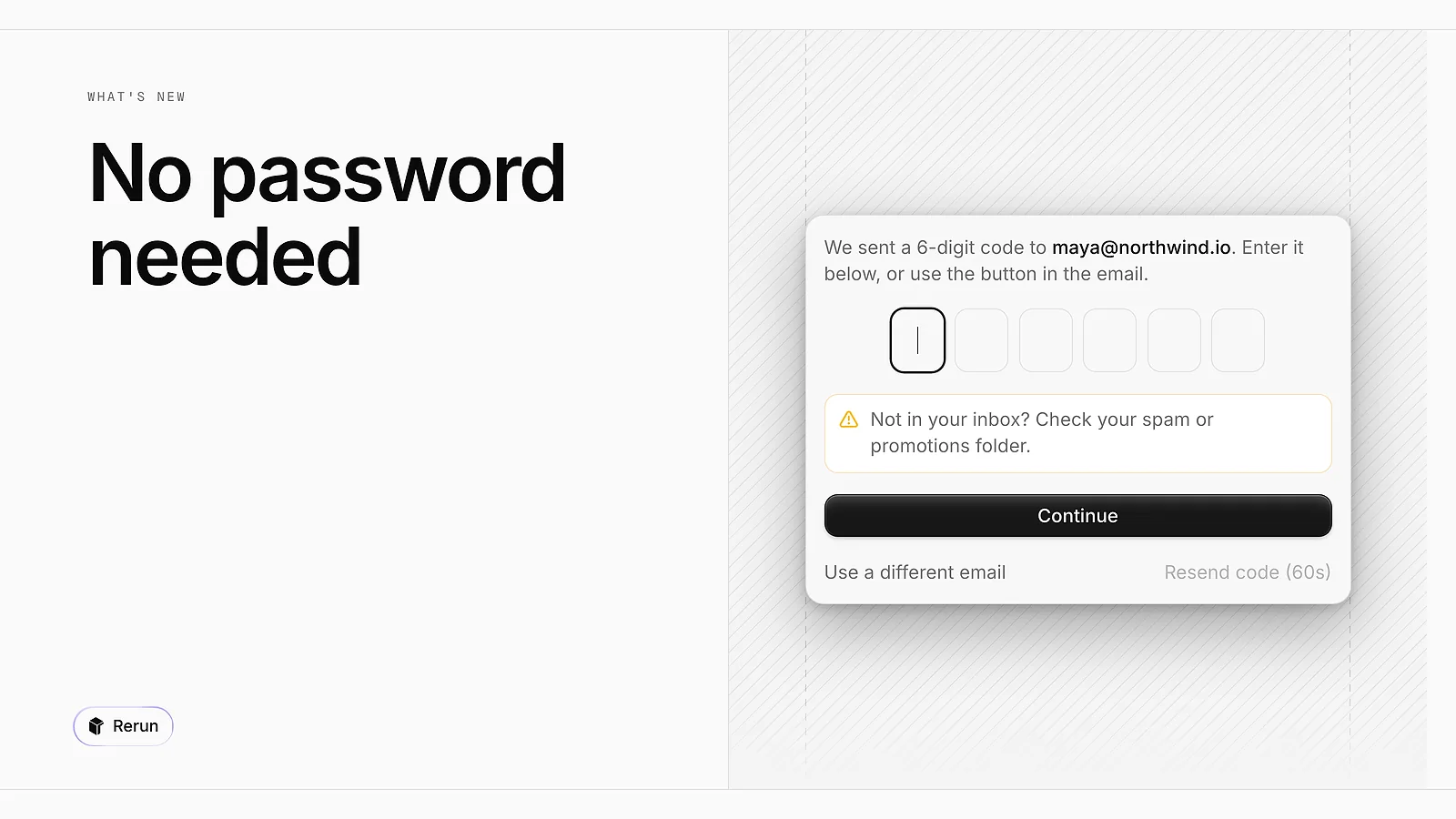
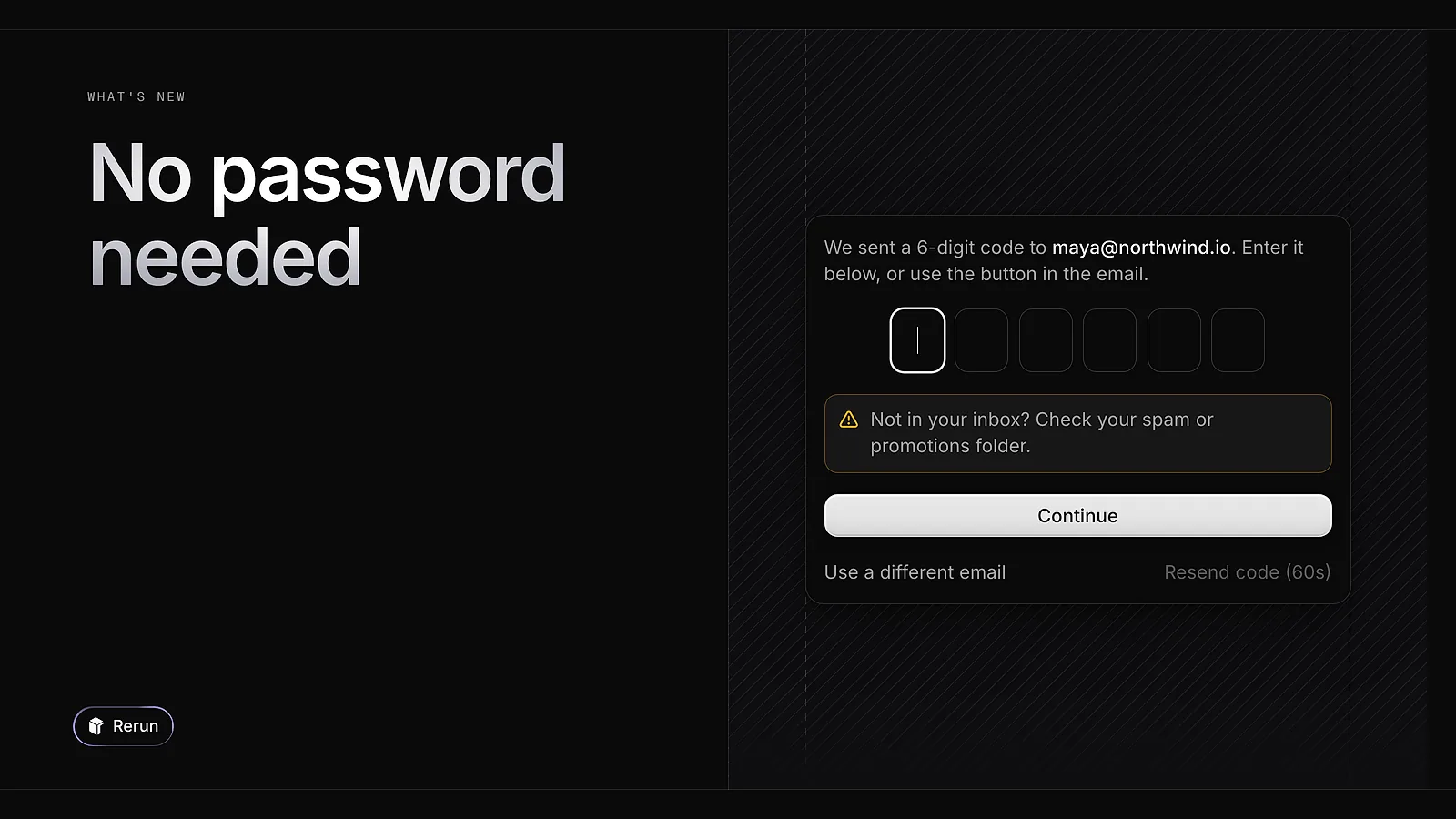
Signing in no longer takes a password. Enter your email, then type the 6-digit code we send you, or click the button in the same email. Continue with Google is still there.
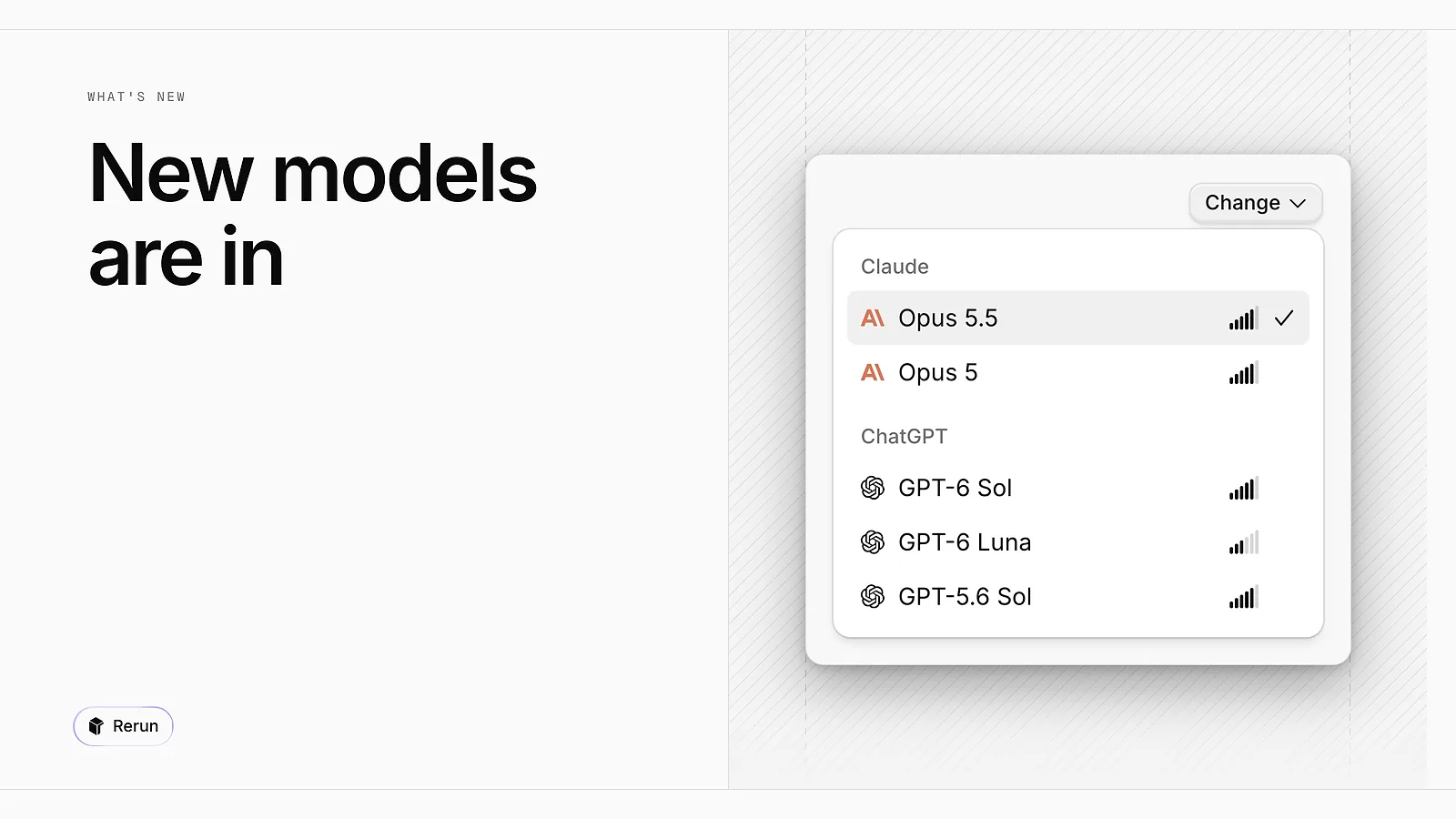
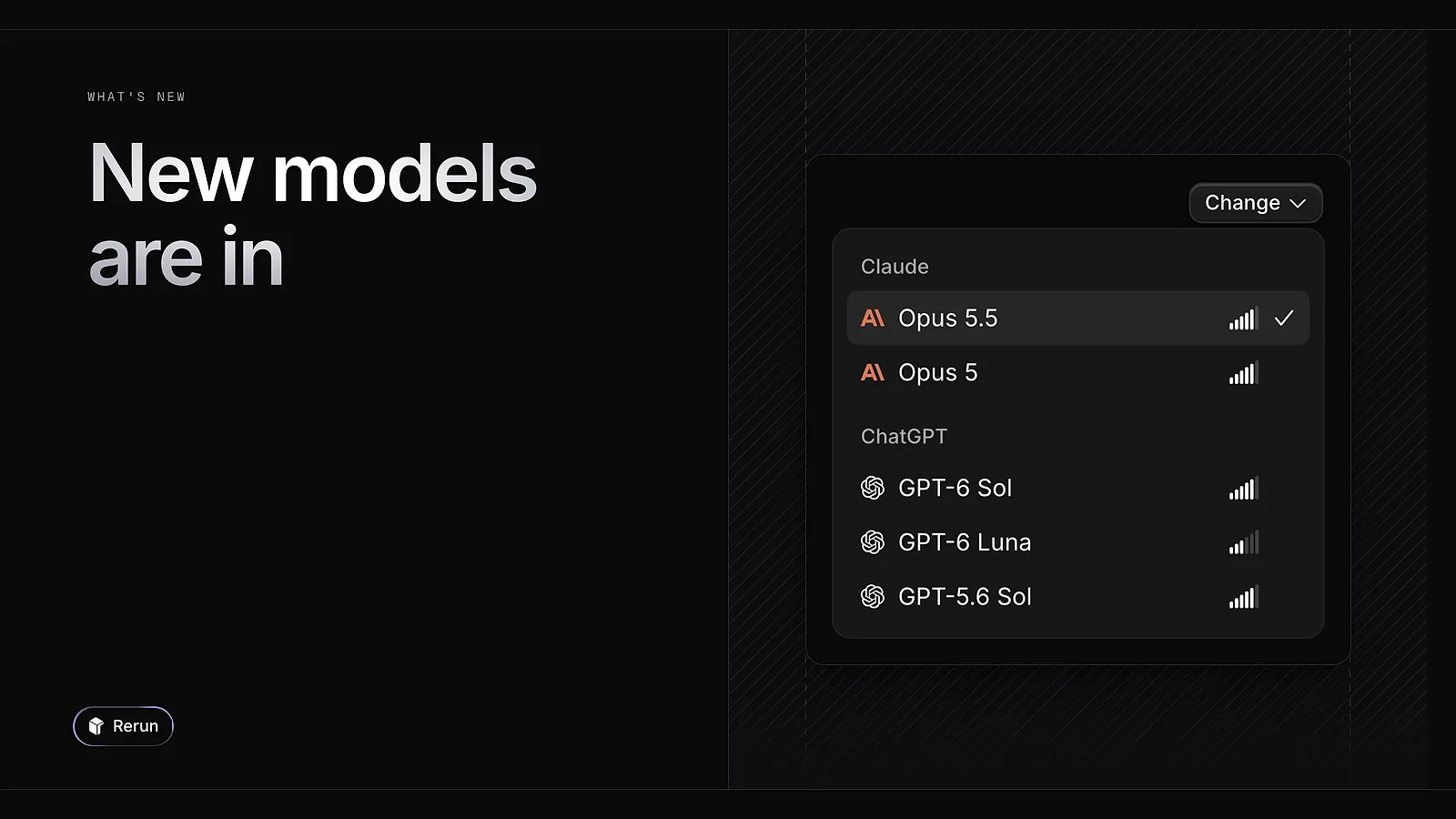
Opus 5.5, GPT-6 Sol and GPT-6 Luna are now in the model picker. They work with your API keys, through OpenRouter, and with a Claude Code or Codex subscription.
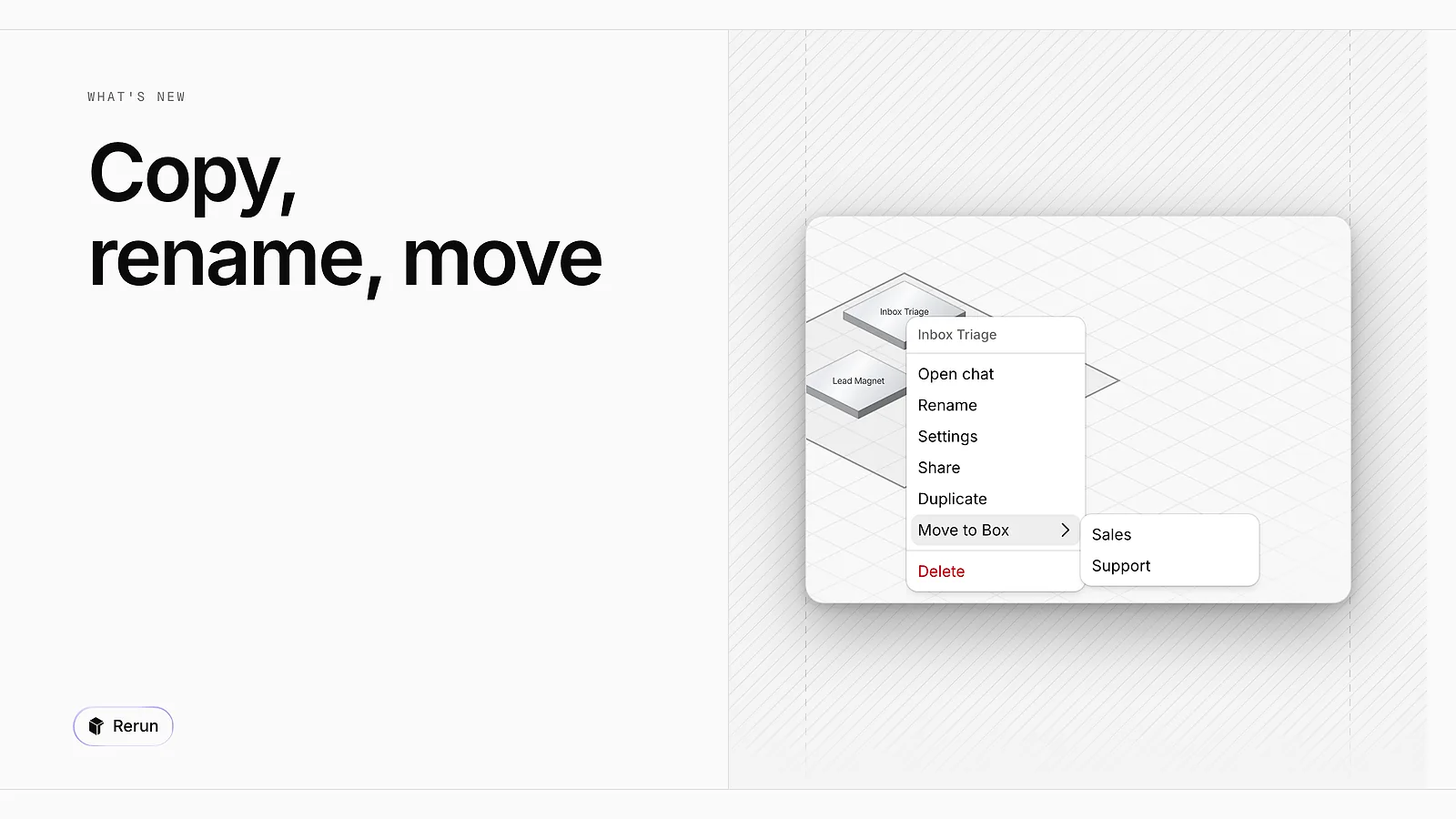
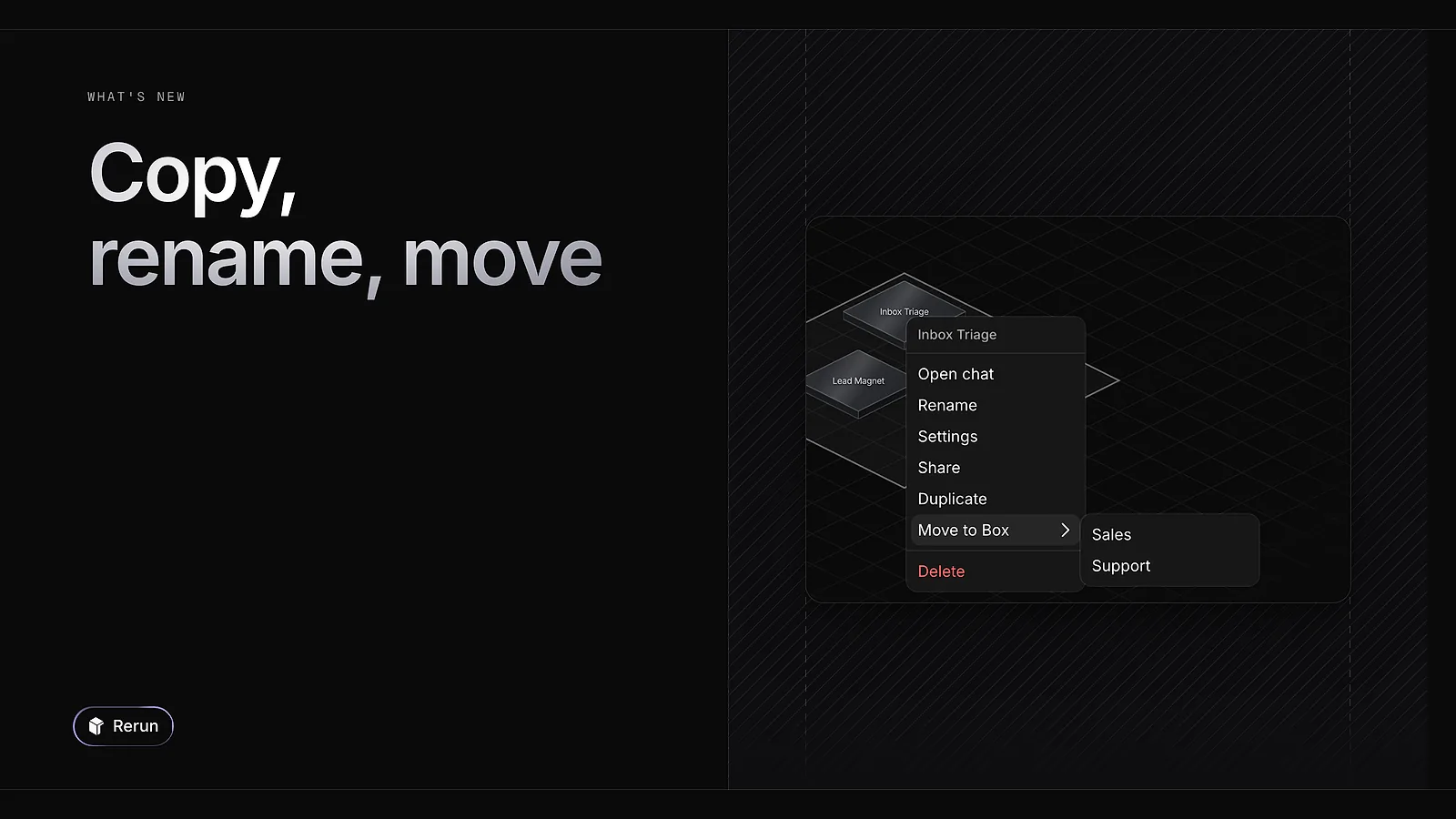
Right-click an agent to duplicate it, rename it or move it to another Box. A Box can be renamed the same way.
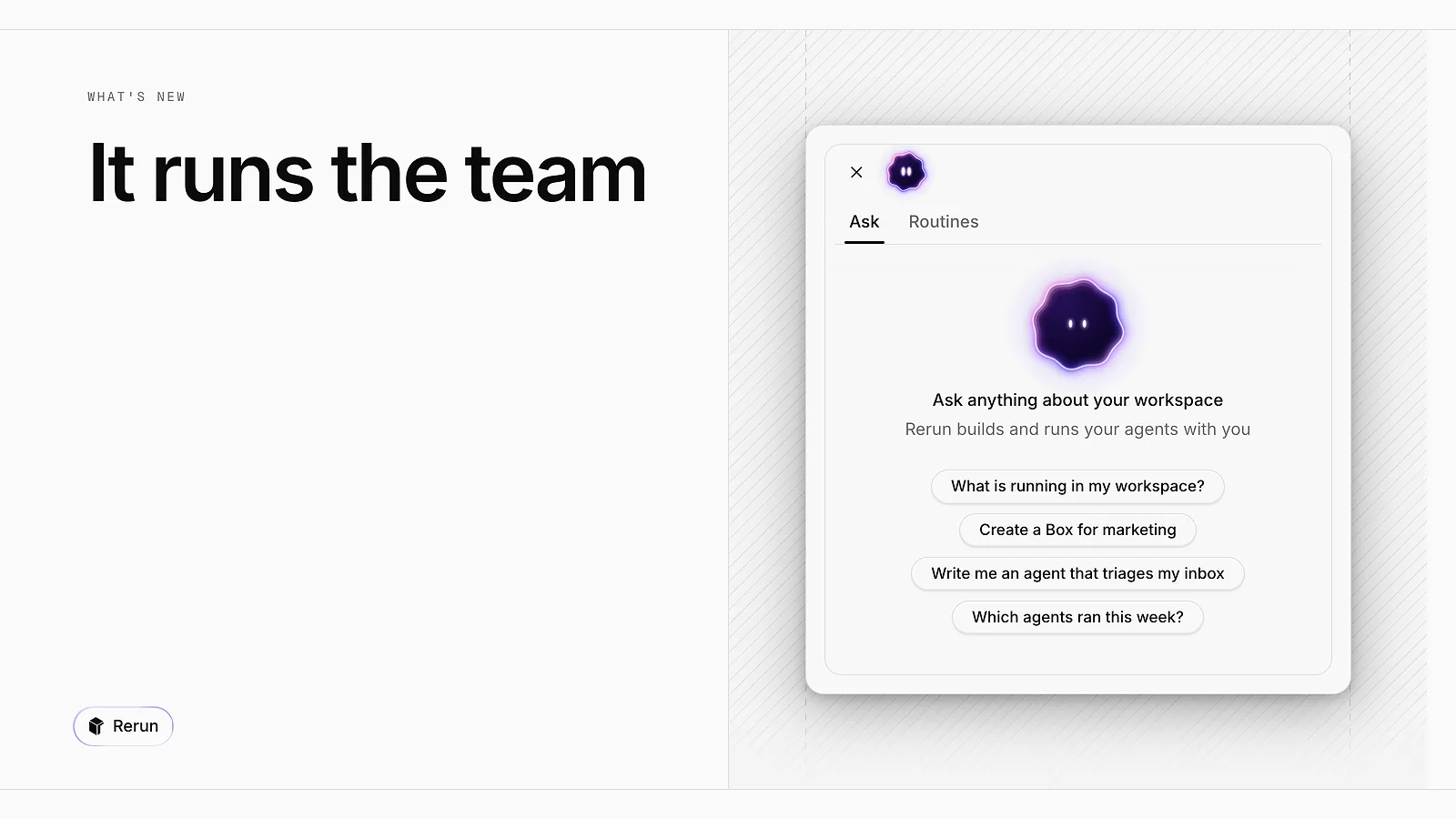
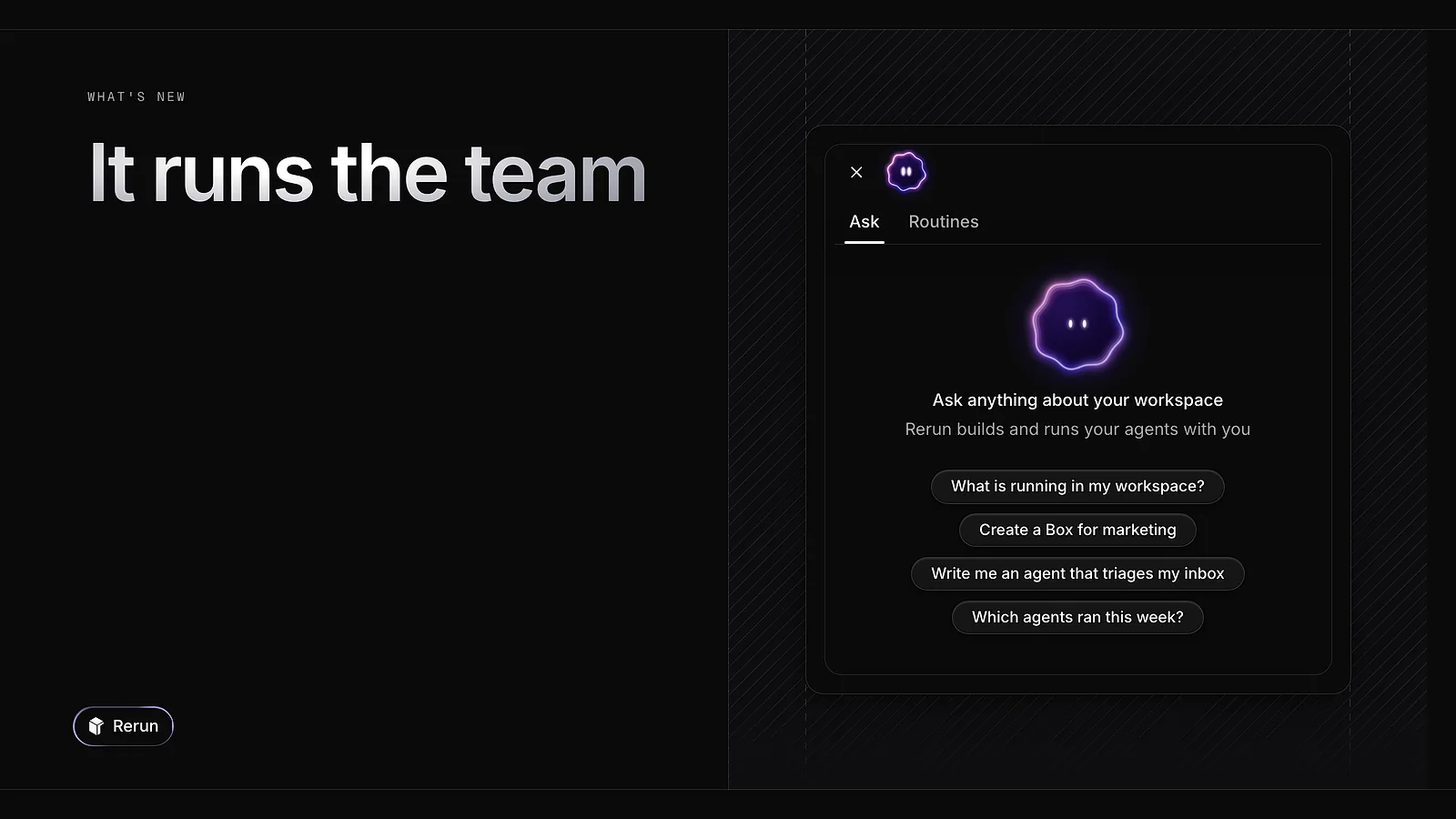
An orb now sits in the corner of your board. Open it to chat with an assistant that works at the level of the whole workspace: it sets up agents and hands work to the right one. Dock the chat left or right, or let it float. The Routines tab lists what runs on a schedule.
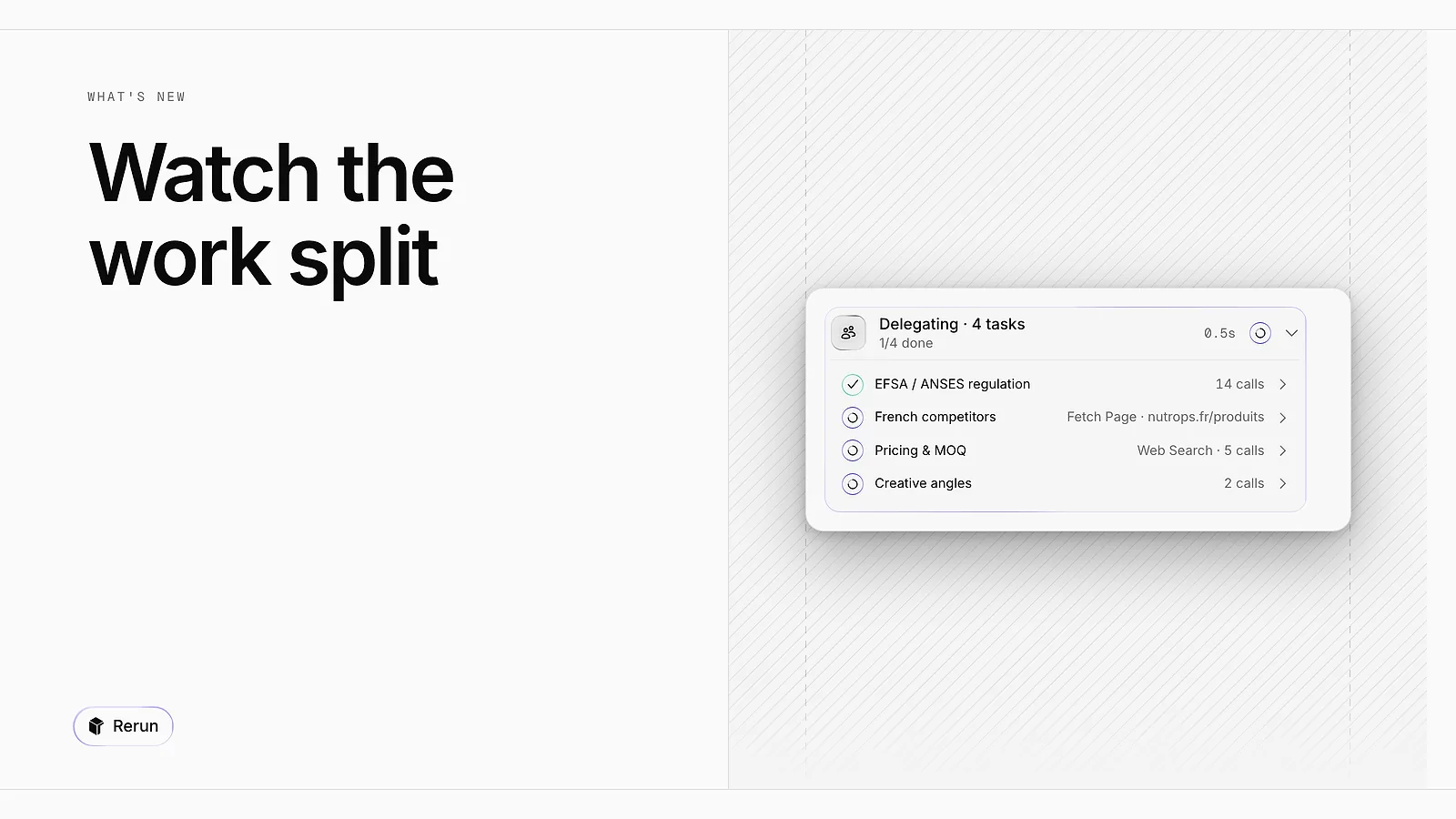
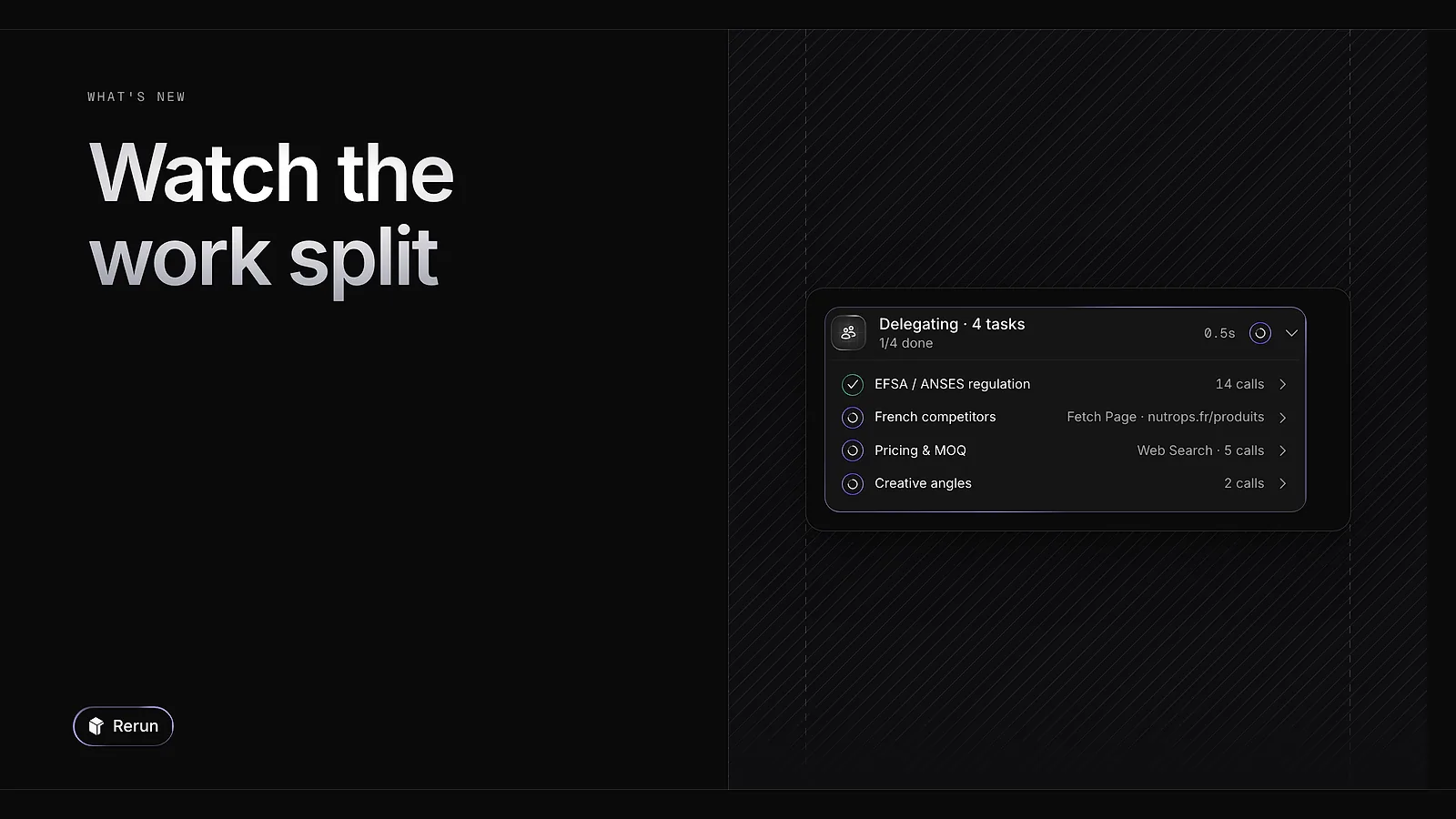
When an agent delegates tasks or calls another agent, the chat now shows a live block with the progress of each task: what it is doing, how many are done, how long it took.
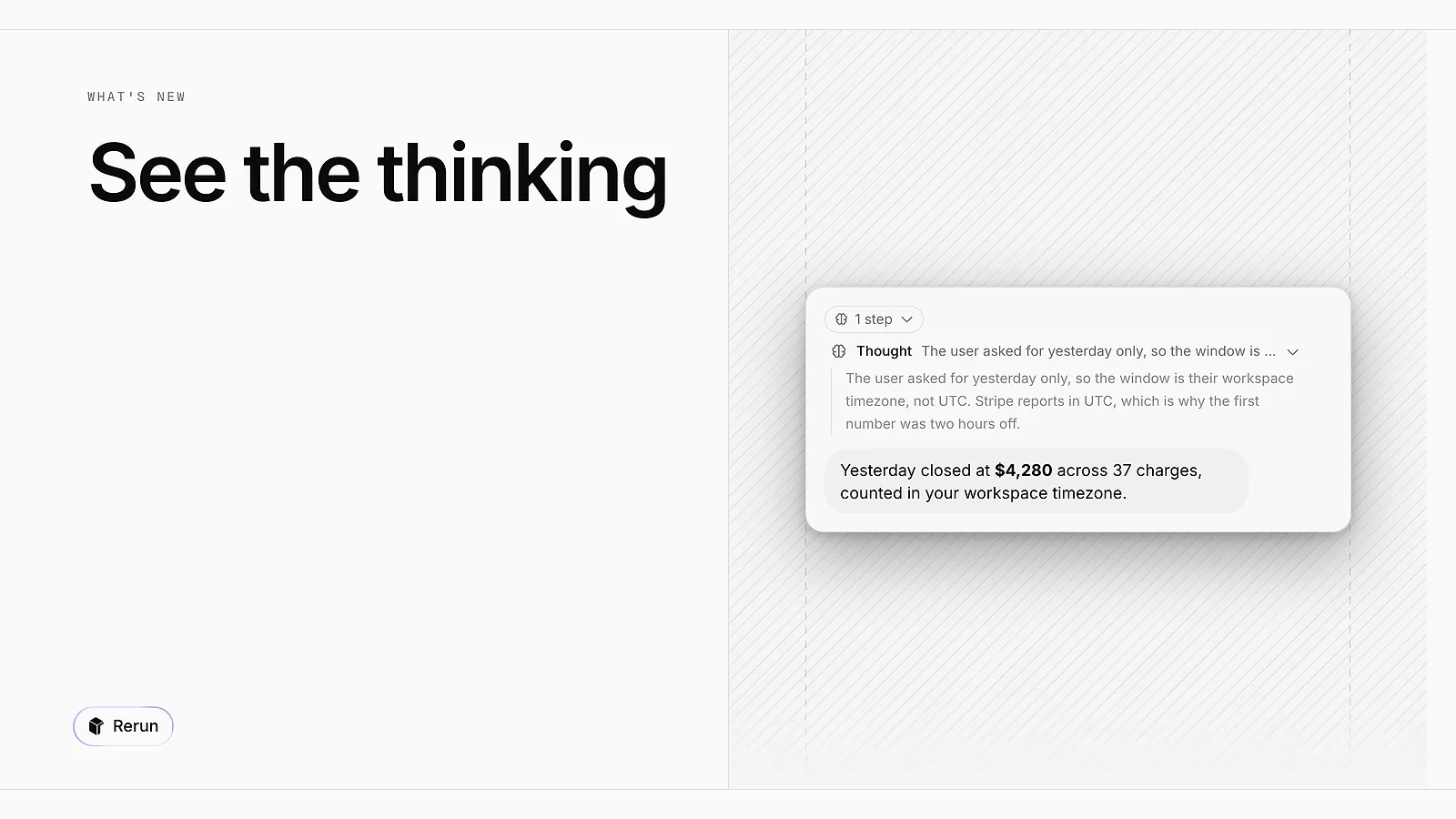
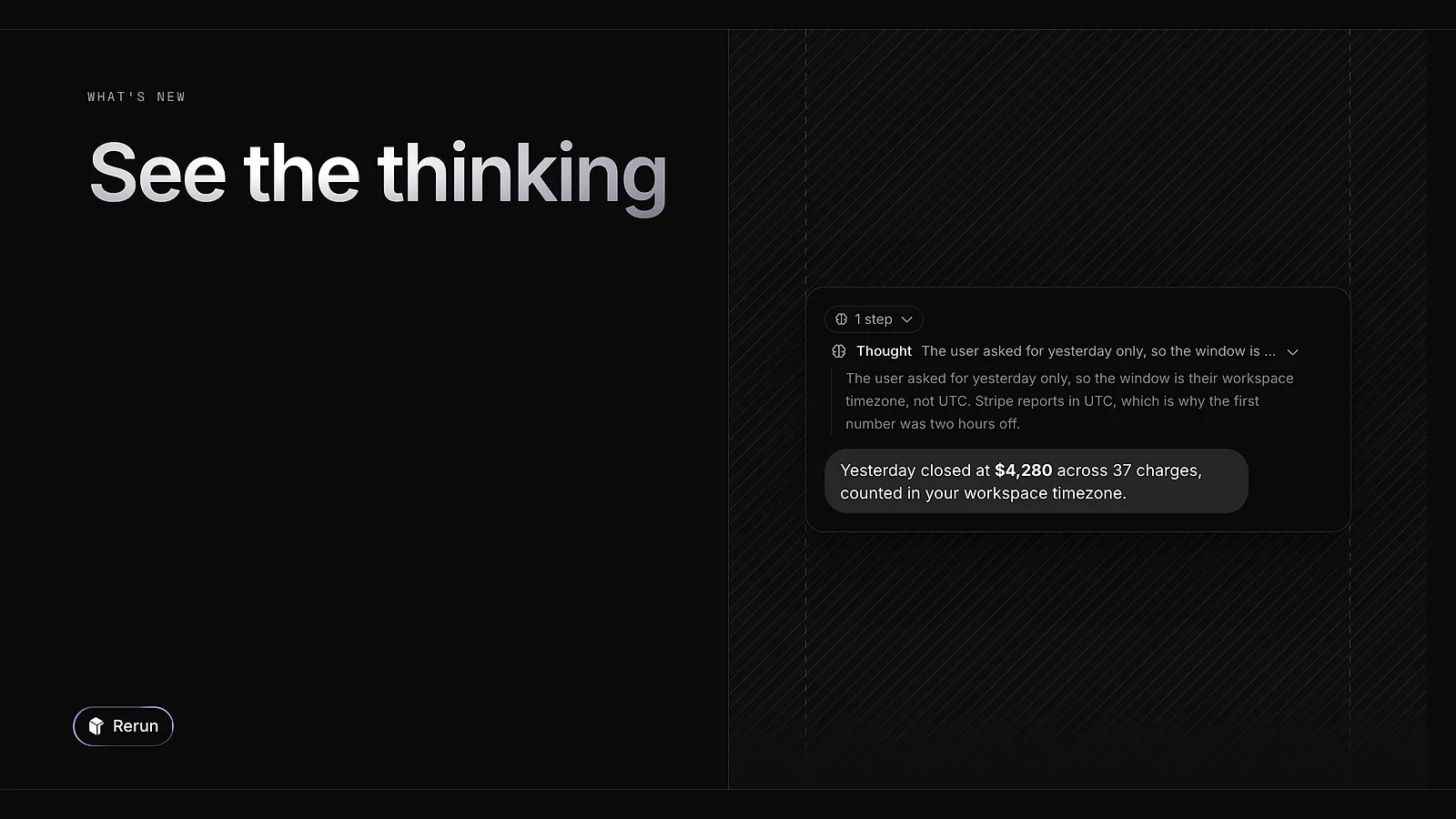
When a model reasons before it answers, that reasoning now shows in the chat as a step you can unfold: Thinking while it streams, Thought once it is done. It works with every provider, Anthropic, OpenAI, Google and OpenRouter included.
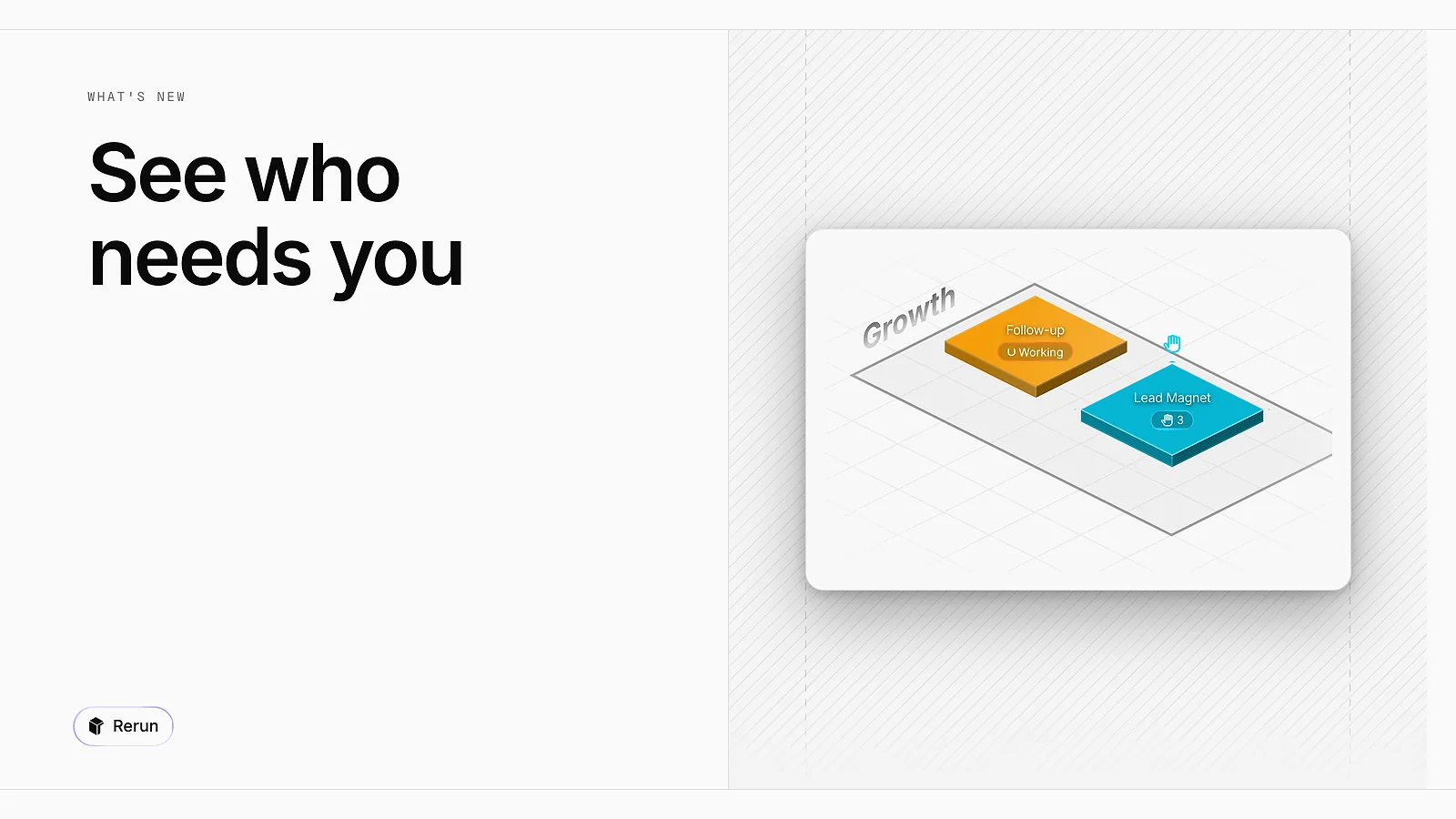
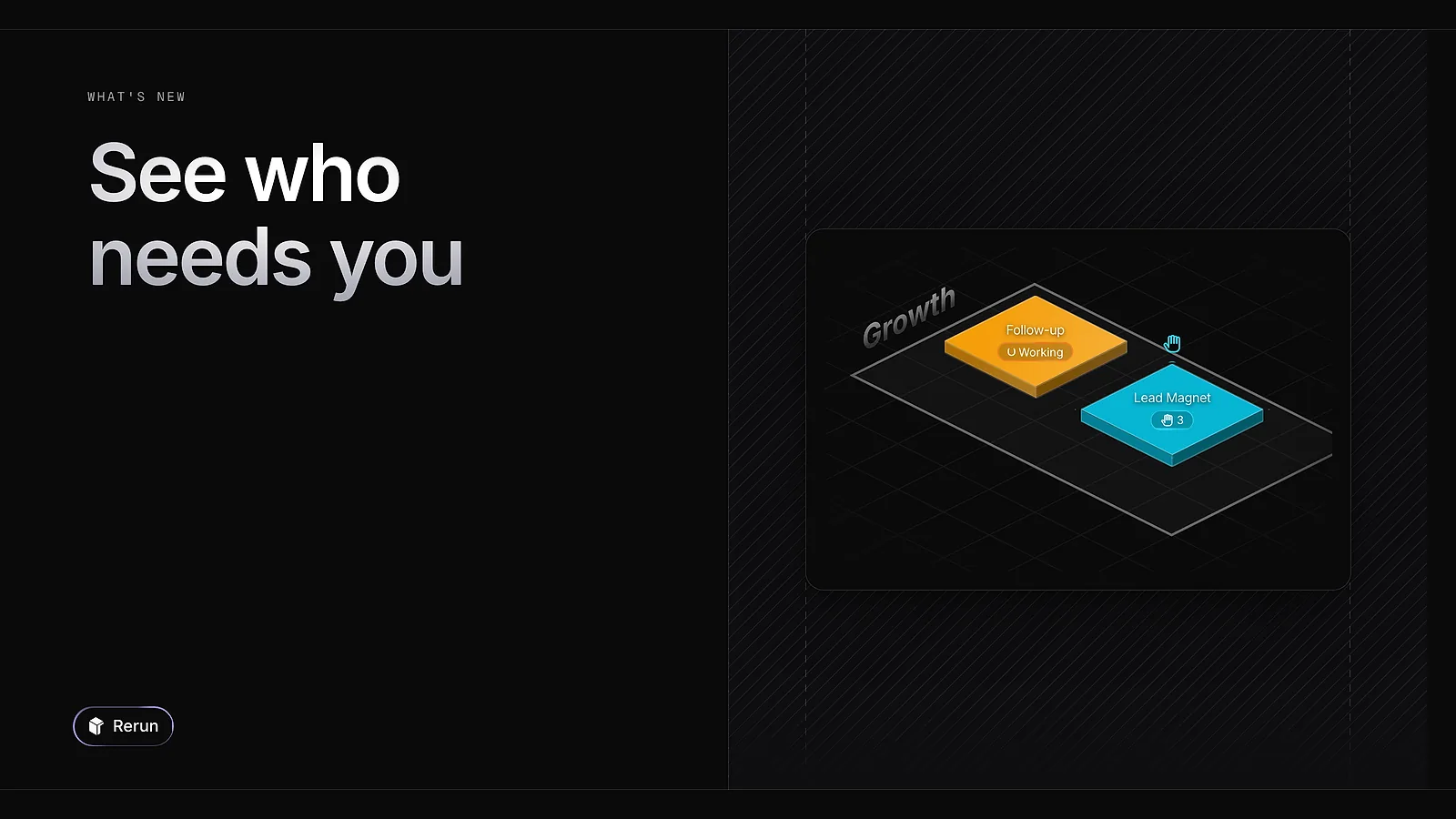
Each agent's tile now carries a status line under its name: working, in error, or waiting for you, with the number of items it is waiting on. One look at the board tells you where to go first.
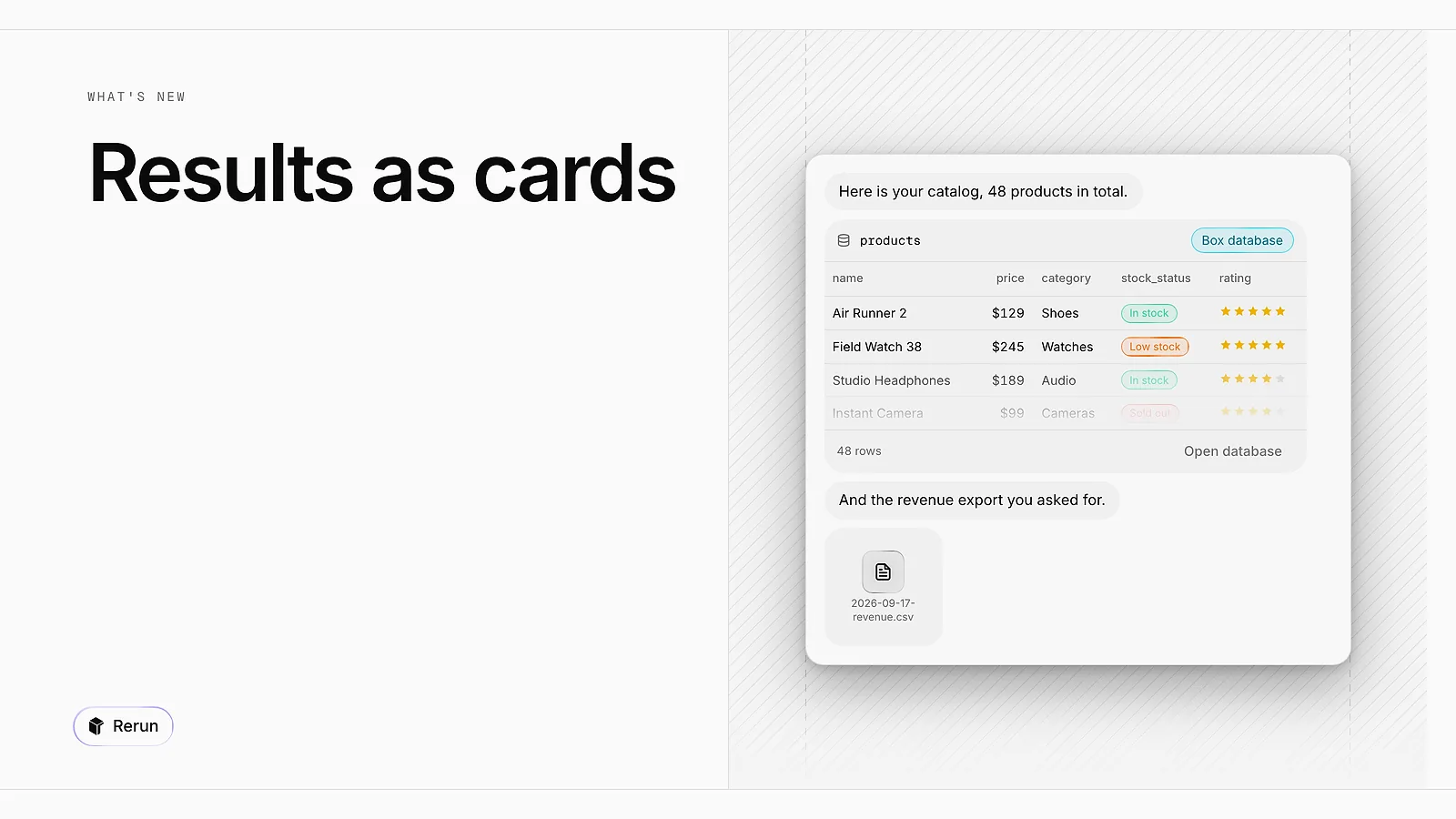
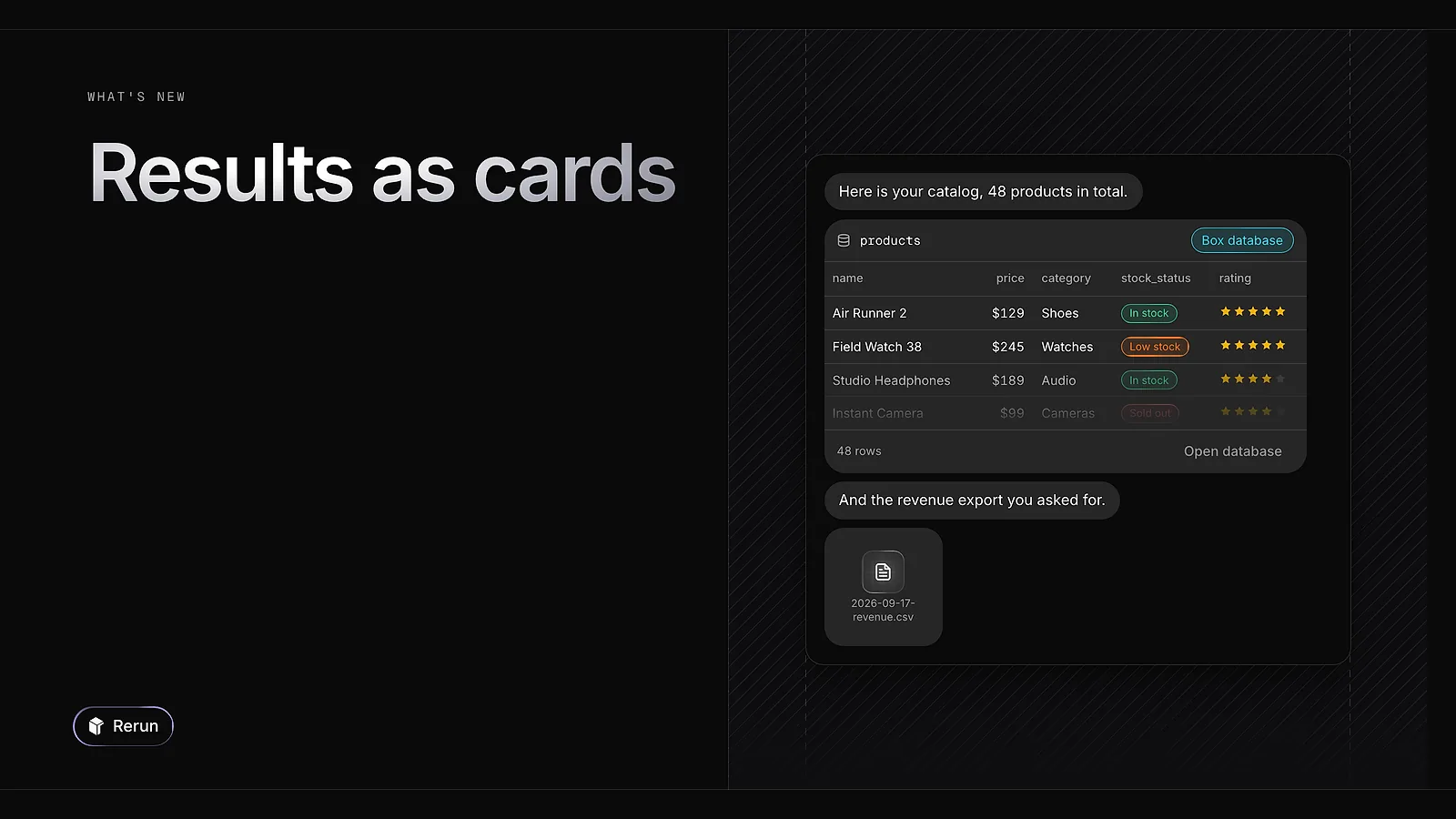
An agent can now show a table or a file as a card inside the conversation, so the result is in front of you with the answer. Click the card to open the table or the file.
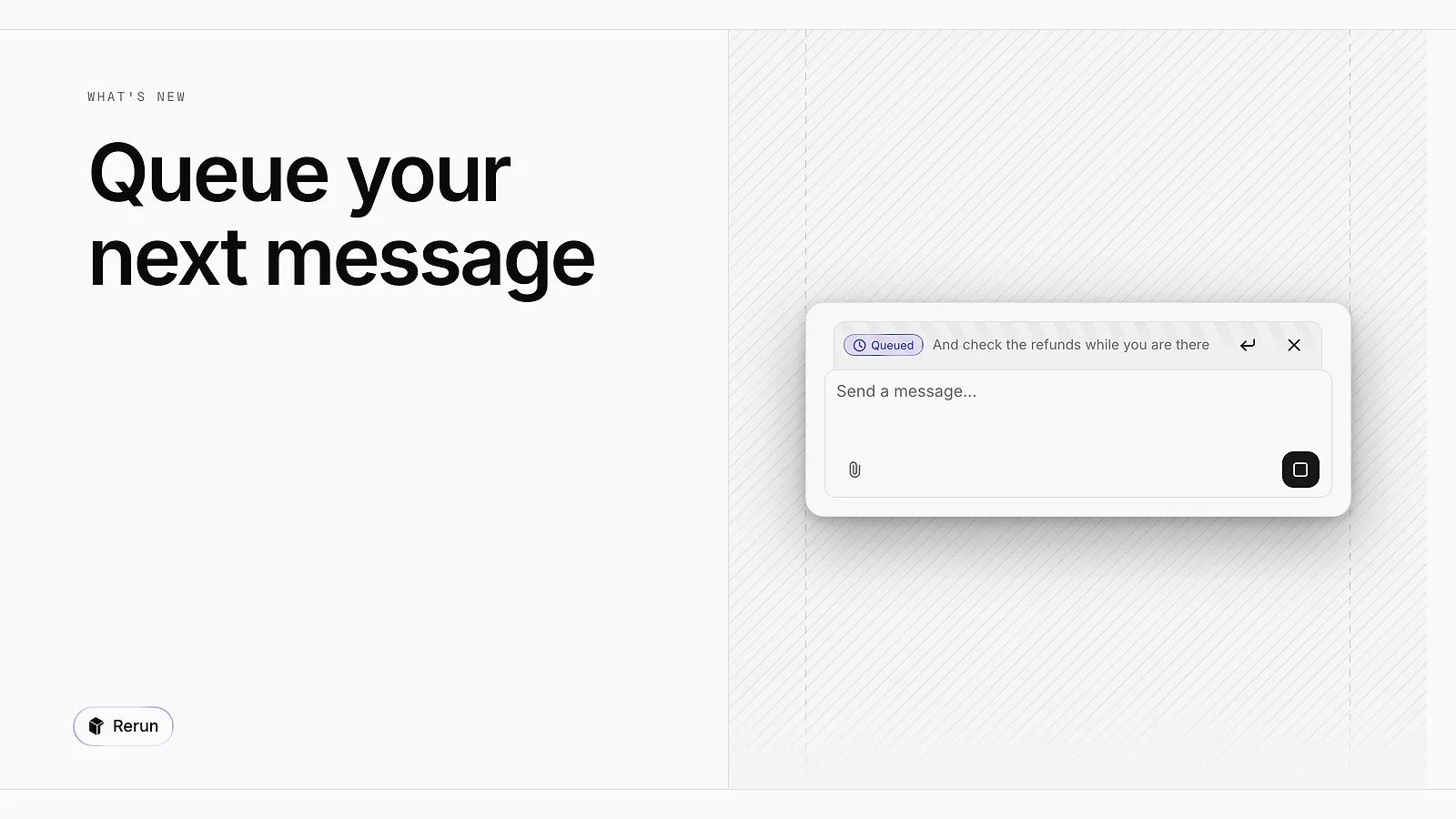
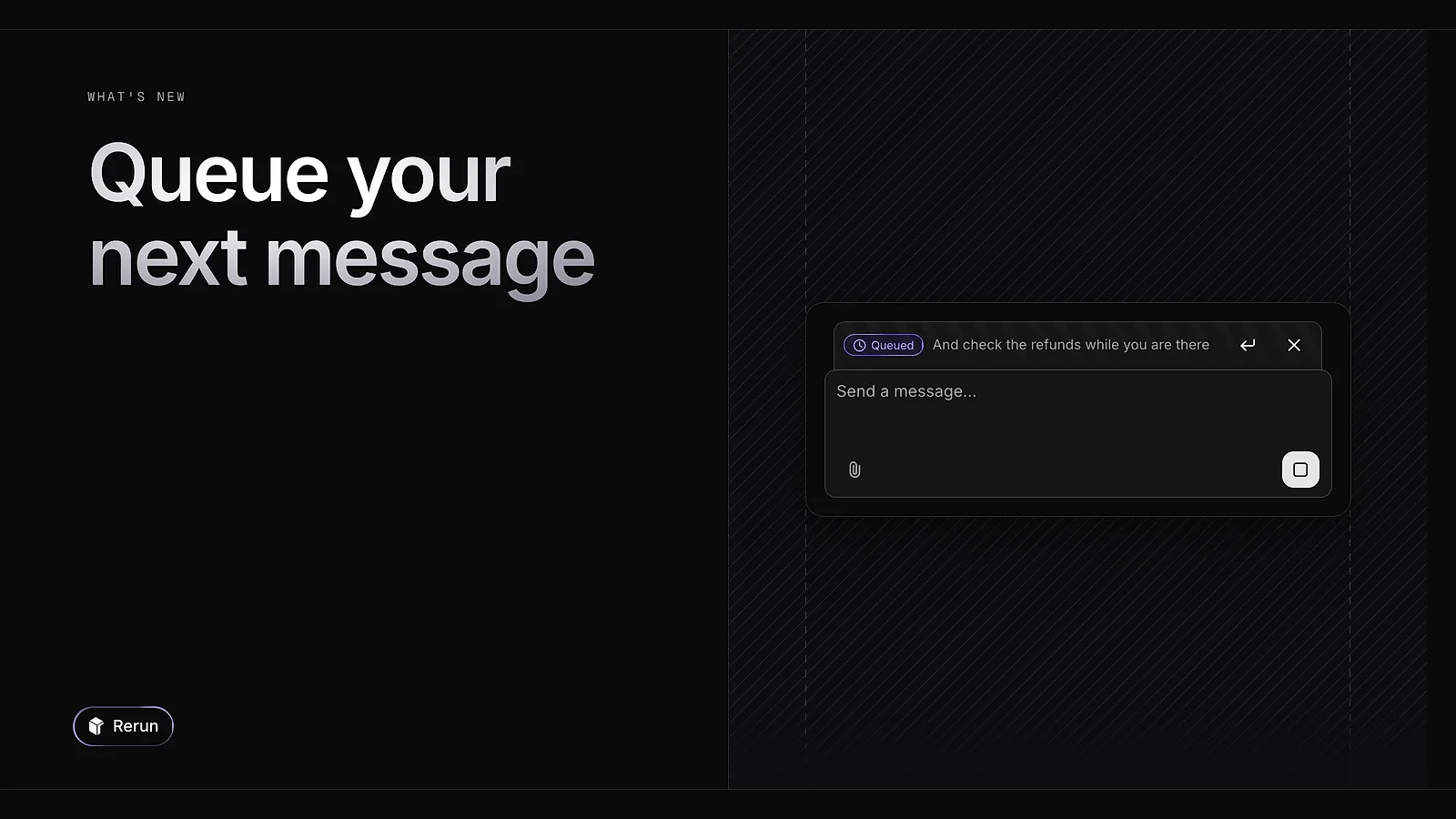
A message sent during a run now waits in a Queued strip above the composer and leaves on its own when the run ends. Send now stops the current run and sends it right away.
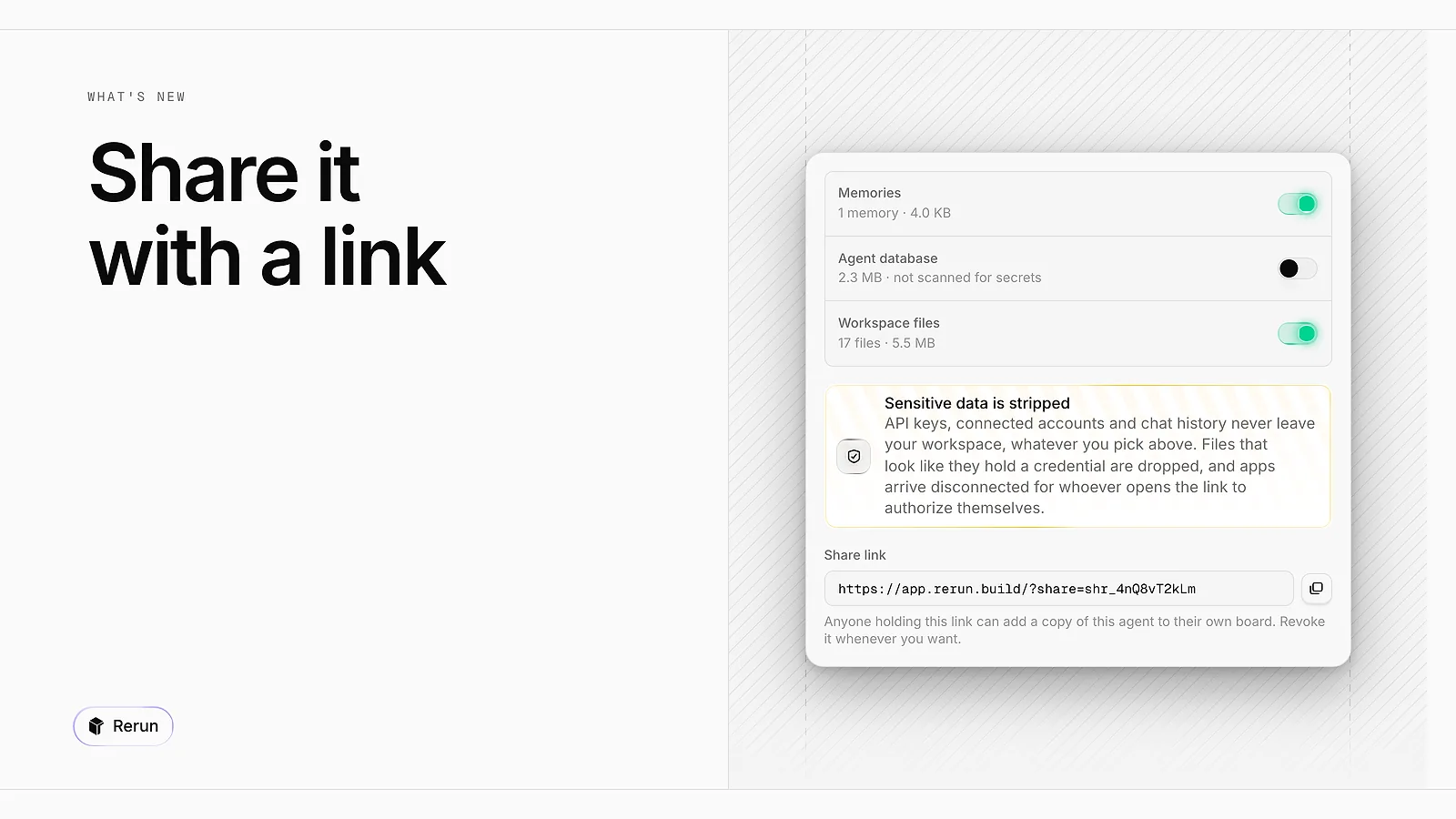
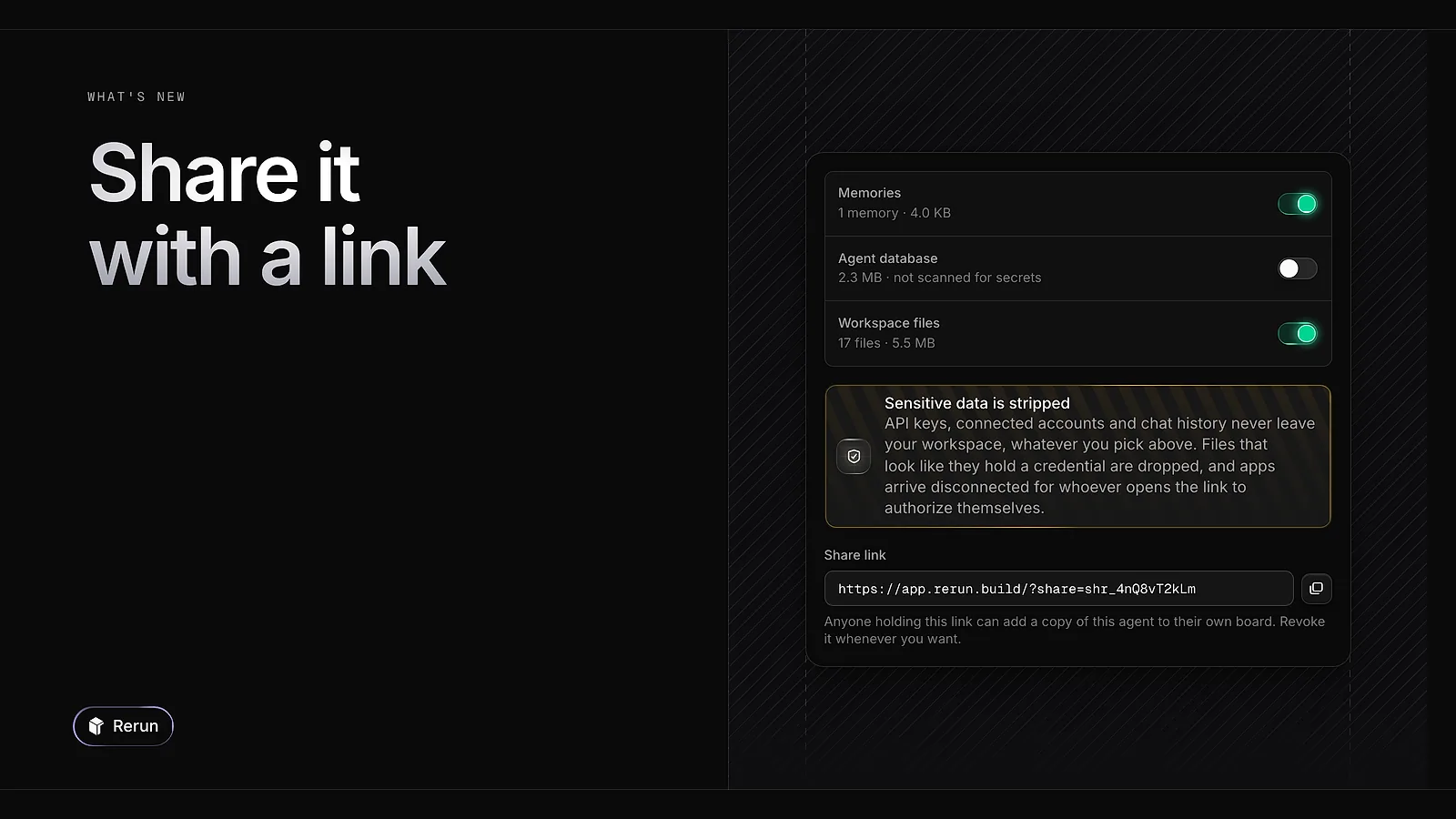
Right-click an agent, choose Share, and you get a link. Whoever opens it adds a copy of the agent to their own board. You decide whether its memories, database and files travel with it. API keys, connected accounts and chat history never do.

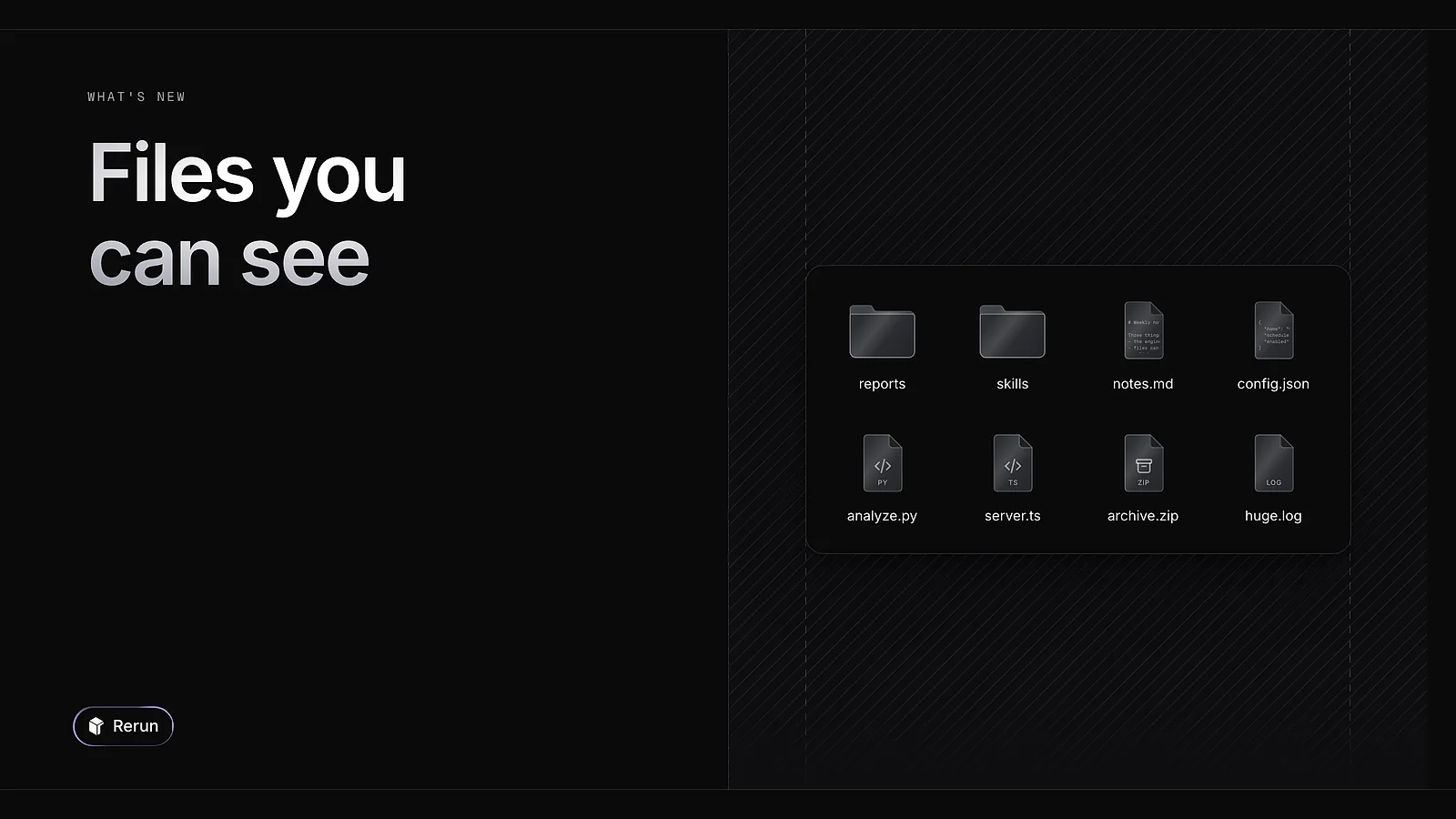
An agent's files now show as a grid of icons with thumbnails. Right-click a file to open, download, rename or publish it. Text files open in an editor, and the arrow keys step through the folder.
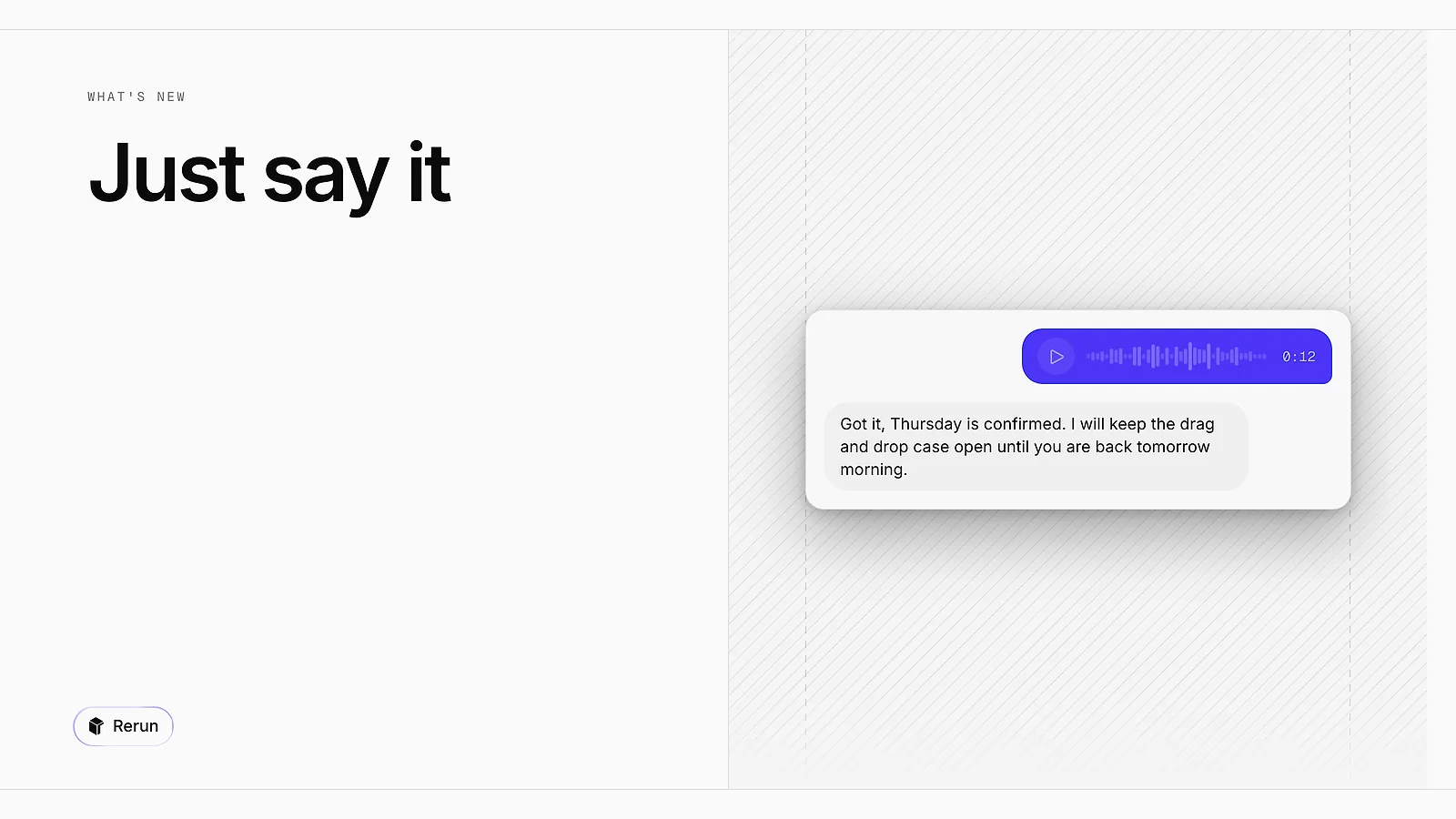
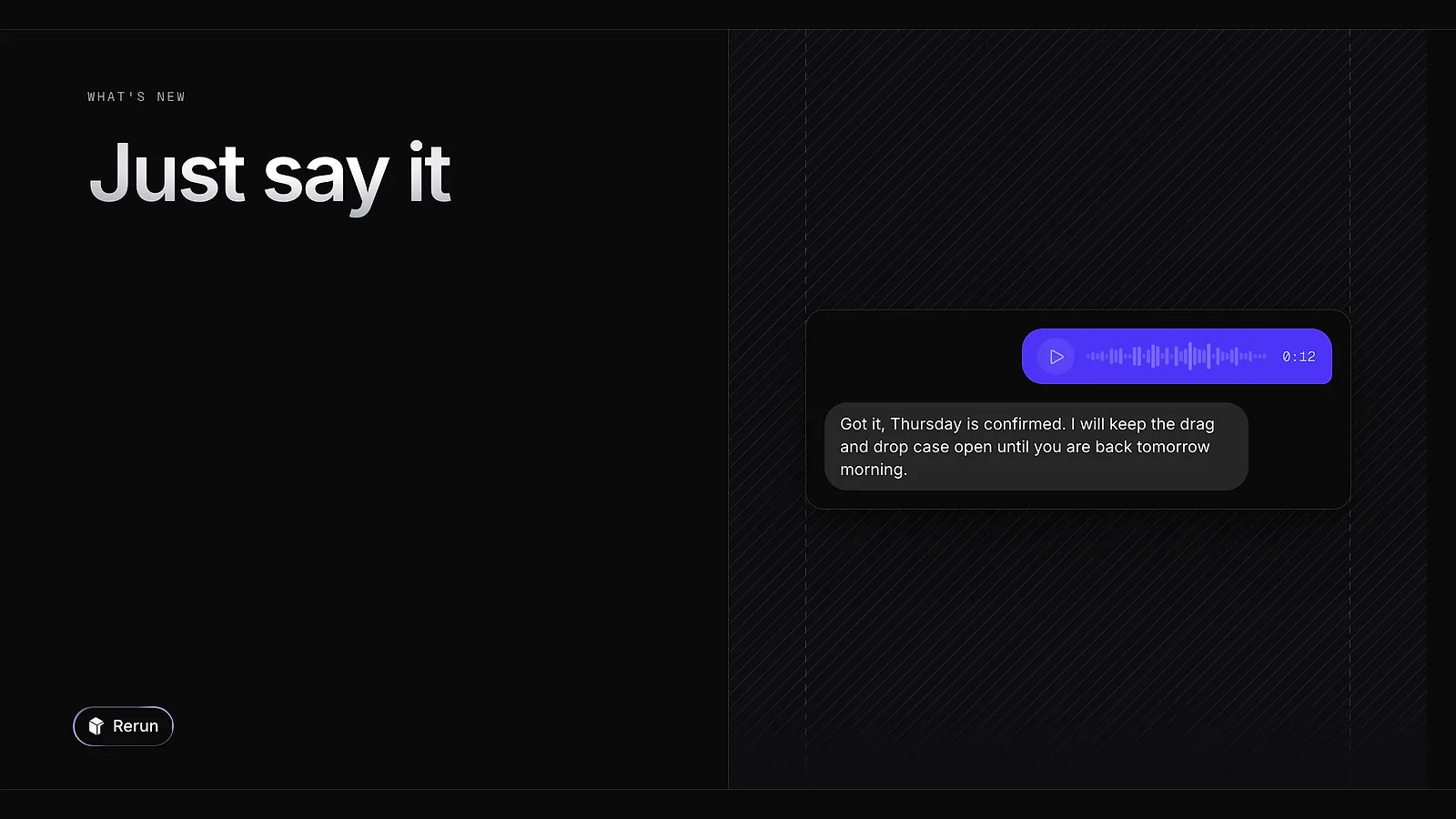
Record a voice message straight from the composer, up to five minutes. It is transcribed for the agent and stays in the chat as a waveform you can play back. Any files attached in the composer leave with it.
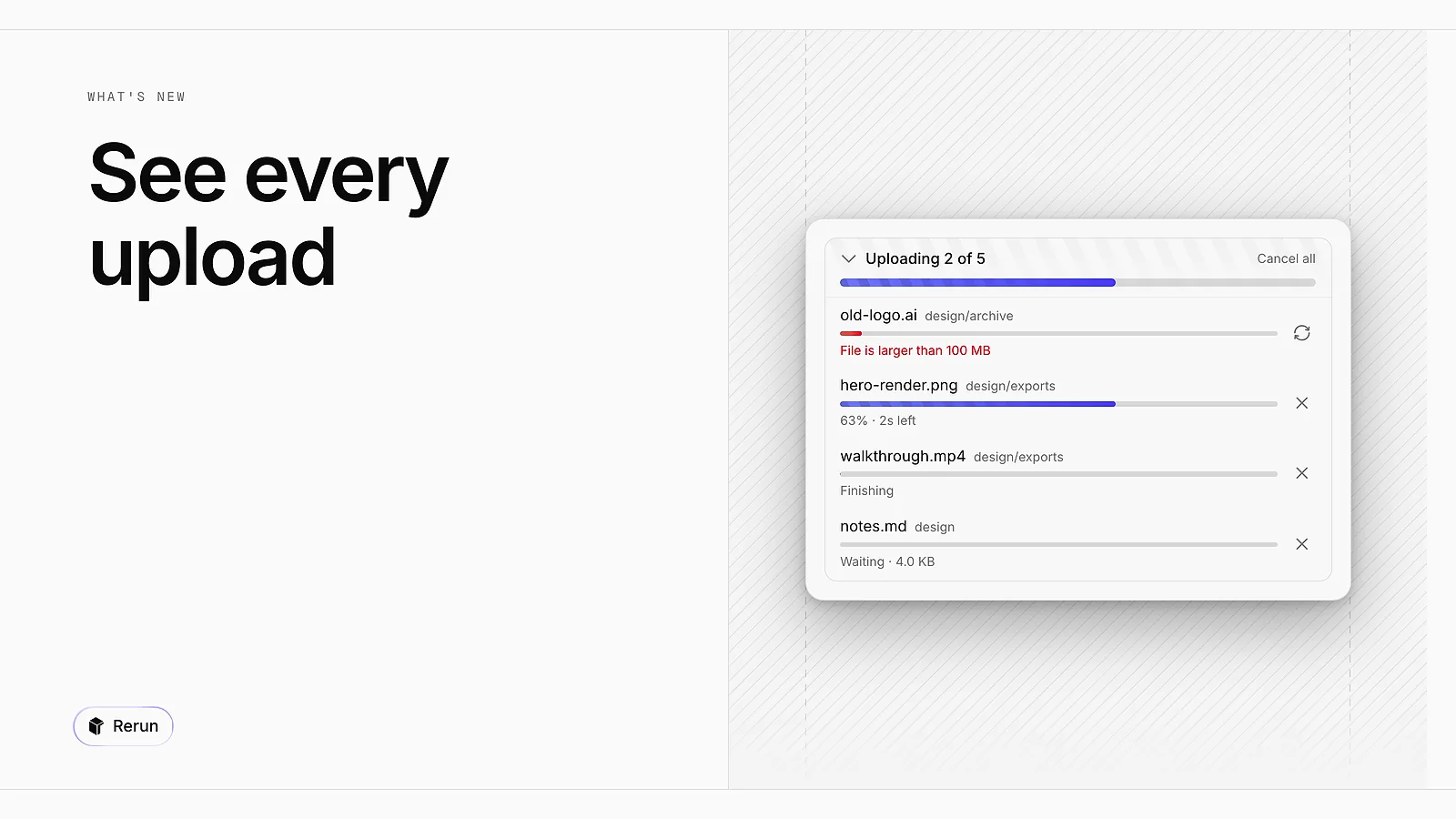
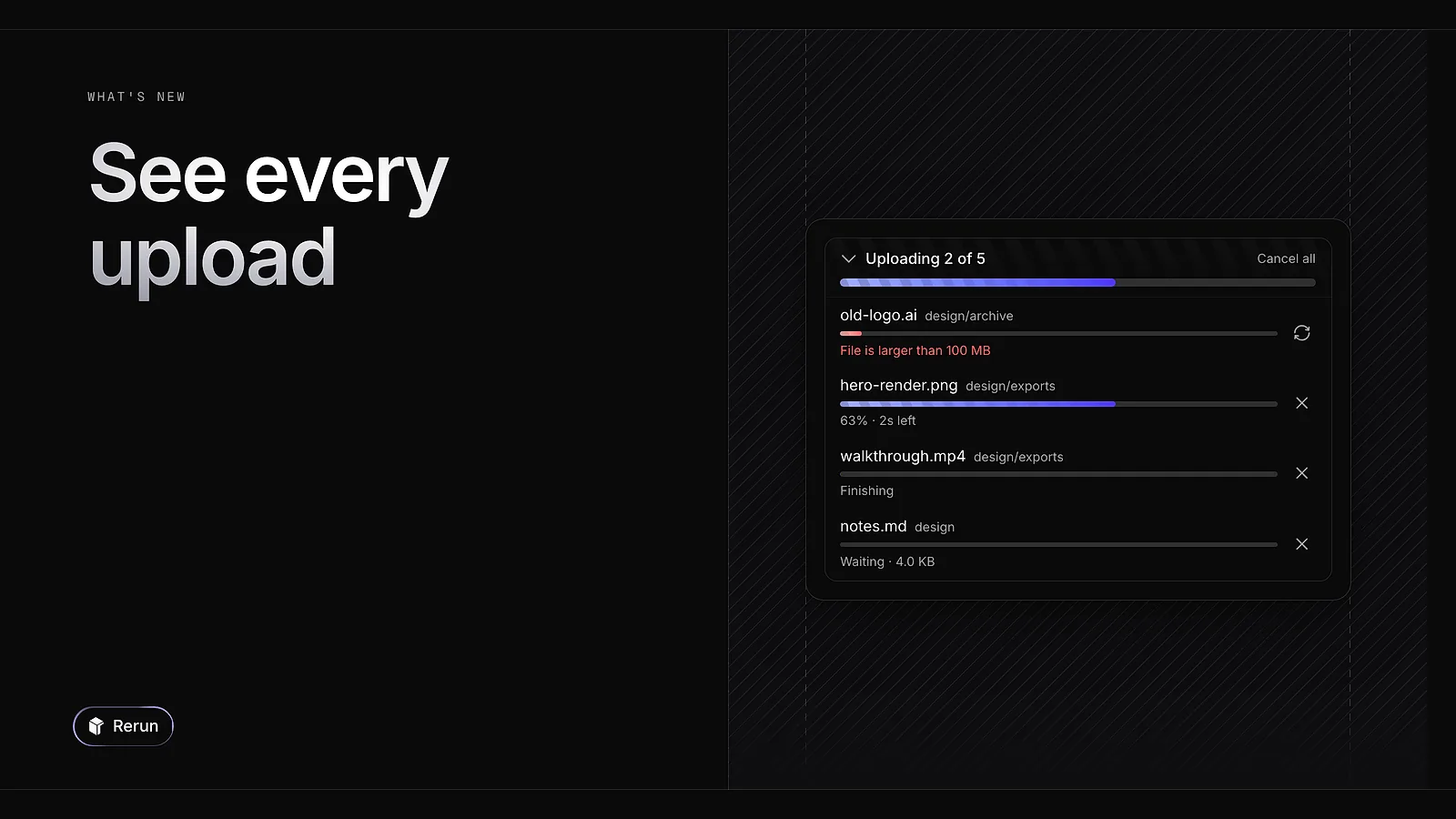
Each file you upload now shows its own progress, and you can cancel it on the way. A tray sums up the batch and tells you which files failed. Files go up to 100 MB each.
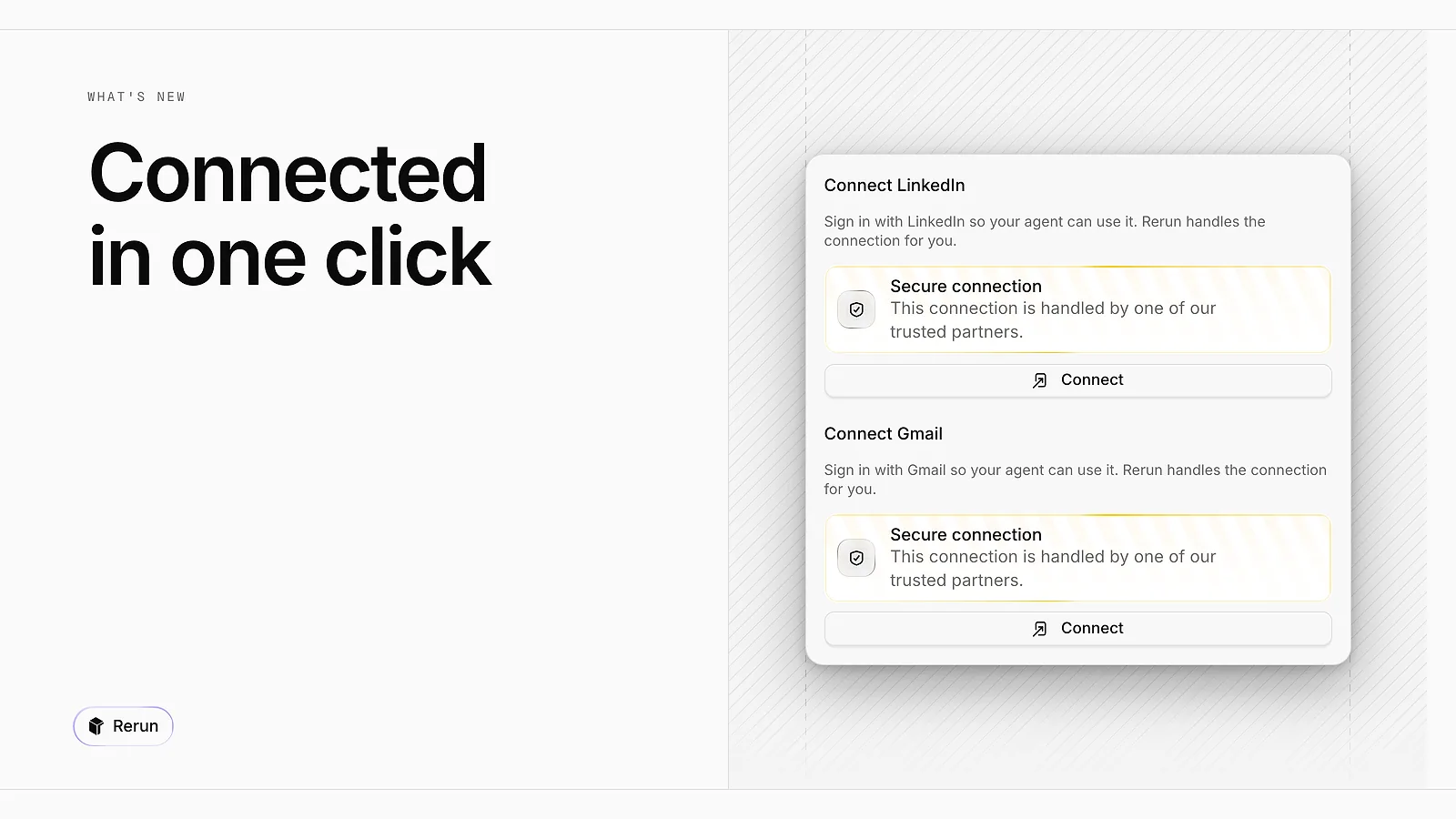
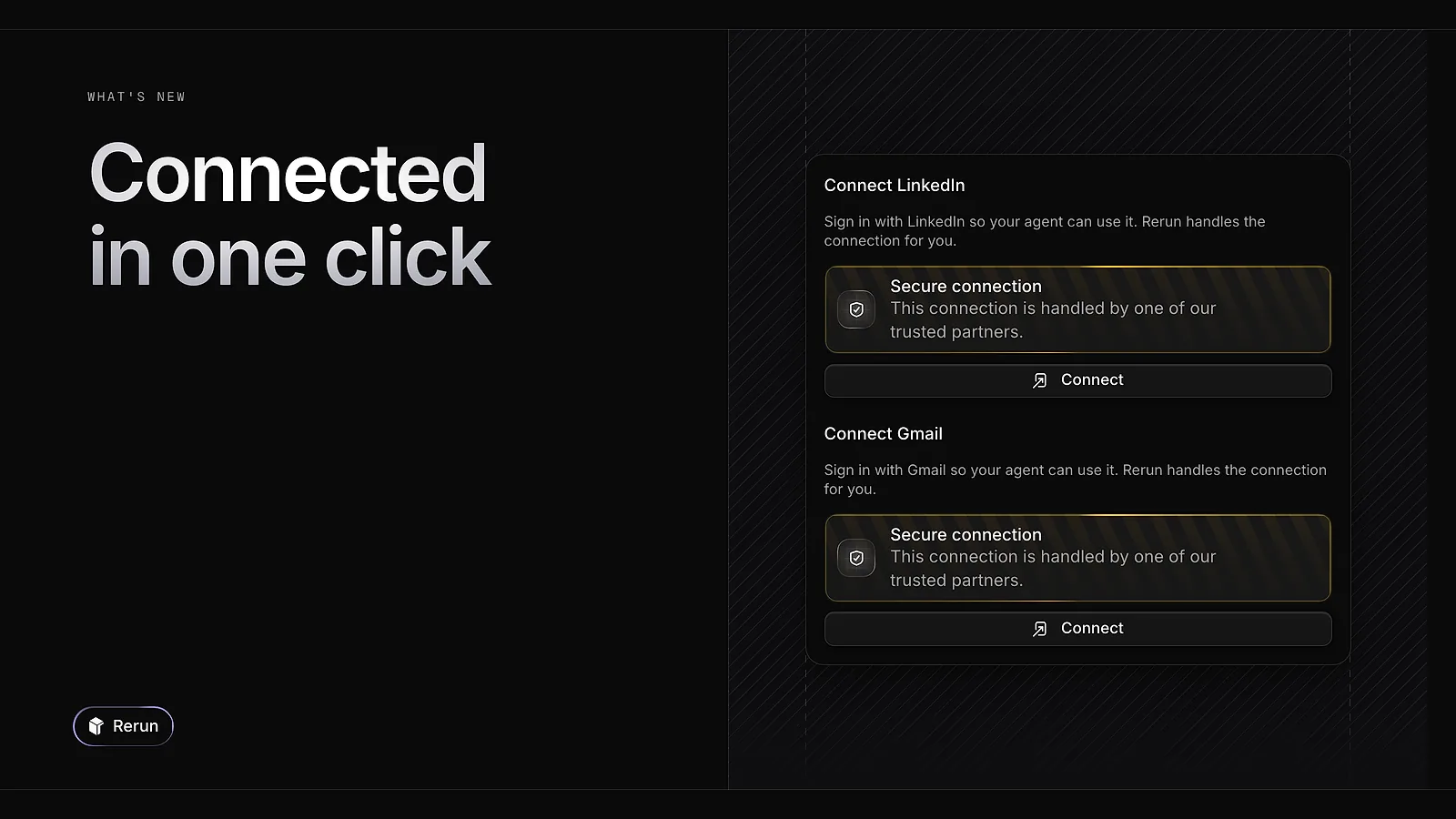
LinkedIn and Gmail now connect with one Connect button in an agent's Apps tab. You sign in to your account and you are done: no developer app to create, no token to paste.
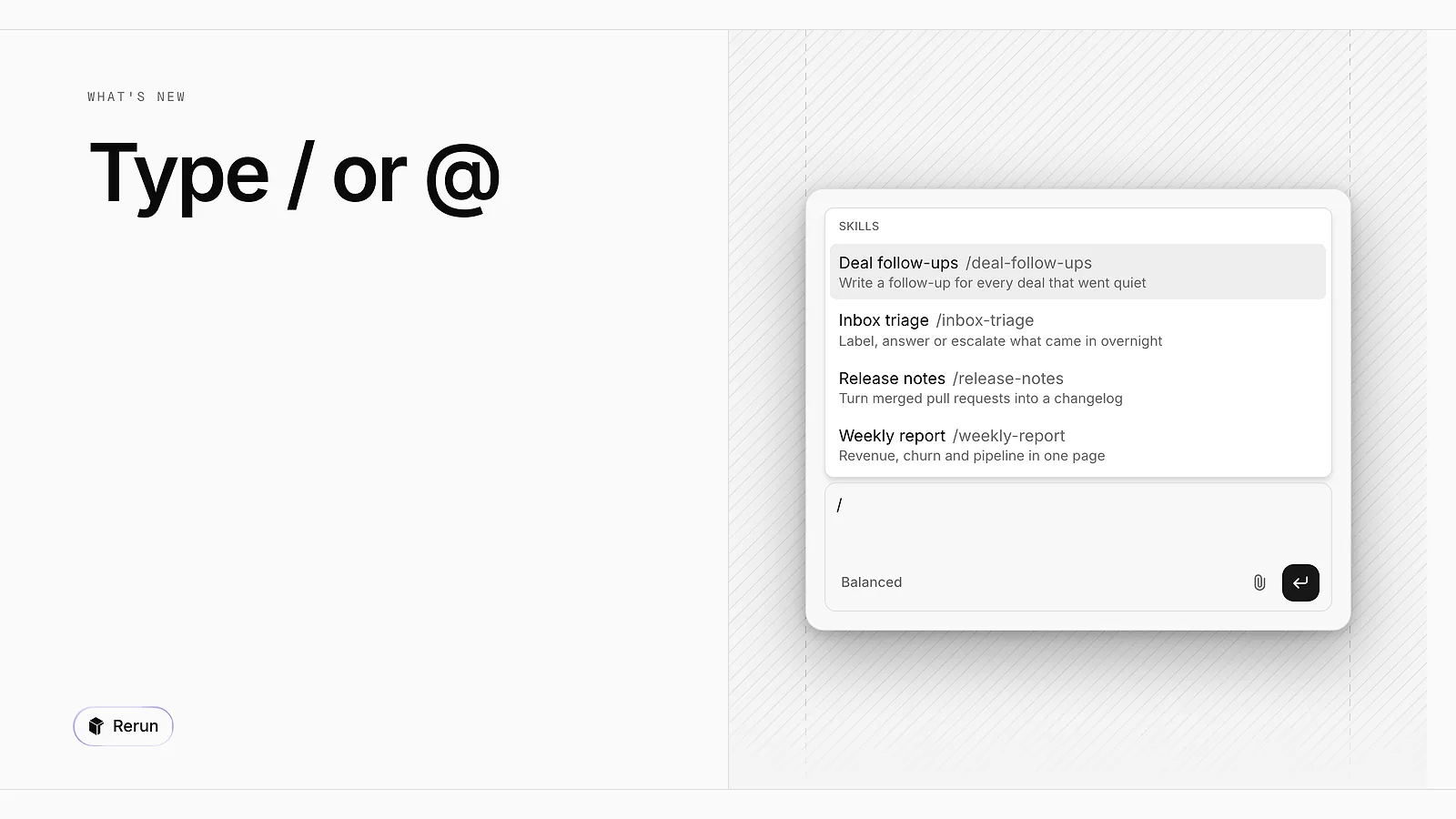
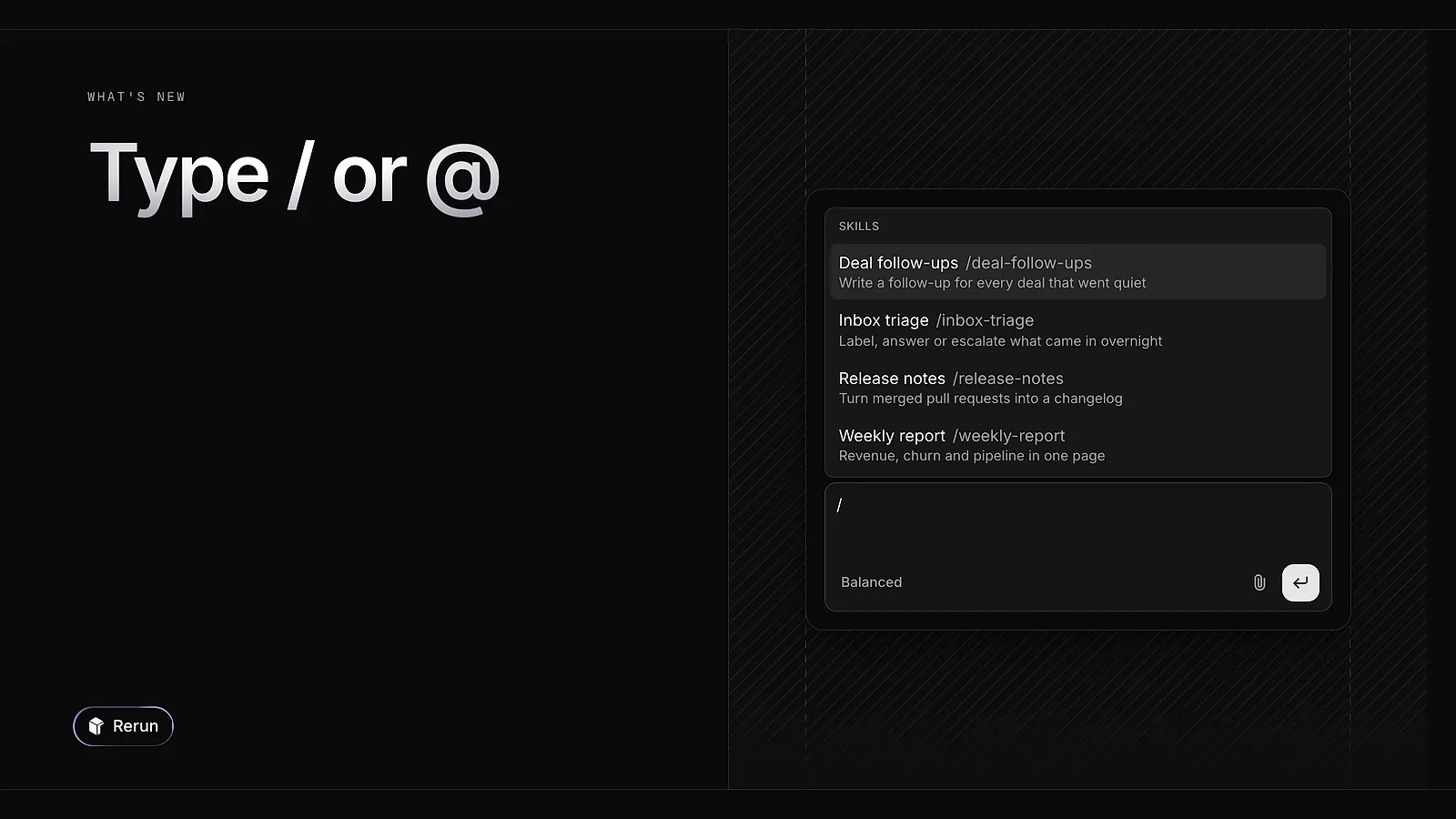
In the composer, / opens the list of the agent's skills and @ the list of your agents. Pick one to point the agent at the right skill, or at the teammate it should bring in.
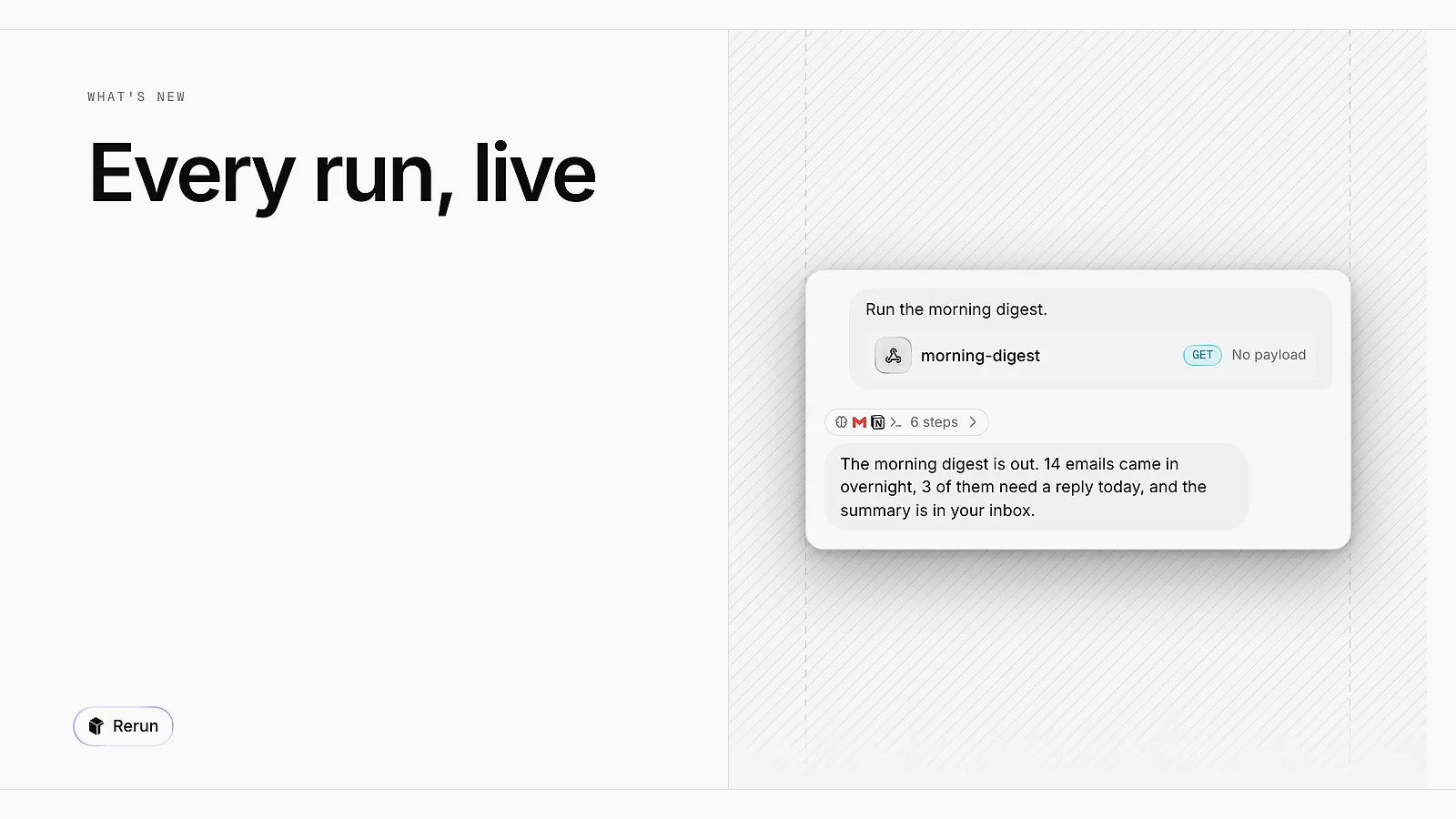
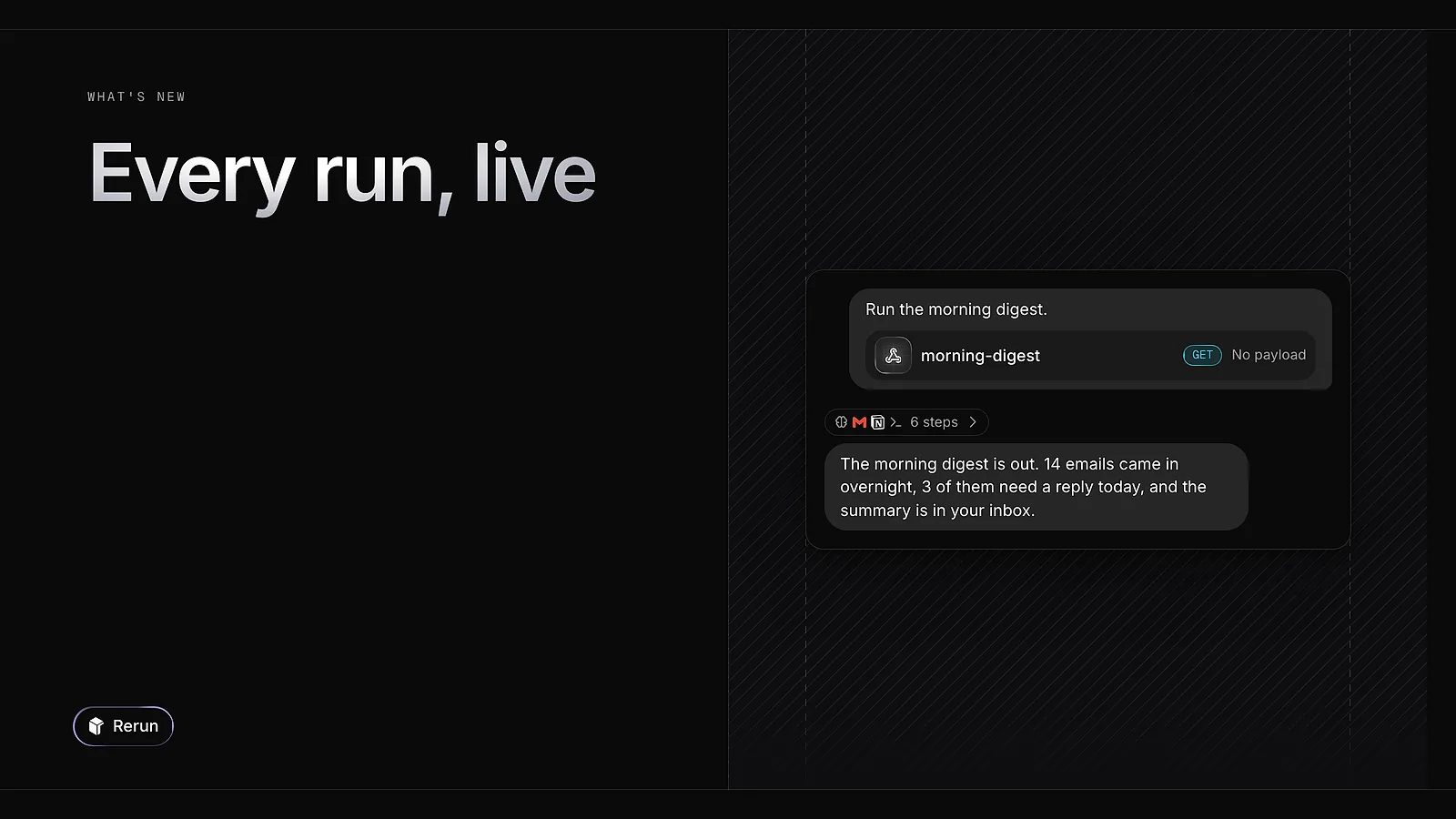
A run started by a schedule, a trigger or another agent now streams into the conversation as it happens. From the run history of Scheduled Runs or Triggers, click a run to open it in the chat.
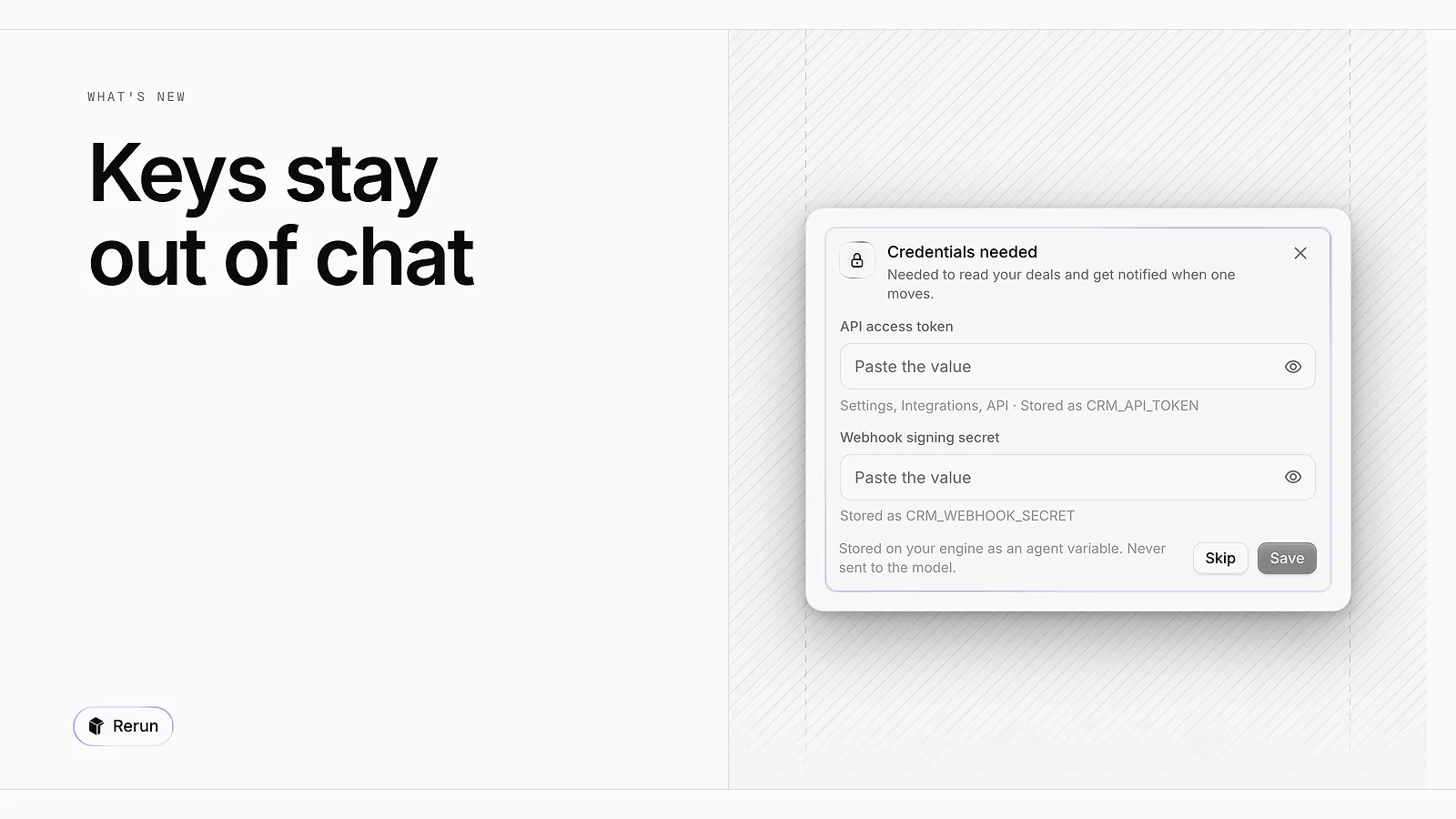
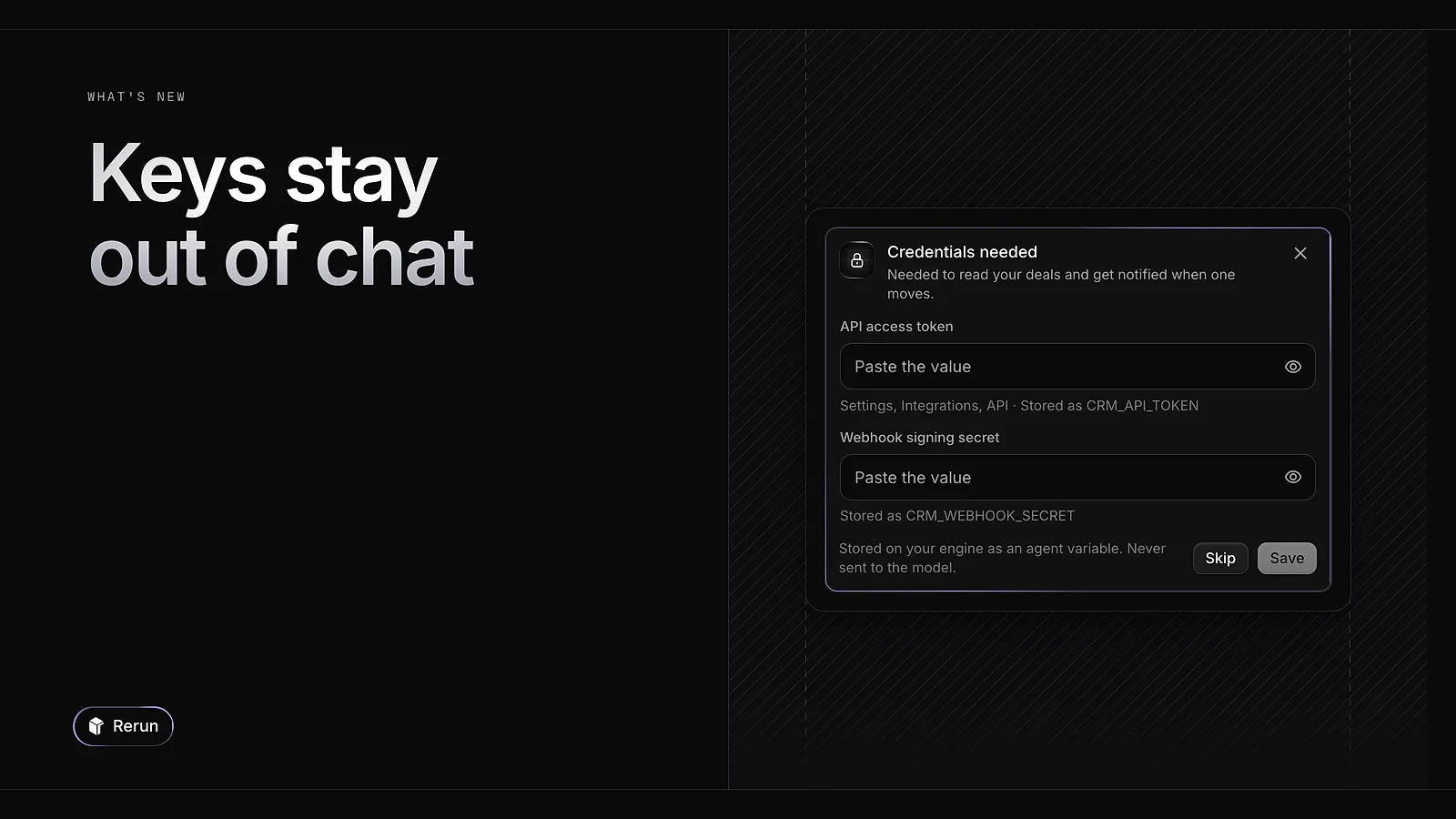
When an agent needs an API key, it now shows a Credential needed form. The value is stored on your engine as an agent variable and is never sent to the model. Agents can also group several actions into one approval card, so you decide on each of them in a single pass.
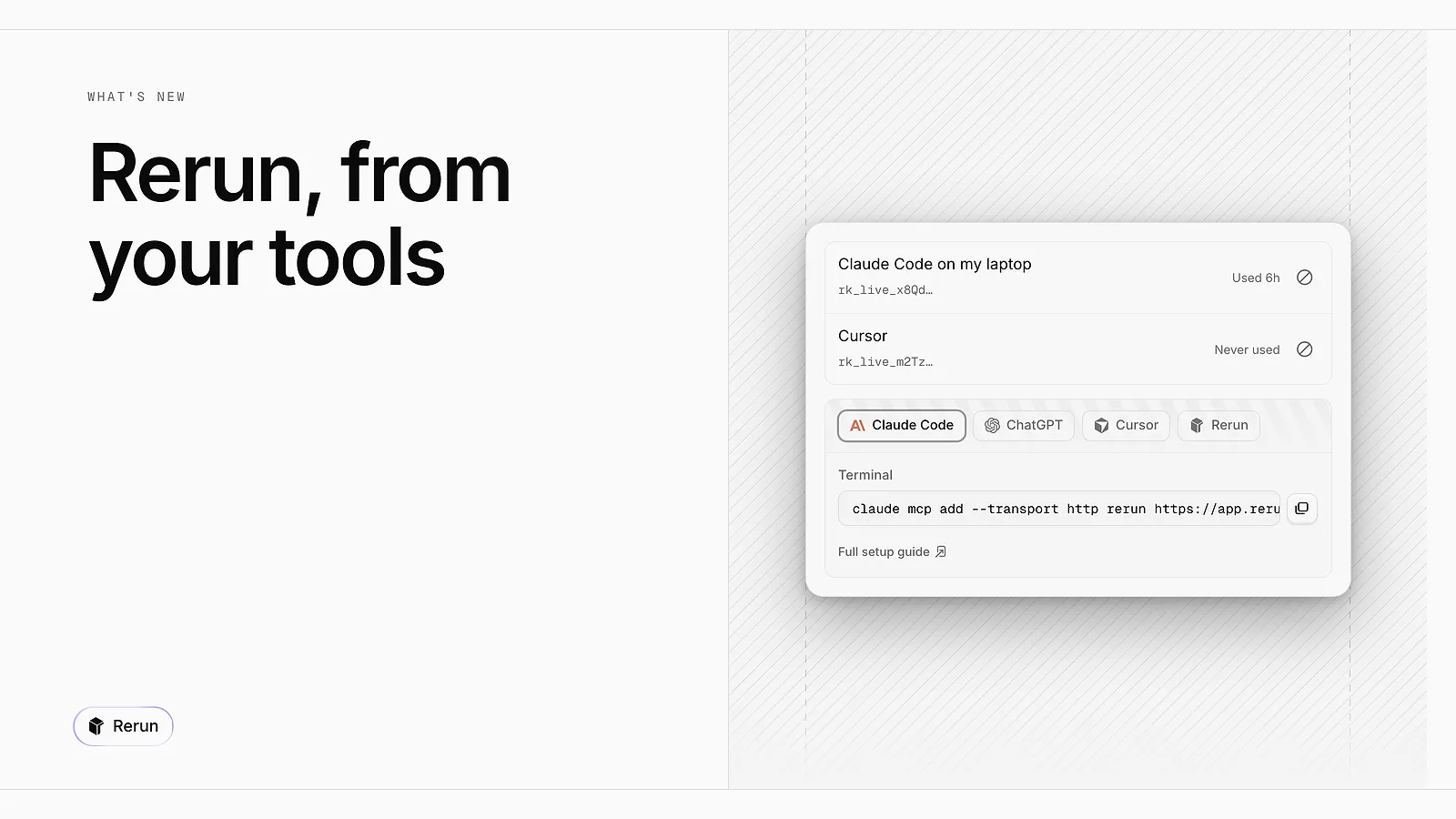
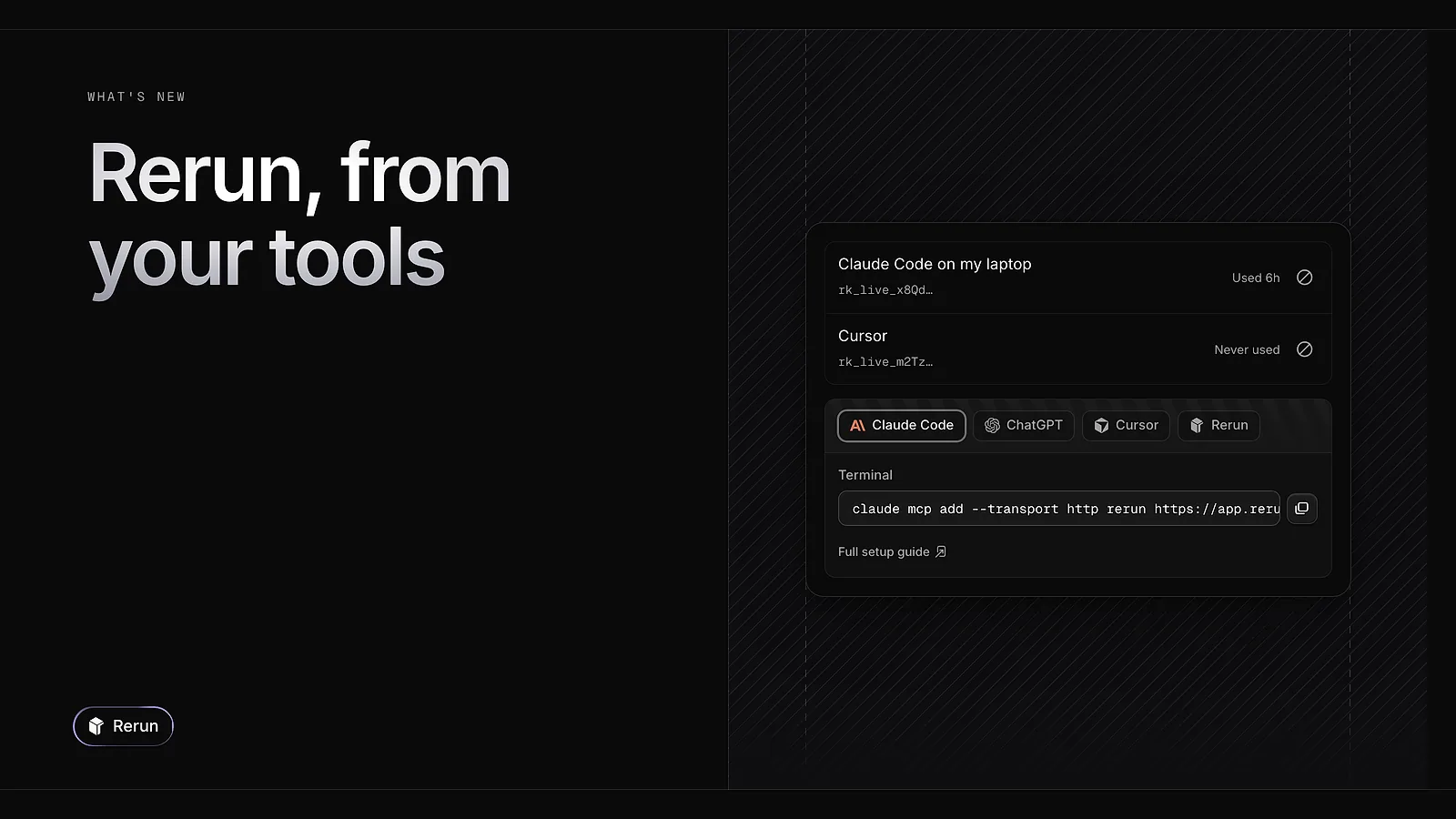
Open API keys & MCP in the workspace menu, create a key and copy the ready-made snippet for Claude Code, ChatGPT or Cursor. Your assistant can then create and edit agents, skills, schedules and triggers in your workspace. Available on paid plans.
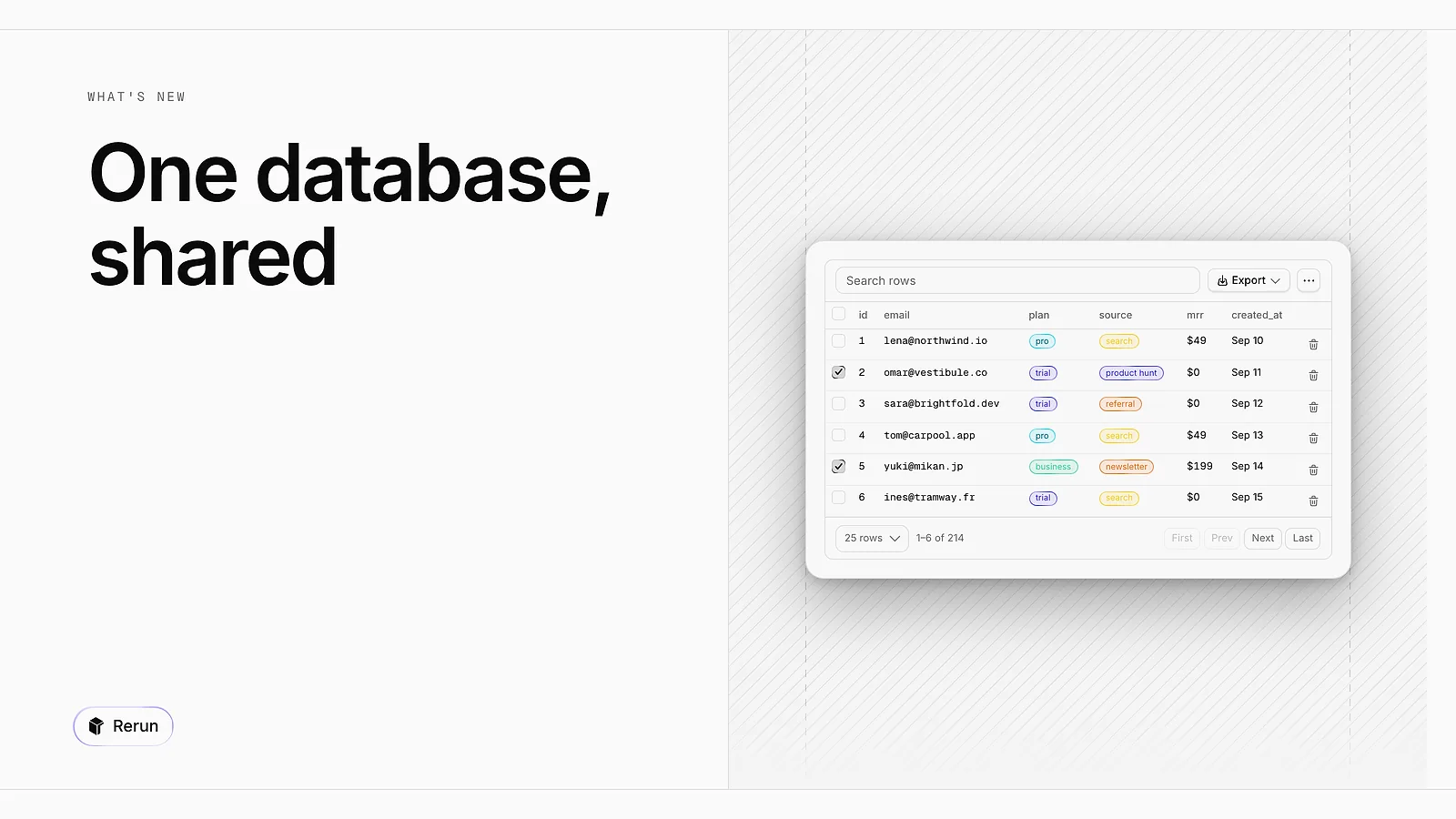
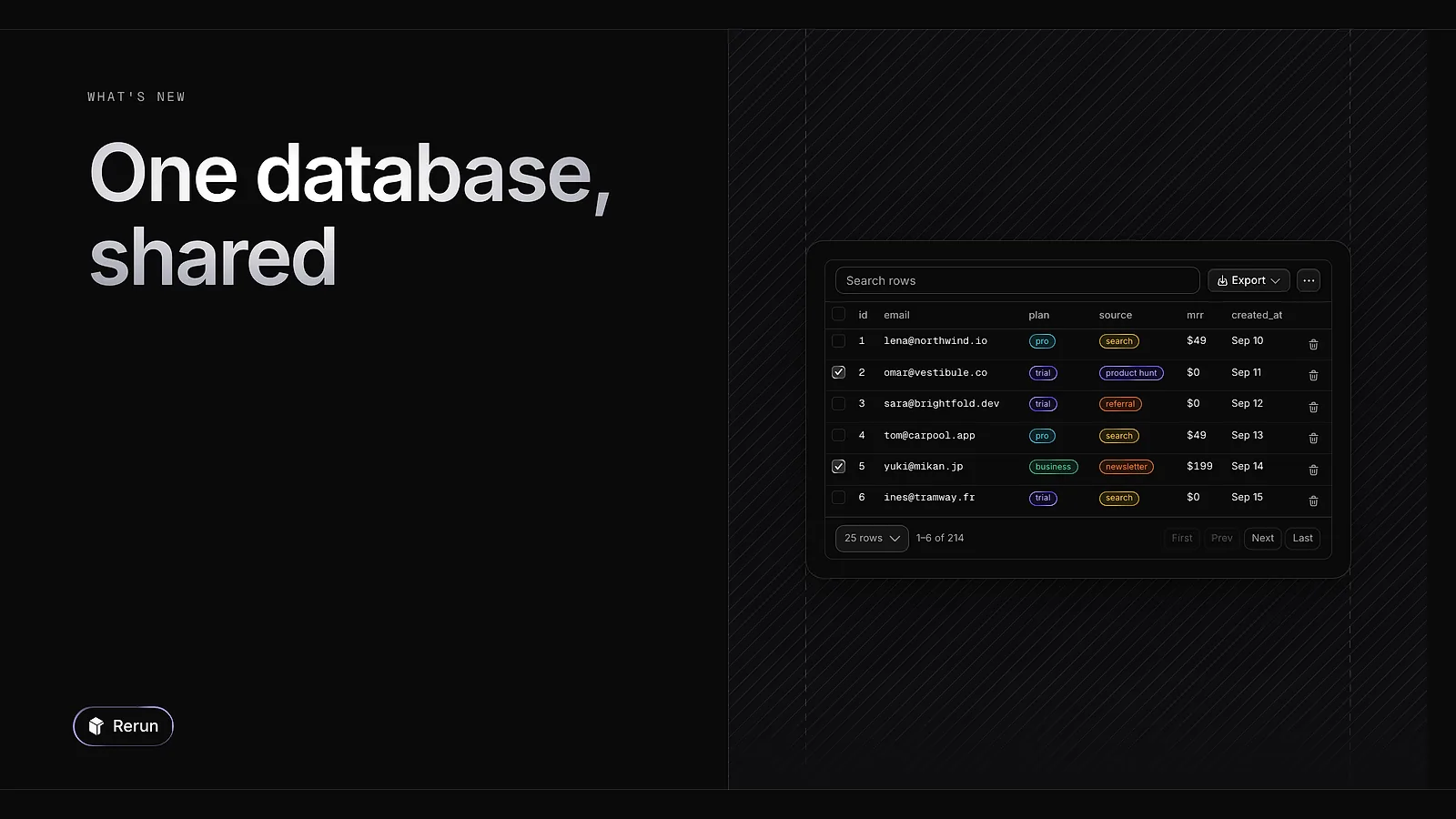
Your agents now share a database on top of their private one. One agent writes the leads, another reads them to send the follow-ups. You browse the shared tables yourself under Database in the Brain.
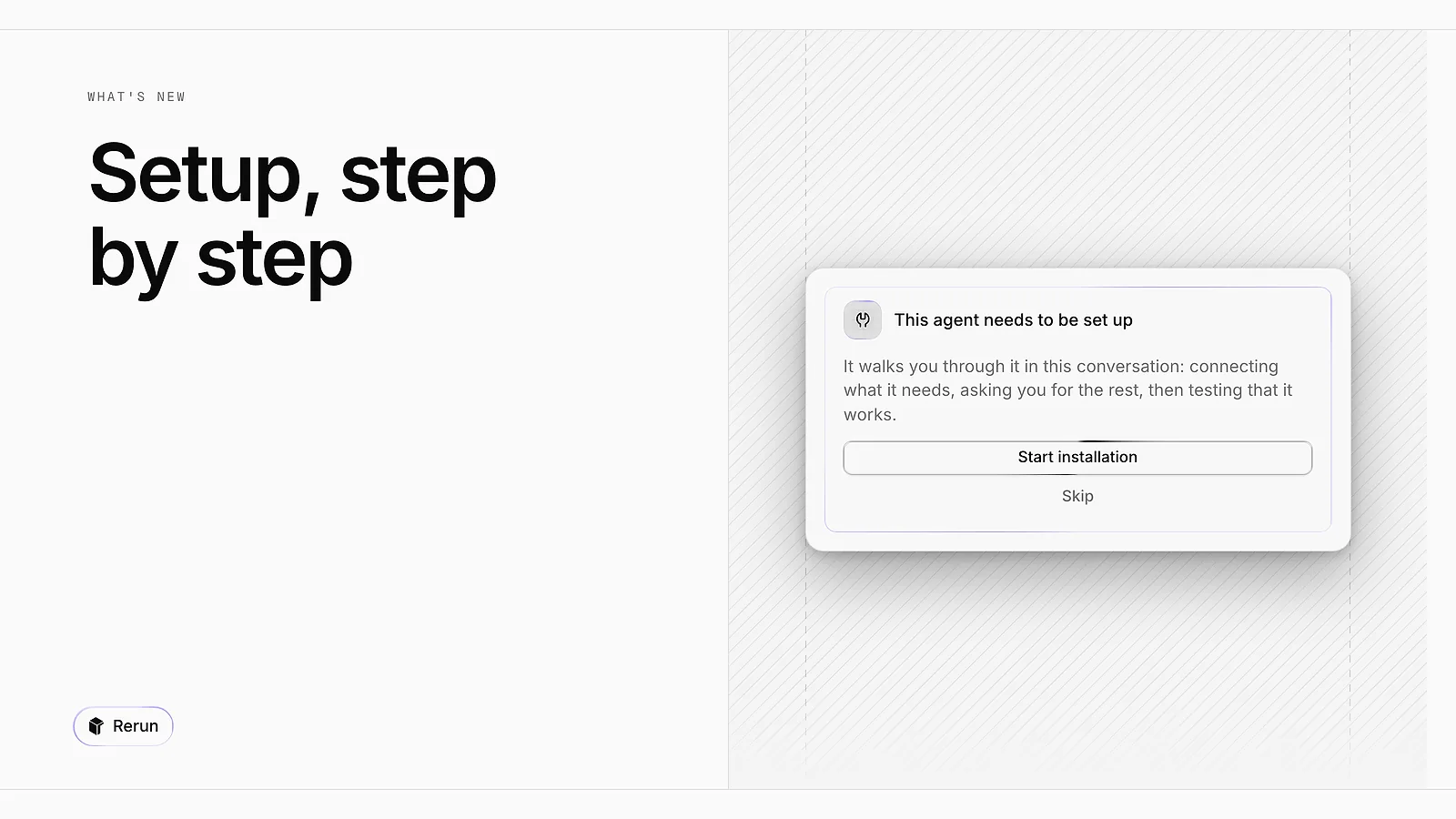
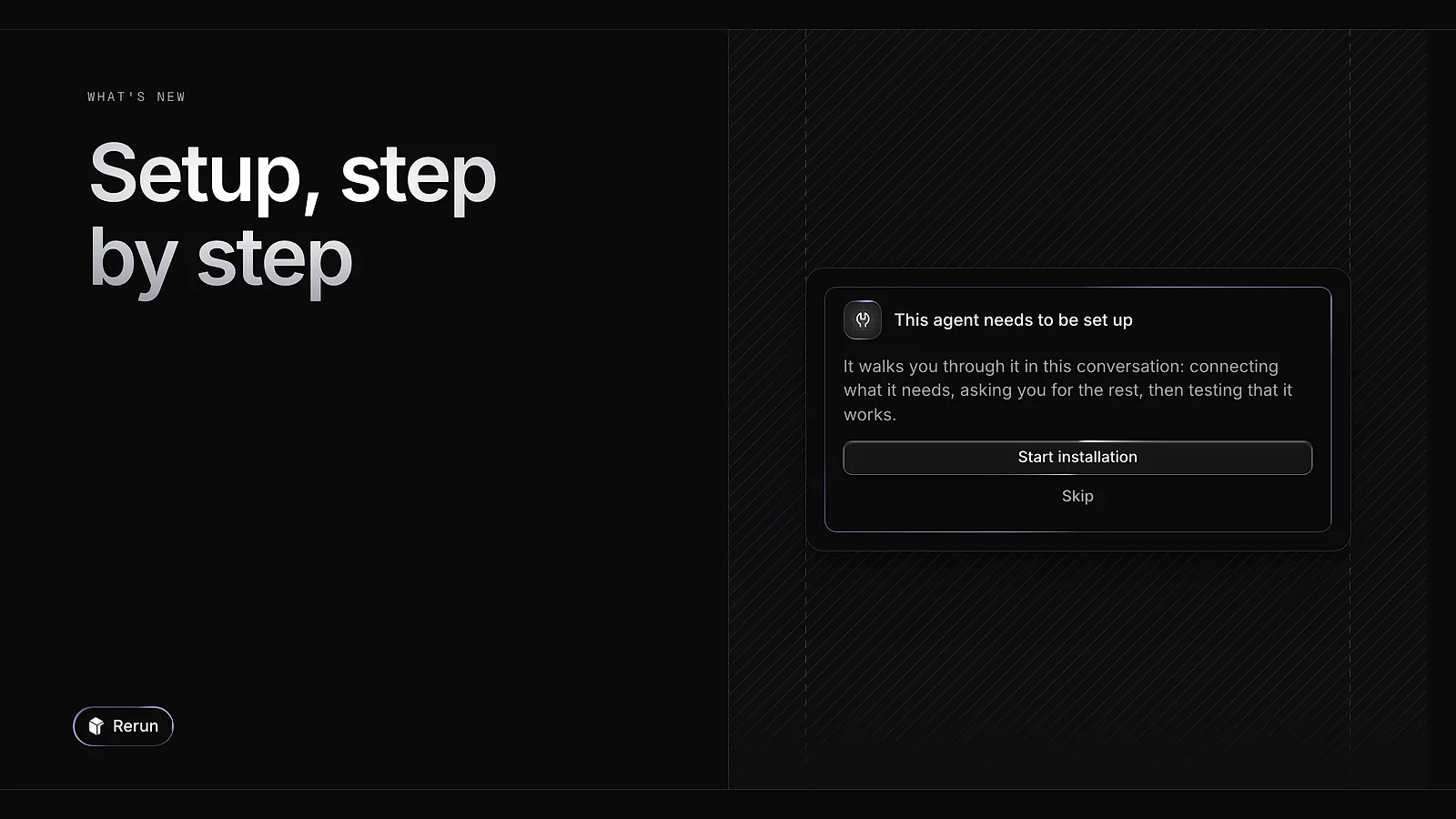
An agent you import can now come with its own install guide. Before the first message it shows Start installation, then asks for what it needs one step at a time: the apps to connect, the keys, your preferences. Authors write that guide in the agent's Install tab.
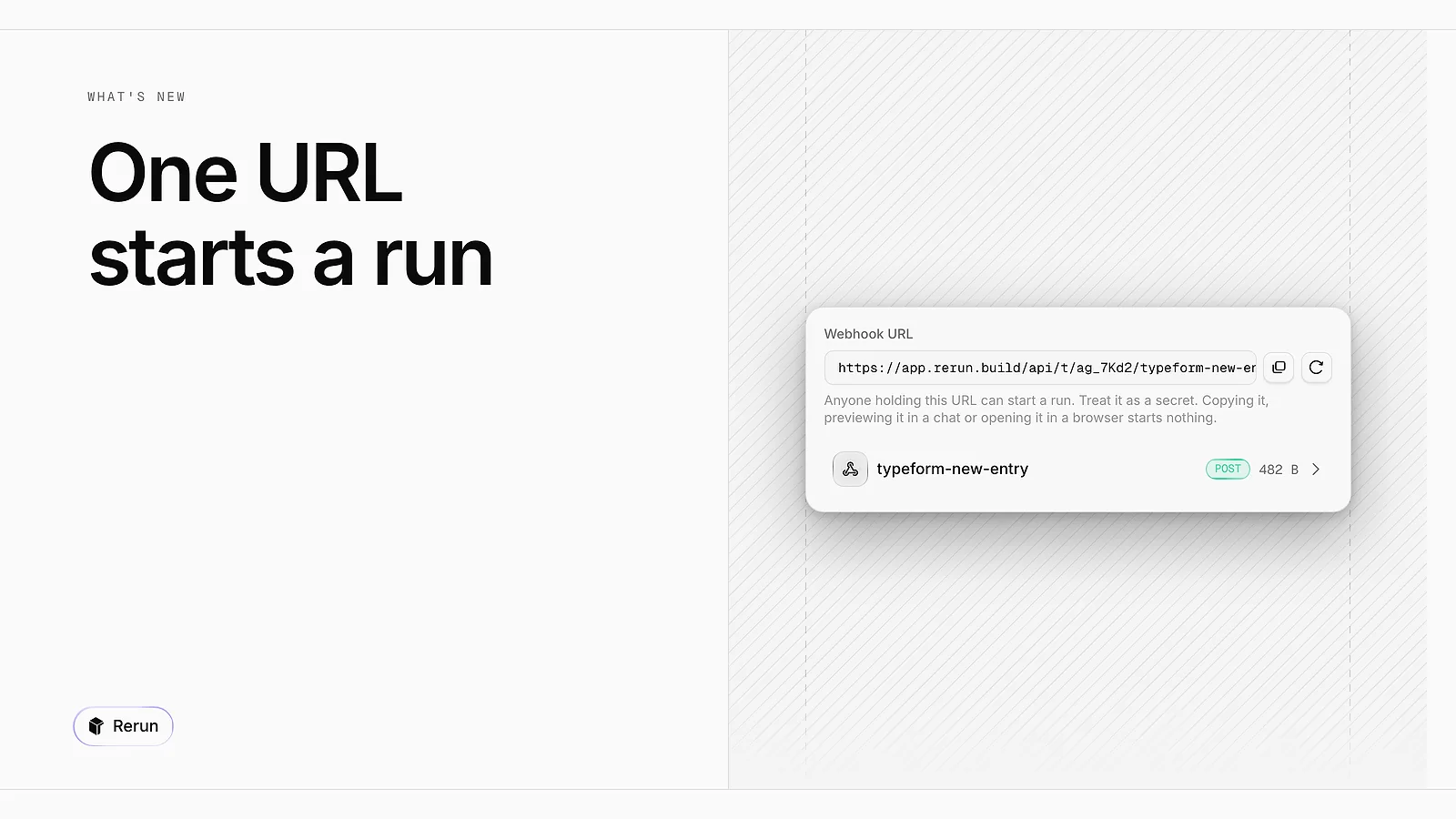
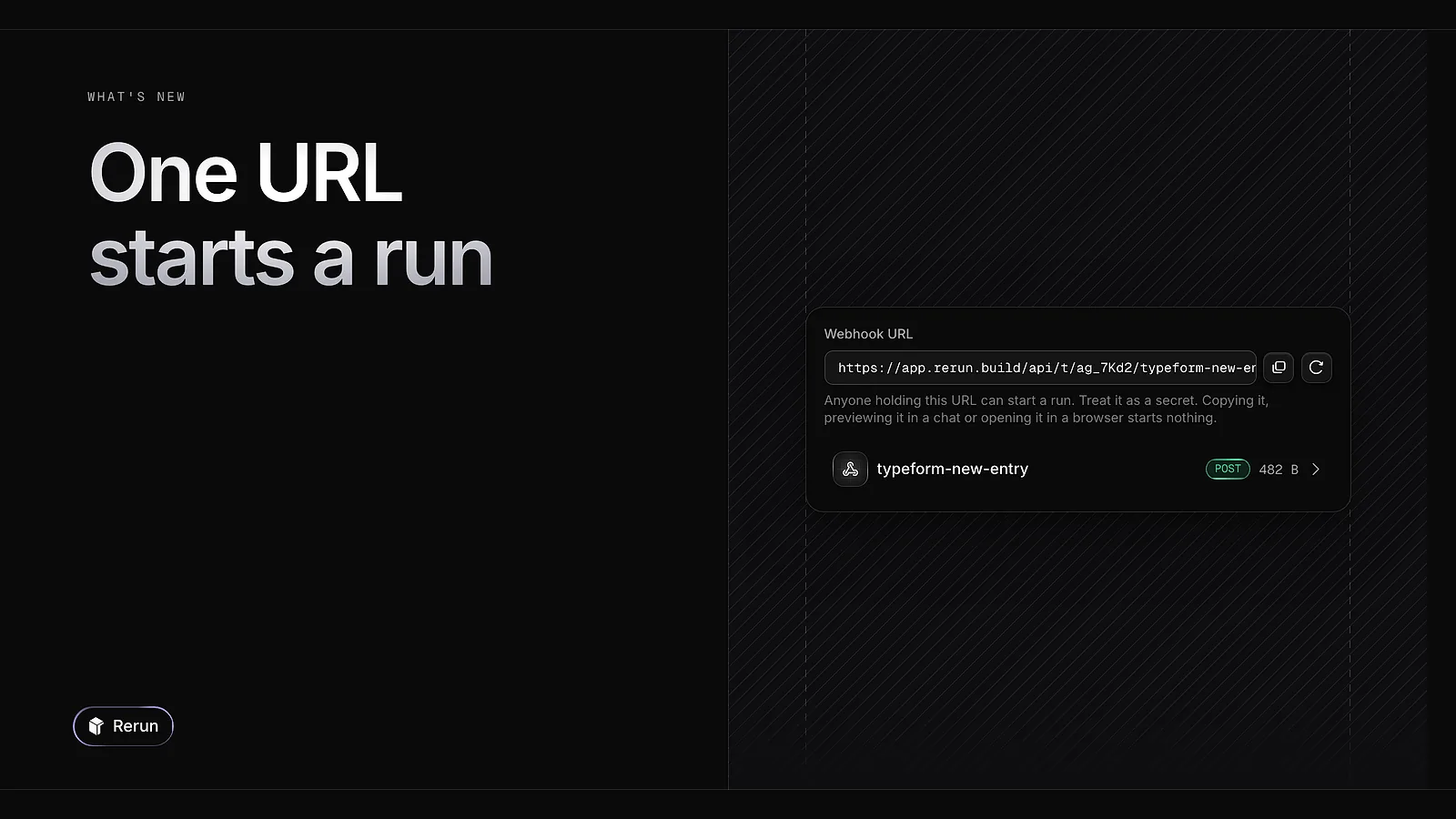
In an agent's Triggers tab, create a trigger and you get a Webhook URL. Any app that calls it starts a fresh run, with the payload it sent attached. Anyone holding the URL can start a run, so treat it as a secret. You can rotate it at any time.


Rerun now comes in light as well as dark. Pick System, Light or Dark from the Theme row of the account menu, and the site follows the same choice.
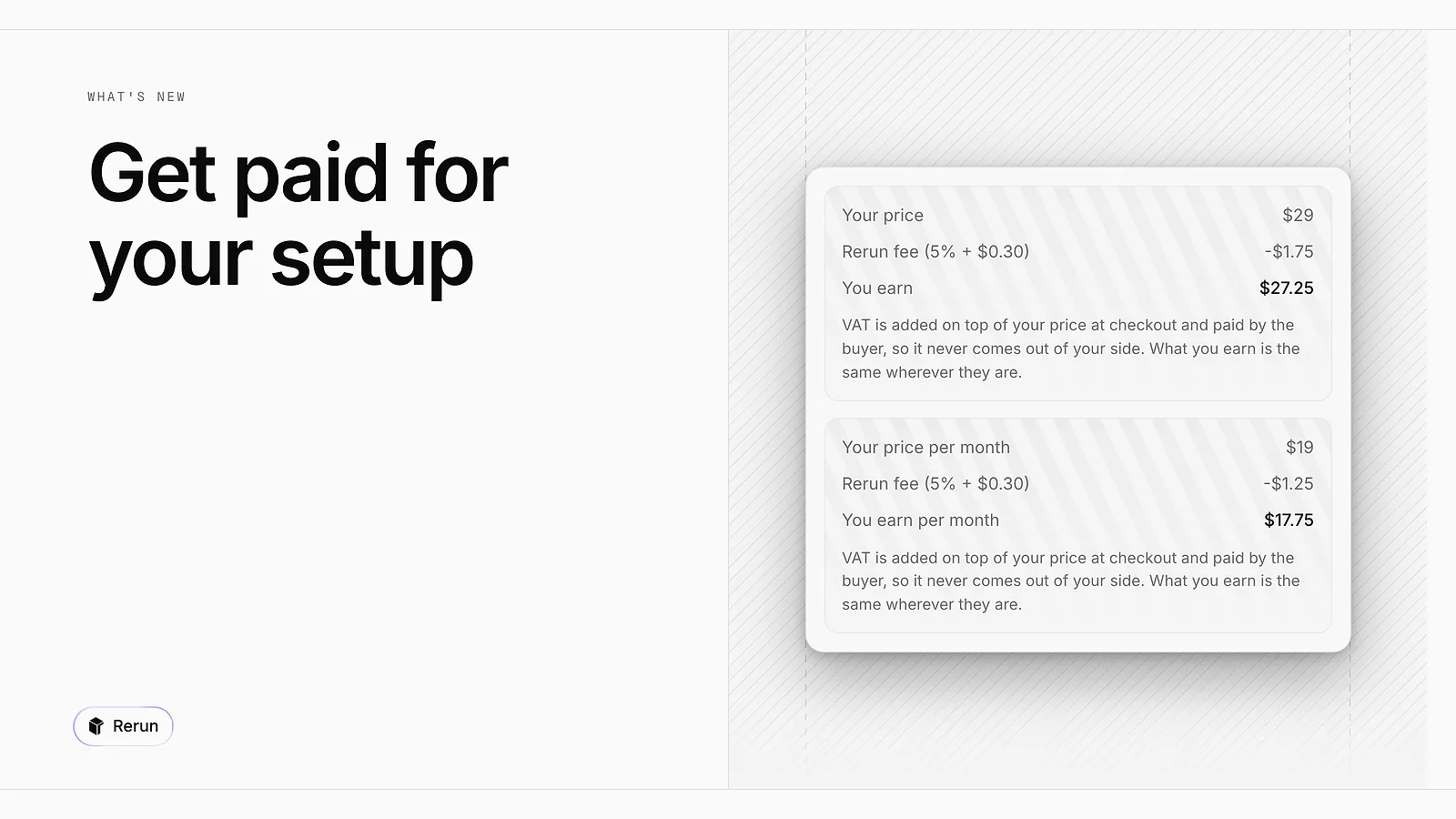
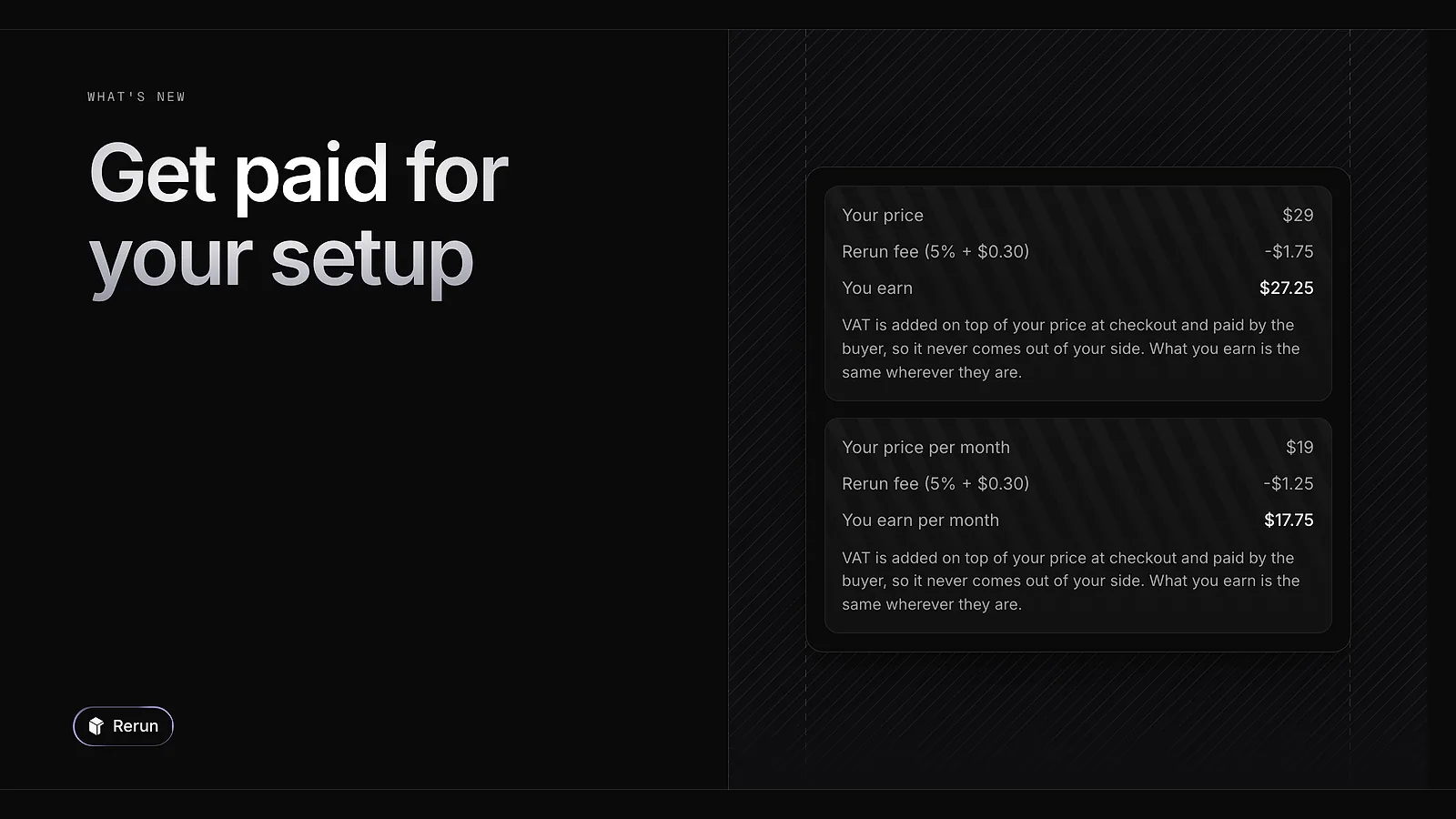
Creators can now sell a template. In its Pricing card, pick a one-time purchase or a monthly subscription and set a price in USD, from $5. A preview shows the Rerun fee (5% + $0.30) and what you earn on each sale.
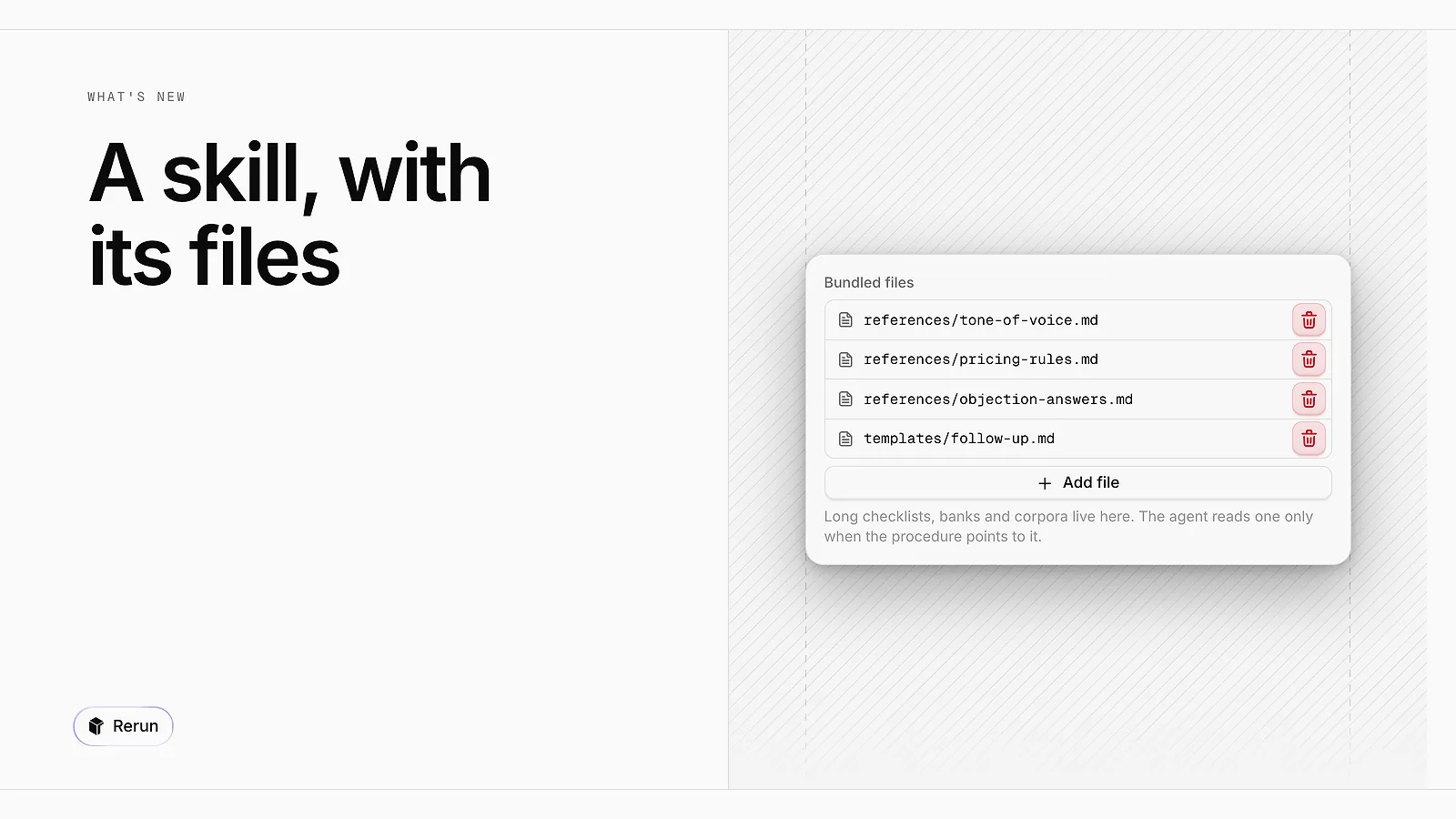
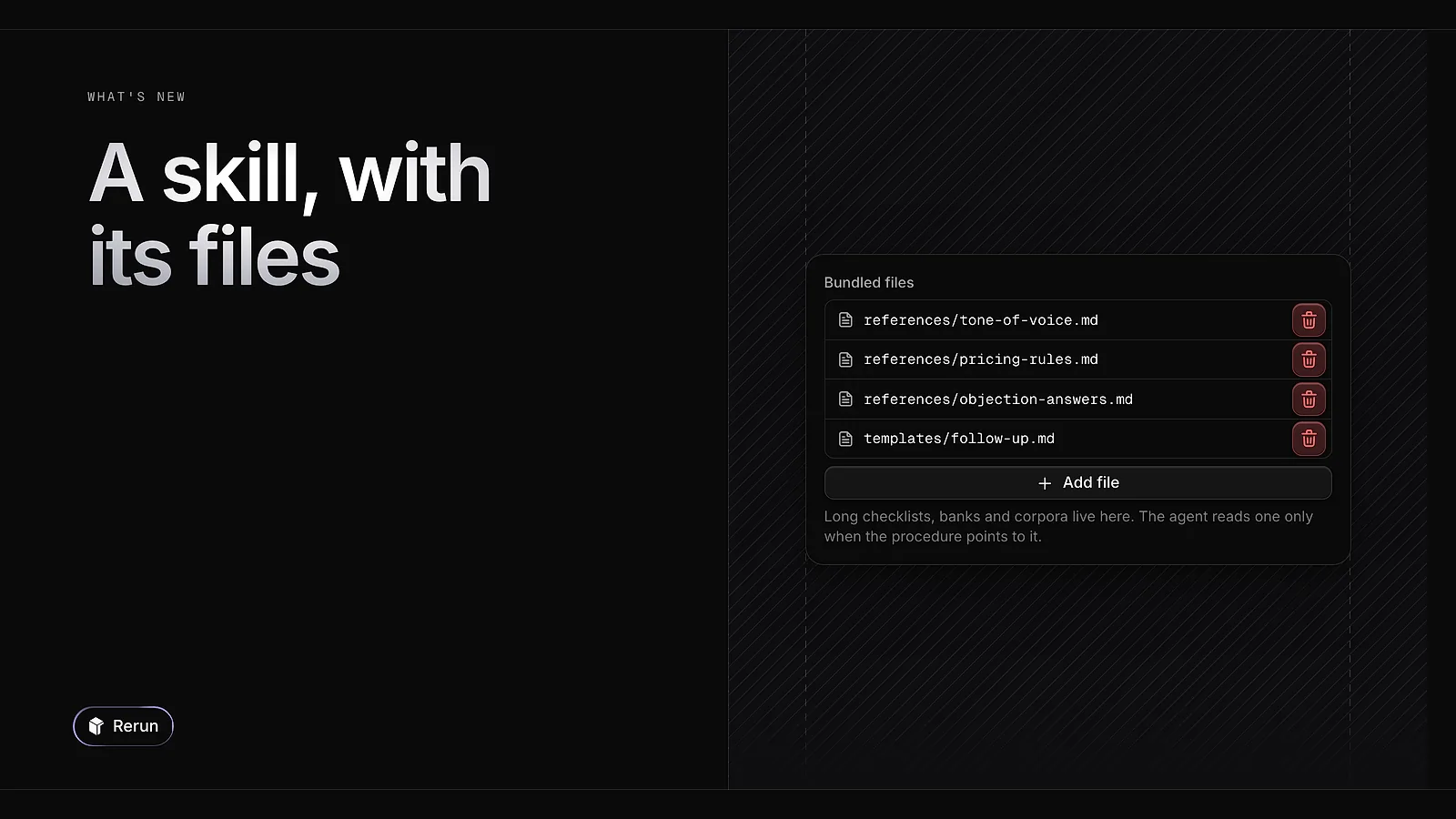
A skill is now a folder: its procedure, plus bundled files such as a checklist or a tone guide. The agent opens a file only when the procedure points to it, so a long reference is not loaded on every run. You manage these files from the skill editor.
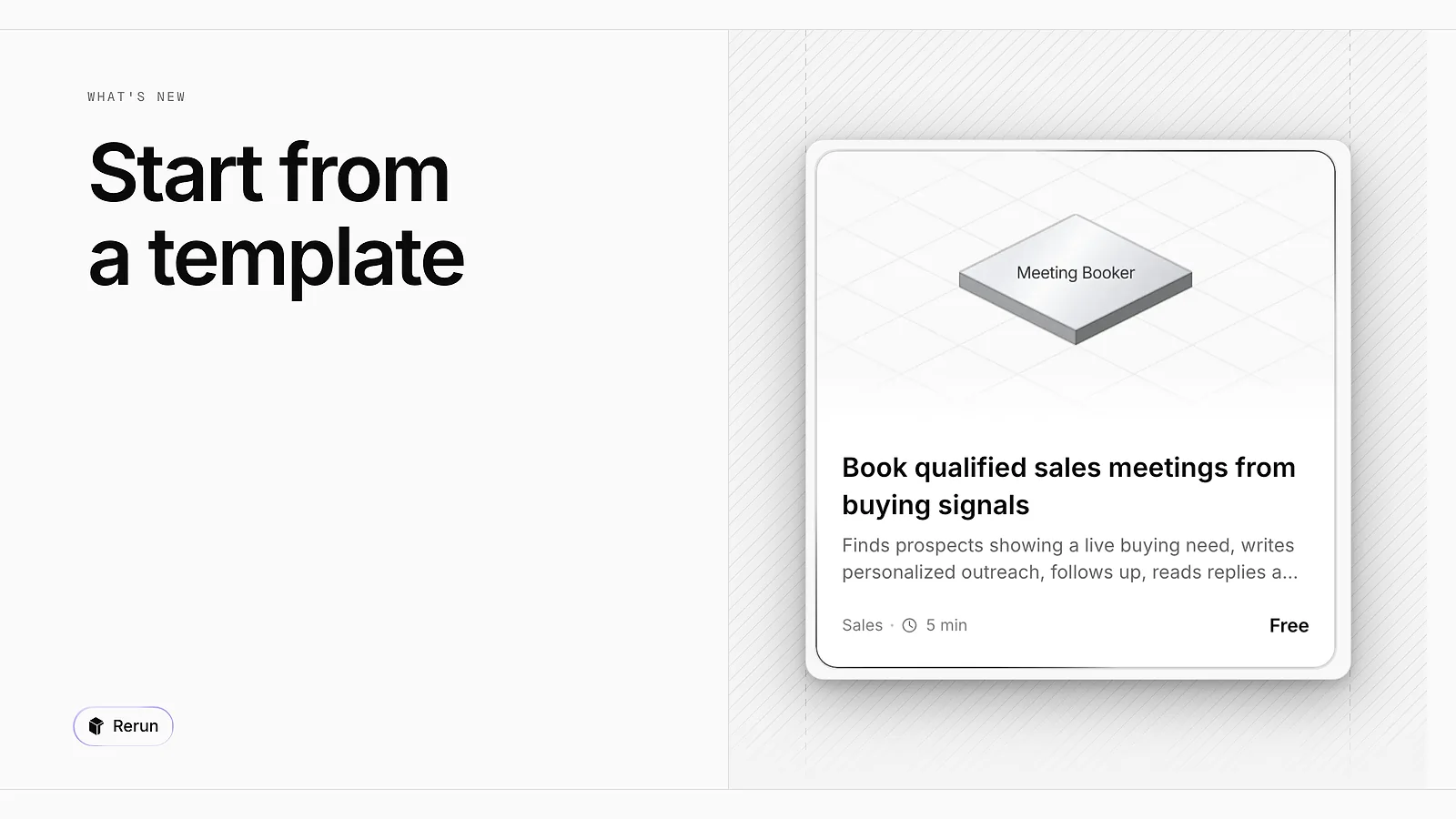
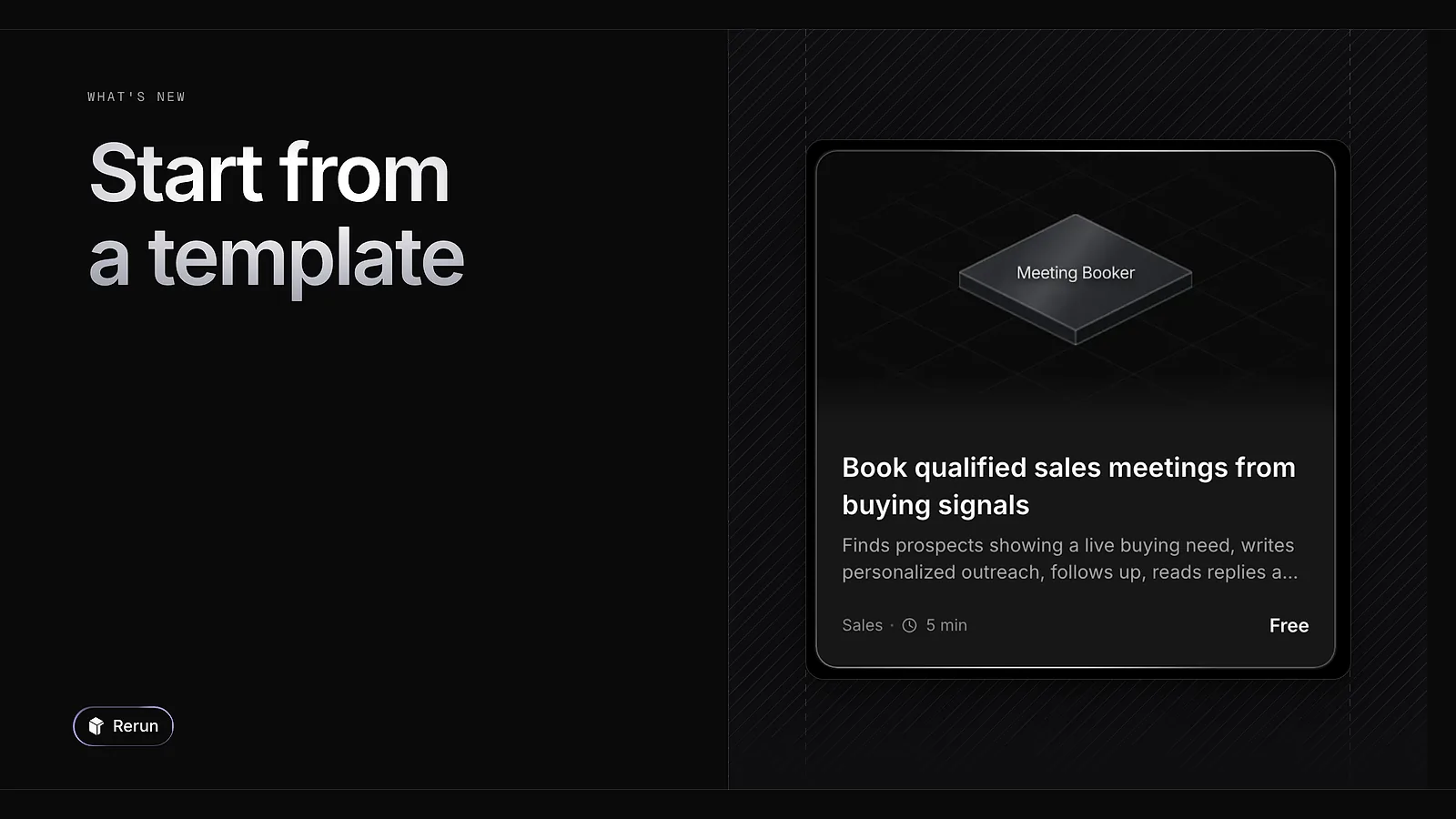
The template library holds ready-made agents for sales, e-commerce and recruiting, among others. Pick one, install it, and its agents land on your board.
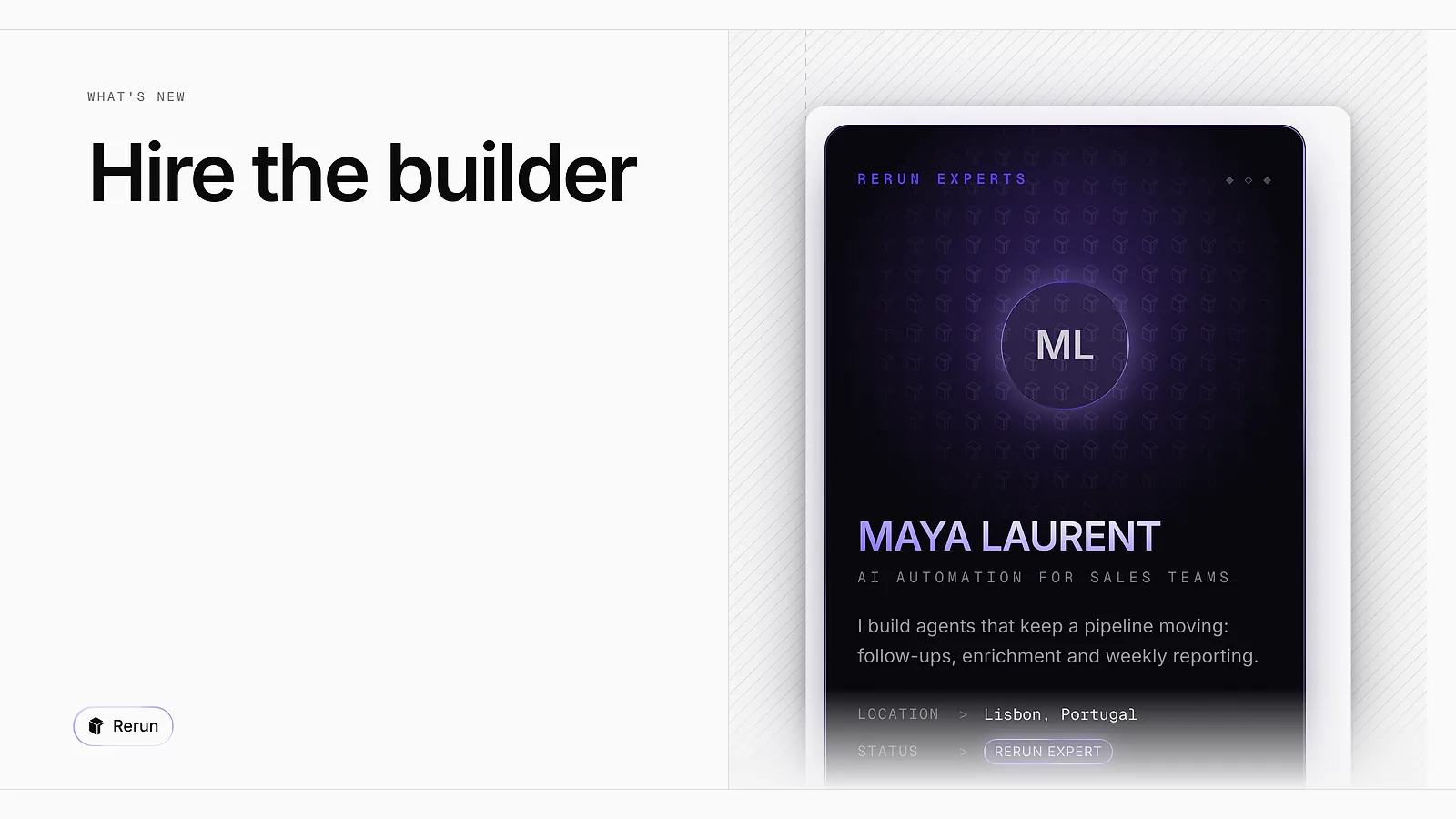
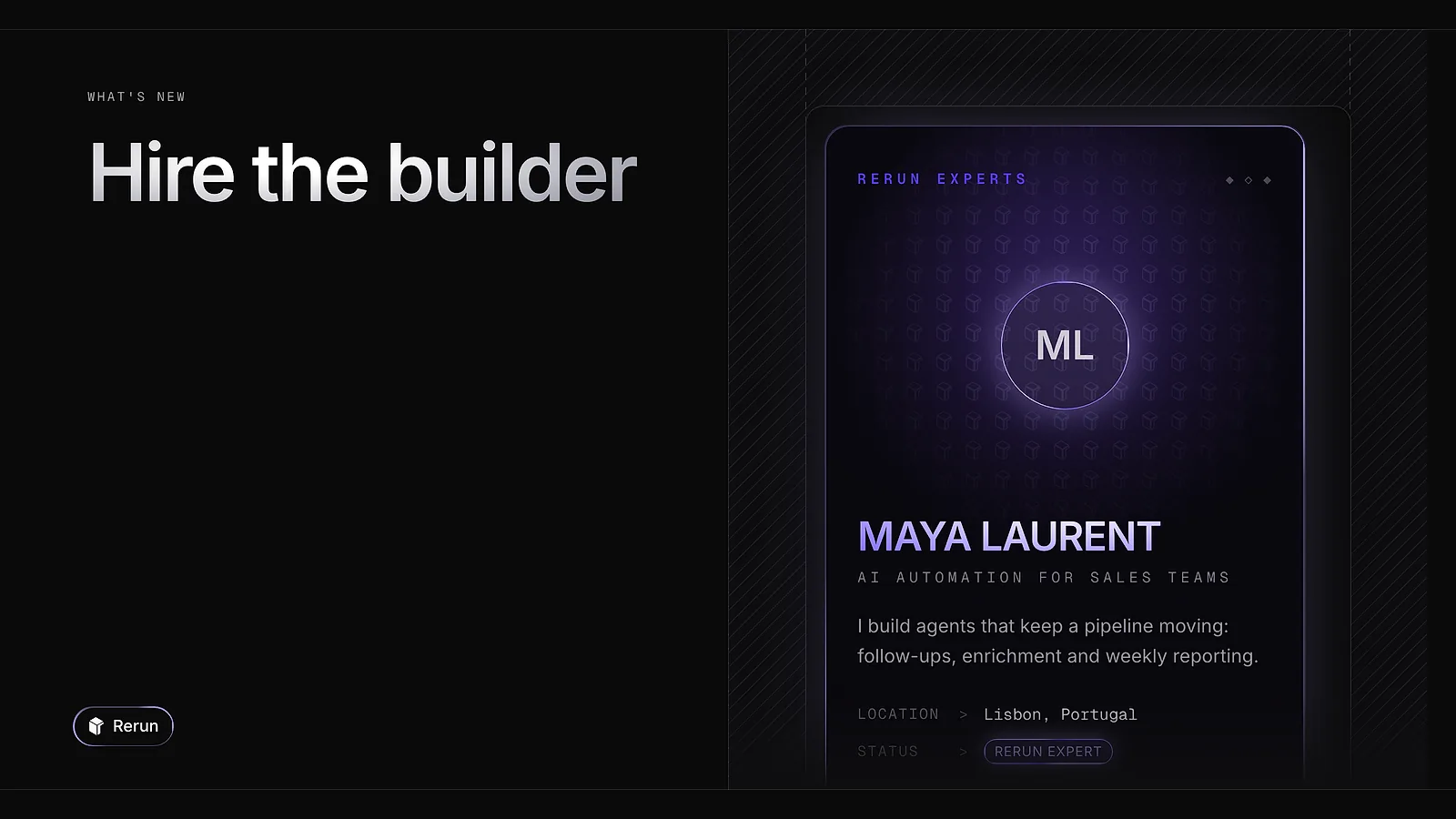
The experts page lists people who build Rerun agents for a living. Open a profile, press Hire and send your request. They reply directly by email.
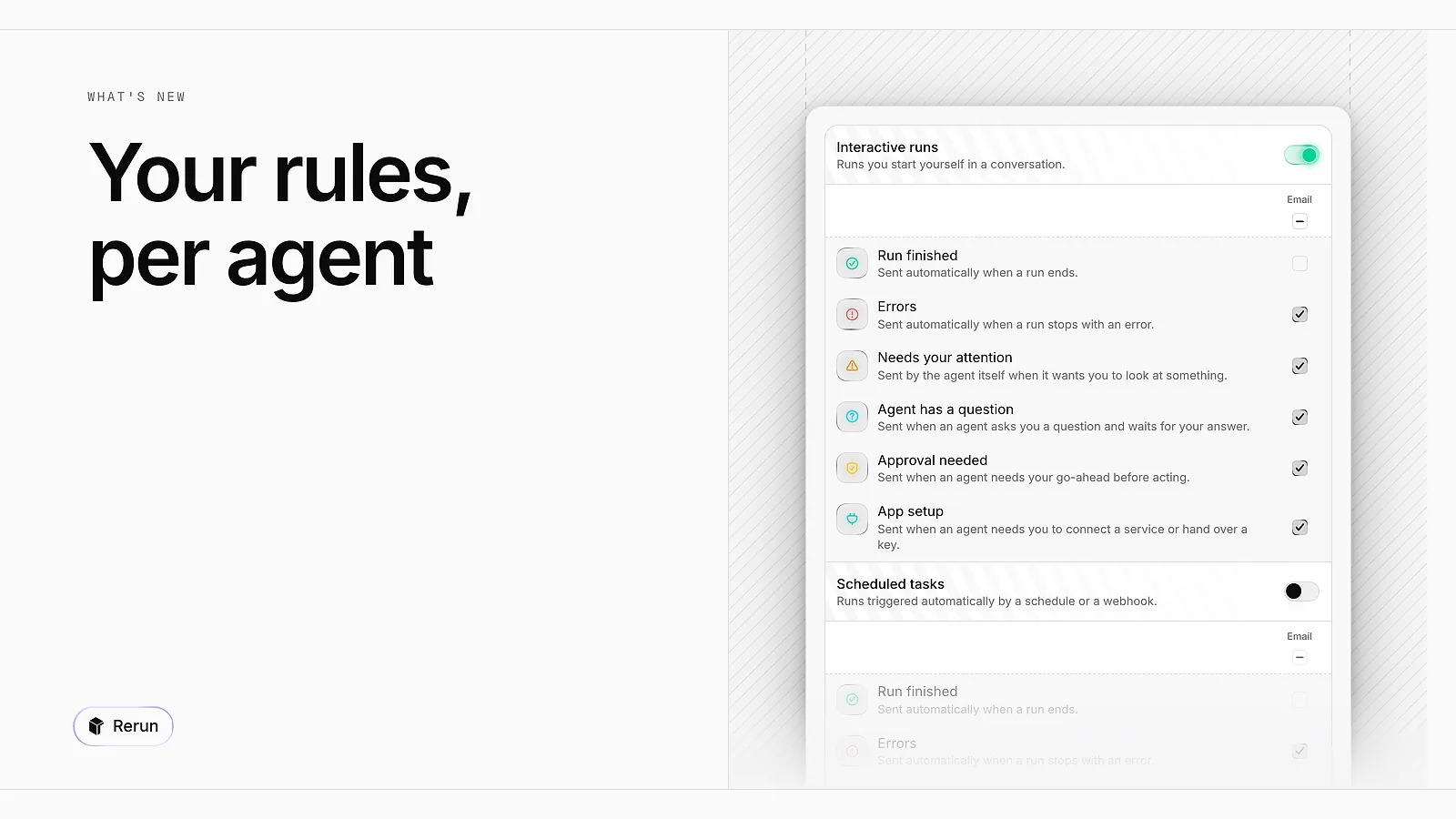
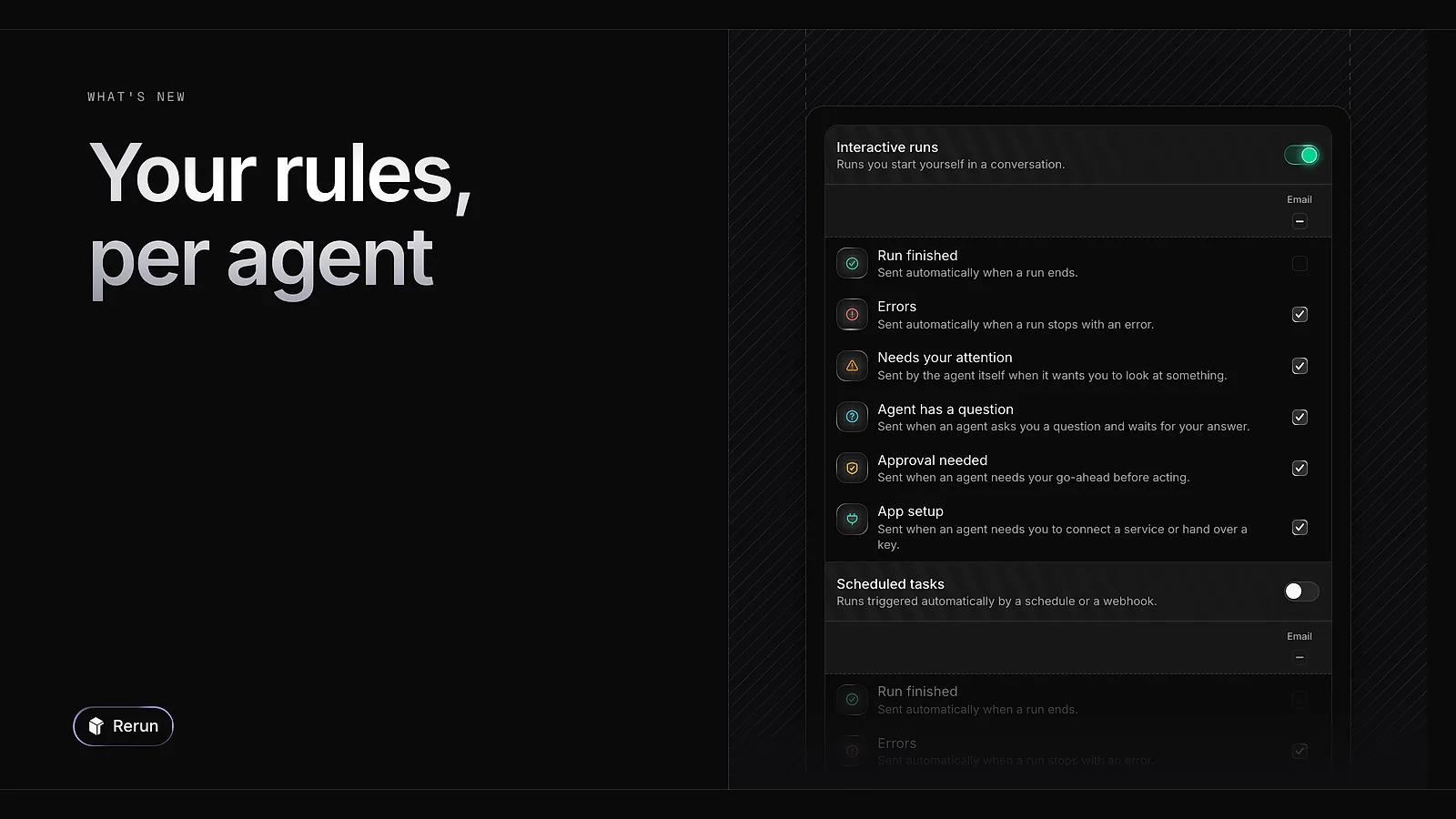
In Notifications, choose what reaches you by email and in the app for each kind of event: a finished run, an error, a question, an approval. Set it once for all agents, then mute one agent or give it its own rules.
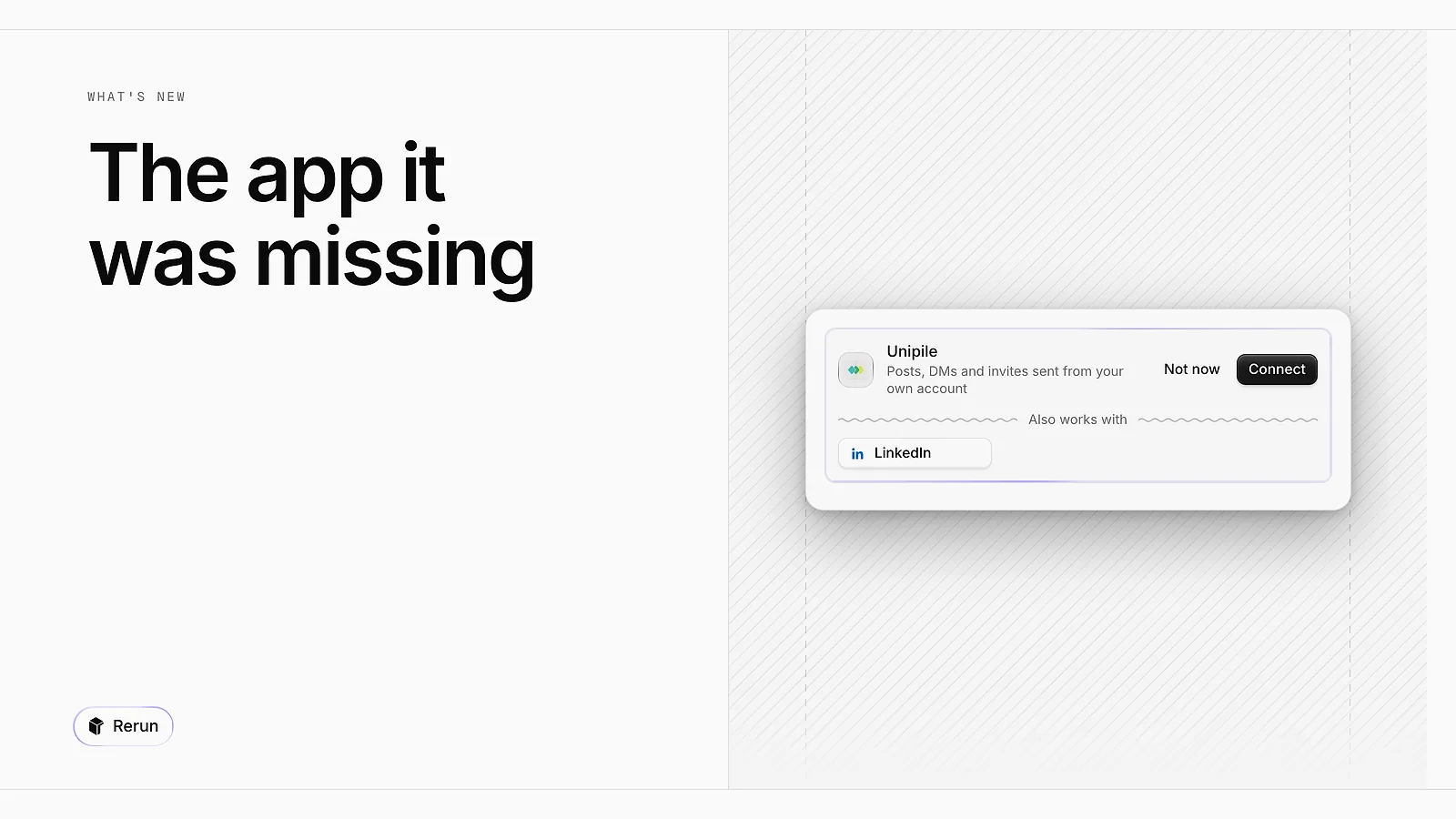
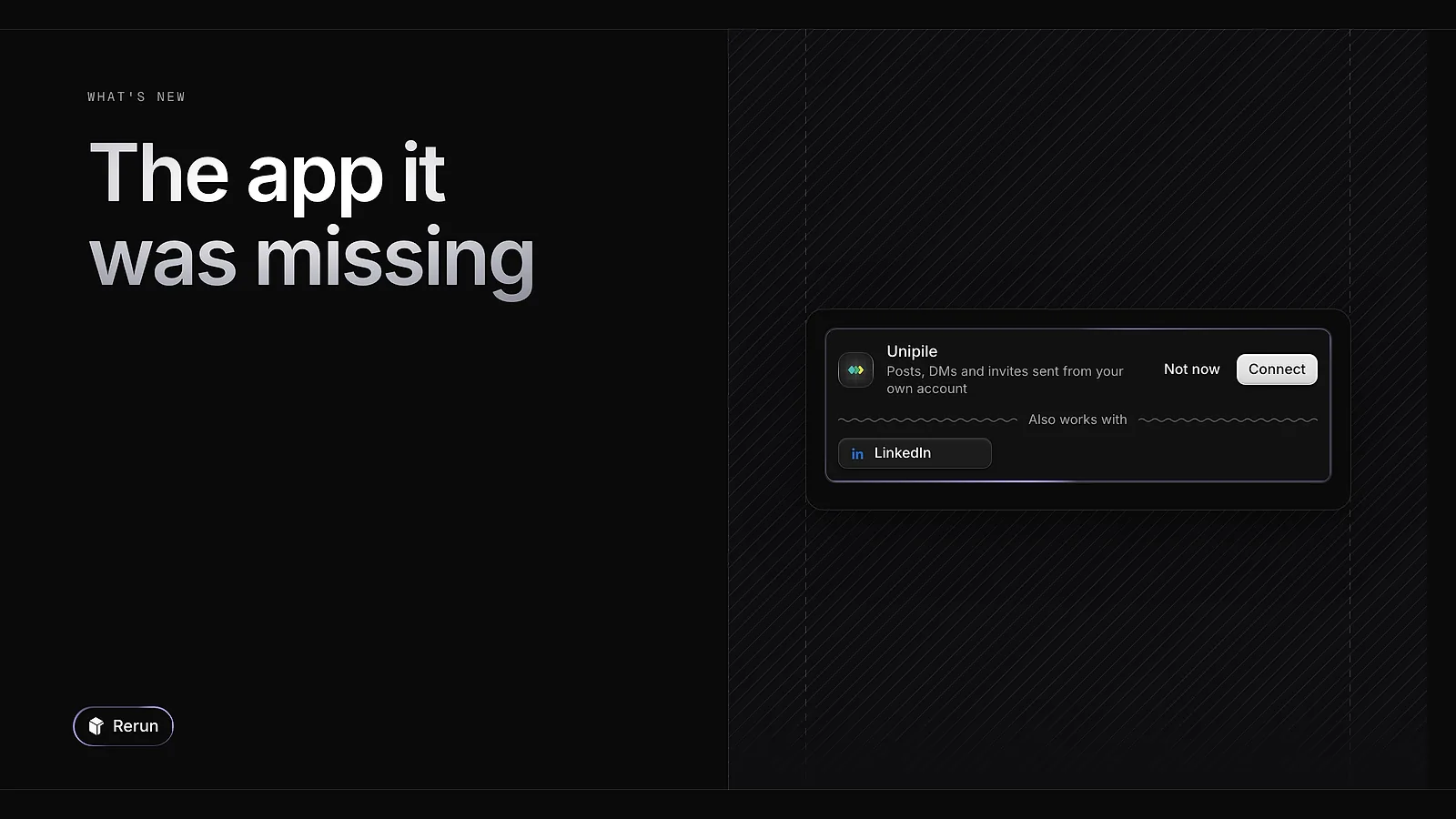
When an agent needs an app it does not have, it suggests it in the chat. You connect it right there, or skip it, and the run carries on.
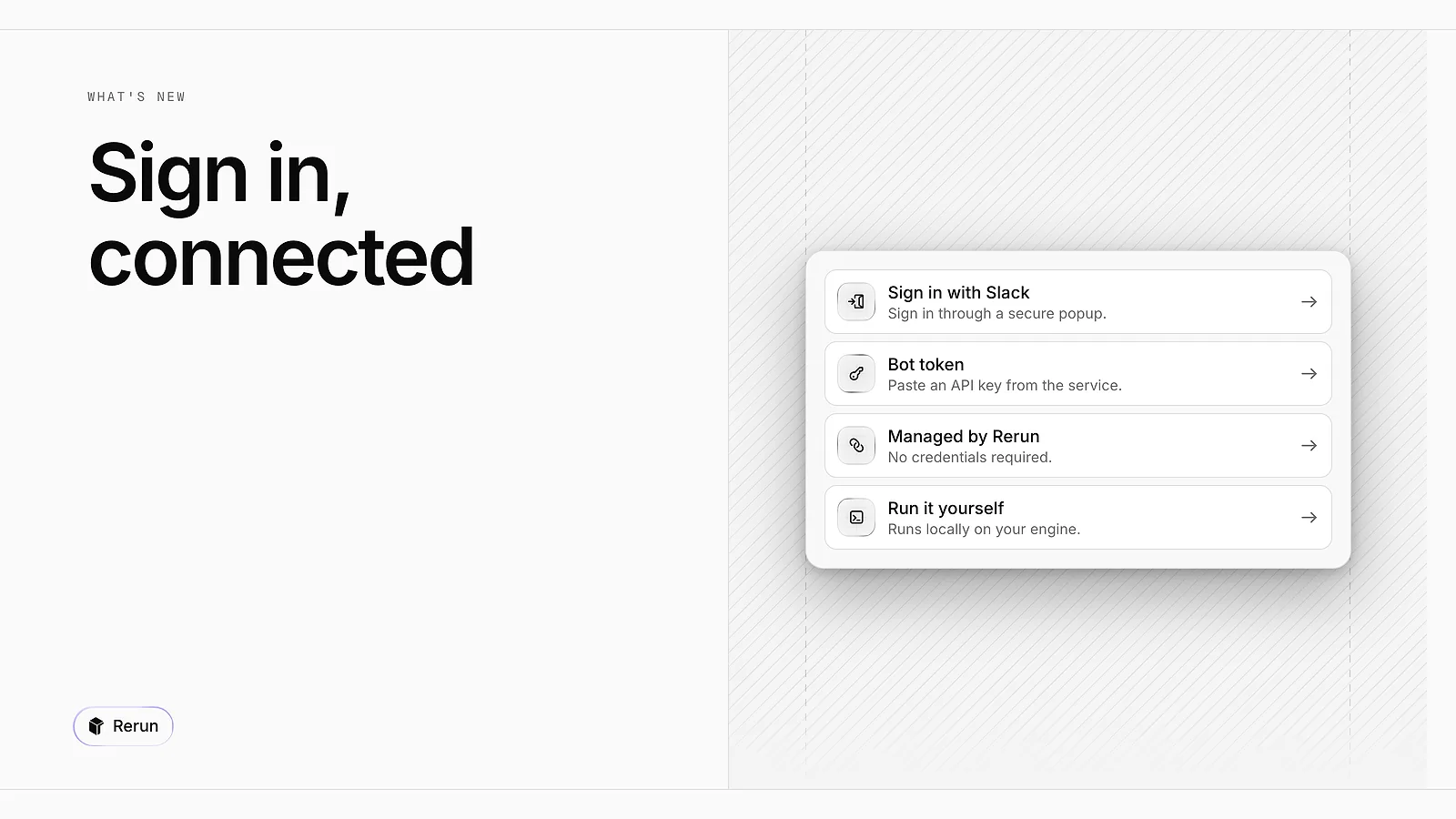
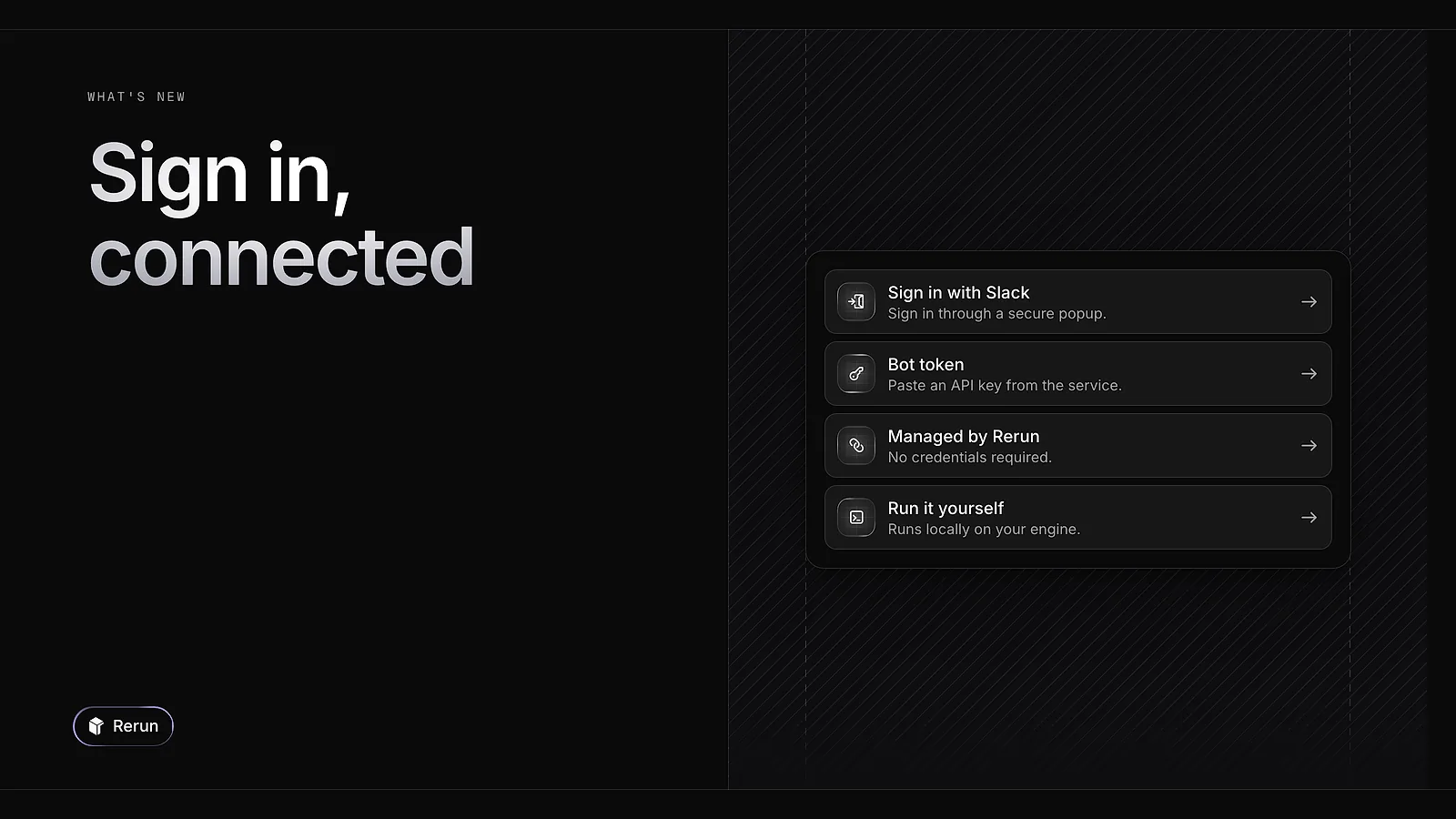
For the apps that support it, connecting is now a Sign in button. You authorise in a secure popup and the agent is connected, with no API key to create or paste. Apps without sign-in still take a key.
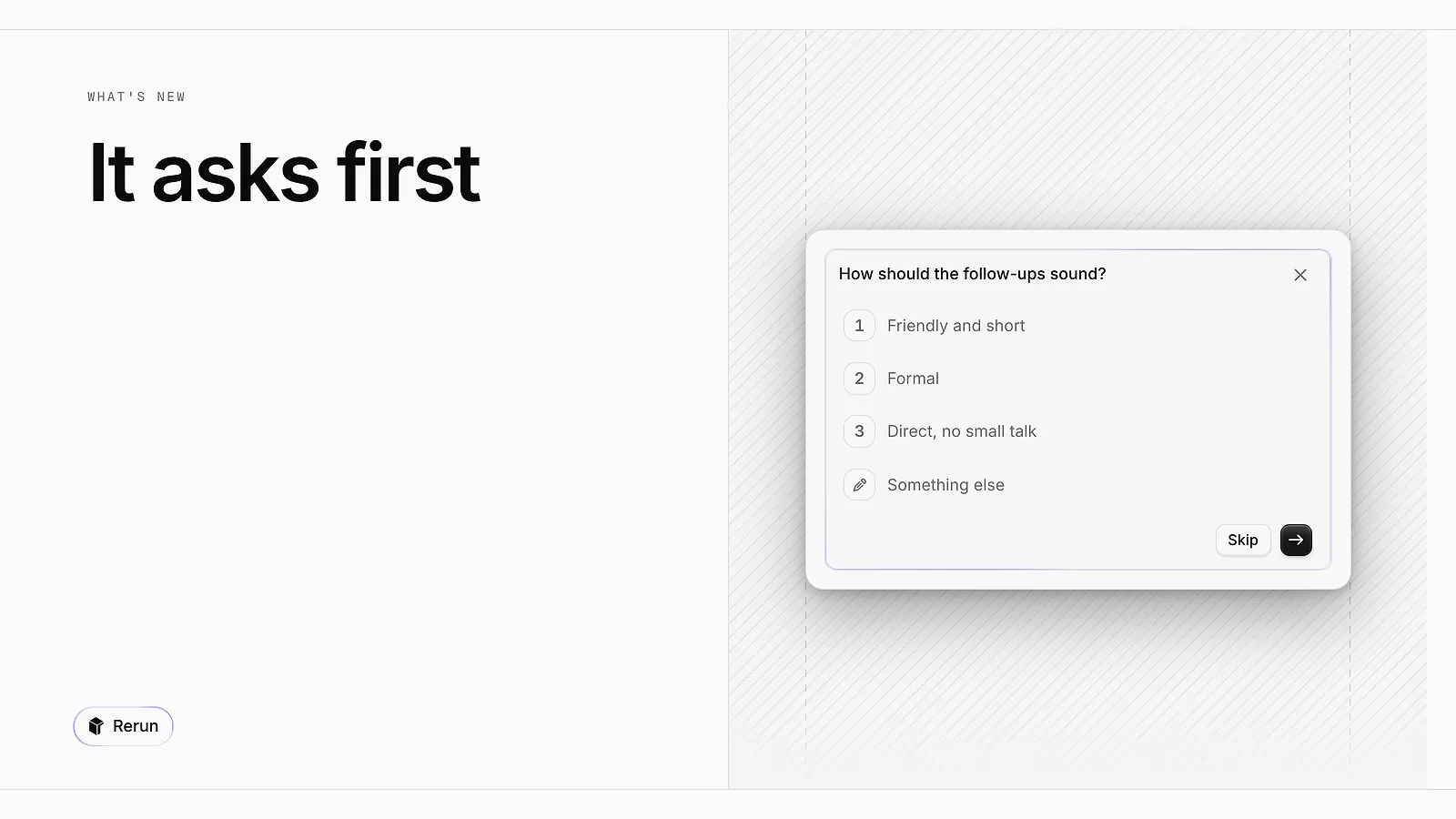
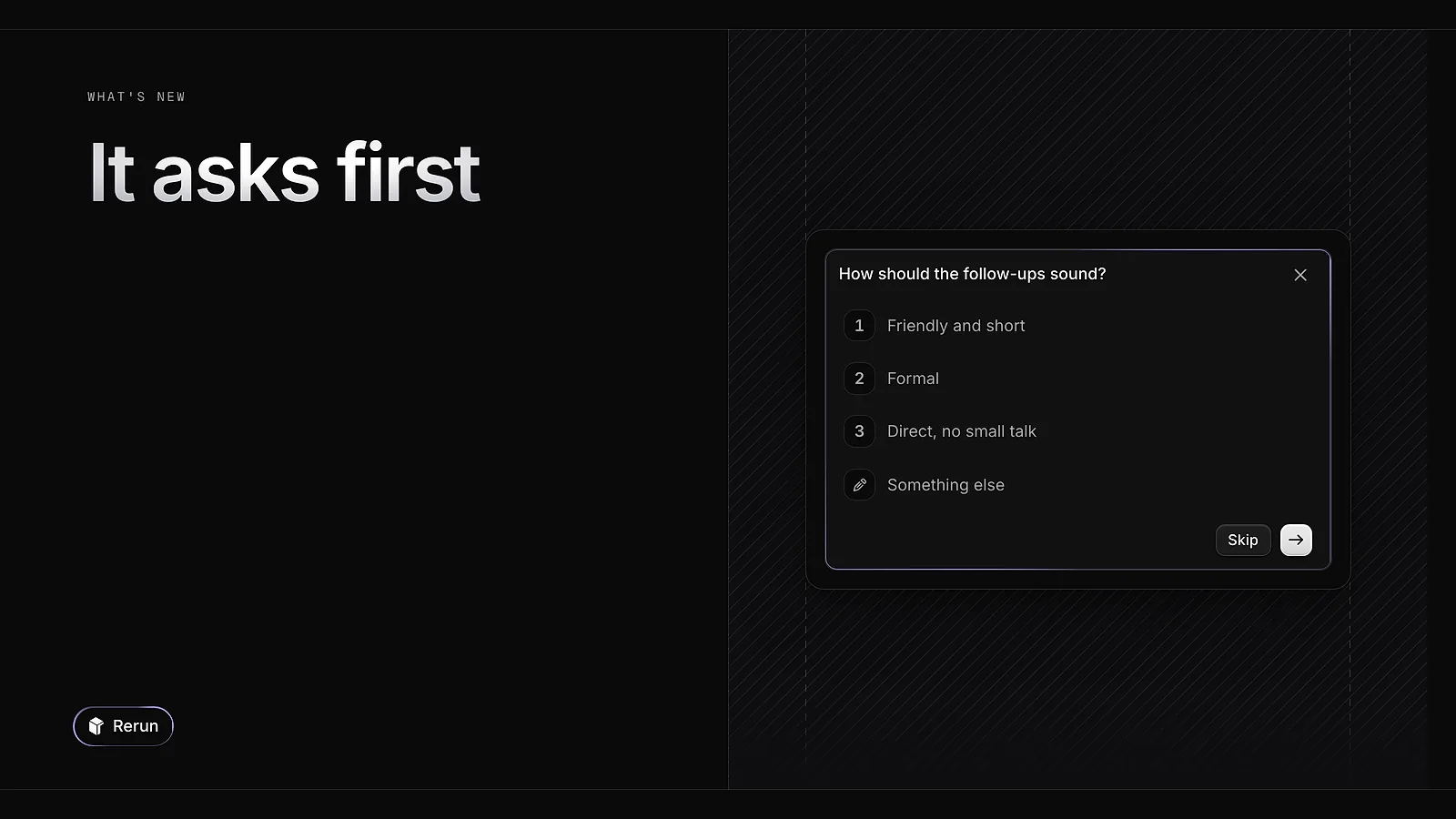
When an agent is unsure, it stops and asks you a question with suggested answers. Before a sensitive action it shows an Approval required card: you approve or decline, and you can add a reason. The run picks up where it stopped as soon as you reply.
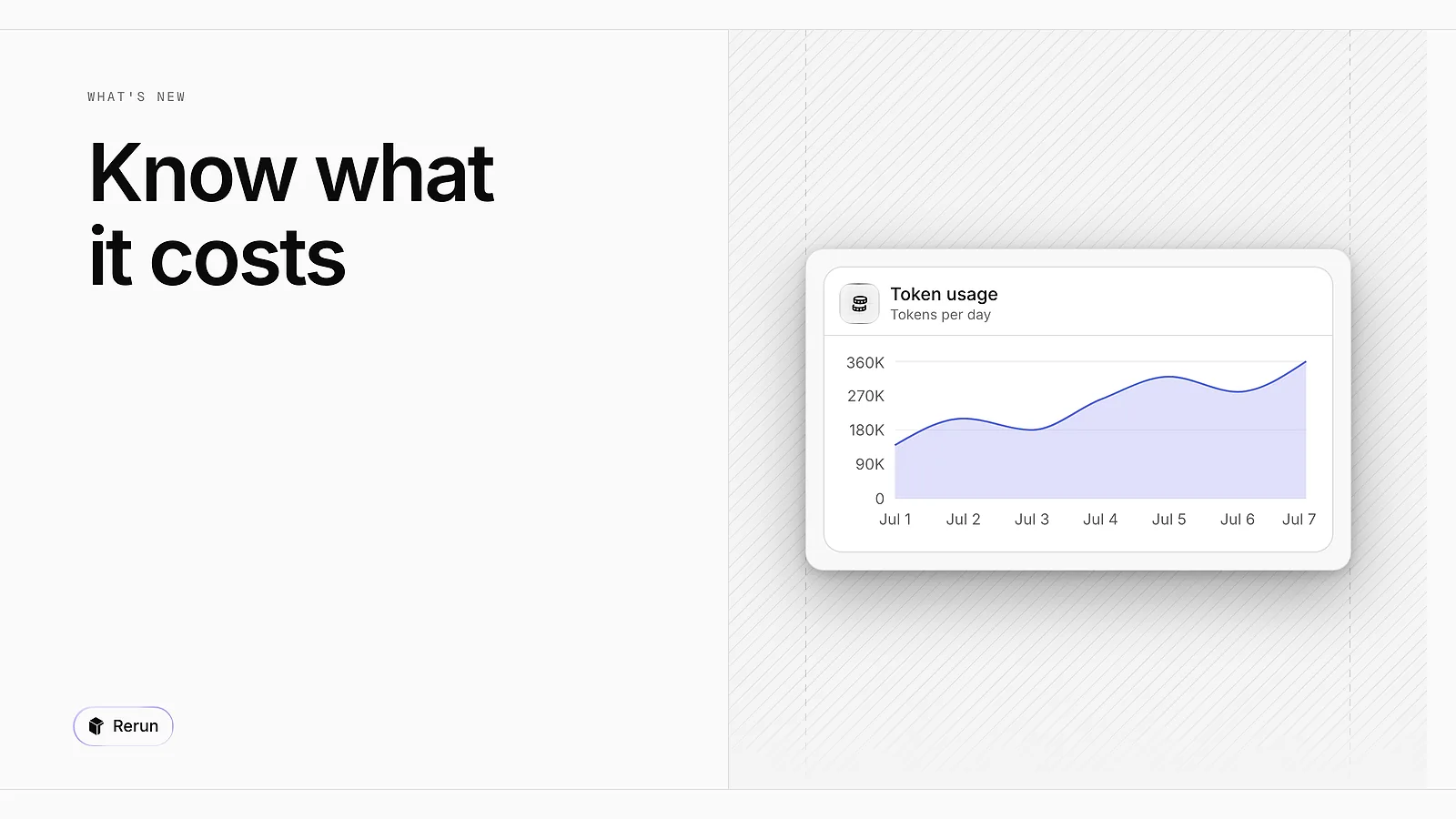
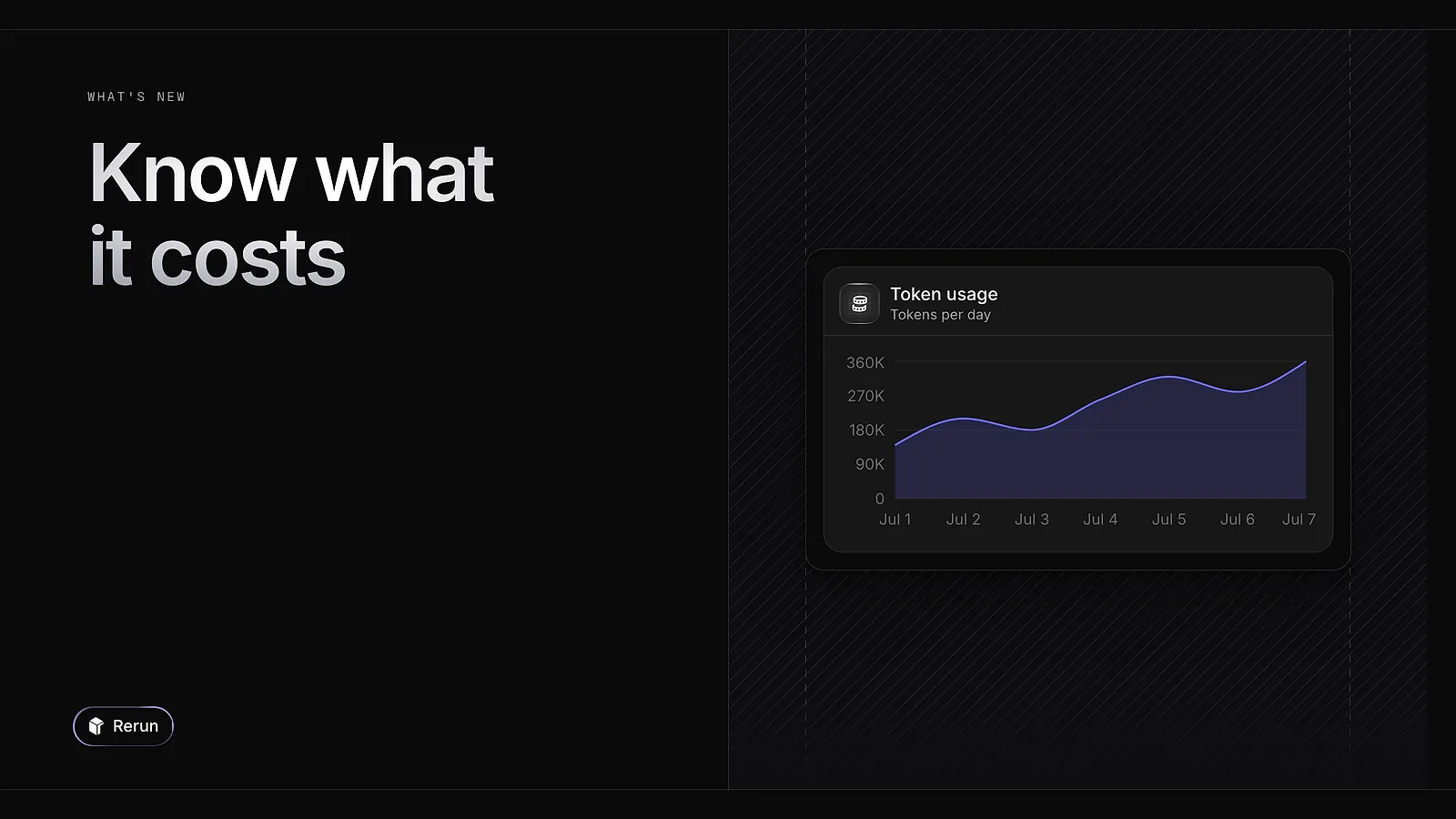
Each agent has a monitoring tab with its runs, total cost and total tokens, plus its error rate. Charts break it down over time and by model, and list the tools it calls most.
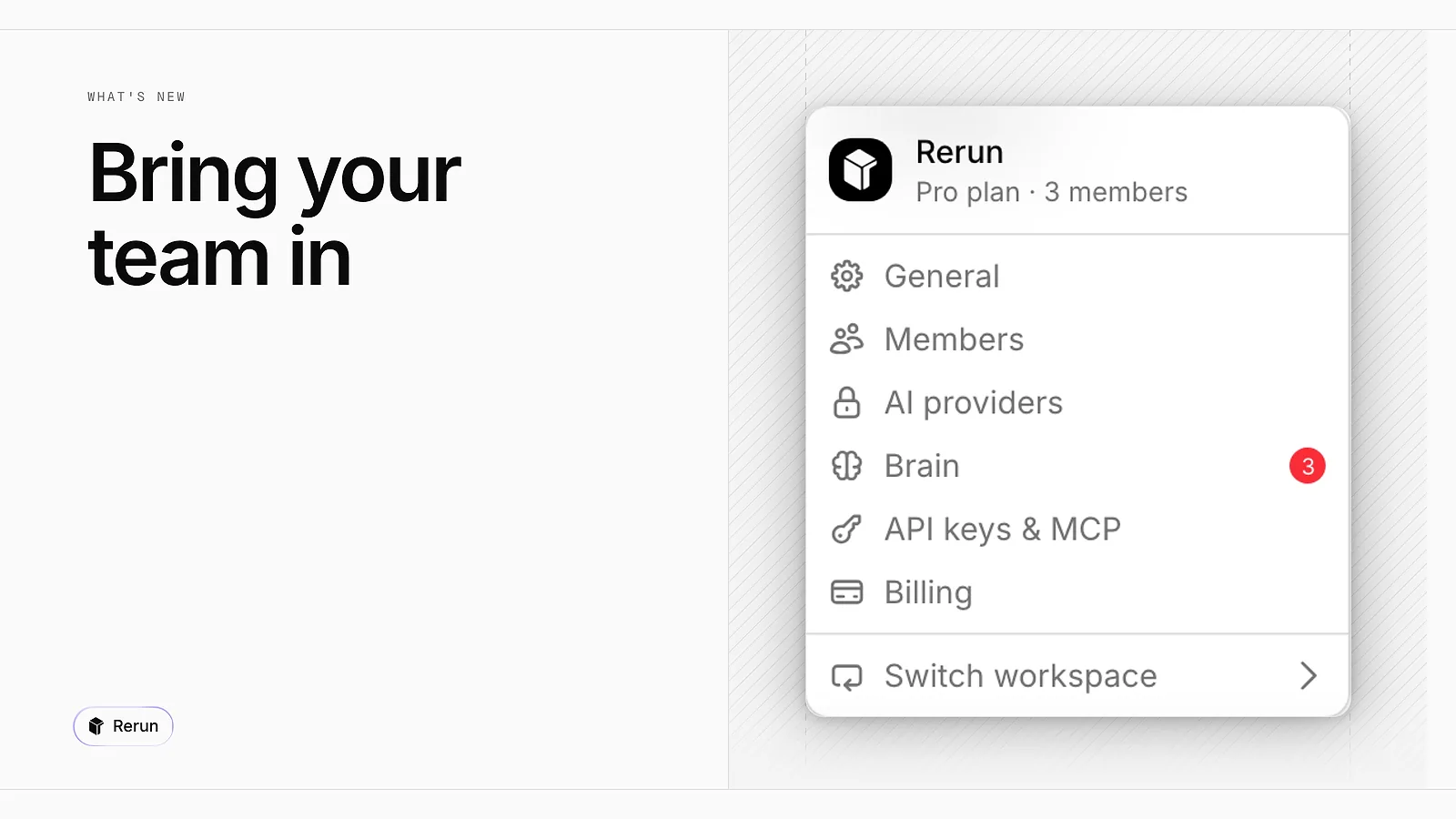
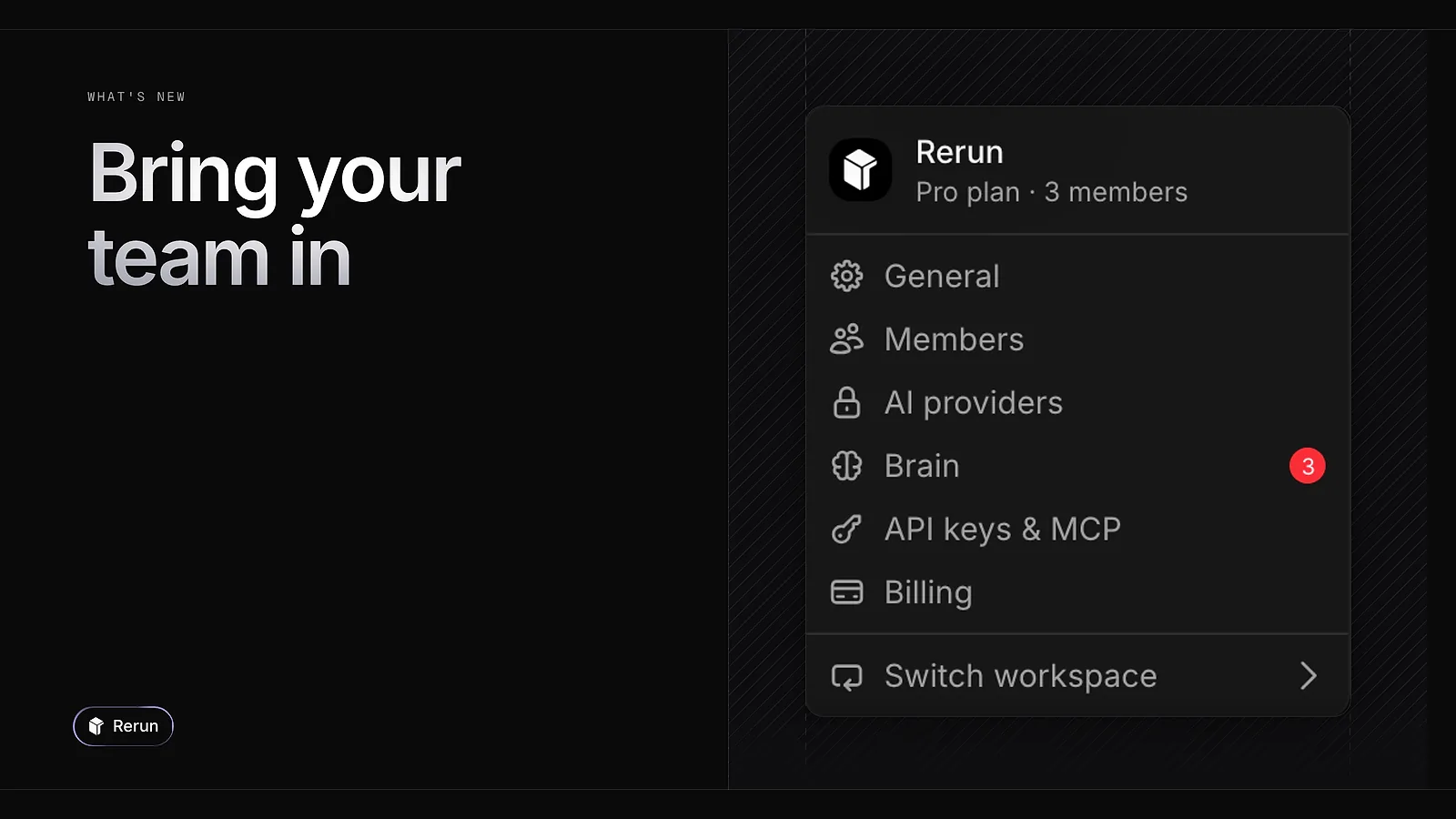
A workspace is now shared. Open Members, invite a teammate by email, and they work on the same board and the same agents as you. You can run several workspaces and switch between them from the menu.
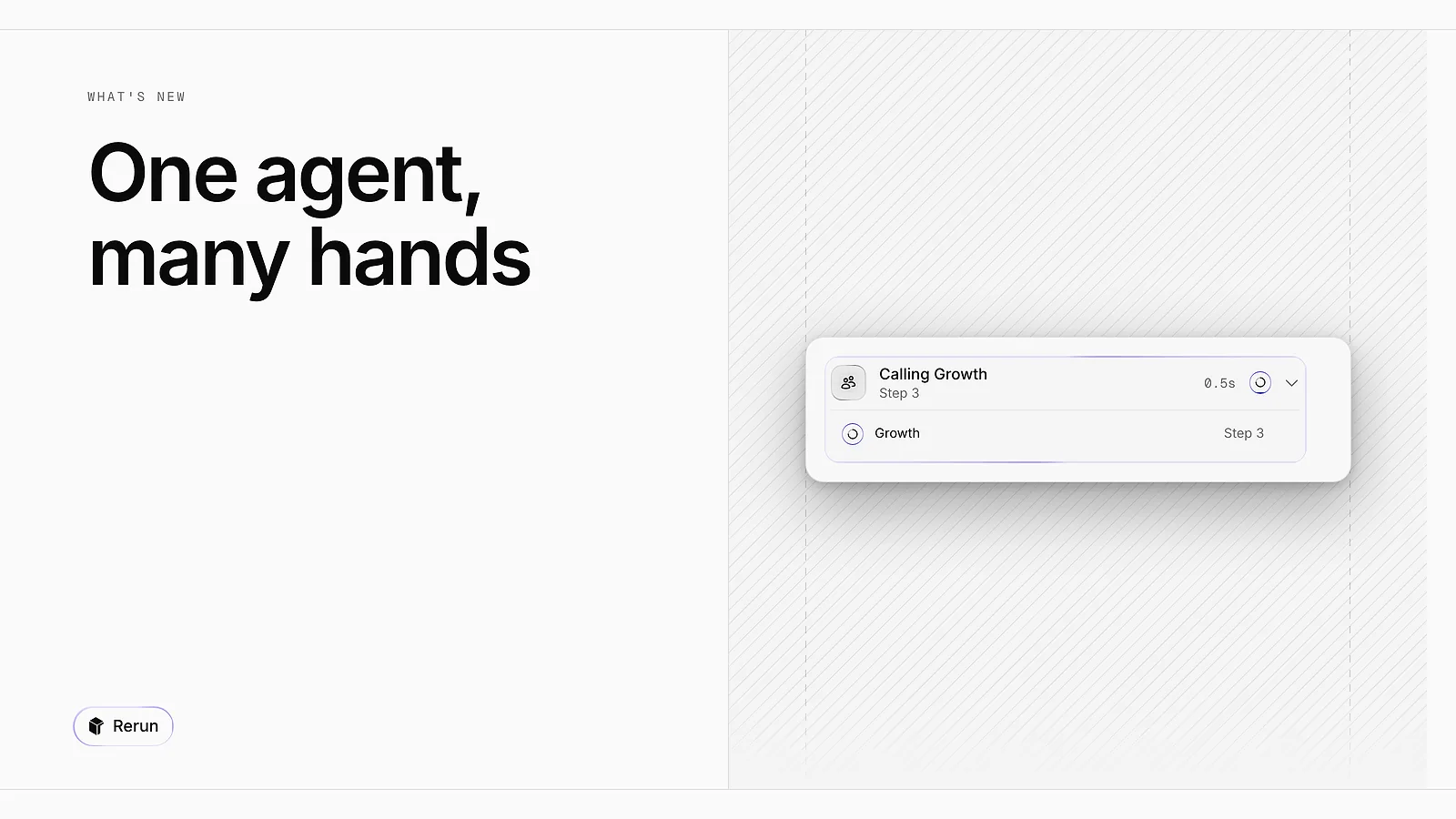
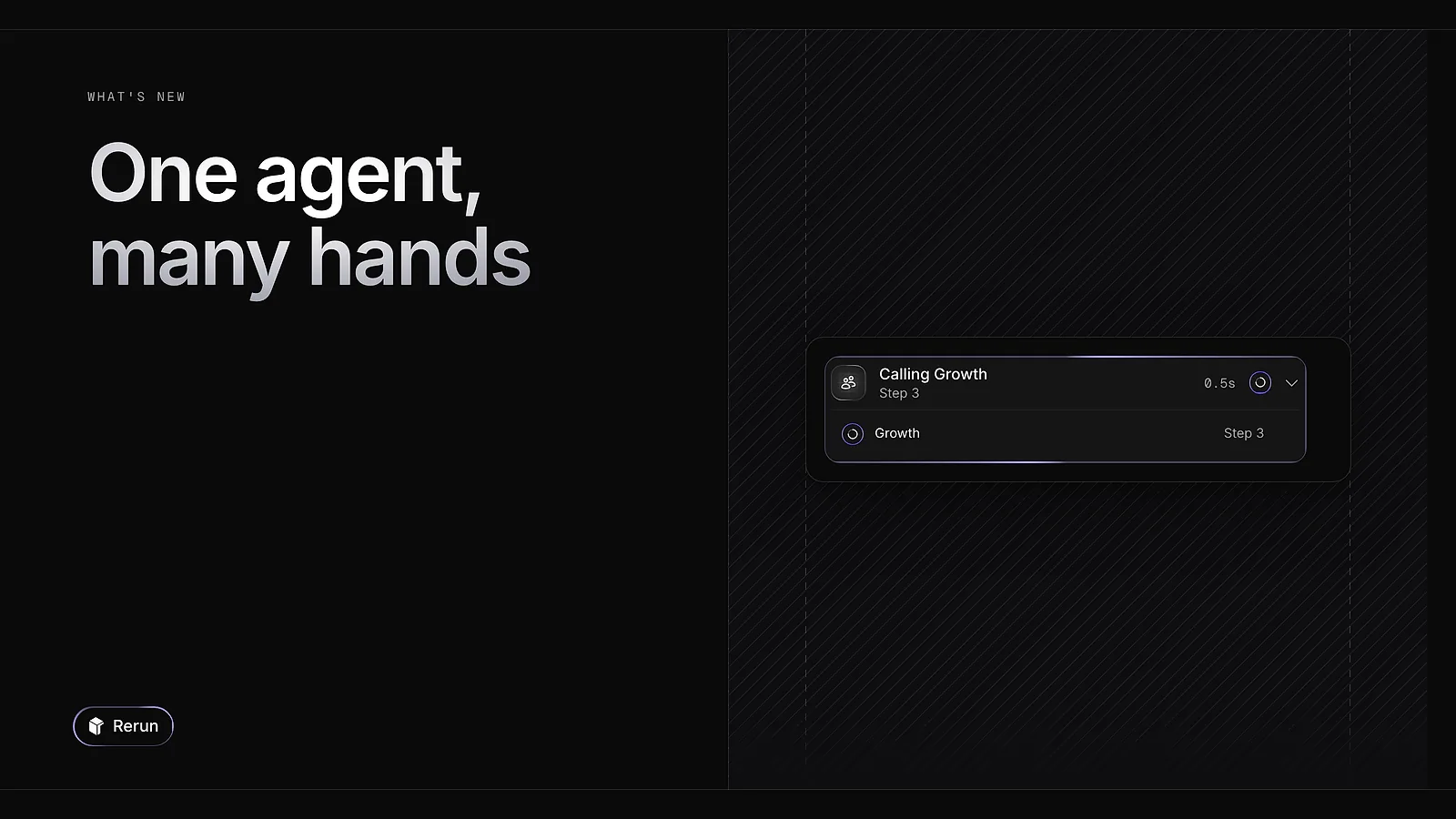
An agent can now split a job into tasks that run in parallel and report back in the chat, up to four at a time. It can also hand a task to another agent of your team. Name that agent with @ in its instructions and it knows who to call.
Solutions
AgenciesE-commerceSaaSSalesRecruitingReal estateLegal & complianceCreatorsProductivityOtherCompare
Rerun vs Claude CoworkRerun vs ManusRerun vs Grok BotRerun vs Hermes AgentRerun vs OpenClawRerun vs ZapierRerun vs MakeRerun vs n8nRerun vs LindyRerun vs TwinRerun vs DustRerun vs SquadGuides
No-code AI agent buildersn8n alternativesPersonal AI agentsHermes vs OpenClawHermes alternativesClaude Code vs Codex© 2026 Rerun. All rights reserved.

