n8n vs Zapier: The Best Automation Platform for AI Workflows (2026)
A data-backed n8n vs Zapier comparison for 2026: pricing, integrations, and AI workflows. Plus the one question both tools cannot answer, and when to reach for a governed AI agent instead.
Gartner predicts that by 2028, 33% of enterprise software applications will include agentic AI, up from less than 1% in 2024, a shift the firm details in its agentic AI research. That single number is why "n8n vs Zapier" is quietly becoming the wrong question for a growing share of teams.
Here is the short version before you scroll. Pick Zapier if you want the fastest possible setup and the widest app catalog, and you have a non-technical team. Pick n8n if you want control, self-hosting, and lower cost at high volume. And if your task does not fit a fixed flowchart at all, if it needs something that reads, reasons, and decides, then you have outgrown the automation category and need a governed AI agent instead.
In a hurry? Start building a governed agent free.
n8n vs Zapier at a glance (the 30-second verdict)
Both tools do the same core job well: they run deterministic, if-this-then-that flowcharts you design in advance. The differences are about who builds them, where they run, and how you pay.
| Dimension | Zapier | n8n | Rerun |
|---|---|---|---|
| Category | Managed no-code automation | Developer-first automation | Governed AI agents |
| How it works | Fixed flowchart | Fixed flowchart | Agent reasons and acts |
| Best for | Non-technical teams, fast setup | Technical teams, control, scale | Tasks that need judgment, not a preset path |
| Hosting | Cloud only self-host | Cloud or self-hosted Yes | Managed private cloud Yes |
| Integrations | 9,000+ apps Yes | 500+ nodes + HTTP Yes | 180+ connectors, agent acts across them Yes |
| Pricing model | Per task | Per execution, free self-hosted | Per plan, unlimited runs |
| Human-in-the-loop approvals | Limited | Limited | Built in |
| Audit trail and observability | Enterprise tier | Self-managed | Core |
The verdict in one line: Zapier wins on speed and breadth, n8n wins on control and cost, and neither was built for work that needs reasoning rather than a preset path. That last gap is the whole point of this guide.

What n8n and Zapier actually are (and what they share)
Zapier: the managed no-code automator
Zapier is the tool most teams meet first. It is cloud-only, fully managed, and famous for its catalog, now more than 9,000 apps. You pick a trigger (a new row in a sheet, a form submission), add actions, and Zapier runs the chain. There is nothing to host and nothing to maintain. It is built for non-technical operators who want a working automation in an afternoon.
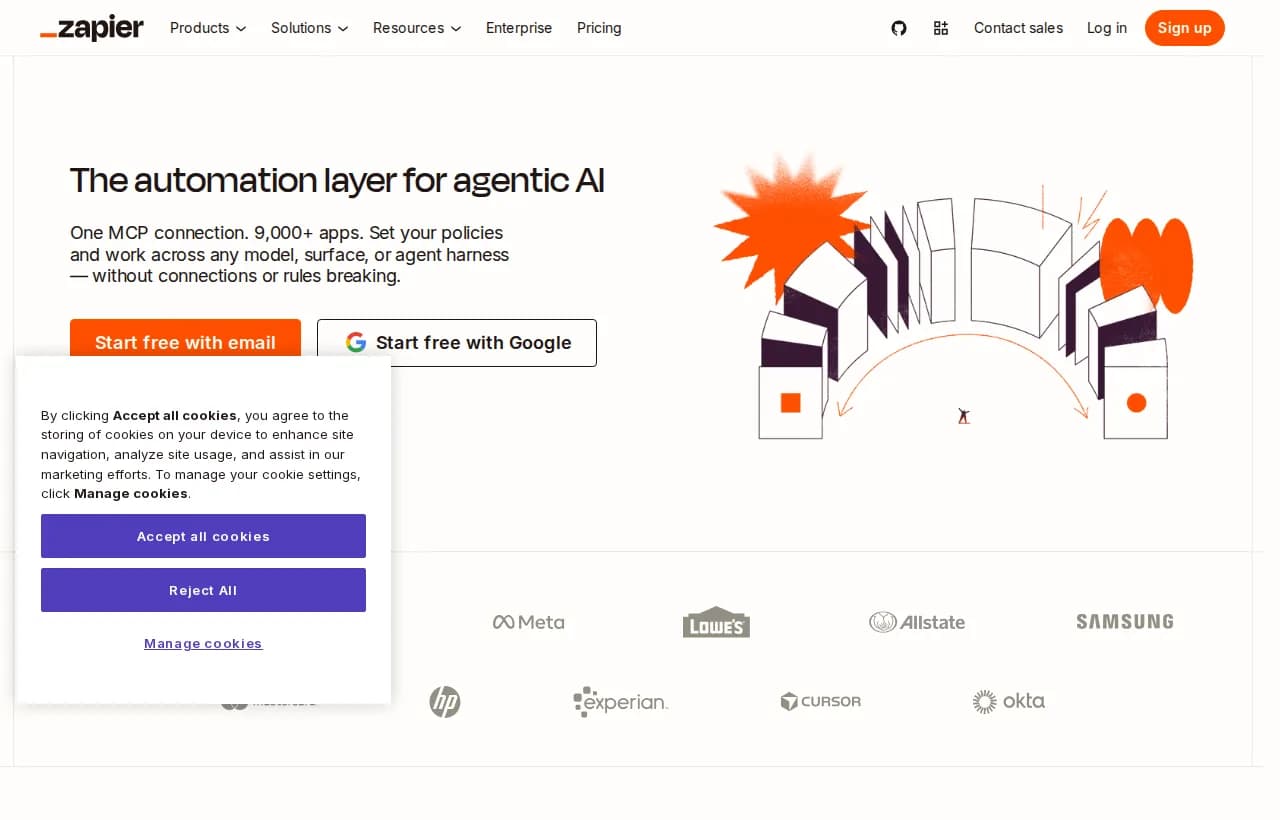
Zapier bills per task. Every action step that runs counts as a task, so a five-step workflow that fires 200 times a month burns 1,000 tasks. Paid plans start around $20 a month at the time of writing, and cost climbs with volume and workflow length.
n8n: the developer-first automation engine
n8n covers the same ground from the other direction. It is fair-code and open-source, which means you can self-host it for free on your own infrastructure or use its cloud. It ships around 500 native nodes plus a universal HTTP request node, so if an API exists, n8n can call it. The canvas rewards technical users: you can drop JavaScript or Python into any step.
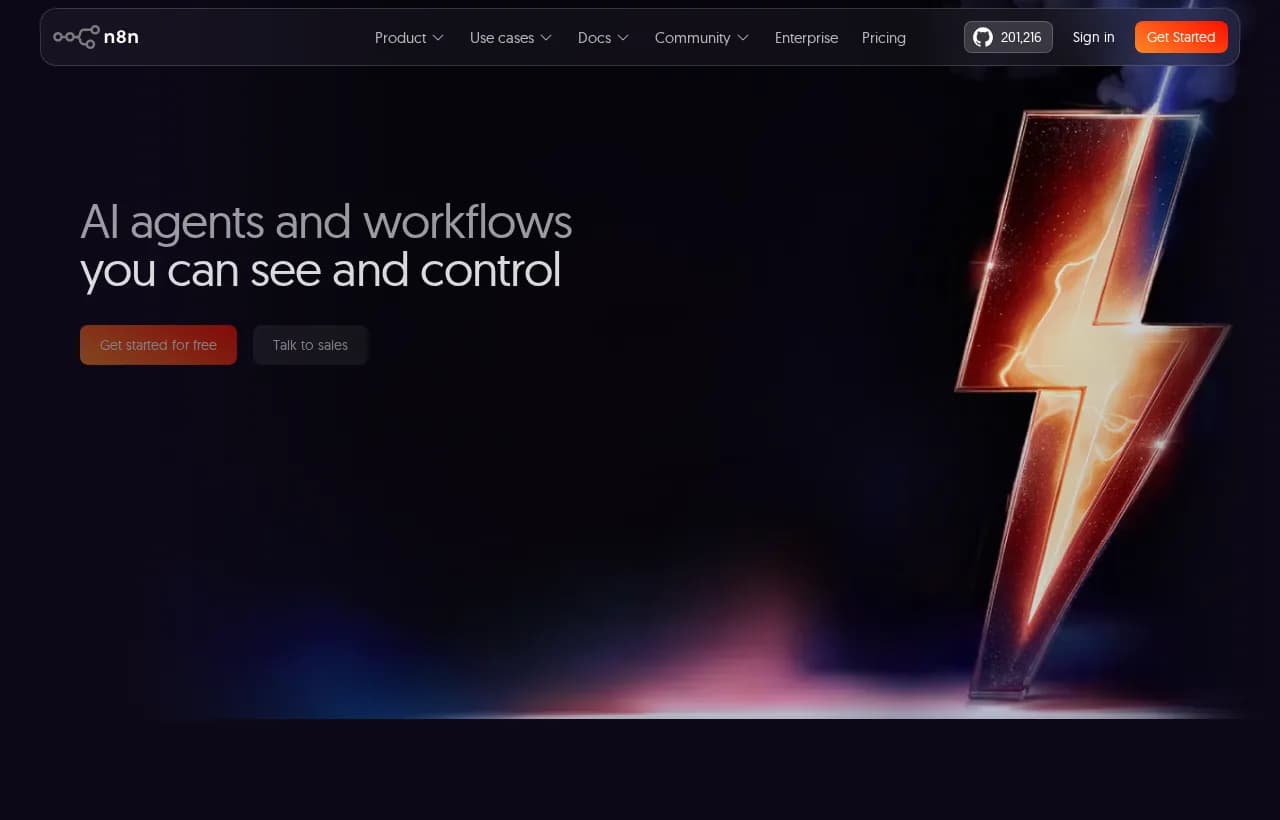
n8n bills per execution, not per task. One full workflow run is one execution, no matter how many steps it has. That single billing difference is why high-step workflows get dramatically cheaper on n8n at volume, and why self-hosting can drop the bill to zero.
The thing nobody says out loud
Here is what the comparison posts skip. n8n and Zapier are both deterministic flowchart automation. You draw the path; the tool follows it exactly, every time. That is a real strength for repeatable, predictable work, and it is a hard ceiling for anything ambiguous. The moment a workflow needs to weigh options or handle an exception you did not pre-map, you are back to hand-coding branches. Hold that thought, because it is the fork in the road this whole guide is built around.
Head-to-head comparison
Ease of use and learning curve
Zapier wins for non-technical setup. The interface is linear and guided, and most people ship their first Zap without reading a doc. n8n's node canvas is more powerful and more demanding: you see inputs and outputs next to every step, which is a gift once you think in data flows and a wall if you do not.
Integrations and ecosystem
Zapier's 9,000+ prebuilt integrations are its moat. If you use a mainstream SaaS app, Zapier almost certainly has a native connector. n8n counters with roughly 500 native nodes plus the HTTP node, which technically connects to anything with an API, at the cost of more setup. For breadth of ready-made connectors, Zapier leads. For "connect to this obscure internal API," n8n is more flexible.
Pricing and cost at scale
This is where the two genuinely diverge, and it is not about the sticker price.
| Cost factor | Zapier | n8n |
|---|---|---|
| Billing unit | Per task (each action step) | Per execution (each full run) |
| Entry paid plan | ~$20/mo | ~$20/mo cloud, free self-hosted |
| High-step workflows | Expensive, every step counts | Cheap, one run is one execution |
| Self-hosting | Not available | Free, open-source |
| Cost predictability at volume | Climbs fast | Flat per run |
If your workflows are short and your volume is modest, the two land close. If your workflows are long or high-volume, n8n's per-execution model and free self-hosting can cut the bill by an order of magnitude.
Hosting, data privacy, and compliance
Zapier routes your data through its cloud. That is fine for most teams and it carries SOC 2 and GDPR commitments. n8n self-hosting keeps data on your own infrastructure, which is the deciding factor for regulated industries and anyone with strict data-residency rules. If your legal team cares where the bytes physically sit, n8n's self-host option is a strong argument.
AI and agent features
Both tools now ship AI and LLM nodes. This is the part that confuses buyers, so let us be precise. Adding an "AI step" to a Zapier or n8n workflow means the model runs inside a path you drew. It summarizes a ticket, or classifies an email, then hands control back to your fixed flowchart. That is useful. It is not an agent. An agent decides the path. That distinction is the bridge to the rest of this guide.
The question underneath the question: flowchart or agent?
When a flowchart is exactly right
Sometimes the honest answer is "you do not need an agent." If your process has predictable triggers, stable steps, and high volume, a flowchart is the right tool and probably the cheapest one. Move a Typeform response into a Google Sheet and ping Slack? Sync new Stripe customers to HubSpot? Use Zapier or n8n and move on. Full stop.
If every box above is checked, you have a flowchart problem, and Zapier or n8n solves it.
When you have outgrown the flowchart
Now the other case. Some work refuses to sit still. Triage an ambiguous support ticket and decide whether it is a bug, a refund, or a sales lead. Read a contract and flag the clauses that changed. Chase an overdue invoice without torching the client relationship. You cannot pre-map every branch of these because the branches depend on what the input actually says. Try to force them into a flowchart and you end up maintaining a sprawling tree of if-statements that breaks every time reality surprises it.
A flowchart automates a decision you already made. An agent makes the decision for you, then shows you its work.
Why "add an AI node" is not the same as an agent
This is the trap. Dropping an LLM step into Zapier or n8n feels like adding intelligence, but the flowchart still runs the show. The model fills in one box; your preset path does the rest. A real agent is the reverse: it holds the goal, chooses the steps, calls the tools, and adapts when a step fails. It is the difference between a calculator inside a form and a colleague who owns the outcome.
| AI node in a flowchart | Autonomous agent | |
|---|---|---|
| Who chooses the next step | You, in advance | The agent, at run time |
| Handles unmapped exceptions | No | Yes |
| Reads unstructured input and acts | One step only | End to end |
| Maintenance as edge cases grow | More branches to wire | Reasons through them |
This is exactly the line Rerun draws between AI workflow automation and true agents, and it is why "just add an AI node" only takes you so far.
Where Rerun fits (and where it does not)
Let us be straight about this, because the honesty is the point.
What Rerun is not
Rerun is not a drop-in replacement for Zapier or n8n. If your task is "when X happens, do Y," keep using them. They are excellent at deterministic plumbing and Rerun is not trying to win that job. It is also not a chatbot that suggests what you could do, and it is not another flowchart canvas with a nicer coat of paint.
What Rerun is
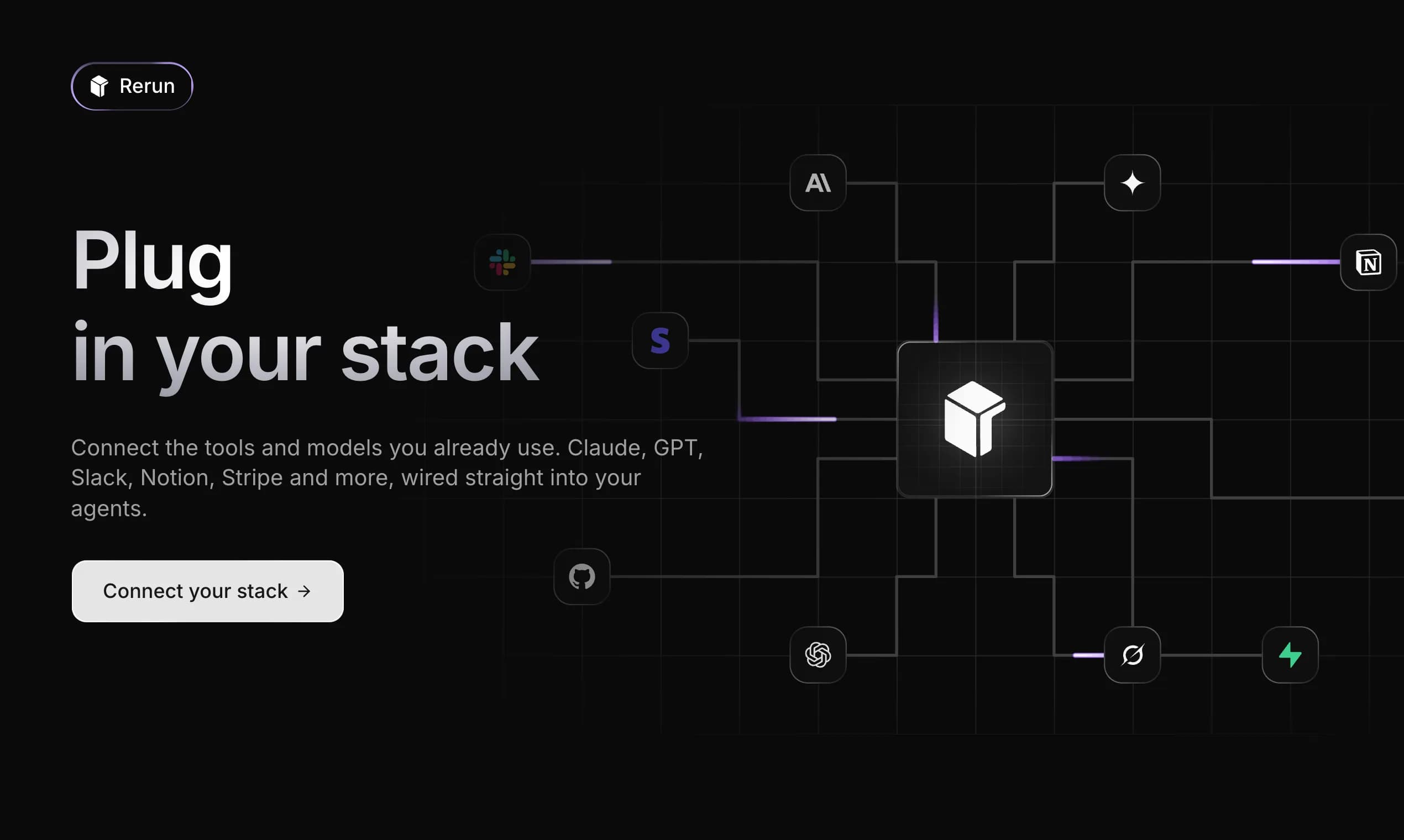
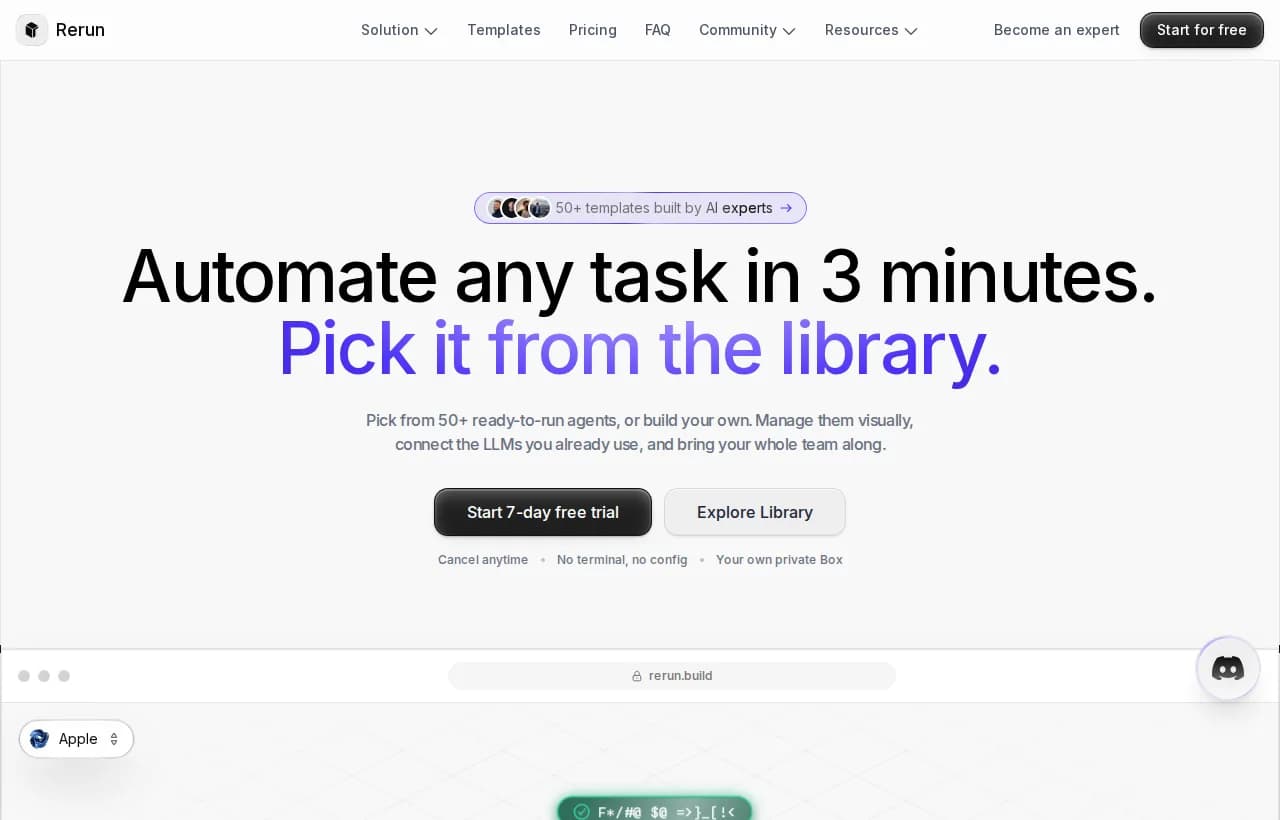
Rerun is the platform for the work the flowchart tools were never built for: tasks that need an agent to reason and act, not a preset path to follow. You build an agent in minutes, connect your tools, and then watch it do the work live on a dashboard anyone on your team can read. It is an autonomous workforce you can actually see.
The moat is governance
Here is the axis no automation-platform comparison covers, and the reason an agent is safe to run on real work. An agent that reasons is only useful if you can trust and control it. Rerun builds that control in:
- Human-in-the-loop approvals. Before a payment or an email to a client, the agent stops and asks. You approve from the app or from Slack, and it resumes exactly where it paused. This is the same discipline we cover in our guide to human-in-the-loop AI agents.
- Observability. You watch every action, every tool call, every decision, live. No black box.
- Audit trails. Every step is logged for compliance and review, so you can always answer "what did the agent do and why."
- Least-privilege execution. Each agent gets only the permissions its task needs, nothing more.
Governance is not a feature bolted on top. It is the reason a reasoning agent belongs in production instead of a demo. The NIST AI Risk Management Framework makes the same case at the policy level: autonomy without oversight is a liability, and human-in-the-loop controls plus traceability are what turn it into an asset.
 AI Risk Management Framework
n8n vs Zapier vs Rerun: which should you choose?
You do not have to pick one worldview. Plenty of teams run Zapier or n8n for the deterministic plumbing and Rerun for the reasoning layer on top. The clean way to decide:
| Your situation | The right tool |
|---|---|
| Predictable trigger, fixed steps, non-technical team | Zapier Yes |
| Predictable steps, technical team, cost or data-residency pressure | n8n Yes |
| The task needs judgment, reads messy input, or handles exceptions | Rerun Yes |
| You want to see and approve what the automation does before it acts | Rerun Yes |
If you can draw it on a whiteboard, wire a flowchart. If the task keeps surprising you, hand it to an agent you can watch and approve.
For a deeper look at coordinating several agents once you go down this road, our guide to AI agent orchestration picks up where this comparison ends.
AI Workflow Automation: Use Cases, Tools, and How to Get Started (2026)
AI workflow automation runs multi-step work with agents that reason and act, not rigid if-this-then-that rules. Here are the real use cases, how the tools differ, and how to get started.
Set up your first governed agent
If the reasoning-based side of that table is your situation, here is the honest checklist to start without over-committing:
That last step is the difference between hoping and knowing. You are not handing off blind; you are watching the work happen and approving what matters.

Rerun plans start at $24 a month with a 7-day free trial, unlimited executions, and no run quotas, so you can test a real agent on real work before you commit.
The bottom line
n8n and Zapier are both strong at the same job: running flowcharts you design in advance. Choose Zapier for speed and breadth, n8n for control and cost. But the sharper 2026 question is not which flowchart tool to buy. It is whether your task is a flowchart at all. When it needs something that reasons, decides, and adapts, you have crossed into agent territory, and the only version worth running in production is one you can watch, approve, and audit.
Stop wiring branches for work that needs judgment. Start your free 7-day trial and watch an agent do it instead.
Frequently asked questions
Can Zapier replace n8n, or n8n replace Zapier?
For most deterministic workflows, yes, they are interchangeable in capability. Zapier wins on setup speed and its 9,000+ app catalog, while n8n wins on control, self-hosting, and cost at high volume. Neither replaces the other on a specific feature so much as it fits a different team: Zapier for non-technical operators, n8n for technical teams that want to own their infrastructure.
Which is better: n8n, Make, or Zapier?
Make sits in the middle: more visual and cheaper than Zapier, more approachable than n8n. Pick Zapier for the widest integrations and the fastest start, Make for a visual builder at lower cost, and n8n for code-level control and self-hosting. All three are still flowchart tools, so if your task needs reasoning rather than a fixed path, none of them is the right category.
Is n8n basically Power Automate?
They overlap but serve different buyers. Power Automate is Microsoft-centric and deeply tied to the Office and Azure ecosystem. n8n is open-source, self-hostable, and vendor-neutral, so it fits teams that want data residency and freedom from a single cloud. If you live inside Microsoft 365, Power Automate is convenient; if you want portability and control, n8n is the stronger fit.
Is n8n or Zapier better for AI workflows?
Both now offer AI and LLM nodes, and for adding a single AI step to a fixed workflow, either works. The catch is that an AI node runs inside a path you drew in advance. It classifies or summarizes, then hands control back to your flowchart. For work that needs an agent to choose its own steps and adapt, you have outgrown both tools and want a governed AI agent platform instead.
When should I use an AI agent instead of Zapier or n8n?
Use an agent when the task needs judgment you cannot pre-map: triaging ambiguous tickets, reading unstructured documents and acting on them, or handling exceptions that do not fit a fixed branch. If you can draw the process on a whiteboard, a flowchart is cheaper and simpler. If the process keeps surprising you, an agent that reasons, with human-in-the-loop approvals and an audit trail, is the safer choice.
How much do n8n and Zapier cost?
At the time of writing, both start around $20 a month on their entry paid plans. The real difference is the billing model: Zapier charges per task, so every action step in every run counts, while n8n charges per execution, so one full run is one charge regardless of step count. n8n is also free when you self-host, which can cut the bill to zero for high-volume workflows.
What is the difference between automation and an AI agent?
Automation follows a path you designed in advance and does exactly that, every time. An AI agent holds a goal, decides the steps itself, calls the tools it needs, and adapts when something fails. Automation is a flowchart you drew; an agent is a colleague who owns the outcome and shows you its work. The two are complementary: use automation for predictable plumbing and an agent for the reasoning-based tasks on top.

Written by
Clément Janssens