Nearly 6 in 10 small businesses now use generative AI, up from 23% just two years ago, according to the U.S. Chamber of Commerce 2025 Empowering Small Business report. The same report found that 82% of small businesses using AI grew their headcount over the past year. So no, AI is not quietly replacing your team. It is doing the busywork your team never had time for.
But most of what gets sold as "AI for small business" is still a chatbot that answers questions. An AI agent is different. It does not just talk back, it does the work: reads the email, updates the CRM, chases the invoice, books the call, then reports what it did. This guide covers what an AI agent really is, the specific jobs it does well for a small team, the tools we looked at with real pricing, and a plain way to pick one without wasting money.
In a hurry? Spin up your first agent free and watch it work on a live dashboard.

What is an AI agent for a small business?
An AI agent is software that takes a goal, makes its own decisions about how to reach it, uses your tools to get there, and completes the task from start to finish. A chatbot waits for a question and gives an answer. An agent takes an outcome, like "chase every overdue invoice until it is paid," and runs the whole loop on its own.
For a 1 to 20 person business, that distinction is the whole point. You do not have spare hours to babysit software. You need something that finishes the job.
AI agent vs chatbot vs automation vs copilot
These four terms get used as if they mean the same thing. They do not, and knowing the difference saves you from buying the wrong thing.
| Type | What it does | Needs you to | Example |
|---|---|---|---|
| Chatbot | Answers questions in a chat window | Ask it something | Website support widget |
| Automation | Runs a fixed if-this-then-that rule | Wire and maintain the flow | Zapier zap, Make scenario |
| Copilot | Suggests, you approve and act | Stay in the driver's seat | Inline writing assistant |
| AI agent | Decides and completes the task end to end | Set the goal and the guardrails | Rerun agent chasing invoices |
The gap that matters most is agent versus chatbot. If you want the full breakdown, our guide on the difference between an AI agent and a chatbot walks through it with examples.
How AI agents actually work
Under the hood, an AI agent has four parts, and none of them require you to understand the plumbing:
- A brain, a large language model like Claude, ChatGPT, or Gemini, that reasons about what to do next.
- Instructions, the plain-English job description you give it.
- Tools, the connections to your real software: Gmail, Slack, Stripe, your CRM.
- Memory, so it remembers context between runs instead of starting cold every time.
You describe the job, connect the tools, and the agent figures out the steps. That is the shift. The work moves from you to the agent, and you move from doing to supervising.
A chatbot is a helpful intern who answers when spoken to. An agent is a teammate who sees the work and does it.
Why small businesses are adopting AI agents
The pull is not hype, it is math. Unlike generic AI tools for small business that only draft text or answer a prompt, an agent finishes the task. A small team wears too many hats, and the repetitive hats are exactly what an agent handles well. Four payoffs show up again and again:
- Less busywork. The inbox triage, the data entry, the follow-ups nobody enjoys.
- Lower operating cost. Work that would need a part-time hire gets handled for the price of a software seat.
- 24/7 coverage. Leads that arrive at 11pm get a reply at 11pm.
- Faster response. No queue, no "I'll get to it tomorrow."
Where does the return actually come from? From narrow, high-volume, repetitive tasks with clear rules. That is where an agent shines. It does not come from vague creative judgment or one-off decisions that need real context. Point an agent at the repeatable 80% and keep the human on the tricky 20%, and the ROI is obvious.
7 jobs AI agents do well for small teams
Most roundups list tools first. That is backwards. Start with the job to be done, then pick the tool that fits it.
1. Customer support and help desk
An agent reads the incoming question, checks your docs or order history, and resolves the common cases without a human. Tools here include Tidio Lyro and Intercom Fin.
2. Inbound calls and booking
Voice agents answer the phone, qualify the caller, and book the appointment straight into your calendar. Useful for clinics, trades, and any local service business.
3. Sales and lead generation
An agent researches inbound leads, scores fit, drafts the reply, and books the call. Our walkthrough on building an AI sales agent with no code shows the full setup.
4. CRM and admin autopilot
The agent keeps records current, logs activity, and fires follow-ups so your pipeline is never stale.
5. Finance and invoicing
Chasing overdue invoices is the perfect agent job: repetitive, rule-based, and easy to put off. An agent sends the reminder, escalates on a schedule, and stops when the invoice is paid.
6. Marketing and content
From drafting posts to scheduling them, agents take the production grind off your plate. See our take on AI agents for marketing for the use cases that work.
7. Workflow glue and build-your-own
When the job spans several tools, a platform agent stitches them together and runs the whole sequence. This is where a tool like Rerun replaces a wall of flowcharts with a single agent you can watch.
{ "agent": "Margo", "goal": "Get every overdue invoice paid", "tools": ["Stripe", "Gmail"], "steps": ["find invoices overdue by 3+ days", "send a polite reminder", "escalate every 5 days", "pause and ask me before anything above $1,000", "stop when paid"], "report": "daily summary of what was sent and what got paid" }Ready to hand off a job like this? Build your first agent free.
The best AI agents for small business, tested
We looked at the tools small businesses actually reach for, with real starting prices. Here is the honest read on each, including who it is not for.
Lindy
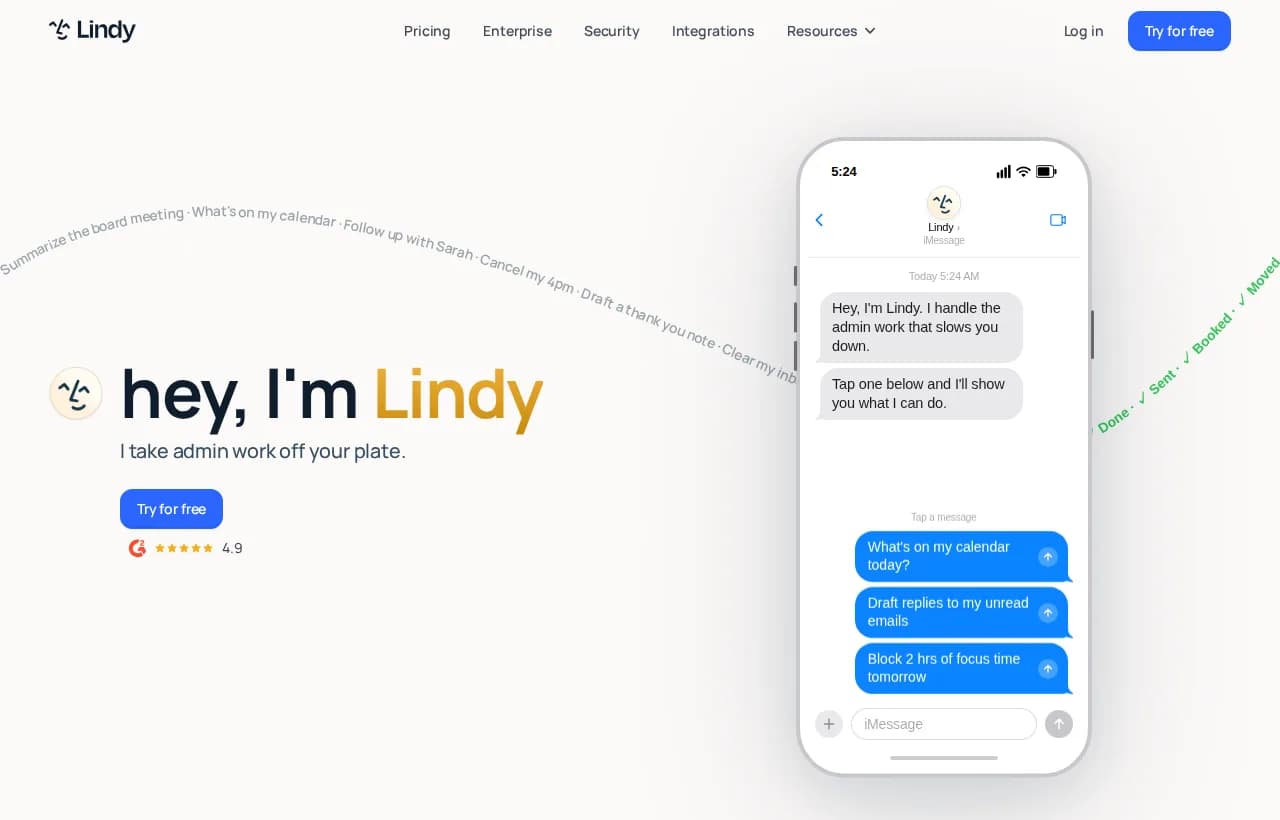
Lindy is an AI assistant aimed at personal admin: email drafting, meeting scheduling, and follow-ups, run largely from iMessage. It is strong for a solo operator drowning in inbox and calendar work. It is less suited to multi-step business workflows that span your whole stack. Plus plan starts at $49.99/mo.
Relevance AI
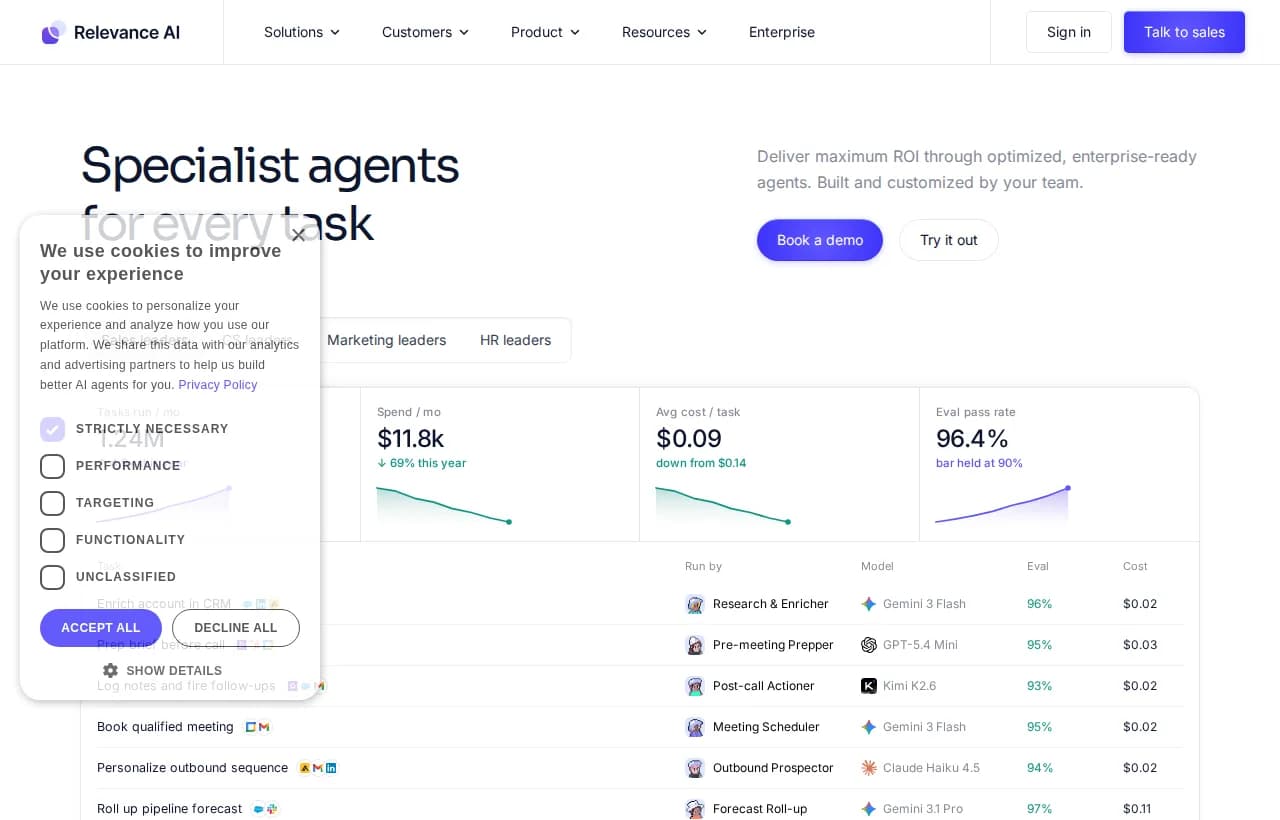
Relevance AI builds teams of specialist agents, positioned for sales and enterprise workflows with evals and model routing. It is powerful, but the framing is clearly enterprise, with a deployment team and a six-week onboarding. For a small team that wants to be live this afternoon, it can be heavier than you need. Paid plans start around $19/mo but scale up quickly.
Zapier and Make
These are automation platforms, not agents. AI automation for small business here usually means brittle if-this-then-that flows that you build and maintain by hand. Great for simple triggers, but the moment the job needs judgment or branches in ways you did not pre-wire, you are back to editing flowcharts. They also bill per task, so cost climbs with volume.
Rerun
Rerun is the platform that lets you build AI agents you can actually watch work. You describe the task in plain English, connect your tools, and the agent runs on its own always-on machine while you watch every action live on a dashboard anyone can read. No flowcharts to wire, no terminal to babysit, no black box.
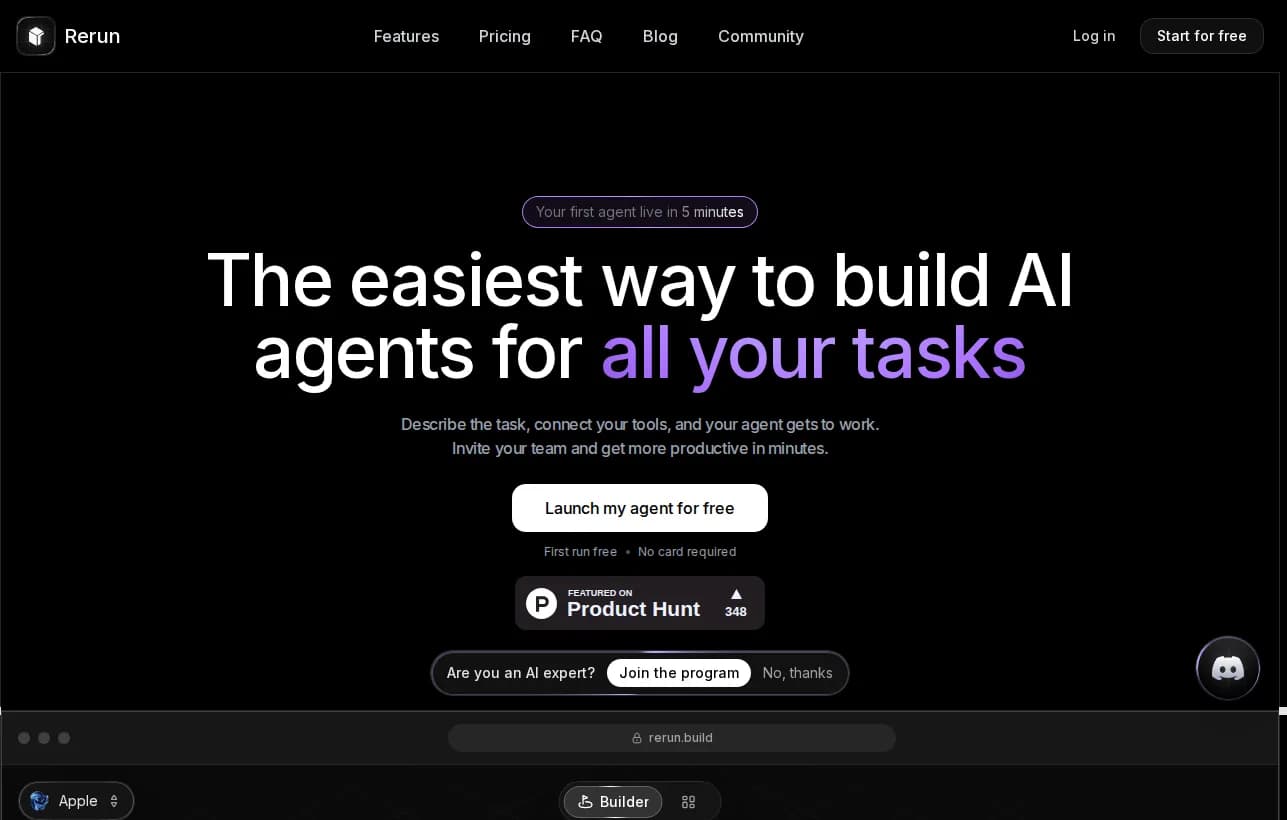
The difference for a small business is control without complexity. Before anything sensitive, sending a client email, issuing a refund, the agent stops and asks you to approve, from the app or from Slack. You see the work, you keep the wheel, and you never wonder what the software is doing. Plans start at $24/mo with a free 7-day trial and no card required.
Side-by-side comparison
| Capability | Rerun | Lindy | Relevance AI | Zapier |
|---|---|---|---|---|
| Completes tasks end to end | Yes | Yes | Yes | Partial |
| Watch the work live | Yes | No | Partial | No |
| No flowcharts to maintain | Yes | Yes | Yes | No |
| No code required | Yes | Yes | Partial | Yes |
| Human approval before sensitive actions | Yes | Yes | Yes | No |
| Live for a small team same day | Yes | Yes | No | Yes |
| Starting price | $24/mo | $49.99/mo | ~$19/mo | ~$19.99/mo |
For a deeper look at how to pick, our guide to the best no-code AI agent builder compares the field in detail.
Best No-Code AI Agent Builders in 2026: Ranked and Tested
We tested the top no-code AI agent builders of 2026. See which tools actually let you build, deploy, and monitor autonomous agents, no code required.
How to choose an AI agent
You do not need a procurement process. You need to answer five questions honestly.
Build versus buy versus platform comes down to time. Building from a framework like AutoGPT means a server, API keys, and ongoing maintenance. Buying a single-purpose tool is fast but boxes you in. A platform gives you room to add the next agent once the first one earns its keep, without starting over.

How to deploy your first AI agent in a weekend
You do not need to boil the ocean. Pick one job and ship it.
- Start narrow. Choose one high-volume, low-risk task. Invoice reminders and inbox triage are perfect first agents.
- Connect your tools and set guardrails. Link the two or three apps the job touches, and set an approval step for anything sensitive.
- Test, measure, expand. Run it on real work, check the dashboard, and only widen its scope once it earns trust.
Here is roughly what the first agent's setup looks like in plain English:
Agent: Inbox Triage (Sam)
Goal: Sort my inbox every morning at 7am
Tools: Gmail
Rules:
  - Label by topic (lead, invoice, support, noise)
  - Draft replies to leads, do not send
  - Flag anything mentioning a refund for my approval
Report: a short summary of what was sorted
That is a full agent. No flowchart, no code. If you want the bigger picture on how these systems run without you, our primer on autonomous AI agents goes deeper.
Try it free for 7 days and have your first agent running before the weekend is over.
Risks and limitations to plan for
No honest guide skips this part, and most competitor roundups do. Agents are powerful, not magic. Plan for four things:
- Hallucinations. An agent can be confidently wrong. Keep a human approval step on anything that leaves your business, like a client email or a payment.
- Data privacy. Know where your data lives. Prefer tools that isolate your workspace instead of pooling everyone's data together.
- Over-automation. Not every task should be handed off. Judgment calls, sensitive conversations, and one-off decisions still belong to people.
- Visibility. If you cannot see what the agent did, you cannot trust it. This is exactly why watching the work live matters, and why we treat agent observability as a core requirement, not a nice-to-have.
Handle these with guardrails and transparency, and the downside shrinks to something you can manage.
 Small Business Use of AI Surges, Driving Daily EfficiencyA new Chamber report finds that a majority of small businesses are adopting artificial intelligence (AI) for day-to-day operations and to improve efficiency.
Seven ready-to-run AI employees cover the jobs most small teams delegate first: an AI executive assistant, an AI SDR, an AI customer support agent, an AI social media manager, an AI ads manager, an AI ecommerce manager and an AI bookkeeper. What an AI employee is explains how they work.
The bottom line
AI agents are the first automation a small business can deploy that actually finishes work instead of just chatting about it. Start with one painful, repetitive job. Pick a tool that connects to your stack, keeps a human in the loop, and lets you watch the work happen. Then expand once it proves itself.
The tools that win for small teams are not the ones with the most features. They are the ones you can set up this afternoon and actually trust, because you can see what they are doing.
Stop doing the busywork. Watch your agents do it instead.
Start your free 7-day trial and put your first agent to work today.
Frequently asked questions
Are there free AI agents for small business?
Yes. Most platforms offer a free trial or a limited free tier so you can test before paying. Rerun offers a free 7-day trial with no card required, which is enough to build and run your first agent.
How much do AI agents cost for a small business?
Entry pricing usually runs from about $19 to $50 per month per tool. Rerun starts at $24/mo for the plan with 3 agents and a private machine. Watch for per-task billing on automation platforms, since cost climbs with volume.
Can a non-technical owner set one up?
Yes, if you pick a genuine no-code tool. With Rerun you describe the job in plain English and connect your tools, no code or terminal required. Your first agent can be running in minutes.
Will AI agents replace my employees?
The data says the opposite. The U.S. Chamber of Commerce found 82% of small businesses using AI grew their headcount over the past year. Agents take repetitive busywork off your team so people focus on the work that needs judgment.
What is the difference between an AI agent and ChatGPT?
ChatGPT answers questions in a chat window. An AI agent takes a goal, connects to your tools, and completes the task end to end, like chasing invoices or triaging your inbox, then reports what it did.
What is the best first task to give an AI agent?
Start narrow with one high-volume, low-risk job. Invoice reminders and inbox triage are ideal first agents because they are repetitive, rule-based, and easy to supervise while you build trust.

Clément Janssens