Rerun

Triage and Answer Support Tickets

Every customer request sorted, routed and answered in a draft built from your own policies and order data, with hand-overs flagged before anyone waits.

Triage and Answer Support Tickets agent board

About

Open your support inbox to a sorted queue and a ready reply for each customer, written from your policies and their real orders, not from guesswork.

What it does

  • Sorts every request by topic and urgency and routes it to the right person in your team
  • Drafts replies from your shipping, returns and FAQ policies and the customer's orders, answering every question asked
  • Checks discount and refund requests against your rules and the customer's history, and says eligible, not eligible or needs a decision
  • Hands a conversation over to a person with a note of the full story when it needs one
  • Spots customers who keep writing in and drafts a follow-up that fixes the root cause

What you need

  • Nothing to start: paste a few customer messages, or let it read your website's policies
  • Gmail for your support inbox and reply drafts (Outlook, Freshdesk and Intercom work too)
  • Shopify for each customer's orders, delivery status and history

How setup works

You see drafted replies built from your own policies in the first minutes. Then it learns your tone, your rules and who handles what, connects your inbox and store, and drafts replies to yesterday's real requests.

What stays in your hands

  • Replies stay drafts until you say go
  • No refund or discount is granted without you
  • The weekday queue run only starts once you confirm its time

What you will need

  • Gmail

  • Shopify

Coworkers in this template

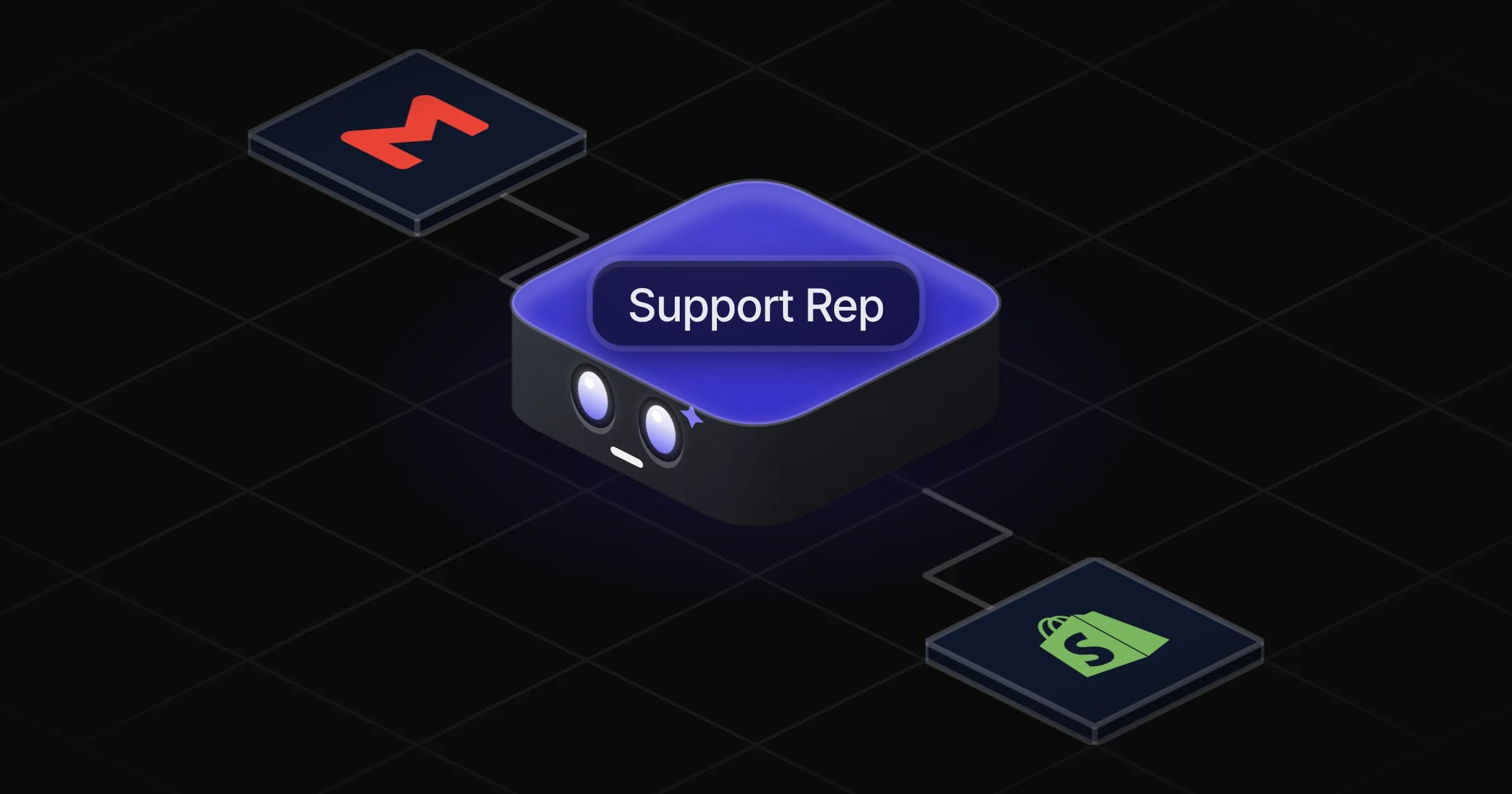
Support Rep

Sorts your customer support requests and drafts every reply from your policies and the customer's real orders, ready for your go-ahead.

Apps

Skills · 5

Check a discount request

Use when a customer asks for a discount, a promo code, a refund or a goodwill gesture, or when asked whether they are eligible.

Draft the replies

Use when asked to answer a customer, draft a support reply, or reply to a question from the docs and policies.

Follow up frequent contacters

Use when asked to find customers who keep writing in, or to follow up with customers who opened several requests.

Hand over to a person

Use when a customer conversation needs a human, or when asked to escalate or hand over a request to someone on the team.

+1 more

Scheduled tasks · 1

Daily support queue

At 09:00 AM, Monday through Friday
Frequently asked questions

Can AI answer customer support emails for my online store?

Yes. It drafts a reply to each request from your own policies and the customer's orders, and waits for your go-ahead before anything is sent.

Does it work with Zendesk, Freshdesk or Intercom?

It works with Freshdesk and Intercom from the Rerun catalogue, and with Gmail or Outlook if you answer customers from an inbox. If your helpdesk is not in the catalogue, paste or forward the requests.

Will it give discounts or refunds on its own?

No. It checks the request against your written rules and the customer's history and tells you whether they are eligible. You decide and send.

What happens with angry customers or questions it cannot answer?

It flags them for a person with a hand-over note: who the customer is, what they want, what was said and what is pending, so nobody asks them twice.

Can it run every morning on its own?

Yes. Once you confirm the time, it sorts the night's requests on weekday mornings, drafts the replies and sends you a short summary.

How much does it cost to run?

The template is free. Each run uses your Rerun credit.

2,000+ businesses run on Rerun

Hire Coworkers on the ChatGPTplan you already pay for.

  • 1. Plug in your subscription
  • 2. Set up your Coworkers
  • 3. Run your business with Coworkers