Rerun

Close the Books Every Month

Proposes the month-end entries, chases missing receipts and approvals, and delivers your financial statements with every variance explained.

Close the Books Every Month agent board

About

Get a month-end close a reviewer can sign: the entries the period needs, what is still missing, and statements that tie to your ledger.

What it does

  • Proposes the adjusting entries: accruals, prepaid expenses, depreciation, payroll, deferred revenue, assets booked as expenses
  • Lists the receipts, invoices and approvals still missing and drafts the reminders
  • Produces the income statement, balance sheet and cash flow with ratios and the variances explained
  • Keeps the fixed asset register and depreciation schedule
  • Turns card, Stripe or PayPal statements into lines your accounting software can import
  • Gathers the period file for your accountant or auditor

What you need

  • Nothing to start: try it on a sample month, then share a trial balance or ledger export
  • QuickBooks, to read your ledger directly and post the entries you approve (other accounting software works from exports)
  • Gmail, to draft the reminders for missing documents (another email works too)

How setup works

A sample close arrives in the first minutes. Along the way it learns your framework, chart of accounts and close calendar, connects your books and email, and confirms when the monthly close starts.

What stays in your hands

  • It never posts an entry to your ledger or sends a reminder without your go-ahead

What you will need

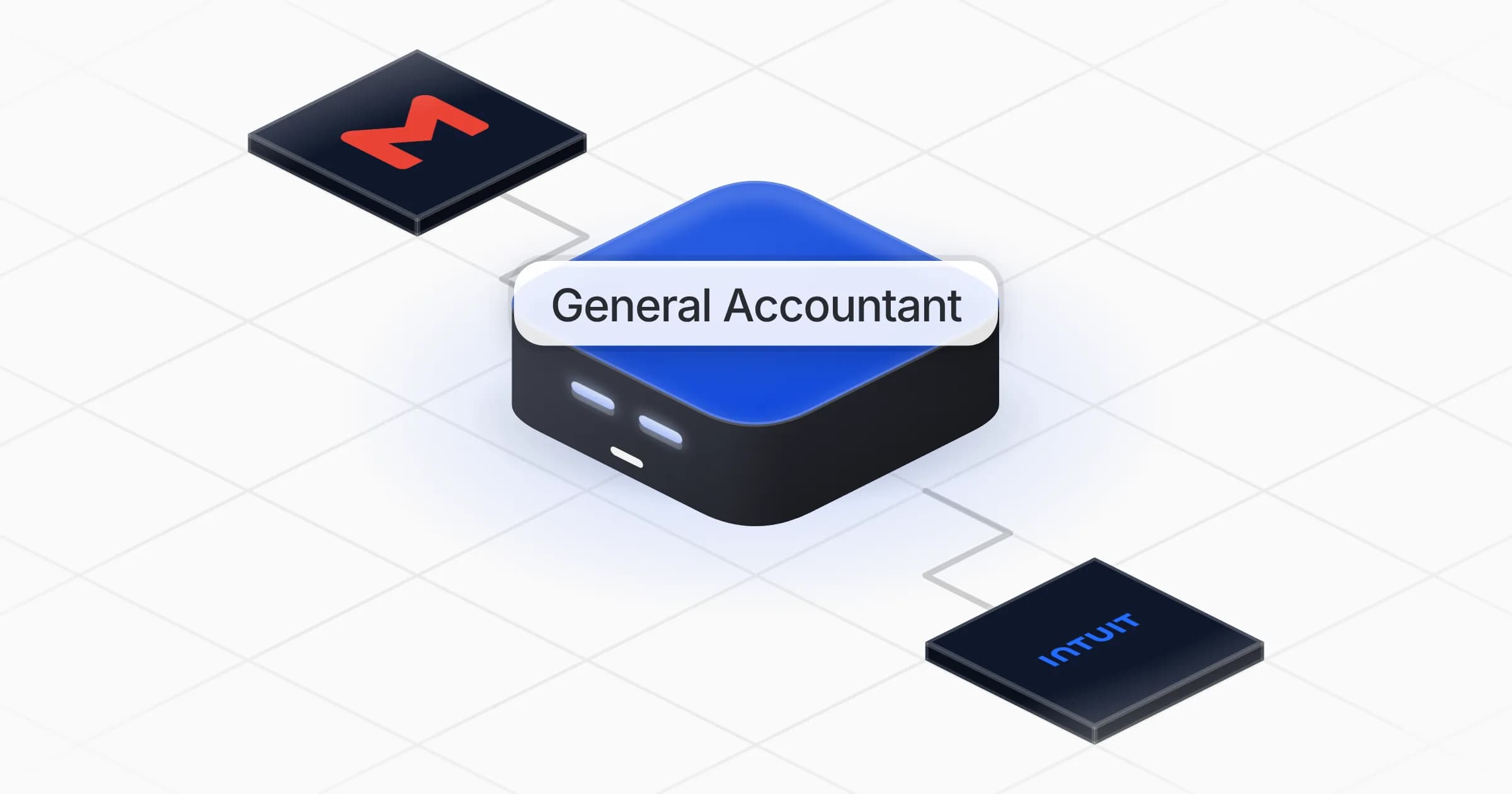
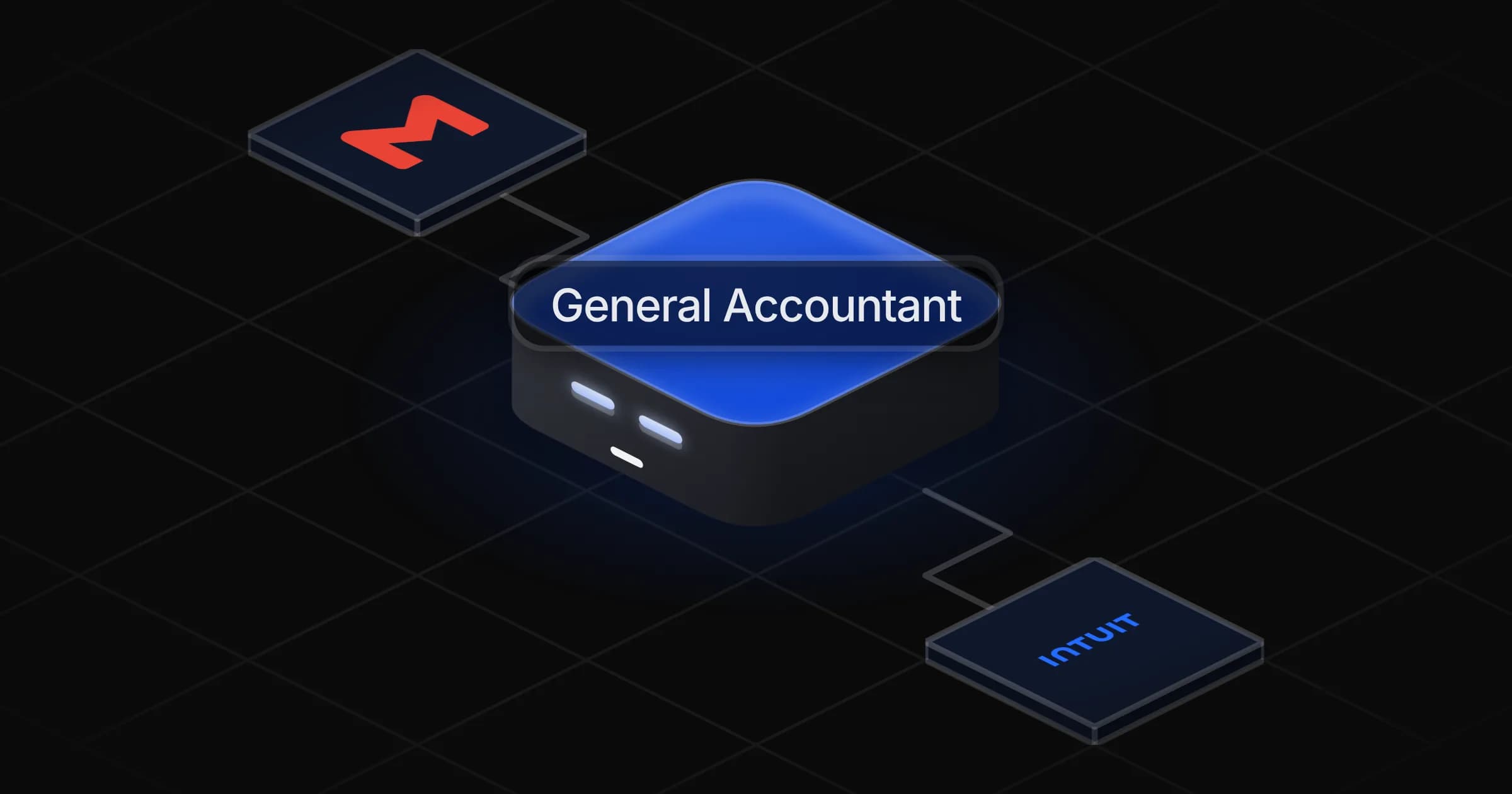
  • Gmail

  • Intuit QuickBooks

Coworkers in this template

General Accountant

Closes each month: proposes the adjusting entries, chases what is missing and delivers the financial statements with the variances explained.

Apps

Skills · 6

Build the period file

Use when asked to put together the period file, a pack for the accountant or auditor, or an export of a period's books.

Chase missing documents

Use when asked what is still missing for the close, to chase receipts, invoices or approvals, or to draft the reminders, and on the month-end close kickoff.

Import payment statements

Use when asked to turn a card, Stripe, PayPal or other payment statement into lines for the accounting software.

Keep the asset register

Use when asked to record a fixed asset, keep the asset register, compute depreciation or record a disposal.

+2 more

Scheduled tasks · 1

Month-end close kickoff

At 09:00 AM, on day 1 of the month

Frequently asked questions

Can it post journal entries in QuickBooks?

Yes, once QuickBooks is connected and only after you approve them. Until then it shows each entry with accounts, amounts and the supporting document.

Which accounting standards does it follow?

The framework and chart of accounts you use, whether local GAAP or IFRS. Tell it once during setup and every close follows them.

Does it work without QuickBooks?

Yes. It works from a trial balance or ledger export of any accounting software, and gives you entries and import files to load yourself.

Can it chase missing receipts for the close?

It lists every missing invoice, receipt and approval with its owner and drafts a short reminder for each. Reminders go out only when you agree.

Does it handle depreciation and fixed assets?

Yes. It keeps the asset register, computes monthly depreciation from your capitalisation policy and proposes the entry each month.

How much does it cost to run?

The template is free. Each run uses Rerun credit, like any coworker.

2,000+ businesses run on Rerun

Hire Coworkers on the ChatGPTplan you already pay for.

  • 1. Plug in your subscription
  • 2. Set up your Coworkers
  • 3. Run your business with Coworkers