Rerun

Find Wasted Ad Spend and Scale What Works

Reviews your Google, Meta, LinkedIn and TikTok ads, flags wasted spend and anomalies, and proposes budget moves, exclusions and the next creatives to test.

Find Wasted Ad Spend and Scale What Works agent board

About

Know every week where your ad budget leaks, what deserves more money, and what to test next, for each account you run.

What it does

  • Reviews campaign performance against your goal: cost per lead, per sale or return on ad spend
  • Flags spend anomalies and broken tracking before they cost a week of budget
  • Finds search terms, audiences and placements that spend without converting, with the exclusions to add
  • Proposes budget and bid moves, and the next creative tests drawn from what wins
  • Plans paid acquisition for a new offer and builds campaigns as drafts ready to approve

What you need

  • Nothing to start: a campaign export or screenshot, or just a website
  • Meta Ads (optional) reads Facebook and Instagram campaigns and prepares changes as paused drafts
  • Google, LinkedIn or TikTok ads through exports, or your ads manager opened on its screen, signed in by you
  • Optional live data such as keyword volumes or competitors' ads, billed on your Rerun credit and approved before each spend

How setup works

A first wasted spend review arrives in the first minutes, on your export or a labelled sample. Then it learns each account's goal and budget limits, connects Meta Ads, and sets up a daily spend check you confirm.

What stays in your hands

  • No campaign is launched, no budget or bid changed and no ad published without your go-ahead

What you will need

  • Meta Ads

Coworkers in this template

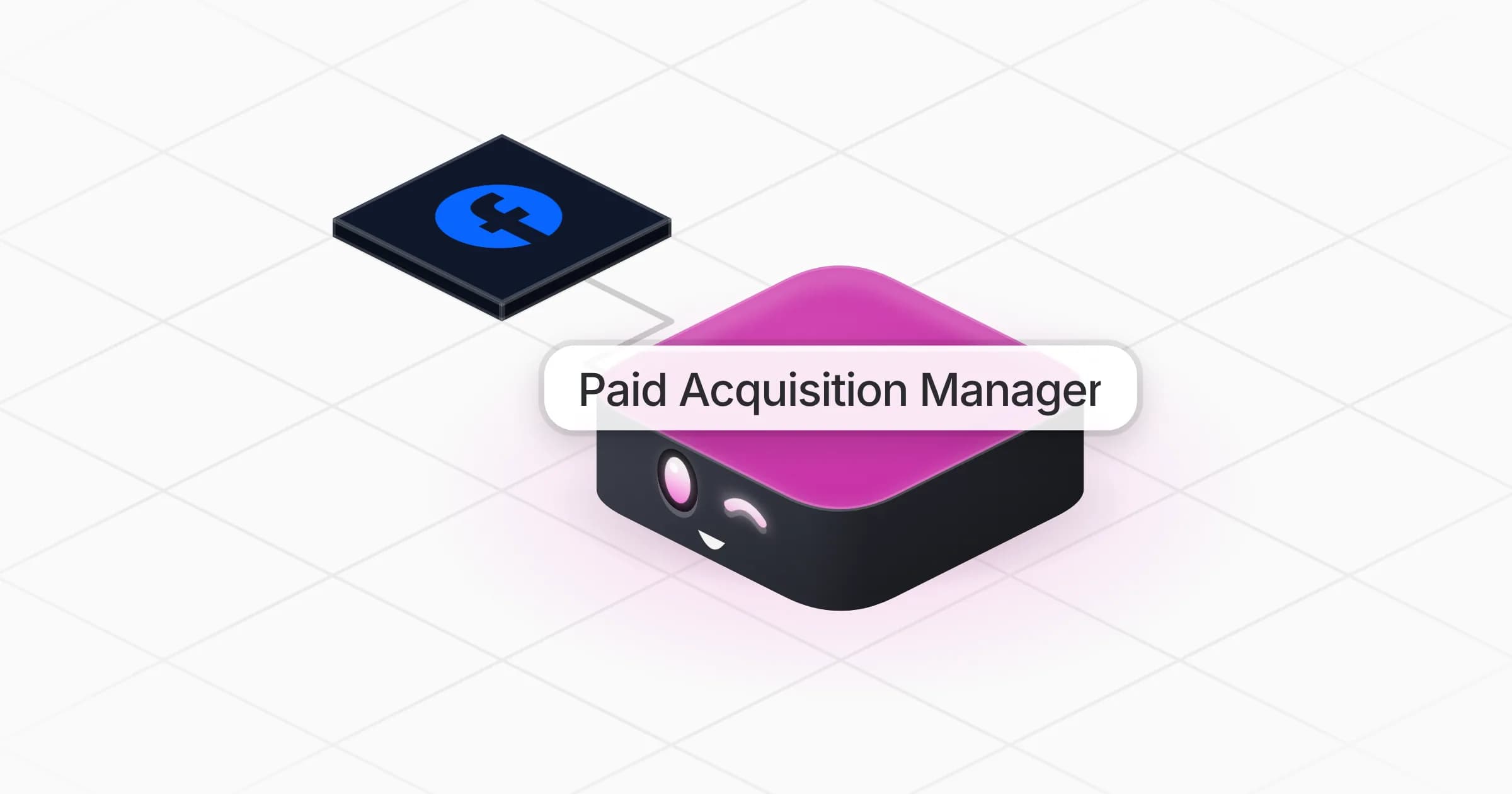
Paid Acquisition Manager

Finds wasted ad spend, proposes budget moves and new creative tests, and prepares campaigns ready for your go-ahead.

Apps

Skills · 6

Build the campaign

Use when asked to set up a new campaign on Google, Meta, LinkedIn, TikTok or another network, with its audiences, ads, lead forms and tracking.

Catch spend anomalies

Use when asked to watch ad spend, to explain a spend or cost spike or a drop in results, and on the daily spend check.

Find wasted ad spend

Use when asked how campaigns are doing, to find wasted ad spend, or which search terms, audiences or placements to exclude, and on the Monday review.

Plan paid acquisition

Use when asked for a paid acquisition or media plan, or which platforms, audiences and budgets to use for an offer.

+2 more

Scheduled tasks · 1

Daily spend check

At 09:00 AM, Monday through Friday

Frequently asked questions

Which ad platforms does it work with?

Meta Ads through its connector, and any platform through an export or a screenshot: Google Ads, LinkedIn, TikTok and others. It can also open your ads manager on its own screen, signed in by you, to read reports or build a campaign draft.

How does it find wasted ad spend?

It compares each campaign with your goal, such as cost per lead, cost per sale or return on ad spend, then digs into search terms, audiences, placements and creatives that spend without converting, with the money at stake and the change to make.

Will it change my budgets or launch campaigns on its own?

No. Every budget move, bid, exclusion or new campaign is prepared as a draft or a paused edit and listed for you to approve.

Can it build a paid acquisition plan for a new client?

Yes. From the website and the goal it proposes platforms, audiences, campaigns, budget split and the first ads to test, then builds the campaigns as drafts.

Can it watch spend every day?

Yes. A daily spend check flags abnormal spend or results each morning, with a full weekly review on Mondays. You confirm days, time and timezone during setup.

How much does it cost to run?

The template is free. Its runs use your Rerun credit, and any live data lookup, such as keyword volumes or competitors' ads, is shown with its cost and approved by you first.

2,000+ businesses run on Rerun

Hire Coworkers on the ChatGPTplan you already pay for.

  • 1. Plug in your subscription
  • 2. Set up your Coworkers
  • 3. Run your business with Coworkers