OpenClaw crossed 392,000 stars on its GitHub repository this month, for a lobster-themed assistant that started as a weekend project. Open source AI agents are no longer a curiosity. They are the default way a lot of technical people now hand off real work.
The trouble is that "open source AI agent" now means five different things. Some lists mix in coding frameworks, some mix in open-weight models, and a few quietly rank their own closed product first. Meanwhile Gartner expects over 40% of agentic AI projects to be canceled by the end of 2027, mostly because costs and risk controls were not thought through. Picking the wrong tool for the job is a fast way to join that number.
This guide ranks 8 open source AI agents you can install and run today, grouped by the job they do, and scored the same way on license, setup, model freedom, safety defaults and running burden.
The short version. Open source answers who owns the code. It does not answer who is responsible when the agent acts. Pick the agent on the first question, then plan for the second before it touches your inbox.
| If you want... | Pick | License |
|---|---|---|
| A personal assistant in your chat apps | OpenClaw | MIT |
| An agent that learns your workflows over time | Hermes Agent | MIT |
| An autonomous software engineer you self-host | OpenHands | MIT |
| A terminal-first coding agent | OpenCode | MIT |
| Coding on a budget with cheaper models | Open Interpreter | Apache 2.0 |
| A general desktop agent with neutral governance | goose | Apache 2.0 |
| An agent with a whole Linux computer to itself | Agent Zero | MIT |
| An agent that drives a real browser | Browser Use | MIT |
Licenses, stars and releases in this article were checked against each project's GitHub repository on October 18, 2026, and every pick below links to its repo so you can check them yourself.
What counts as an open source AI agent (and what this list leaves out)
For this ranking, an open source AI agent is a runnable product, under an OSI-approved license, that plans, uses tools and takes actions on your behalf. You install it and configure it. You do not build it.
That rules out three things that often pad other lists:
- Frameworks like LangGraph, CrewAI and AutoGen. They are libraries you write code against, not agents you run. Our guide to AI agent frameworks covers them, and if you are already on CrewAI, the CrewAI alternatives breakdown is the better read.
- Open-weight models like Llama or Qwen. A model is the engine, not the car.
- Source-available projects. You can read the code, but the license restricts how you use or host it. That is a legitimate choice for a vendor, it just is not open source under the Open Source Definition maintained by the Open Source Initiative.
Open source vs. source-available vs. open-weight
| Term | What you get | What you do not get | Example |
|---|---|---|---|
| Open source (OSI) | Code you can use, modify, host and resell | Nothing withheld by the license | MIT, Apache 2.0 |
| Source-available | Code you can read and often self-host | Freedom to offer it as a competing service | Elastic License 2.0 |
| Open-weight | Model weights you can download and run | Training data, sometimes commercial rights | Many LLM releases |
The difference matters most when your company's legal team gets involved. If every component must be OSI-licensed, the honorable mentions at the bottom of this page will shrink your list by one.
How we evaluated them
Every agent gets the same six-point scorecard. We read each repository, its license file, its docs and its latest release on October 18, 2026, rather than copying numbers from other roundups, which disagree wildly on star counts.
- License. OSI-approved or not, and any carve-outs.
- Ready to run. Is there a one-line installer or desktop app, or do you need to write code first?
- Model freedom. Any provider, plus local models through tools like Ollama.
- Safety defaults. Sandboxing, permission prompts, how skills or extensions are vetted.
- Running burden. Always-on daemon or session tool, release pace, who patches it.
- Project health. Stars, recent releases and who stewards it.
Quick comparison table
| Agent | Best for | License | Interface | Local models | Sandbox option | Stars (Oct 18, 2026) | Latest release |
|---|---|---|---|---|---|---|---|
| OpenClaw | Personal assistant in chat apps | MIT | Chat apps, desktop, CLI | Yes | Opt-in | ~392k | v2026.10.4 (Oct 16) |
| Hermes Agent | Self-improving personal agent | MIT | CLI, TUI, chat apps, desktop | Yes | Multiple backends | ~255k | v0.22.2 (Oct 15) |
| OpenHands | Autonomous software engineering | MIT | Web control center | Yes | Docker optional | ~91k | v1.27.1 (Oct 12) |
| OpenCode | Terminal coding agent | MIT | TUI, desktop beta | Yes | Depends on setup | ~216k | v1.19.3 (Oct 16) |
| Open Interpreter | Coding on low-cost models | Apache 2.0 | Terminal | Yes | Depends on setup | ~69k | rust-v0.0.56 (Oct 7) |
| goose | General desktop agent | Apache 2.0 | Desktop, CLI, API | Yes | Sandbox mode | ~55k | v1.55.0 (Oct 16) |
| Agent Zero | Agent with its own computer | MIT | Web UI over Docker | Yes | Docker by design | ~19k | v2.14 (Oct 13) |
| Browser Use | Real browser tasks | MIT | Python, CLI | Yes | Your browser or cloud | ~118k | 0.13.13 (Oct 15) |
Personal and always-on assistants
These run all day, live in the apps you already use, and remember you between conversations. They are the most useful category, and the one that needs the most care, because they hold your credentials while you sleep.
1. OpenClaw: best open source personal agent across messengers
OpenClaw is the project that defined the category. It runs on your own machine and talks to you on WhatsApp, Telegram, Slack, Discord, Signal, iMessage and the rest of its 29 channels. It manages email and calendars, browses the web, reads and writes files and runs shell commands. Models are plugins: Claude, GPT, local models, or a subscription you already pay for.
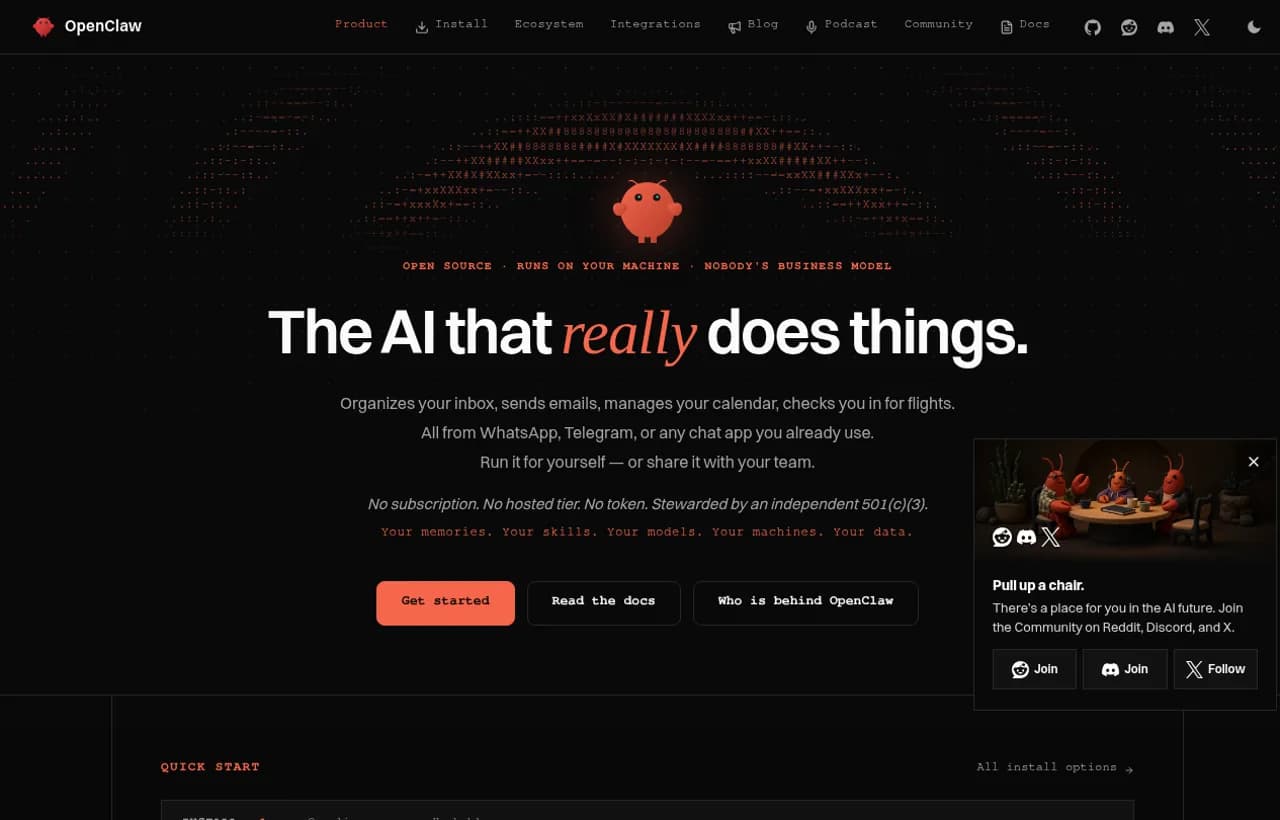
The project is stewarded by the OpenClaw Foundation, a US non-profit that keeps the whole product MIT licensed. Releases ship constantly, and skills come from a community registry called ClawHub, which now has a dedicated security review program for uploaded skills and plugins.
- Strengths: largest ecosystem by far, any model, native apps on every platform, real momentum.
- Watch out for: its own README says tools run on the host for the main session unless you configure sandboxing, and it asks you to treat inbound messages as untrusted input. Third-party skills are a supply chain you inherit.
- Best for: individuals and small teams who want one assistant everywhere and are comfortable owning its security.
- Skip if: nobody on your side will read the security guide before connecting a real inbox.
If OpenClaw is close but not quite right, our OpenClaw alternatives guide covers the forks and the OWASP risks in depth.
2. Hermes Agent: best self-improving open source agent
Hermes Agent, from Nous Research, is an AI agent (not the Hermes family of language models, which is a separate project). Its pitch is a closed learning loop: it writes skills from experience, improves them as it uses them, keeps agent-curated memory and searches its own past sessions. It ships with a built-in cron scheduler, isolated subagents and a gateway for Telegram, Discord, Slack, WhatsApp, Signal and the CLI.
Hermes is MIT licensed and works with any model provider. Nous sells optional credits through its own portal, but you can point it at OpenRouter, OpenAI or your own endpoint and never pay Nous anything. It also offers several sandbox backends out of the box, including local, Docker, SSH, Singularity and Modal, which is a stronger default posture than most of this list.
- Strengths: learns your recurring work, strong sandboxing choices, scheduling built in.
- Watch out for: self-modifying skills are powerful and harder to audit. Review what it writes.
- Best for: people who want an agent that gets measurably better at their workflows.
For the head-to-head, read Hermes vs OpenClaw.

Autonomous software engineers
Coding is where open source agents are most mature, because developers are both the builders and the users. We keep this section short on purpose: the full ranking lives in our best AI coding agents for 2026.
3. OpenHands: best open source autonomous coding agent
OpenHands has grown from a coding agent into Agent Canvas, a self-hosted control center for coding agents and automations. It runs the open source OpenHands agent out of the box, and it can also drive Claude Code, Codex, Gemini CLI or OpenCode through the Agent Client Protocol. Automations can run on a schedule or on webhook events from Slack, GitHub and Linear.
- Strengths: MIT license, any model, runs locally, in Docker, on VMs or in your own infrastructure.
- Watch out for: the quickest install runs the agent server directly on your machine with full filesystem access. The README says so in a warning box. Use the Docker sandbox for anything real.
- Best for: engineering teams who want a self-hosted, always-on "agent team" for issues, reviews and reports.
4. OpenCode: best terminal-first coding agent
OpenCode is a terminal coding agent with a polished TUI, a desktop app in beta, and support for essentially any model provider. It is MIT licensed and one of the most-starred projects on this list. It does one job, coding in your repo, and does it well. We compared it with the always-on approach in OpenClaw vs OpenCode.
5. Open Interpreter: best for coding on low-cost models
Open Interpreter has reinvented itself. The current version is a Rust fork of OpenAI's Codex, Apache 2.0 licensed, focused on getting the best results from cheaper and open models by emulating the agent harness each model performs best with. If your budget rules out frontier models for long agent loops, this is the one to try.
Cline, Aider and SWE-agent are also strong here. They are covered in the coding agents ranking.
General-purpose desktop agents
6. goose: best general-purpose agent with neutral governance
goose started at Block and was contributed to the Agentic AI Foundation, a Linux Foundation project, alongside Anthropic's Model Context Protocol and OpenAI's AGENTS.md. That makes it the only pick here governed by a multi-vendor foundation, rather than by a single company or a foundation built around one project.
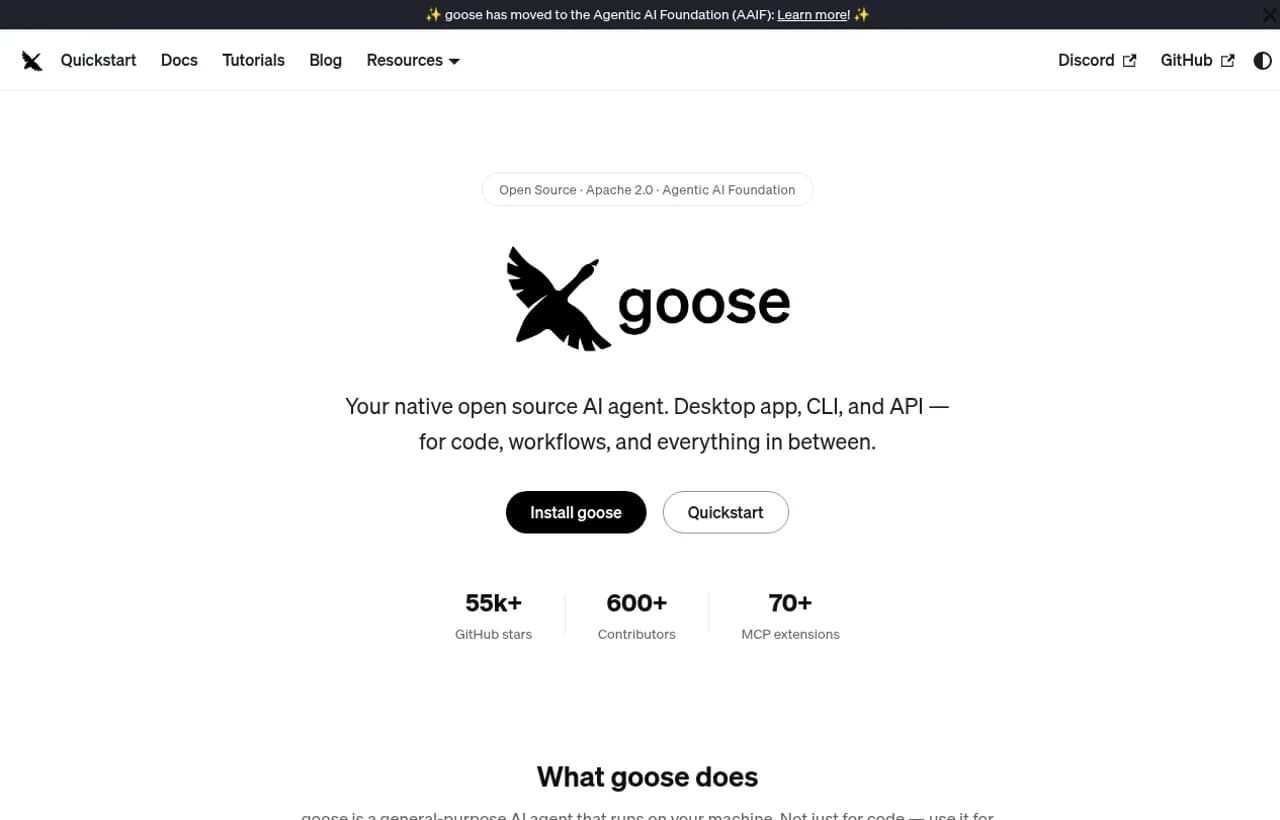
It is a desktop app, a CLI and an API, built in Rust, with 15+ model providers and 70+ MCP extensions. Its security features are the most explicit of the group: prompt injection detection, tool permission controls, a sandbox mode and an adversary reviewer that watches for unsafe actions. Workflows can be saved as portable YAML "recipes" and shared with your team.
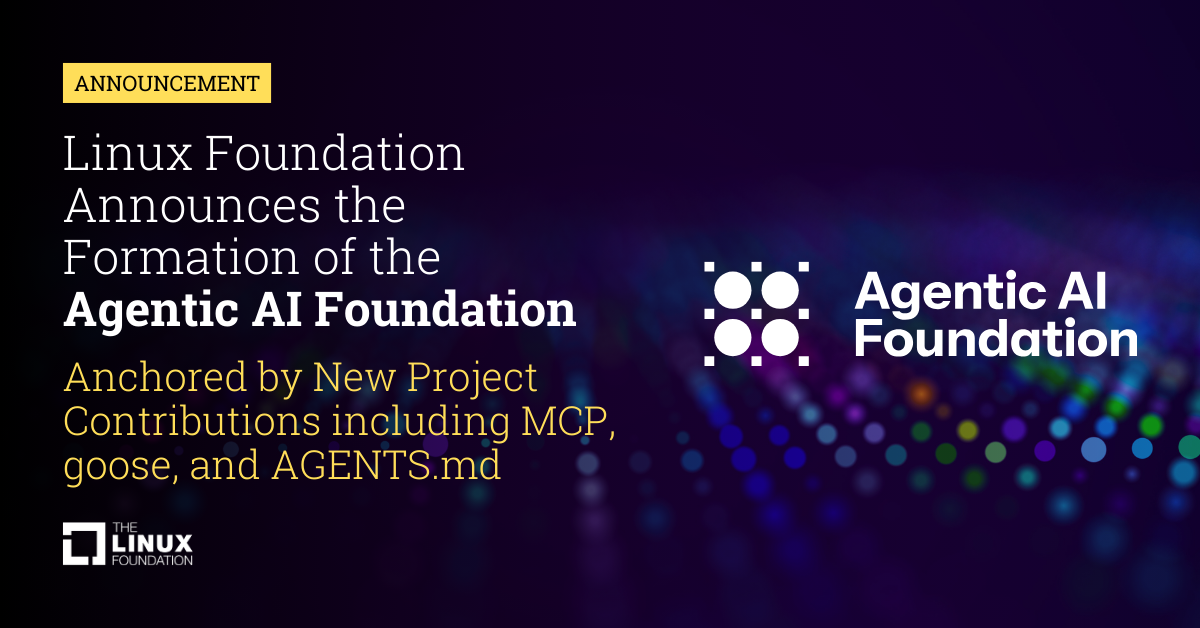 Linux Foundation Announces the Formation of the Agentic AI Foundation (AAIF), Anchored by New Project Contributions Including Model Context Protocol (MCP), goose and AGENTS.mdLinux Foundation Announces the Formation of the Agentic AI Foundation
- Best for: teams that want a general agent for research, writing and data work, with governance they can trust long term.
7. Agent Zero: best "give it a whole computer" agent
Agent Zero gives the agent a full Linux desktop inside Docker, with a browser, terminals, office documents and a plugin hub of 100+ community plugins. Because everything happens in a container, the blast radius of a mistake is the container, not your laptop. Its license file is MIT. It calls itself a framework, but it ships with a launcher and installer, so it runs like a product.
- Best for: open-ended tasks where the agent needs GUI software, not just APIs.
Browser and computer-use agents
8. Browser Use: best for letting an agent operate a real browser
Browser Use is half agent, half capability layer. You can run its agent locally from Python with any model, use it from the CLI, or register it as a skill inside another agent like OpenClaw or Hermes. It is MIT licensed, with a paid cloud for stealth browsers if you need scale. If browser automation is your main job, our explainers on browser agents and computer use agents go further.
Honorable mentions
- Cline (Apache 2.0): autonomous coding agent as an IDE extension, CLI or SDK.
- SWE-agent (MIT): research-grade agent that takes a GitHub issue and tries to fix it.
- Skyvern (AGPL-3.0): browser workflow automation. Open source, but the AGPL's network clause matters if you plan to offer it as a service.
- Suna by Kortix: often listed as open source, but its repository is under the Elastic License 2.0, which makes it source-available, not OSI open source.
How to choose: a 4-question decision path
Before you install anything, answer these four questions. Tick them off as you go.
The software is free. Running it is not. The hidden costs are hosting, model spend and, above all, the person who owns the agent when it misbehaves at 3am. We priced that out in detail in our article on what it costs to run self-hosted AI agents.

Self-Hosted AI Agents: What It Actually Costs to Own the Runtime
Self-hosted AI agents take a weekend to stand up. Operating them takes a team. A day-2 cost breakdown of uptime, containers, scheduling, state, observability, secrets and approvals, plus the self-hosted vs managed vs hybrid decision table.
The part open source does not solve: running agents safely
Here is the uncomfortable truth every list above skips. A capable agent with access to your email, calendar and shell, running overnight with nobody watching, is a governance problem, not a licensing one. The OWASP agentic AI threats guidance lists tool misuse, privilege compromise and memory poisoning among the core risks, and an MIT license does not mitigate any of them. Our explainer on prompt injection shows how easily a single email can redirect an agent that reads your inbox.
The questions that decide whether an agent survives contact with real work are operational:
| Question | Typical open source agent | What you need in production |
|---|---|---|
| Who approves a refund, a send or a delete? | Whoever configured it | A blocking approval before the action |
| Can a teammate see what it did yesterday? | Local logs, if enabled | A shared, readable history of every action |
| Where does it run? | Your laptop or a VPS you patch | An isolated machine you do not maintain |
| What happens when it is wrong? | It continues, confidently | It stops and asks |
A broken Zap stops. A broken agent continues. That is why flowchart tools like Zapier, Make and n8n were never built for this problem, and why a chatbot that only talks back cannot be held responsible for anything. Flowcharts need every step drawn in advance, and chatbots stop at advice. A coworker takes the action, then pauses for your approval when it matters.
Where Rerun fits, and where it does not
Rerun is not open source. If source access is a hard requirement, pick from the list above. That is what it is for.
What Rerun does is the operations layer around agent work. On Rerun, AI agents are called coworkers. Each coworker runs on its own private, isolated cloud machine, asks for your approval before consequential actions, and lets your whole team see what it did and why. You can run coworkers on the models Rerun hosts or connect your own AI subscription or API key, and they work across 3,000+ apps and MCP servers. No flowcharts to wire, no VPS to patch.
If an inbox is the first job you want off your plate, a ready-made coworker already does it:
Pricing is one plan: Pro is $29 a month for 5 coworkers, with a free 5-day trial. If you want to compare directly, we also keep an honest Rerun vs OpenClaw comparison.

The verdict
- For your personal life and messages: OpenClaw for reach, Hermes Agent if you want it to learn.
- For code: OpenHands for a self-hosted team, OpenCode for the terminal, Open Interpreter on a tight model budget.
- For everything else on the desktop: goose, with Agent Zero when the job needs a full computer.
Open source AI agents give you ownership of the code. Before one of them touches money, customers or production, make sure you also own the approvals, the logs and the off switch. If you would rather not build that layer yourself, human-in-the-loop AI agents and AI agent observability explain what to look for, and Rerun gives it to you on day one.
Frequently asked questions
What is the best open source AI agent in 2026?
It depends on the job. OpenClaw is the strongest personal assistant across chat apps, Hermes Agent is best if you want an agent that learns your workflows, OpenHands leads for self-hosted software engineering, and goose is the best general desktop agent with neutral, foundation-backed governance.
Are open source AI agents free to run?
The software is free, the running is not. You still pay for model calls, which add up fast in long agent loops, plus hosting if the agent runs around the clock, and the time of whoever maintains, patches and supervises it.
Can open source AI agents run fully locally?
Yes. Every agent in this list can use local models, typically through Ollama or a compatible endpoint. Expect a capability drop on long, multi-step tasks compared with frontier models, and make sure your hardware has enough memory for the model size you choose.
Is OpenClaw safe to use?
It can be, with care. By default its tools run on the host for the main session unless you configure sandboxing, and third-party skills are a supply chain you inherit. Read its security guide, enable sandboxing, limit credentials and review skills before connecting real accounts.
What is the difference between an AI agent and an AI agent framework?
An agent is a product you install and run, like OpenClaw or goose. A framework is a library you write code against to build your own agent, like LangGraph or CrewAI. This list covers agents only.
Is Hermes Agent the same as the Hermes models?
No. Hermes Agent is an open source AI agent from Nous Research that runs tasks, schedules jobs and learns skills. The Hermes language models are a separate project. Hermes Agent can run on almost any model provider.
Is Rerun an open source AI agent?
No. Rerun is not open source. It is the operations layer around agent work: coworkers that run on their own private cloud machine, ask for approval before consequential actions and keep a history your team can read. If source access is a hard requirement, pick an agent from this list.

Clément Janssens