OpenClaw vs OpenCode: Which Open-Source AI Agent Should You Actually Use? (2026)
OpenClaw and OpenCode are not really competitors. One is a synchronous coding agent, the other a self-hosted personal assistant. Here is how to choose, when to use both, and how to run either safely in production.
Search "OpenClaw vs OpenCode" and you get a spec sheet that quietly assumes the two tools are fighting over the same job. They are not.
Gartner predicts that over 40% of agentic AI projects will be canceled by the end of 2027, often because of unclear value and weak controls, not because the underlying agents are bad. That gap between "cool open-source agent" and "something I can actually run safely" is exactly what this comparison is about.
OpenClaw and OpenCode are both excellent, both open source, and both wildly popular. But they solve different problems. By the end of this guide you will know which one fits your work, when you might want both, and the part almost no other article covers: how to run either of them in production without getting burned.
In a hurry? Here is the one-line version below.
TL;DR: the 30-second answer
- Pick OpenCode if you want an AI agent that writes and edits code with you, live, in your terminal, IDE, or desktop app. It is a synchronous coding tool. You are at the keyboard.
- Pick OpenClaw if you want a self-hosted personal AI assistant that lives in your own chat channels (WhatsApp, Telegram, Slack, Signal) and can run around the clock on your own machine.
- You may want both. They do not overlap. One helps you ship code, the other runs errands across your messaging apps.
- The real deciding factor is not features. It is whether you can run the thing unattended without it doing something you will regret. That is a governance problem, and it is where most projects quietly fail.
What is OpenCode?
OpenCode is an open source AI coding agent. It helps you write code in your terminal, IDE, or desktop app, and it is provider-agnostic: you bring Claude, GPT, Gemini, a local model, or any of the 75+ providers it supports. It is one of the most popular open-source projects in the space, with over 195,000 GitHub stars, 950 contributors, and, per its own site, more than 16 million developers using it every month.
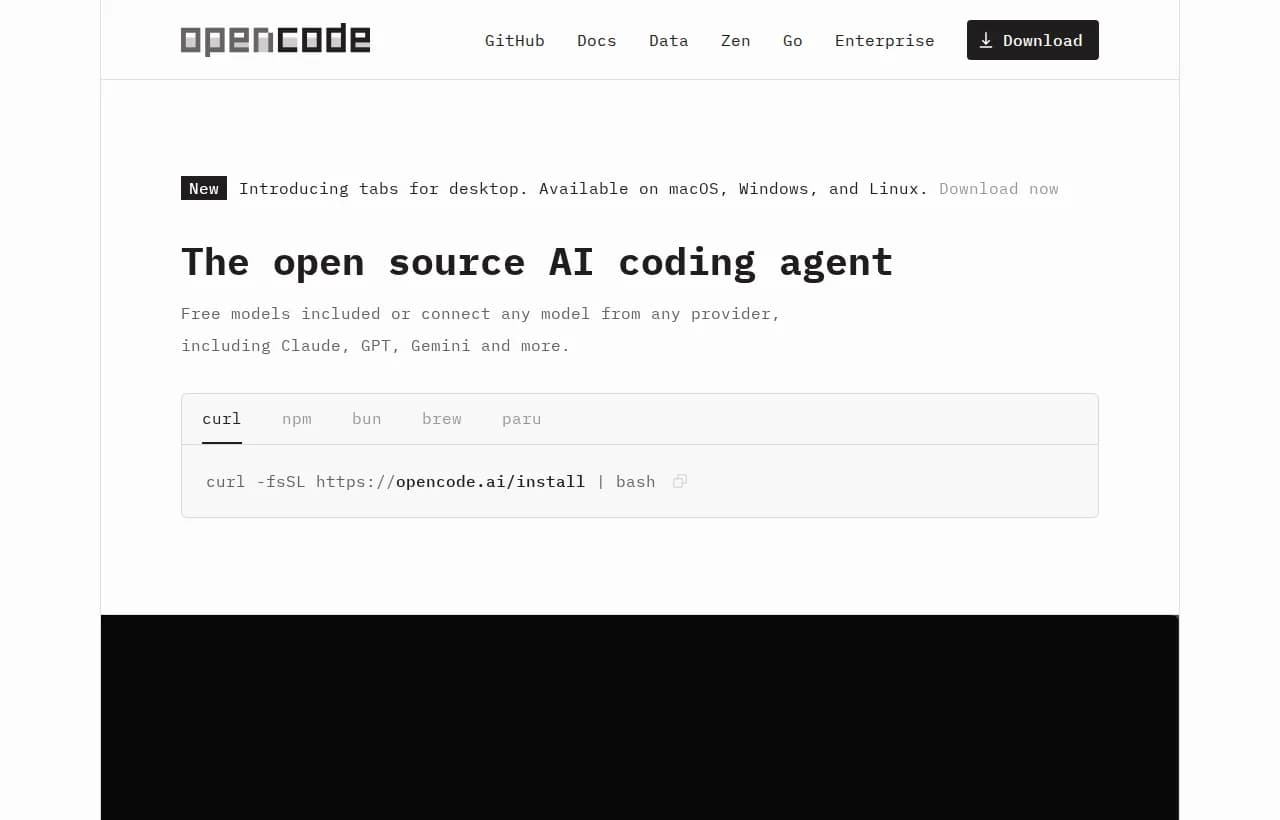
Installing it is a one-liner:
curl -fsSL https://opencode.ai/install | bashWhat it is great at
- In-loop coding. Refactors, bug fixes, PR-scoped changes, and "explain this codebase" work, all in the interface you already live in.
- Model freedom. Log in with your GitHub Copilot or ChatGPT subscription, or point it at a local model. No lock-in.
- Privacy. OpenCode states it does not store your code or context data, which matters in sensitive environments.
Where it stops
OpenCode is synchronous by design. It shines when a human is present, reviewing diffs and steering. It is not built to run unattended for hours, chase a task across your inbox overnight, or act on your behalf while you sleep. That is a feature, not a flaw, but it means OpenCode is the wrong tool if your goal is background automation.
What is OpenClaw?
OpenClaw is a different animal. Per its official repository, it is "a personal AI assistant that runs on your devices and meets you in the channels you already use." It is self-hosted, designed for a single operator, and connects models, tools, and messaging channels through a local component it calls the Gateway. With 385,000+ stars and 2,800+ contributors, it is a serious, MIT-licensed open-source project maintained by the non-profit OpenClaw Foundation.
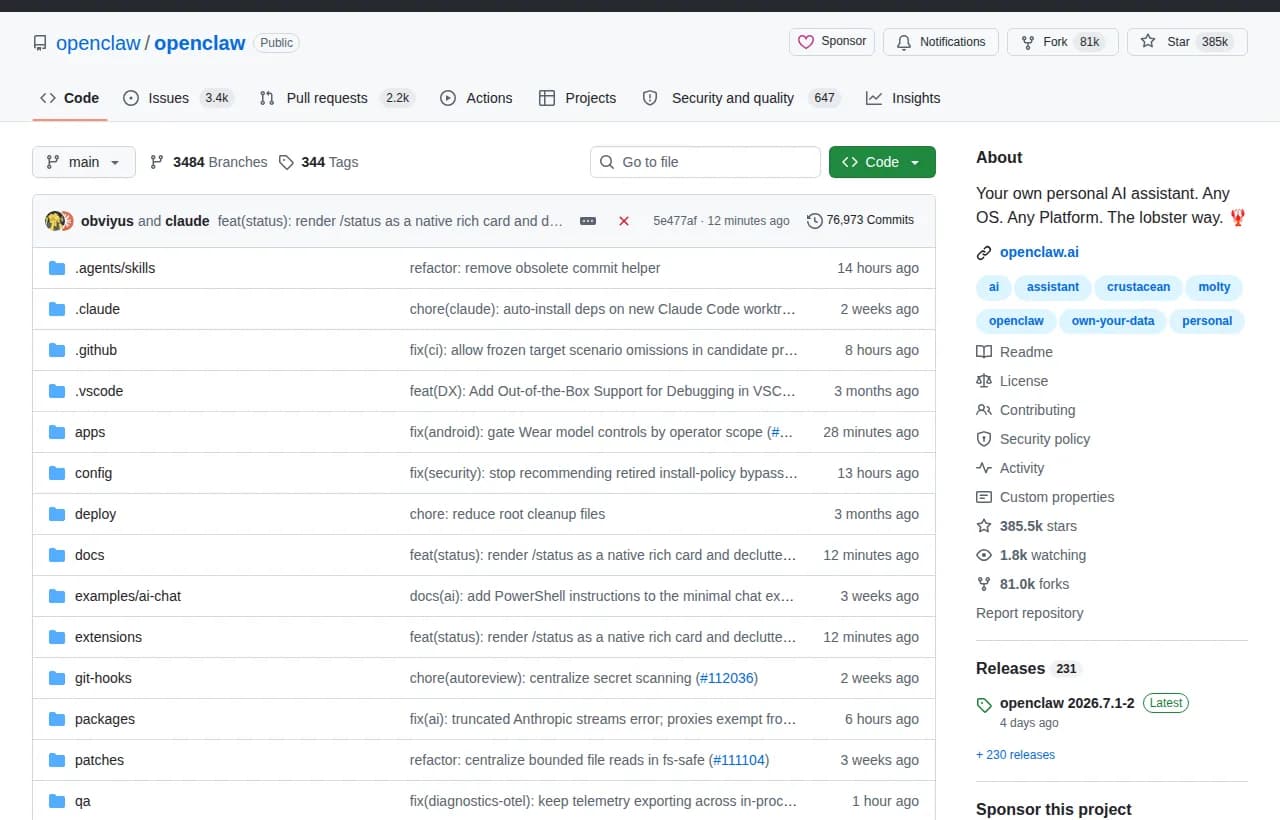
You install it and run it as a daemon on your own hardware:
curl -fsSL https://openclaw.ai/install.sh | bash
openclaw onboard --install-daemon
openclaw gateway status
What it is great at
- Always-on presence. Run it as a daemon and it stays up, reachable from WhatsApp, Telegram, Slack, Discord, Signal, iMessage, and more.
- Own your data. It runs on your devices and infrastructure. Nothing has to leave your machine.
- Extensible. Tools, skills, and plugins expand what the assistant can do, shared through its ClawHub ecosystem.
Where it stops
OpenClaw is heavier to operate, and its own documentation is refreshingly blunt about why. Its security guide tells you to "treat inbound messages as untrusted input," and warns that tools run on the host for the main session unless you configure sandboxing. In plain terms: it is powerful because it can act, and it can act because you gave it access to your host. That is a lot of trust to hand an assistant that reads messages from strangers. If you want the deeper autonomy trade-offs, our breakdown of how OpenClaw compares to Claude Code goes further.

OpenClaw vs OpenCode: head-to-head
Here is the honest side-by-side. Notice that almost every row is a difference in purpose, not quality.
| Dimension | OpenCode | OpenClaw |
|---|---|---|
| Primary job | Write and edit code | Personal assistant in your chats |
| Execution mode | Synchronous, you are present | Always-on daemon, self-hosted |
| Interface | Terminal, IDE, desktop | Messaging channels + Gateway |
| Where it runs | Your dev machine | Your own server or device |
| Best user | Developers | A single operator / power user |
| Unattended work | Not the point | Yes, if you secure it |
| Built-in guardrails | Human is the guardrail | You configure sandboxing |
| Learning curve | Low | Higher, you self-host |
Reading the table
If your work is "help me code faster," OpenCode wins and it is not close. If your work is "I want an assistant that texts me back and runs tasks on my own infrastructure," OpenClaw wins. They are complementary. A developer could genuinely use OpenCode to build software during the day and OpenClaw to run personal automations in the background. For a broader field of coding tools, see the best AI coding agents in 2026.
The real question nobody answers: can you run it safely?
Every "vs" article stops at features. But look again at what both tools quietly assume. OpenCode assumes a human is watching. OpenClaw assumes you will read the security guide, configure sandboxing, and treat inbound messages as hostile. The moment you want an agent to act unattended, you inherit a governance problem that neither tool solves for you.
There are three things you need before any autonomous agent touches production, and they are the same three things Gartner's canceled projects tend to skip.
Human-in-the-loop approvals
The agent should stop and ask before doing anything consequential: sending money, emailing a client, deleting data, deploying code. Not "log it and hope someone reads the log," but a hard pause that waits for a yes. If you want the full pattern, our guide to human-in-the-loop for AI agents walks through it.
Least privilege and scoped access
OpenClaw's own docs warn that tools run on the host unless sandboxed. That is the blast-radius problem. An agent should hold the narrowest set of credentials that lets it do its job, and nothing more, so a bad instruction or a prompt injection cannot cascade. This is straight out of the OWASP Top 10 for LLM applications, which flags excessive agency and prompt injection as leading risks.
LLMRisks Archive OWASP Gen AI Security Project
Observability and audit trails
You cannot govern what you cannot see, which is the whole case for agent observability. Every action, every tool call, every token needs to be visible and replayable, not buried in a terminal only one person understands. If something goes wrong at 3am, you need the trace. Start with the fundamentals in our AI agent security primer and the practical checklist in setting up agent guardrails.
Both OpenClaw and OpenCode give you capability. Neither gives you governance. That is the layer you have to add yourself, and skipping it is why so many agent projects die in pilot.
Here is a minimal readiness check before you let any agent run unattended:

Where Rerun fits
Let us be precise, because a shoehorned pitch helps no one. Rerun is not a coding agent, and it is not a replacement for OpenCode or OpenClaw. If you want to write code, use OpenCode. If you want a self-hosted chat assistant, OpenClaw is great.
Rerun is the layer that sits around an autonomous agent so you can actually run it in production. It is the platform that lets you build an agent in minutes with no code, connect your tools, and then watch the work happen live on a dashboard anyone on your team can read.
The framing is simple. OpenClaw gives you an autonomous assistant. The open question is how you run it unattended without it doing something you will regret. That is the layer Rerun provides:
- Human-in-the-loop by default. Before anything sensitive, the agent stops and asks. Approve from the app or from Slack, and it resumes exactly where it paused.
- You watch it work. Every run, token, and handoff shows up on a live dashboard. No black box, no scrolling terminal logs.
- Your private cloud. Each workspace gets a dedicated, isolated machine. Your data stays inside it.
Here is the shape of a task you would hand an agent you can actually supervise:
{ "goal": "Chase overdue invoices every morning", "tools": ["stripe", "gmail"], "rules": ["draft the reminder, do not send yet", "pause for human approval before any refund", "log every action to the dashboard"], "approval": "required for anything touching money" }Where does it land in the comparison? As the governance column, not a competing agent:
| Capability | OpenCode | OpenClaw | Rerun |
|---|---|---|---|
| Writes code | Yes | No | No |
| Self-hosted assistant | No | Yes | Private cloud or self-host |
| Runs unattended | No | Yes | Yes |
| Human-in-the-loop built in | No | No | Yes |
| Watch work live | No | Control UI | Yes |
| No code required | No | No | Yes |
Decision guide: which should you choose?
- Solo developer who wants to code faster. OpenCode. Install it, connect your model, stay in your editor.
- Power user who wants a self-hosted assistant in their chats. OpenClaw. Budget time to read the security and sandboxing guides first.
- A team that wants agents doing recurring work unattended. You want an agent plus a governance layer. Run the agent, wrap it in human-in-the-loop approvals and live monitoring. This is the Rerun job.
- Want both worlds. Use OpenCode for building and a supervised platform for the always-on automations. They do not compete for the same slot.
If you are weighing self-hosted options specifically, our roundup of OpenClaw alternatives worth considering covers the trade-offs, and if you are still deciding between wiring your own flow or a real agent, OpenClaw vs n8n is a useful companion read.
The Best OpenClaw Alternatives in 2026 (Safer, No-Code, Human-in-the-Loop)
OpenClaw is powerful, but it runs with full system access and no approval step. Here are the best OpenClaw alternatives in 2026, ranked for safety, visibility, and no-code use.
What these are not
To choose well, it helps to know what category you are actually in.
- Not a Zapier, Make, or n8n flowchart. Those run fixed, pre-defined trigger-to-action branches. OpenClaw and OpenCode reason and decide dynamically. The upside is autonomy. The catch is that autonomy is exactly why you need guardrails: a flowchart cannot go off-script, an agent can.
- Not a chatbot. These tools take actions. They write code, run commands, and touch real systems. A chatbot answers a question. An agent does the work.
- Not a DIY framework. OpenCode and OpenClaw are usable products, not primitive libraries like AutoGPT-style kits that leave orchestration and safety entirely to you.
The through-line: capability is now easy. Control is the hard part, and it is the part worth paying attention to.
The bottom line
OpenClaw and OpenCode are not rivals. OpenCode is a synchronous coding agent for your terminal. OpenClaw is a self-hosted personal assistant for your chat channels. Choose by the job in front of you, and do not be surprised if you end up using both.
The decision that actually matters comes after you have picked a tool: can you run it unattended, safely, where you can see it? Capability is solved. Governance is not. If you plan to put any agent to work while you are not watching, start with approvals, least privilege, and live observability, then let it run.
Frequently asked questions
Is OpenClaw the same as OpenCode?
No. They do different jobs. OpenCode is a synchronous open-source coding agent for your terminal, IDE, or desktop. OpenClaw is a self-hosted personal AI assistant that lives in your messaging channels and can run always-on as a daemon.
Which is better, OpenClaw or OpenCode?
Neither is universally better, they solve different problems. Choose OpenCode if you want to write and edit code faster while you watch. Choose OpenClaw if you want a self-hosted assistant reachable from your chat apps that runs on your own hardware.
Can I use OpenClaw and OpenCode together?
Yes. They do not overlap. Many developers use OpenCode to build software during the day and OpenClaw to run personal automations across their messaging channels. Using both is common and not redundant.
Is OpenCode free and open source?
Yes. Per its official site, OpenCode is open source with over 195,000 GitHub stars, and it is provider-agnostic, so you can bring your own model from Claude, GPT, Gemini, or a local LLM, or use free included models.
Is it safe to run an AI agent unattended in production?
Only if you add governance the tools do not provide: human-in-the-loop approvals before consequential actions, least-privilege credentials, and full observability with audit trails. Without those three, unattended agents are the projects most likely to fail or cause harm.
Is OpenClaw self-hosted?
Yes. OpenClaw runs on your own devices or server through a local Gateway and can be installed as an always-on daemon. Its own security guide stresses treating inbound messages as untrusted and sandboxing tools, since they run on the host by default.
What are the alternatives to OpenClaw and OpenCode?
For coding, look at other agents in our best AI coding agents roundup. For a self-hosted assistant, see our OpenClaw alternatives guide. If you need to run agents unattended with approvals and live monitoring, a governance platform like Rerun wraps the agent with the controls production needs.

Written by
Clément Janssens