By 2029, agentic AI will autonomously resolve 80% of common customer service issues with no human involvement, according to Gartner. That is not a chatbot deflecting a question. That is an agent looking up the order, issuing the refund, updating the CRM, and escalating the one case that actually needs a person.
Most tools sold as "AI customer service" never get there. They answer, then hand you back to a queue. This guide draws the line between a scripted chatbot, a rigid flowchart automation, and a real AI agent that takes action. You will get the concrete use cases, real company examples with numbers, and an honest shortlist of the best tools to buy or build in 2026.
In a hurry? Build a support agent you can watch work, free.
What Are AI Agents for Customer Service?
An AI agent for customer service is an AI system that understands a customer request, retrieves the right information, and takes action on its own, such as looking up an order, processing a refund, or updating a ticket, then escalates to a human when the situation calls for it. The key word is action. It does the work, it does not just talk about it.
That distinction matters because the market is crowded with tools wearing an "agent" badge that are really something older underneath.
AI agent vs chatbot vs automation
Three things get sold as the same product. They are not.
| Capability | Scripted chatbot | Flowchart automation | AI agent |
|---|---|---|---|
| Understands messy, open questions | Limited | No | Yes |
| Decides the next step itself | No | No, you wire it | Yes |
| Takes real actions (refund, lookup, update) | No | Only pre-built paths | Yes |
| Handles cases you did not script | No | No | Yes |
| Escalates to a human with context | Sometimes | Rarely | Yes |
A chatbot answers from a script. A flowchart automation like a Zapier or Make workflow follows a path you built by hand, and it breaks the moment reality steps off that path. An agent reasons about the request, picks the tools it needs, and acts. If you want the deeper breakdown, our guide on the difference between an AI agent and a chatbot walks through it.
How AI agents for customer service work
Under the hood, a customer service agent runs a simple loop: it perceives the request, reasons about what to do, acts using connected tools, and checks in with a human when it should.
- Perceive: read the message across chat, email, voice, or social, plus the customer's history.
- Retrieve: pull the right answer from your knowledge base and live systems (RAG over your docs, plus API calls into your order or billing platform).
- Act: update the ticket, issue the refund, change the shipping address, or trigger the next step.
- Escalate: when confidence is low or the action is sensitive, hand off to a person with the full thread attached.
This is the same pattern behind any autonomous AI agent, pointed at the support desk.

Key Use Cases for AI Customer Service Agents
Here is where agents actually earn their keep. These are the jobs teams hand off first.
Autonomous ticket resolution
The headline use case. The agent handles the full request end to end: order status, returns, refunds, address changes, subscription cancellations. It reads the ticket, checks the system, takes the action, and closes the loop. No human touches it unless it needs approval.
24/7 tier-1 support
Coverage without night shifts. Zendesk reports that 74% of consumers now expect customer service to be available 24/7 because of AI. An agent answers instantly at 3am the same way it does at 3pm, and it never builds a backlog.
Agent assist and copilot for humans
Not every agent replaces the human. Many sit beside your reps, drafting replies, summarizing long threads, surfacing the right knowledge article, and suggesting the next best action. The rep stays in control and moves three times faster.
Voice AI agents
The fastest-rising slice of the category. Voice agents field phone calls, deflect routine questions, and route the rest, with latency low enough that the conversation feels natural. If your support volume lives on the phone, this is where agents are growing quickest.
Proactive and multichannel support
A good agent works across chat, email, WhatsApp, SMS, and social from one brain, keeping context as the customer moves between them. It can also reach out first: flagging a delayed shipment before the customer asks, or nudging a stalled onboarding.
Back-office actions
The unglamorous work that clears queues: updating the CRM, tagging and routing tickets, reconciling data between systems, and escalating with a clean summary. This is exactly the kind of busywork an agent absorbs so your team stops doing it by hand.
Real Examples of AI Agents in Customer Service
The numbers are already real, not projected.
Klarna put an AI assistant built with OpenAI on its front line and reported it was handling the workload of roughly 700 full-time agents, managing two-thirds of its service chats in its first month and cutting average resolution time from 11 minutes to under 2.
Intercom reports its Fin agent averages a 76% resolution rate across more than 12,000 customers, with many seeing over 85%. That is the share of conversations closed with no human at all.
The pattern is consistent: agents do not just deflect the easy questions, they resolve the messy ones by taking action in real systems. The teams winning here treat the agent as staff, not as a smarter FAQ.
The lesson for buyers is to look past demo polish and ask one question of any tool: when the customer asks for something real, does it act, or does it just reply?
Best AI Agents for Customer Service in 2026
The shortlist below spans two camps: helpdesk suites with an agent bolted in, and platforms where you build your own action-taking agent. For each, here is what it is, who it fits, and where it stops.
Intercom Fin
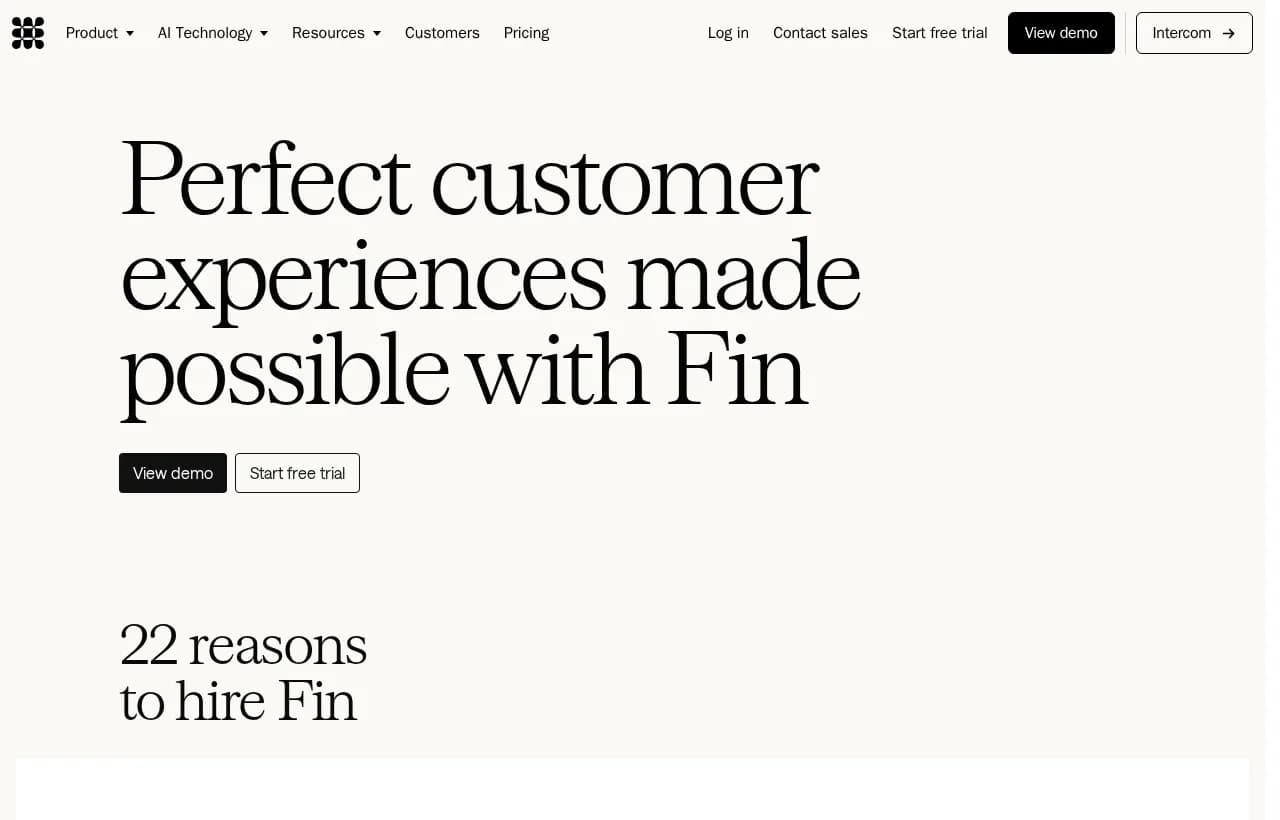
The most aggressive of the helpdesk-native agents. Fin runs on Intercom's own models, publishes hard resolution-rate numbers, and works across chat, email, and voice. It updates accounts, processes refunds, and connects to your stack via API and MCP.
- Best for: teams already on Intercom, or anyone wanting the highest out-of-the-box resolution rate.
- Watch out for: it lives in Intercom's world, and outcome-based pricing can climb as volume grows.
Sierra
A conversational AI platform aimed at larger brands, with a build-your-agent layer (Ghostwriter), long-horizon planning, and a strong observability and analytics suite. It deploys one agent across chat, SMS, WhatsApp, email, and voice.

- Best for: enterprises that want a heavily managed, guardrailed deployment.
- Watch out for: enterprise motion and pricing, less of a self-serve, build-it-today tool.
Decagon
A well-funded pure-play support agent focused on high-volume consumer brands. Strong at resolution, with detailed admin controls and analytics.
- Best for: consumer companies with big ticket volume and an ops team to tune it.
- Watch out for: sales-led onboarding, geared to larger accounts.
Zendesk AI
If your desk is already Zendesk, its AI agents and copilot slot in natively across the tickets you already manage. Zendesk's own research is some of the best in the category, and the product reflects it.
- Best for: existing Zendesk customers wanting agents inside their current workflow.
- Watch out for: most valuable when you are committed to the Zendesk ecosystem.
Ada
An automation-first platform built around resolving without code, popular with support teams that want to launch quickly across channels and languages.
- Best for: support-led teams that want fast, no-code deployment.
- Watch out for: primarily a support-desk tool, less suited to actions outside that lane.
Salesforce Agentforce
Salesforce's agent layer, natural if your customer data and service cloud already live in Salesforce. It reasons over your CRM data and takes actions inside the platform.
- Best for: Salesforce-heavy orgs consolidating on one vendor.
- Watch out for: value is tied to how deep you already are in Salesforce.
Rerun: build your own action-taking agent, no code
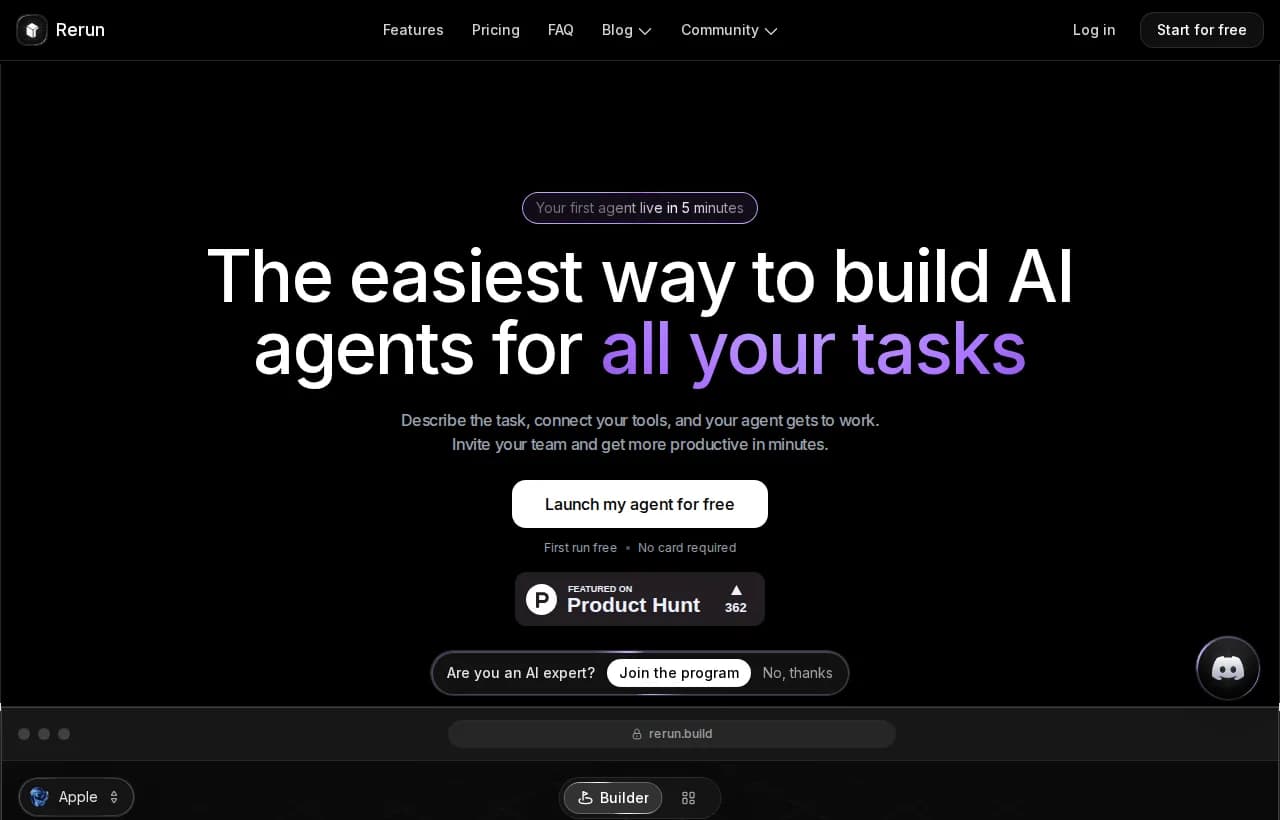
Every tool above is a support product first. Rerun is different. It is the platform that lets you build an AI agent you can actually watch work, then point it at support, ops, sales, or all three. You describe the job in plain English, connect your tools, and the agent gets to work on its own machine while you watch every action live on a dashboard.
What makes it a fit for customer service specifically:
- Agents that act, not scripts that reply. A Rerun support agent looks up the order in Stripe, drafts the reply in Gmail, updates HubSpot, and moves on. No flowchart to wire.
- No flowcharts, no if-this-then-that. Unlike a Zapier or Make workflow, the agent decides the steps. Reality stepping off the happy path is the normal case, not a broken automation.
- You watch every action, live. Nothing is a black box. Runs, tokens, and handoffs move in real time on a dashboard anyone on the team can read.
- Human in the loop by default. Before a refund goes out or a sensitive email sends, the agent stops and asks. Approve from the app or from Slack, and it resumes exactly where it paused.
- No-code, connected to your stack. 110+ native connectors plus any MCP server or API, running on Claude, ChatGPT, Gemini, or your own models. A support lead can ship an agent in minutes without engineers.
Honest framing: if you live entirely inside one helpdesk, a native agent like Fin or Zendesk AI is the path of least resistance. Rerun is for teams who want a custom agent that does the work across their own tools, and who want to see it happen. See how teams put this to work in our rundown of AI agents for business.
Side-by-side comparison
| Tool | Best for | Takes real actions | No-code build | Watch work live | Pricing model |
|---|---|---|---|---|---|
| Intercom Fin | Intercom teams | Yes | Yes | Analytics only | Outcome-based |
| Sierra | Enterprises | Yes | Guided | Observability suite | Outcome-based |
| Decagon | High-volume consumer | Yes | Admin-led | Analytics | Sales-led |
| Zendesk AI | Zendesk desks | Yes | Yes | In-product | Per resolution / seat |
| Ada | Fast no-code launch | Support actions | Yes | Analytics | Custom |
| Salesforce Agentforce | Salesforce orgs | Yes | Config-led | In-platform | Per conversation |
| Rerun | Custom agents across your stack | Yes | Yes | Live dashboard | Flat from $24/mo |
Chatbot vs Agentic AI: Why the Difference Matters for Support
Here is the trap. A scripted chatbot deflects. It answers the question it was told to answer, then dumps the customer into a queue the moment they ask for something real. That is not resolution, it is a nicer hold message. Customers know the difference, and they are done tolerating it. Zendesk found that 85% of CX leaders say customers will drop a brand over a single unresolved issue.
Agentic AI resolves because it reasons and acts. It is the same leap as the one between generative AI that produces text and agents that get work done, which we cover in agentic AI vs generative AI.
This is also where the old automation tools fall down. A flowchart is a promise that you can predict every path a customer will take. You cannot. The value of an agent is precisely in the cases you did not script, and a rigid if-this-then-that builder has nothing to say about those.
HomeDiscover how AI and contextual intelligence are shaping the future of customer experience. Get the Zendesk CX Trends 2026 report and see why 76% of… Zendesk CX Trends 2026
How to Choose and Build an AI Agent for Customer Service
Cut through the demos with a short checklist. Score any tool against these before you commit.
Buy versus build
Two roads. Buy an off-the-shelf support suite when your needs sit neatly inside one helpdesk and you want the shortest path to live. Build your own agent on a no-code platform when your support work crosses several tools, or when you want the same agent to also touch ops and sales. For the build road, our guide to the best no-code AI agent builder compares the options.
Whichever you pick, insist on visibility. An agent you cannot watch is an agent you cannot trust, which is the whole argument for AI agent observability.
If you are building on Rerun, a first support agent brief looks like this:
{ "role": "Tier-1 customer support agent", "goal": "Resolve inbound support tickets end to end", "tools": ["Gmail", "Stripe", "HubSpot", "help-center-knowledge-base"], "steps": ["read the incoming message and pull customer history", "check order or subscription status in Stripe", "answer from the knowledge base, or take the fix (refund, address change, cancellation)", "log the outcome in HubSpot"], "escalate_when": ["refund over $200", "angry or at-risk customer", "confidence below 0.7"], "channels": ["email", "chat"] }Drop that in, connect the tools, and the agent runs it on its own, pausing for your approval on anything over the line you set.

Benefits and Limitations
An honest scorecard, because one-sided vendor pages help no one.
What you gain:
- Lower cost per ticket as the agent absorbs tier-1 volume.
- Instant, 24/7 response with no backlog and no night shift.
- Consistency across every channel and every hour.
- Happier reps who stop doing repetitive work and handle the interesting cases.
Where you have to be careful:
- Hallucination risk. Ground the agent in your real knowledge base and test it, do not let it improvise policy.
- Escalation gaps. A bad handoff is worse than no agent. Get the escalation rules and context transfer right.
- Trust and transparency. Customers increasingly want to know when and why AI made a decision, so visibility is not optional.
The tools that win the tradeoff are the ones that keep a human in the loop and show their work, rather than the ones that promise full autonomy on day one.
The Future of AI Agents in Customer Service
The direction is set. Agents are moving from deflection to resolution, from text to voice, and from reactive to proactive. Gartner's projection that agentic AI will handle 80% of common issues by 2029 is aggressive, but the early numbers from Klarna and Intercom suggest it is directional, not fantasy.
The differentiator over the next few years will not be who has an agent. Everyone will. It will be who has an agent their customers and their own team actually trust, which comes down to two things: does it take real action, and can you see it work.
That is the bet Rerun is built on. Not a smarter chatbot, not another flowchart, but agents that do the work where you can watch them do it.
The AI customer support agent template does this out of the box: it triages each ticket, drafts the reply from your own policies and order data, then waits for your go-ahead.
If you want to see the shape of what is possible first, browse a stack of real AI agent examples across support and beyond.
Frequently asked questions
What is the best AI agent for customer service?
It depends on your setup. If you live inside a helpdesk, Intercom Fin (76% average resolution rate) or Zendesk AI are the shortest path. If your support work crosses several tools or you want the same agent to touch ops and sales too, a no-code platform like Rerun lets you build a custom agent that takes action across your whole stack while you watch it work live.
What are AI agents used for in customer service?
Resolving tickets end to end (refunds, returns, order status, address changes), 24/7 tier-1 support, assisting human reps with drafts and summaries, voice call deflection, multichannel support across chat, email, WhatsApp and social, and back-office work like updating the CRM and routing tickets.
Can I use ChatGPT for customer service?
ChatGPT on its own can answer questions, but it cannot look up an order, issue a refund, or update your systems. To do real customer service work you need an agent that connects ChatGPT (or Claude, Gemini and others) to your tools and lets it take action. That is what platforms like Rerun provide, without code.
Are there free AI agents for customer service?
Most enterprise support agents are paid and priced per resolution or by outcome. To try building your own action-taking agent, Rerun offers a free 7-day trial with no card required, and plans start at $24/month with unlimited runs, so you can test a real support agent before committing.
How much do AI customer service agents cost?
Helpdesk-native agents typically use outcome-based or per-resolution pricing, which scales with volume and can be hard to predict. Build-your-own platforms tend to use flat subscriptions: Rerun runs from $24/month with no per-task fees and unlimited executions, so cost stays predictable as volume grows.
What is the difference between an AI chatbot and an AI agent for customer service?
A chatbot answers from a script and hands the customer to a queue when the request gets real. An AI agent reasons about the request, chooses the tools it needs, and takes the action (refund, lookup, update), escalating to a human only when it should. The chatbot talks, the agent does the work.

Clément Janssens