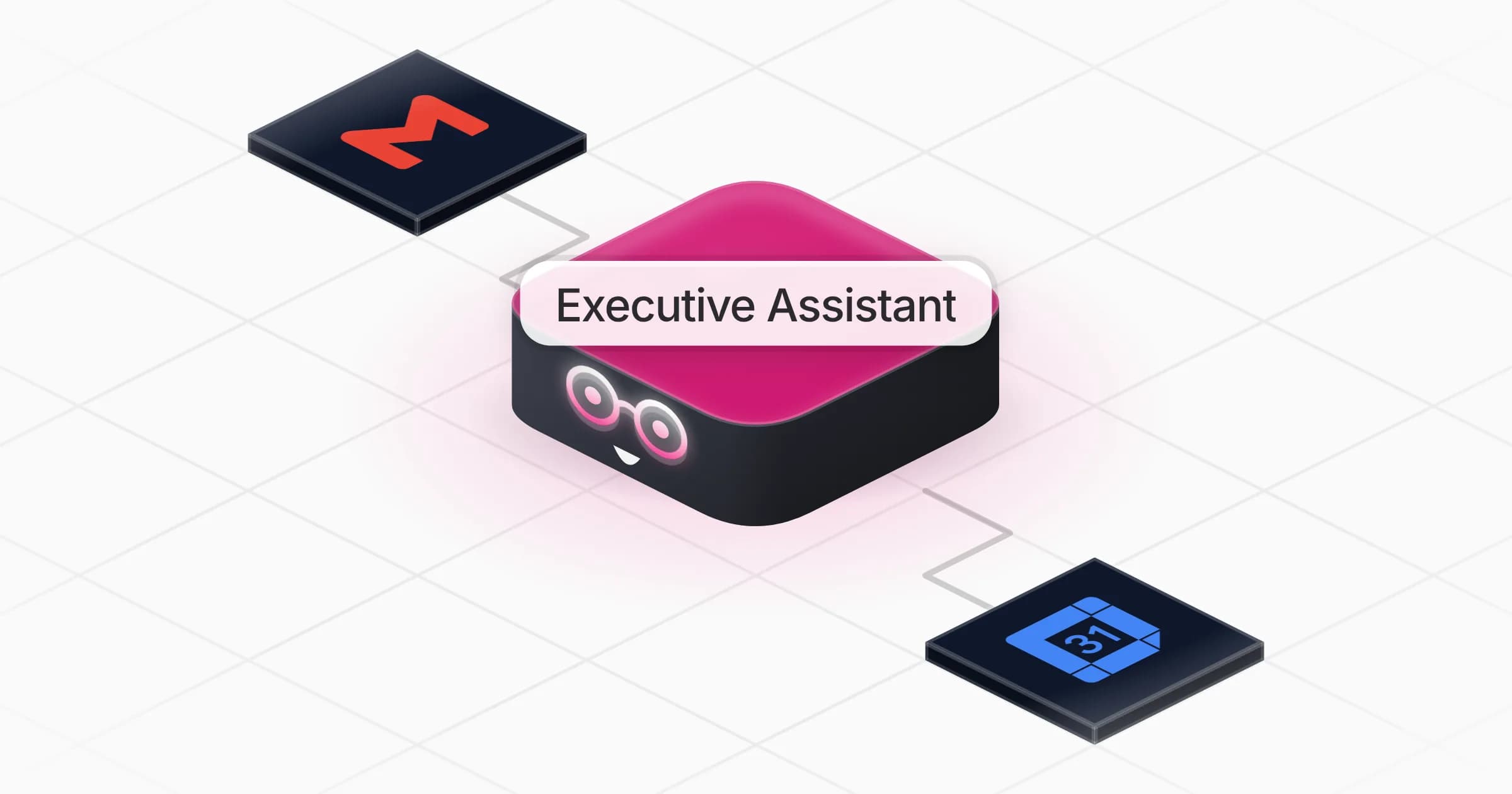
Build the leadership deck
Start every day with a two-minute briefing of what needs you, an inbox sorted by action, a calendar without collisions and meeting recaps with owners.
Rerun for iPhone, iPad and Android. Answer a Coworker from the notification, follow your crew from a widget, and talk to your Chief of Staff on the go.
An approval answered from the notification with Face ID, the app still closed.
Continue with Apple, Google, your phone or your email. Your workspace, Coworkers and conversations are already there.
In Preferences > Notifications, pick what reaches you. A Coworker that needs you sends a push.
Touch and hold it for Approve, Deny, Answer or Reply. On an iPhone, Face ID confirms and the app stays closed.
On the home screen or the lock screen: whoever needs you, or your crew at work. On Android too.
On iPhone, the lock screen and the Dynamic Island show who is at work and for how long.
Approve a spend, answer a question or reply to a finished task straight from the push.
Send a message, a photo, a file or a voice message, and use @, / and # as on the web.
Ready-made Coworkers from the library, installed in a minute.
Start every day with a two-minute briefing of what needs you, an inbox sorted by action, a calendar without collisions and meeting recaps with owners.
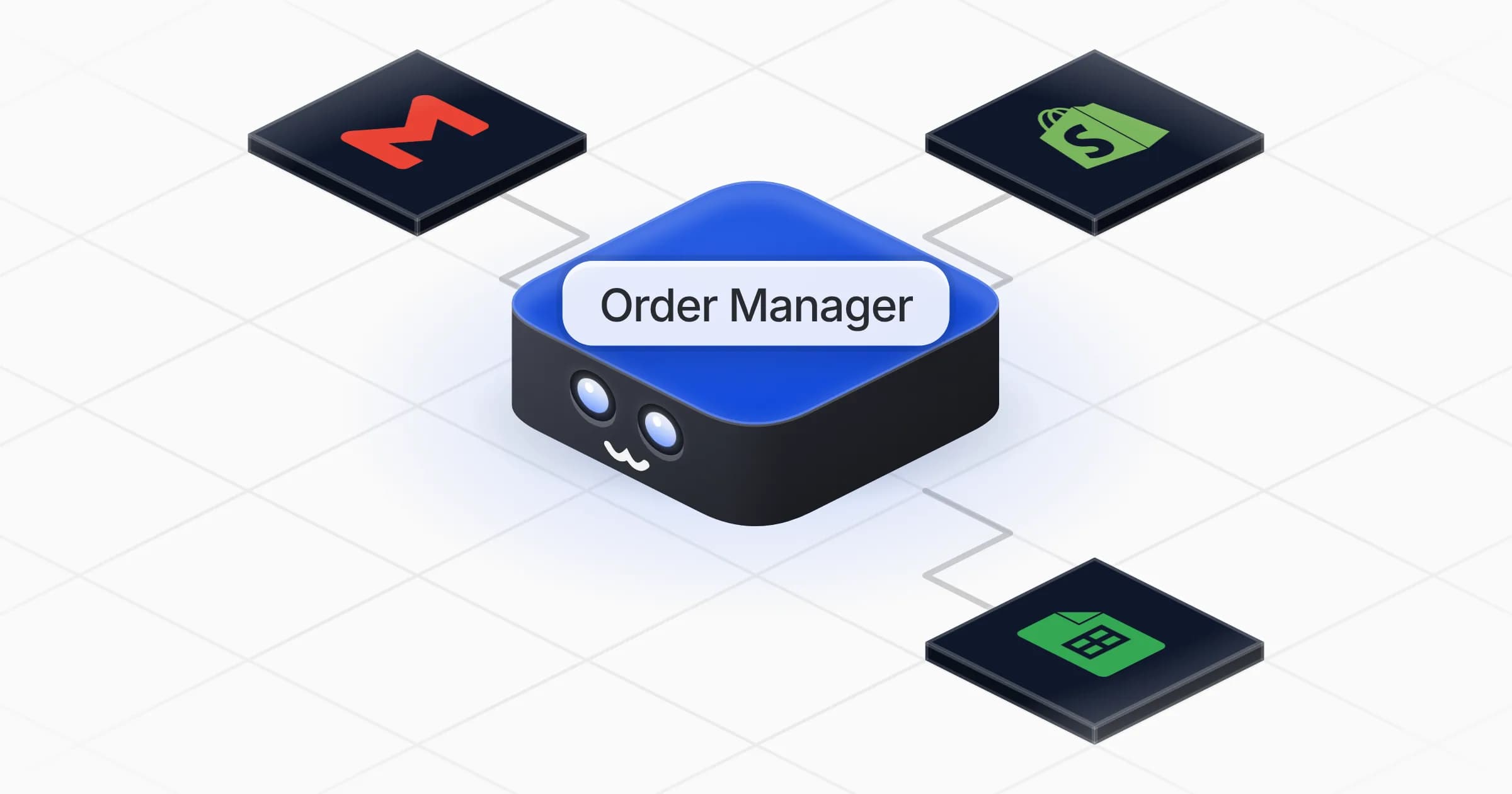
See every order that needs action today, from unconfirmed cash on delivery to late shipments, with the next step and the customer message ready to send.
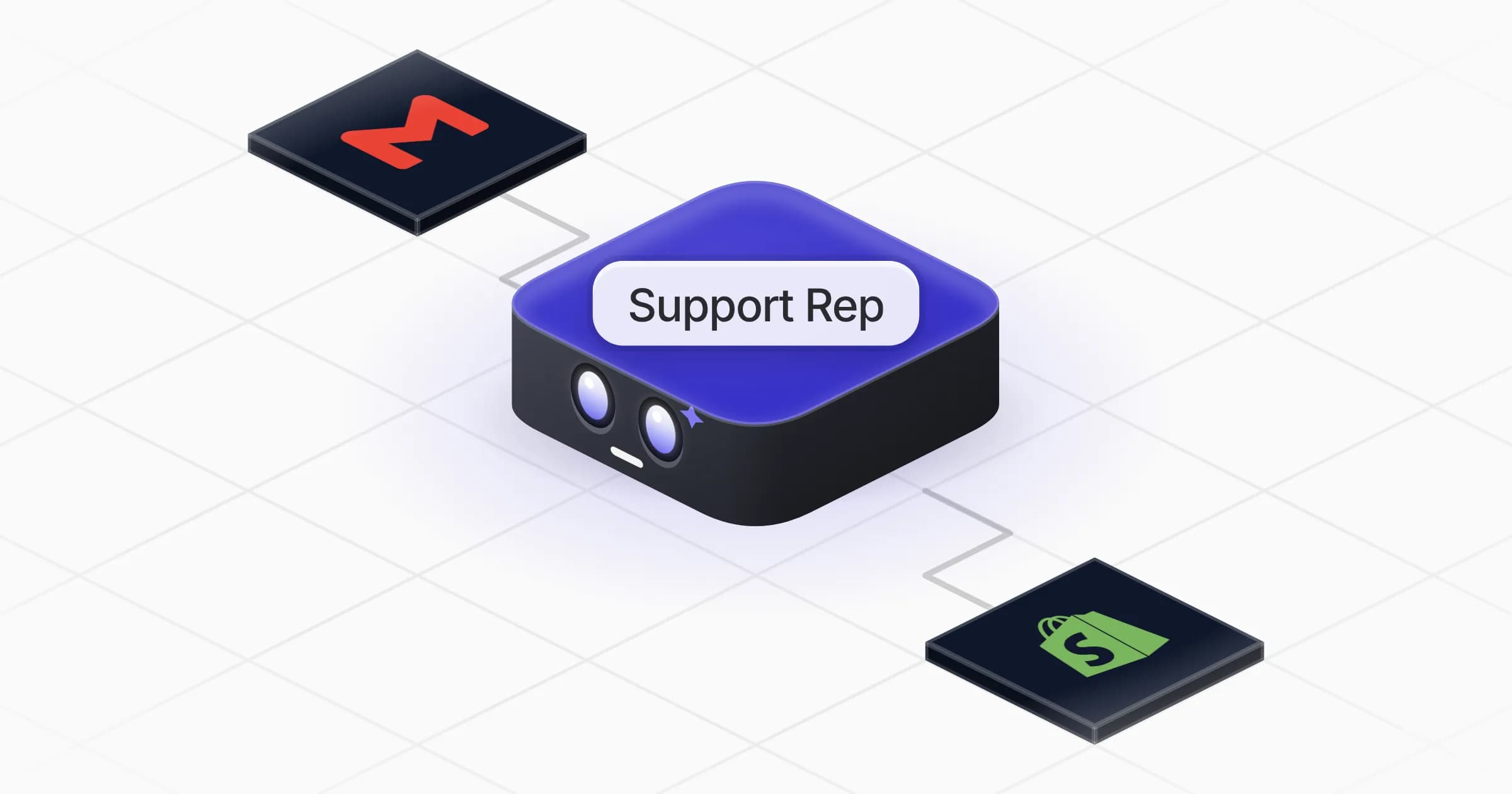
Every customer request sorted, routed and answered in a draft built from your own policies and order data, with hand-overs flagged before anyone waits.
Triage every repair the same day, chase contractors and references, flag rent at risk and organise inspections and move-outs for your rentals.
Get prospects who fit your offer, a first email written for each one, and every reply sorted with the next step drafted.
Questions
Everything people ask before they hire their first Coworker. If yours is not in there, the founders are right below.
Yes. Rerun is on the App Store for iPhone and iPad, and on Google Play for Android. Both open the same workspace as the web app, and a message sent from one shows up on the other.
On an iPhone, yes: touch and hold the notification, tap Approve, Deny, Answer or Reply, and Face ID confirms. On Android the buttons unlock the phone and open Rerun. An app to connect or a key always opens the app.
On the home screen, whoever needs you (small) or your crew at work (medium). On the lock screen, a line above the clock, three lines under it, or the face of whoever waits. A tap opens the conversation.
Settings that need a bigger screen, such as billing, stay in the web app. The rest is there: conversations, approvals, files, apps, routines, the model picker and your notification settings.
Yes. A trial started from the mobile app needs no card: it runs for 5 days and stops at its end unless you add one.
 Clément JanssensCo-founder
 Théo LouroCo-founder
There are two of us, and we build Rerun ourselves. Email us, or come ask in the Discord.
Your Coworkers on your computer and in your pocket. Plug in ChatGPT, Claude or OpenCode once, follow them from anywhere.
Features
Use cases
Find leadsTrack salesRun your adsWatch competitorsCreate contentPost on social mediaReply to customersTriage your inboxPrepare your meetingsTrack your ordersChase invoicesScreen candidatesIndustries
AgencyFreelanceE-commerceReal estateStartupSaaSLegal & complianceRecruiting & HRCreators & mediaConsulting & coachingAccounting & financeMarketing teamSales teamHospitalityLocal businessSolutions
AgenciesE-commerceSaaSSalesRecruitingReal estateLegal & complianceCreatorsProductivityOtherCompare
Rerun vs Claude CoworkRerun vs ManusRerun vs Grok BotRerun vs PaperclipRerun vs Hermes AgentRerun vs OpenClawRerun vs ZapierRerun vs MakeRerun vs n8nRerun vs LindyRerun vs TwinRerun vs DustRerun vs SquadGuides
AI employeesAI agents for small businessAI employee costNo-code AI agent buildersn8n alternativesPersonal AI agentsHermes alternatives© 2026 Rerun by Reunit SA. All rights reserved.