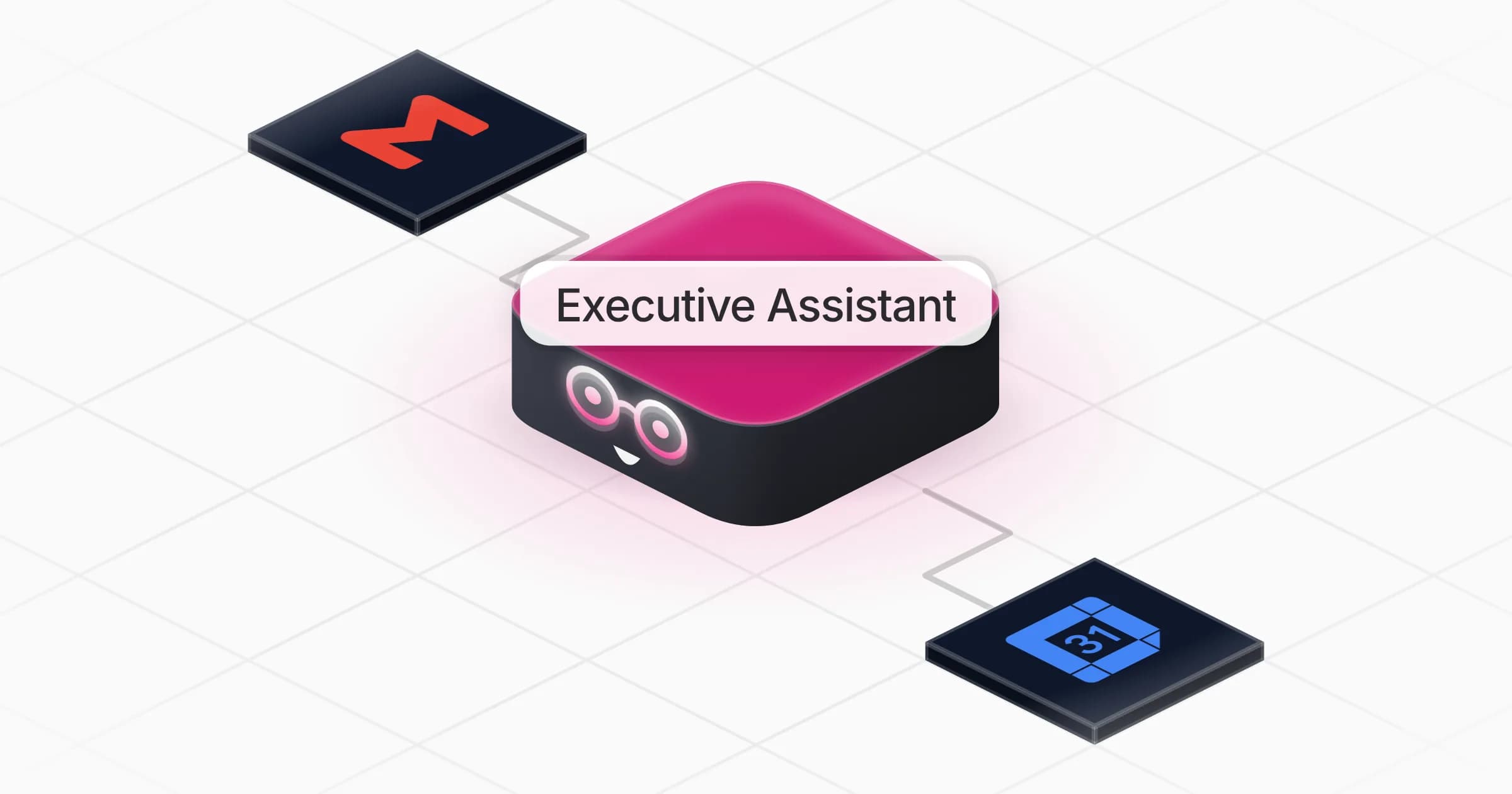
Build the leadership deck
Start every day with a two-minute briefing of what needs you, an inbox sorted by action, a calendar without collisions and meeting recaps with owners.
It reads the night’s email, labels each thread, drafts the replies it can and leaves you the few that need your judgment.
One run of the job, as it shows in your chat.
A routine reads what came in overnight. Add a second run after lunch if your inbox needs one.
It works in Gmail or Outlook, checks your calendar before it proposes a time, and files attachments in Drive.
Every thread gets a label, replies are drafted from your past answers, and receipts go where you keep them.
Drafts stay drafts until you approve them. What needs your judgment comes as a short list, the most urgent first.
Connected once with your own accounts. It signs in and works in them on its own.
 Gmail
 Outlook
 Google Calendar
 Google Drive
 Slack
 Notion
Ready-made Coworkers from the library that already do this job.
Start every day with a two-minute briefing of what needs you, an inbox sorted by action, a calendar without collisions and meeting recaps with owners.
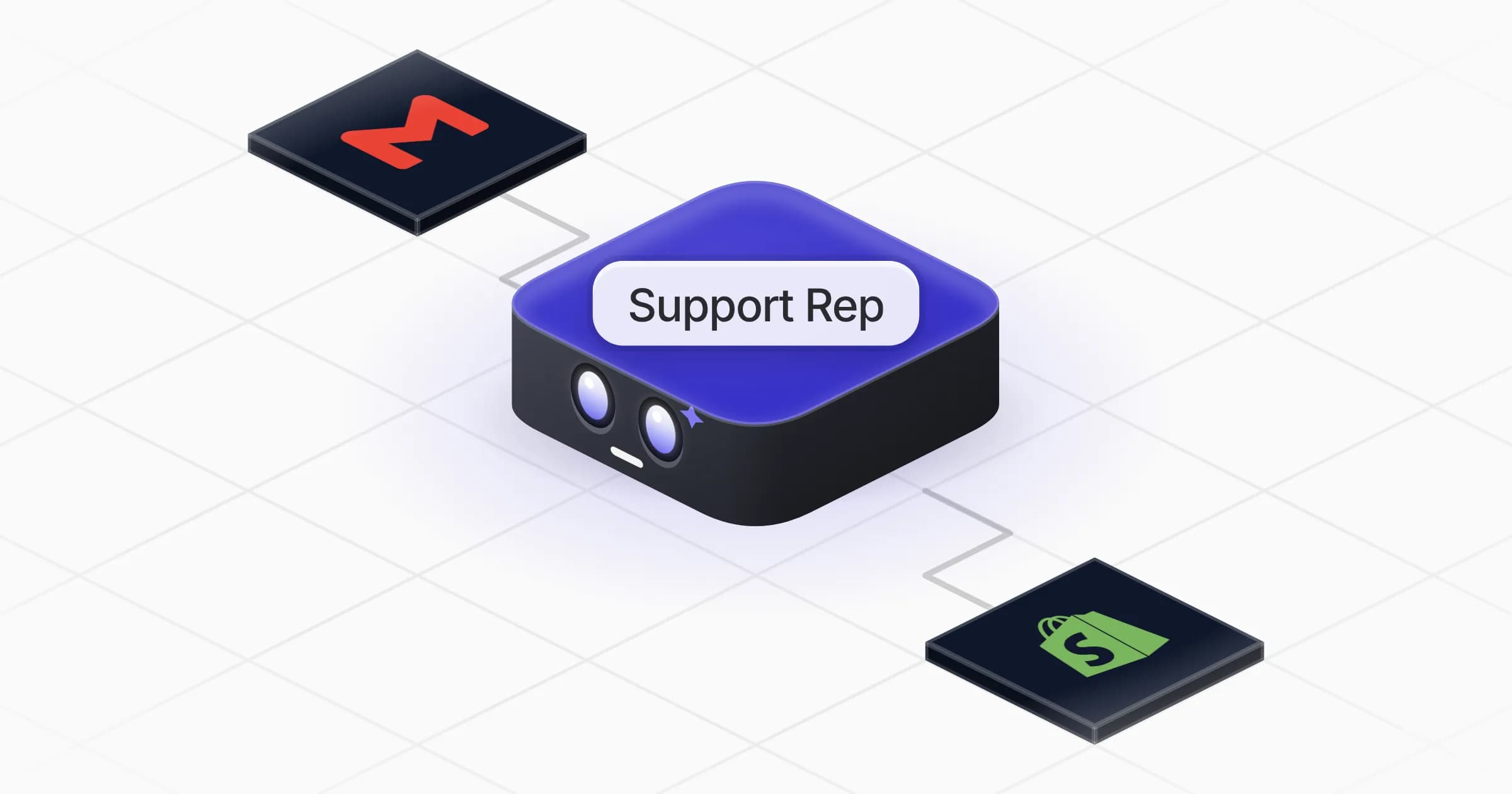
Every customer request sorted, routed and answered in a draft built from your own policies and order data, with hand-overs flagged before anyone waits.
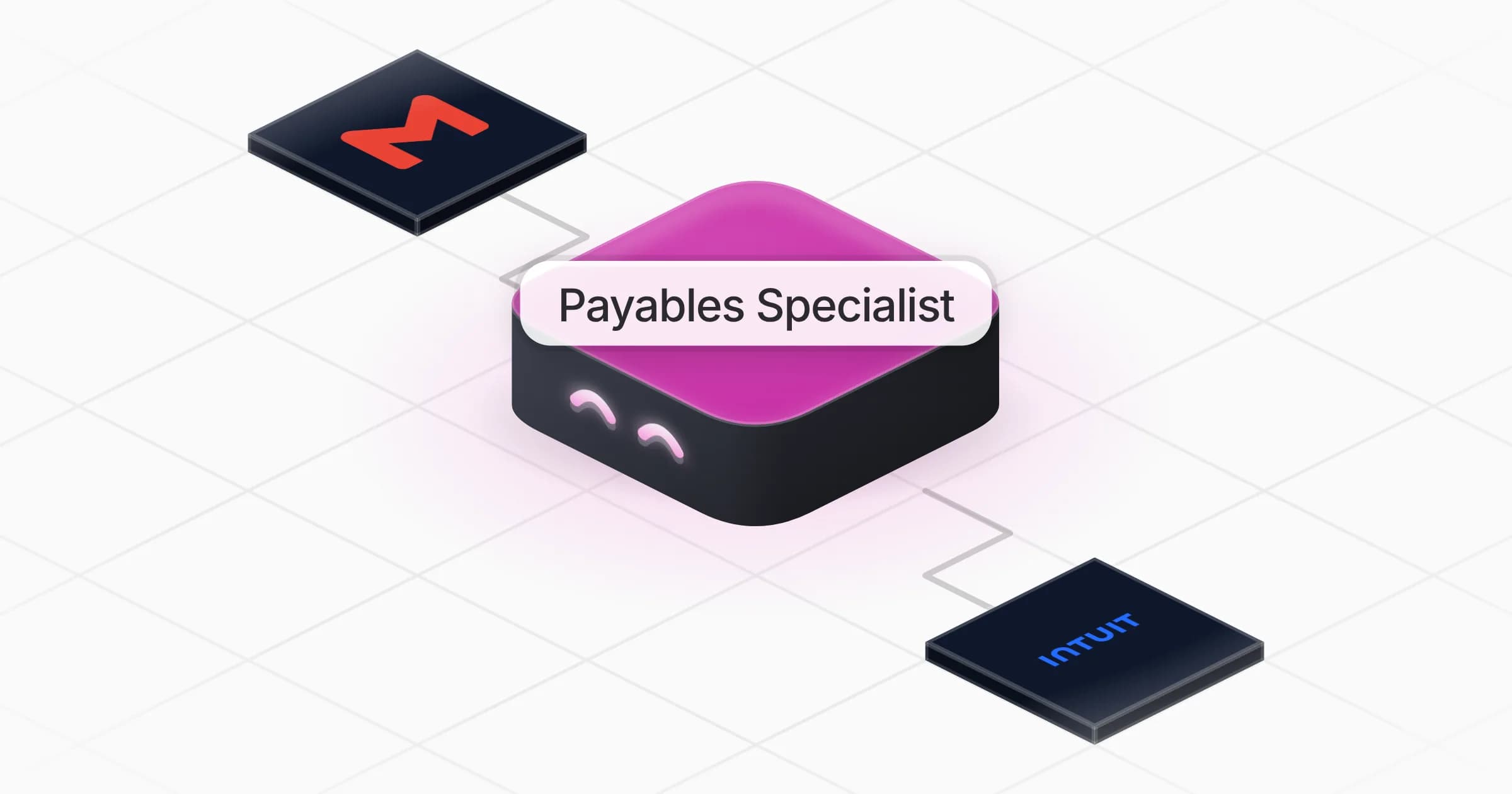
Reads every supplier invoice into a clean register, catches duplicates, price mismatches and bad VAT numbers, and proposes each payment run.

Get an evidence-led verdict on every suspicious email, link or alert, related alerts grouped into one incident, and the containment steps ready to approve.
Questions
Everything people ask before they hire their first Coworker. If yours is not in there, the founders are right below.
Both, through their apps, and any other mailbox through IMAP and SMTP. It can hold several accounts, each with its own label, and always says which one it acts from.
No. It drafts. Sending, accepting a meeting or deleting a thread goes to you in one approval card, each email listed, and you approve them one by one or all together.
Tell it once, like “receipts go to Drive, newsletters get archived”, and it keeps the rule in memory. A procedure you repeat can become a skill it follows every morning.
Your Coworker, on your workspace’s own machine, where the credentials of your mailbox stay. The text goes to the AI you choose: your Claude or ChatGPT plan, your own key, or the Rerun models.
Yes. The approval card reaches your inbox in the iPhone and Android apps, and you approve or skip it there in a tap.
 Clément JanssensCo-founder
 Théo LouroCo-founder
There are two of us, and we build Rerun ourselves. Email us, or come ask in the Discord.
Your Coworkers on your computer and in your pocket. Plug in ChatGPT, Claude or OpenCode once, follow them from anywhere.
Features
Use cases
Find leadsTrack salesRun your adsWatch competitorsCreate contentPost on social mediaReply to customersTriage your inboxPrepare your meetingsTrack your ordersChase invoicesScreen candidatesIndustries
AgencyFreelanceE-commerceReal estateStartupSaaSLegal & complianceRecruiting & HRCreators & mediaConsulting & coachingAccounting & financeMarketing teamSales teamHospitalityLocal businessSolutions
AgenciesE-commerceSaaSSalesRecruitingReal estateLegal & complianceCreatorsProductivityOtherCompare
Rerun vs Claude CoworkRerun vs ManusRerun vs Grok BotRerun vs PaperclipRerun vs Hermes AgentRerun vs OpenClawRerun vs ZapierRerun vs MakeRerun vs n8nRerun vs LindyRerun vs TwinRerun vs DustRerun vs SquadGuides
AI employeesAI agents for small businessAI employee costNo-code AI agent buildersn8n alternativesPersonal AI agentsHermes alternatives© 2026 Rerun by Reunit SA. All rights reserved.