
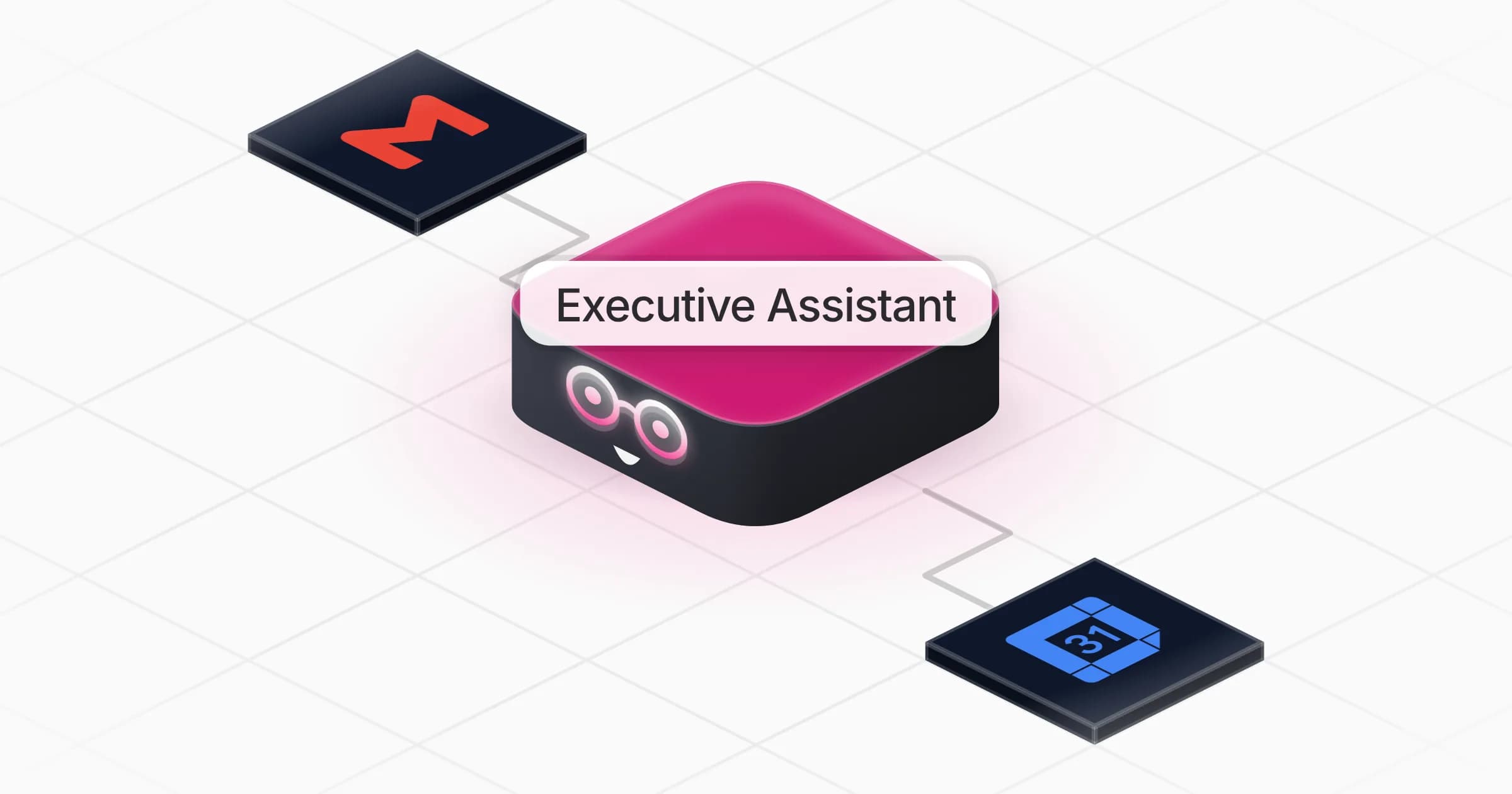
Build the leadership deck
Start every day with a two-minute briefing of what needs you, an inbox sorted by action, a calendar without collisions and meeting recaps with owners.
適用於 iPhone、iPad 和 Android 的 Rerun。從通知直接回覆同事、用小工具追蹤您的團隊,隨時隨地與您的 Chief of Staff 對話。
透過 Face ID 從通知直接核准,App 完全不用開啟。
使用 Apple、Google、手機號碼或電子郵件繼續。您的工作區、同事和對話都已經在那裡。
在「偏好設定 > 通知」中選擇要接收的內容。需要您的同事會傳送推播。
長按通知即可選擇核准、拒絕、回答或回覆。在 iPhone 上,Face ID 確認後 App 依然保持關閉。
在主畫面或鎖定畫面上:顯示需要您的同事,或正在工作的團隊。Android 也支援。
在 iPhone 上,鎖定畫面和動態島會顯示誰正在工作、已經工作多久。
直接從推播核准支出、回答問題或回覆已完成的任務。
傳送訊息、照片、檔案或語音訊息,並像在網頁上一樣使用 @、/ 和 #。
範本庫中的現成同事,一分鐘就能安裝。
Start every day with a two-minute briefing of what needs you, an inbox sorted by action, a calendar without collisions and meeting recaps with owners.
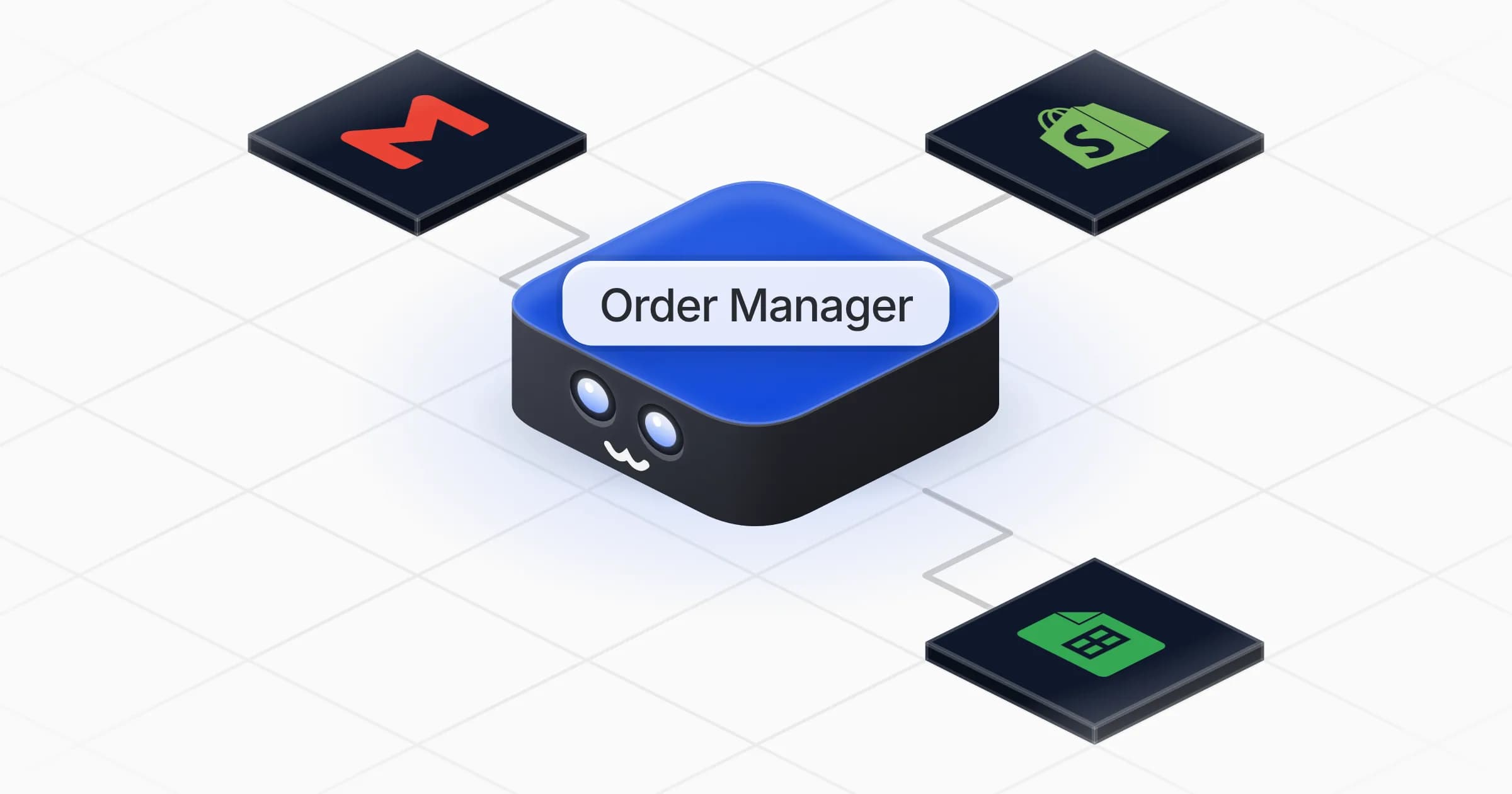
See every order that needs action today, from unconfirmed cash on delivery to late shipments, with the next step and the customer message ready to send.
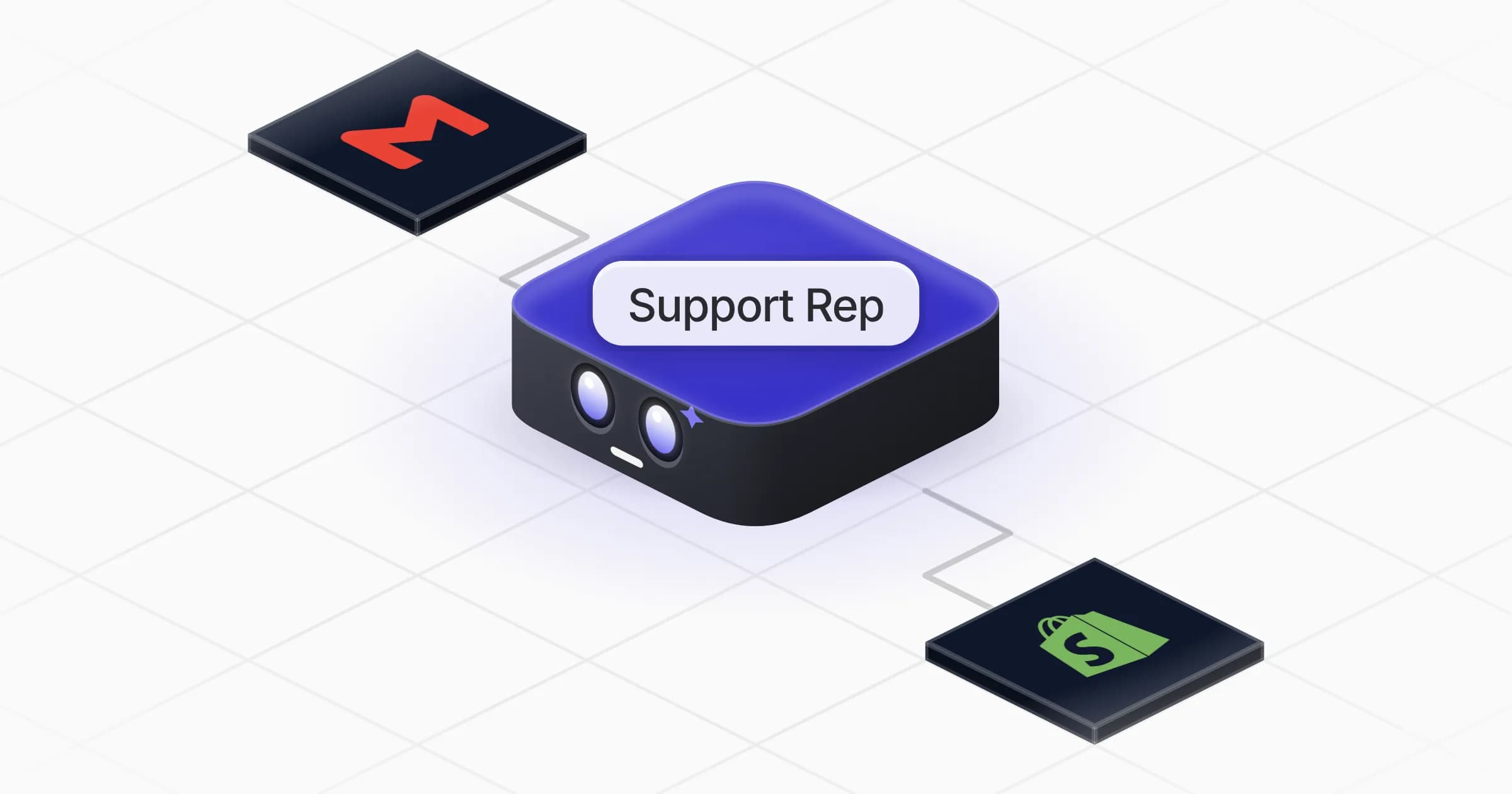
Every customer request sorted, routed and answered in a draft built from your own policies and order data, with hand-overs flagged before anyone waits.
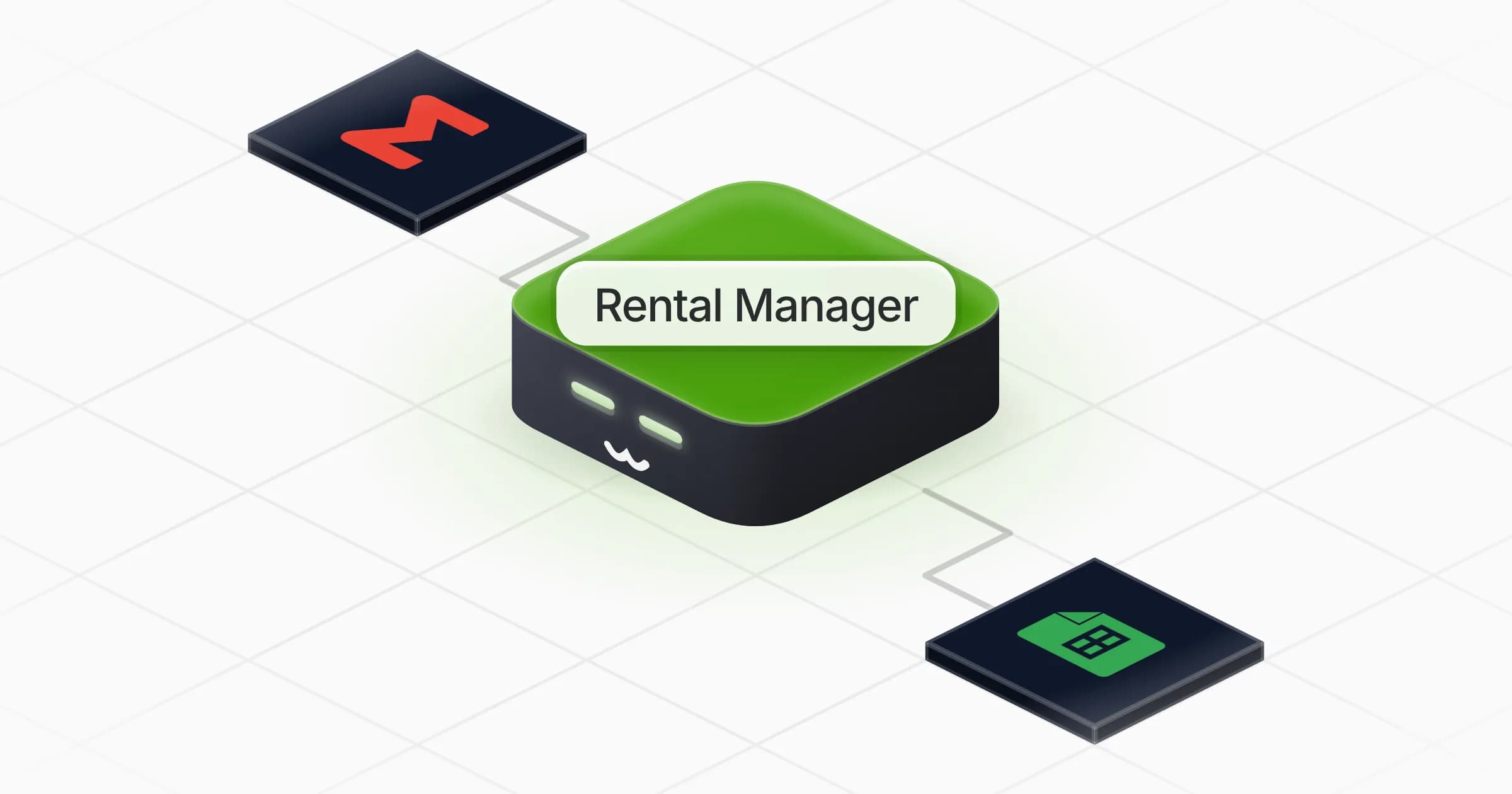
Triage every repair the same day, chase contractors and references, flag rent at risk and organise inspections and move-outs for your rentals.
Get prospects who fit your offer, a first email written for each one, and every reply sorted with the next step drafted.
問題
大家在聘用第一位同事之前會問的所有問題。如果找不到您的問題,創辦人就在下方。
有。Rerun 已在 App Store 上架 iPhone 和 iPad 版,在 Google Play 上架 Android 版。兩者開啟的都是與網頁版相同的工作區,從其中一處傳送的訊息會出現在另一處。
在 iPhone 上可以:長按通知,點選核准、拒絕、回答或回覆,再由 Face ID 確認。在 Android 上,這些按鈕會解鎖手機並開啟 Rerun。需要連結應用程式或輸入金鑰時,一律會開啟 App。
在主畫面上,顯示需要您的同事(小尺寸)或正在工作的團隊(中尺寸)。在鎖定畫面上,可以是時鐘上方的一行、下方的三行,或正在等待的同事頭像。點一下即可開啟對話。
需要較大螢幕的設定,例如帳單,仍留在網頁版。其他都有:對話、核准、檔案、應用程式、例行工作、模型選擇器和您的通知設定。
可以。從行動版 App 開始的試用不需要信用卡:試用 5 天,除非您新增信用卡,否則到期後就會停止。