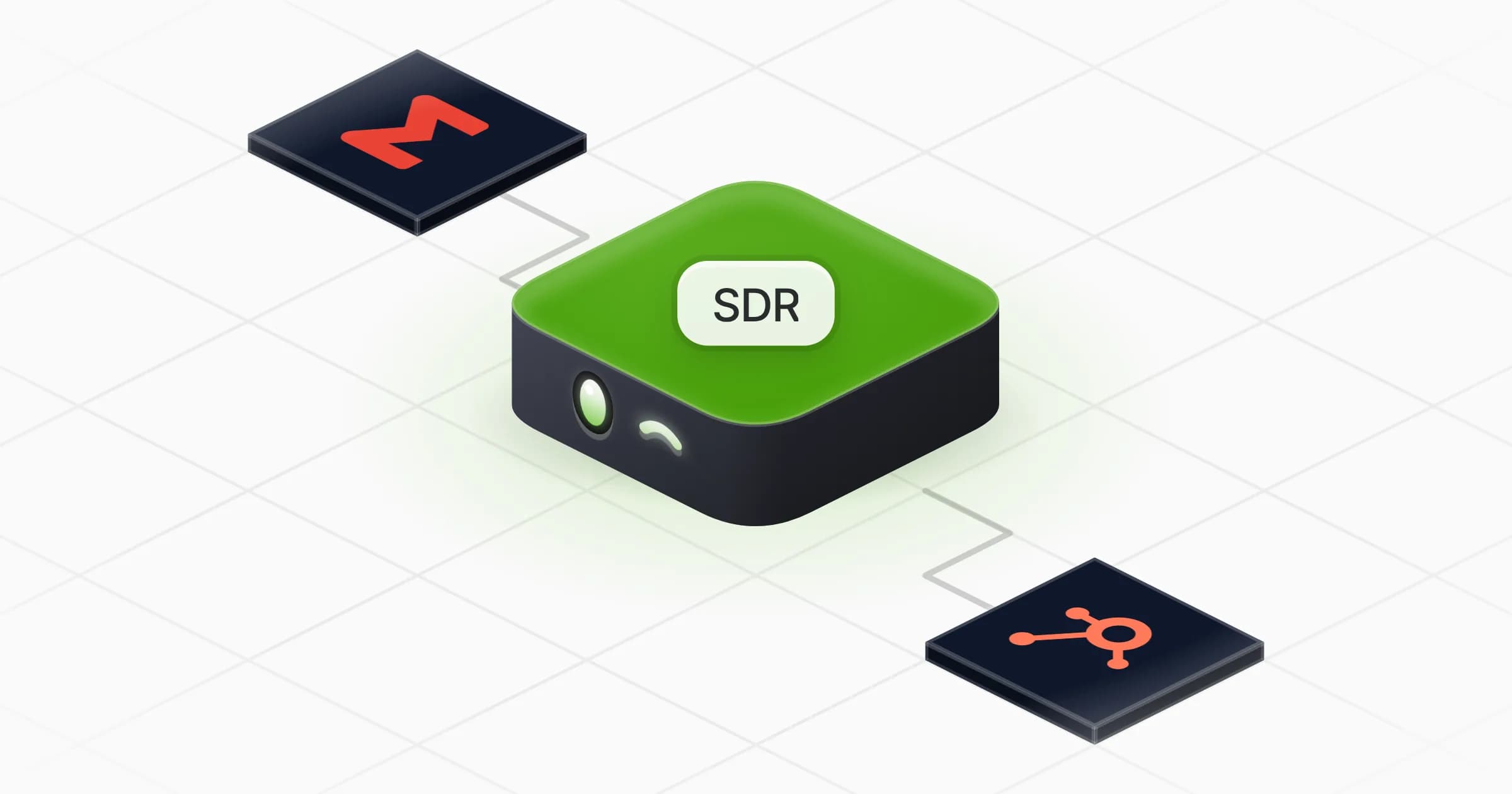
Build the prospect list
Get prospects who fit your offer, a first email written for each one, and every reply sorted with the next step drafted.
It reads job posts, LinkedIn and your CRM every week, keeps the companies that look like your best customers, and hands you the list with the reason for each.
One run of the job, as it shows in your chat.
A routine wakes it on its own machine, laptop shut or not. It keeps every name in a table, so next week brings new ones only.
It reads job posts and profiles, drops the companies you already talk to in HubSpot or Pipedrive, and fills the sheet.
Each company comes with the person to write to and the signal behind it: a hire, a new office, a funding round.
Work emails and phone numbers are paid data. It shows the estimated credits first and spends nothing until you say yes.
Connected once with your own accounts. It signs in and works in them on its own.
 LinkedIn
 HubSpot
 Google Sheets
 Gmail
 Slack
 Notion
Ready-made Coworkers from the library that already do this job.
Get prospects who fit your offer, a first email written for each one, and every reply sorted with the next step drafted.
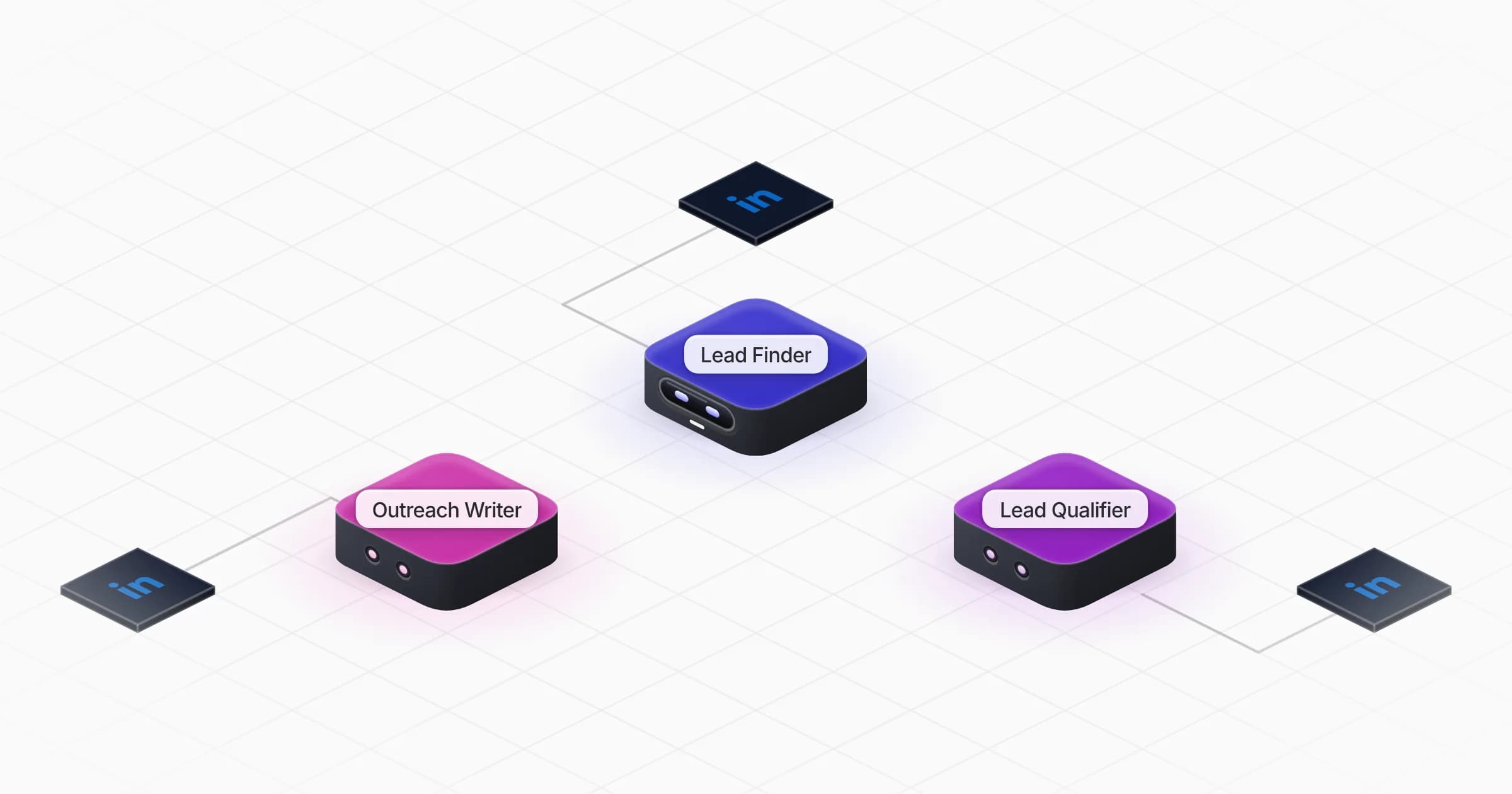
Three coworkers that find your ideal customers on LinkedIn, keep the ones who fit, and contact them from your account with a personal message and one follow-up.

Get a shortlist of companies worth partnering with, why each fits now and the warmest way in, with the intro ask drafted for you.
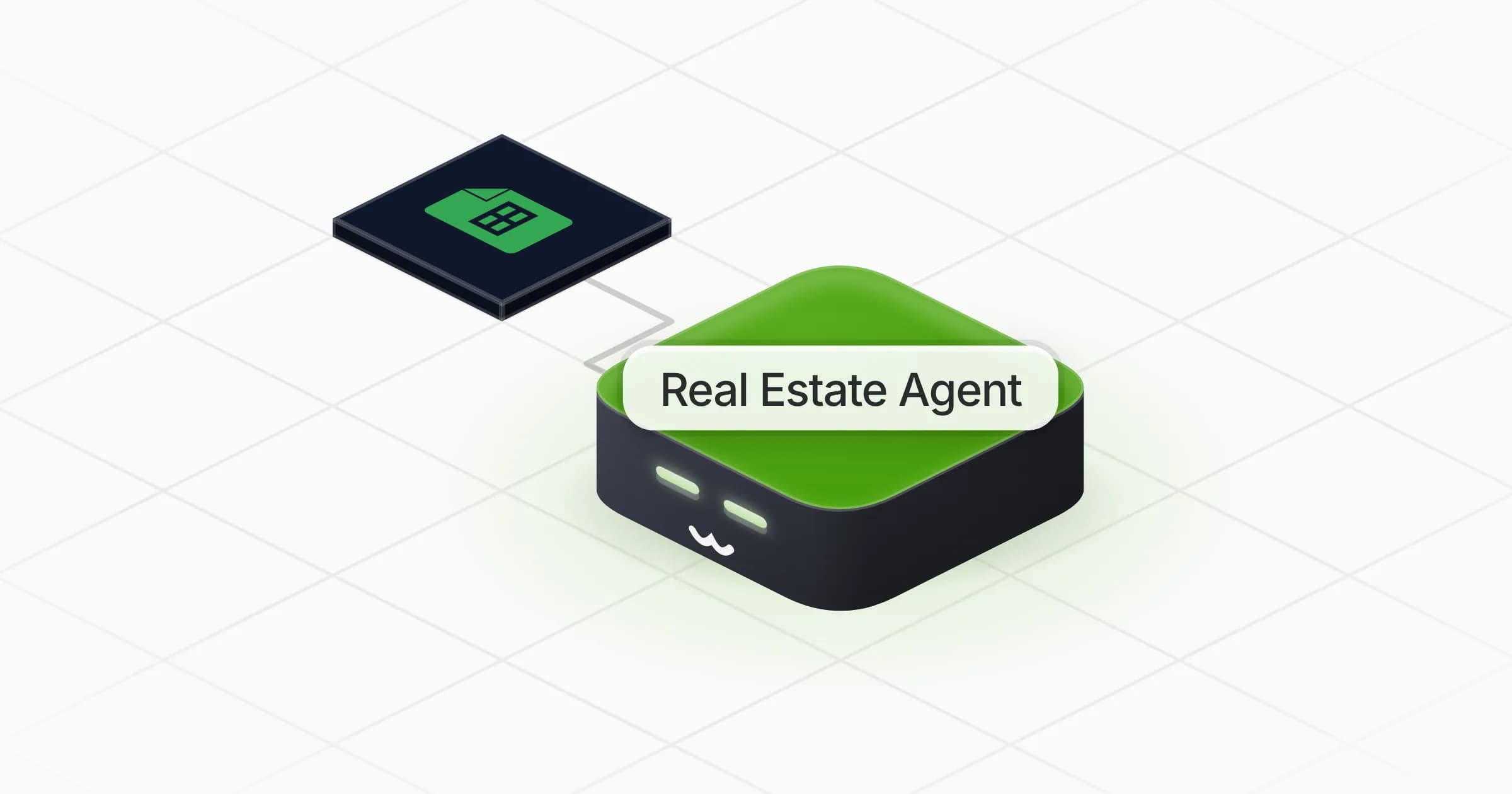
Get a weekly list of homeowners likely to sell before they list, each with the public signal behind it, plus market notes and deal checklists on demand.
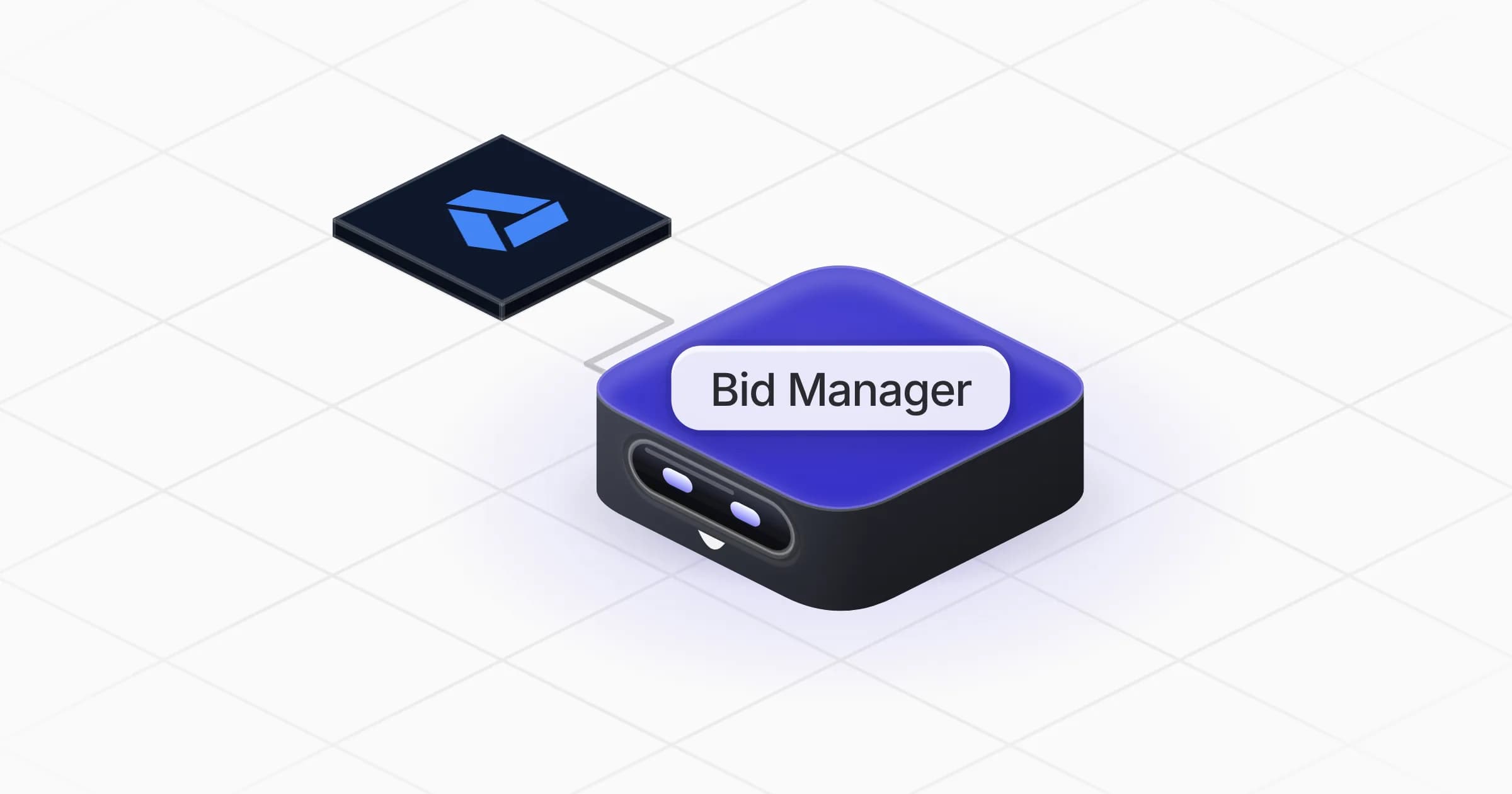
Spots public tenders and RFPs that fit your business, writes the go/no-go brief, and helps you build a complete bid that misses nothing.
Questions
Everything people ask before they hire their first Coworker. If yours is not in there, the founders are right below.
In job posts, company pages, Google results and LinkedIn, then it checks them against your own CRM. You describe your best customers once, or let it read your closed-won deals, and it keeps that profile in memory.
Yes. Work emails, phone numbers and company data are paid data, billed in Rerun credits (100 credits for $1). Before it spends, the Coworker shows the estimated total and waits for your yes, unless you switch on Spend without asking.
No, it finds leads without it. LinkedIn Pro, a paid add-on at $9/mo per account, lets it search and read LinkedIn from your account without spending credits, send invitations and messages at a safe daily pace, and wake up when someone replies.
Not without you. It drafts the first message for each lead and asks before it sends an email or a LinkedIn invitation. Another Coworker can take the list from there and handle the follow-ups.
Yes. It checks HubSpot, Pipedrive or your sheet before it adds anyone, and keeps every company it found in its database, so a name never comes back twice.
 Clément JanssensCo-founder
 Théo LouroCo-founder
There are two of us, and we build Rerun ourselves. Email us, or come ask in the Discord.
Your Coworkers on your computer and in your pocket. Plug in ChatGPT, Claude or OpenCode once, follow them from anywhere.
Features
Use cases
Find leadsTrack salesRun your adsWatch competitorsCreate contentPost on social mediaReply to customersTriage your inboxPrepare your meetingsTrack your ordersChase invoicesScreen candidatesIndustries
AgencyFreelanceE-commerceReal estateStartupSaaSLegal & complianceRecruiting & HRCreators & mediaConsulting & coachingAccounting & financeMarketing teamSales teamHospitalityLocal businessSolutions
AgenciesE-commerceSaaSSalesRecruitingReal estateLegal & complianceCreatorsProductivityOtherCompare
Rerun vs Claude CoworkRerun vs ManusRerun vs Grok BotRerun vs PaperclipRerun vs Hermes AgentRerun vs OpenClawRerun vs ZapierRerun vs MakeRerun vs n8nRerun vs LindyRerun vs TwinRerun vs DustRerun vs SquadGuides
AI employeesAI agents for small businessAI employee costNo-code AI agent buildersn8n alternativesPersonal AI agentsHermes alternatives© 2026 Rerun by Reunit SA. All rights reserved.