
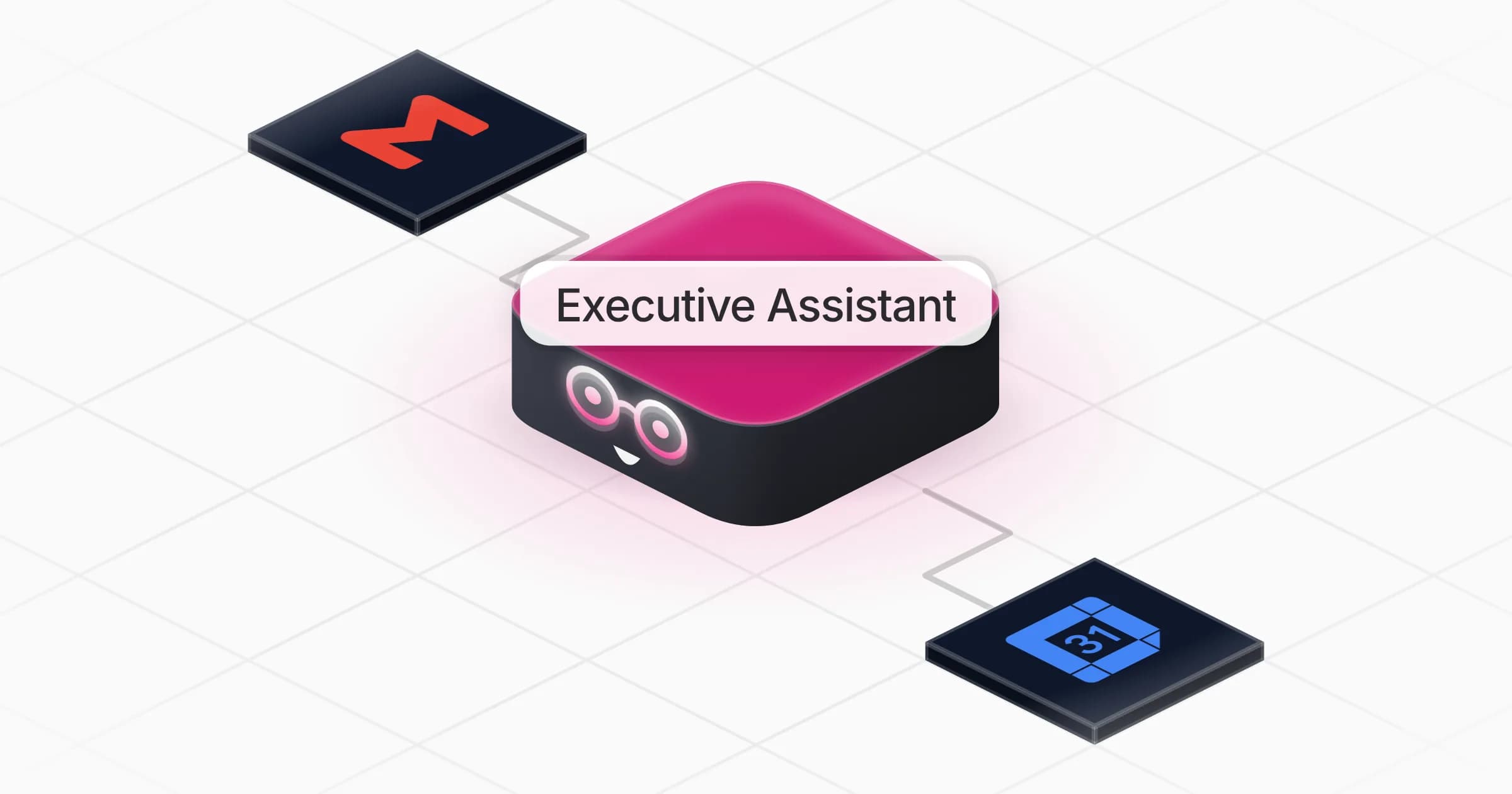
Build the leadership deck
Start every day with a two-minute briefing of what needs you, an inbox sorted by action, a calendar without collisions and meeting recaps with owners.
Rerun 支持 iPhone、iPad 和 Android。直接在通知中回复同事,通过小组件跟进您的团队,随时随地与您的 Chief of Staff 对话。
用 Face ID 在通知中直接完成审批,无需打开应用。
通过 Apple、Google、手机号或邮箱继续。您的工作区、同事和对话都已就绪。
在“偏好设置 > 通知”中选择您要接收的内容。需要您处理时,同事会发送推送。
长按推送,即可选择批准、拒绝、回答或回复。在 iPhone 上,Face ID 确认后应用无需打开。
在主屏幕或锁定屏幕上显示:谁需要您,或您正在工作的团队。Android 上同样可用。
在 iPhone 上,锁定屏幕和灵动岛会显示谁在工作、工作了多久。
直接在推送中批准一笔花费、回答一个问题,或回复一项已完成的任务。
发送消息、照片、文件或语音消息,并像网页版一样使用 @、/ 和 #。
模板库中的现成同事,一分钟即可安装。
Start every day with a two-minute briefing of what needs you, an inbox sorted by action, a calendar without collisions and meeting recaps with owners.
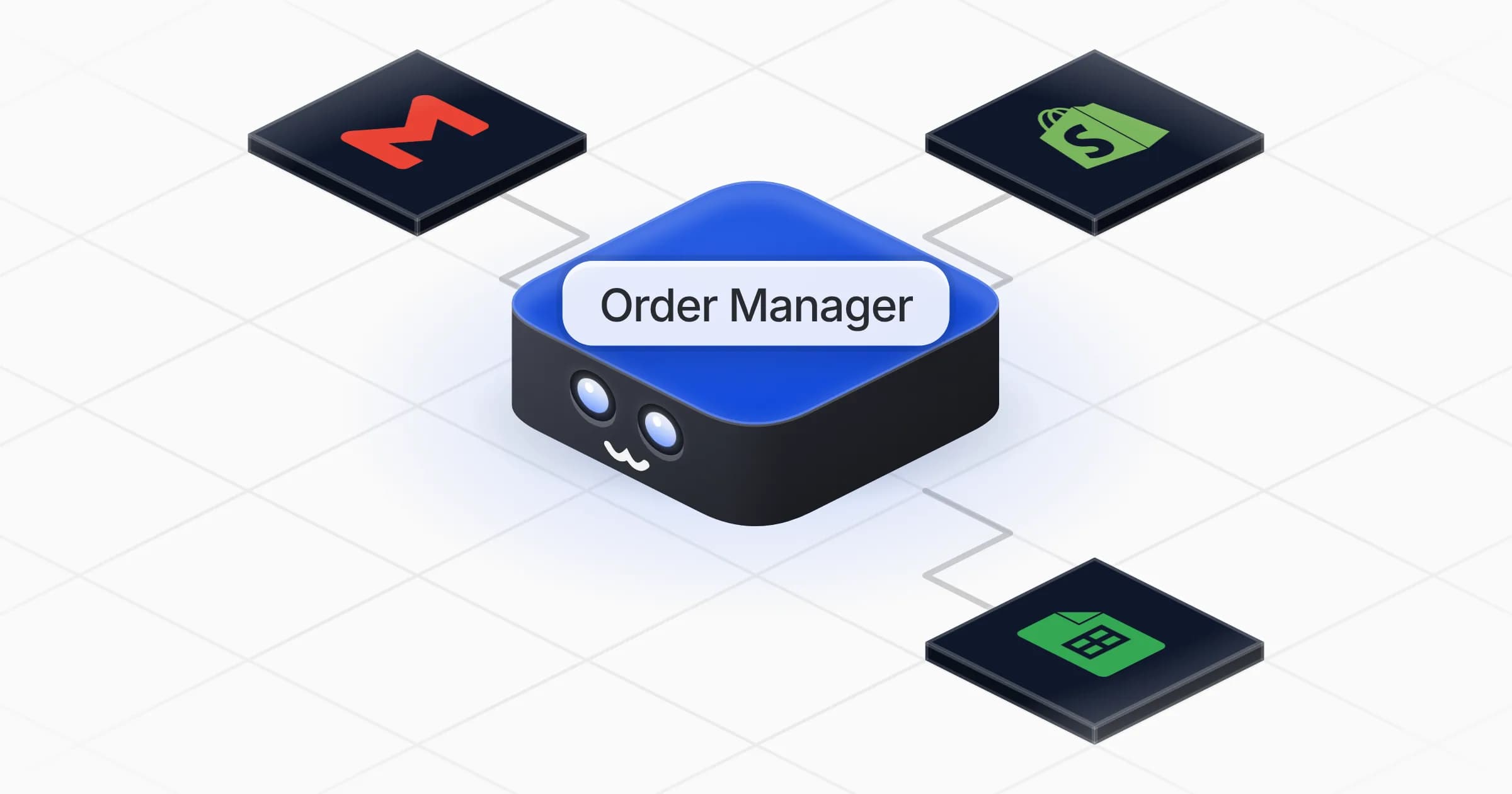
See every order that needs action today, from unconfirmed cash on delivery to late shipments, with the next step and the customer message ready to send.
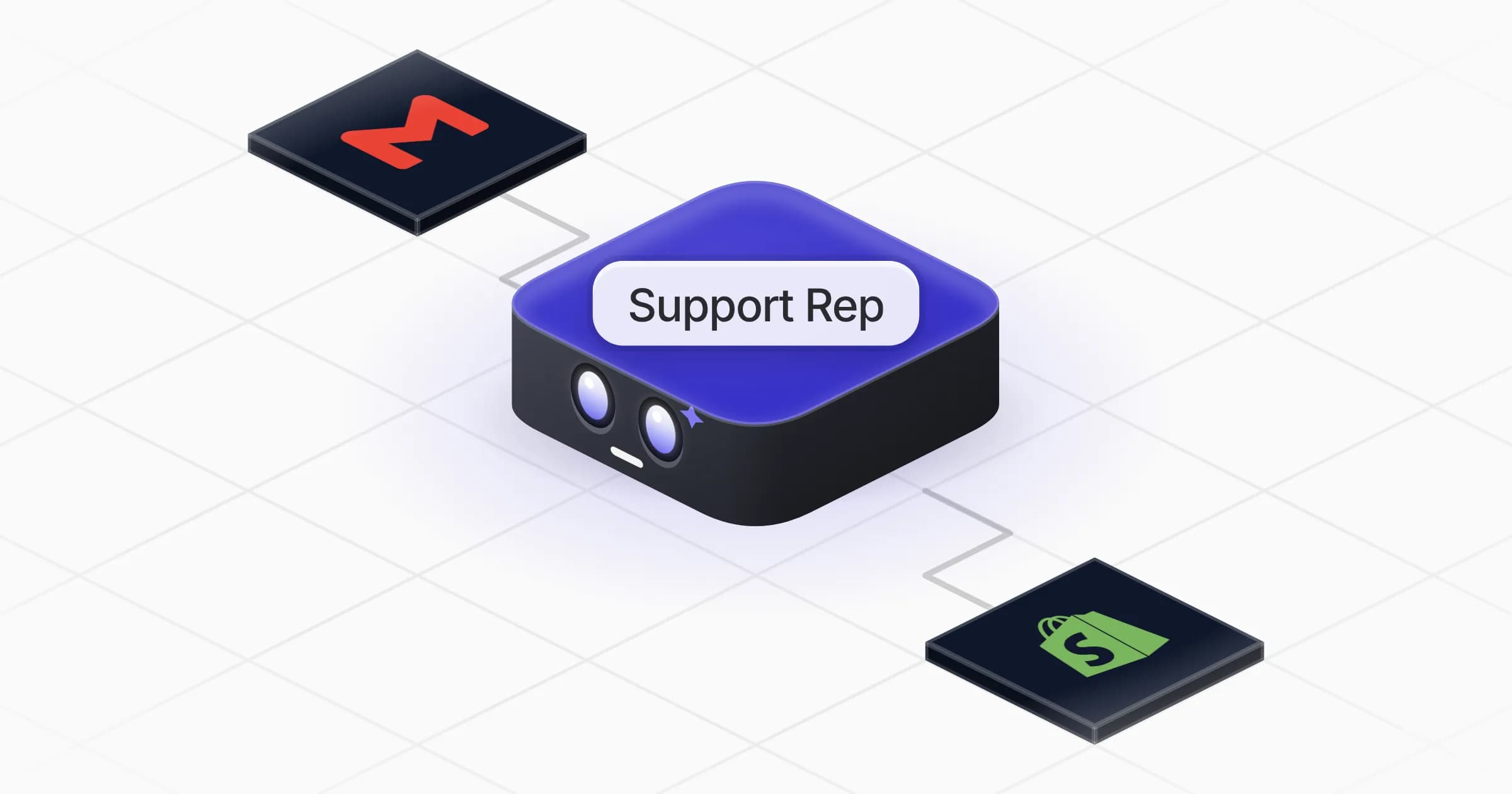
Every customer request sorted, routed and answered in a draft built from your own policies and order data, with hand-overs flagged before anyone waits.
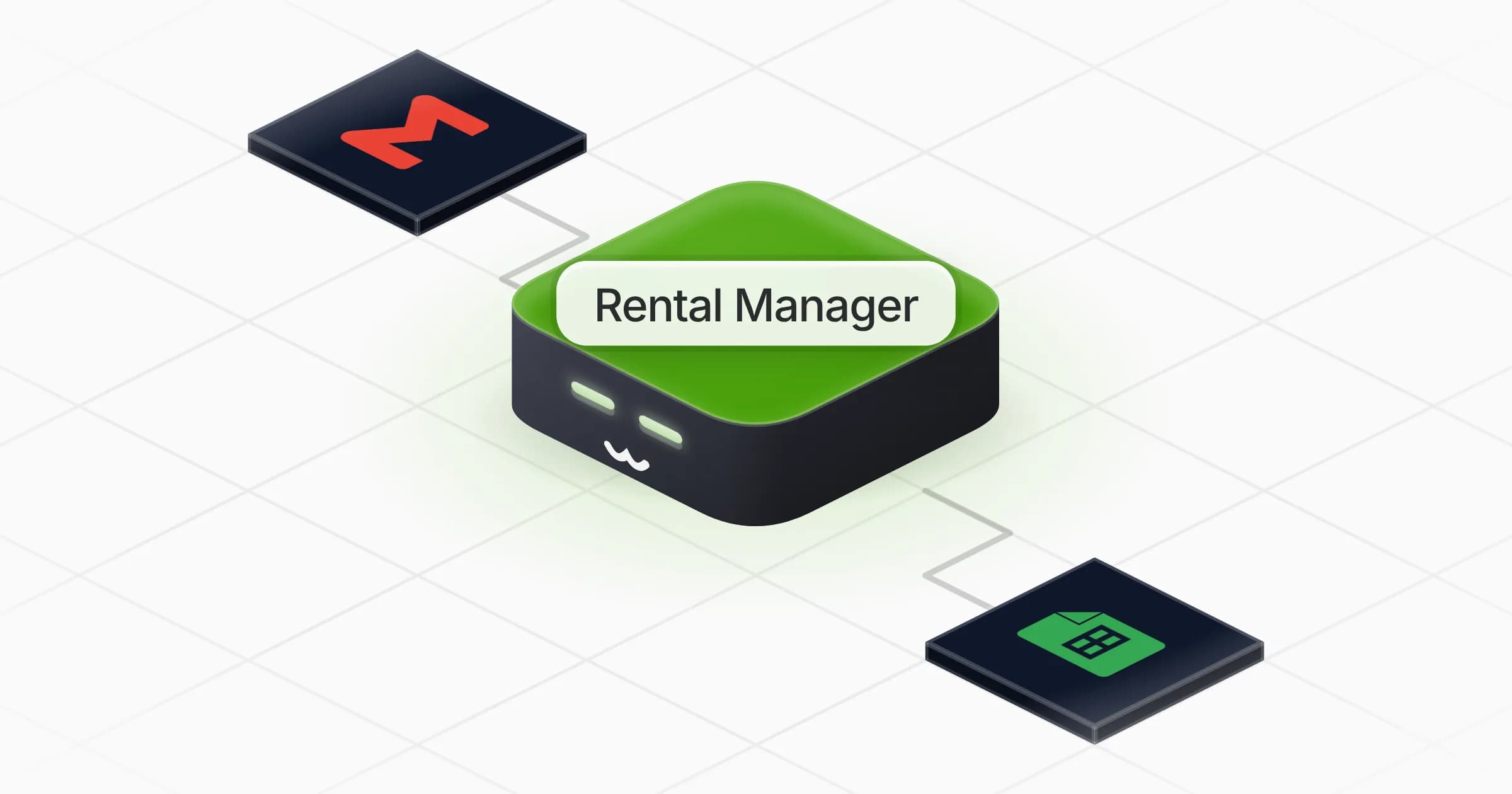
Triage every repair the same day, chase contractors and references, flag rent at risk and organise inspections and move-outs for your rentals.
Get prospects who fit your offer, a first email written for each one, and every reply sorted with the next step drafted.
问题
大家在雇用第一位同事之前会问的所有问题。如果没有找到您的问题,创始人就在下方。
有。Rerun 已在 App Store 上架 iPhone 和 iPad 版,在 Google Play 上架 Android 版。两者打开的都是与网页版相同的工作区,在一端发送的消息会出现在另一端。
在 iPhone 上可以:长按通知,轻点批准、拒绝、回答或回复,由 Face ID 确认。在 Android 上,这些按钮会解锁手机并打开 Rerun。需要连接应用或输入密钥时,总会打开应用。
在主屏幕上,显示谁需要您(小尺寸)或正在工作的团队(中尺寸)。在锁定屏幕上,可以是时钟上方的一行、时钟下方的三行,或正在等待的同事头像。轻点即可打开对话。
需要更大屏幕的设置,例如账单,仍在网页版中。其余都可以:对话、审批、文件、应用、例行任务、模型选择和您的通知设置。
可以。从移动应用开始的试用无需绑卡:试用持续 5 天,到期后自动停止,除非您添加银行卡。