Your automation didn't fail because it was too ambitious. It failed because it was too rigid.
An email arrived in a slightly different format, a field moved, a supplier renamed a column, and the whole chain snapped. That is the quiet tax of old-school automation: it does exactly what you told it, right up until reality stops matching the script.
AI workflow automation is a different kind of machine. Instead of firing fixed rules, it reads messy inputs, reasons about what to do, adapts when a step breaks, and takes real actions across your tools. According to Gartner, by 2028 roughly 33% of enterprise software applications will include agentic AI, up from less than 1% in 2024. This is not a feature bolt-on. It is a shift in how work gets done.
In this guide you will get the plain-English definition, the real use cases by function, how the tools actually differ, and a step-by-step way to start, without wiring a single flowchart.
In a hurry? Build your first agent free and watch it work.
What is AI workflow automation?
AI workflow automation is the use of AI, usually agents built on large language models, to run multi-step business processes with little or no human effort. Unlike rule-based automation that follows fixed if-this-then-that logic, an AI workflow reads unstructured inputs, decides what to do, and takes action across systems, adapting when conditions change.
That one distinction is the whole story. Traditional automation executes. AI workflow automation decides, then executes.
AI workflow automation vs traditional (rule-based) automation
Rule-based tools like Zapier, Make, and RPA scripts are excellent at simple, stable, repetitive tasks. The moment a task requires judgment, handles a messy input, or hits an edge case nobody mapped, they stall or fail silently. Here is the honest side-by-side.
| Capability | Traditional (rule-based) automation | AI workflow automation (agents) |
|---|---|---|
| Core logic | Fixed if-this-then-that rules | Reasons and decides per situation |
| Inputs it handles | Structured data only | Messy PDFs, emails, images, free text |
| When a step changes | Breaks, needs a manual rebuild | Adapts on its own |
| Edge cases | Fails silently | Handles it or escalates to a human |
| Visibility | Run history, limited context | Sees the reasoning behind each action |
| Best for | Simple, stable, repetitive tasks | Judgment-heavy, variable, multi-step work |
Neither is "better" in the abstract. If your task is genuinely fixed forever, a rule is the right tool. If it varies, an agent earns its keep.
How an AI workflow actually works
Under the hood, almost every AI workflow moves through four stages. Mirror this mental model and you can reason about any tool on the market.
1. Trigger   ->  an event starts the work (email arrives, form submitted, 7am cron)
2. Input     ->  the agent reads and parses messy data (PDF, thread, spreadsheet)
3. Reasoning ->  the LLM decides what to do, in what order, with which tools
4. Action    ->  it acts across your systems (reply, update CRM, issue refund) and logs it
The difference from a Zap is stage three. A rule has no reasoning step. An agent does, which is why it can handle the input a flowchart never anticipated. If you want the deeper architecture, our guide on AI agent orchestration breaks down how multiple agents coordinate these stages.

Rule-based automation vs AI agents: why the old model breaks
Here is the trap most teams fall into. They bolt a chatbot onto a rigid workflow, call it "AI automation," and wonder why it still breaks. A chatbot talks. A flowchart is static. Neither one adapts. Real AI workflow automation needs an agent that acts.
Anthropic draws the cleanest line on this. In their engineering guide, they separate the two precisely:
Workflows are systems where LLMs and tools are orchestrated through predefined code paths. Agents, on the other hand, are systems where LLMs dynamically direct their own processes and tool usage, maintaining control over how they accomplish tasks.
 Building effective AI agentsPractical guidance from Anthropic on building reliable AI agents, from simple composable patterns to fully autonomous systems.
That dynamic control is what lets an agent recover from the exact failure that kills a Zap. When a supplier renames an invoice field, a rule-based flow returns an error and stops. An agent reads the new layout, understands it is still an invoice, and keeps going.
The spectrum runs like this:
- Static rules (Zapier, Make): fast to set up, brittle the second inputs drift.
- RPA scripts: robust for fixed screens, expensive to maintain when the UI changes.
- AI-assisted steps: a rule chain with one LLM call dropped in, still rule-shaped overall.
- Autonomous AI agents: reason across the whole task, handle exceptions, escalate when unsure.
If you want the full breakdown of where agents differ from bots, we wrote a dedicated piece on AI agents vs chatbots, and one on agentic AI vs generative AI if you are untangling the buzzwords.
The takeaway: intelligent automation is not "automation plus a chat window." It is automation that can think through a step before it takes it.
AI workflow automation use cases (by function)
The best way to see the difference is a before-and-after per function. In each case, the rule-based version exists today and quietly leaks value. The agent version closes the gap.
Customer support
- Rule-based: auto-tag tickets by keyword, route to a queue.
- AI agent: read the full thread, pull the answer from your knowledge base, draft a reply, and escalate only the genuinely tricky ones.
Sales and lead generation
- Rule-based: when a form is submitted, add a row to the CRM.
- AI agent: enrich the lead, research the account, score fit, and personalize the first outreach. Our write-up on the no-code AI sales agent shows this end to end.
Finance and operations
- Rule-based: move a file when it lands in a folder.
- AI agent: extract line items from a messy PDF invoice, reconcile against the PO, flag anomalies, and chase overdue payments.
Marketing and content
- Rule-based: post to social on a schedule.
- AI agent: run multi-step research, draft the piece, pull campaign numbers, and assemble the weekly report. More in our guide to AI agents for marketing.
HR and IT
- Rule-based: send a templated onboarding email.
- AI agent: provision accounts, answer policy questions from the handbook, and resolve common IT tickets without a human touching them.
The pattern is always the same: rules handle the happy path, agents handle reality. Small teams and enterprises apply the same idea at different scale, which we cover in AI agents for small business and AI agents for business. For fifteen concrete, named deployments, see our roundup of AI agent examples.
IBM's own research puts a number on the momentum here: 82% of cross-industry operations executives expect process automation and workflow reinvention to be more effective because of AI agents by 2027.
 AI Workflow | IBMArtificial intelligence (AI) workflow is the process of using AI-powered technologies and products to streamline tasks and activities within an organization.
 ibm.com
AI workflow automation tools, compared
The AI automation tools market splits into three tiers, and most "best AI workflow automation tools" lists just rank brands without saying so. That is not useful when the tools do fundamentally different things. Sort by category first, then pick.
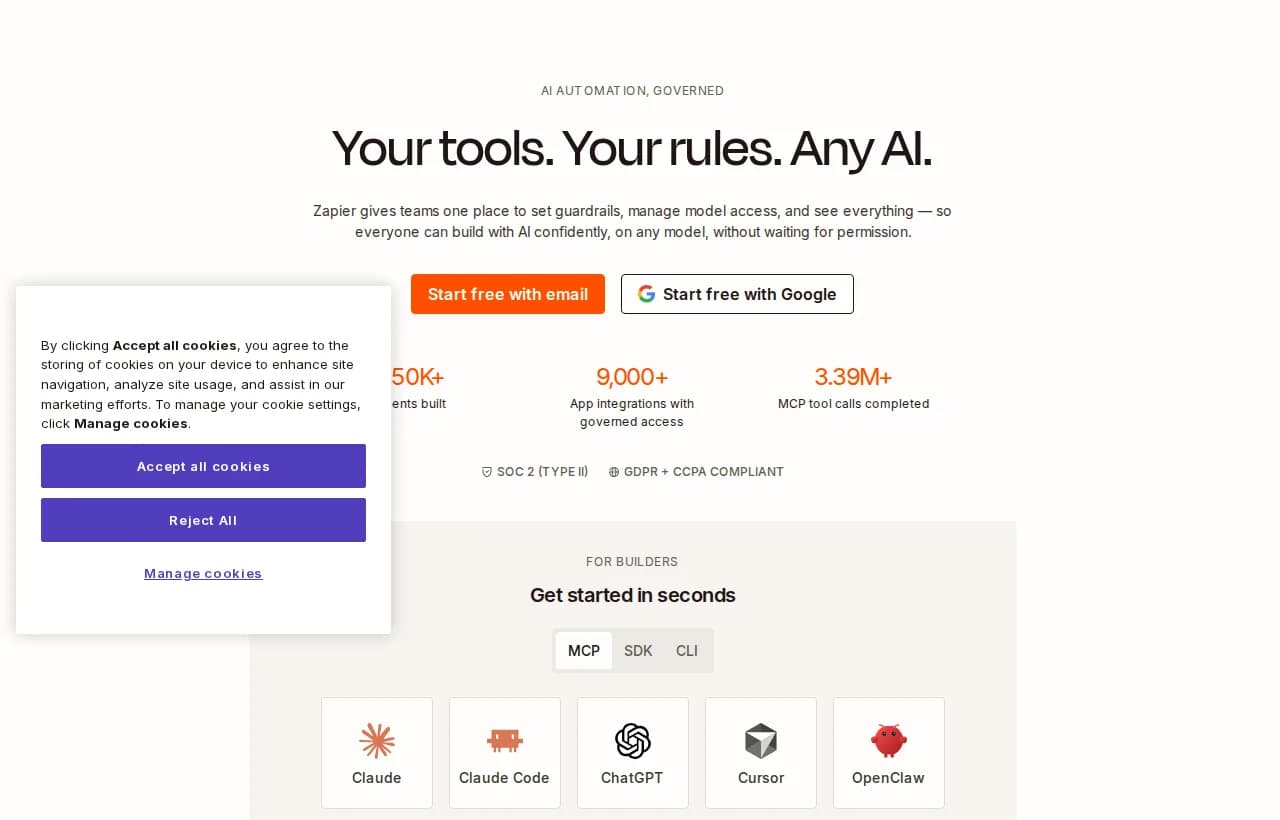
1. Legacy rule-based automation (Zapier, Make, n8n). Thousands of app connectors, trigger-action logic, huge template libraries. Zapier has since layered AI agents on top, but the foundation is still fixed paths.
- ✅ Broadest app catalog, mature, reliable for simple flows.
- ⚠️ AI features sit on top of a rule engine, so complex judgment still lives in brittle branches.
- ❌ You maintain and debug the flowchart yourself.
2. AI-layered platforms (workflow tools that added an AI step). Good if you already live in that tool and want one smart step of intelligent automation in an otherwise fixed chain. Still rule-shaped overall.
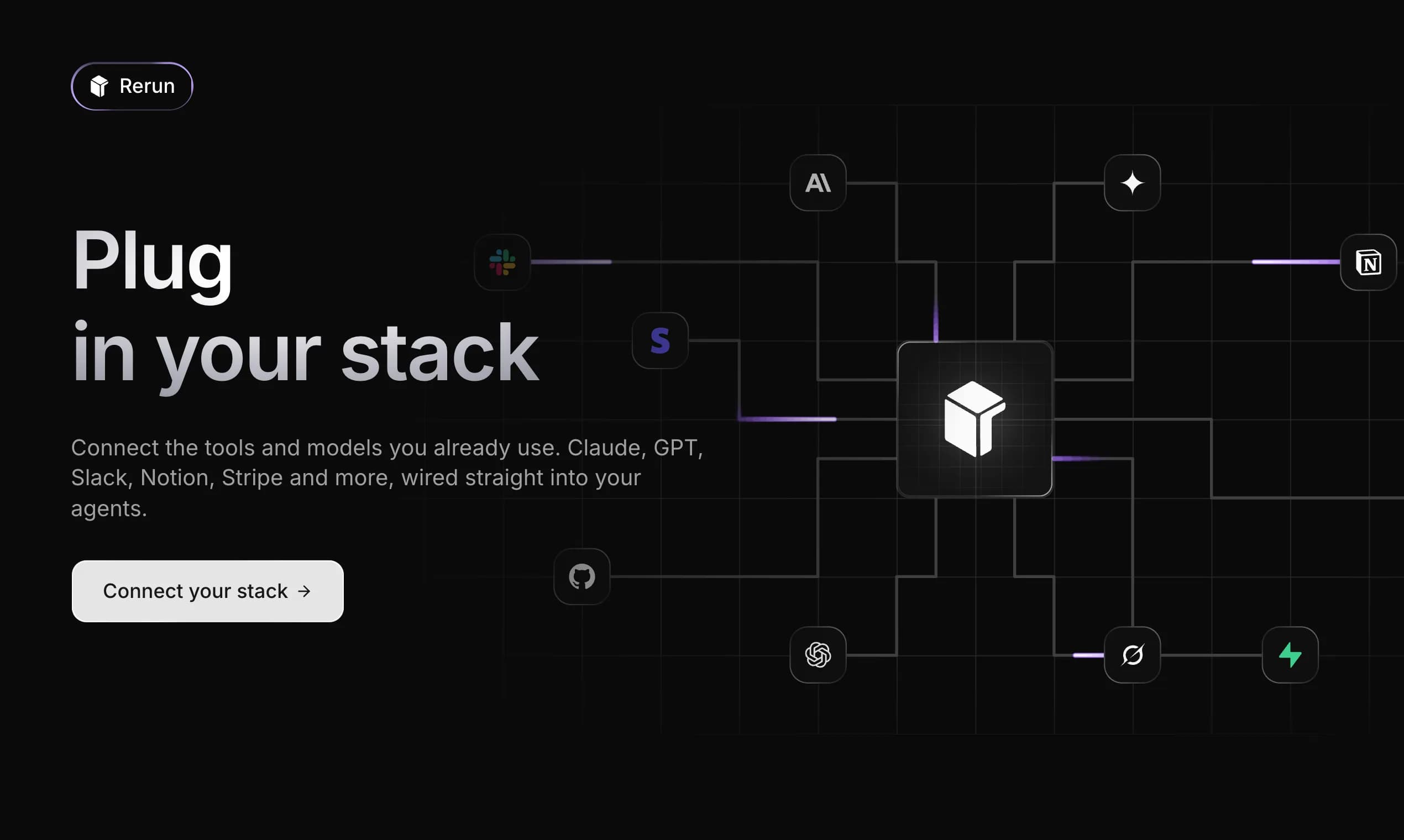
3. AI-agent-native control planes (built for agents from the ground up). This is where genuine AI agent workflow automation lives: you describe the job, connect tools, and an agent runs it, adapting as it goes. Rerun sits here.
If you are specifically shopping for a builder, our comparison of the best no-code AI agent builder goes tool by tool.
Rerun: a control plane for agents that take action
If your workflow needs judgment, Rerun is built for exactly that. It is an AI workflow automation platform built for agents that take action, and it lets you run AI agents you can actually watch work. You describe the task in plain language, connect your tools, and the agent gets the work done live on a dashboard anyone on your team can read.
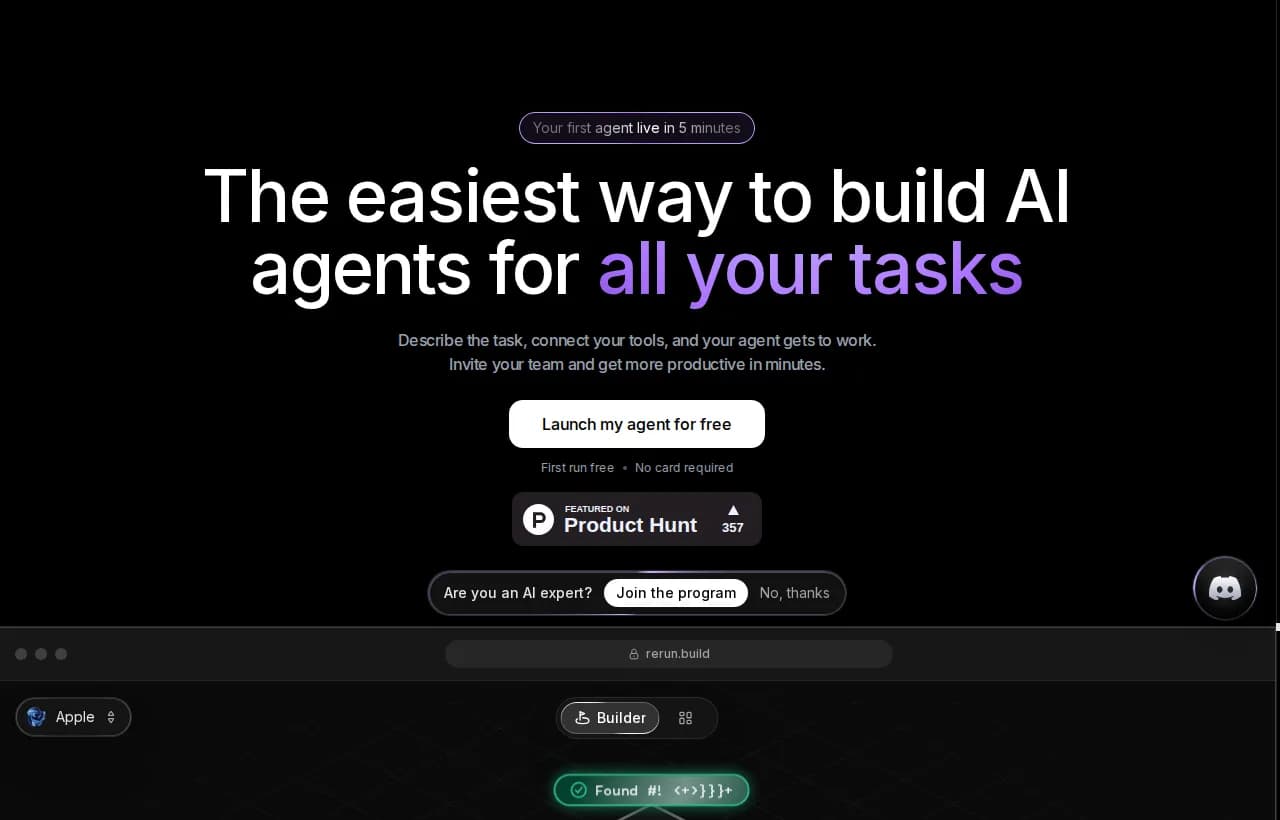
What makes it the right fit for AI workflow automation specifically:
- Agents that act, not chat. Rerun agents send the email, update the CRM, and chase the invoice. They do the work instead of talking about it.
- Adaptive, not brittle. There is no if-this-then-that flowchart to wire and maintain. The agent reasons through each step, so a changed input does not snap the chain.
- You watch every action, live. Nothing is a black box. The dashboard shows every run, token, and handoff, so you always know what your agents did and why.
- Human in the loop where it matters. Before anything sensitive, a payment or a client email, the agent pauses and asks. Approve from the app or Slack and it resumes exactly where it stopped.
- No code, ever. If you can describe the job, you can build the agent.
Three agents that ship in Rerun's own examples show the shape of it: Sam triages the inbox every morning, Jules qualifies inbound leads and books calls, and Margo chases overdue invoices through Stripe. Here is the kind of brief that stands one up.
{ "goal": "Recover overdue invoices without annoying good customers", "trigger": "Every morning at 8am, and when Stripe reports a failed payment", "steps": ["pull overdue and failed invoices from Stripe", "read the customer's payment history and tone of past threads", "draft a firm but friendly follow-up", "pause for human approval on anything above $500", "send, then log the outcome to the dashboard"], "escalate_when": "customer disputes the charge or requests a refund" }Here is how Rerun stacks against the two things people usually reach for first.
| Capability | Rerun | Zapier / Make | Chatbot |
|---|---|---|---|
| Takes real actions across tools | Yes | Yes | No |
| Adapts when inputs change | Yes | No | Partial |
| No flowchart to build or maintain | Yes | No | Yes |
| Watch the work live on a dashboard | Yes | Partial | No |
| Human approval before sensitive steps | Yes | Partial | No |
| Dedicated private cloud per workspace | Yes | No | No |
Plans start at $24/mo, every plan runs 24/7 with no run quotas, and you can bring your own model subscription with no usage caps from Rerun. There is a free 7-day trial with no card required.
How to get started with AI workflow automation
You do not start by automating your hardest process. You start by picking one high-friction, high-volume task and proving the loop. Here is the sequence.
- Pick one workflow that hurts. High volume, repetitive, and clearly defined. Inbox triage, invoice chasing, and lead qualification are classic first wins.
- Map the current steps. Write down what happens today, and mark where a human makes a judgment call. Those judgment points are exactly what an agent handles and a rule cannot.
- Decide the human-in-the-loop checkpoints. What must a person approve before it goes out? Money, external emails, and anything irreversible.
- Choose the right tool tier. Fixed forever, use a rule. Variable and judgment-heavy, use an agent. Re-read the comparison table above if you are unsure.
- Build a small pilot and measure. One agent, one workflow, a week of watching. Track time saved and error rate against the manual baseline.
- Monitor, then expand. Once it is reliable, add the next workflow. Live monitoring is what turns a pilot into something you trust to run unattended.
Use this checklist before you flip your first agent on:

Common mistakes to avoid
Experience says most failures are not technical. They are process mistakes made before the agent ever runs.
- Automating a broken process. If the workflow is a mess by hand, automation just makes the mess faster. Fix the process first.
- No oversight. Handing an agent your Stripe account with no approval gate is how you learn about human-in-the-loop the hard way.
- Over-automation. Not every task deserves an agent. Some things really are a two-line rule. Save the agent for judgment.
- Flying blind. If you cannot see what the agent did, you cannot trust it or improve it. Visibility is not a nice-to-have, it is the control system.
That last point is the whole reason to watch the work. An agent you can see is an agent you can correct, and a corrected agent gets more reliable over time instead of drifting.
The bottom line
Rule-based automation was built for a world of stable, structured, predictable steps. Most real work is not that. AI workflow automation closes the gap by adding the one thing a flowchart never had: the ability to reason about a step before taking it. Start with one painful workflow, keep a human on the sensitive calls, watch it work, and expand from there.
For where to go next, these two deep-dives pair naturally with this guide.
AI Agent Orchestration: How to Coordinate Multi-Agent Systems
AI agent orchestration coordinates multiple reasoning agents toward one goal. Learn the four patterns, the architecture, and how to run a multi-agent system with no code.
Best No-Code AI Agent Builders in 2026: Ranked and Tested
We tested the top no-code AI agent builders of 2026. See which tools actually let you build, deploy, and monitor autonomous agents, no code required.
Frequently asked questions
What is AI workflow automation?
AI workflow automation uses AI agents, usually built on large language models, to run multi-step business processes with little or no human effort. Unlike rule-based automation that follows fixed if-this-then-that logic, an AI workflow reads unstructured inputs, decides what to do, and takes action across systems, adapting when conditions change.
How can I automate my workflows using AI?
Start with one high-volume, repetitive workflow such as inbox triage or invoice chasing. Map the current steps, mark where a human makes judgment calls, set approval gates for sensitive actions, then use an AI agent platform to build and run it. Pilot on one workflow, measure time saved and error rate, then expand.
What are examples of AI workflow automation?
Common examples include support agents that read a ticket and draft a reply, sales agents that enrich and qualify leads, finance agents that extract invoice data and chase overdue payments, and marketing agents that run research and assemble reports. The AI automation tools behind them range from rule-based platforms to agent-native control planes like Rerun.
Is AI workflow automation different from RPA?
Yes. RPA (robotic process automation) follows fixed, pre-programmed steps and breaks when a screen or field changes. AI workflow automation adds a reasoning step: the agent reads messy inputs, decides what to do, and adapts to edge cases instead of failing silently. RPA suits stable, repetitive tasks; AI agents suit variable, judgment-heavy work.
What is the best AI workflow automation tool?
It depends on the job. For simple, fixed trigger-action flows, rule-based tools like Zapier or Make are fine. For judgment-heavy, multi-step work that changes, an agent-native control plane like Rerun fits better, since you describe the task and an agent runs it live, adapting as it goes, with human approval on sensitive steps.
Can ChatGPT create workflows?
ChatGPT can help you plan and draft a workflow, and it can perform single steps like writing or summarizing. On its own it is a chatbot: it talks but does not reliably take actions across your tools or run unattended. To automate a real workflow you need an agent platform that connects to your apps and executes and monitors the steps.
Do I need to code to automate workflows with AI?
No. No-code AI agent platforms let you describe the task in plain language, connect your tools, and let the agent run it. On Rerun, if you can describe the job you can build the agent, with no flowcharts to wire and no scripts to maintain.
How much does AI workflow automation cost?
It varies by tool and usage. Agent-native platforms like Rerun start at $24/mo, run 24/7 with no run quotas, and let you bring your own model subscription with no usage caps. A free 7-day trial with no card lets you test a workflow before committing.

Clément Janssens