Best Zapier Alternatives for AI Agent Automation in 2026
Compare the best Zapier alternatives for workflows, AI agents, self-hosting, and recurring automation, with an honest guide to when you should keep Zapier.
According to Zapier's current product page, its agents can work across more than 9,000 apps. That makes one thing clear: the case for Zapier alternatives is no longer "Zapier has no AI." The real question is whether your work needs a predictable workflow, an agent that can choose what to do next, or an operations layer that keeps recurring agent work running.
Updated October 2026. This guide compares seven practical Zapier alternatives plus the option to keep Zapier by operating model, control, deployment, maintenance, and fit for AI-agent automation. It is not a list of cheaper Zapier clones. Sometimes the right answer is to keep Zapier.
The short version: Use Zapier for reliable app-to-app handoffs. Use Make or n8n when the process should remain an explicit workflow. Use an agent product when the job requires context and judgment. Use an agent operations layer when that delegated work must run repeatedly, with oversight.
The best Zapier alternatives at a glance
| Option | Best for | Operating model | AI-agent fit | Main tradeoff |
|---|---|---|---|---|
| Keep Zapier | Simple app handoffs | Trigger and action workflows, plus agents | Good for teams already invested in Zaps | Task usage and complex logic can become hard to manage |
| Rerun | Recurring delegated agent work | Ready-to-run or custom agents operating continuously | Strong when the outcome matters more than a visual flowchart | Not a drag-and-drop workflow canvas |
| Make | Visual multi-step processes | Designed scenarios with branching and routing | Useful when agent steps sit inside an inspectable process | Large scenarios can become visually dense |
| n8n | Technical teams wanting control | Code-capable workflows and AI nodes | Strong for teams prepared to build and operate the workflow | More implementation and maintenance ownership |
| Gumloop | No-code AI-heavy workflows | Visual AI automation canvas | Good for research, extraction, and document tasks | Credit consumption needs workload testing |
| Lindy | Assistant-style business tasks | Configured business agents | Good for inbox, scheduling, and customer operations | Fit varies by use case and required supervision |
| Activepieces | Familiar, self-hostable automation | Connector-driven flows | Useful when conventional automation remains central | Agent operations are not its only focus |
| Pipedream | Developer-owned API automation | Event-driven code and integrations | Flexible for custom implementations | Less ready-made for nontechnical operators |
Do not choose from this table alone. Start with the shape of the work. A contact-syncing Zap and a lead-research agent may touch the same CRM, but they fail differently and need different supervision.

When should you replace Zapier, and when should you keep it?
Keep Zapier when a trigger reliably leads to known actions. A form arrives, a row is added, a message is sent, and the sequence is stable. Zapier's connector breadth is valuable, the workflow is easy to understand, and migration would create work without improving the outcome.
Consider an alternative when at least one of these is true:
- The task needs to interpret incomplete context before choosing an action.
- The next step cannot always be drawn in advance.
- A person must approve consequential actions.
- The job must resume after a failure or wait for new evidence.
- You need more deployment control or a self-hosted option.
- Execution pricing no longer matches the workload.
- Maintaining a large visual flow costs more than the automation saves.
A useful test is to write the job as an instruction. "When a form is submitted, copy these fields to the CRM" is a workflow. "Every morning, find promising leads, research their fit, exclude existing contacts, ask for approval, and report exceptions" is agent-shaped work.
A workflow, an AI agent, and an operations layer are different
A workflow follows designed branches. It is excellent for deterministic coordination.
An AI agent interprets a goal, uses tools, and can select a next step. That flexibility helps with research, triage, and exception-heavy work, but it also creates new failure modes.
An agent operations layer handles the work around the agent: keeping it available, connecting tools, scheduling recurring runs, surfacing results, and enabling oversight. It does not replace the framework or model used to build the agent.
A chatbot is different again. A chat window gives a person an interface for prompts and responses. It does not, by itself, turn a recurring business responsibility into a dependable operation.
A flowchart is valuable when the path should be fixed. It becomes a liability when every real-world exception demands another branch.
For a deeper comparison of deterministic and agentic work, read AI workflow automation.
How we evaluated the alternatives
We compare products using criteria that matter after the demo, not just during setup. This is a documentation-based editorial assessment, not a claim that our team completed a controlled hands-on test of every product:
- Tool access: Can the system act across the applications involved in the job?
- Decision-making: Can it interpret context and choose among tools or next steps?
- Scheduling and triggers: Can recurring work begin without someone opening a chat?
- Human approval: Can risky actions pause for a person rather than merely notify one?
- State and continuity: Can the work retain relevant context across steps or runs?
- Failure recovery: Can operators see what broke and decide how to resume?
- Observability: Can a team inspect actions, outputs, and exceptions?
- Deployment and control: Who operates the runtime, credentials, and infrastructure?
- Maintainability: How much visual logic, code, and vendor-specific configuration must a team own?
- Total cost: What is billed, and how much human maintenance is hidden behind that unit?
Product capabilities and pricing change often. The descriptions below rely on official product pages and documentation available at publication time. Product-specific judgments are documentation-based editorial assessments unless a hands-on result is explicitly labeled. Test the representative job with your own data, permissions, model choice, and expected run volume before committing.
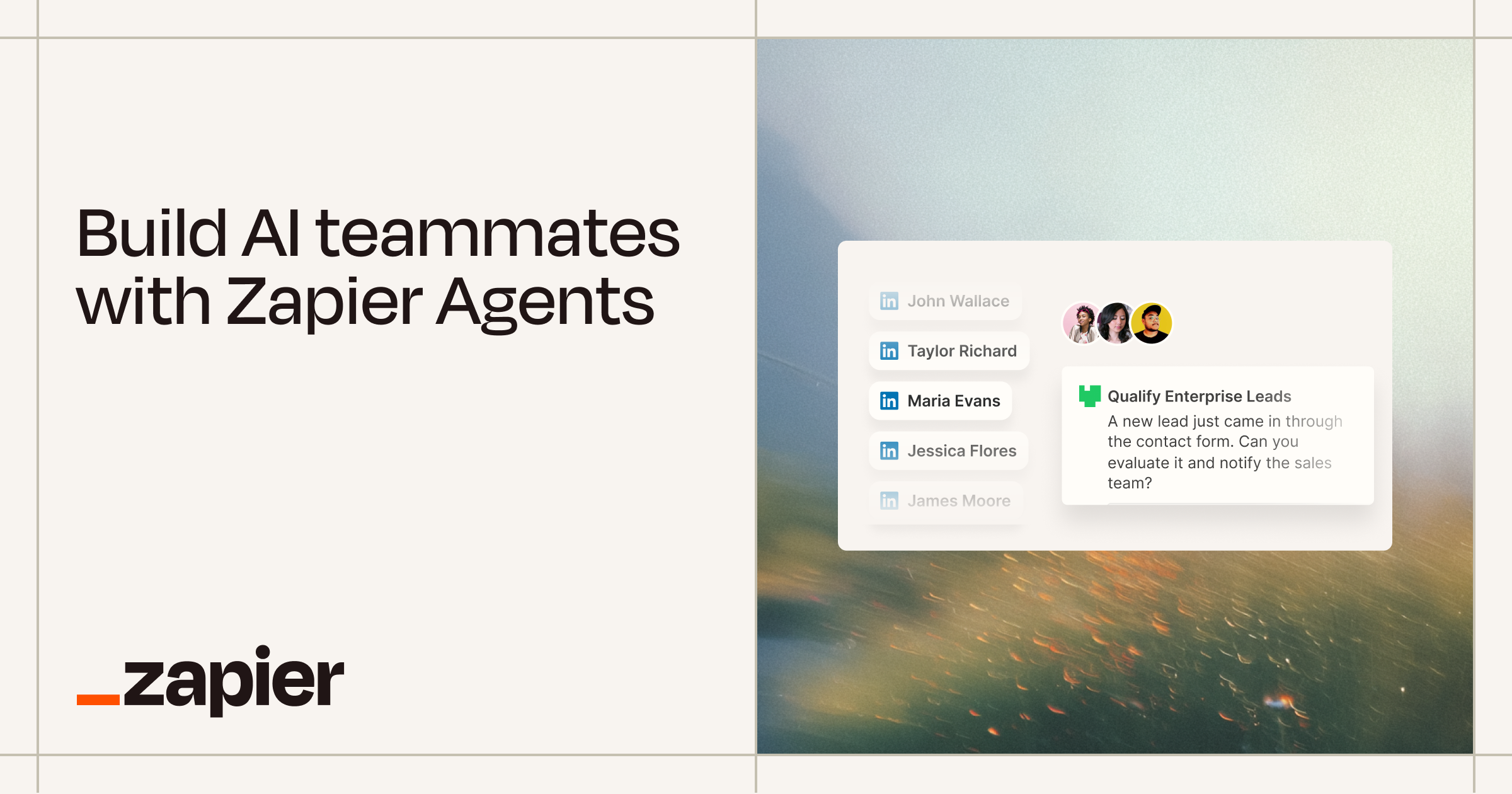 Build AI teammates with Zapier AgentsCreate your custom AI agent in minutes. Equip your agents with live business data and have them do work across 8,000+ apps — on command and while you sleep.
 The best Zapier alternatives for AI agent automation
1. Rerun: best for operating recurring AI-agent work
Among these Zapier alternatives, Rerun is the best fit when the desired outcome is to delegate a recurring job to an agent and keep it running. You can choose a ready-to-run agent or build a custom one, connect the tools it needs, and run it continuously on a private cloud machine.
For this comparison, we use operations layer as an editorial category for putting agents to work. Rerun is not itself an agent framework, and this label does not claim compatibility with every framework. It does not replace LangGraph, CrewAI, an SDK, or the underlying model. It also is not a connector-first Zapier clone. The relevant difference is the unit of work: instead of designing every box in a process, you assign an agent a responsibility and review the work it produces.
Choose Rerun when:
- the task involves judgment or unstructured inputs;
- the work needs to recur without a person reopening a chat;
- you want to start from a ready-made agent or customize one;
- tool connections and a persistent runtime matter;
- you want recurring agent work rather than a growing flowchart.
Do not choose it for a two-step deterministic handoff that Zapier already handles well. Do not choose it because you want a visual scenario canvas. Make is a more natural fit for that.
2. Make: best for visual, multi-step business workflows
Make is a strong choice when operators want to see and control the process as a visual scenario. Routers, filters, iterators, and mapped fields make sophisticated workflows explicit. Its AI Agents offering also means it should not be dismissed as an old-fashioned automation tool.
The key question is how much of the process you want to design. If the job can be expressed as a stable sequence with several branches, Make's canvas is an advantage. If the job is an evolving responsibility where the system must decide what evidence to gather and which tool to use next, the scenario may become a wrapper around agent behavior rather than the whole solution.
Choose Make for transparent business logic, strong visual orchestration, and mixed deterministic plus AI steps. Avoid it when your team is already spending too much time debugging sprawling canvases or when the main requirement is operating a delegated agent rather than designing a process.
3. n8n: best for technical teams seeking workflow and deployment control
n8n combines a visual workflow model with code, flexible integrations, and an AI Agent node. It is especially attractive to technical teams that want to customize data handling, connect APIs, and choose how the system is deployed.
Its billing model focuses on workflow executions rather than charging for every individual step, though plan details should always be verified against n8n pricing. The self-hosted option can increase control, but it also transfers infrastructure, upgrades, security, backups, and incident response to your team.
n8n is not simply "Zapier with code." It can support agent tool selection inside a workflow. Still, your team generally owns more of the implementation and operations work than with a ready-to-run agent product.
For the detailed two-product decision, see n8n vs Zapier. If Make is also on your shortlist, use the separate n8n vs Make comparison.
n8n vs Zapier: The Best Automation Platform for AI Workflows (2026)
A data-backed n8n vs Zapier comparison for 2026: pricing, integrations, and AI workflows. Plus the one question both tools cannot answer, and when to reach for a governed AI agent instead.
4. Gumloop: best for no-code AI-heavy workflows
Gumloop focuses on visual automation for AI-heavy tasks such as research, extraction, document processing, and enrichment. It can be easier for a nontechnical operator to assemble an AI-centered process than a code-first platform.
Its appeal is strongest when model calls and data transformation dominate the workflow. Review Gumloop pricing and product documentation for current credit rules before estimating a production workload. The important buying question is not whether it has an AI block. It is how reliably the complete job handles permissions, retries, approvals, and changing inputs.
Credit-based products can look inexpensive or costly depending on model choice and the number of AI operations. Build one representative workflow and measure real consumption. A headline plan price cannot tell you the cost of a research job that may inspect ten sources on one run and sixty on the next.
5. Lindy: best for assistant-style business agents
Lindy is designed around business assistants and agents for work such as email, meetings, scheduling, customer operations, and sales tasks. It can be a natural Zapier alternative when users think in terms of delegating to an assistant rather than wiring an integration.
Evaluate Lindy against the actual task, especially if it can send messages, modify records, or interact with customers. Use Lindy pricing and its current documentation to verify plan limits and supervision features. Check where approvals can be inserted, what evidence is visible to reviewers, how errors are surfaced, and how usage is counted. Assistant-style convenience is valuable, but it should not obscure the controls needed for consequential actions.
Choose it when the available patterns match the business task and the team prefers a configured assistant experience. Look elsewhere when you need developer-level workflow control or a broader operations layer for agents built with different approaches.
6. Activepieces: best for familiar, self-hostable automation
Activepieces is closer to the conventional Zapier alternative many buyers expect. Its deployment documentation describes self-hosting options, while its current pricing page defines managed and enterprise boundaries. It offers connector-driven flows and a self-hostable core, which can appeal to teams that want a familiar automation model with more control over deployment.
That makes it a good candidate for app-to-app processes where the workflow remains the primary artifact. Its AI capabilities can extend those flows, but buyers should distinguish between adding AI to automation and operating an autonomous job over time.
Choose Activepieces when self-hosting and conventional workflow automation are central. Compare the exact managed and enterprise features you require, since "self-hostable" does not mean every capability or operating responsibility disappears.
7. Pipedream: best for developers building API-driven automations
Pipedream is a strong option for developers who want event-driven workflows, API integrations, and code-level flexibility without building every piece of infrastructure from scratch. Check Pipedream pricing for current compute and credit definitions. It fits teams comfortable owning logic in code and reasoning about requests, payloads, authentication, and execution.
It can support AI and agent workflows through APIs, but it is not primarily a ready-made agent experience for business operators. The team still designs the application behavior and handles much of the product logic.
Choose Pipedream when engineering owns the automation and needs speed plus flexibility. Avoid it when the buyer wants to delegate a recurring business job without turning it into a software project.
8. Keep Zapier: best when the automation already works
A credible comparison must include the default. Zapier remains a sensible choice when its integrations cover the job, the Zaps are reliable, and the team understands the task-based cost. Its agent offering also gives existing customers a path to experiment without migrating their entire automation estate.
Do not replace a working Zap simply because "agentic" sounds more advanced. Flexibility introduces uncertainty. A deterministic system is often safer for payroll notifications, field synchronization, or other well-defined handoffs.
The reason to move is not fashion. Move when a different operating model, deployment requirement, control boundary, or cost structure better matches the work.
Which Zapier alternative should you choose?
Use this decision path:
- Simple trigger and action: Keep Zapier.
- Visual, multi-step process owned by operations: Choose Make.
- Technical workflow with code and deployment control: Evaluate n8n.
- No-code, AI-heavy document or research flow: Test Gumloop.
- Assistant-shaped inbox, meeting, or customer task: Test Lindy.
- Familiar automation with a self-hostable core: Evaluate Activepieces.
- Developer-owned API workflow: Choose Pipedream.
- Recurring delegated agent work across connected tools: Evaluate Rerun.
Hybrid stacks are normal. A Zap can capture a form, an agent can research the company, a person can approve the result, and another deterministic workflow can update reporting. The boundary should follow the risk and variability of each step.

What does AI-agent automation actually cost?
Compare billing units before comparing prices. These units are summarized from official pricing pages and should be verified for your plan on the day you buy.
| Platform type | Common billing unit | Cost that is easy to miss |
|---|---|---|
| Zapier-style automation | Tasks or successful actions | A multi-step run may consume several tasks |
| Make-style workflow | Credits or module operations | Routers and repeated bundles increase operations |
| n8n-style workflow | Executions, with plan limits | Hosting and technical maintenance for self-managed deployments |
| Gumloop and other AI-first builders | Credits and model usage | Variable research depth and token consumption |
| Rerun and other agent operations products | Subscription, runtime, or usage depending on product | Human review and external model or tool costs |
| Code-first platform | Compute or workflow invocations | Engineering time and on-call ownership |
Consider a daily lead-research job. It starts once per day, but each run might search many sources, call a model several times, inspect CRM records, wait for approval, and write only approved results. One platform may count one workflow execution, another many operations, and another model or credit usage.
Calculate three numbers:
- Platform cost at expected monthly volume.
- Variable cost for models, searches, storage, and paid APIs.
- Human cost for setup, review, failures, and maintenance.
The cheapest plan can produce the highest total cost if a specialist must repair it every week.
A practical migration checklist
Do not migrate everything at once. Separate work by risk and uncertainty.
For the controls behind that checklist, see AI agent guardrails and AI agent orchestration.
The bottom line
The best Zapier alternatives are not interchangeable, and connector count alone cannot select the right one. The right Zapier alternative matches the variability, risk, and ownership model of the job. They encode different ideas about how work should run.
Zapier is still excellent for predictable handoffs. Make and n8n give teams more explicit control over complex workflows. Gumloop and Lindy make AI-centered work more accessible. Activepieces and Pipedream serve teams with specific deployment or developer needs. Rerun fits when the goal is to operate recurring AI-agent work, not to turn every exception into another box on a canvas.
Choose the operating model first. Then compare connectors, controls, billing, and deployment inside that category.
Frequently asked questions
What is the best free Zapier alternative?
Activepieces is a practical free candidate for teams willing to self-host its community edition. n8n also offers a self-hosted community edition. Hosting, updates, security, model usage, and maintenance still create real costs, so test the full workload before choosing.
Can AI agents replace Zaps?
AI agents can replace some judgment-heavy automations, but they should not replace every Zap. Deterministic triggers and actions are often simpler, safer, and cheaper when the process is stable.
Is n8n better than Zapier for AI agents?
n8n can be a better fit for technical teams that want code, deployment control, and an AI Agent node. Zapier may be better when connector breadth, ease of use, and existing reliable workflows matter more.
Do I need to replace all my Zapier automations?
No. Keep reliable Zaps that solve deterministic tasks. Migrate only when a different platform offers a clear advantage in control, agent behavior, deployment, cost, or maintainability.
What is the difference between an AI workflow and an AI agent?
An AI workflow follows designed steps and may include model calls. An AI agent can interpret a goal, choose tools, and decide its next step. Both still need permissions, monitoring, and failure handling.
Is Rerun an AI agent framework?
No. Rerun lets users choose ready-to-run agents or build custom agents, connect tools, and run the agent on a private cloud machine. It does not replace an agent framework or SDK.
Which Zapier alternative is best for self-hosting?
n8n and Activepieces are common self-hosting candidates. Compare their licenses, enterprise boundaries, update process, security requirements, and the operational work your team must own.

Written by
Clément Janssens