Rerun

Plan and Track Business Trips

Plans each business trip to your travel rules, puts every booking in your calendar, and warns you about fare drops and flight changes in time.

Plan and Track Business Trips agent board

About

Tell it where you need to be and when. You get compared options, a clear recommendation and an itinerary that gets you to every meeting on time, then it keeps watch until you are home.

What it does

  • Compares flights, trains and hotels against your travel rules, with prices, door-to-door times and a recommendation
  • Builds a day-by-day itinerary with travel times and map links to each meeting
  • Turns booking confirmations from your inbox into clean calendar entries
  • Watches your upcoming flights and tells you about delays, cancellations and gate changes
  • Tracks the fares you care about and flags a real drop

What you need

  • Nothing to start: name a trip and get a plan
  • Gmail, to find your booking confirmations (another email works too)
  • Google Calendar, to put trips and travel time in your agenda (another calendar works too)

How setup works

Your first trip plan arrives in the first minutes. Along the way it learns your travel rules and home airport, connects your email and calendar, and confirms the time of the daily trip check.

What stays in your hands

  • It never books, pays for or cancels anything: you pick the option and book it yourself
  • It shows the calendar entries before adding them the first time

What you will need

  • Gmail

  • Google Calendar

Coworkers in this template

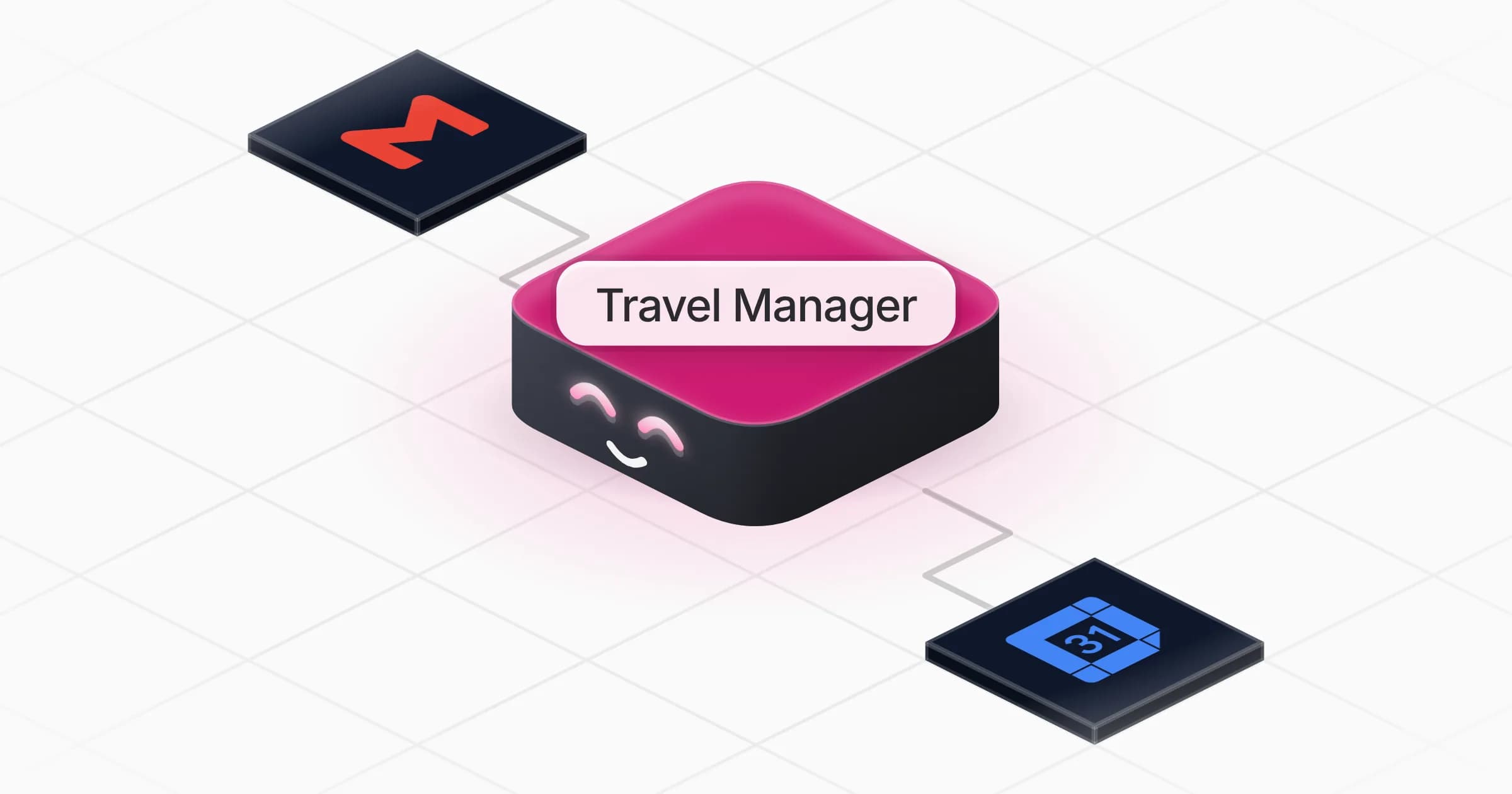
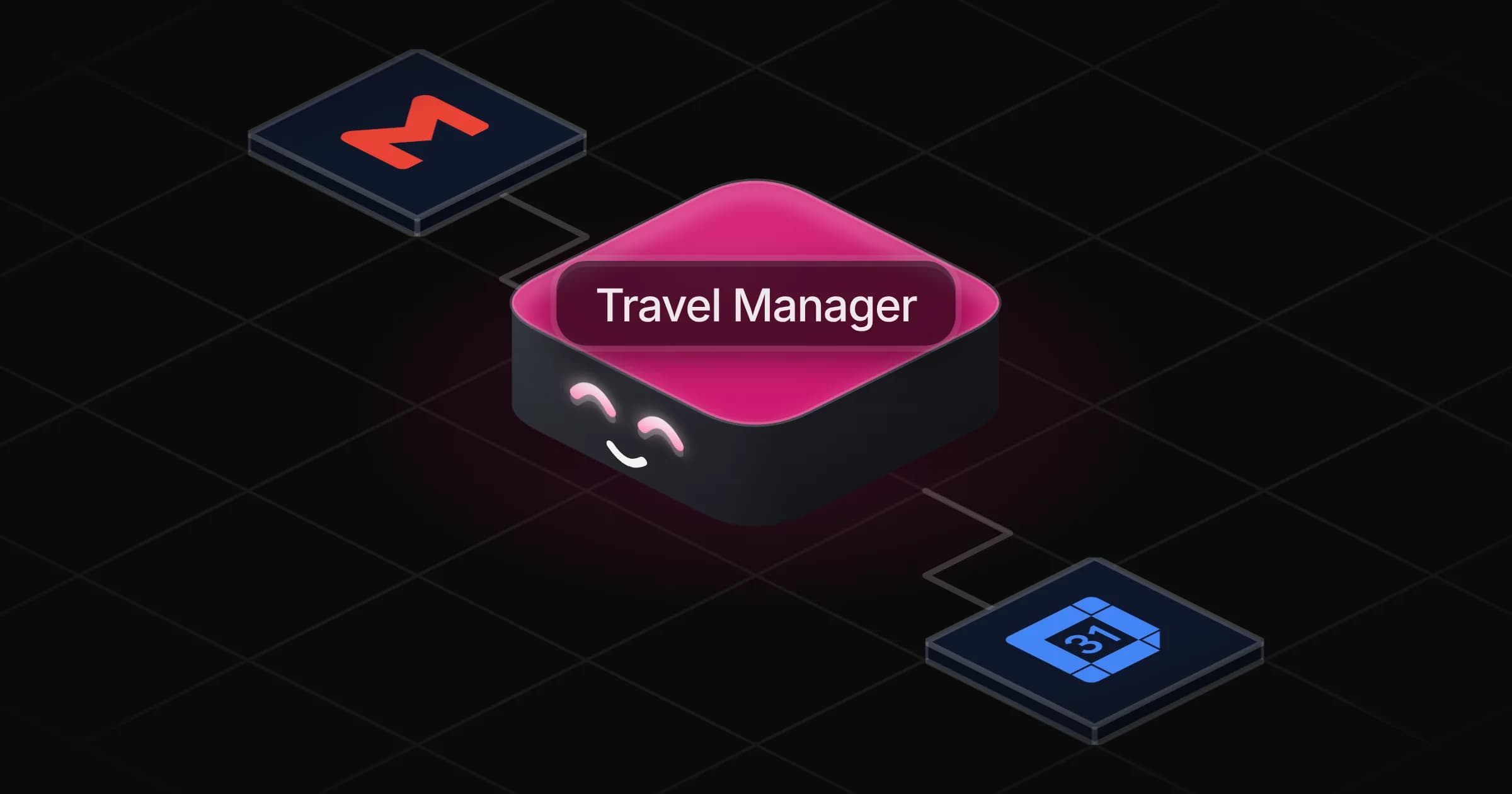
Travel Manager

Plans business trips to your travel rules, keeps every booking in your calendar and flags fare drops and flight changes in time.

Apps

Skills · 5

File booking confirmations

Use when asked to organise booking confirmations, or to put a flight, train or hotel booking in the calendar.

Flag flight changes

Use when asked to check a flight or follow a delay, cancellation or gate change, and on the daily trip check for flights in the next two days.

Plan a trip

Use when asked to plan, price or compare a business trip, or to find a flight, train or hotel for one.

Send directions to meetings

Use when asked how to get to a meeting, for directions or a map link for a calendar event, or when to leave.

+1 more

Scheduled tasks · 1

Daily trip check

At 07:00 AM
Frequently asked questions

Can it book flights and hotels for me?

No. It compares options, recommends one and builds the itinerary; you book it yourself. Once the confirmation arrives, it files the booking in your calendar.

Does it follow my company travel policy?

Yes. Tell it your rules once (class, hotel budget, train versus plane) and every plan follows them, with any exception stated plainly.

How does it know about flight delays or gate changes?

On the daily trip check, it reads the status of your upcoming flights on the airline's site or a public flight tracker and compares it with what you booked. It only messages you when something changed.

Can it alert me when a fare drops?

Yes. Agree on a route, dates and the price that would make you act; it checks the fare on each run, keeps the history and tells you when it falls below that price.

Do I need Gmail and Google Calendar?

No. Planning works with nothing connected. To file confirmations it can use Outlook or another email and calendar from the Rerun catalog.

How much does it cost to run?

The template is free. Each run uses Rerun credit, like any coworker.

2,000+ businesses run on Rerun

Hire Coworkers on the ChatGPTplan you already pay for.

  • 1. Plug in your subscription
  • 2. Set up your Coworkers
  • 3. Run your business with Coworkers