Rerun

Map and Improve Team Processes

Map how your team really works, see what to fix or automate first, and get the procedures, change plans and capacity plans to make it stick.

Map and Improve Team Processes agent board

About

See how your team's work really flows, fix what slows it down first, and write it down so it stays fixed.

What it does

  • Maps a process as it runs today: steps, owners, decisions, tools and handoffs, as a diagram
  • Names the friction and ranks improvements and automations by value against effort
  • Writes automation specs, SOPs and runbooks a newcomer can follow alone
  • Prepares change requests with impact, rollback, approvals and adoption
  • Plans capacity from your workload and checks team updates against your goals

What you need

  • Nothing to start: describe a process that hurts
  • Notion (optional) to read your docs and goals and file procedures where the team looks
  • Slack (optional) to see how work really flows and collect weekly updates

How setup works

A first process map with its fixes arrives in the first minutes, from your own description. Then it learns your team, tools and goals, connects your docs and chat, and turns one recurring task into a procedure.

What stays in your hands

  • Nothing is edited in your docs and no message goes to your team without your go-ahead
  • Recommendations are proposals for you to decide on

What you will need

  • Notion

  • Slack

Coworkers in this template

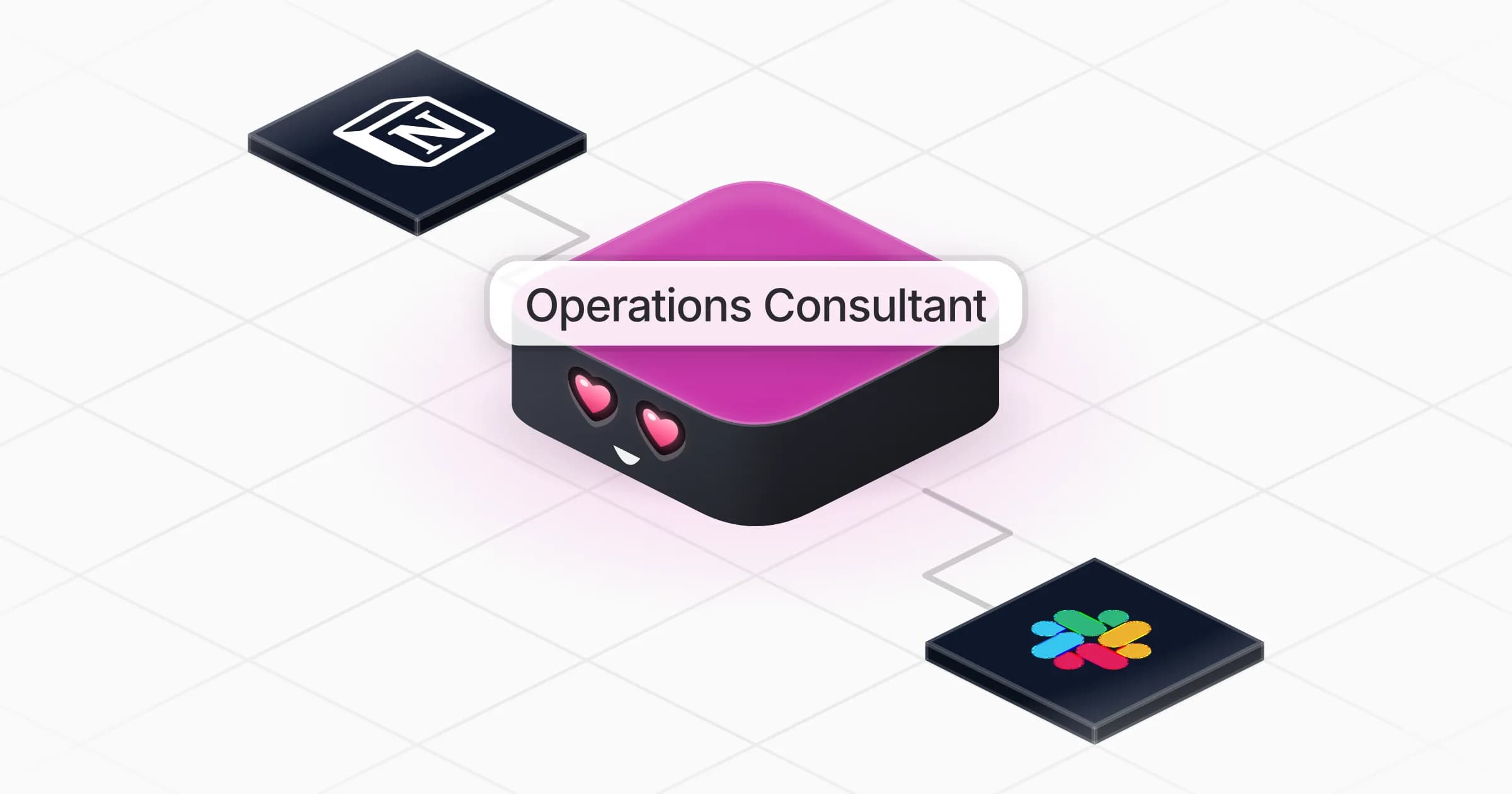
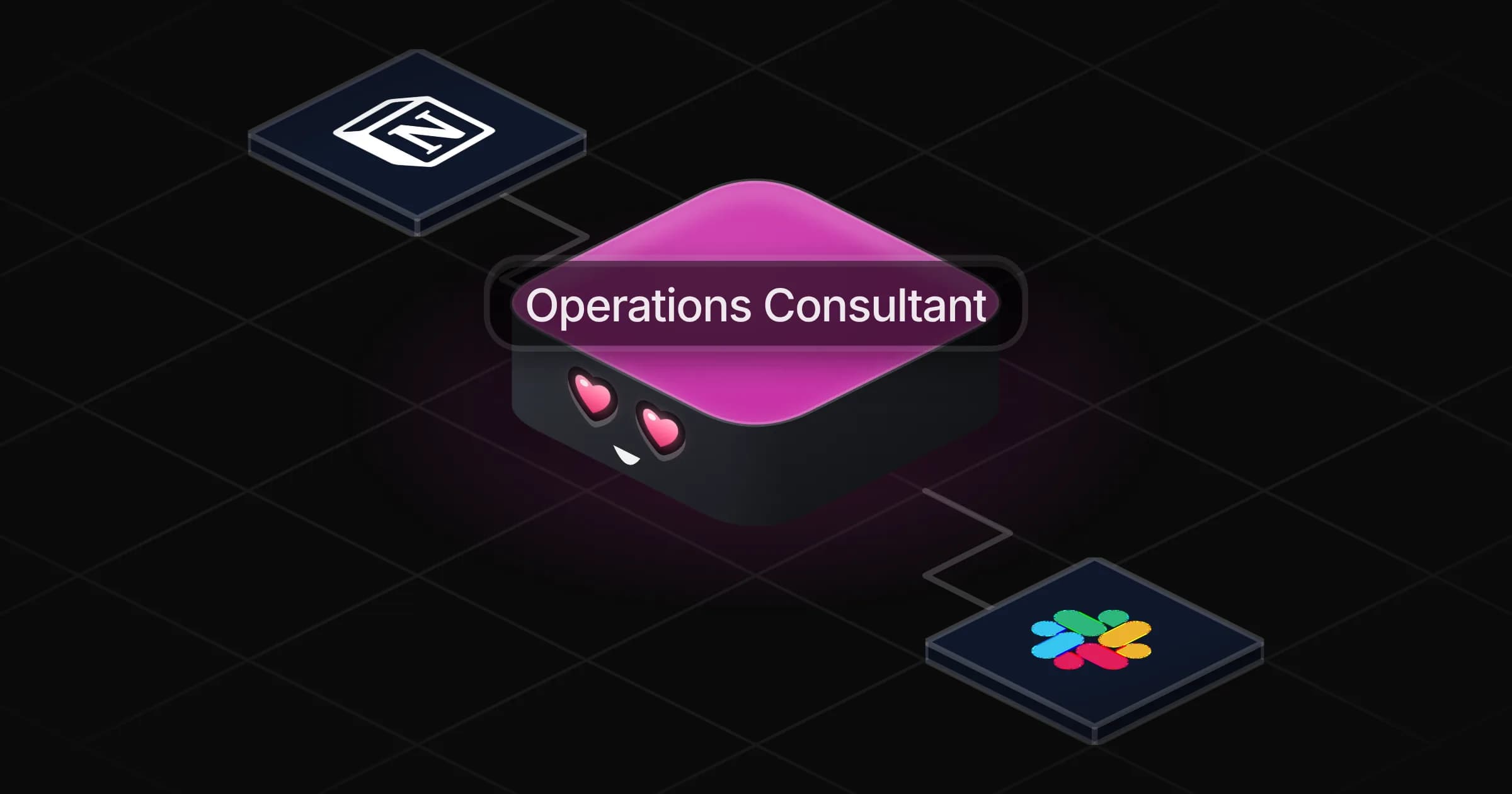
Operations Consultant

Maps how your team really works, finds what to fix or automate, and writes the procedures and plans to get there.

Apps

Skills · 6

Check updates against goals

Use when asked to review weekly updates or team reports against the team's goals or OKRs, or to summarize progress on objectives.

Find what to fix or automate

Use when asked how to make a process faster or cheaper, where the inefficiencies are, what to automate, or for a spec of an automation before it is built.

Map the process

Use when asked to map, untangle or explain how a workflow or process runs, or to describe it before it gets automated or built.

Plan the capacity

Use when asked whether the team can absorb a workload, how many people are needed, or how to allocate people across work.

+2 more
Frequently asked questions

What do I get when I describe a process?

A map of the process as it runs today, with steps, owners, decisions, tools and handoffs shown as a diagram, the friction points named, and the improvements ranked by value against effort.

Can it write SOPs and runbooks?

Yes. It turns a recurring task into a step-by-step procedure a newcomer can follow alone, with roles, the tool for each step, what to do when it goes wrong and who to ask.

Can it tell me what to automate?

Yes. It fixes broken steps first, then writes a spec a builder can work from for each automation: trigger, data in and out, every path including errors, and what a human still checks.

Does it help with change requests and capacity planning?

Yes. It prepares change requests with impact, rollback, approvals and adoption, plans capacity from your demand and real availability, and checks team updates against your goals or OKRs.

Do I need Notion or Slack?

No. Describe a process to start. Notion lets it read your existing docs and goals and file procedures, Slack lets it see how work really flows; other tools from the Rerun app library work too.

How much does it cost to run?

The template is free. Its runs use your Rerun credit.

2,000+ businesses run on Rerun

Hire Coworkers on the ChatGPTplan you already pay for.

  • 1. Plug in your subscription
  • 2. Set up your Coworkers
  • 3. Run your business with Coworkers