Rerun

Prepare Payroll and Catch Errors

Turn timesheets into a checked payroll register, catch overtime and attendance issues before the cut-off, audit the run and get payslips ready to send.

Prepare Payroll and Catch Errors agent board

About

Send payroll inputs you trust: every hour accounted for, every anomaly flagged before the cut-off, every payslip going to the right person.

What it does

  • Consolidates timesheets, attendance and absences into one payroll register per period
  • Flags missing punches, unapproved overtime, overtime near or over the caps, and lateness or absence patterns
  • Prepares payroll inputs and draft payslips for your payroll provider or accountant, and payment files from approved hours
  • Audits a payroll run against the pay rules you give it, with findings, amounts at stake and fixes
  • Prepares password-protected payslips, one per employee, held back when a detail is missing
  • Runs a monthly pre-payroll check before your cut-off

What you need

  • Nothing to start: a timesheet export or a spreadsheet is enough, and it can show a sample first
  • Google Sheets (optional) to read timesheets and keep the register where you already work; Gmail (optional) to prepare notes to managers and payslip emails as drafts. Excel, your time tracker or your payroll tool work too if they are in the Rerun catalogue

How setup works

You get a checked payroll input sheet in the first minutes. It then learns your country, overtime rules, payroll calendar and approvers, and confirms the day of the monthly check.

What stays in your hands

  • No payslip, employee notice or payment goes out without your go-ahead
  • Audits flag issues to confirm with your payroll provider or adviser; they are not legal advice

What you will need

  • Gmail

  • Google Sheets

Coworkers in this template

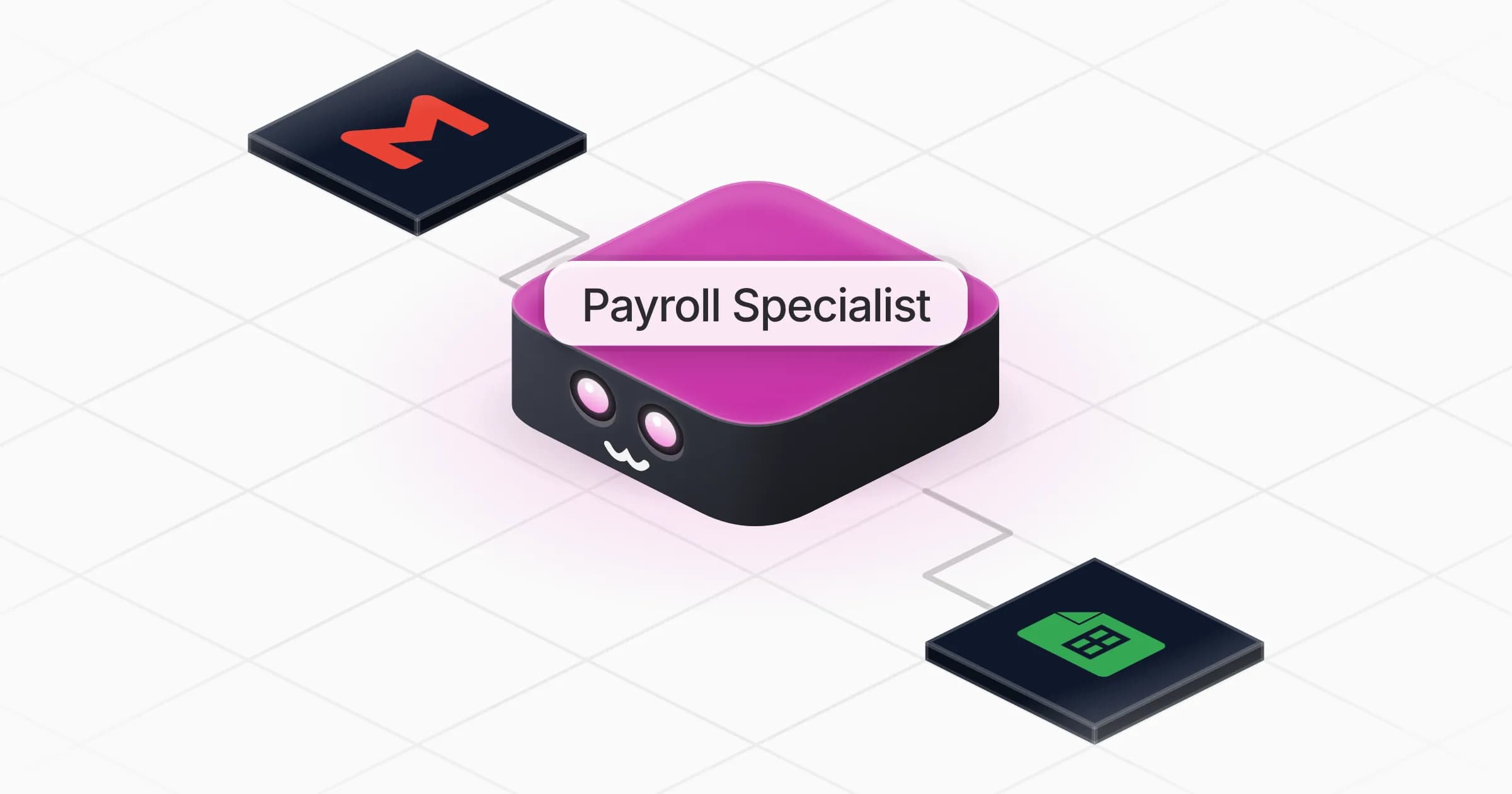
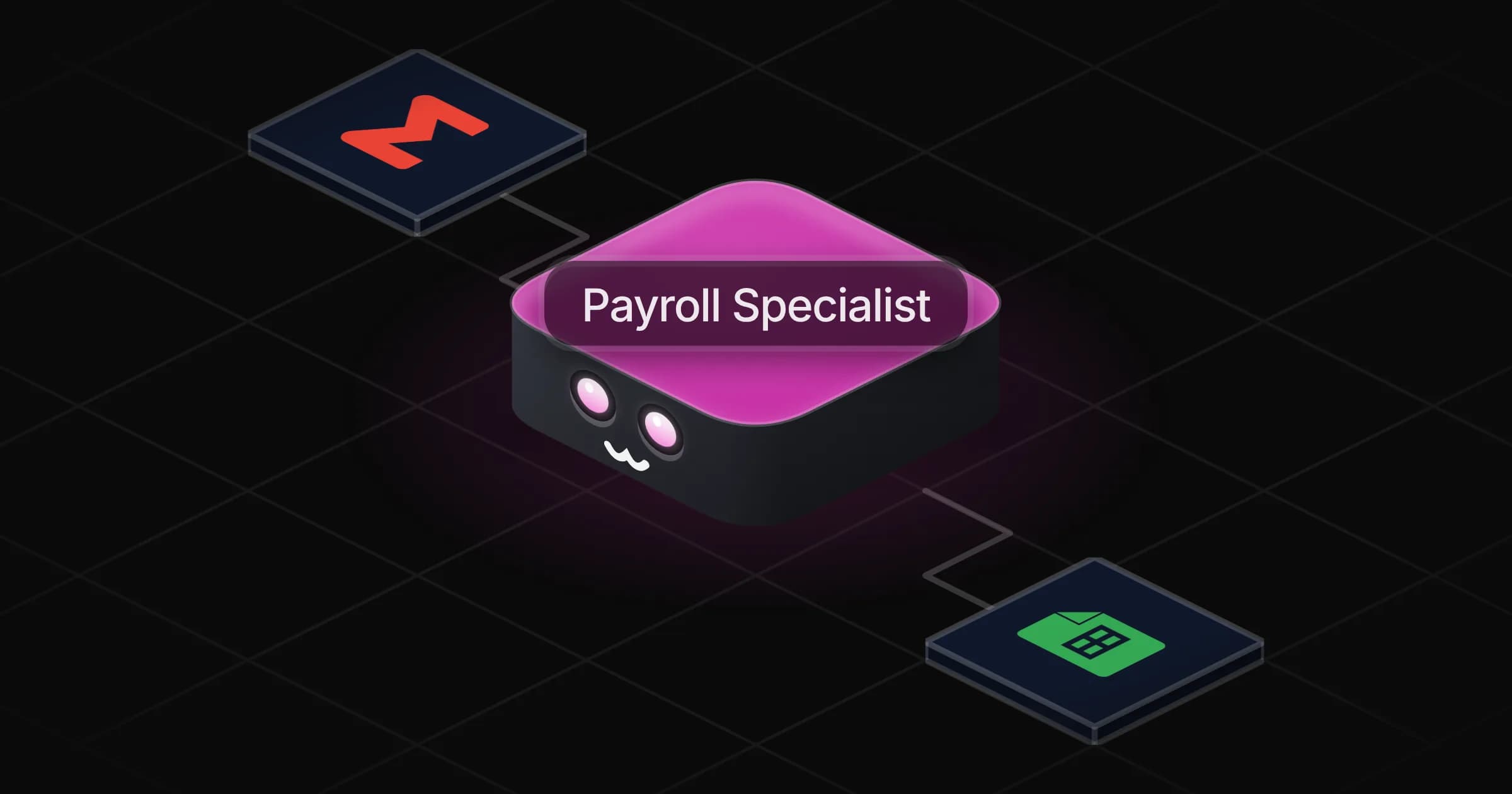
Payroll Specialist

Turns timesheets into a checked payroll register, flags every anomaly before the cut-off, and prepares payslips and payments for your go-ahead.

Apps

Skills · 6

Audit the payroll

Use when asked to audit a payroll run, check it for errors or compliance, or review it before the cut-off.

Consolidate attendance

Use when asked to gather clock-ins or attendance records, total the hours, or flag absences and lateness to managers.

Prepare the payroll inputs

Use when asked to prepare payroll for a period, build the payroll input sheet from timesheets, or draft payslips.

Prepare the salary payments

Use when asked to prepare salary transfers or a payment file from approved hours or the payroll register.

+2 more

Scheduled tasks · 1

Monthly pre-payroll check

At 09:00 AM, on day 20 of the month
Frequently asked questions

Does it run payroll for me?

It prepares and checks everything payroll needs: the register, draft payslips and payment files. Your payroll provider or accountant still runs the official payroll, and nothing is sent or paid without your go-ahead.

Does it know overtime rules for my country?

It asks for your country, contract hours and any collective agreement, checks current official sources on the web, cites them and says what it assumed. You confirm the rules once and it reuses them.

Which time-tracking tools does it work with?

Any export or spreadsheet works, and Google Sheets can be connected. If your time tracker or payroll tool is in the Rerun catalogue, it offers to connect it.

How does it keep payslips private?

Each payslip goes to one employee only, as a password-protected file with the password sent separately, and it holds back anyone whose address or file looks wrong. You approve the delivery list before anything is sent.

Can it prepare salary payments?

Yes, as a payment file built only from approved rows and the bank details you hold, or as draft transfers in your bank tool if it is connected. You release the payments.

How much does it cost to run?

The template is free. Runs, including the monthly check, use your Rerun credit.

2,000+ businesses run on Rerun

Hire Coworkers on the ChatGPTplan you already pay for.

  • 1. Plug in your subscription
  • 2. Set up your Coworkers
  • 3. Run your business with Coworkers