Rerun

Onboard New Hires and Run HR Admin

Get onboarding plans, offboarding checklists, a clean employee directory, a leave tracker and employment letters, handled like a seasoned HR administrator.

Onboard New Hires and Run HR Admin agent board

About

The people paperwork of your team, handled: new hires ready on day one, leavers off cleanly, and every record in one place.

What it does

  • Builds a full onboarding plan for each new hire, with owners, dates, a welcome email and check-ins booked
  • Runs offboarding: access, equipment, handover, documents owed and an exit conversation
  • Keeps one employee directory and a time-off register, and answers who is off and when
  • Writes employment and salary verification letters on your template
  • Sends you a weekly digest of absences, birthdays, work anniversaries and HR tasks due

What you need

  • Nothing to start: a new hire's name, role and start date is enough for the first plan
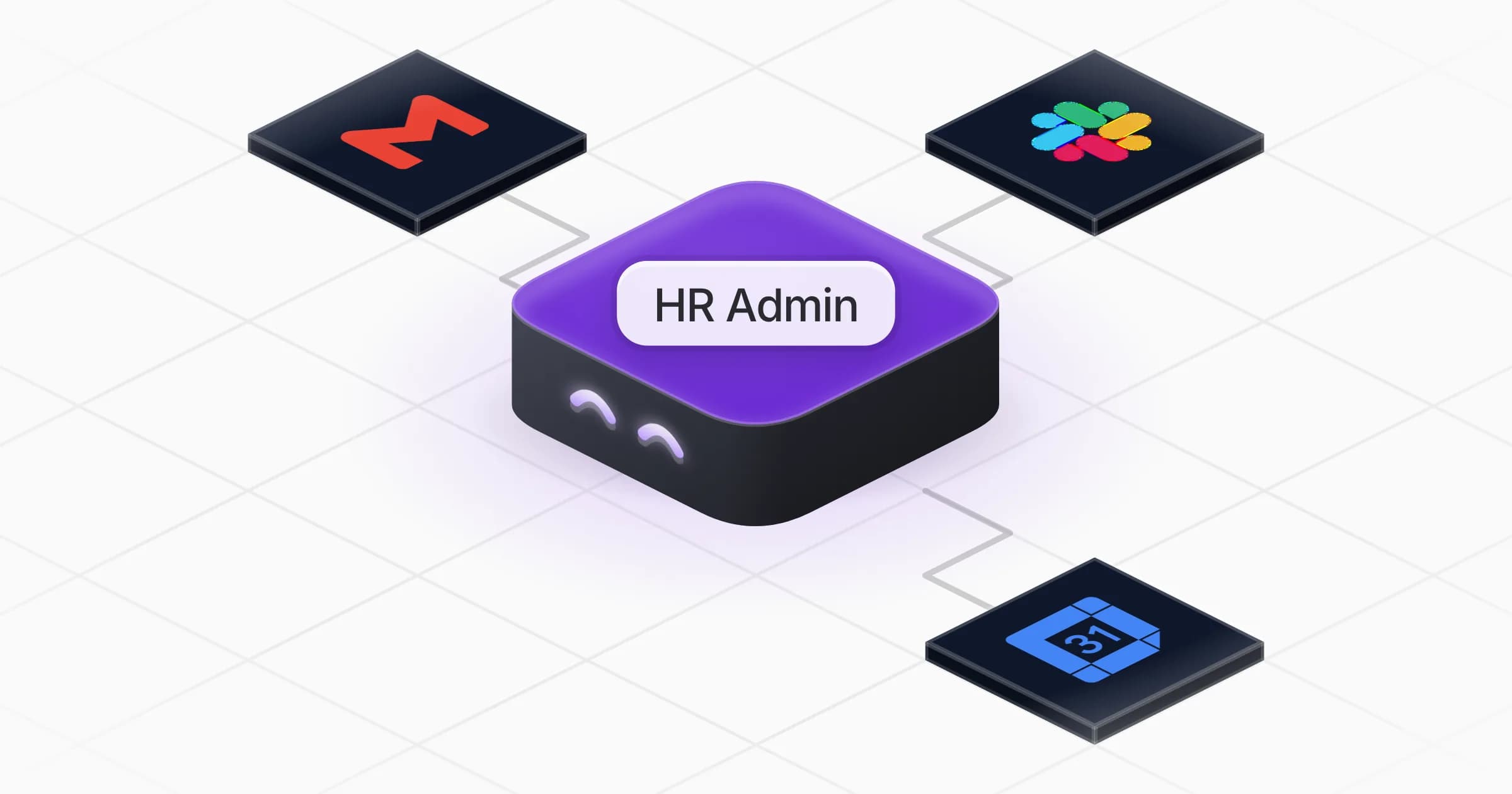
  • Google Calendar (optional) to book check-ins and see absences; Slack (optional) for welcome messages and team reminders; Gmail (optional) to prepare emails and letters as drafts. It can use Outlook, Teams or the tools you already have instead

How setup works

You get a complete onboarding plan in the first minutes. It then learns your country, leave policy and checklists, loads your employee list and confirms when to send the weekly digest.

What stays in your hands

  • No email, message, invite or letter goes out without your go-ahead
  • Employee data stays private and is shared only with the people who need it

What you will need

  • Gmail

  • Google Calendar

  • Slack

Coworkers in this template

HR Admin

Runs onboarding and offboarding, keeps the employee directory and time-off register up to date, and writes employment letters on request.

Apps

Skills · 5

Keep the employee directory

Use when asked to load, update or look up the employee directory, or for coming birthdays and work anniversaries.

Plan the onboarding

Use when someone is about to join the team, to prepare their onboarding plan, welcome messages, first week and check-ins.

Run the offboarding

Use when someone is leaving the team, for the offboarding checklist, handover, exit interview and departure messages.

Track time off

Use when asked to log a leave or absence request, check a balance, or say who is off and when.

+1 more

Scheduled tasks · 1

Weekly HR digest

At 09:00 AM, only on Monday
Frequently asked questions

Can it run onboarding for a new hire automatically?

It builds the full plan, drafts the welcome email and team announcement, and books check-ins once your calendar is connected. Nothing is sent or booked without your go-ahead.

Does it replace my HR software?

No. It works alongside it, or without one: it keeps its own directory and leave register, and can read an export from your HR tool or a spreadsheet. If your HR tool is in the Rerun catalogue, it offers to connect it.

Does it know the leave rules of my country?

It asks for your leave policy and uses it. When a rule depends on your country and you have not shared it, it states what it assumed and flags the point for you to check.

Can it write employment verification letters?

Yes, on your template, with only the facts the recipient needs, and you review every letter before it is signed and sent.

Can it remind managers of birthdays and work anniversaries?

Yes. The weekly digest lists what is coming up a few days early and drafts the reminders, which you can send to Slack or by email.

How much does it cost to run?

The template is free. Runs, including the weekly digest, use your Rerun credit.

2,000+ businesses run on Rerun

Hire Coworkers on the ChatGPTplan you already pay for.

  • 1. Plug in your subscription
  • 2. Set up your Coworkers
  • 3. Run your business with Coworkers