Rerun

Split, Convert and Extract Data from PDFs

Drop your PDFs and scans, get back a clean table of their data, plus files split, merged, converted, compressed or made fillable the way you need them.

Split, Convert and Extract Data from PDFs agent board

About

Stop retyping invoices and fighting with PDF tools. Drop the documents and get a table you can trust, with every value traced to its page.

What it does

  • Extracts the fields you need from invoices, forms, statements and scans into a table, one row per document
  • Checks totals and dates and flags any value it is unsure of instead of guessing
  • Splits a scanned bundle into separate documents, with a page inventory
  • Merges PDFs in the order you want, compresses them to email size, and converts PDFs, office files and emails
  • Turns a flat PDF into a fillable form

What you need

  • Nothing to start: drop files or links, or try it on sample invoices
  • Google Drive, to pick documents from your folders and save results next to them (other storage works too)
  • Google Sheets, to add extracted rows to your spreadsheet

How setup works

Your first table arrives in the first minutes. Along the way it learns the documents you handle, the columns you need and how you name files, then connects where your files live.

What stays in your hands

  • It never overwrites or deletes an original file
  • It shows the table before writing anything to your spreadsheet

What you will need

  • Google Drive

  • Google Sheets

Coworkers in this template

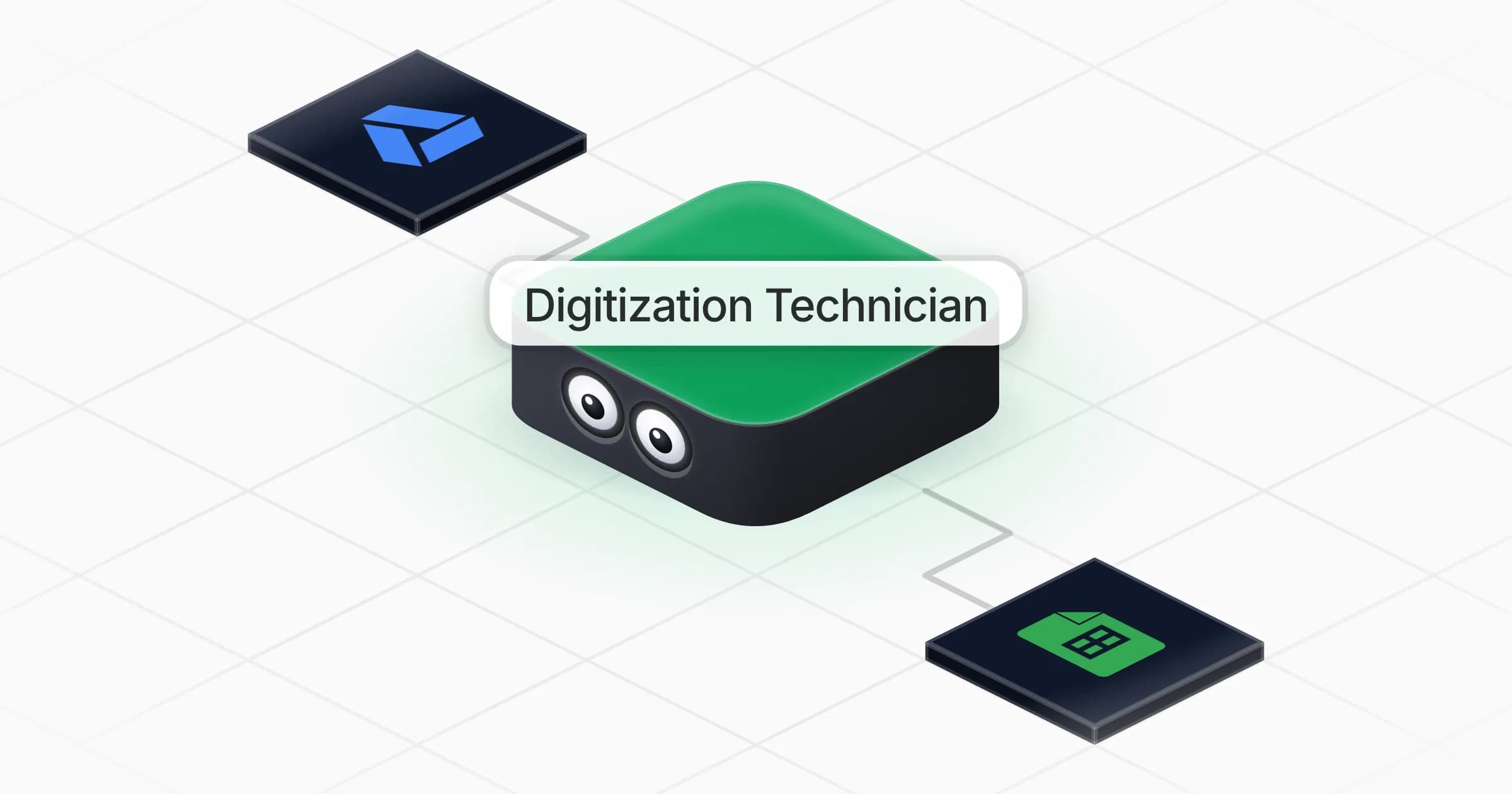
Digitization Technician

Turns piles of PDFs and scans into clean files and usable data: tables extracted from documents, bundles split or merged, files converted, compressed and made fillable.

Apps

Skills · 6

Compress the PDFs

Use when asked to make a PDF lighter, to fit an email or upload limit, or to reduce the size of stored files.

Convert to the right format

Use when asked to convert a PDF, an office file, an image or an email into another format, or to keep emails as PDFs.

Extract the document data

Use when asked to pull data out of PDFs, scans, forms, or a folder or archive of documents into a table or spreadsheet.

Make a fillable form

Use when asked to turn a PDF or a paper form into a fillable form, or to add fields to a PDF.

+2 more
Frequently asked questions

Can it extract data from scanned PDFs?

Yes. It reads the page images of scans and photos, says which documents were scanned, and flags any value it cannot read clearly instead of guessing.

Can I send the extracted data to Google Sheets?

Yes, once Google Sheets is connected. It shows you the table first, then adds the rows. You can also download a CSV or spreadsheet at any time.

Can it split one big scanned PDF into separate documents?

Yes. It finds where each document starts, shows the proposed cut when it is not obvious, and returns the separate files with a page inventory.

Does it need PDF.co, iLovePDF or another paid PDF tool?

No. It splits, merges, compresses and converts files with tools on its own computer, so no extra subscription is needed.

Will it change my original files?

No. Every result is a new file saved next to the original, which stays untouched.

How much does it cost to run?

The template is free. Each run uses Rerun credit, like any coworker.

2,000+ businesses run on Rerun

Hire Coworkers on the ChatGPTplan you already pay for.

  • 1. Plug in your subscription
  • 2. Set up your Coworkers
  • 3. Run your business with Coworkers