Rerun

Plan and Track Client Projects

Turn a scope or a client thread into a realistic plan with owners, dates and risks, then get a clear status update, workload and time recap every week.

Plan and Track Client Projects agent board

About

Get a plan your team believes in from day one, and a status update your client understands every week.

What it does

  • Turns a scope, a client email or a team thread into a project brief
  • Clarifies who does, approves and is informed of each deliverable
  • Builds the plan: tasks, owners, dependencies, dates, milestones, critical path and risks
  • Drafts a weekly status update with what moved, what is late and the decisions needed
  • Shows the workload per person and the time spent per project

What you need

  • Nothing to start: paste a scope or describe the project
  • Slack (optional) to build briefs and updates from your team's real discussions
  • Google Calendar (optional) for dates that respect availability and time recaps
  • Your project tool (optional), such as Notion, ClickUp, Asana or Jira, to push tasks and read progress

How setup works

A first project plan arrives in the first minutes. Then it learns your team and how you run projects, connects your tools, and sets up a weekly status update you confirm.

What stays in your hands

  • Nothing is posted to a shared channel or sent to a client without your go-ahead
  • Tasks are pushed to your project tool only when you say so

What you will need

  • Google Calendar

  • Slack

Coworkers in this template

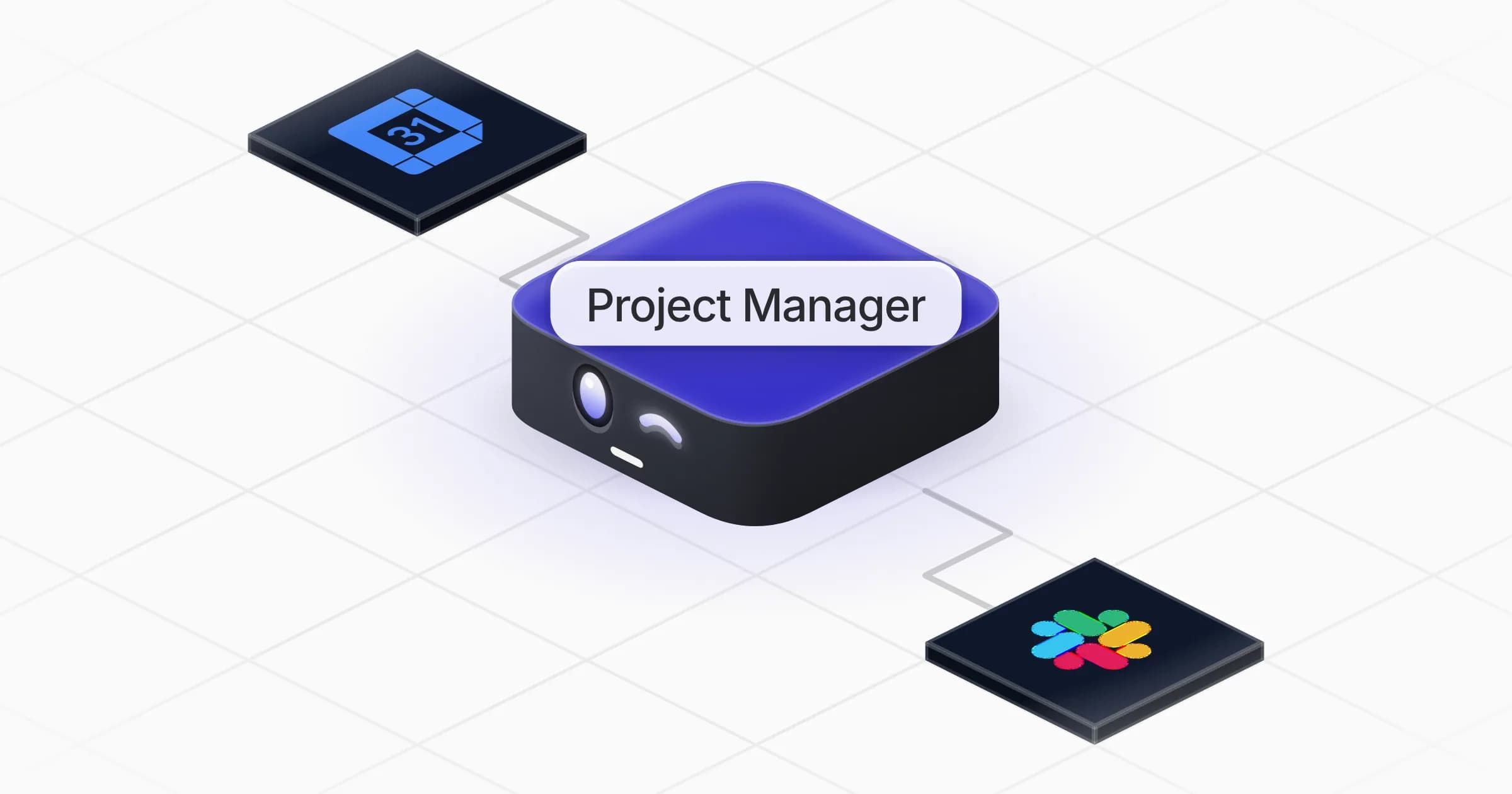
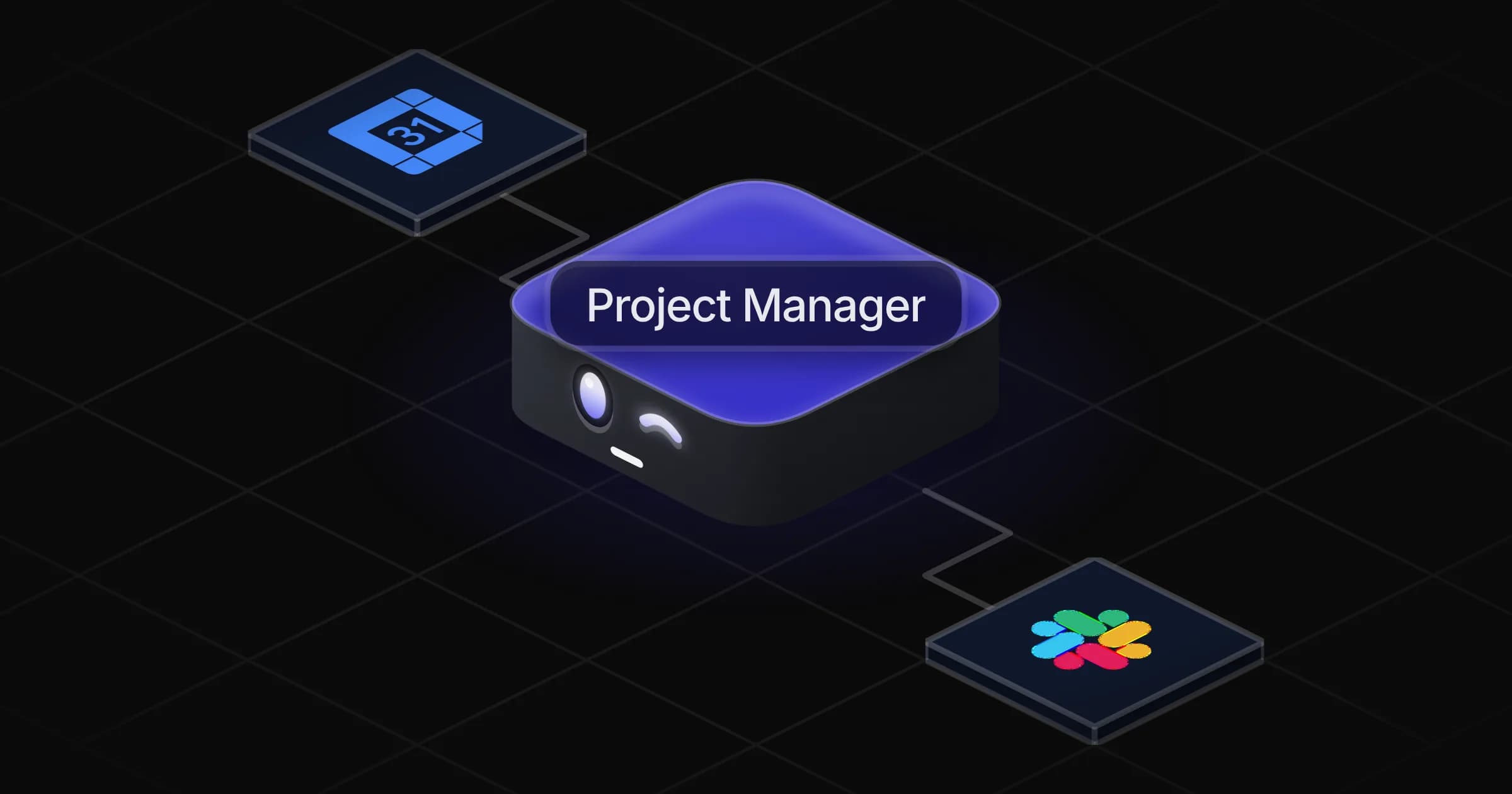
Project Manager

Turns a project scope into a realistic plan with owners and dates, then keeps the team and client updated on progress.

Apps

Skills · 6

Clarify who does what

Use when asked who is responsible for what on a project, for a RACI matrix, or to settle a dispute over roles.

Plan a project

Use when asked to break a scope into tasks and a timeline, build a project plan, or update a plan after a change.

Recap the time spent

Use when asked how much time went into a project or a client, for a timesheet summary, or to compare time spent with the estimate.

Show the team's workload

Use when asked who is overloaded or available, how many tasks each person has, or how to rebalance work across the team.

+2 more

Scheduled tasks · 1

Weekly project update

At 04:00 PM, only on Friday
Frequently asked questions

What is in the project plan?

Tasks with one owner each, estimates, dependencies and dates, client milestones and review rounds, the critical path, a load check per person and the main risks with what to do about them.

Can it write a project brief or a RACI matrix?

Yes. It turns a client email, a scope or a team discussion into a brief, and lays out who does, approves, is consulted on and is informed of each deliverable.

Does it work with Notion, ClickUp, Asana or Jira?

Yes. It can connect the project tool you already use from the Rerun app library to push tasks and read progress. Until then, the plan lives in the chat and as an export.

Will it post updates to Slack or email clients on its own?

No. Status updates are drafted for you, and nothing is posted to a shared channel, sent to a client or changed in your tools without your go-ahead.

Can it track time spent on projects?

Yes. It summarizes time per project and activity from your calendar or your time tracker, and compares it with the estimate when there is one.

How much does it cost to run?

The template is free. Its runs use your Rerun credit.

2,000+ businesses run on Rerun

Hire Coworkers on the ChatGPTplan you already pay for.

  • 1. Plug in your subscription
  • 2. Set up your Coworkers
  • 3. Run your business with Coworkers