Rerun

Translate Content With Your Terminology

Localize documents, emails, app strings, videos and visuals into every language you sell in, with your own terms and tone, ready for review.

Translate Content With Your Terminology agent board

About

Get translations that sound written for each market, not run through a machine: your product names untouched, your terms always translated the same way, and every judgement call flagged for your reviewer.

What it does

  • Translates texts, documents and emails into the languages you name, keeping your glossary, tone, form of address, formatting and placeholders
  • Reviews a translation against its source and explains every fix, with a record of what was approved
  • Finds missing, empty or untranslated strings in your app's locale files and proposes the gaps
  • Turns a video transcript into a timed translated script and subtitles for dubbing
  • Produces language versions of your Canva designs, one export per language

What you need

  • Nothing to start: paste a text or share a file and get a translation right away
  • Google Drive to read your source documents and save translated files beside them
  • Canva to create language versions of your designs

How setup works

Your first translation arrives in the first minutes, with the key terms it used. Then it learns your languages, your glossary, your tone and who approves, connects your files and translates one real document.

What stays in your hands

  • Originals are never overwritten: translations are saved as new files
  • Nothing is published or sent in your name without your go-ahead
What you will need

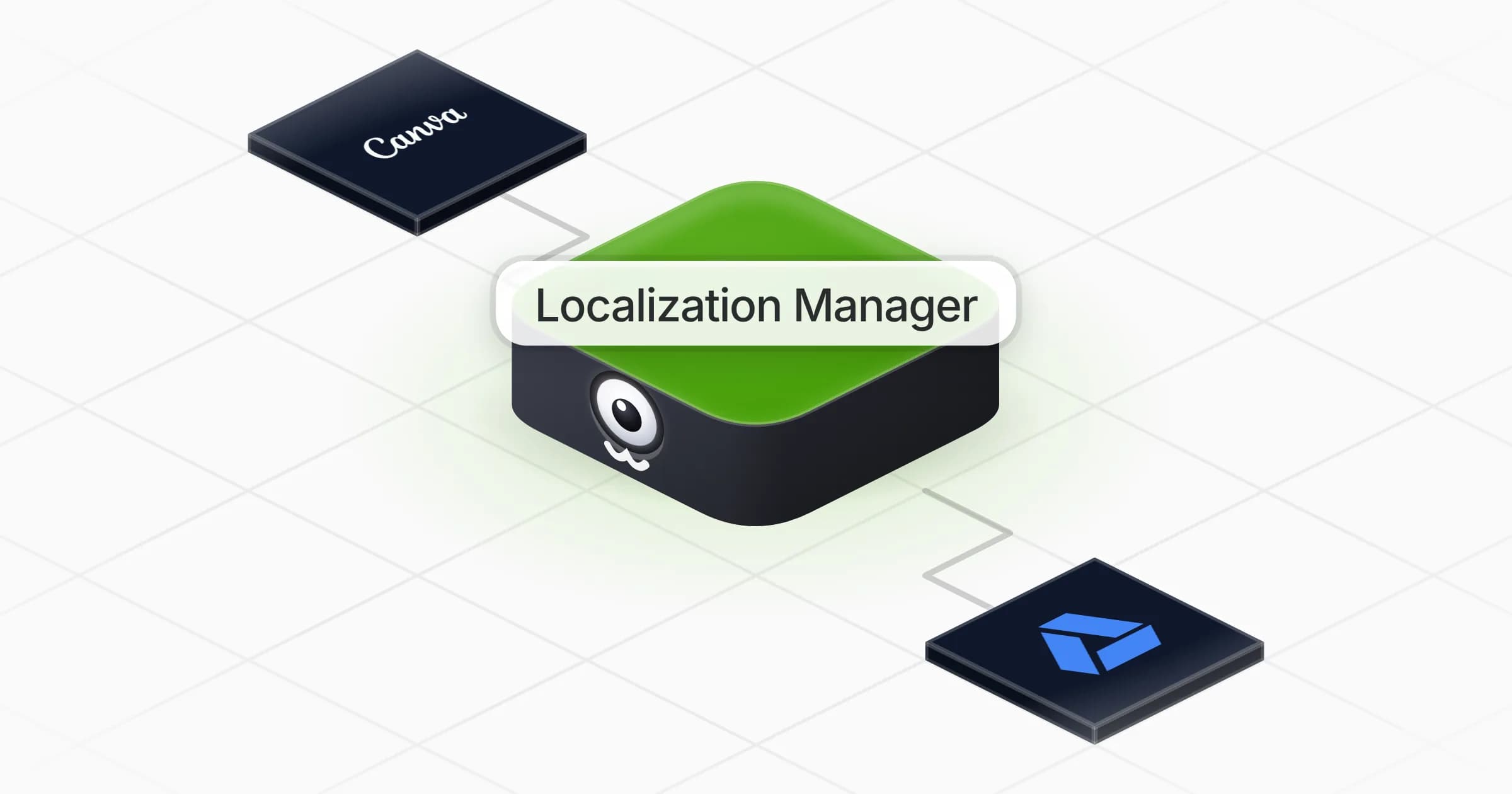
  • Canva

  • Google Drive

Coworkers in this template

Localization Manager

Translates and localizes your documents, app strings, videos and visuals with your own terminology, ready for review.

Apps

Skills · 5

Find missing app translations

Use when asked to find missing, empty or untranslated strings in an app, or to compare locale files between languages.

Localize a visual

Use when asked to make language versions of a design, a banner, a slide or a social visual.

Prepare a video dub

Use when asked to translate, subtitle or dub a video, a podcast or any audio content.

Review a translation

Use when asked to check, proofread, review or approve a translation before it is used or published.

+1 more

Frequently asked questions

Can an AI translate documents with my company's terminology?

Yes. It builds a glossary with you (product names, terms with a fixed translation, words that stay in English) and applies it to every translation, then flags the judgement calls for your reviewer.

Does it keep the layout and placeholders of my files?

It keeps headings, lists, links and placeholders like {name} or %s, and saves the translation as a new file without touching the original.

Can it find missing translations in my app?

Yes. Share your locale files and it compares them key by key, lists missing, empty or untranslated strings in a table and proposes the missing ones in the file's own format.

Can it dub my videos?

It writes a timed translated script and subtitles from your transcript. To generate the voice track, connect the voice or dubbing app you use.

Do I need DeepL or Google Translate?

No. The translation is done by the agent itself, with your glossary and tone.

How much does it cost to run?

The template is free. Each run uses your Rerun credit.

2,000+ businesses run on Rerun

Hire Coworkers on the ChatGPTplan you already pay for.

  • 1. Plug in your subscription
  • 2. Set up your Coworkers
  • 3. Run your business with Coworkers