Rerun

Build Litigation Case Files

Turns an intake into a case file with every claim tied to the evidence held, then reviews subpoenas, runs legal holds and keeps your docket current.

Build Litigation Case Files agent board

About

Hand it a new matter and the case file comes back ready to work: the facts in date order with their source, the exhibits numbered, and each element of every claim tied to the evidence you hold, or to what is still missing.

What it does

  • Opens the matter from your intake form: parties for the conflict check, side, jurisdiction, what the client wants
  • Builds a sourced chronology and a numbered exhibit list, filed the way your firm names things
  • Charts each claim, counterclaim or defence element by element: evidence for, evidence against, gaps
  • Reviews subpoenas and document requests request by request, with objections to consider and a response plan
  • Drafts legal hold notices and tracks each custodian until release
  • Reviews your docket every week: deadlines due, matters that moved, matters gone stale

What you need

  • Nothing to start: paste an intake or upload a few documents
  • Typeform, to open matters straight from your intake submissions
  • Google Drive, to keep the matter folder and the exhibits

How setup works

Your first case file is ready in the first minutes, from one matter you share. It then learns your practice, jurisdiction and folder naming, connects your intake form and your Drive, and you confirm the weekly docket review.

What stays in your hands

  • Nothing is sent, filed or shared, and no one is contacted, without your go-ahead
  • Deadlines, objections and legal points are flagged for you to verify, never settled

What you will need

  • Google Drive

  • Typeform

Coworkers in this template

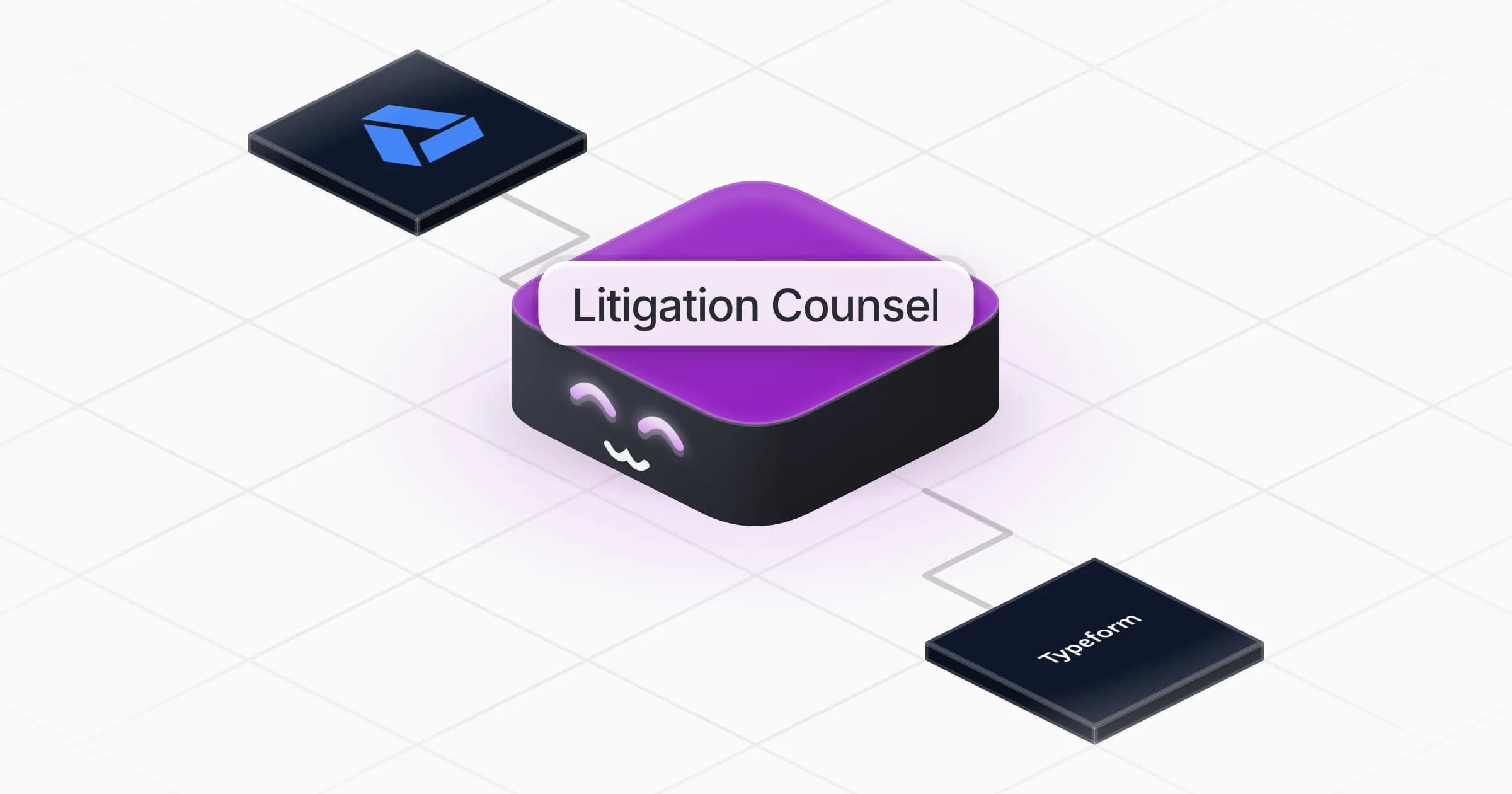
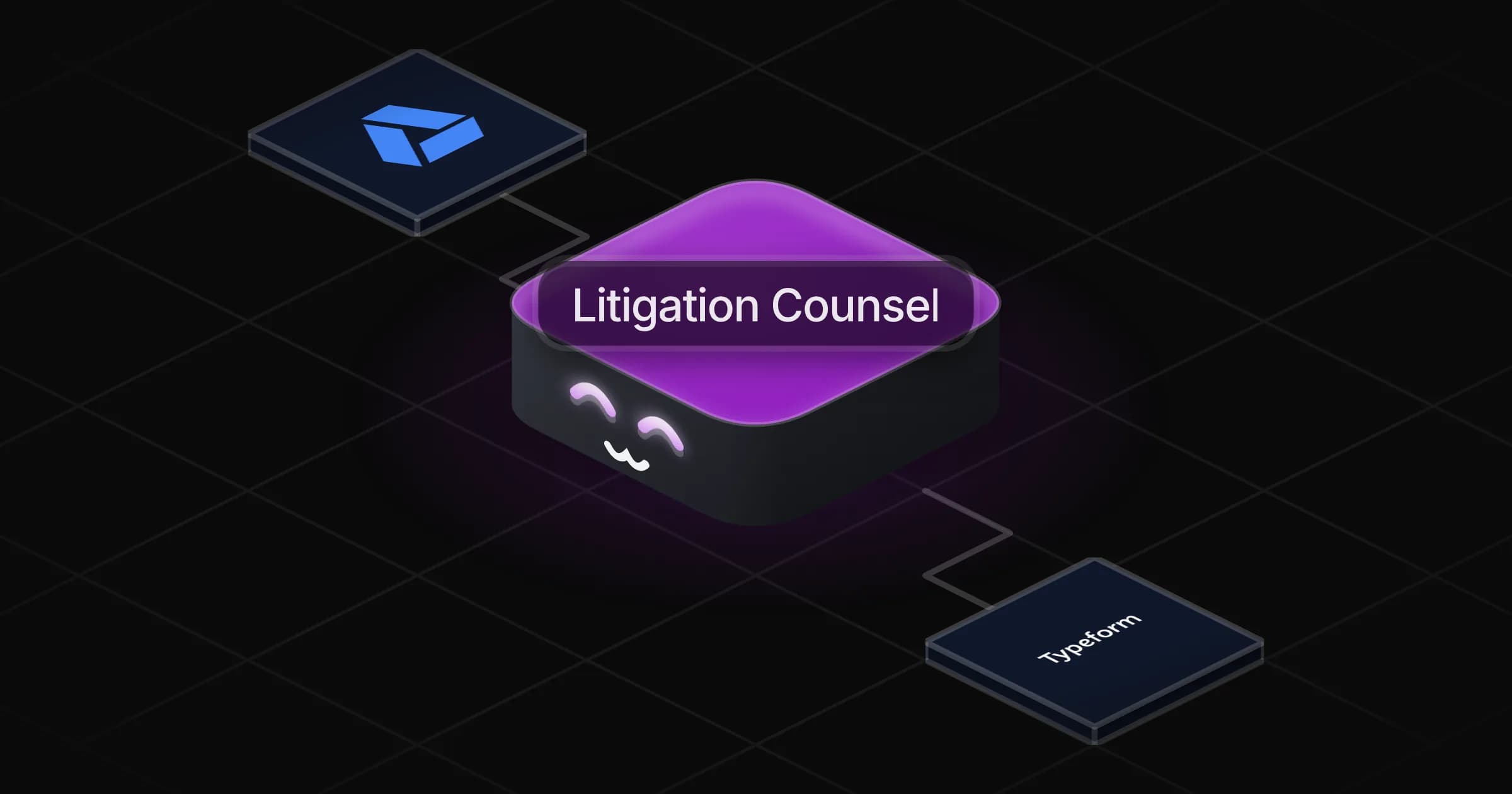
Litigation Counsel

Turns a new matter into a case file with every claim tied to the evidence held, and keeps subpoenas, legal holds and the docket under control.

Apps

Skills · 6

Build the case file

Use when asked to build a case file, a chronology or an exhibit list for a matter, or when documents are added to one.

Map claims to evidence

Use when asked to chart a claim, defence, counterclaim or patent claim element by element against the evidence held.

Open the matter from intake

Use when a new client intake form, submission or enquiry arrives and a matter must be opened.

Review the docket

Use when asked where the matters stand, for a litigation portfolio review, and on the weekly docket review.

+2 more

Scheduled tasks · 1

Weekly docket review

At 09:00 AM, only on Monday

Frequently asked questions

Does it give legal advice?

No. It prepares the work for your review: chronology, exhibits, the claims-to-evidence chart, objections to consider and deadlines to verify. The legal judgement stays yours.

Can it open matters from our intake form?

Yes. Once Typeform is connected it reads your submissions directly. With another form tool, paste or forward the submission, or connect that tool from the Rerun app library during setup.

How does it handle limitation periods and court deadlines?

It lists the deadlines the facts suggest with the date each runs from, and flags every one for you to confirm against the applicable rules.

Can it help with a subpoena or a document request?

Yes. It reads the request item by item, weighs the burden and the privileged material in scope, and drafts the objections to consider and a response plan for your review.

Does it send legal hold notices itself?

No. It drafts each notice and tracks the custodians, acknowledgements and reminders. Nothing goes out without your go-ahead.

How much does it cost to run?

The template is free. Each case file and weekly docket review uses your Rerun credit, and it uses no paid data.

2,000+ businesses run on Rerun

Hire Coworkers on the ChatGPTplan you already pay for.

  • 1. Plug in your subscription
  • 2. Set up your Coworkers
  • 3. Run your business with Coworkers