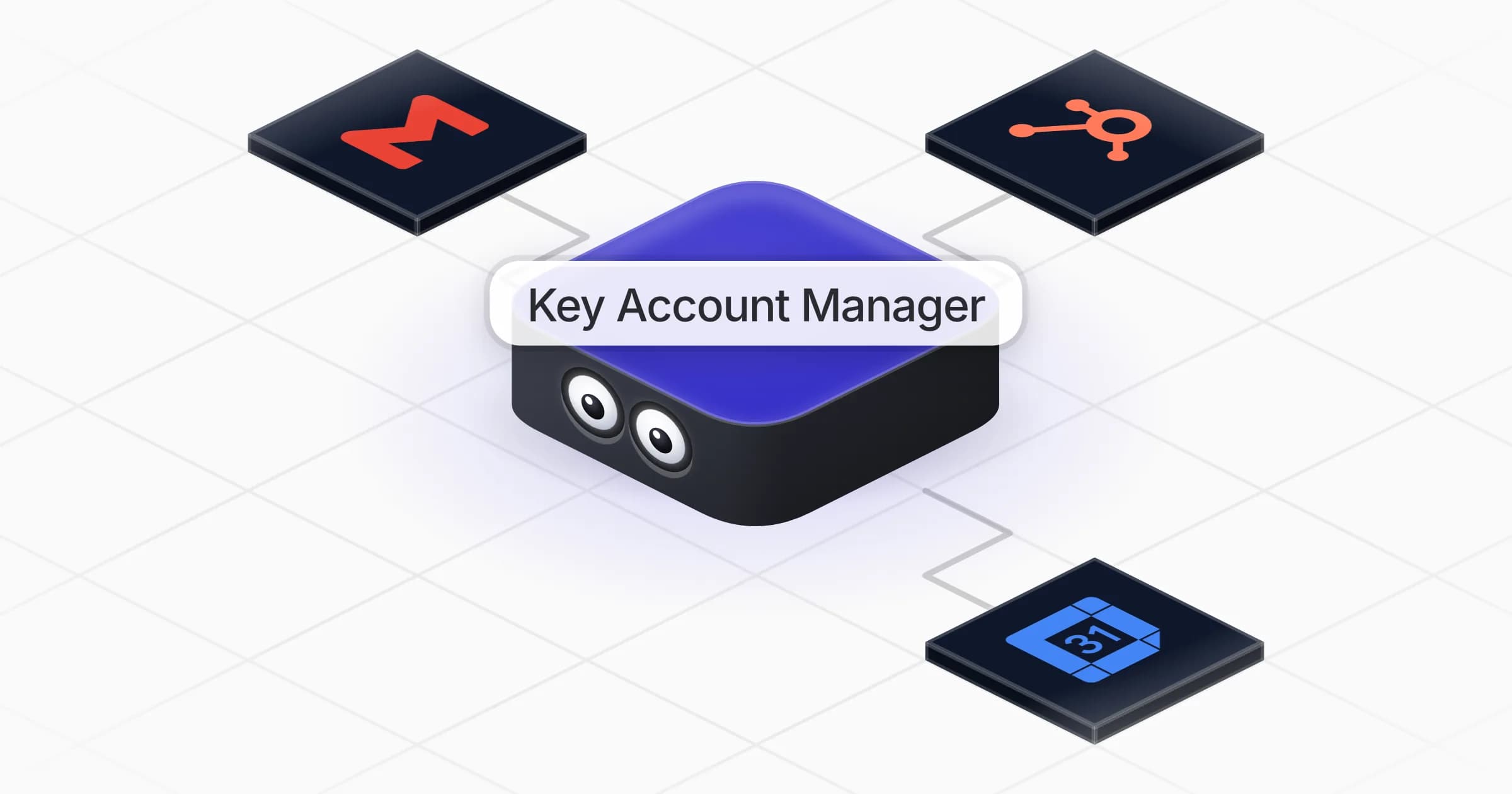
Lead Finder
Finds the people who match your ideal customer on LinkedIn and lists them with title, company and connection degree.
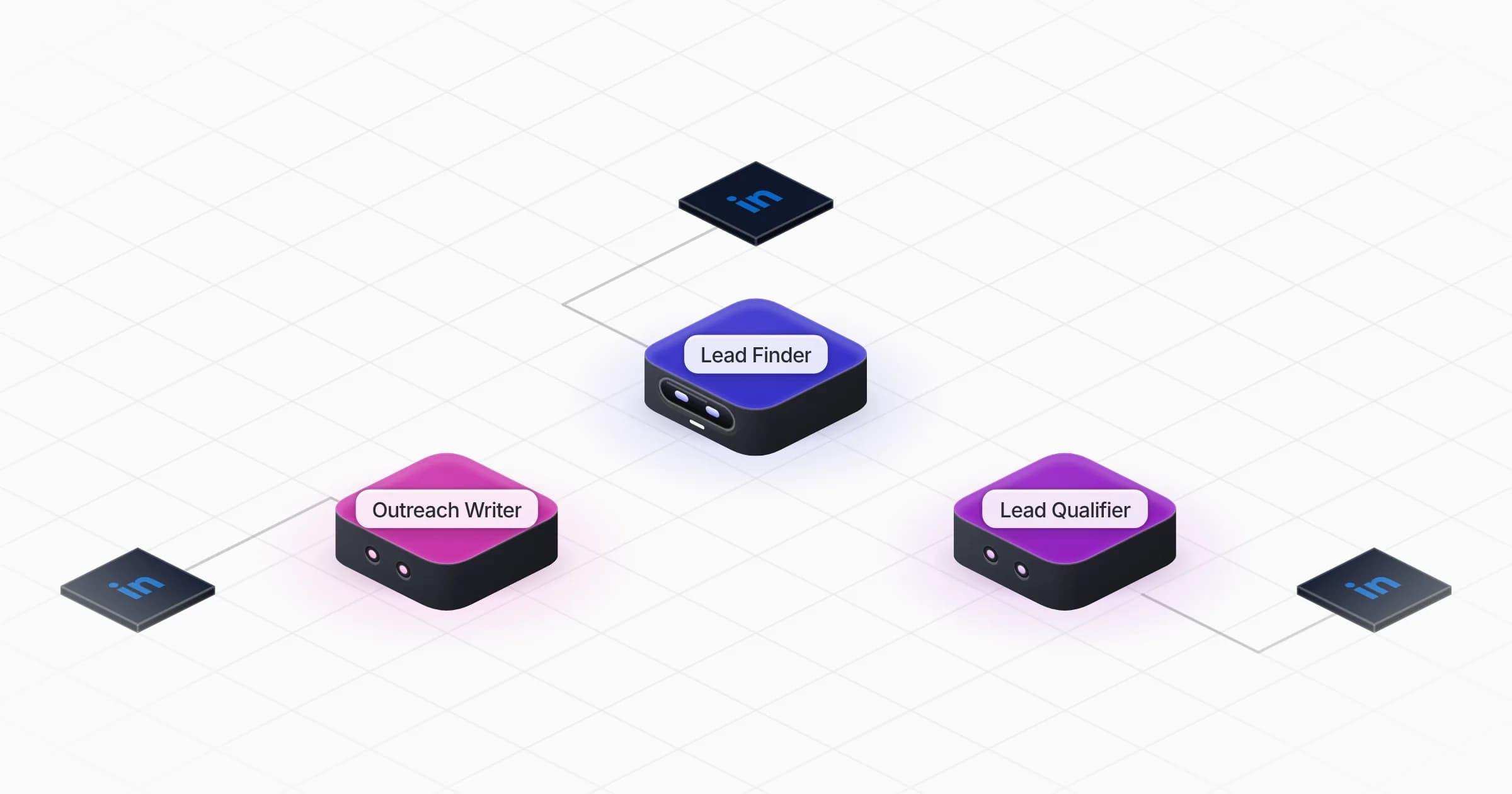
Three coworkers that find your ideal customers on LinkedIn, keep the ones who fit, and contact them from your account with a personal message and one follow-up.
About
Describe your ideal customer once. Three coworkers find the right people on LinkedIn, keep the ones who really fit, and start the conversation from your own account.
Tell Lead Finder who your ideal customer is (or share your website and it suggests the filters), connect LinkedIn and get a first real batch of leads in minutes. Then qualify them and review the first messages.
What you will need
LinkedIn Pro
Coworkers in this template
Finds the people who match your ideal customer on LinkedIn and lists them with title, company and connection degree.
Checks every lead against your ideal customer profile and marks it fit or out, with the reason.
Sends each fit lead a short personal LinkedIn message from your account, follows up once and brings you the replies.
Frequently asked questions
Only after you approve. Outreach Writer shows you the first batch of connection notes and messages before sending anything, then follows the rules and daily volume you set, within LinkedIn's limits.
No. You connect your own LinkedIn account through LinkedIn Pro, and the coworkers search, read profiles and send invites and messages from it.
If a lead hasn't answered after 3 days, Outreach Writer sends one follow-up, then stops. It stops as soon as someone replies, and you can change the delay by telling it.
No. When someone replies, you get the reply with a suggested answer, and you decide what to send.
Lead Qualifier reads each LinkedIn profile and company page and marks the lead fit, out or unsure, with a one-line reason from what it read. When you overrule a verdict, it applies your rule to every later lead.
The template is free. Runs use your Rerun credit or the AI subscription you plug in, and any optional paid data lookup is confirmed with you before a large spend.
2,000+ businesses run on Rerun
Features
CoworkersCoworker managerComputer use3,000+ tools includedHuman in the loopRuns 24/7, in EuropeSecond brainWorkspacesInvite your whole teamCoworkers work togetherSolutions
AgenciesE-commerceSaaSSalesRecruitingReal estateLegal & complianceCreatorsProductivityOtherCompare
Rerun vs Claude CoworkRerun vs ManusRerun vs Grok BotRerun vs PaperclipRerun vs Hermes AgentRerun vs OpenClawRerun vs ZapierRerun vs MakeRerun vs n8nRerun vs LindyRerun vs TwinRerun vs DustRerun vs SquadGuides
No-code AI agent buildersn8n alternativesPersonal AI agentsHermes vs OpenClawHermes alternativesClaude Code vs Codex© 2026 Rerun by Reunit SA. All rights reserved.