Rerun

Plan Reorders and Spot Dead Stock

Know what to reorder and how much, see the cash tied up in stock that does not sell and the products about to expire, and keep your counts true.

Plan Reorders and Spot Dead Stock agent board

About

Never run out of what sells, and stop paying for stock that sits on the shelf.

What it does

  • Builds your reorder list: when each product runs out and how much to order
  • Ranks products by their weight in sales (ABC) and demand stability
  • Finds slow and dead stock and the cash it ties up
  • Flags products nearing expiry, batch by batch
  • Reconciles physical counts with recorded stock and explains the gaps
  • Drafts purchase orders grouped by supplier

What you need

  • Nothing to start: share a stock export, or see it work on a sample
  • Shopify (optional) for live stock and sales history
  • Google Sheets (optional) for stock and count sheets kept by hand

How setup works

A first reorder plan, with draft purchase orders, arrives in the first minutes. Then it learns your suppliers' lead times and minimums and how much safety stock you want, connects your stock data and sets up a weekly review you confirm.

What stays in your hands

  • Stock quantities change in your tools only after you approve the adjustments
  • Purchase orders are drafts: nothing is sent to a supplier without you

What you will need

  • Google Sheets

  • Shopify

Coworkers in this template

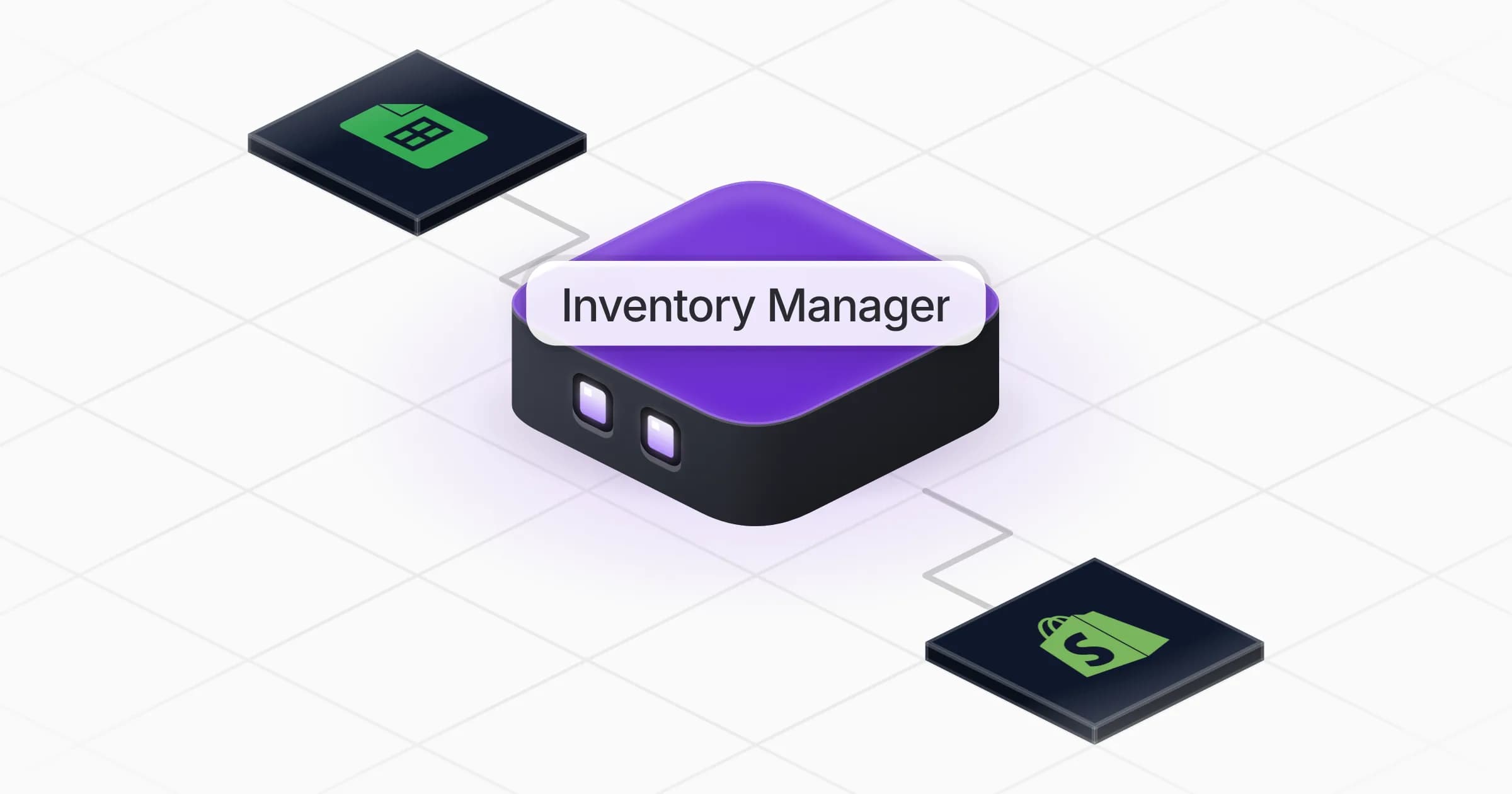
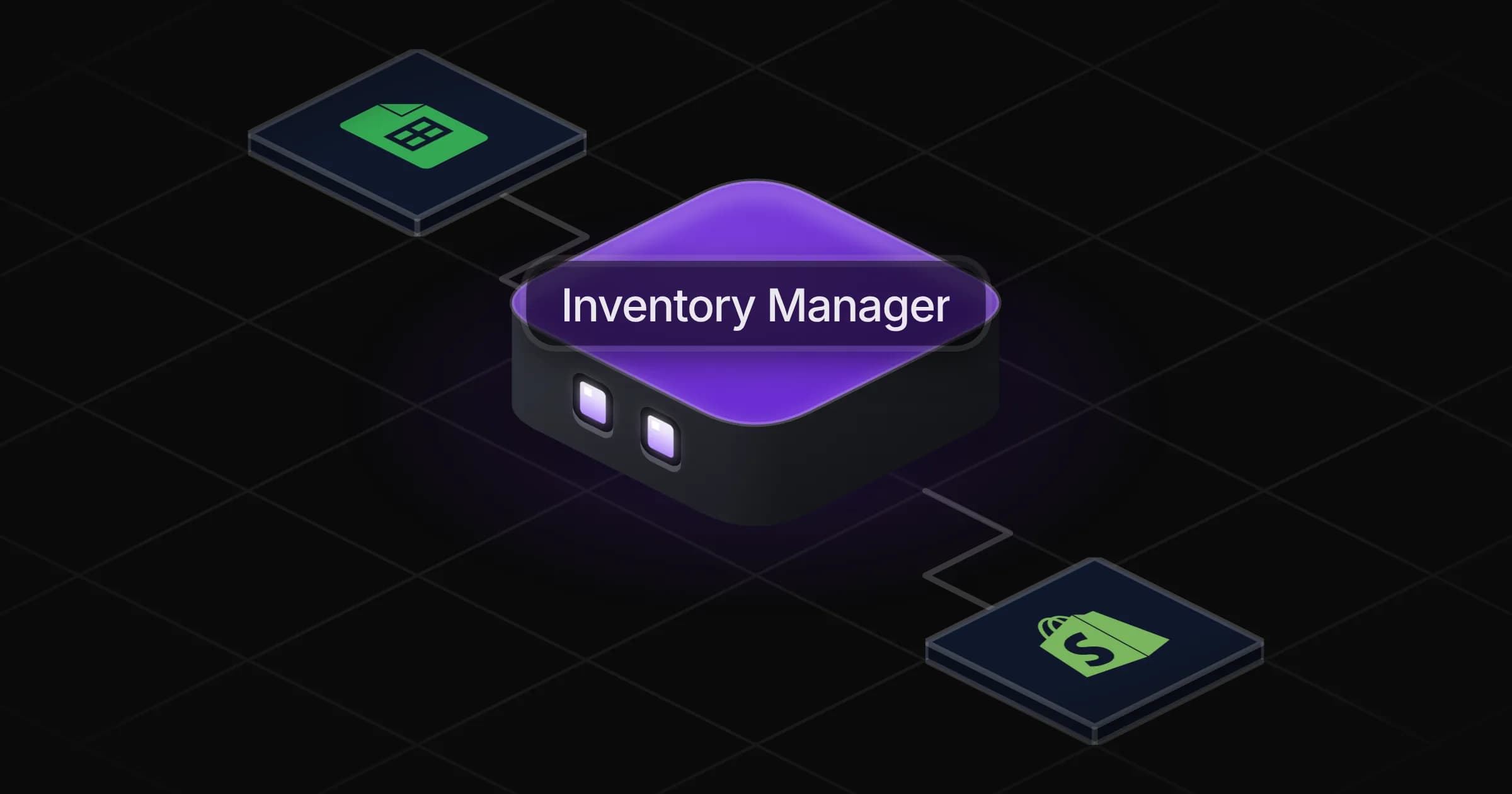
Inventory Manager

Tells you what to reorder and how much, flags dead and expiring stock, and keeps your stock counts true.

Apps

Skills · 6

Find the dead stock

Use when asked about slow-moving, dead or overstocked products, or the cash tied up in stock.

Flag expiring products

Use when asked which products are close to their expiry or best-before date, or what to do with them.

Plan the reorders

Use when asked what to reorder, for a restock plan or purchase orders, and on the weekly stock review.

Reconcile a stock count

Use when asked to compare a physical count or inventory with the recorded stock, or to explain stock gaps.

+2 more

Scheduled tasks · 1

Weekly stock review

At 08:00 AM, only on Monday

Frequently asked questions

How does it decide what to reorder?

From your stock on hand and on order, your recent sales rate and each supplier's lead time and minimum order. It shows when each product runs out and how much to order, and you set the safety stock you are comfortable with.

Does it work with Shopify or a spreadsheet?

Both. Shopify gives it live stock and sales history; Google Sheets covers stock and count sheets kept by hand. If you use another inventory tool, it can connect that one from the Rerun app library, or work from an export.

Can it find dead stock and expiring products?

Yes. It lists slow and dead stock by the cash it ties up, with a suggested way out, and products nearing expiry by batch with the quantity at risk.

Can it reconcile a physical stock count?

Yes. Give it your count and it compares it with the recorded stock, explains the gaps it can and lists the ones to recount. Adjustments are written to your tools only after you approve them.

Will it place orders with my suppliers?

No. It drafts purchase orders grouped by supplier for you to review and send.

How much does it cost to run?

The template is free. Its runs use your Rerun credit.

2,000+ businesses run on Rerun

Hire Coworkers on the ChatGPTplan you already pay for.

  • 1. Plug in your subscription
  • 2. Set up your Coworkers
  • 3. Run your business with Coworkers