Rerun

Prepare Today's Orders for Shipping

Puts today's orders in shipping order, builds the pick list and packing slips, and catches bad addresses before anything ships.

Prepare Today's Orders for Shipping agent board

About

Know every morning what ships first, what to pull from the shelves and which addresses will not arrive, before a single label is printed.

What it does

  • Ranks today's open orders in shipping order, with the reason for each place
  • Builds the pick list, summed by item and sorted the way your stock is laid out
  • Checks every delivery address and suggests the fix, or flags it to ask the customer
  • Makes printable packing slips for the orders going out
  • Marks the shipped orders fulfilled in your store, with tracking, once you confirm

What you need

  • Nothing to start: drop an export of your open orders, or try it on a sample
  • Shopify, to read the live orders and close them as fulfilled (another store platform works too)

How setup works

Your first shipping queue arrives in the first minutes, with the pick list, address checks and packing slips one request away. Along the way it learns what decides priority for you and how your shelves are laid out, then connects your store and confirms the morning run.

What stays in your hands

  • It never marks an order fulfilled or edits a customer's address without your go-ahead

What you will need

  • Shopify

Coworkers in this template

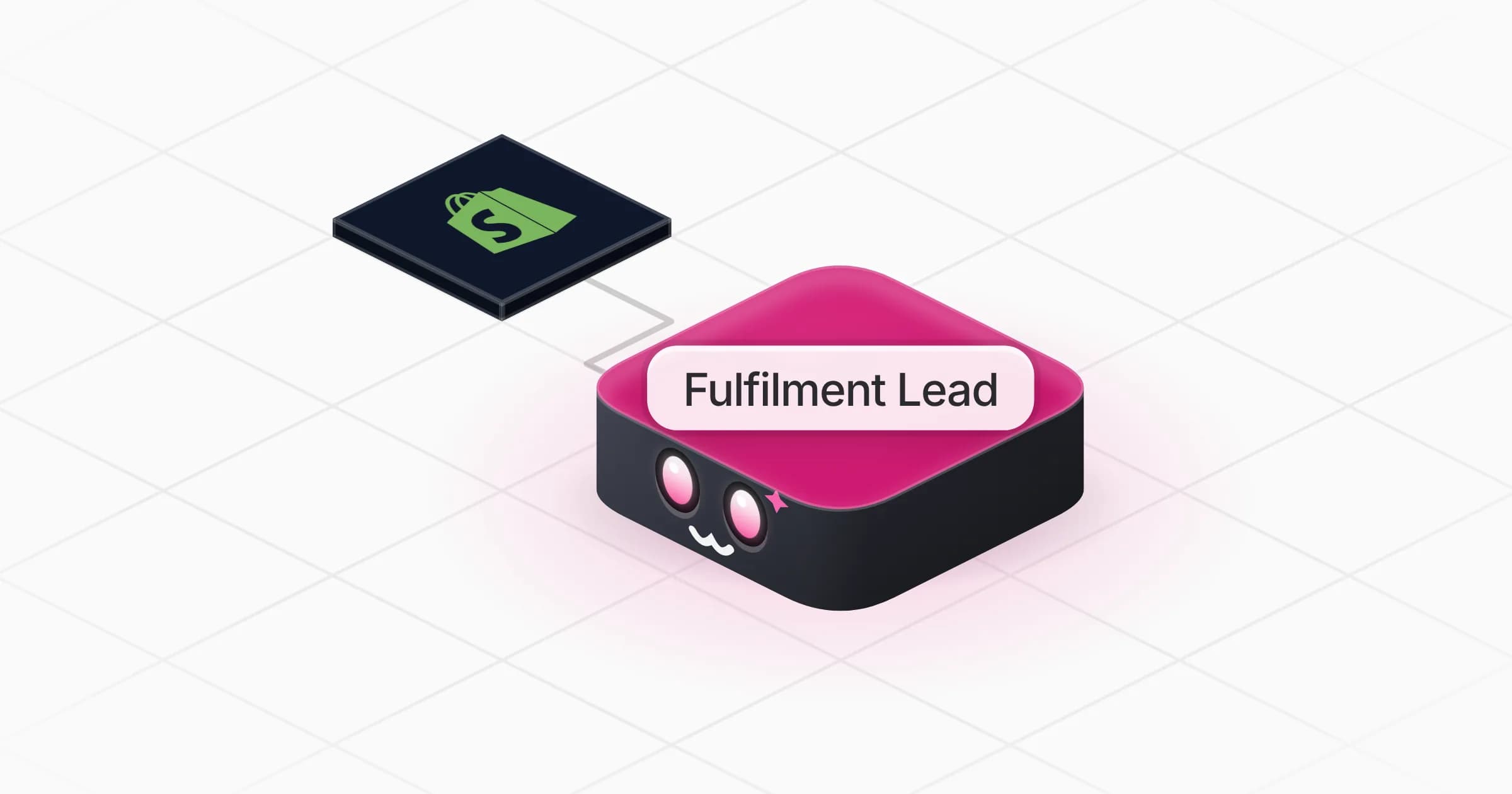
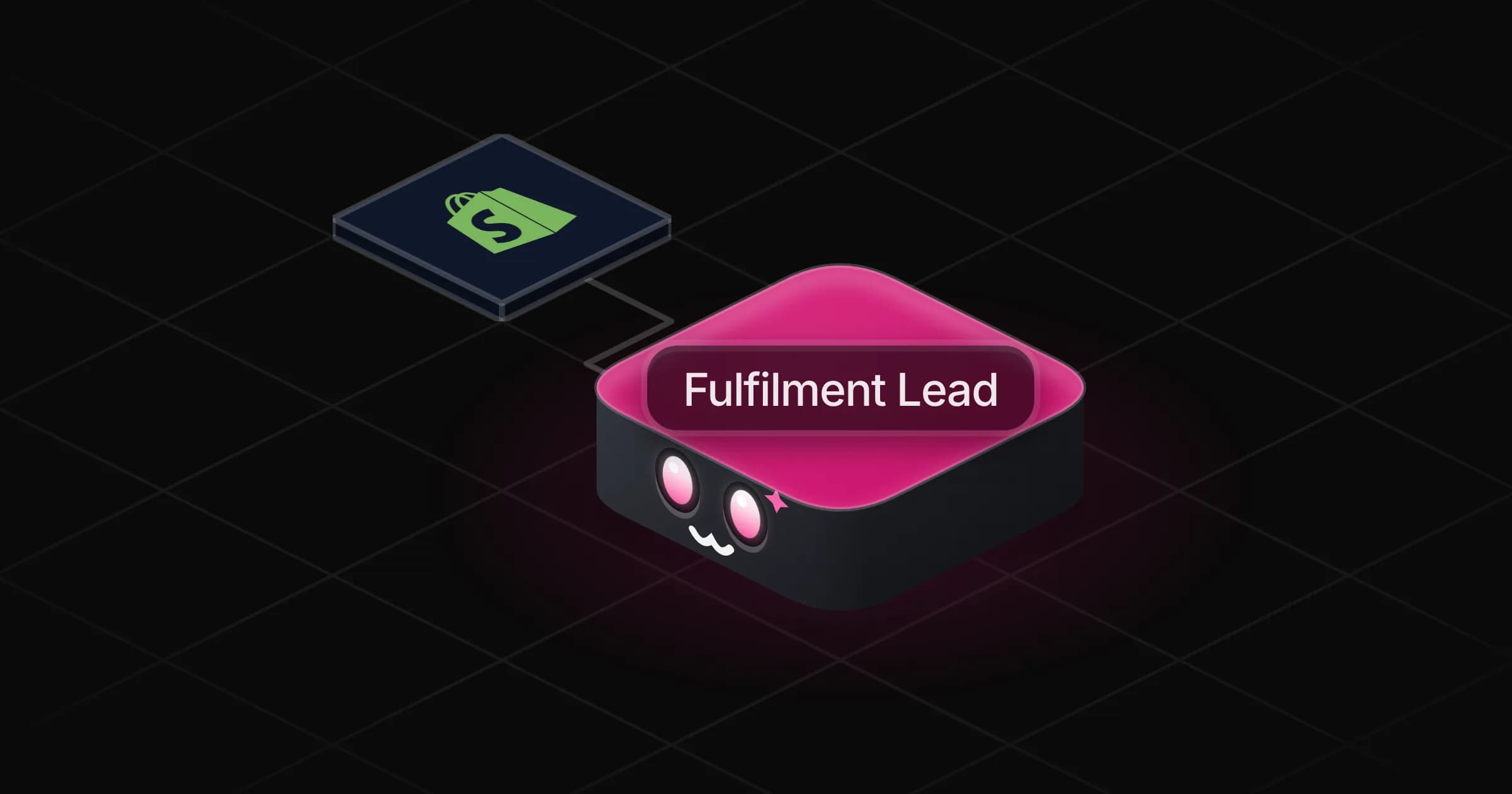
Fulfilment Lead

Puts today's orders in shipping order, builds the pick list and packing slips, and catches bad addresses before anything ships.

Apps

Skills · 5

Build the pick list

Use when asked for a pick list, what to pull from the shelves, or to turn orders into picking lines for the warehouse.

Check the addresses

Use when asked to check, validate or fix delivery addresses before shipping.

Close the shipped orders

Use when asked to mark orders fulfilled or shipped in the store, to add tracking numbers, or to close what went out today.

Make the packing slips

Use when asked for packing slips, delivery notes or the documents that go in or with each parcel.

+1 more

Scheduled tasks · 1

Morning shipping queue

At 08:00 AM, Monday through Friday
Frequently asked questions

Can it mark Shopify orders as fulfilled?

Yes, once Shopify is connected. It shows you the list first and marks the orders fulfilled with their tracking numbers only after your go-ahead, since Shopify usually emails the customer at that point.

Do I need Shopify to use it?

No. It works from an export or a pasted list of open orders, and it can connect another store platform from the Rerun catalog if you sell elsewhere.

How does it decide which orders ship first?

It starts from the usual rules (late or express orders first, then the oldest, pre-orders held), states them above the queue, and you correct them. Your rules are kept for every queue.

Can it fix wrong shipping addresses?

It flags missing numbers, postcodes that do not match the city and other details that will bounce, and suggests a fix only when the order or a public source backs it. Nothing is edited without your approval.

Does it make packing slips?

Yes. One per order going out, with the ship-to, items, quantities and customer note, in a single printable file.

How much does it cost to run?

The template is free. Each run uses Rerun credit, like any coworker.

2,000+ businesses run on Rerun

Hire Coworkers on the ChatGPTplan you already pay for.

  • 1. Plug in your subscription
  • 2. Set up your Coworkers
  • 3. Run your business with Coworkers