Rerun

Run Site Safety Inspections

Turn every site walk into an inspection report and corrective actions with owners and dates, chased weekly, plus method statements and risk registers.

Run Site Safety Inspections agent board

About

Get from a site walk to a clear inspection report and an action list your subcontractors will act on, then keep chasing until every action is closed.

What it does

  • Builds an inspection checklist that fits the work under way
  • Turns your notes and photos into findings with the hazard, risk level, evidence and whether work must stop
  • Gives every finding a concrete fix, an owner and a due date, and tracks it to closure
  • Sends a weekly follow-up of overdue actions and repeat findings
  • Drafts method statements (SWMS, RAMS or your local format) and keeps your risk register
  • Runs a welfare check of your staff after an earthquake, flood or fire

What you need

  • Nothing to start: paste your walk notes or send photos
  • Google Sheets to keep the action and risk registers where your team works
  • Gmail to send reminders to action owners and the weekly summary

How setup works

You describe a site or paste your last walk and get a filled inspection with actions in the first minutes. It then learns your country's rules, your sites, your risk matrix and action owners, connects your registers and email, and confirms the weekly follow-up.

What stays in your hands

  • It never declares a site safe or signs off a method statement: a competent person you name reviews

What you will need

  • Gmail

  • Google Sheets

Coworkers in this template

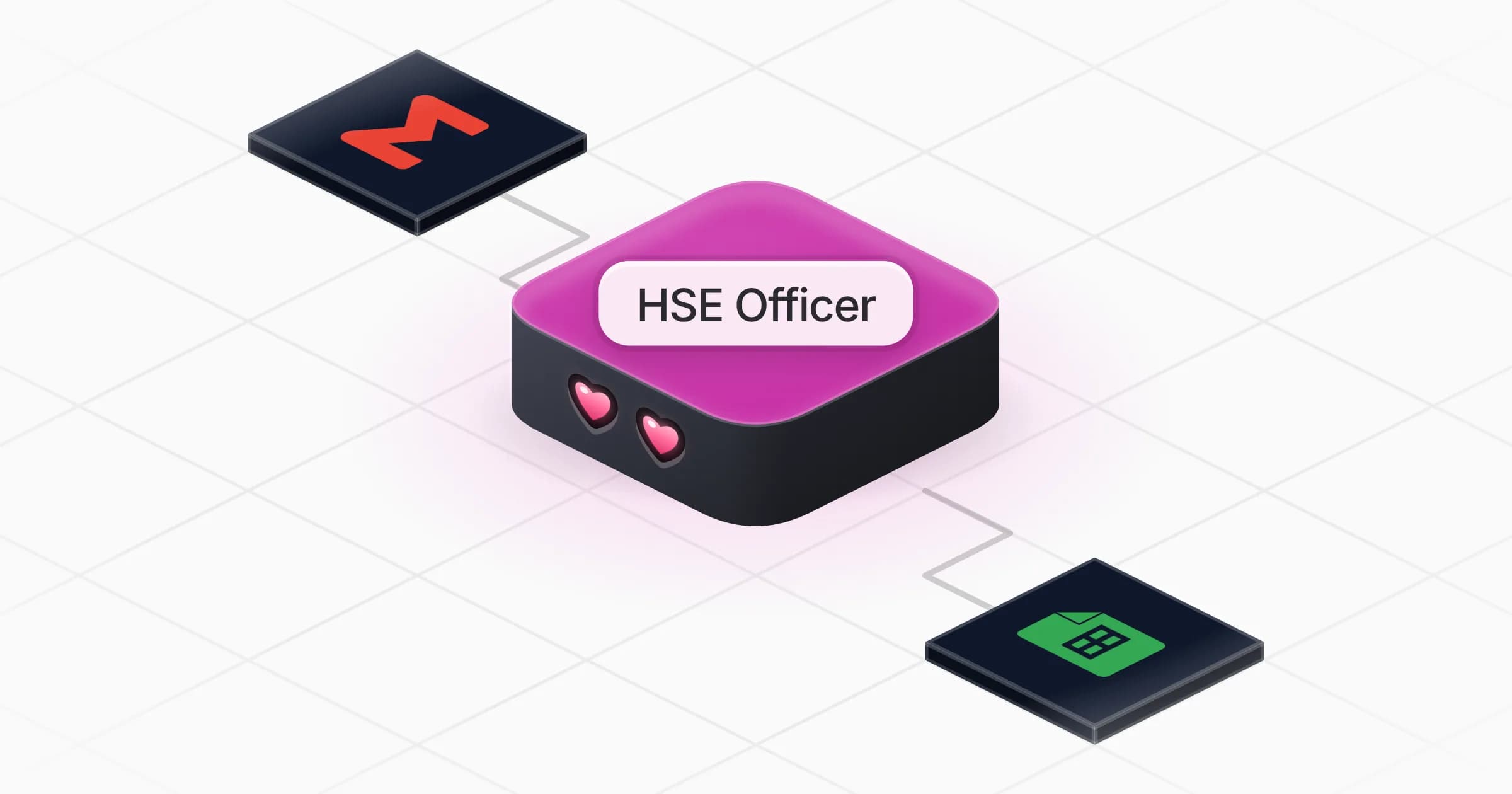
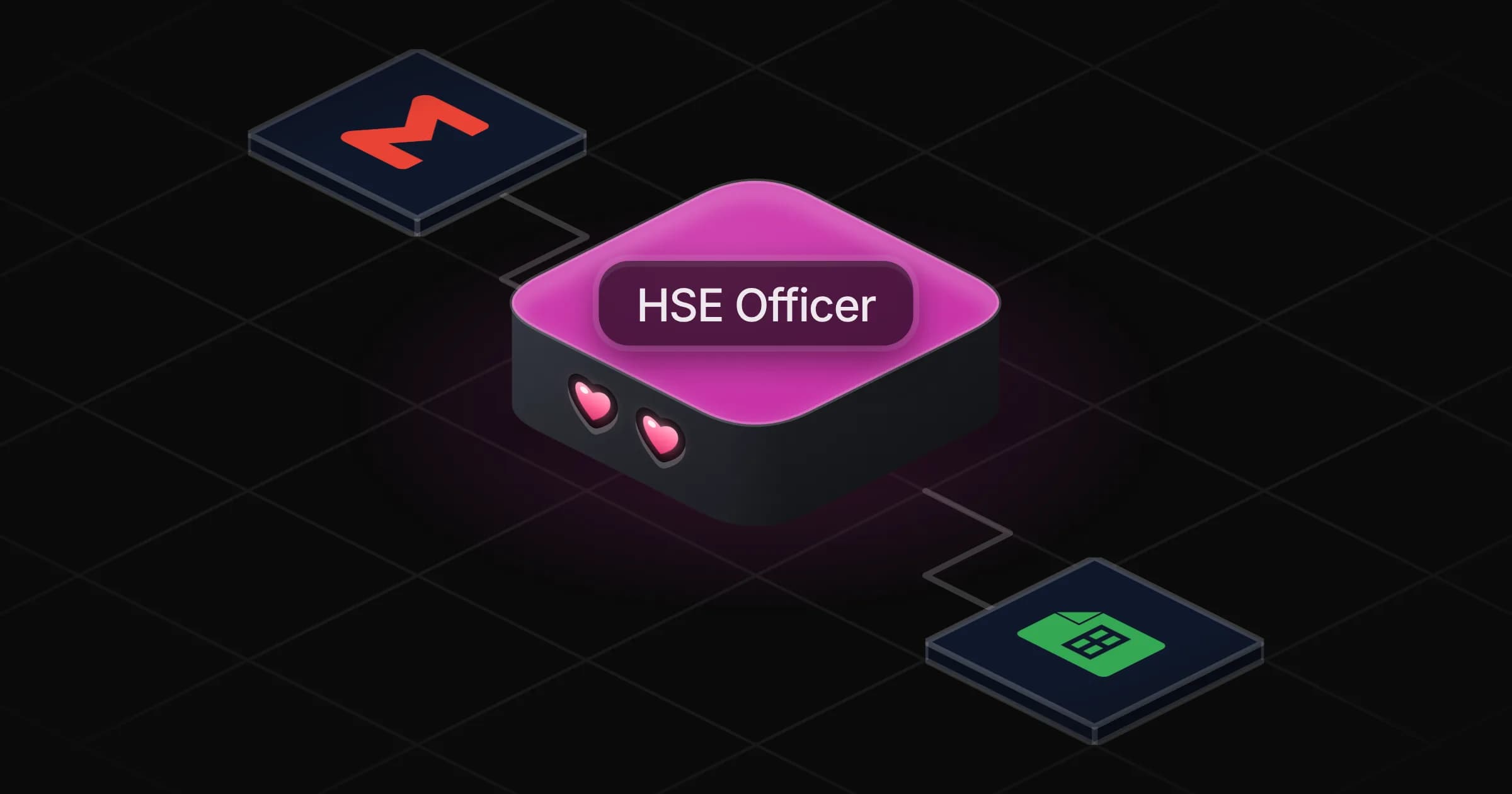
HSE Officer

Turns site walks into inspection reports and corrective actions chased to closure, and drafts method statements, risk registers and welfare checks.

Apps

Skills · 5

Build the risk register

Use when asked to build, update or review a register of operational or site risks.

Chase the corrective actions

Use when asked to track, update or chase corrective actions from inspections, and on the weekly follow-up.

Check staff after an emergency

Use after an earthquake, flood, fire or other emergency, when asked to check that staff in the affected area are safe.

Draft the method statement

Use when asked for a safe work method statement (SWMS), a RAMS, a PPSPS or a risk assessment for one task.

+1 more

Scheduled tasks · 1

Weekly safety follow-up

At 08:00 AM, only on Monday

Frequently asked questions

Can it write a safety inspection report from my site walk notes?

Yes. Paste your notes or send photos and it builds the checklist for that work, the findings with risk levels and evidence, and the corrective actions with owners and dates.

Can it write a SWMS or RAMS?

It drafts a method statement for one task in your country's format, with steps, hazards, controls and risk before and after. A competent person you name reviews and signs it off.

Does it chase subcontractors for overdue actions?

Each week it lists overdue actions by site and owner and drafts the reminders. With Gmail connected it sends them once you approve.

Which regulations does it follow?

Yours. Tell it your country and the standards you work to, and it cites them in findings and method statements.

Can it check on staff after an earthquake or a flood?

It lists who works or lives in the affected area, drafts a short safe-or-need-help message, tracks replies and flags those who have not answered.

How much does it cost to run?

The template is free. Each run uses your Rerun credit.

2,000+ businesses run on Rerun

Hire Coworkers on the ChatGPTplan you already pay for.

  • 1. Plug in your subscription
  • 2. Set up your Coworkers
  • 3. Run your business with Coworkers