Rerun

Keep Every Order on Track

See every order that needs action today, from unconfirmed cash on delivery to late shipments, with the next step and the customer message ready to send.

Keep Every Order on Track agent board

About

No order forgotten: every morning, the orders that need action, with the next step and the customer message ready.

What it does

  • Centralises your orders in one tracker the whole team can read
  • Confirms cash-on-delivery orders before they ship
  • Chases unpaid orders, then proposes cancellation with stock released
  • Catches orders late against your shipping promise
  • Sorts out blocked orders or hands them over with the full story
  • Tells customers their order is ready, shipped or delayed

What you need

  • Nothing to start: share an order export, or see it work on a sample
  • Shopify (optional) for live orders, payments and fulfilment status
  • Gmail (optional) to send customer messages from your address
  • Google Sheets (optional) for a shared order tracker

How setup works

A first order desk arrives in the first minutes. Then it learns your shipping promise, how you handle unpaid and cash-on-delivery orders and who handles what, connects your tools and sets up a morning order check you confirm.

What stays in your hands

  • No customer message is sent without your go-ahead
  • Cancellations and refunds are proposed, never made on their own

What you will need

  • Gmail

  • Google Sheets

  • Shopify

Coworkers in this template

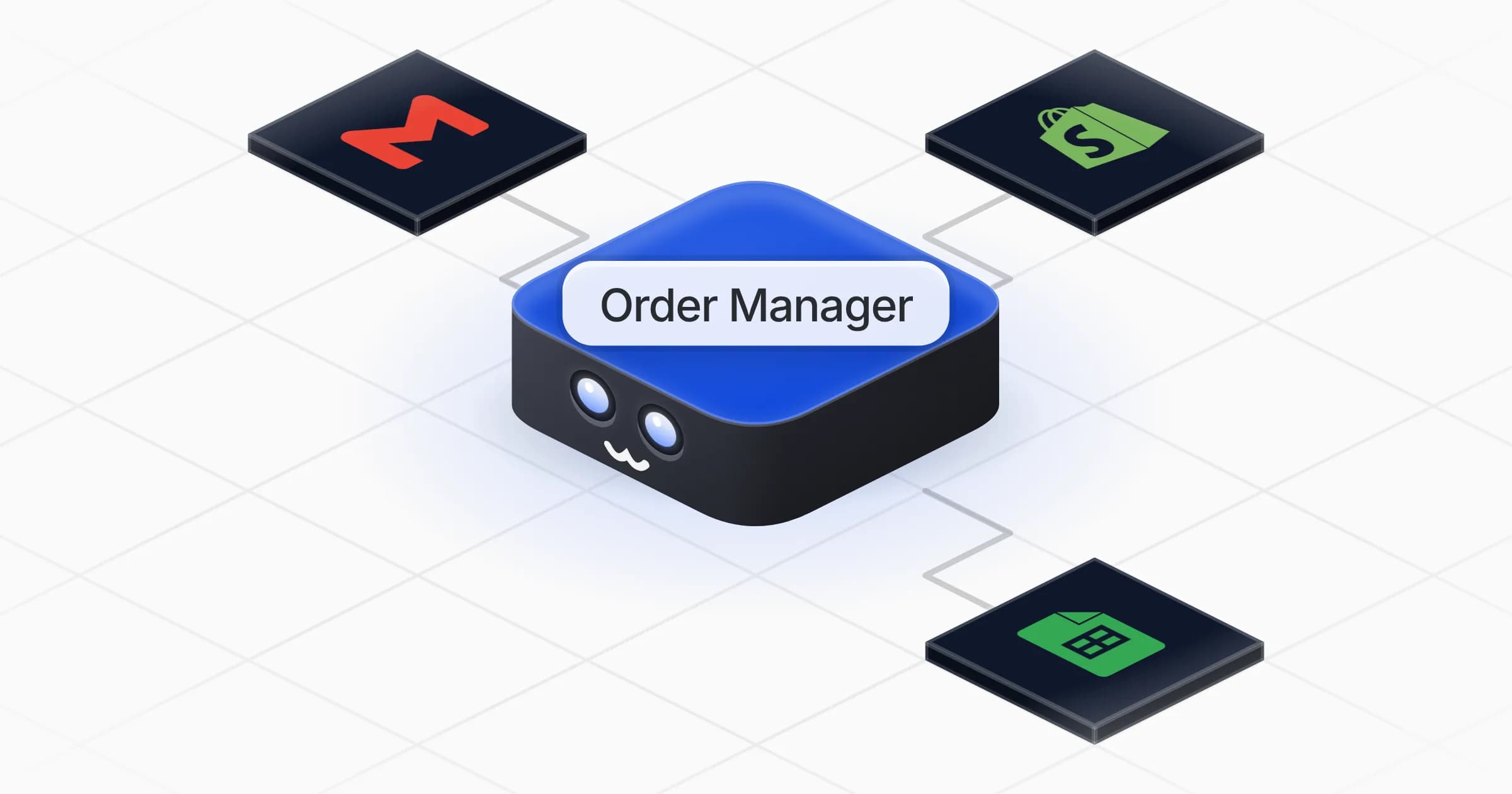
Order Manager

Keeps every store order moving: confirms, chases, unblocks and tells customers what is happening.

Apps

Skills · 6

Chase unpaid orders

Use when asked to remind customers about unpaid orders, or to cancel orders that stay unpaid.

Confirm cash-on-delivery orders

Use when asked to confirm cash-on-delivery orders before they ship.

Flag late shipments

Use when asked which orders are late to ship, or to watch open orders against the shipping promise.

Run the order desk

Use when asked which orders need attention, to centralise orders in a tracker the team can read, and on the morning order check.

+2 more

Scheduled tasks · 1

Morning order check

At 09:00 AM, Monday through Friday
Frequently asked questions

What does the daily order desk show?

Every order that needs action, grouped by issue: cash-on-delivery to confirm, unpaid, blocked, late to ship and customers to inform. Each comes with the reason, the next step and a message ready to send.

Does it work with Shopify?

Yes. Shopify gives it live orders, payments and fulfilment status. If you sell on another platform, it can connect it from the Rerun app library, or work from an order export.

Can it chase unpaid orders and cancel them?

It drafts reminders at the intervals you choose and proposes the cancellation, with stock released, when they stay unpaid. Nothing is sent or cancelled without your approval.

How does it handle cash-on-delivery orders?

It checks each order looks genuine, drafts a confirmation request to the customer and passes only confirmed orders to shipping.

Will it tell customers when their order ships?

Yes. It drafts shipping, delay and pickup messages with the tracking link, and once you approve a type of message it can follow the same pattern for similar orders.

How much does it cost to run?

The template is free. Its runs use your Rerun credit.

2,000+ businesses run on Rerun

Hire Coworkers on the ChatGPTplan you already pay for.

  • 1. Plug in your subscription
  • 2. Set up your Coworkers
  • 3. Run your business with Coworkers