Rerun

Answer Data Subject Requests

Prepares every data subject request on time with a draft reply, drafts privacy impact assessments, redacts files before release and flags documents left public.

Answer Data Subject Requests agent board

About

Answer every access request within the deadline, with a reply that holds up. It logs the request, plans the search, weighs the exemptions and drafts the reply, each point tied to the article behind it.

What it does

  • Prepares data subject requests: deadline, identity check, search plan across your systems, exemptions, draft reply
  • Drafts privacy and data protection impact assessments in your template and checks them against your policies
  • Redacts personal data and sensitive content from documents before you share them, with a log of what was removed
  • Strips metadata (author, comments, XMP and EXIF) from files before release, keeping the originals
  • Checks every week which internal documents are public or open to anyone with the link

What you need

  • Nothing to start: paste a request, or see a response pack on a realistic example
  • Google Drive, to search files for a person's data, clean files and run the weekly exposure check

How setup works

Your first response pack comes in the first minutes. It then learns the laws that apply, the systems that hold personal data and who signs off, connects your files, and you confirm the weekly check.

What stays in your hands

  • It never sends a reply without your go-ahead
  • It never changes a sharing setting or deletes a file
  • Decisions that belong to your DPO or lawyer are flagged

What you will need

  • Google Drive

Coworkers in this template

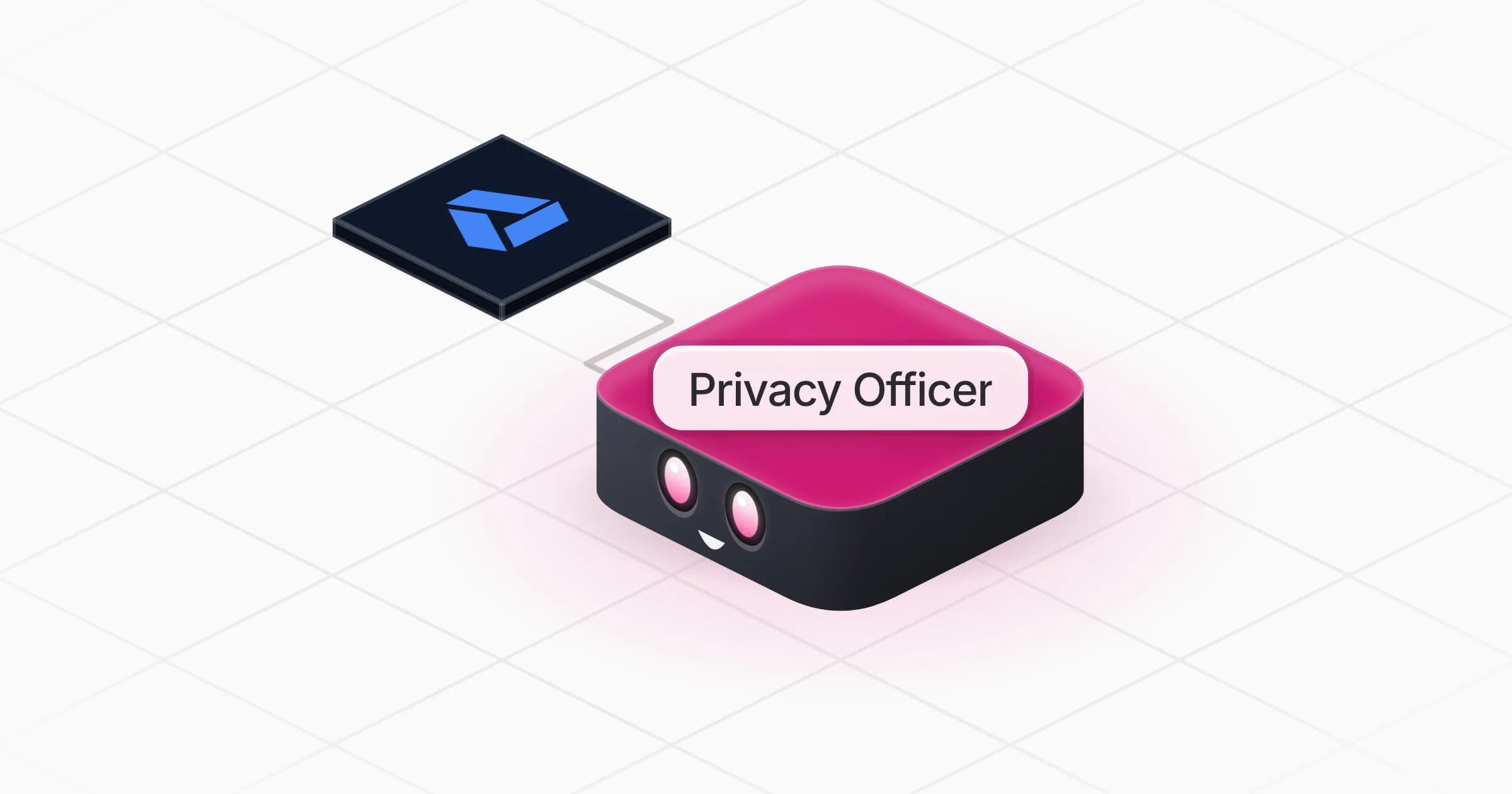
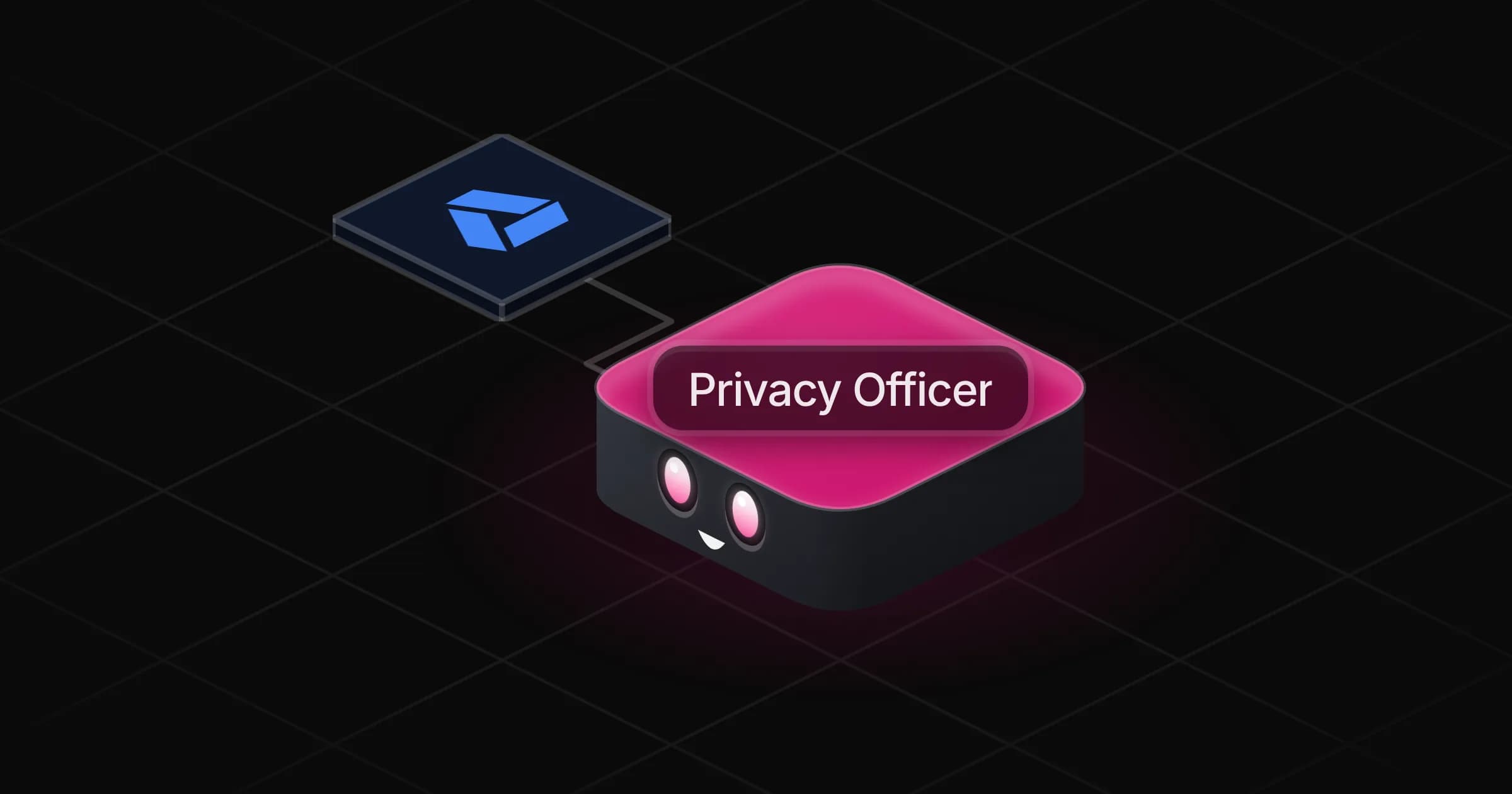
Privacy Officer

Answers data subject requests on time, drafts impact assessments, redacts files before release and spots documents exposed to the public.

Apps

Skills · 5

Answer a data subject request

Use when asked to handle a data subject request (access, erasure, rectification, portability, objection) or to draft the reply.

Draft an impact assessment

Use when asked to prepare a privacy or data protection impact assessment (DPIA) for a project, a vendor or a new processing.

Find exposed documents

Use when asked to check which internal documents are public or open to anyone with the link, and on the weekly exposure check.

Redact a document

Use when asked to redact, anonymise or remove personal or sensitive information from a text or document before sharing or publishing it.

+1 more

Scheduled tasks · 1

Weekly exposure check

At 09:00 AM, only on Monday
Frequently asked questions

Can it handle GDPR subject access requests?

Yes. It logs each request with its legal deadline, plans the identity check and the search across your systems, weighs exemptions and drafts the reply with everything Article 15 requires.

Does it work for CCPA or UK GDPR?

Yes. It applies the law you name and cites its deadlines and exemptions from the official text.

Can it write a DPIA?

Yes, in your template or your regulator's model. It lists the risks to people, the measures for each, and every inconsistency with your own policies.

Will it change sharing settings on my files?

No. The weekly exposure check reports what is public or open to anyone with the link and recommends an action; you make the change.

Does it replace a DPO?

No. It prepares the work and flags the decisions that belong to your DPO or lawyer.

How much does it cost to run?

The template is free. Each request and weekly check uses your Rerun credit, and it uses no paid data.

2,000+ businesses run on Rerun

Hire Coworkers on the ChatGPTplan you already pay for.

  • 1. Plug in your subscription
  • 2. Set up your Coworkers
  • 3. Run your business with Coworkers