Rerun

Keep Your Contact Lists Clean

Keep your shop, email tool and CRM in sync: every unsubscribe and bounce honoured everywhere, buyers out of cart reminders, consent on record.

Keep Your Contact Lists Clean agent board

About

Stop emailing people who unsubscribed, bounced or already bought. Your contacts stay consistent across every tool, with proof of consent behind each one.

What it does

  • Cross-checks your email tool, CRM and shop and lists every contact who is mailable somewhere they should not be
  • Applies unsubscribes from any channel (link, reply, form, CRM) to every list and flow
  • Suppresses hard bounces and watches soft ones
  • Takes buyers out of abandoned-cart and prospecting flows as soon as they order
  • Builds and refreshes ad audiences from your customers, normalized, deduplicated and hashed
  • Keeps a consent record per person: what they agreed to, the wording, the source and the date

What you need

  • Nothing to start: share exports of your email list and CRM contacts, or see the audit on a sample first
  • Shopify (optional) for customers and orders, Klaviyo (optional) for lists and suppressions, HubSpot (optional) for CRM records. It works with Mailchimp, Brevo or Pipedrive instead, from its own computer where there is no connector

How setup works

You see a hygiene table in the first minutes. It then learns which tool is the source of truth, which flows matter and your rules for bounces and buyers, connects your tools and confirms a daily pass.

What stays in your hands

  • It applies only the rules you approve; anything else waits for your go-ahead
  • It never deletes a record, re-subscribes anyone or uploads data to an ad platform without your approval

What you will need

  • HubSpot

  • Klaviyo

  • Shopify

Coworkers in this template

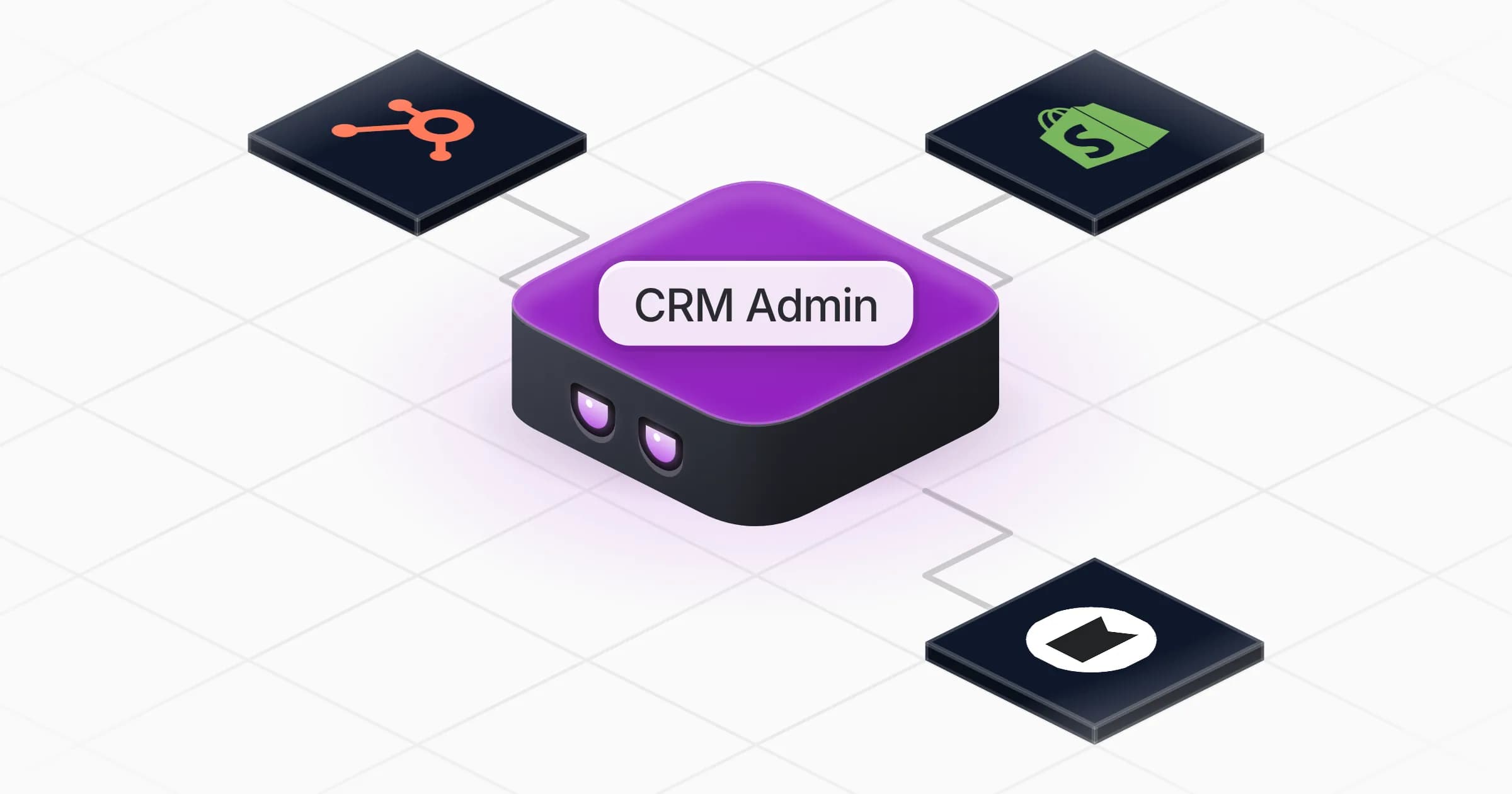
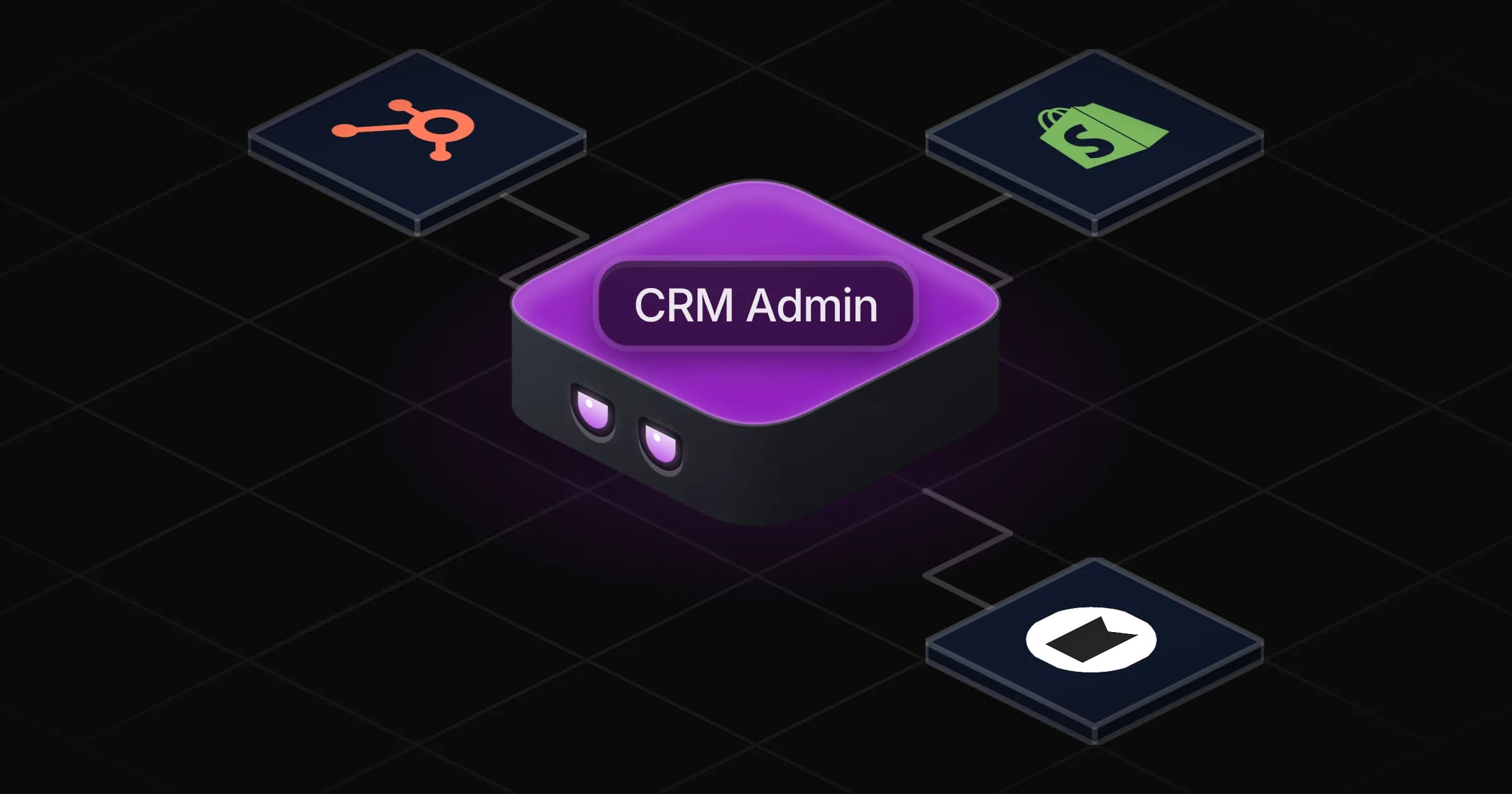
CRM Admin

Keeps your contacts clean and in sync across shop, email tool and CRM, so nobody gets an email they should not.

Apps

Skills · 6

Apply the unsubscribes

Use when asked to handle unsubscribe requests or opt-outs, or to make sure someone stops receiving emails everywhere.

Handle bounced emails

Use when asked to deal with bounced or undelivered emails, delivery error notices, or invalid addresses in a list.

Record the consent

Use when asked to record, check or export consent, to log a new opt-in, or to answer whether a person may be emailed and why.

Refresh the ad audiences

Use when asked to build or refresh a custom ad audience from shop customers or CRM contacts, or an exclusion list.

+2 more

Scheduled tasks · 1

Daily contact hygiene

At 08:00 AM
Frequently asked questions

How do I sync unsubscribes between Klaviyo and HubSpot?

Connect both and approve the rule once. Each daily pass then finds new opt-outs in either tool, applies them in the other and logs the change.

Will it delete contacts?

No. It suppresses instead, which stops sends and keeps the proof. Deleting a record waits for your explicit approval.

Does it work with Mailchimp?

Yes. The Mailchimp connector in the catalog only covers transactional email, so it manages your Mailchimp audience from its own computer, signed in to your account, or from exports.

Can it stop abandoned-cart emails after someone buys?

Yes. It checks new orders against your cart and prospecting flows and removes buyers from them, while keeping them on the newsletter if they subscribed.

Can it keep proof of consent for GDPR?

It keeps a record per person with what they agreed to, the wording shown, the source and the date, and exports it when asked. It is a record-keeping aid, not legal advice.

How much does it cost to run?

The template is free. Runs use your Rerun credit.

2,000+ businesses run on Rerun

Hire Coworkers on the ChatGPTplan you already pay for.

  • 1. Plug in your subscription
  • 2. Set up your Coworkers
  • 3. Run your business with Coworkers