Rerun

Write Daily Construction Site Reports

Turn your site notes, photos and crew messages into daily reports, incident reports and RFIs ready to send, and keep every open question owned and dated.

Write Daily Construction Site Reports agent board

About

Get your site paperwork done before you leave the site: a daily report the client and architect can rely on, and every question and incident on record.

What it does

  • Writes the daily site report from your notes, voice notes, photos and crew messages
  • Turns a site incident or a photo into a factual incident report with who must be told
  • Drafts formal RFIs, one question each, and keeps the RFI log
  • Rolls up jobs, quotes, suppliers and payments across your trackers
  • Plans the site visits that can actually unblock a project
  • Prepares the strategy file before you answer a claim or a delay notice

What you need

  • Nothing to start: paste today's notes or send photos
  • Google Sheets to read and update your job tracker
  • Gmail to send reports and RFIs from your address

How setup works

You share one day's notes and get a full daily report in the first minutes. It then learns your projects, report layout and recipients, connects your tracker and email, and confirms the evening report.

What stays in your hands

  • Reports, RFIs and replies are drafts until you send them
  • It never admits liability or commits to cost or time on your behalf
  • High-stakes claims are flagged for a lawyer or claims consultant

What you will need

  • Gmail

  • Google Sheets

Coworkers in this template

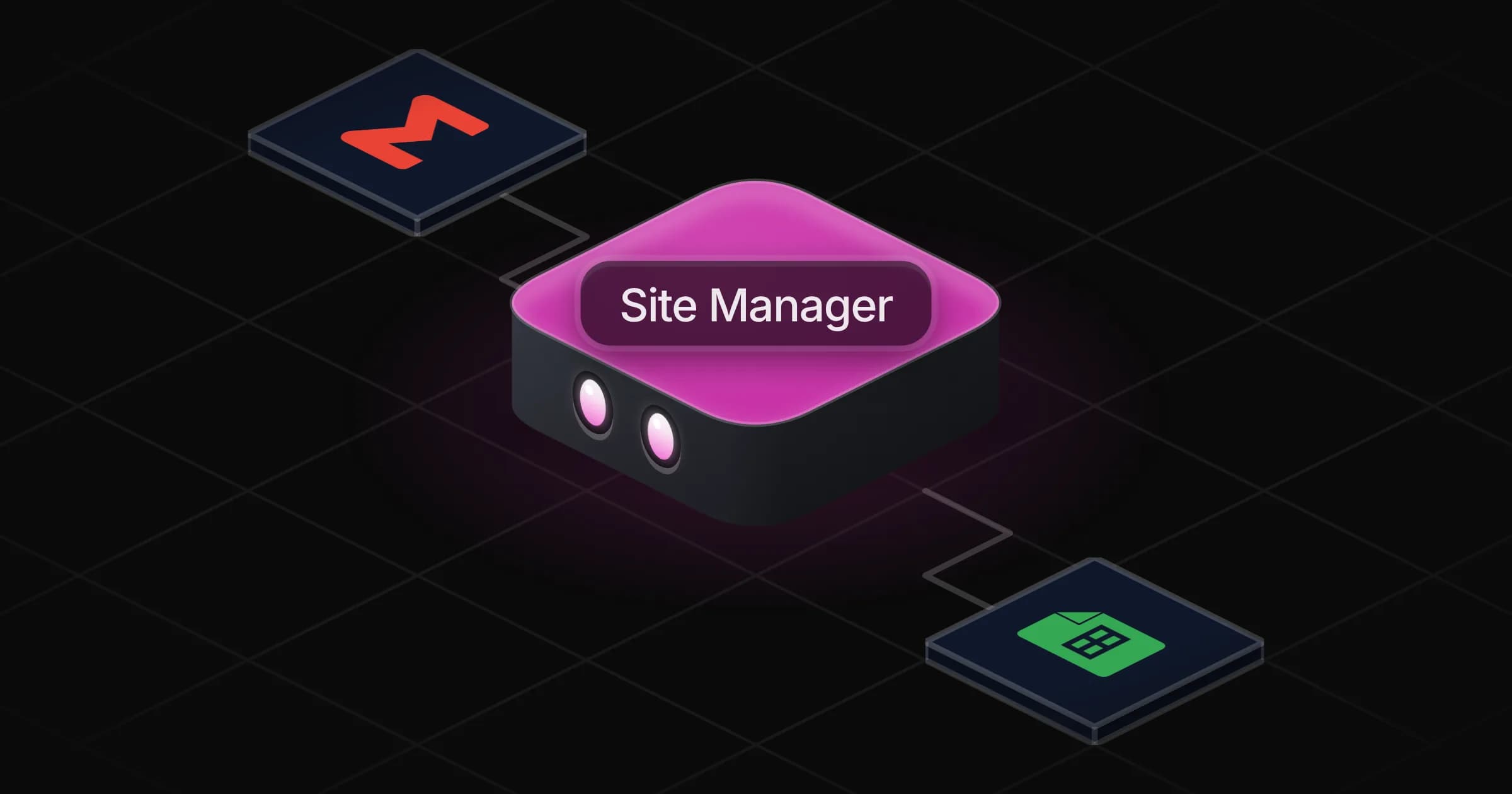
Site Manager

Turns a day of site notes, photos and crew messages into daily reports, incident reports, RFIs and claim files ready to send.

Apps

Skills · 6

Consolidate the job trackers

Use when asked to pull jobs, quotes, suppliers and payments from several trackers into one view, or for what is late or unpaid.

Draft the RFI

Use when a site question, a clash or a missing detail needs a formal request for information to the architect, engineer or a subcontractor.

Plan the site visits

Use when asked which site visits or interventions to schedule next, or how to unblock stalled jobs.

Prepare the claim response

Use when preparing the answer to a claim, a dispute, a variation or a delay notice from a client or a subcontractor.

+2 more

Scheduled tasks · 1

Evening site report

At 05:30 PM, Monday through Friday

Frequently asked questions

Can it write a construction daily report from voice notes or WhatsApp messages?

Yes. Paste the messages or a voice-note transcript, or send photos, and it writes the report with progress, crews, deliveries, weather, delays, safety and tomorrow's plan.

Does it send RFIs to the architect for me?

It drafts each RFI with the drawing reference, the question and the date an answer is needed, and keeps the log. With Gmail connected it sends once you approve.

Does it work with Procore or Buildertrend?

It works from exports, sheets and messages. If your tool is in the Rerun catalogue it can connect to it; otherwise paste or export the data.

Can it help answer a claim from a client or subcontractor?

It builds the response strategy from your contract and site records: applicable clauses, deadlines, facts for and against. It never admits liability and flags when a lawyer should review.

Does it handle safety incidents?

It turns a report or photo into a factual incident report, puts serious incidents first and lists who must be told and when.

How much does it cost to run?

The template is free. Each run uses your Rerun credit.

2,000+ businesses run on Rerun

Hire Coworkers on the ChatGPTplan you already pay for.

  • 1. Plug in your subscription
  • 2. Set up your Coworkers
  • 3. Run your business with Coworkers