Rerun

Invoice Clients and Match Payments

Turn billable hours, orders and quotes into correct invoices with a payment link, then match every payment that comes in and send the receipts.

Invoice Clients and Match Payments agent board

About

Bill everything you delivered, correctly and on time, and always know which invoice each payment paid.

What it does

  • Builds the period's invoices from your timesheets, orders, bookings or signed quotes, every line traced to its source and nothing billed twice
  • Checks customer details, tax treatment (including reverse charge) and the mentions your invoices need, and drafts a request when a customer's details are missing
  • Adds a payment link to each invoice and prepares e-invoices (Factur-X, ZUGFeRD, XRechnung, UBL) that are checked before they leave
  • Matches bank lines and payouts to invoices, sizes every gap (partial payments, fees, overpayments, unknown payers) and gives each one its next step
  • Drafts the receipt once a payment is confirmed

What you need

  • Nothing to start: paste a timesheet or an order export and get invoice drafts
  • QuickBooks to create the invoices and record payments in your books
  • Stripe for payment links and to see what was paid
  • Gmail to request missing details and send invoices and receipts (other tools work too)

How setup works

You see invoice drafts built from your own activity in the first minutes. Then it learns your terms, tax rules and invoice mentions, connects your tools and drafts your next real invoices.

What stays in your hands

  • Invoices stay drafts until you approve them
  • Nothing is emailed to a customer without your go-ahead
  • The monthly invoicing run only starts once you confirm its date

What you will need

  • Gmail

  • Intuit QuickBooks

  • Stripe

Coworkers in this template

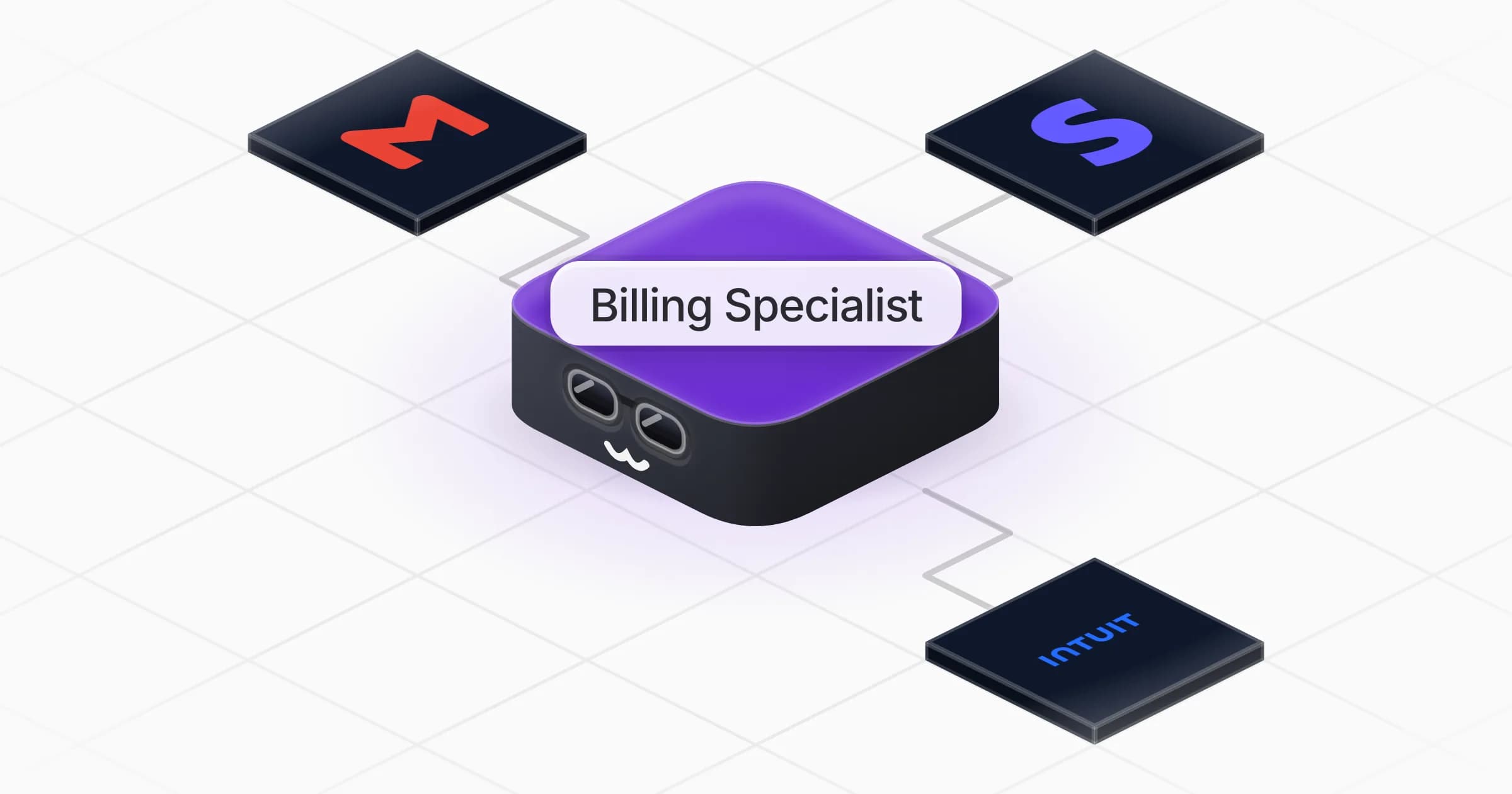
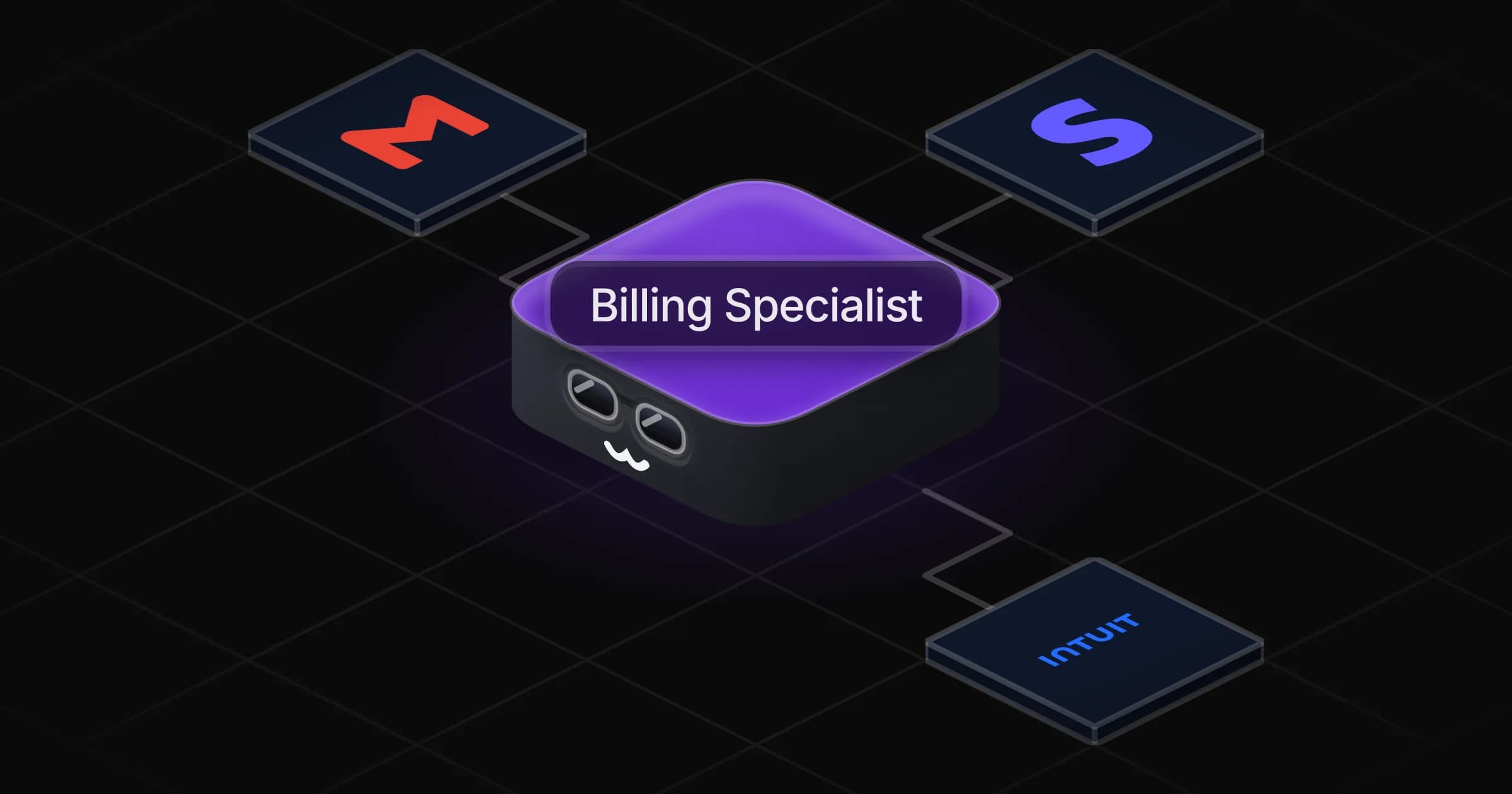
Billing Specialist

Turns the work you delivered into correct, payable invoices and matches every payment back to its invoice.

Apps

Skills · 6

Add payment links

Use when asked to add a payment link to an invoice, or to let customers pay invoices online.

Collect missing billing details

Use when an invoice cannot be finished because a customer's legal name, address, tax ID or billing contact is missing.

Invoice the delivered work

Use when asked to create, prepare or check invoices from hours, orders, bookings or a signed quote, and on the monthly invoicing run.

Match payments to invoices

Use when asked to match or reconcile customer payments with invoices, or to find what is unpaid, short-paid or unexplained.

+2 more

Scheduled tasks · 1

Monthly invoicing run

At 09:00 AM, on day 1 of the month
Frequently asked questions

Can it create invoices from my timesheets or orders?

Yes. Paste or export your hours, orders, bookings or signed quotes and it prepares one invoice per customer and period, each line traced to its source, with anything already billed left out.

Does it handle reverse charge and EU VAT on invoices?

It applies the tax rules of your country and your customer's, says which rule it used on each invoice, and flags anything uncertain for your accountant.

Can it create Factur-X or ZUGFeRD e-invoices?

Yes. It builds the XML alongside the PDF, checks them against the format's rules and holds back any invoice that does not pass, with the reason.

How does it match payments to invoices?

By invoice number first, then amount, customer and date. Partial payments, provider fees, overpayments and unknown payers are listed apart with their next step.

Will it send invoices to my clients on its own?

No. Invoices, detail requests and receipts stay drafts until you say go.

How much does it cost to run?

The template is free. Each run uses your Rerun credit.

2,000+ businesses run on Rerun

Hire Coworkers on the ChatGPTplan you already pay for.

  • 1. Plug in your subscription
  • 2. Set up your Coworkers
  • 3. Run your business with Coworkers