Caption a video
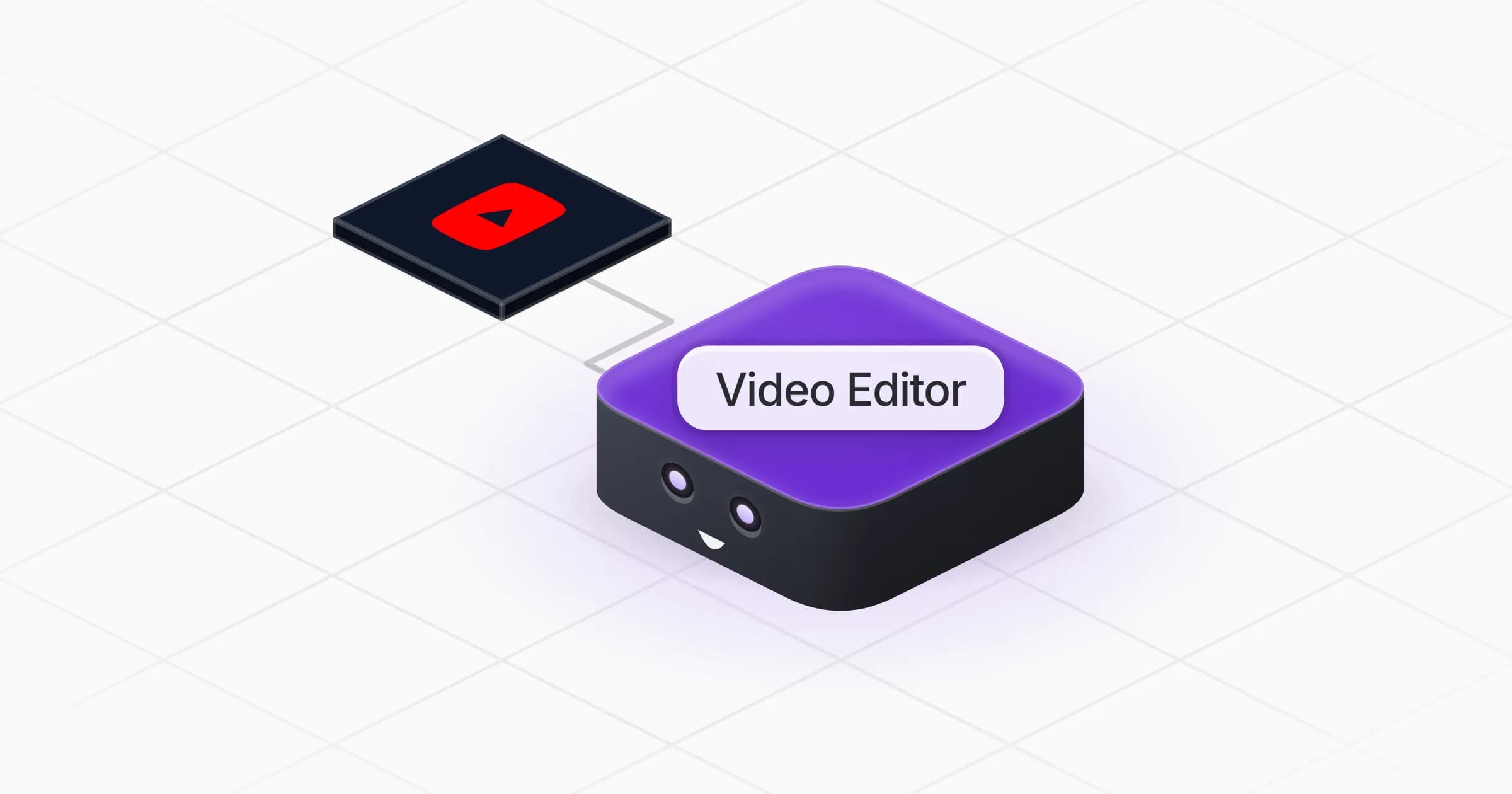
Cut your long videos into captioned vertical clips ready to post, and get the titles, descriptions and chapters that help people find them.
從桌面版 App 連結您的 Mac 或 PC。在聊天中用 # 指名它,您的同事就能在上面執行指令、讀取檔案並啟動長時間工作,但須經您同意。
在 #studio-pc 上轉檔第 2 天的毛片:指令正等待「允許」。
安裝桌面版 App,開啟您的帳號,再點「桌面應用程式」。在「這台電腦」下點選「連結」並為它命名。
在訊息框中輸入 # 並選擇電腦:#studio-pc 會加進您的訊息,同事就知道是哪台機器。
卡片會顯示指令及其資料夾。您可以允許一次、一律允許這個程式,或拒絕。
算圖、訓練和大型下載以工作形式執行,最多同時 4 項。完成時同事會帶著結果醒來。
它只在檔案所在處讀取需要的內容,超出您的工作資料夾時會先詢問。
詢問後記住(預設)、每次都詢問,或完整存取。絕不使用 sudo,也絕不清除磁碟。
在 App 或系統匣圖示中點「暫停」,會停止那裡正在執行的一切,並拒絕新工作,直到您恢復為止。
範本庫中的現成同事,一分鐘就能安裝。
Cut your long videos into captioned vertical clips ready to post, and get the titles, descriptions and chapters that help people find them.
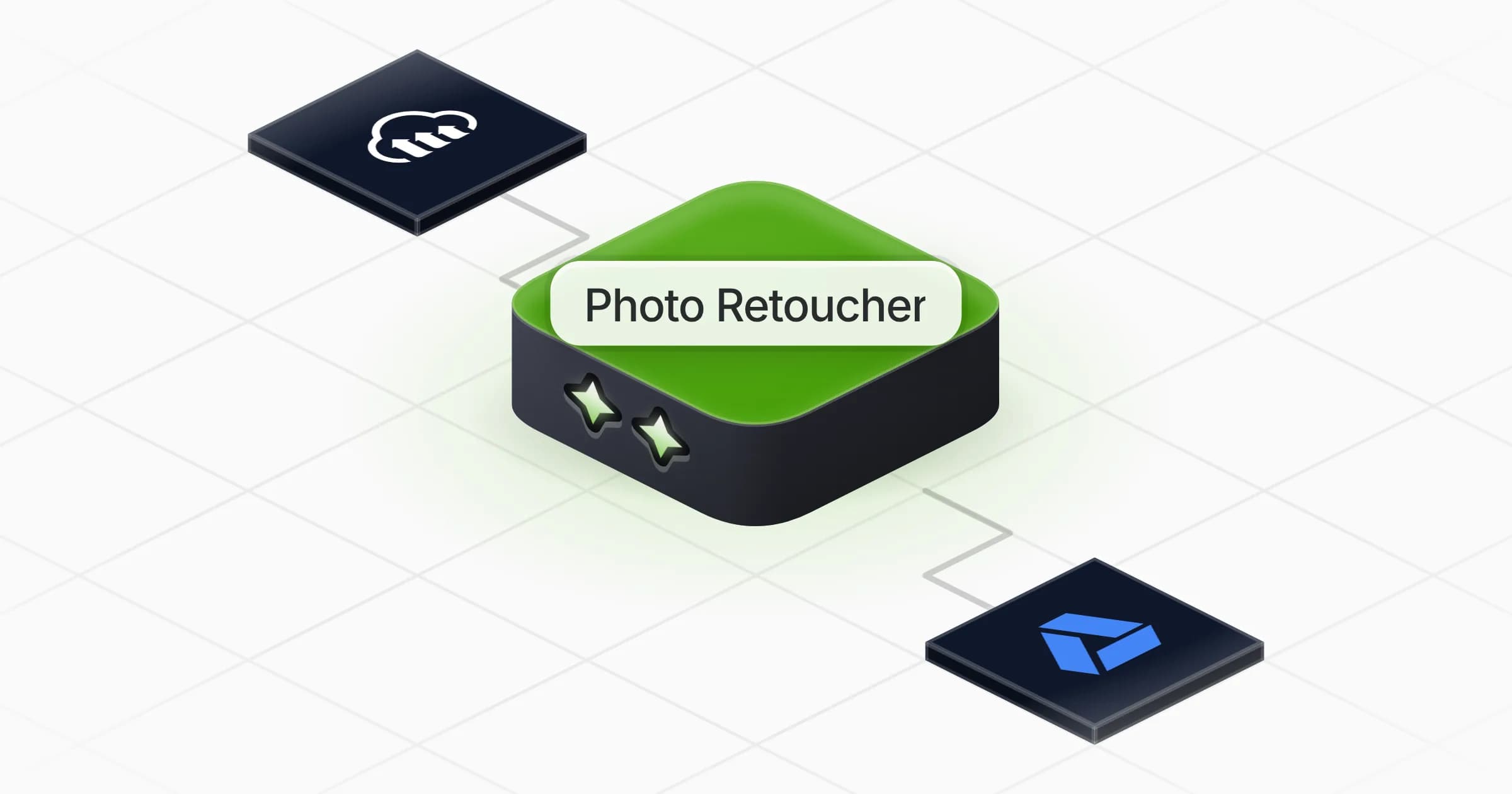
Get product and brand photos ready to publish: backgrounds removed, areas retouched, upscaled, faces blurred, watermarked and exported light for your site.
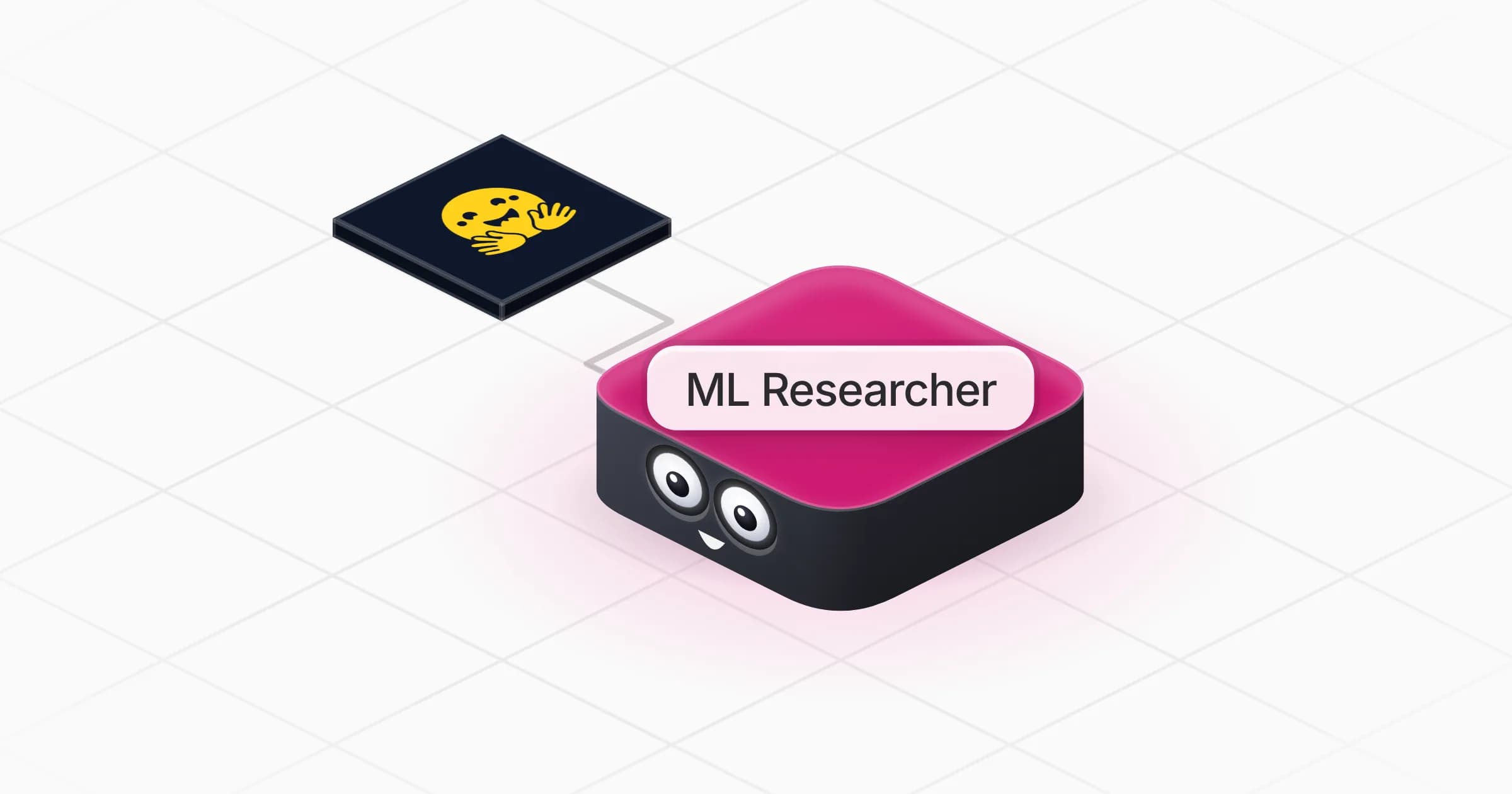
Get a ready-to-run fine-tuning kit for your model and data: cleaned corpus, LoRA or QLoRA config sized for your GPU, tracked runs and an honest evaluation.
Drop your PDFs and scans, get back a clean table of their data, plus files split, merged, converted, compressed or made fillable the way you need them.
Turn a messy shared drive into a clear filing plan: every document classified and renamed, duplicates gone, old files archived and retention rules applied.
Plans each ticket, writes the code and its tests, opens a draft pull request, reviews your team's changes and keeps the codebase clean.
問題
大家在聘用第一位同事之前會問的所有問題。如果找不到您的問題,創辦人就在下方。
為了那些適合在您機器上做的工作:影片剪輯、您的 GPU、本機模型、大到無法搬移的檔案。同事仍在雲端,而您的電腦只在桌面版 App 執行時,執行被要求的工作。
在預設模式下,只有您點過「一律允許」的程式。每個新程式都會詢問,工作資料夾以外的路徑也會,而存放密鑰的位置一律會詢問,即使在完整存取模式下也一樣。
任何能執行桌面版 App 的電腦:macOS 13 以上的 Mac、Windows 10 以上的 PC(測試版),或 Linux x64 機器。
執行中的工作會讓電腦保持喚醒,但闔上螢幕仍會讓它進入睡眠:喚醒後工作會繼續。關閉 App 視窗不會中斷工作;結束 App 則會在詢問您後停止工作。
工作區中的每個人都能透過自己的同事使用已連結的電腦,而每個新程式仍需要同意。管理員或連結它的人可以變更設定或移除它,移除會立即停止所有工作。