Rerun

Design Software Architecture With Diagrams

Turns a product need into an architecture your team can build: options weighed, a clear recommendation, rendered diagrams, and the risks named.

Design Software Architecture With Diagrams agent board

About

Get the architecture a senior architect would sketch for your team: the options, the one to pick and why, and diagrams you can edit, in minutes instead of a week of meetings.

What it does

  • Designs services, APIs, data, integrations and infrastructure around your real constraints: traffic, team size, budget, compliance
  • Weighs two or three options and recommends one, with what would make it wrong
  • Draws context, container, sequence and deployment diagrams in Mermaid or Excalidraw, rendered and editable
  • Designs authentication, authorization and audit for users, services and AI agents
  • Builds small throwaway spikes to prove a risky idea before you commit to it
  • Finds what slows your app down and ranks the fixes by impact

What you need

  • Nothing to start: describe your product or the change you are planning
  • GitHub, to design from the code you already have (other code hosts work too)

How setup works

A first design with its diagram arrives in the first minutes. Along the way it learns your stack, your team and your constraints, then reads your repository and draws your current architecture.

What stays in your hands

  • It never pushes to a shared branch or touches production; spikes stay in its sandbox or a branch you name

What you will need

  • GitHub

Coworkers in this template

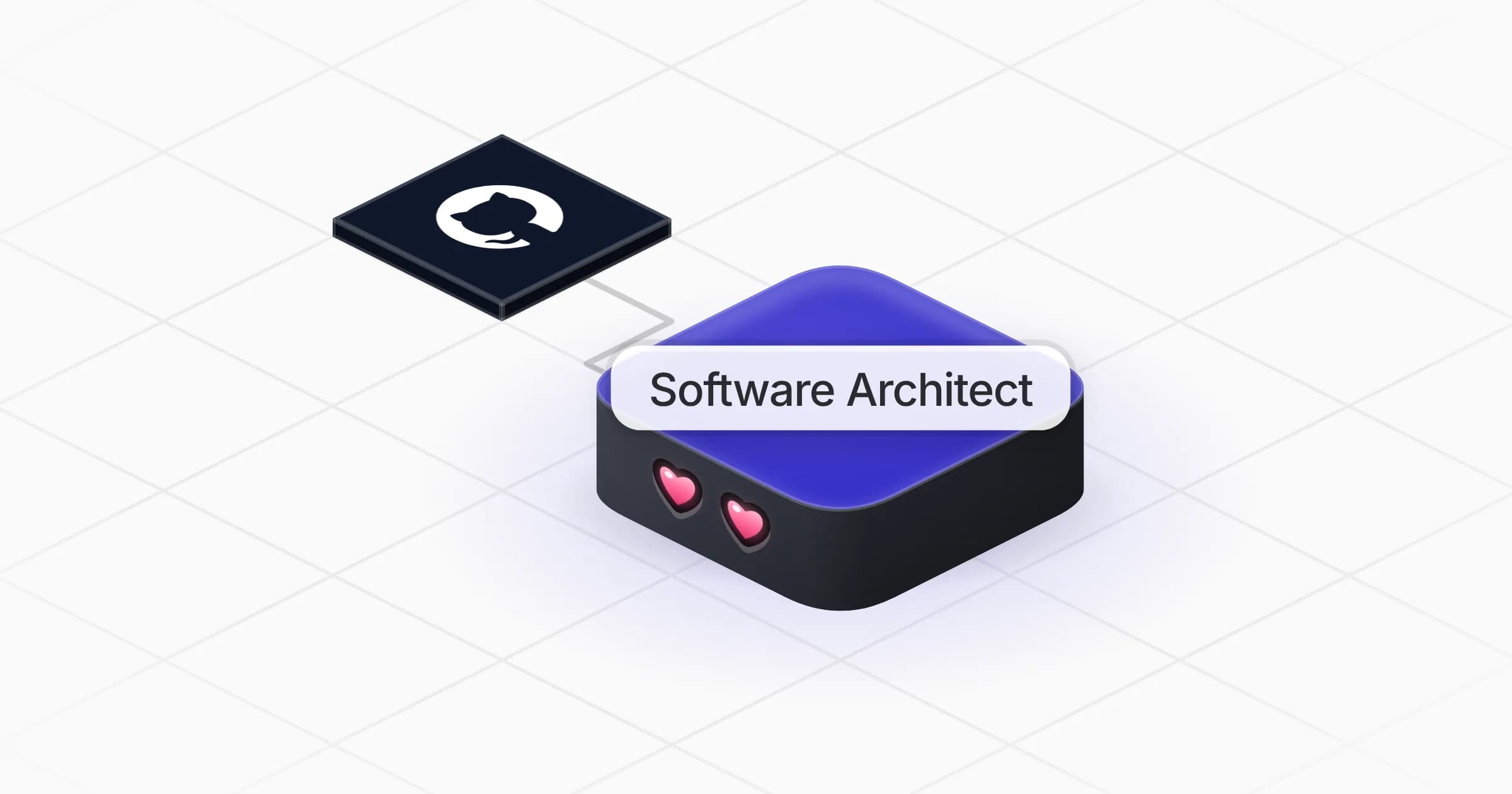
Software Architect

Designs software architectures with clear trade-offs and diagrams, tests risky ideas with small spikes, and finds what slows your app down.

Apps

Skills · 5

Design identity and access

Use when asked to design authentication, authorization, permissions or audit for users, services or AI agents.

Design the architecture

Use when asked to design or review a system's architecture, choose between technical options, or write a design doc or ADR.

Draw the architecture diagrams

Use when asked to draw an architecture, sequence, data flow or deployment diagram, in Mermaid, Excalidraw or another format.

Find what slows the app

Use when asked why an application, page, query or endpoint is slow, or where to optimise it.

+1 more

Frequently asked questions

Can AI design a software architecture?

It produces the design a senior architect would sketch: two or three options, a recommendation fitted to your team and scale, components, APIs, data, failure modes and a diagram. Your engineers decide and build.

What diagram formats does it produce?

Mermaid by default, rendered as images with the source kept so your team can edit it. It can work in Excalidraw, Miro or Lucid when you connect them.

Does it need access to my code?

No to start: a description of your product is enough. Connecting GitHub lets it read your repository and design from what exists. It reads only and never pushes to a shared branch.

Can it find why my app is slow?

Yes. It starts from your monitoring or reproduces the problem, follows where the time goes, and ranks fixes by impact with a way to verify each gain.

Can it design authentication for AI agents?

Yes. It covers how people, services and AI agents authenticate, how narrowly their access is scoped, how credentials rotate and what is logged for audit.

How much does it cost to run?

The template is free. Each run uses Rerun credit, like any coworker.

2,000+ businesses run on Rerun

Hire Coworkers on the ChatGPTplan you already pay for.

  • 1. Plug in your subscription
  • 2. Set up your Coworkers
  • 3. Run your business with Coworkers