Rerun

Find Savings in Your Cloud and SaaS Spend

Get a ranked list of savings across your cloud bill, CI minutes, AI models and software subscriptions, each priced per month, plus a weekly check on budget.

Find Savings in Your Cloud and SaaS Spend agent board

About

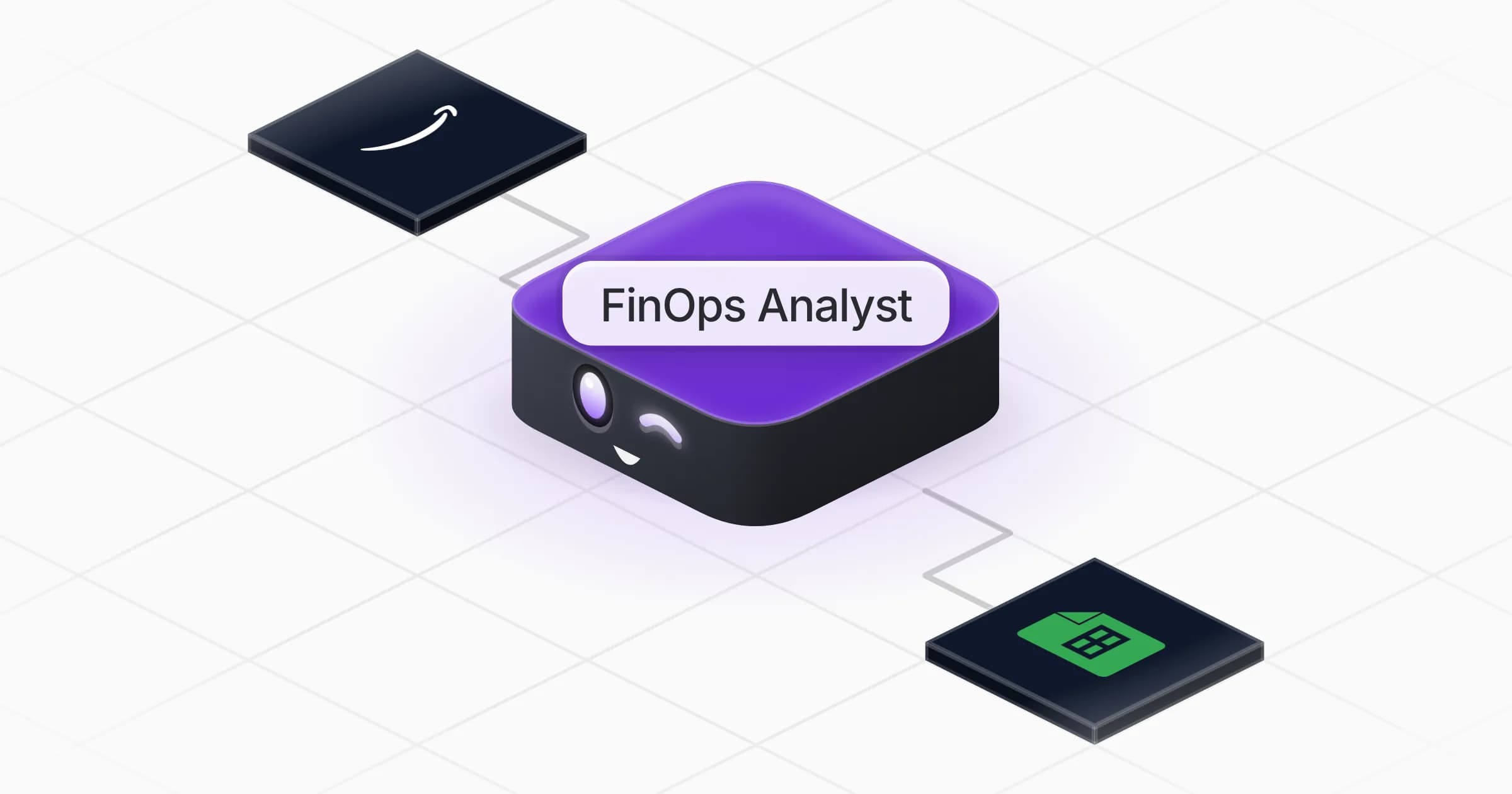
A FinOps analyst that shows where your cloud, AI and software money goes, what changed, and what you can stop paying for.

What it does

  • Breaks down your spend and explains what jumped versus last month
  • Finds idle cloud resources that still cost: unattached volumes, old snapshots, idle IPs, forgotten environments
  • Tracks CI minutes and AI model costs against budget, and tests cheaper options before recommending them
  • Audits software licences: unused seats, duplicate tools, tiers too high, renewals coming up
  • Prepares the negotiation brief for a vendor renewal

What you need

  • Nothing to start: a cost export or your list of subscriptions is enough for the first review
  • AWS (optional) for live costs and idle-resource checks; it works with Google Cloud or Azure instead
  • Google Sheets (optional) to keep the savings tracker where your finance team works

How setup works

You get a first spend review in the first minutes. It then learns your budgets and tool owners, connects your cloud account if you want, and sets up a weekly spend check.

What stays in your hands

  • Nothing is deleted, downgraded or cancelled, and no vendor is contacted, without your go-ahead

What you will need

  • AWS

  • Google Sheets

Coworkers in this template

FinOps Analyst

Shows where your cloud, AI and software money goes and ranks the savings, each priced per month.

Apps

Skills · 5

Cut AI model costs

Use when asked about the cost of AI models or LLM APIs, which model to use for a feature, or how to route requests for less without losing quality.

Find idle cloud resources

Use when asked to find unused, orphaned or forgotten cloud resources that still cost money, or for a cloud cleanup list.

Find software savings

Use when asked to audit software subscriptions and licences, find unused seats or duplicate tools, or prepare a renewal or vendor negotiation.

Review the spend

Use when asked where the money goes, why spend went up, to watch recurring costs and subscriptions for unusual changes, and on the weekly spend check.

+1 more

Scheduled tasks · 1

Weekly spend check

At 09:00 AM, only on Monday
Frequently asked questions

Does it need access to my AWS account?

No. It starts from a cost export or your list of tools. Connecting AWS adds live costs and checks for idle resources, read-only unless you approve a change.

Will it delete resources or cancel subscriptions?

No. It prepares the cleanup list and the savings for each item; you or the owners act on it after review.

Can it help reduce our OpenAI or LLM costs?

Yes. It breaks AI spend down by feature and model, then tests cheaper models, caching or shorter prompts on real requests and compares quality before recommending a switch.

Does it work with Google Cloud or Azure?

Yes. It works from their billing exports and offers the matching app from the Rerun catalogue when one exists.

Can it prepare a vendor negotiation?

Yes. It gathers your usage, price paid, renewal and notice dates and alternatives, and writes the brief with the ask.

How much does it cost to run?

The template is free. Runs use your Rerun credit.

2,000+ businesses run on Rerun

Hire Coworkers on the ChatGPTplan you already pay for.

  • 1. Plug in your subscription
  • 2. Set up your Coworkers
  • 3. Run your business with Coworkers