Rerun

Run Your Weekly Support Review

Know every week which customers are waiting too long, how your team does against its SLAs, and which recurring issues engineering must fix first.

Run Your Weekly Support Review agent board

About

Start the week knowing which customers are at risk and why tickets keep coming, with the engineering issues already drafted.

What it does

  • A weekly review that opens with SLA breaches, escalations and the customers waiting longest, each with the next action and an owner
  • Your numbers against your own targets and last period: volume, first response, resolution, backlog, satisfaction
  • Recurring causes grouped by the real underlying problem, with ticket examples and what would remove them
  • Draft engineering issues for the problems that matter most, with examples, customers affected and impact
  • Ticket quality reviews against your rubric, and customer updates during incidents matched to severity and channel

What you need

  • Nothing to start: share a ticket export and get a review right away
  • Intercom for your real conversations, response times and escalations (Zendesk, Freshdesk and others work too)
  • Linear to file and follow the issues sent to engineering (Jira and GitHub work too)

How setup works

You see a support review in the first minutes. Then it learns your SLA targets, key accounts and how engineering wants issues filed, connects your helpdesk and tracker, and reviews last week from your real tickets.

What stays in your hands

  • Engineering issues, reports and customer messages stay drafts until you say go
  • It never guesses an incident cause or a fix date
  • The weekly review only starts once you confirm its time

What you will need

  • Intercom

  • Linear

Coworkers in this template

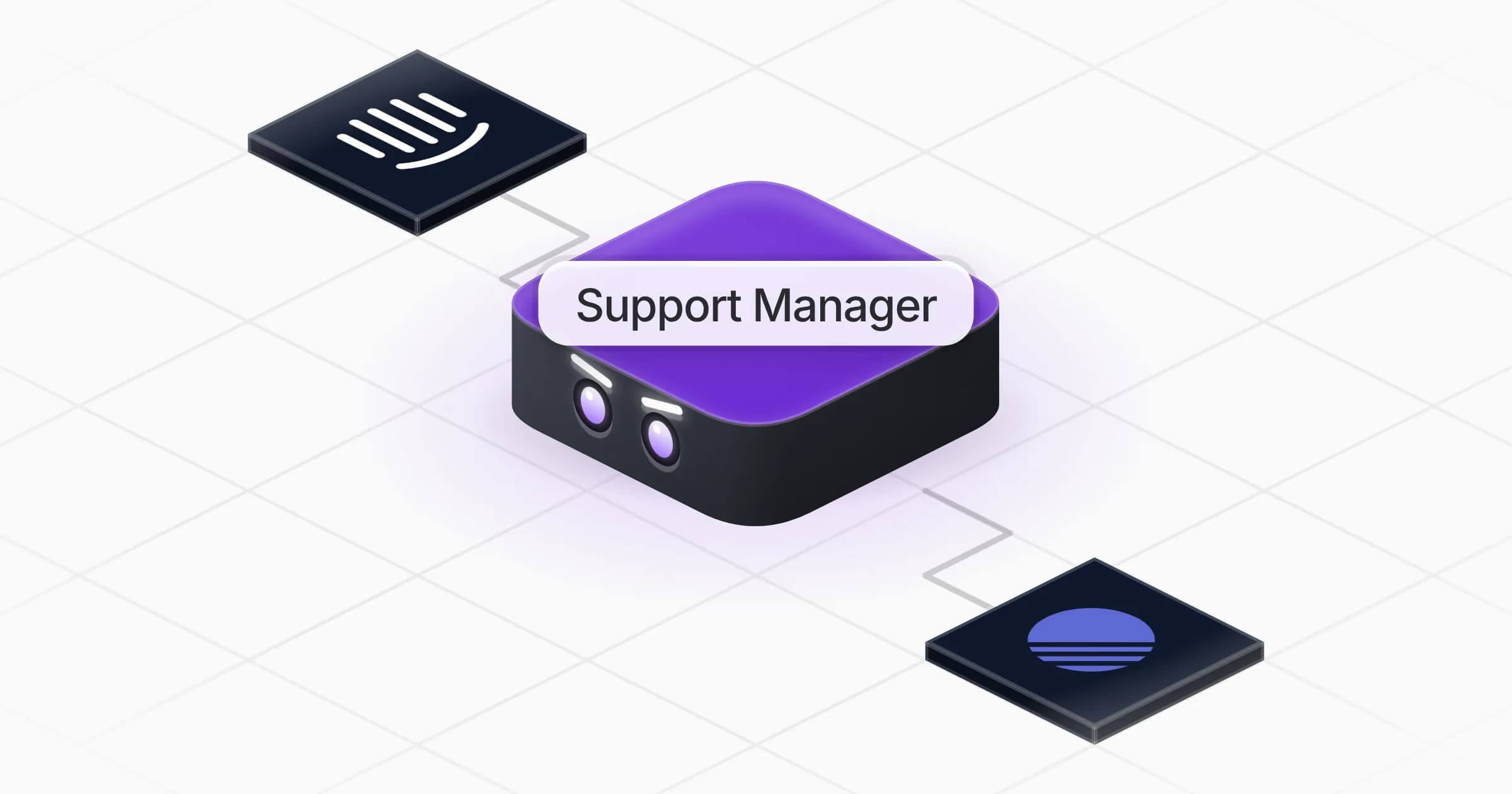
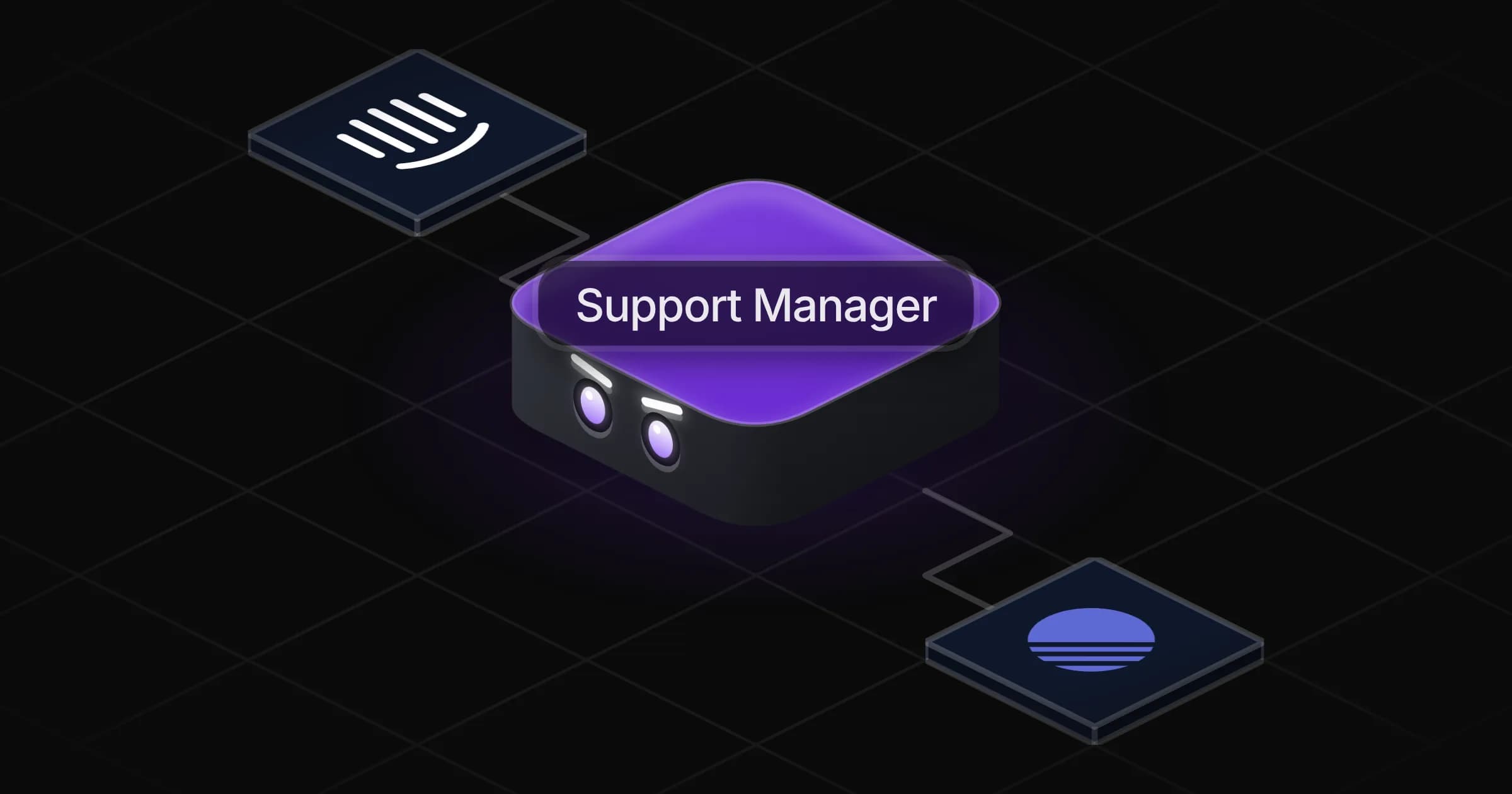
Support Manager

Tells you every week which customers are at risk, how the team performs against its SLAs and which recurring issues engineering must fix.

Apps

Skills · 6

Find the recurring causes

Use when asked why tickets keep coming, what the recurring issues are, or to spot support trends.

Follow the escalations

Use when asked about escalated tickets, customers at risk, who is waiting, or what is blocking a resolution.

Review ticket quality

Use when asked to review, score or audit how a support ticket was handled, or to prepare QA or coaching for an agent.

Run the weekly support review

Use when asked for a support report, a weekly or monthly review, or how the team performs against its SLAs, and on the weekly review run.

+2 more

Scheduled tasks · 1

Weekly support review

At 09:00 AM, only on Monday

Frequently asked questions

What should a weekly customer support report include?

This agent opens with what is at risk (SLA breaches, escalations, customers waiting longest), then your numbers against your targets and last week, then the recurring causes behind the volume and what would remove them.

Does it work with Zendesk?

Intercom and Freshdesk connect from the Rerun catalogue. With Zendesk or another helpdesk, share a ticket export and it builds the same review.

Can it create Jira or Linear tickets from support issues?

Yes. It drafts one issue per real problem with examples, customers affected and impact, checks for an existing issue first, and files it in Linear, Jira or GitHub once you approve.

Can it score the quality of my agents' tickets?

Yes. Give it your QA rubric, or agree one with it, and it reviews a ticket with quotes behind each score and one or two coaching points.

Does it send incident updates to customers on its own?

No. It drafts the message for each channel based on severity and waits for your go-ahead. It never guesses a cause or a fix date.

How much does it cost to run?

The template is free. Each run uses your Rerun credit.

2,000+ businesses run on Rerun

Hire Coworkers on the ChatGPTplan you already pay for.

  • 1. Plug in your subscription
  • 2. Set up your Coworkers
  • 3. Run your business with Coworkers