Rerun

Source and Screen Candidates

Find candidates who fit your open role, screen applications against clear criteria, and get job ads, interview kits and offer letters drafted.

Source and Screen Candidates agent board

About

Hire like a team with a dedicated recruiter: clear criteria, a shortlist you can defend, and every hiring document ready when you need it.

What it does

  • Finds candidates for an open role on public sources, each with why they fit and the evidence behind it
  • Screens and ranks applications and CVs against criteria you agree on, the same for everyone
  • Writes inclusive job ads from a manager's notes
  • Builds interview questions, exercises and scorecards, briefs interviewers and summarises their feedback
  • Drafts offer letters on your own template

What you need

  • Nothing to start: a job title or a manager's notes is enough for the first shortlist
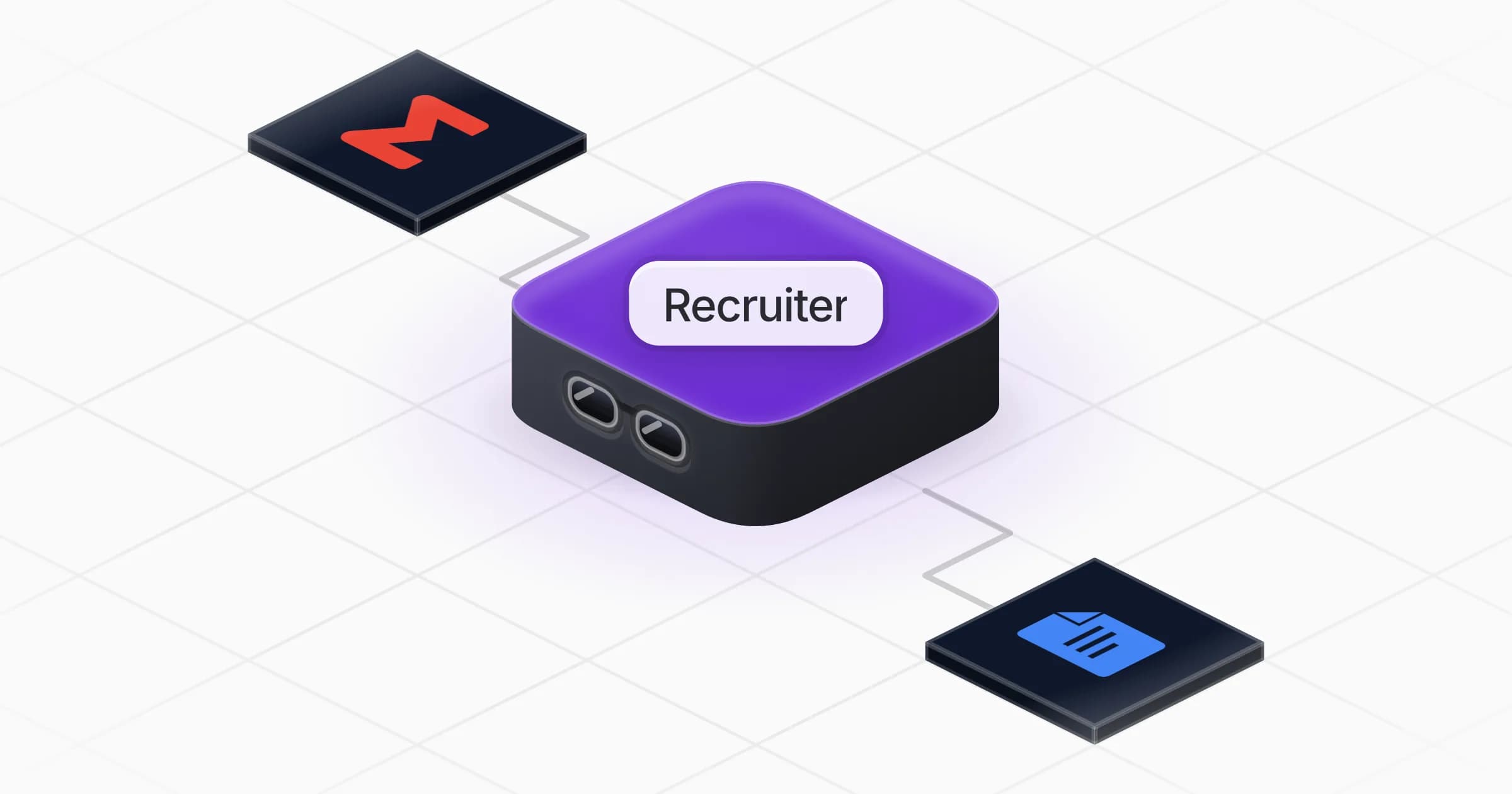
  • Gmail (optional) to read the applications in your inbox and draft replies; Google Docs (optional) to get job ads, kits and offer letters as shareable documents. It can work with Outlook, Notion or the tools you already use instead
  • Optional live data billed on your Rerun credit, approved before each spend, to find named profiles and contact details

How setup works

You get a first shortlist in the first minutes. It then learns your company, your real criteria and your interview stages, and connects your inbox and documents if you want.

What stays in your hands

  • No candidate is contacted, rejected or sent an offer without your go-ahead
  • Every paid lookup shows its cost before it runs
  • Hiring decisions stay yours: it brings evidence, not verdicts
What you will need

  • Gmail

  • Google Docs

Coworkers in this template

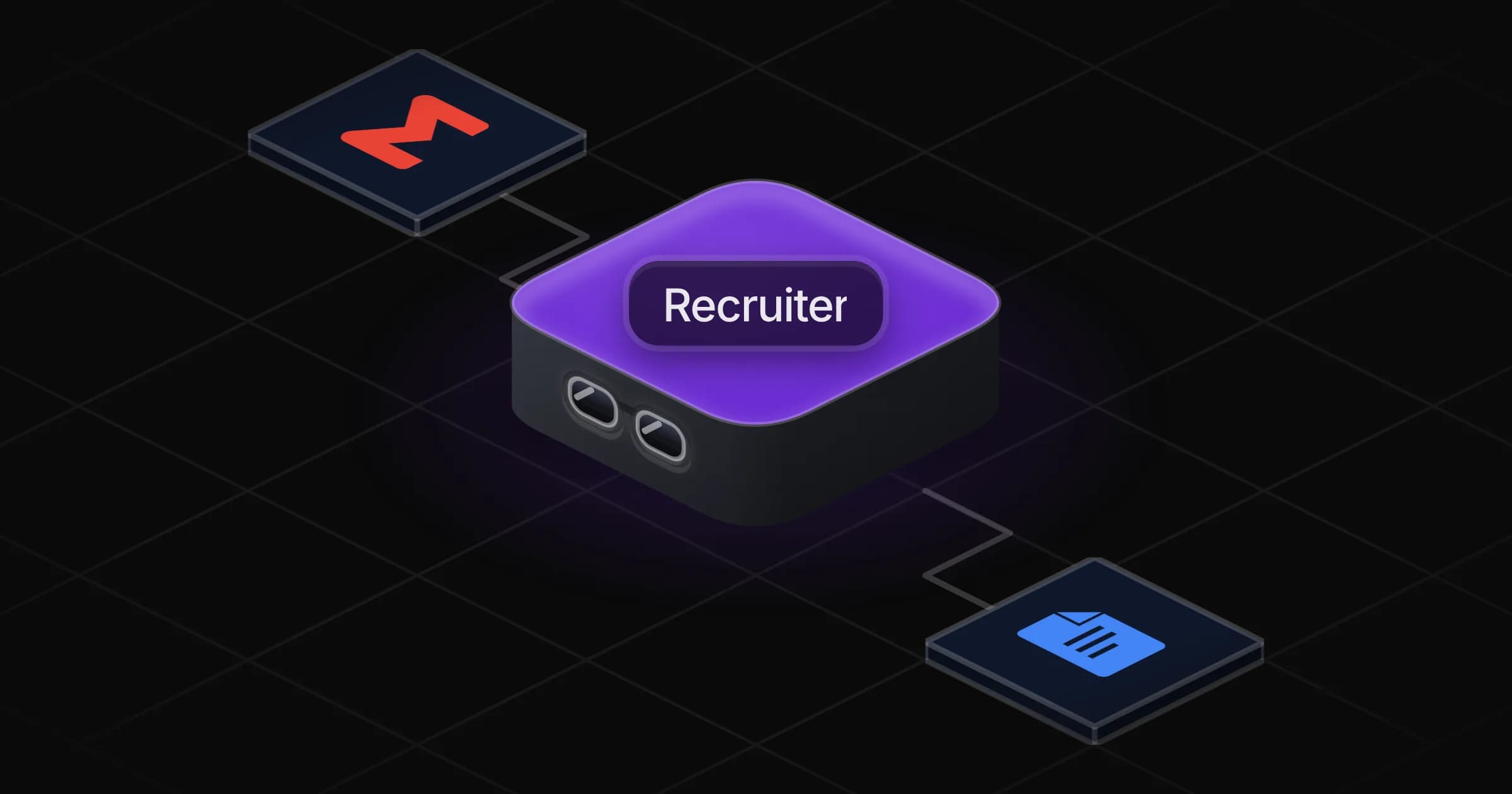
Recruiter

Finds and screens candidates for your open roles and drafts every hiring document, from the job ad to the offer letter.

Apps

Skills · 6

Brief and debrief interviewers

Use when asked to prepare interviewers before a stage, or to bring interview feedback together into a debrief.

Build the candidate shortlist

Use when asked to find candidates for an open role, source profiles, or build a list of people worth reaching out to.

Build the interview kit

Use when asked for interview questions, a take-home or live exercise, or a scorecard for a role.

Draft the offer letter

Use when asked to prepare an offer letter or a written offer for a chosen candidate.

+2 more

Frequently asked questions

Can it find candidates on LinkedIn?

It starts from free public sources such as team pages, public code, talks and portfolios. When you want named profiles and contact details from networks like LinkedIn, it proposes a paid lookup on your Rerun credit and shows the cost first.

Does it contact or reject candidates on its own?

No. It drafts outreach and rejection messages when you ask, and nothing is sent without your go-ahead.

Does it work with my ATS?

It works without one, keeping candidates in its own table. If your ATS or recruiting tool is in the Rerun catalogue, it offers to connect it; otherwise you can paste or upload applications and CVs.

How does it avoid bias when screening?

It agrees the criteria with you before screening, applies the same ones to every candidate and ignores age, gender, origin, photos and anything unrelated to the job. The decision always stays with you.

Can it write offer letters?

Yes, on your own template when you share it, with the title, level, pay and conditions you give. It leaves placeholders rather than inventing figures and flags what may need a legal check.

How much does it cost to run?

The template is free. Runs use your Rerun credit, and any paid data lookup is approved by you before each spend.

2,000+ businesses run on Rerun

Hire Coworkers on the ChatGPTplan you already pay for.

  • 1. Plug in your subscription
  • 2. Set up your Coworkers
  • 3. Run your business with Coworkers