Rerun

Prepare Every B2B Sales Meeting

A brief and sharp discovery questions before each sales meeting, then the CRM notes, proposal and follow-up after it, so no deal goes quiet.

Prepare Every B2B Sales Meeting agent board

About

Walk into every sales meeting knowing who is in the room and what to ask, and leave it with the next step already written.

What it does

  • Prepares a brief for each meeting: attendees, recent company news, where the deal stands, the goal of the call
  • Writes discovery questions adapted to each attendee's role and to what you sell
  • Turns call notes or a transcript into CRM notes and a same-day follow-up
  • Drafts proposals from the deal, your template and your approved proof
  • Lists proposals with no answer and writes a chase for each, and prepares the handoff when a deal is won

What you need

  • Nothing to start: name a company and who you are meeting
  • Google Calendar (optional) unlocks briefs for your real meetings, every morning
  • Gmail (optional) adds recent emails with each account and saves follow-ups as drafts
  • HubSpot (optional) adds the deal history and receives call notes; another CRM works too
  • Optional live data on people and companies, billed on your Rerun credit and approved before each spend

How setup works

A first meeting brief arrives in the first minutes, for a meeting you name or a realistic prospect. Then it learns what you sell and how you qualify a deal, connects your calendar, email and CRM, and sets up a morning brief you confirm.

What stays in your hands

  • No email is sent and no CRM record is changed without your go-ahead
  • Proposals use only your prices, terms and proof

What you will need

  • Gmail

  • Google Calendar

  • HubSpot

Coworkers in this template

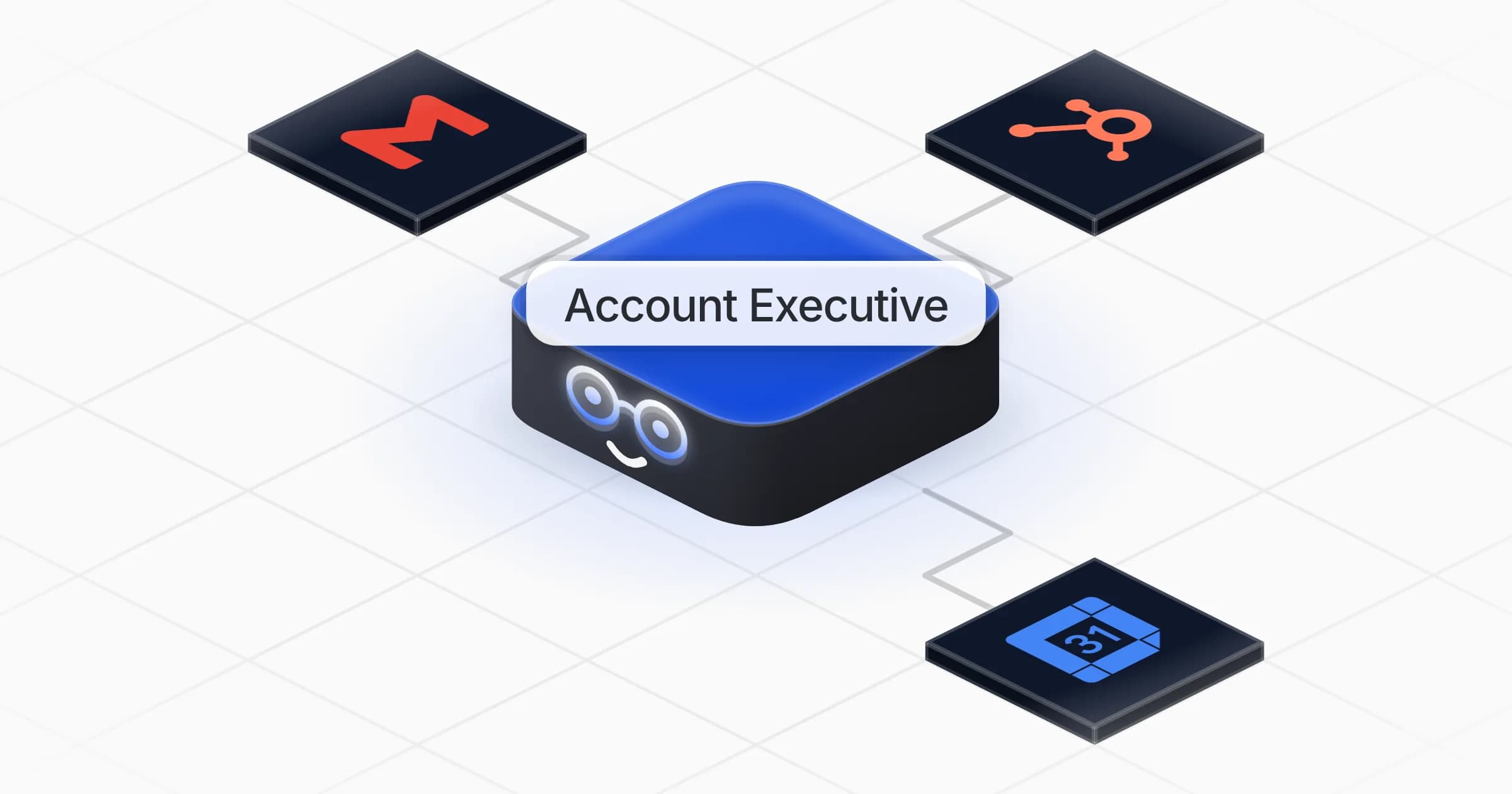
Account Executive

Preps every sales meeting with a brief and discovery questions, then turns the call into CRM notes, proposals and follow-ups.

Apps

Skills · 6

Brief the sales meeting

Use when asked to prepare a sales meeting, call or demo, to research an account or its attendees, and on the morning meeting brief.

Chase open quotes

Use when asked to follow up on proposals or quotes with no answer, or to list the deals that went quiet.

Draft the proposal

Use when asked to write a sales proposal, a quote or an offer for a deal.

Hand over the won deal

Use when a deal is won and the client must be handed over to the team that will run it.

+2 more

Scheduled tasks · 1

Morning meeting brief

At 08:00 AM, Monday through Friday
Frequently asked questions

What is in a sales meeting brief?

Who attends and what each one cares about, what changed at the company recently, where the deal stands, the goal of the meeting and discovery questions adapted to each attendee's role. Every fact comes with its source.

Does it need my calendar or CRM to start?

No. Name a company and the people you are meeting and it builds the brief from public sources. Google Calendar, Gmail and HubSpot make it work on your real meetings, emails and deals.

Will it send emails or update my CRM on its own?

No. Follow-ups and chase messages are drafted, CRM notes are shown to you first, and nothing is sent or written without your go-ahead.

Can it write a sales proposal?

Yes. It builds the proposal from the deal, your own template, price list and approved proof, and never invents a figure, a client name or a discount.

I use Salesforce or Outlook, does it work?

It can work with the tools you already use from the Rerun app library, and a pasted export or transcript works too.

How much does it cost to run?

The template is free. Its runs use your Rerun credit, and any live data lookup on people or companies is shown with its cost and approved by you before it runs.

2,000+ businesses run on Rerun

Hire Coworkers on the ChatGPTplan you already pay for.

  • 1. Plug in your subscription
  • 2. Set up your Coworkers
  • 3. Run your business with Coworkers