Send weekly GA4 traffic reports by email with anomaly flags

Pulls GA4 traffic data every week, compares it to the prior week, flags anomalies, and emails a client-ready report

Send weekly GA4 traffic reports by email with anomaly flags

About

This template runs a weekly web-analytics report from Google Analytics 4 and delivers it by email, ready to forward to clients or your team. It is built for founders, marketers, and agency operators who want a consistent picture of site traffic without opening the GA4 dashboard.

What it does

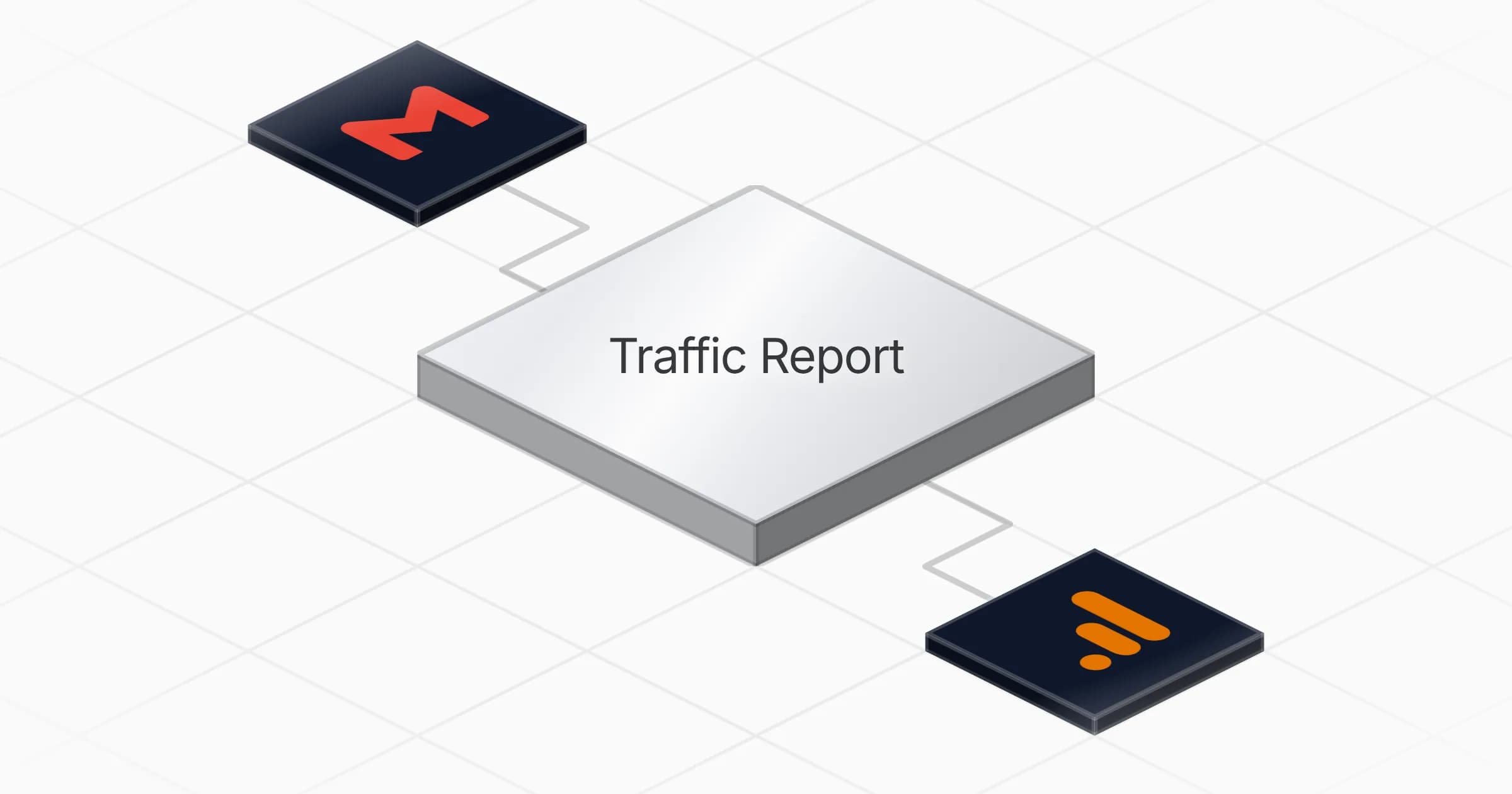
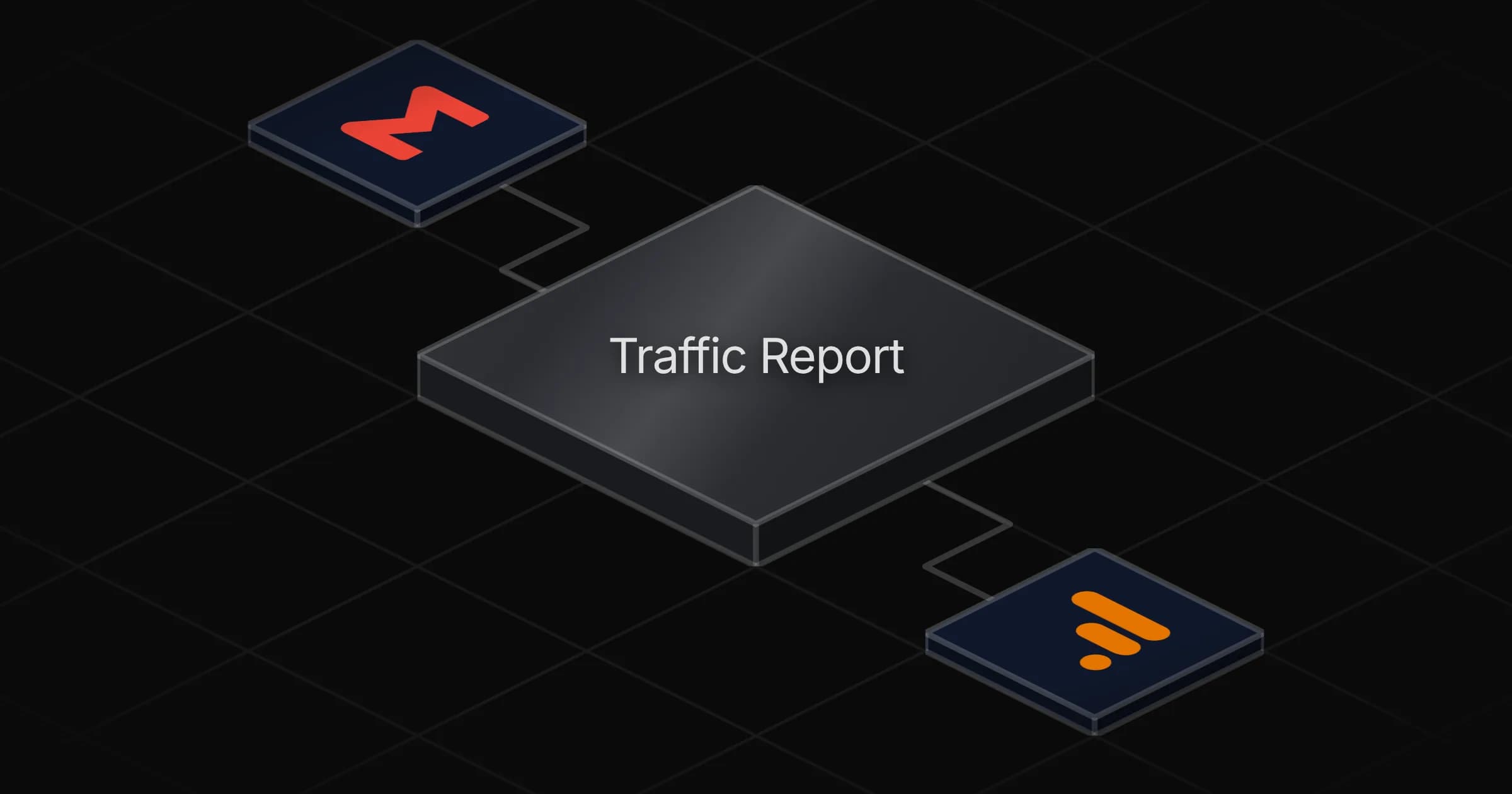
Every Monday morning, the Traffic Report agent pulls your GA4 data for the current ISO week and compares it against the prior week. It calculates the change for each metric, flags anomalies that cross the default thresholds, and shapes the numbers into a clean report. The finished report is emailed automatically through Gmail, so a summary lands in the inbox before the week starts.

How it works

The agent works from a set of report definitions that specify which metrics and dimensions to load. Each run follows the same steps:

  1. Load three GA4 report definitions covering the metrics and dimensions to track.
  2. Apply ISO-week date-range rules to pull this week and the prior week.
  3. Calculate deltas between the two periods and flag anything that crosses the anomaly thresholds.
  4. Shape the results into a client-ready format and send it by email.

The schedule is set to run once a week at 7am on Monday, so the report is waiting when you log on. Delta calculations and anomaly thresholds come with sensible defaults, and the report structure stays the same from week to week so trends are easy to read at a glance.
What you will need

  • Gmail

  • Google Analytics

Agents in this template

Traffic Report

Weekly client-ready GA4 web-analytics report: this week vs prior week, deltas + flagged anomalies, emailed automatically.

Connectors

Skills · 1

ga4-weekly-report

Load every run: the three GA4 report definitions (metrics + dimensions), ISO-week date-range rules, the delta and anomaly-flagging rules with default thresholds, and the client-ready report shaping. Reach for it in Phases 1-5.

Scheduled tasks · 1

weekly ga4 traffic report

At 07:00 AM, only on Monday

Frequently asked questions

Which accounts do I need to connect?

Two: your Google Analytics account for pulling GA4 data and your Gmail account for sending the report. The agent reads the GA4 report definitions and metrics, then emails the finished report through Gmail.

How often does the report run?

Once a week. The schedule runs every Monday at 7:00 AM using ISO-week date-range rules, so each report compares the completed week against the prior week.

What does the emailed report actually contain?

It covers three GA4 report definitions with their metrics and dimensions, showing this week versus prior week deltas and any flagged anomalies. The output is shaped to be client-ready and arrives automatically in your inbox.

How does it decide what counts as an anomaly?

The agent applies delta and anomaly-flagging rules with default thresholds loaded on every run. Metrics that move beyond those thresholds are flagged in the report so shifts stand out without manual review.

How long does setup take?

About 5 minutes. You connect your Google Analytics and Gmail accounts, and the agent then handles the weekly report generation and delivery on its own.

Can I change the report schedule or comparison period?

The template runs weekly on Monday at 7:00 AM and compares each ISO week against the one before it. Those are the defaults built into the schedule and date-range rules for this setup.

More Other templates

Generate weekly client CFO diagnostics from QuickBooks with branded Google Docs
Other

Generate weekly client CFO diagnostics from QuickBooks with branded Google Docs

Turns each client's QuickBooks financials into a branded diagnostic Google Doc, PDF and client email every week, skipping clients whose numbers are unchanged

+1
1 agent5 min setup
Stacked dark document pages glowing with amber text lines on a metal base
Other

Write long-form lead-magnet articles as Google Docs with deep research

Turns a queued topic into a finished long-form lead-magnet article, researched on the live web and delivered as a shareable Google Doc

1 agent5 min setup

Your first agent is
three minutes away

Start for free
Rerun

Run your work on agents. Build them, watch them work, and keep your eyes on everything.

Rerun - Build, monitor and share self-improving autonomous agents | Product Hunt

© 2026 Rerun. All rights reserved.