Weekly Shopify and competitor report with Meta Ads

Every Monday, a report on what moved in your Shopify store and at your competitors, with the reasons and the 3 actions to take this week

Weekly Shopify and competitor report with Meta Ads agent board

About

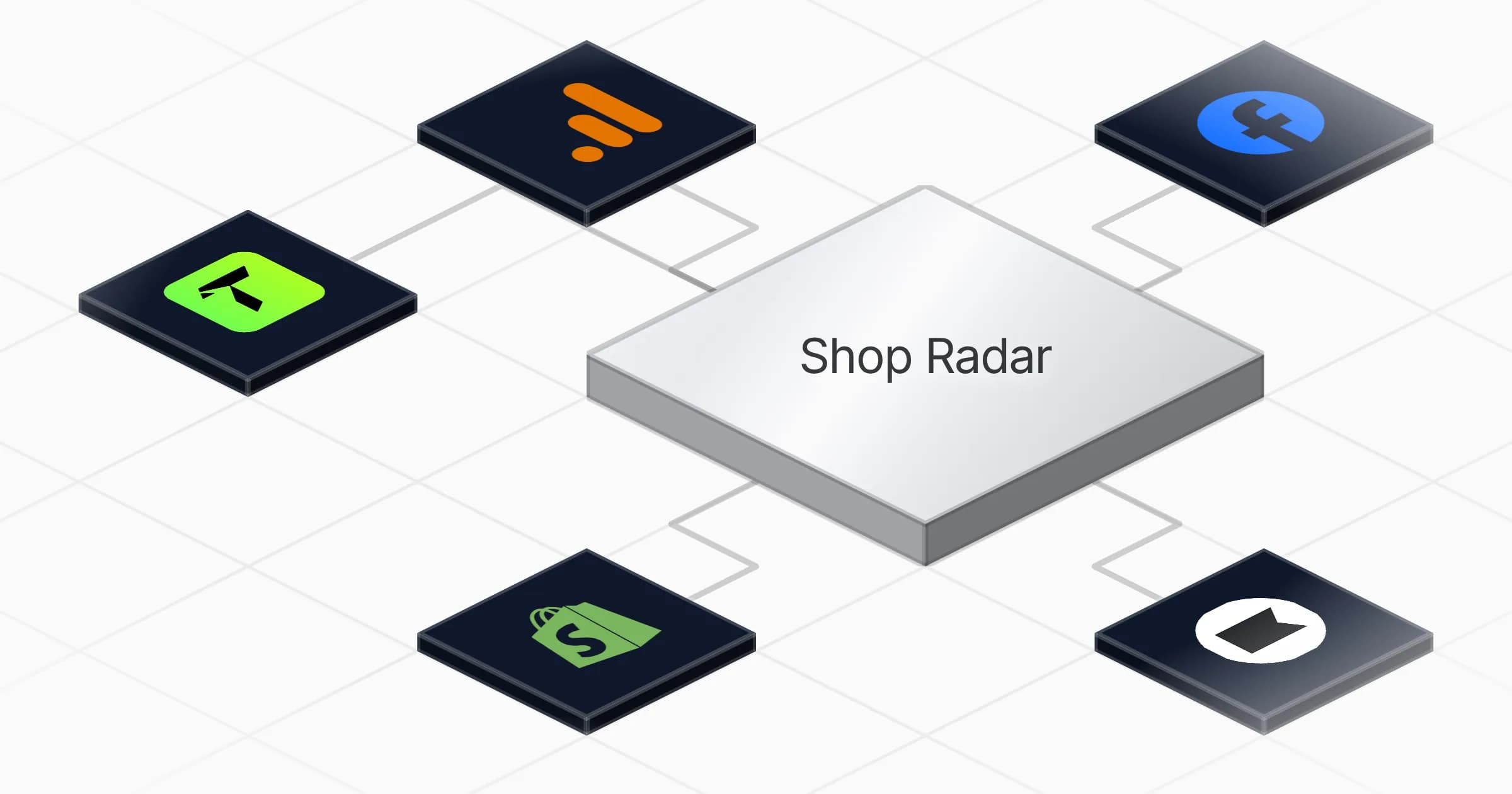
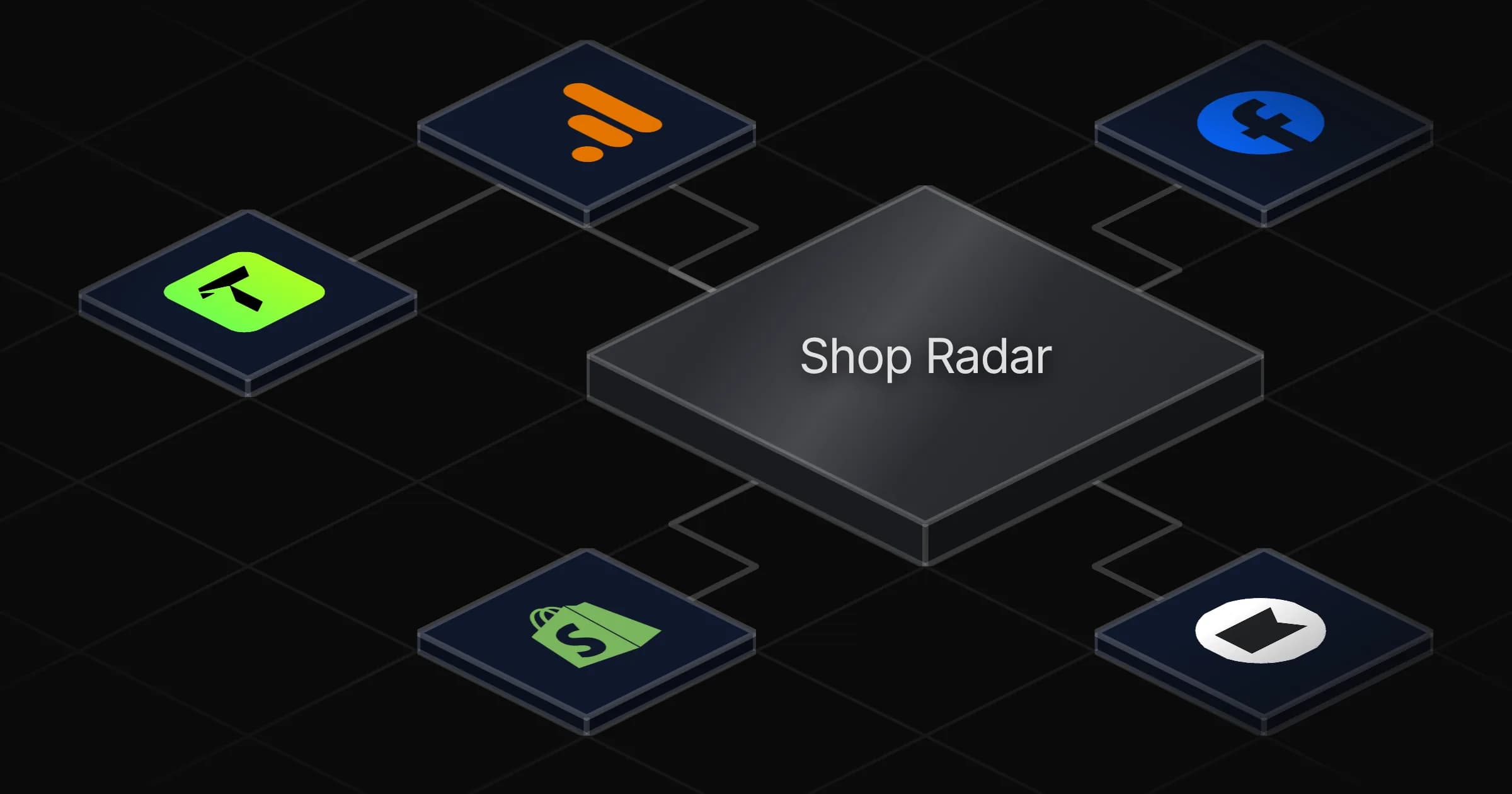
Shop Radar watches your Shopify store and your competitors so you start each week knowing what changed and what to do about it. It is built for ecommerce founders and operators who want a clear read on their own numbers and the market without pulling reports by hand.

What it does

Every Monday the agent sends a weekly report covering what moved in your store (sales, orders, average order value, best sellers, stock, ad performance, traffic, email revenue) and what moved in your market (new competitor ads, ads that are scaling, new products, new entrants). Each point comes with a reason and the 3 actions to focus on that week.

Between reports it runs a daily check and writes a short alert only when something notable happens. On the first of each month it produces a monthly review with 4-week trends, the actions taken and their results, and the priorities for the month ahead.

The agent is read only. It reports on your campaigns and never changes them.

How it works

It starts from your store URL alone, using TrendTrack by default and falling back to Meta ad library or web search when needed, so it delivers a snapshot before anything is connected.

Each service you connect adds your real figures:

  • Shopify for sales, orders, best sellers and stock
  • Meta Ads for your paid performance and competitor ad moves
  • Google Analytics for traffic
  • Klaviyo for email revenue

When a tool is missing or runs out of credits, it keeps delivering the snapshot, weekly report, alerts and monthly review through its no-tool path.

What you will need

  • Google Analytics

  • Klaviyo

  • Meta Ads

  • Shopify

  • TrendTrack

Agents in this template

Shop Radar

Le radar de ton shop Shopify : chaque lundi, ce qui a bougé dans ta boutique (ventes, pubs Meta, trafic, emails) et chez tes concurrents (nouvelles pubs, pubs qui décollent, nouveaux produits, nouveaux entrants), pourquoi, et les 3 actions de la semaine. Marche dès l'URL de ta boutique, sans aucune connexion (TrendTrack par défaut, sinon Brand Search, Apify, bibliothèque de pubs Meta ou recherche web) ; chaque outil que tu branches (Shopify, Meta, GA4, Klaviyo, Windsor ou n'importe lequel) débloque tes vrais chiffres. Lecture seule : il ne touche jamais à tes campagnes.

Apps

Skills · 8

daily-alert

Use for the daily-alert routine: check cheaply what changed since yesterday in the market and in the shop, and write a short alert ONLY if something notable happened; otherwise end silently without any message.

database

Use at the start of every exchange to make sure your tables exist (create them from this schema if any is missing, never improvise another schema), and whenever you save or read config, competitors, shop or market figures, ads seen, reports and recommended actions.

light-mode

Use when the owner has no tool connected, refuses one, or a tool fails / runs out of credits: the no-tool path that still delivers the snapshot, the weekly report, alerts and the monthly review with free sources, exports and pasted numbers.

market-data

Use whenever you need market data on a store or its competitors (ads, scaling ads, traffic, products, emails, new entrants): which source to use (TrendTrack by default, then Brand Search / Apify / Meta Ad Library in the browser / web), the exact TrendTrack tools and parameters, credit costs, the EU/UK-only reach rule, and how to label and save what you find.

+4 more

Scheduled tasks · 3

daily-alert

At 08:00 AM

monthly-review

At 09:00 AM, on day 1 of the month

weekly-report

At 08:00 AM, only on Monday
Frequently asked questions

Do I need to connect any accounts to get started?

No. Shop Radar starts from your store URL alone, using TrendTrack by default and falling back to the Meta ad library or web search, so it delivers a snapshot before anything is connected. Connecting Shopify, Meta Ads, Google Analytics or Klaviyo adds your real figures.

Which services does connecting unlock?

Shopify unlocks sales, orders, best sellers and stock. Meta Ads unlocks your paid performance and competitor ad moves. Google Analytics unlocks traffic and Klaviyo unlocks email revenue. Each one you connect swaps estimates for your actual numbers.

How often does the agent run?

It sends the full weekly report every Monday at 8am, runs a daily check at 8am that only writes an alert when something notable happens, and produces a monthly review on the first of each month at 9am.

What is in the Monday report?

It covers what moved in your store (sales, orders, average order value, best sellers, stock, ad performance, traffic, email revenue) and what moved in your market (new competitor ads, ads that are scaling, new products, new entrants). Each point comes with a reason and the 3 actions to focus on that week.

Will it change or pause my Meta Ads campaigns?

No. Shop Radar is read only. It reports on your campaigns and competitor ad moves but never touches or changes them.

What happens if a connected tool fails or runs out of credits?

It keeps working through its no-tool path. When a tool is missing or out of credits, it still delivers the snapshot, the weekly report, the daily alerts and the monthly review using market sources like TrendTrack, the Meta ad library or web search.

More E-commerce templates

Recreate competitor winning ads agent board

Recreate competitor winning ads

E-commerce5 min

Free
Write SEO Product Descriptions agent board

Write SEO Product Descriptions

E-commerce12 min

Free
Identify Low-Stock Products agent board

Identify Low-Stock Products

E-commerce8 min

Free

Your first agent is
three minutes away

Start for free
Rerun

Run your work on agents. Build them, watch them work, and keep your eyes on everything.

Rerun - Build, monitor and share self-improving autonomous agents | Product Hunt

© 2026 Rerun. All rights reserved.