Report weekly Meta Ads metrics per client in Google Docs and Slack

Pulls last-7-day Meta Ads metrics per client every Monday, writes a Google Doc for each, and posts a consolidated Slack summary with anomaly flags

Row of metallic report panels receding into darkness, front card etched with a glowing gold trend line spiking upward and a

About

A weekly paid-media reporter built for agencies that manage Meta Ads across several clients. Every Monday morning it gathers the numbers, does the comparison work, and delivers a ready report per client plus one summary for the whole team, so account managers start the week with the data already written up.

What it does

  • Pulls the last 7 days of Meta Ads metrics for each client account
  • Computes week-over-week deltas so changes are visible at a glance
  • Flags any metric that moved more than 25% as an anomaly worth a look
  • Writes one Google Doc per client with that client's numbers and flags
  • Posts a consolidated Slack summary covering all clients in one message

How it works

The agent runs on a fixed schedule, every Monday at 08:00, so the reports land before the week's client calls. It follows a reporting runbook that defines exactly which metrics to include, how to calculate the week-over-week changes, and what counts as an anomaly.

For each client it reads the Meta Ads data, builds the deltas, marks the outliers, and produces a dedicated Google Doc. Once every client document is ready, it compiles a single Slack message that rolls up the highlights and points to the accounts that need attention.

The result is a repeatable Monday routine: individual client docs for detailed review and a shared Slack summary for the team, without anyone assembling the numbers by hand.
What you will need

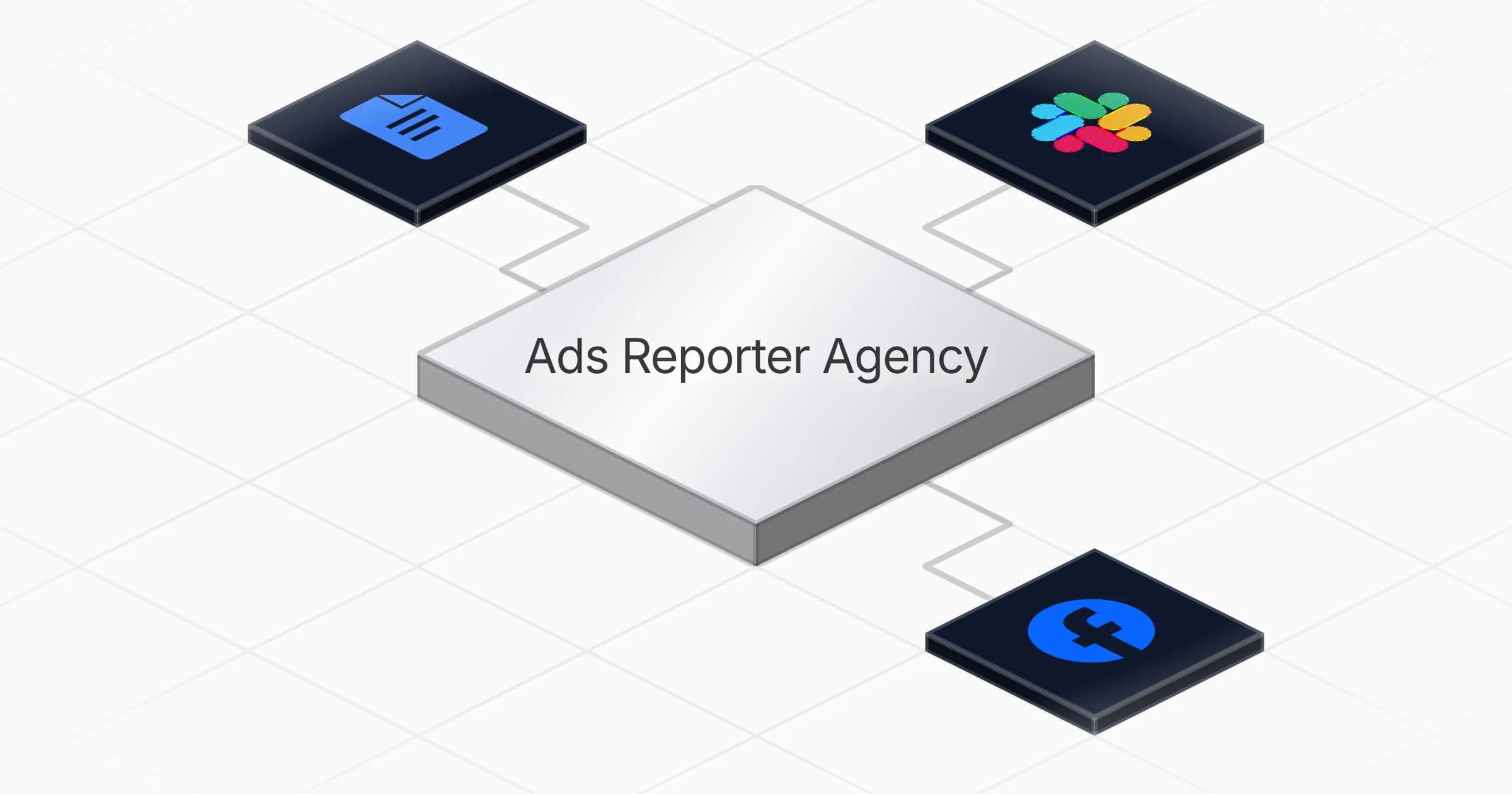
  • Google Docs

  • Meta Ads

  • Slack

Agents in this template

Ads Reporter Agency

Weekly multi-client paid-media reporter for agencies: pulls last-7-day Meta Ads metrics per client, computes WoW deltas, flags >25% anomalies, writes one Google Doc per client and posts a consolidated Slack summary.

Connectors

Skills · 1

weekly-ads-report

Load at the start of every weekly run and whenever building the per-client Google Doc or the consolidated Slack summary. Contains the exact reporting runbook, metric and anomaly definitions, and the doc and Slack templates.

Scheduled tasks · 1

weekly ads report monday 0800

At 08:00 AM, only on Monday

Frequently asked questions

Which accounts do I need to connect?

Three: Meta Ads, Google Docs, and Slack. The agent reads Meta Ads metrics per client, writes a Google Doc for each client, and posts the consolidated summary to Slack. Setup takes about 5 minutes.

How often does the agent run?

Once a week, every Monday at 08:00, on a fixed schedule. That timing means the per-client Google Docs and the Slack summary are ready before the week's client calls.

What time period do the metrics cover?

The last 7 days of Meta Ads data for each client account. The agent also computes week-over-week deltas so changes from the prior period are visible at a glance.

What does it produce each week?

One Google Doc per client with that client's numbers and anomaly flags, plus a single consolidated Slack message that rolls up highlights across all clients. The docs are for detailed review and the Slack summary is for the whole team.

How does it decide what counts as an anomaly?

It flags any metric that moved more than 25% week over week as an anomaly worth a look. It follows a reporting runbook that defines which metrics to include, how the deltas are calculated, and what qualifies as an outlier.

Does it handle multiple client accounts in one run?

Yes. It is built for agencies managing Meta Ads across several clients. In each run it pulls data for every client, writes a separate Google Doc per client, then compiles one Slack summary covering all of them and pointing to accounts that need attention.

More Agencies templates

Glowing blue glass document panel with lines of text linked by luminous curved threads
Agencies

Add internal links to blog articles in Google Docs with an approval step

Adds relevant internal links to a blog article in Google Docs and returns an enhanced copy, with an approval step before anything ships

1 agent5 min setup
Brushed metal checklist card with blue edge lighting and a magnifying glass showing a crosshair reticle, on a dark background
Agencies

Audit websites for conversion, SEO and accessibility fixes with prioritized

Audits a website and returns prioritized fixes for conversion, SEO and accessibility issues found across its pages

1 agent2 min setup
Metallic document with a numbered six-item checklist, top row highlighted in glowing purple
Agencies

Build SEO article rewrite plans with Search Console, Semrush and Firecrawl

Audits an article that is losing search traffic and delivers a prioritised rewrite plan in a Google Doc, backed by keyword and ranking data

1 agent5 min setup

Your first agent is
three minutes away

Start for free
Rerun

Run your work on agents. Build them, watch them work, and keep your eyes on everything.

Rerun - Build, monitor and share self-improving autonomous agents | Product Hunt

© 2026 Rerun. All rights reserved.