Build weekly billable-hours timesheets from Gmail, Google Calendar and GitHub

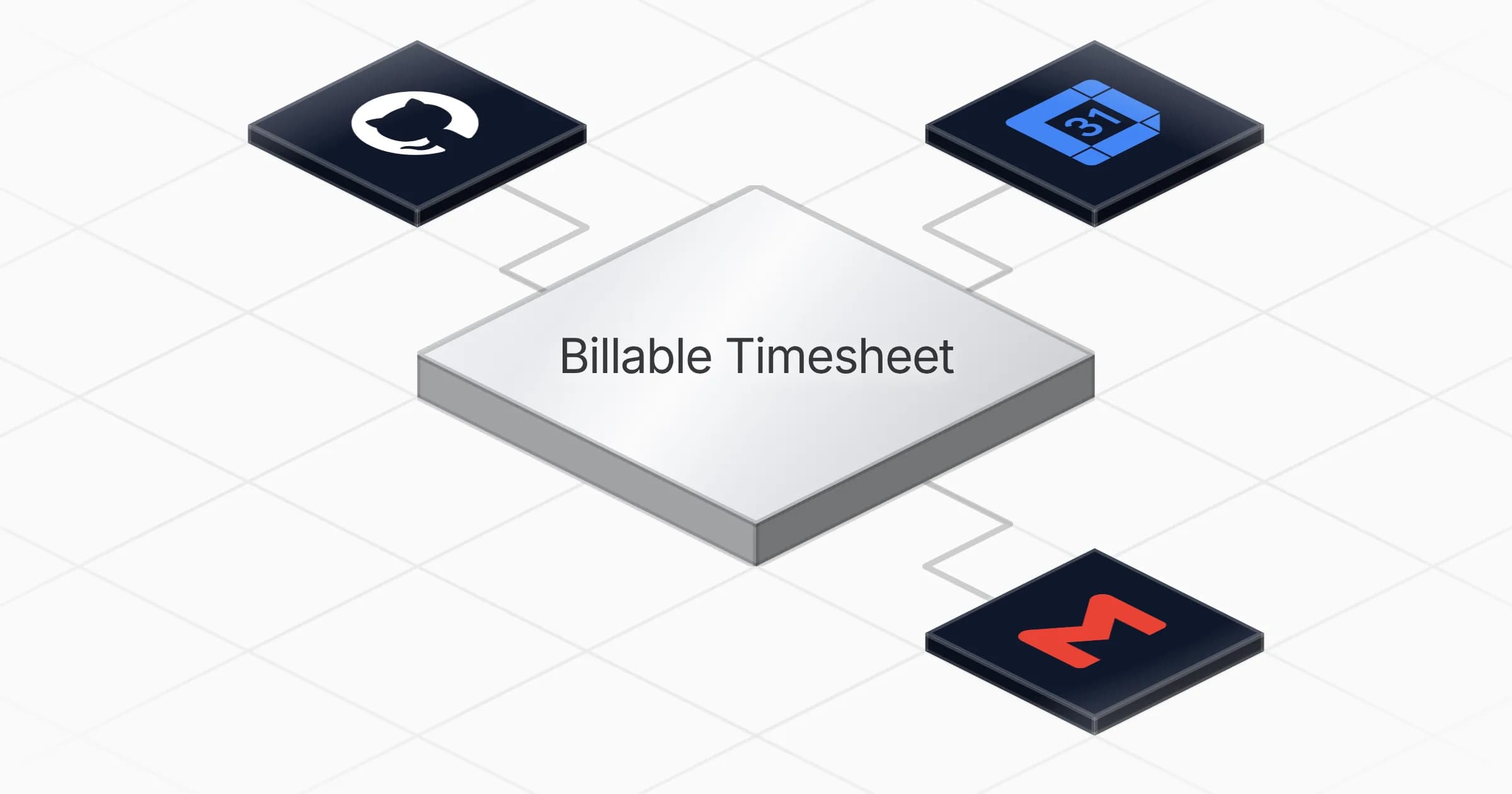
Turns your weekly Gmail, Google Calendar and GitHub activity into a per-client billable-hours timesheet delivered every Monday morning

Build weekly billable-hours timesheets from Gmail, Google Calendar and GitHub

About

This template reconstructs your billable week from the tools you already work in. It is built for consultants, freelancers and agencies who bill by the hour and lose time piecing together where those hours actually went.

What it does

Every Monday at 8am, the Billable Timesheet agent reviews the past week of your Gmail messages, Google Calendar events and GitHub activity. It matches each item to the right client, calculates billable hours according to your billing model, and sends you a finished per-client timesheet by email. Anything it cannot confidently attribute lands in an Unattributed bucket so nothing is silently dropped and you keep the final say.

How it works

The agent runs on a weekly schedule and pulls activity from three sources:

  • Gmail for client email threads and correspondence
  • Google Calendar for meetings, calls and scheduled work blocks
  • GitHub for commits, pull requests and issue activity

During the run, a client-attribution skill decides how each activity item maps to a client, applies your billing rules to convert that activity into hours, and formats the result into a clear timesheet email. The output is one message per week showing hours grouped by client, ready for you to review, adjust and invoice against.

Setup takes about five minutes. Once connected, the agent works on its own every week without a manual trigger.

Instead of retracing your week from memory or scattered notes, you start each Monday with a draft timesheet already assembled from what you actually did.
What you will need

  • GitHub

  • Gmail

  • Google Calendar

Agents in this template

Billable Timesheet

Every week, turns your Gmail, Google Calendar and GitHub activity into a per-client billable-hours timesheet.

Connectors

Skills · 1

client-attribution

Load in phase P3/P4 of the weekly run: how to match each activity item to a client, compute billable hours per the owner's billing model, handle the Unattributed bucket, and format the timesheet email.

Scheduled tasks · 1

weekly-billable-timesheet

At 08:00 AM, only on Monday

Frequently asked questions

Which accounts do I need to connect?

You connect Gmail, Google Calendar and GitHub. The agent reads sent and received email, calendar events and GitHub activity across the week to build the timesheet. All three are needed for full coverage of your billable work.

How often does it run?

It runs once a week, every Monday at 8:00 AM. On each run it pulls the previous week's activity and produces one timesheet covering that period.

What does the agent actually produce?

A per-client billable-hours timesheet, delivered as a formatted email. Each activity from Gmail, Calendar and GitHub is matched to a client and billable hours are computed according to your billing model.

What happens to activity it cannot match to a client?

Activity that does not map to a known client goes into an Unattributed bucket. This keeps it visible in the timesheet so you can review and assign it yourself rather than losing the hours.

How long does setup take?

About 5 minutes. You install the template, connect your Gmail, Google Calendar and GitHub accounts, and the agent runs on its weekly schedule from then on.

Does it send invoices or track time live?

No. It builds a weekly timesheet from your existing Gmail, Calendar and GitHub activity and emails it to you. It does not create invoices or run a live timer, and the hours are computed from recorded activity after the fact.

More Productivity templates

Compile a daily curated news digest and send it via Gmail
Productivity

Compile a daily curated news digest and send it via Gmail

Compiles a ranked, summarized news digest from your sources every morning and delivers it to your inbox via Gmail

1 agent5 min setup
Brushed metal document panel split by a glowing teal line, engraved text lines above and a checklist with checkboxes below
Productivity

Turn meeting notes into a shareable summary with action items and owners

Turns raw meeting notes into a clear summary with a list of action items, owners and deadlines ready to share

1 agent5 min setup
Row of translucent envelopes with glowing gold edges rising from a dark rounded tray
Productivity

Summarize your Gmail inbox each morning sorted by reply priority

Reads your Gmail inbox each morning and delivers a summary of new messages, sorted by what needs a reply and what can wait

1 agent3 min setup

Your first agent is
three minutes away

Start for free
Rerun

Run your work on agents. Build them, watch them work, and keep your eyes on everything.

Rerun - Build, monitor and share self-improving autonomous agents | Product Hunt

© 2026 Rerun. All rights reserved.