Compile a weekly agency client roll-up from ClickUp and HubSpot to Slack

Turns your agency's ClickUp tasks and HubSpot activity into one weekly client and team roll-up in Slack, with at-risk accounts flagged on top

Dark metallic ring binder with tabbed report pages, the top sheet edged in glowing orange, set against a black background

About

A weekly report that pulls together what happened across your client accounts, built for agency owners and operations leads who spend Monday mornings stitching updates together by hand.

Every Monday at 7am, the Client Ops Roll-Up agent reads task progress from ClickUp and account activity from HubSpot, computes the metrics that matter per client and per team, then posts a single roll-up to Slack. The accounts that need attention sit at the top so nothing gets buried.

What it does

  • Fetches the week's task and deal activity across every client account
  • Blends logged and scheduled time into one consistent view of team capacity
  • Flags accounts against four alert thresholds so at-risk work surfaces first
  • Tracks streaks to show which clients are trending up or slipping
  • Posts the finished client and team roll-up to Slack
  • Keeps the underlying numbers in Google Sheets for reference

How it works

The agent runs on a fixed weekly schedule, so the roll-up lands before the week starts. It follows the agency-roll-up skill, which carries the exact fetch scope, the order metrics are computed in, the rule for combining logged and scheduled time, the four alert thresholds and how streaks are counted. That means the report reads the same way every week, and the flags are consistent from one Monday to the next.

Setup takes about five minutes: connect ClickUp, HubSpot, Google Sheets and Slack, and the first roll-up posts on the next scheduled run.
What you will need

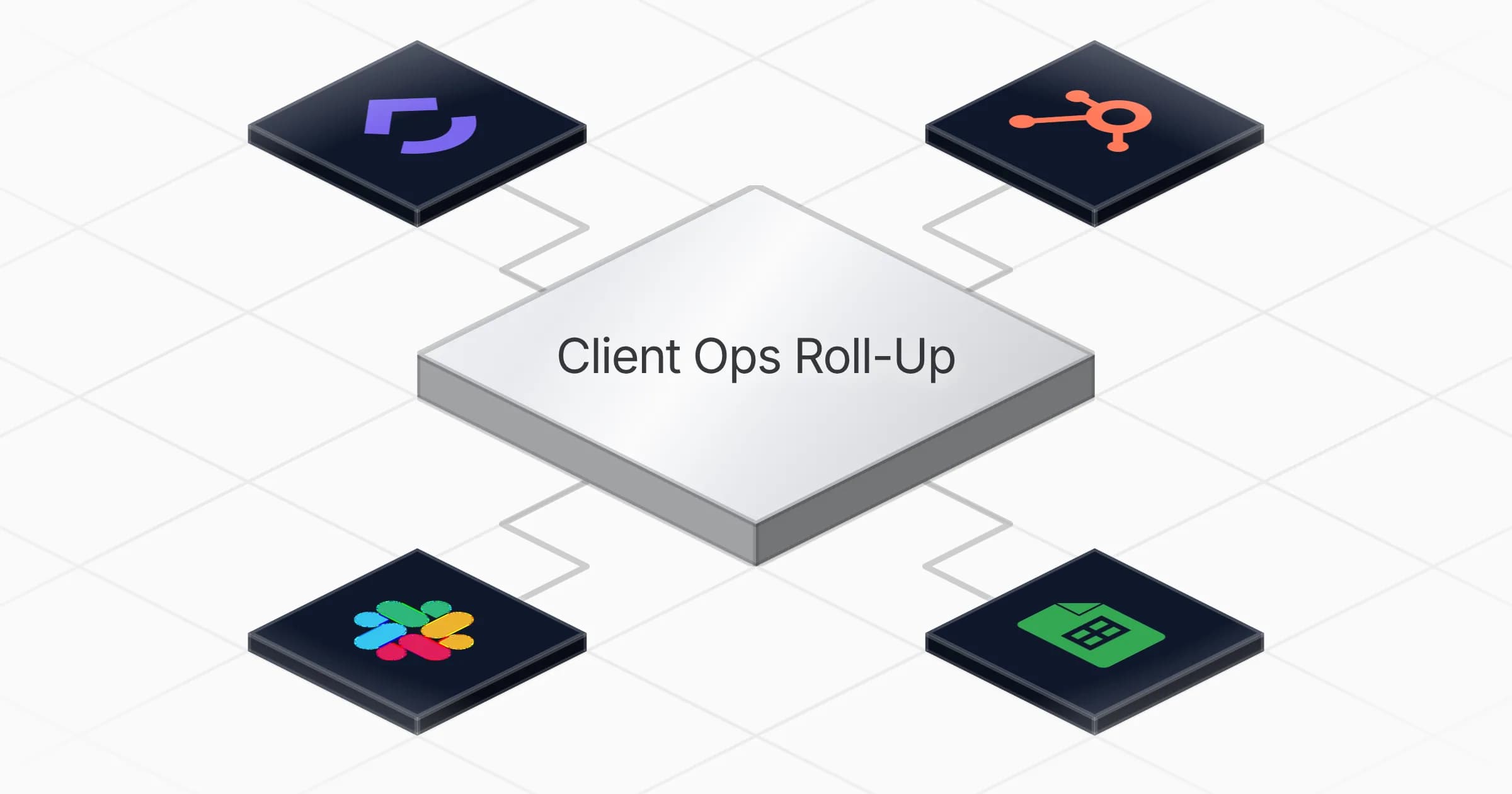
  • ClickUp

  • Google Sheets

  • HubSpot

  • Slack

Agents in this template

Client Ops Roll-Up

Turns your agency's ClickUp and HubSpot activity into one weekly client and team roll-up, with the accounts that need attention flagged on top.

Connectors

Skills · 1

agency-roll-up

Load at every roll-up run, before Phase 4. Carries the fetch scope, the metric computation order, the rule for blending logged and scheduled time, the four alert thresholds and how streaks are counted, the Sheet column layout, and the four table schemas to recreate if a table is missing.

Scheduled tasks · 1

weekly client roll up

At 07:00 AM, only on Monday

Frequently asked questions

Which accounts do I need to connect?

Four: ClickUp, HubSpot, Google Sheets and Slack. ClickUp supplies task progress, HubSpot supplies account and deal activity, Slack receives the roll-up, and Google Sheets holds the underlying numbers for reference. Setup takes about five minutes.

How often does the roll-up run?

Once a week, every Monday at 7am, on a fixed schedule. The roll-up lands before the week starts so you are not stitching updates together by hand on Monday morning. The first one posts on the next scheduled run after setup.

Where does the finished report get posted?

To Slack, as a single weekly roll-up covering both clients and team. The accounts that need attention sit at the top so at-risk work is not buried under everything else. The numbers behind it stay in Google Sheets for reference.

How does it decide which accounts are at risk?

It flags accounts against four alert thresholds carried in the agency-roll-up skill, and those flagged accounts are placed at the top of the report. It also tracks streaks to show which clients are trending up or slipping from week to week.

Does it show team capacity as well as client status?

Yes. It blends logged and scheduled time into one consistent view of team capacity, following a fixed rule in the skill for how the two are combined. The roll-up covers both per client and per team metrics.

Will the report read the same way each week?

Yes. The agency-roll-up skill fixes the fetch scope, the order metrics are computed in, the time-blending rule, the four thresholds and how streaks are counted. That keeps the format and the flags consistent from one Monday to the next.

More Agencies templates

Row of metallic report panels receding into darkness, front card etched with a glowing gold trend line spiking upward and a
Agencies

Report weekly Meta Ads metrics per client in Google Docs and Slack

Pulls last-7-day Meta Ads metrics per client every Monday, writes a Google Doc for each, and posts a consolidated Slack summary with anomaly flags

1 agent5 min setup
Glowing blue glass document panel with lines of text linked by luminous curved threads
Agencies

Add internal links to blog articles in Google Docs with an approval step

Adds relevant internal links to a blog article in Google Docs and returns an enhanced copy, with an approval step before anything ships

1 agent5 min setup
Brushed metal checklist card with blue edge lighting and a magnifying glass showing a crosshair reticle, on a dark background
Agencies

Audit websites for conversion, SEO and accessibility fixes with prioritized

Audits a website and returns prioritized fixes for conversion, SEO and accessibility issues found across its pages

1 agent2 min setup

Your first agent is
three minutes away

Start for free
Rerun

Run your work on agents. Build them, watch them work, and keep your eyes on everything.

Rerun - Build, monitor and share self-improving autonomous agents | Product Hunt

© 2026 Rerun. All rights reserved.