
Map contract clauses into risk-rated Google Docs from Google Drive

Turns each contract in your Google Drive into a structured Google Doc that extracts clauses verbatim, rates their risk and flags what is missing

Amber lit translucent document panel with rows of text lines and a column of tabs along the right edge, one glowing bright

About

This template installs an agent that reads the contracts you keep in Google Drive and produces a clause by clause risk report for each one. It is built for founders, operators and legal reviewers who want a fast first pass on agreements before a professional reads them in full.

What it does

For every contract, the agent maps nine standard clause types plus any custom clauses you define. Each clause is extracted word for word, tagged with its location in the document and given a risk rating based on set rules. Clauses that should be present but are absent are flagged loudest, so gaps are as visible as problem wording. The result is one Google Doc per contract, formatted as a structured clause map.

The agent assists professional review. It does not replace it, and contract content stays inside your workspace.

How it works

The agent loads its clause mapping skill on every contract it processes. That skill carries the clause grid, the per type risk rating rules and the rule for marking missing clauses, along with the format for the output Doc.

  1. The agent picks up contracts from your Google Drive.
  2. It applies the clause grid, extracting each clause verbatim with its position.
  3. It assigns a risk rating per clause and flags anything absent.
  4. It writes a single Google Doc report for each contract.

A weekly schedule runs the map every Thursday morning, so new contracts are reviewed on a regular cadence without anyone remembering to start the job.

What you will need

  • Google Docs

  • Google Drive

Agents in this template

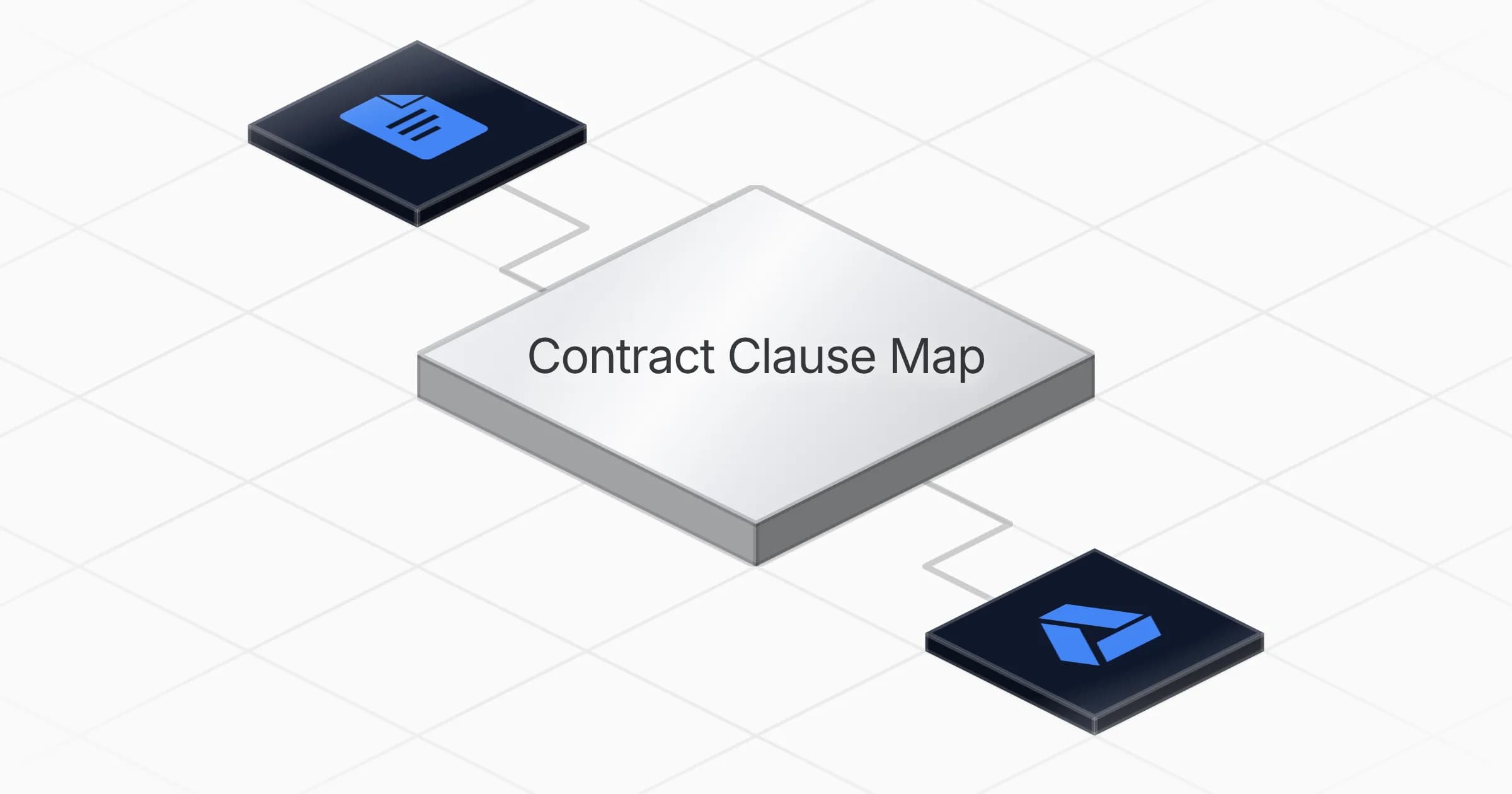
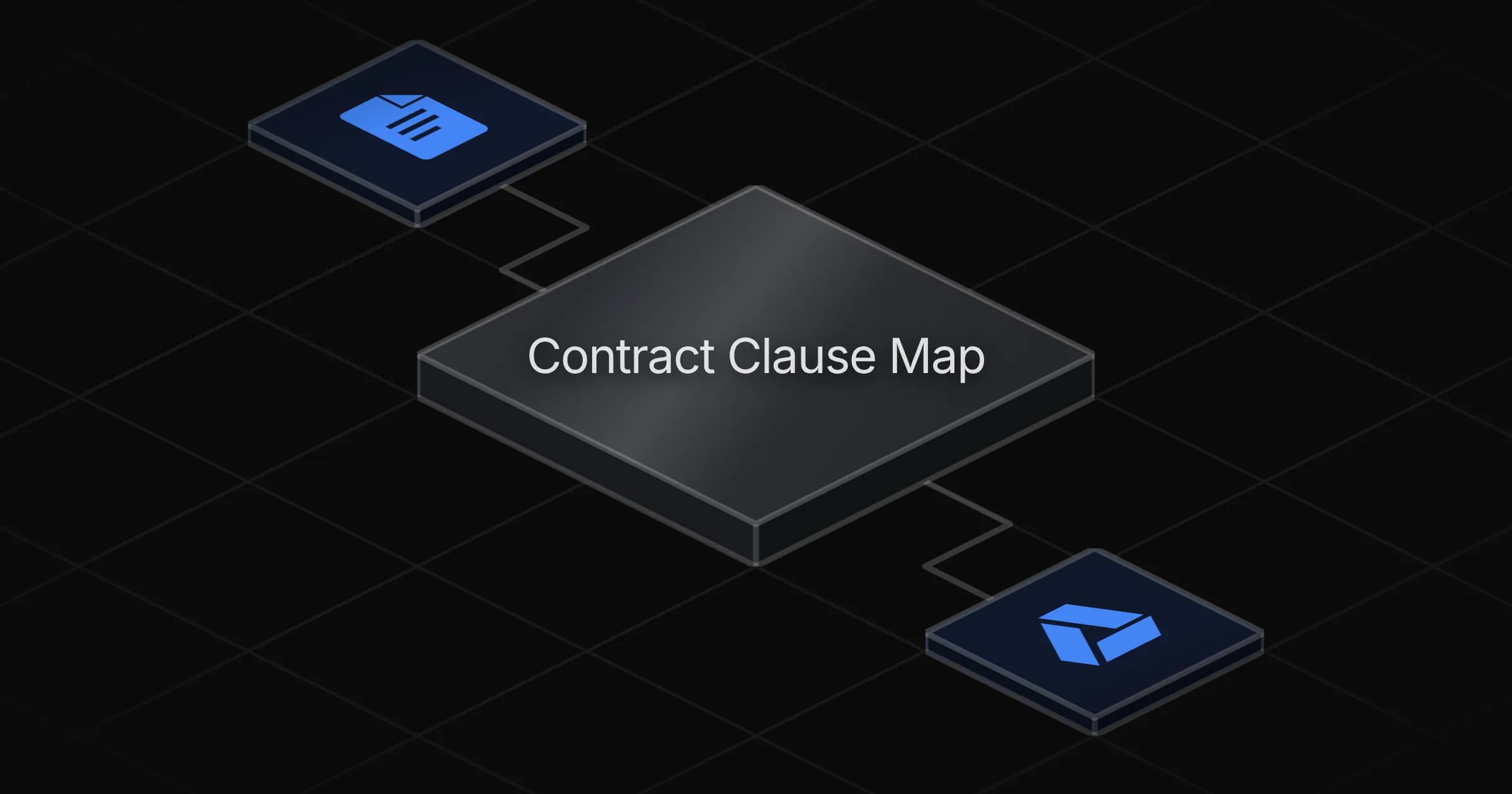
Contract Clause Map

Maps every contract you drop into a structured clause report: nine clause types plus your own, each extracted verbatim with its location and a risk rating, missing clauses flagged loudest — delivered as one Google Doc per contract. Contract content never leaves the workspace. Assists professional review; never replaces it.

Connectors

Skills · 1

clause-mapping

Load for every contract. Carries the clause grid (the source's nine types plus CUSTOM_CLAUSES), the per-type risk rating rules and the ABSENT rule in references/clause-grid.md, the map Doc format with the fixed disclaimer in references/map-format.md, and the three table schemas to recreate if a table is missing.

Scheduled tasks · 1

weekly contract map

At 09:00 AM, only on Thursday
Frequently asked questions

Which accounts do I need to connect?

You connect Google Drive and Google Docs. The agent reads the contracts stored in your Google Drive and writes each report as a Google Doc. Setup takes about five minutes.

How often does the agent run?

It runs on a weekly schedule, every Thursday at 9 in the morning. New contracts in your Drive are mapped on that regular cadence without anyone starting the job manually.

What does the agent produce for each contract?

One Google Doc per contract, formatted as a structured clause map. It lists nine standard clause types plus any custom clauses you define, each extracted word for word with its location in the document and a risk rating.

How does it handle clauses that are missing from a contract?

Clauses that should be present but are absent are flagged loudest. The agent applies a specific rule for marking missing clauses, so gaps are as visible as problem wording in the report.

Can I map clause types beyond the standard set?

Yes. Alongside the nine standard clause types, the clause grid includes custom clauses you define, and the agent maps those in every contract it processes.

Does this replace a lawyer reviewing the contract?

No. The agent assists professional review and does not replace it. It gives a fast first pass before a professional reads the agreement in full, and contract content stays inside your workspace.

More Legal & compliance templates

Glossy dark tablet showing a checklist with orange glowing checkmarks, boxes and crosses, plus a refresh icon
Legal & compliance

Qualiopi Flash Check

Reviews your training organization's documents against Qualiopi criteria and returns a checklist of what is compliant, missing or needs correction

1 agent3 min setup

Your first agent is
three minutes away

Start for free
Rerun

Run your work on agents. Build them, watch them work, and keep your eyes on everything.

Rerun - Build, monitor and share self-improving autonomous agents | Product Hunt

© 2026 Rerun. All rights reserved.