
Log Fireflies call notes to HubSpot deals and contacts weekly

Turns each week's Fireflies call transcripts into structured HubSpot notes on the right deal or contact, after you approve the batch

Brushed metal file folder cards with purple glowing edges receding into darkness

About

This template keeps your CRM current without the manual copy and paste. It is built for sales teams and revenue operators who run calls through Fireflies but rarely find time to write those conversations back into HubSpot. The agent handles the weekly catch up so no call gets lost.

What it does

Every Friday, the agent collects the week's transcribed Fireflies calls and prepares a structured note for each one: a short summary, the key points, and the next steps. It follows a strict rule against inventing commitments, so the notes reflect what was actually said. Each note is matched to the correct HubSpot deal or contact before anything is written.

You review the full batch before it posts. Nothing lands in your CRM until you approve it.

How it works

The agent uses a match-evidence ladder to connect each call to the right record. It checks explicit rules first, then email domain, then company, and applies a confidence bar to decide when a match is solid.

  • Confident matches are logged as structured notes on the corresponding deal or contact.
  • Uncertain matches are listed separately for your decision, never guessed.
  • Your corrections feed back in, so the matching improves over time.

The schedule runs once a week, so your HubSpot record catches up on every call without you touching it. The result is a CRM that reflects your conversations, with a human approval step keeping the entries accurate and the matches honest.

What you will need

  • Fireflies.ai

  • HubSpot

Agents in this template

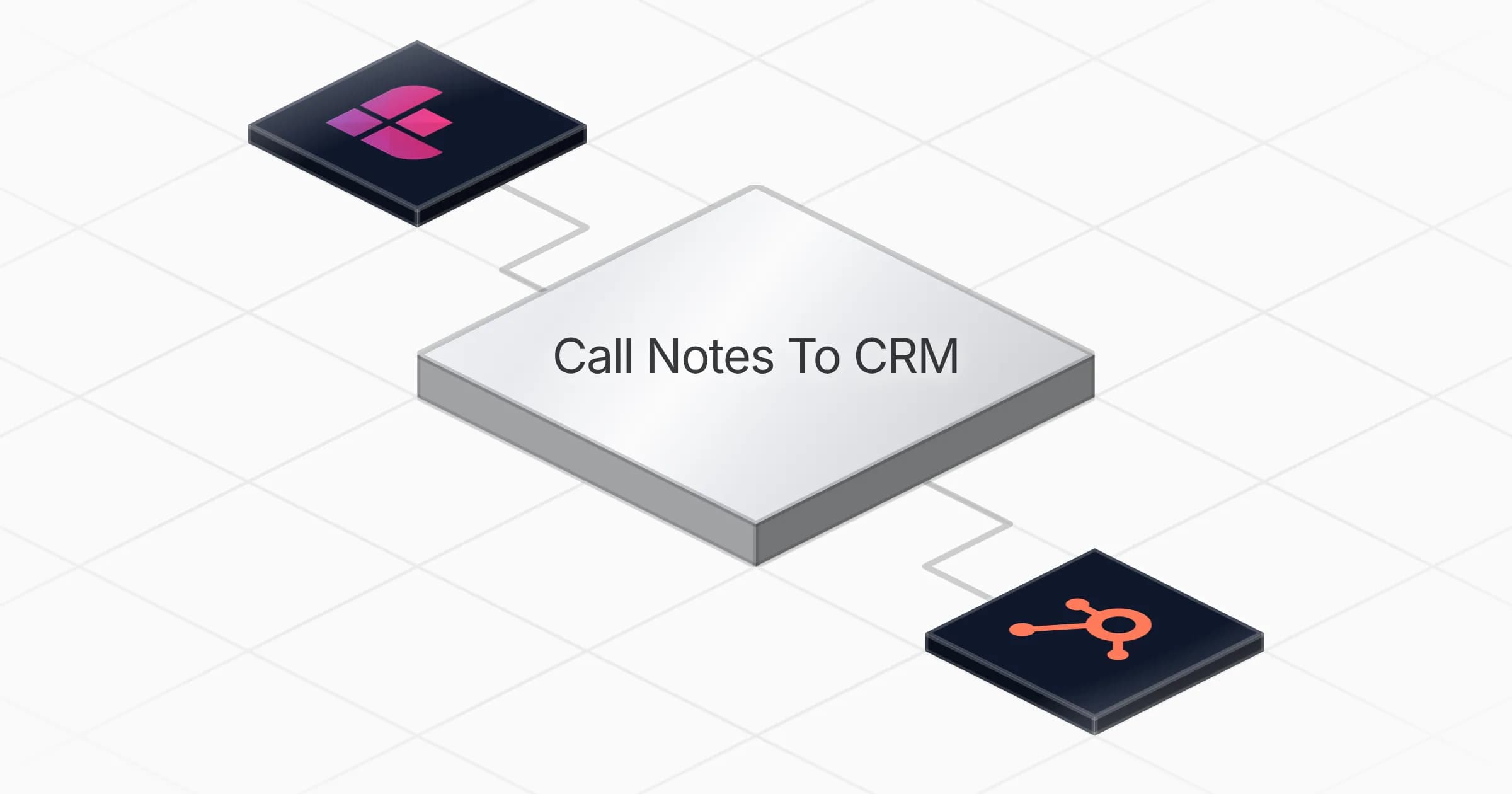
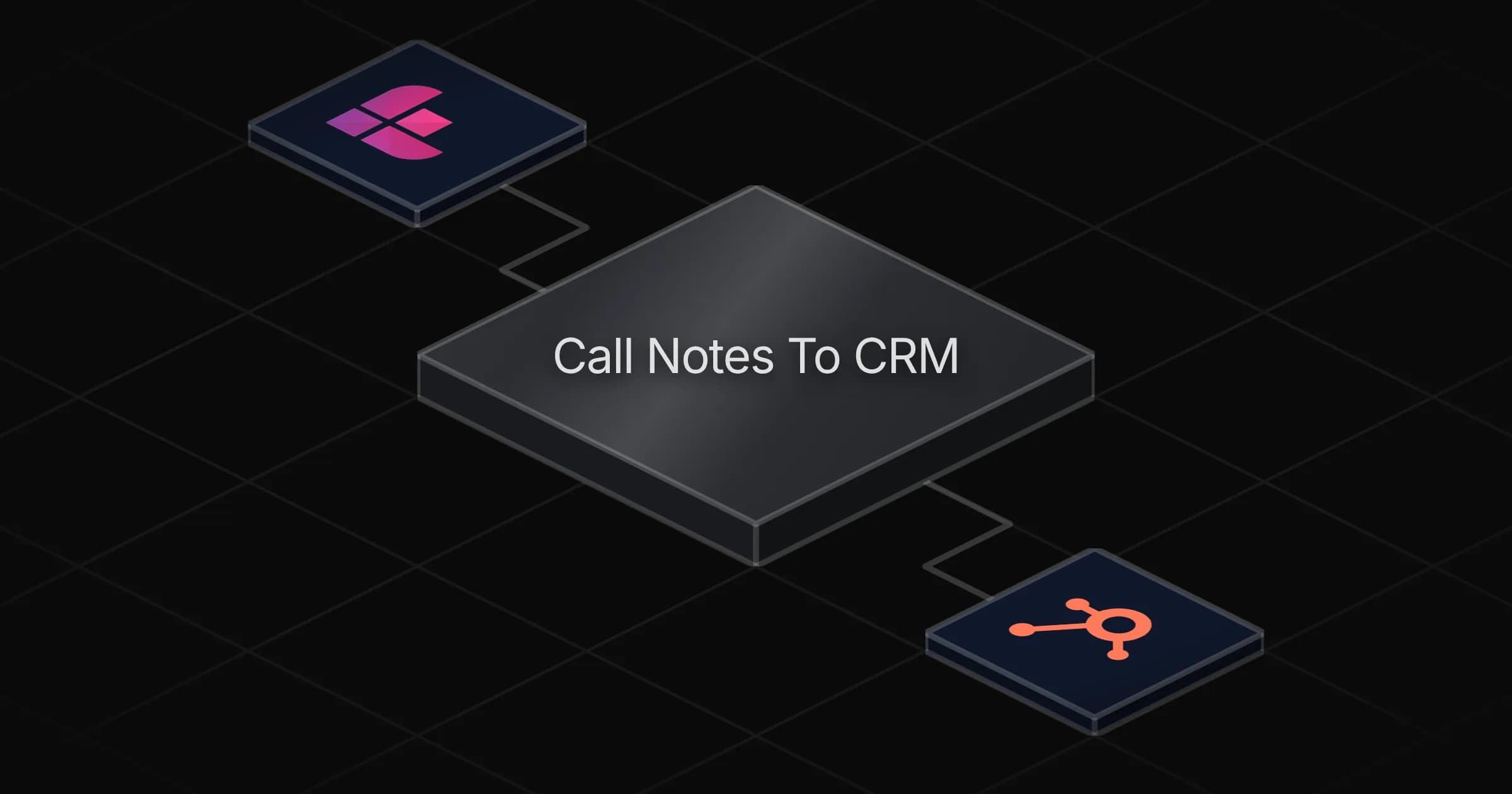
Call Notes To CRM

Logs every transcribed call of the week into HubSpot as a structured note on the RIGHT deal or contact — summary, key points, next steps — after you approve the batch. Uncertain matches are listed for you, never guessed, and your corrections teach it. Your CRM catches up every single week.

Connectors

Skills · 1

crm-call-logging

Load at every run. Carries the structured note format (summary, key points, next steps with the no-invented-commitment rule), the match-evidence ladder (rules, domain, company) with the confidence bar, the learned match_rules mechanism in references/matching-rules.md, and the three table schemas to recreate if a table is missing.

Scheduled tasks · 1

weekly crm call log

At 04:00 PM, only on Friday
Frequently asked questions

Which accounts do I need to connect?

Two: Fireflies and HubSpot. The agent reads your week's transcribed Fireflies calls and writes structured notes onto the matching HubSpot deals or contacts. Setup takes about 5 minutes.

How often does it run?

Once a week, every Friday at 16:00. The agent collects that week's transcribed Fireflies calls, prepares a note for each, and gives you the batch to approve so your CRM catches up on all calls from the week.

Does anything get written to HubSpot without my review?

No. The agent prepares the full batch of notes and waits for your approval before anything posts. Nothing lands in your CRM until you approve it.

What does each note actually contain?

A short summary, the key points, and the next steps from the call. It follows a strict rule against inventing commitments, so the notes reflect what was actually said on the call, not assumptions.

How does it know which deal or contact a call belongs to?

It uses a match-evidence ladder: explicit rules first, then email domain, then company, with a confidence bar to decide when a match is solid. Confident matches are logged automatically after approval, and uncertain ones are listed separately for your decision.

What happens when it is not sure about a match?

Uncertain matches are listed separately for you to decide, never guessed. Your corrections feed back into the agent, so the matching improves over time as you use it.

More Productivity templates

Compile a daily curated news digest and send it via Gmail
Productivity

Compile a daily curated news digest and send it via Gmail

Compiles a ranked, summarized news digest from your sources every morning and delivers it to your inbox via Gmail

1 agent5 min setup
Brushed metal document panel split by a glowing teal line, engraved text lines above and a checklist with checkboxes below
Productivity

Turn meeting notes into a shareable summary with action items and owners

Turns raw meeting notes into a clear summary with a list of action items, owners and deadlines ready to share

1 agent5 min setup
Row of translucent envelopes with glowing gold edges rising from a dark rounded tray
Productivity

Summarize your Gmail inbox each morning sorted by reply priority

Reads your Gmail inbox each morning and delivers a summary of new messages, sorted by what needs a reply and what can wait

1 agent3 min setup

Your first agent is
three minutes away

Start for free
Rerun

Run your work on agents. Build them, watch them work, and keep your eyes on everything.

Rerun - Build, monitor and share self-improving autonomous agents | Product Hunt

© 2026 Rerun. All rights reserved.