Extract invoices from Gmail and file them in Google Drive with a register

Finds invoices in your Gmail, files them in Google Drive by year and month, and keeps a clean register with a weekly digest of what is due soon

Brushed metal file folders fanned out on a hinged spine, glowing with purple light against a black background

About

This template sets up an agent that turns the invoices buried in your inbox into an organized, searchable archive. It is built for founders and operators who receive invoices by email and want them filed and tracked without doing it by hand.

What it does

The agent reads your Gmail, identifies invoices, and pulls out the details that matter: vendor, invoice number, dates, and amounts. It runs a totals check so that the pre-tax amount plus VAT matches the total, and flags anything that does not add up as unverified rather than guessing. Each invoice is saved in Google Drive under a year-month folder and recorded in a clean register you can open at any time.

Every week it produces a digest that leads with invoices due soon, so nothing slips past a payment date.

It never pays, reconciles, or touches any accounting system. It extracts, files, and records, and leaves the decisions to you.

How it works

The agent runs on a weekly schedule, sweeping the inbox every Tuesday morning. On each run it loads its invoice extraction skill, which carries the classification markers, the extraction schema, the totals check, the unverified rule, and the filing logic.

  1. It scans Gmail for messages that look like invoices.
  2. It extracts vendor, number, dates, and amounts, then verifies the math.
  3. It files each invoice in Google Drive by year and month and adds a row to the register.
  4. It sends a weekly digest that puts due-soon invoices first.

Setup takes about ten minutes, after which the archive keeps building itself.
What you will need

  • Gmail

  • Google Drive

Agents in this template

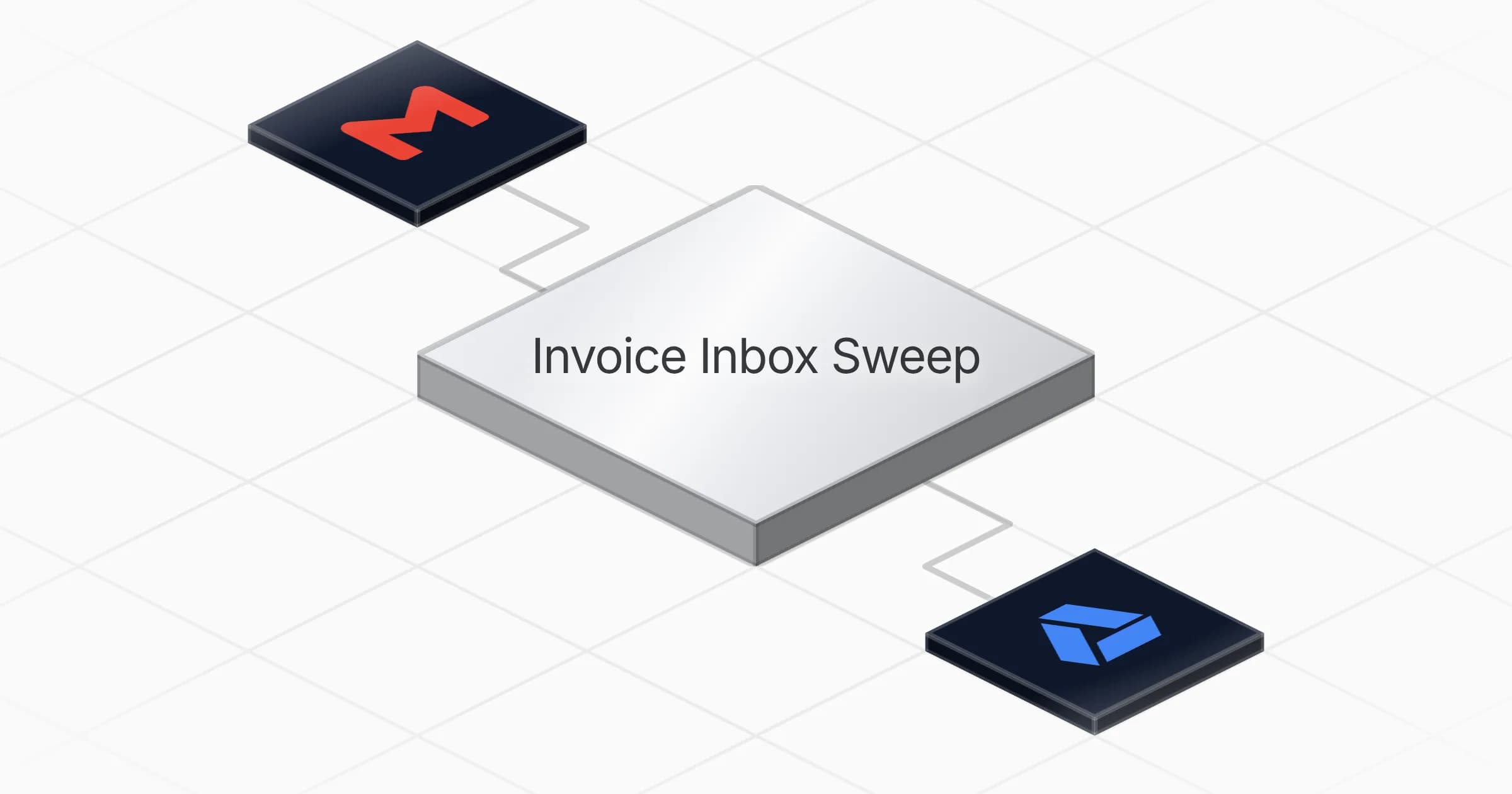
Invoice Inbox Sweep

Extracts every invoice that lands in your inbox — vendor, number, dates, amounts with the HT+VAT=TTC check — files it in Drive under year-month, records it in a clean register, and leads the weekly digest with due-soon invoices. It never pays, reconciles, or touches any accounting system.

Connectors

Skills · 1

invoice-extraction

Load at every run. Carries the invoice classification markers, the extraction schema (vendor, number, dates, amounts) with the totals check and unverified rule, the invoice_key normalisation, the filing convention in references/extraction-rules.md, and the three table schemas to recreate if a table is missing.

Scheduled tasks · 1

weekly invoice sweep

At 08:00 AM, only on Tuesday

Frequently asked questions

Which accounts do I need to connect?

You connect two accounts: Gmail and Google Drive. The agent reads invoices from your Gmail inbox and files them, along with the register, in your Google Drive. Setup takes about ten minutes.

How often does the agent check my inbox?

It runs once a week, every Tuesday at 8 in the morning. On each run it sweeps your Gmail for new invoices, files them, updates the register, and sends the weekly digest.

What details does it pull from each invoice?

It extracts the vendor, invoice number, dates, and amounts. It runs a totals check so the pre-tax amount plus VAT matches the total, and flags anything that does not add up as unverified instead of guessing.

How are invoices organized in Google Drive?

Each invoice is saved under a year-month folder in Google Drive and recorded as a row in a clean register you can open at any time. This gives you a searchable archive that keeps building on its own.

Does it pay invoices or connect to my accounting system?

No. The agent only extracts, files, and records invoices. It never pays, reconciles, or touches any accounting system, and it leaves all decisions to you.

What does the weekly digest include?

The digest leads with invoices that are due soon, so payment dates do not slip past. It is sent once a week after the Tuesday sweep, summarizing what the agent found and filed.

More Productivity templates

Compile a daily curated news digest and send it via Gmail
Productivity

Compile a daily curated news digest and send it via Gmail

Compiles a ranked, summarized news digest from your sources every morning and delivers it to your inbox via Gmail

1 agent5 min setup
Brushed metal document panel split by a glowing teal line, engraved text lines above and a checklist with checkboxes below
Productivity

Turn meeting notes into a shareable summary with action items and owners

Turns raw meeting notes into a clear summary with a list of action items, owners and deadlines ready to share

1 agent5 min setup
Row of translucent envelopes with glowing gold edges rising from a dark rounded tray
Productivity

Summarize your Gmail inbox each morning sorted by reply priority

Reads your Gmail inbox each morning and delivers a summary of new messages, sorted by what needs a reply and what can wait

1 agent3 min setup

Your first agent is
three minutes away

Start for free
Rerun

Run your work on agents. Build them, watch them work, and keep your eyes on everything.

Rerun - Build, monitor and share self-improving autonomous agents | Product Hunt

© 2026 Rerun. All rights reserved.